Managing repetitive tasks, complex workflows, and specialized projects can take significant time and effort without the right automation tools. Many users struggle to create efficient AI workflows that match their specific needs and goals. Kimi Agent Skills Examples show how customized AI skills can simplify tasks, improve productivity, and automate different work processes. In this article, you will explore practical examples of Kimi Agent Skills and learn how they can help create more efficient workflows.
What are AI agent skills?
Agent skills are specialized instructions, workflows, or capabilities that help AI agents perform specific tasks more effectively. They provide agents with structured guidance, allowing them to understand goals, follow processes, and deliver more consistent results. Unlike general AI responses, these skills help customize agents for specific use cases such as research, content creation, automation, or data analysis.
Explore Kimi agent skills
AI agents become more powerful when they use specialized skills designed for specific tasks and workflows. These skills provide structured instructions that help improve accuracy, consistency, and efficiency across different processes. Below are some practical Kimi Agent skills that show how customized AI workflows can simplify everyday tasks and boost productivity.
Financial analysis & investment
| Skill name | Description |
|---|---|
| commodities-outlook | Produce institutional-grade commodity outlook reports with supply-demand analysis, price forecasts, and trade recommendations, formatted as PDF, DOCX, or PPTX documents. Triggered when users request commodity market reports, ask for trade ideas on energy, metals, or agricultural commodities, or mention keywords like commodity outlook, research note, or price drivers. |
| earnings-review-note | Generate professional sell-side earnings review reports for quarterly or annual results, producing PDF/DOCX/PPTX documents with EPS analysis, guidance review, and variance tables. Triggered when users request an earnings review, need a quarterly wrap, ask for a beat/miss analysis, or mention summarizing an earnings call for any public company. |
| discounted-cashflow-model | Builds a discounted cash flow (DCF) valuation model, calculating enterprise value, equity value, and per-share price with a growth-rate × discount-rate sensitivity analysis matrix. Triggered by requests like 'do a DCF on [company]', 'run a valuation', 'calculate WACC/discount rate', or mentions of free cash flow, terminal value, or sensitivity analysis. |
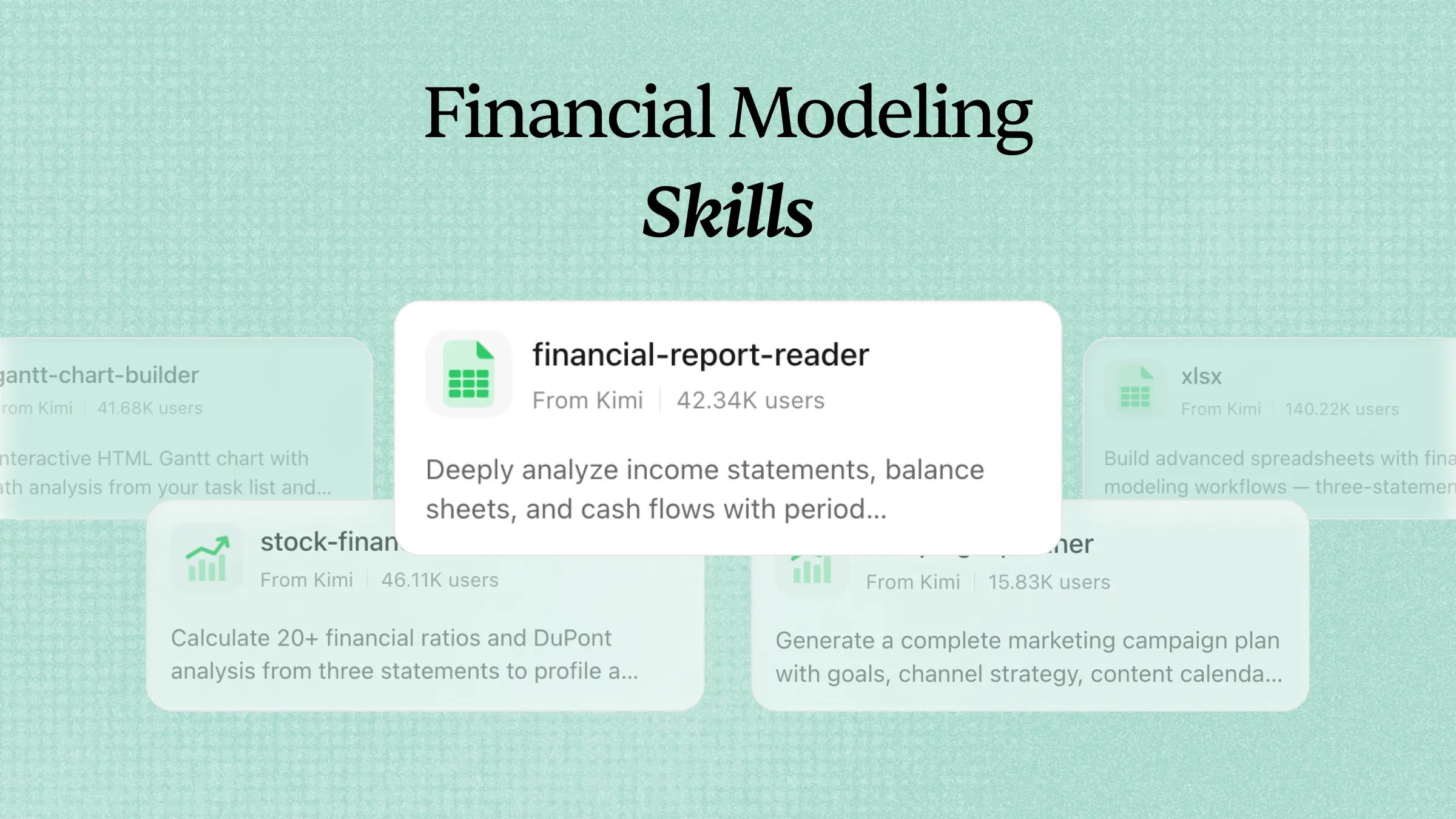
| financial-ratio-toolkit | Analyzes company fundamentals by computing 20+ financial ratios (profitability, solvency, liquidity, efficiency, and growth) and DuPont Analysis from user-provided financial statements. Triggered by requests for financial ratio calculation, DuPont/ROE analysis, or phrases like "analyze these financials" or "calculate solvency ratios. |
| financial-statement-analyzer | Analyzes income statement, balance sheet, and cash flow statement data to generate YoY/QoQ trend analysis and flag anomalies like AR surges or cash flow divergence. Trigger when users ask to analyze financials, compare YoY/QoQ, detect red flags, or assess earnings quality. |
| fund-risk-compare | Compare multiple ETFs using NAV CSV data, generating key risk-return metrics like annualized return, max drawdown, Sharpe ratio, and a correlation matrix. Triggered when users ask to compare ETFs or funds, calculate performance metrics, analyze NAV data, or mention terms like Sharpe ratio, correlation analysis, or max drawdown. |
| stock-signal-analyzer | Analyzes OHLCV data to compute 15+ technical indicators (including MA, MACD, RSI, Bollinger Bands, KDJ) and generates a bullish/bearish signal summary with an overall assessment. Triggered when users request technical analysis, ask to calculate indicators like MACD or RSI, mention candlestick analysis, or discuss signals from moving average crossovers, Bollinger Band breakouts, or RSI overbought/oversold levels. |
| value-investing-scorecard | Buffett/Graham value investing scorecard — evaluates a company across 20 criteria in four dimensions (moat, management, financials, valuation) for a 0-100 score. Triggered when users request a value-investing analysis, fundamental scoring, moat assessment, or ask 'is this company worth investing in', 'analyze the fundamentals of XX', or 'evaluate this using Buffett's method'. |
| equity-research | Analyze companies and generate investment research for Chinese A-shares, HK stocks, and US stocks. Two output modes: (1) Tear Sheet — concise 3-5-page PDF. (2) Equity Report — in-depth 25-page PDF with financial model. Triggered by ANY company analysis request including: 'analyze [company]', 'look into [stock]', 'what do you think of [company]', 'tell me about [stock]', 'research [company]', or explicit keywords: 'tear sheet', 'one pager', 'deep dive', 'equity report', or any stock code (e.g., 600519.SH, 0700.HK, AAPL). When intent is ambiguous, ask the user whether they want a report or just a quick conversational answer. |
Software engineering & DevOps
Software development often involves repetitive tasks, complex debugging, and continuous workflow management. AI agent skills can help developers automate coding processes, improve efficiency, and handle technical tasks with greater consistency. The following examples show how Kimi Agent skills can support software engineering and DevOps workflows.
| Skill name | Description |
|---|---|
| code-mentor | Comprehensive AI programming tutor offering interactive lessons, code reviews, debugging help, algorithm practice, and project guidance for Python and JavaScript. Triggers when users ask to learn a language, debug code, review their work, practice algorithms, prepare for interviews, or build a project. |
| code-to-diagram | Analyze codebases and automatically generate architecture diagrams, flowcharts, and org charts. Uses AST parsing to map import dependencies for Python, JS/TS, Go, and Java, outputting Mermaid or SVG files. Triggered when users ask to visualize code architecture, understand dependencies, draw a flowchart, or create a module diagram from source code. |
| conventional-commit-gen | Analyzes git diff to generate commit messages following the Conventional Commits spec, with automatic scope detection and commit type inference. Trigger when users ask to write or generate a commit message, mention Conventional Commits, git commits, standardized commits, scope detection, or phrases like 'help me write a commit message'. |
| dev-guide-generator | Generates complete technical tutorials from prerequisites and environment setup to core steps, troubleshooting, and a final cheatsheet. Trigger on requests to write a tutorial, create a setup guide, organize steps for beginners, or keywords like step-by-step, quickstart, or how-to guide. |
| gitlab-cli-skills | Guide users through GitLab CLI (glab) operations with command references and workflow examples for merge requests, issues, CI/CD pipelines, repositories, authentication, and over 30 other commands. Trigger when users mention GitLab CLI, glab commands, GitLab automation, MR/issue management via CLI, CI/CD pipeline commands, repo operations, authentication setup, or any GitLab terminal operations. |
| kubectl | Execute kubectl commands to manage Kubernetes clusters — query pods and deployments, deploy applications, debug containers with logs and exec, update configurations, and monitor cluster health. Use when working with Kubernetes, asking for pod status, container logs, deployment updates, cluster diagnostics, or any kubectl operation. |
| pipeline-blueprint | Provide CI/CD best practices and pipeline templates for GitHub Actions and GitLab CI, recommending configurations based on project type (frontend, backend, fullstack, library, monorepo, mobile). Trigger when users ask about setting up CI/CD, automating builds, improving pipelines, or mention keywords like GitHub Actions, GitLab CI, pipeline templates, or deployment automation. |
| repo-audit | Deep analysis of Git history: identify frequently changed hotspot files, analyze code ownership by contributor, and scan for leaked secrets. Triggered when users ask about Git analysis, code hotspots, who owns what code, secret scanning, security audits of commit history, or optimizing code review assignments. |
| route-to-openapi | Generates RESTful API documentation (OpenAPI 3.0 / Swagger spec) by scanning route definitions in code for Flask, FastAPI, Express, Gin, and other frameworks. Trigger when users ask about API documentation, OpenAPI, Swagger, endpoint docs, generating docs from code, or extracting endpoints. |
| test-driven-dev | Test-driven development with red-green-refactor loop. Use when the user wants to build features or fix bugs using TDD, mentions "red-green-refactor", wants integration tests, or asks for test-first development. |
| domain-glossary | Extract a DDD-style ubiquitous language glossary from the current conversation, flagging ambiguities and proposing canonical terms. Saves to UBIQUITOUS_LANGUAGE.md. Use when the user wants to define domain terms, build a glossary, harden terminology, create a ubiquitous language, or mentions "domain model" or "DDD". |
| r2-upload | Upload files to Cloudflare R2, AWS S3, or any S3-compatible storage (like MinIO) and generate secure, time-limited presigned download links with configurable expiration, typically set to 5 minutes. Use when the user needs to upload a file to cloud storage and get a shareable link, or mentions R2, S3, presigned URLs, temporary links, or file uploads with expiration. |
| api-shape-explorer | Generate multiple radically different interface designs for a module using parallel sub-agents. Use when user wants to design an API, explore interface options, compare module shapes, or mentions "design it twice". |
| deep-module-refactor | Explore a codebase to find opportunities for architectural improvement, focusing on making the codebase more testable by deepening shallow modules. Use when the user wants to improve architecture, find refactoring opportunities, consolidate tightly-coupled modules, or make a codebase more AI-navigable. |
Data analytics & visualization
Analyzing large datasets and creating meaningful insights can be time-consuming without the right tools and workflows. AI agent skills help simplify data processing, automate analysis, and transform complex information into clear visual outputs. The following examples highlight how Kimi agent skills can improve data analytics and visualization tasks.
| Skill name | Description |
|---|---|
| sql-insight | Translate natural language to SQL, optimize query performance, and interpret EXPLAIN plans for SQLite and PostgreSQL. Triggered when users ask to convert questions into SQL, improve slow queries, tune indexes, analyze execution plans, or mention keywords like NL2SQL, query tuning, or full table scan. |
| database-scout | Explore SQLite and PostgreSQL databases: list tables, inspect schemas (columns/types/constraints), preview data, generate Mermaid ER diagrams, and run safe read-only queries. Triggered by requests to explore a database, view table structures, describe tables, generate diagrams, or query data, and by keywords like database exploration, schema, ER diagram, or SQL query. |
| auto-hypothesis-test | Automatically selects and runs the right statistical test for your data — t-test, ANOVA, chi-square, Mann-Whitney, or others — and provides plain-language interpretations of the results. Triggered when you ask about group comparisons, significance, p-values, hypothesis testing, or mention specific tests like t-test, ANOVA, or chi-square. |
| chart-image | Generate publication-quality PNG chart images from data, supporting line, bar, area, candlestick, pie, and heatmap charts. Triggers when the user asks to visualize data, create a graph, plot a time series, or generate a chart for a report, alert, or dashboard. Runs as a lightweight, headless Node.js process without a browser. |
| correlation-auditor | Analyzes correlation matrices (Pearson/Spearman), computes partial correlations to control for confounding variables, and flags potential spurious correlations in your data. Triggered when users ask about relationships between variables, need correlation matrices, or mention Pearson/Spearman coefficients, partial correlation, confounding factors, or spurious correlations. |
| data-viz-renderer | Generate self-contained HTML/SVG infographics from JSON data, including stat cards, bar charts, flow diagrams, and mixed dashboards. Offers 8 color palettes and built-in icons with no external dependencies. Triggered when users request data visualization, infographics, charts, or dashboards. |
| dataset-quality-audit | Run comprehensive quality checks on tabular data (CSV/Excel/TSV/JSON), detecting missing values, duplicates, outliers, format issues, and type inconsistencies to produce an overall score, grade, and actionable suggestions. Triggered when users ask to check data quality, find missing or duplicate values, detect outliers, validate formats, profile data, or clean data. |
| regression-modeler | Run regression analysis (OLS or logistic) on uploaded CSV/Excel data, generating coefficients, R², p-values, VIF, and plain-language interpretation. Triggered by requests for regression modeling, fitting data, testing significance, checking multicollinearity, or keywords like OLS, logit, coefficient, p-value, or R-squared. |
Marketing & growth
Marketing teams often manage multiple tasks, from content creation and audience research to campaign optimization and performance tracking. AI agent skills can streamline these workflows by automating repetitive processes and helping teams make faster, data-driven decisions. The following examples show how Kimi agent skills can support marketing and growth activities.
| Skill name | Description |
|---|---|
| ad-creative | When the user wants to generate, iterate, or scale ad creative — headlines, descriptions, primary text, or full ad variations — for any paid advertising platform. Also use when the user mentions 'ad copy variations,' 'ad creative,' 'generate headlines,' 'RSA headlines,' 'bulk ad copy,' 'ad iterations,' 'creative testing,' 'ad performance optimization,' 'write me some ads,' 'Facebook ad copy,' 'Google ad headlines,' 'LinkedIn ad text,' or 'I need more ad variations.' Use this whenever someone needs to produce ad copy at scale or iterate on existing ads. |
| brand-name-forge | A systematic brand naming workshop that generates 8 distinct name candidates using classic methods like portmanteau and metaphor, each with meaning, rationale, and domain suggestions. Triggered when a user needs to name a product, service, or company, or asks for brand name ideas, brainstorming, or naming help. |
| campaign-plan | Generate a full campaign brief with objectives, audience, messaging, channel strategy, content calendar, and success metrics. Use when planning a product launch, lead-gen push, or awareness campaign, when you need a week-by-week content calendar with dependencies, or when translating a marketing goal into a structured, executable plan. |
| churn-prevention | Reduce voluntary and involuntary churn through cancel flow design, save offers, exit surveys, and dunning sequences. Use when designing or optimizing a cancel flow, building save offers, setting up dunning emails, or reducing failed-payment churn. Trigger keywords: cancel flow, churn reduction, save offers, dunning, exit survey, payment recovery, win-back, involuntary churn, failed payments, cancel page. NOT for customer health scoring or expansion revenue. |
| competitor-analysis | Analyzes competitor SEO and GEO strategies—their ranking keywords, content, backlinks, and AI citations—to reveal opportunities to outperform them. Triggered by requests like "analyze competitors," "competitive SEO," "who ranks for," "what are my competitors doing," or "why do they rank higher. |
| copy-editing | When the user wants to edit, review, or improve existing marketing copy. Also use when the user mentions 'edit this copy,' 'review my copy,' 'copy feedback,' 'proofread,' 'polish this,' 'make this better,' 'copy sweep,' 'tighten this up,' 'this reads awkwardly,' 'clean up this text,' 'too wordy,' or 'sharpen the messaging.' Use this when the user already has copy and wants it improved rather than rewritten from scratch. |
| copywriting | When the user wants to write, rewrite, or improve marketing copy for any page — including homepage, landing pages, pricing pages, feature pages, about pages, or product pages. Also use when the user says "write copy for," "improve this copy," "rewrite this page," "marketing copy," "headline help," "CTA copy," "value proposition," "tagline," "subheadline," "hero section copy," "above the fold," "this copy is weak," "make this more compelling," or "help me describe my product." Use this whenever someone is working on website text that needs to persuade or convert. |
| cross-platform-adapter | Adapts and repurposes content (blog posts, articles, reports, newsletters) for LinkedIn, Twitter/X, WeChat Official Accounts, Zhihu, and Slack — adjusting tone, length, formatting, and language to match each platform's norms, including English-Chinese cross-language adaptation. Use when a user wants to repurpose, cross-post, adapt, or convert existing content for different platforms. |
| ecom-listing-copywriter | Writes complete e-commerce product listing copy, including titles, selling points, specifications, and FAQs, styled for Amazon. Triggered by requests for product copy, titles, detail pages, bullet points, specifications, or platform-specific listings like Taobao titles or Amazon A+ content. |
| email-newsletter-builder | Generate professional HTML email newsletters compatible with Gmail and Outlook. Creates table-based layouts with inline CSS for reliable rendering. Use it when asked to "build a newsletter," "create an email template," or draft a marketing, internal, or digest email. |
Business strategy & operations
Business strategy and operations require effective planning, research, and decision-making to achieve better outcomes. AI agent skills can help organize information, automate routine processes, and support teams in managing complex business workflows. The following examples demonstrate how Kimi agent skills can improve strategy development and operational efficiency.
| Skill name | Description |
|---|---|
| gantt-planner | Generate interactive HTML Gantt charts with Critical Path Method (CPM) analysis from task lists and dependencies, highlighting the critical path and calculating float times. Use when the user asks to create a Gantt chart, schedule project tasks, analyze the critical path, visualize dependencies, or mentions project timelines, milestones, or task scheduling. |
| investor-pitch-planner | Generate a structured fundraising pitch deck outline covering Problem, Solution, Market, Business Model, Team, and The Ask, with data visualization suggestions. Trigger when users mention pitch decks, fundraising, investor presentations, or ask for help writing a deck or preparing to raise funds. |
| market-research-brief | Generate professional consulting-style market insight reports with data-driven analysis, executive summaries, and strategic recommendations. Triggers when users request market or industry analysis, competitive landscape reports, consumer behavior studies, or strategic documents in a top-tier consulting firm visual style. |
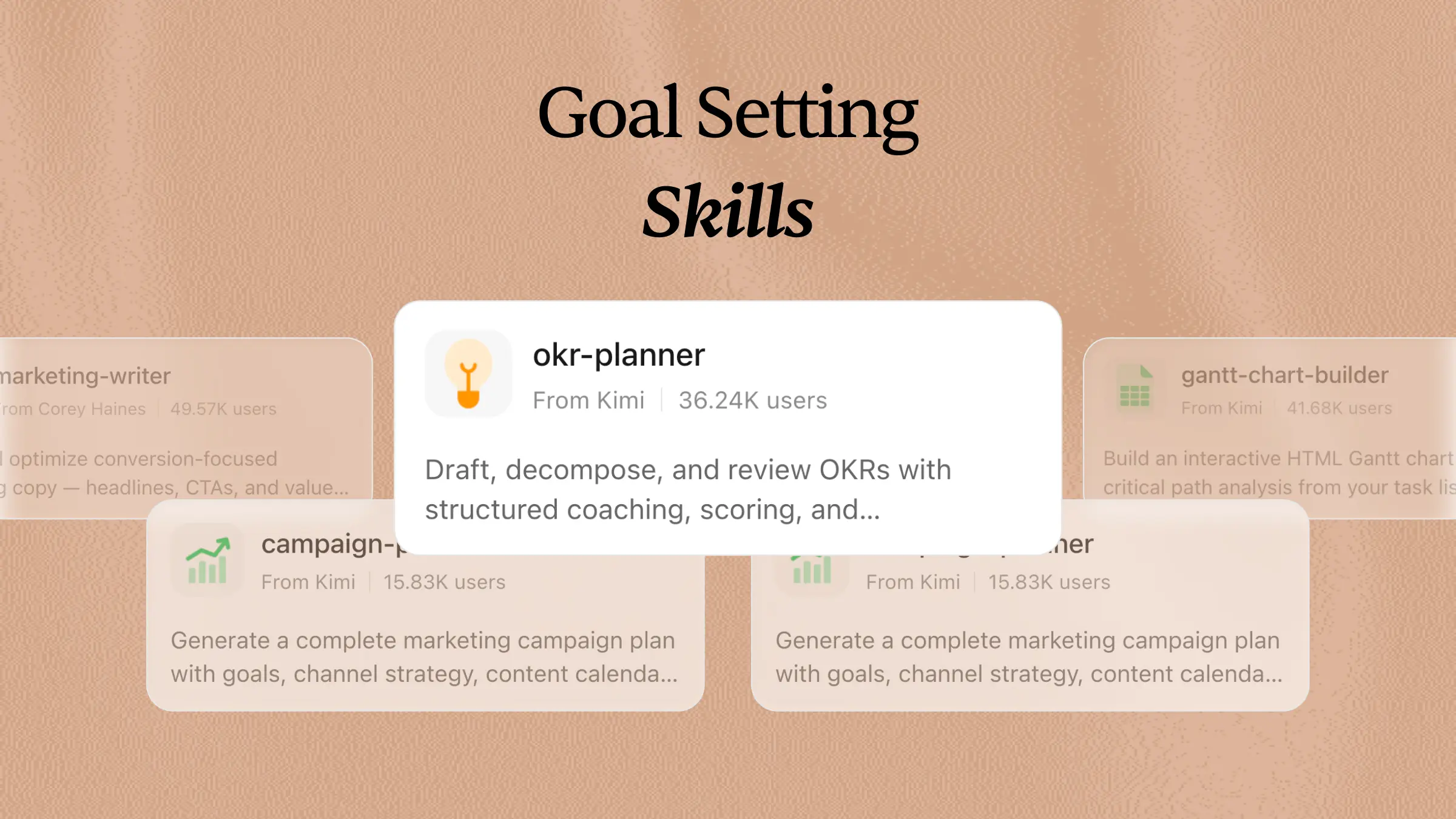
| okr-strategist | OKR drafting, breakdown, and retrospective coach that helps users craft high-quality objectives and key results, decompose goals into actionable layers, and conduct periodic reviews. Use when the user mentions OKR, goal management, key results, drafting, breakdown, retrospective, review, alignment, quarterly goals, or asks for help writing, reviewing, or breaking down an OKR. |
| pitch-deck-creator | Creates professional pitch decks and business plans in the style of a Chinese startup funding proposal (融资计划书 / BP). Triggered by requests to create investor decks, financing proposals, company overviews with market analysis, or any fundraising presentation. Supports Chinese and English content, outputs PPTX by default, and follows a polished 18-slide template with clean white backgrounds and navy blue accents. |
| pricing-strategy | Design, optimize, and communicate SaaS pricing — tier structure, value metrics, pricing pages, and price increase strategy. Use when building a pricing model from scratch, redesigning existing pricing, planning a price increase, or improving a pricing page. Trigger keywords: pricing tiers, pricing page, price increase, packaging, value metric, per-seat pricing, usage-based pricing, freemium, good-better-best, pricing strategy, monetization, pricing page conversion, Van Westendorp. |
| process-doc | Document a business process — flowcharts, RACI, and SOPs. Use when formalizing a process that lives in someone's head, building a RACI to clarify who owns what, writing an SOP for a handoff or audit, or capturing the exceptions and edge cases of how work actually gets done. |
| project-sizing-guide | Software project effort estimation assistant. Outputs three-point estimates (optimistic/most-likely/pessimistic values with confidence intervals), T-shirt sizes, or Function Point Analysis (FPA) counts. Triggered when users ask 'how long will this feature take,' need to assess project workload, perform PERT estimation, T-shirt sizing, FPA, sprint planning, or quote-based effort breakdowns. |
| saas-metrics-coach | SaaS financial health advisor. Use when a user shares revenue or customer numbers, or mentions ARR, MRR, churn, LTV, CAC, NRR, or asks how their SaaS business is doing. |
| sprint-plan-builder | Agile Sprint planning assistant that builds actionable plans by selecting scope based on team capacity and historical velocity, breaking down stories into estimated tasks, analyzing dependencies, and balancing workloads. Triggers when a user asks for Sprint Planning, iteration scoping, story/task assignment, workload balancing, dependency analysis, or team capacity calculation. |
Content & communication
Creating high-quality content and managing communication across different channels can require significant time and effort. AI agent skills help simplify writing, editing, research, and content management workflows while improving consistency and efficiency. The following agent skill examples show how Kimi Agent skills can support content creation and communication tasks with more streamlined AI workflows.
| Skill name | Description |
|---|---|
| audience-adaptive-comms | Adapt stakeholder communication to the target audience (CEO, VP, Tech Lead, or Operations), adjusting detail level, language, and focus. Output tailored emails, briefings, or slide outlines. Trigger when a user asks for an executive briefing, stakeholder update, project status report for leadership, cross-team sync, or mentions writing to a VP, CEO, or tech lead. |
| keynote-composer | Generates professional speech drafts for product launches, galas, TED-style talks, and more using the Rhetorical Triangle framework, with auto-annotated pause/tone/pace cues and delivery time estimates. Trigger when users mention writing a speech, keynote, opening remarks, or phrases like "help me write a speech" or "give a talk at the gala". |
| podcast-episode-writer | Creates complete, structured podcast scripts with timestamps for intros, segmented topics, transitions, prepared questions, and closing CTAs. Triggered by requests like 'help me write a podcast episode', 'plan my script', or keywords such as podcast script, outline, intro, CTA, or episode planning. |
| professional-email-composer | Write professional business emails for reminders, follow-ups, declines, thank-yous, apologies, and more, with tone automatically adjusted for the recipient's role and bilingual Chinese-English support. Trigger when users ask to draft an email, need a template, or mention specific email types like a reminder, follow-up, rejection, or complaint. |
| humanizer | Remove signs of AI-generated writing from text. Use when editing or reviewing text to make it sound more natural and human-written. Based on Wikipedia's comprehensive 'Signs of AI writing' guide. Detects and fixes patterns including: inflated symbolism, promotional language, superficial -ing analyses, vague attributions, em dash overuse, rule of three, AI vocabulary words, negative parallelisms, and excessive conjunctive phrases. |
Security, risk & compliance
Security, risk management, and compliance tasks require accuracy, continuous monitoring, and careful handling of sensitive information. AI agent skills can help automate routine checks, organize compliance workflows, and support faster risk analysis while maintaining consistency. The following agent skills examples demonstrate how AI workflows can improve security and compliance processes.
| Skill name | Description |
|---|---|
| code-vuln-audit | Scan code for security issues: dependency vulnerabilities (npm/pip audit), secret leaks (regex and entropy analysis), and OWASP anti-patterns like SQL injection, XSS, or command injection. Use when the user mentions security scans, vulnerability detection, secret leaks, API keys, OWASP, npm audit, pip-audit, hardcoded passwords, or code security checks. |
| incident-review-guide | Blameless postmortem and incident review writing tool based on SRE best practices. Produces structured incident reports with timelines, root cause analysis (5 Whys), action items, and lessons learned. Trigger when users need to write incident reviews, perform RCAs, analyze production outages, or use keywords like postmortem, incident report, root cause analysis, or 5 Whys. |
| iso-27001-evidence-collection | Collect, organize, and validate evidence for ISO 27001 and SOC 2 audits using API-first commands and major cloud CLI tools. Produces timestamped, auditor-ready evidence packages. Trigger when preparing for an audit, refreshing evidence, or discussing audit readiness, evidence gaps, or compliance frameworks. |
| legal-risk-assessment | Assess and classify legal risks using a severity-by-likelihood framework with escalation criteria. Use when evaluating contract risk, assessing deal exposure, classifying issues by severity, or determining whether a matter needs senior counsel or outside legal review. |
| regulatory-audit-generator | Builds compliance checklists for business scenarios involving GDPR, PIPL, or advertising/data laws. Outputs a structured checklist with check items, legal basis, risk levels, and actionable recommendations. Triggered by requests like "run a compliance check," "GDPR/PIPL compliance," "pre-launch review," "privacy impact assessment (PIA/DPIA)," or asking if a feature is compliant. |
| secure-code-review | Systematically reviews code for SQL injection, XSS, SSRF, broken access control, cryptographic failures, and other common OWASP Top 10 vulnerabilities, providing vulnerable code examples and ready-to-use remediation guidance. Trigger this skill when users ask for a security review, vulnerability scan, or penetration testing assistance, or mention keywords like OWASP, SQL injection, XSS, code audit, or security checklist. |
| test-suite-architect | This skill should be used when establishing comprehensive QA testing processes for any software project. Use when creating test strategies, writing test cases following Google Testing Standards, executing test plans, tracking bugs with P0-P4 classification, calculating quality metrics, or generating progress reports. Includes autonomous execution capability via master prompts and complete documentation templates for third-party QA team handoffs. Implements OWASP security testing and achieves 90% coverage targets. |
| terraform-deploy-pitfalls | Operational traps for Terraform provisioners, multi-environment isolation, and zero-to-deployment reliability. Covers provisioner timing races, SSH connection conflicts, DNS record duplication, volume permissions, database bootstrap gaps, snapshot cross-contamination, Cloudflare credential format errors, hardcoded domains in Caddyfiles/compose, and init-data-only-on-first-boot pitfalls. Activate when writing null_resource provisioners, creating multi-environment Terraform setups, debugging containers that are Restarting/unhealthy after terraform apply, setting up fresh instances with cloud-init, or any IaC code that SSHs into remote hosts. Also activate when the user mentions Terraform plan/apply errors, provisioner failures, infrastructure drift, TLS certificate errors, or Caddy/gateway configuration. |
| tos-clause-scanner | Audit Terms of Service, user agreements, and privacy policies for consumer risks, producing a structured report that flags unfair clauses, data traps, and liability issues. Trigger when a user asks to review, audit, or analyze a ToS, privacy policy, or user agreement, or mentions specific concerns like auto-renewal or data authorization. |
| weighted-scorer | Builds weighted scoring decision matrices for technology selection, vendor evaluation, and multi-criteria option comparisons. Guides you through defining criteria, assigning weights, scoring options, and validating results with sensitivity analysis. Trigger when users ask about decision matrices, weighted scoring, comparing options, vendor selection, or build vs. buy choices. |
Document, design & presentation
Creating documents, designs, and presentations often involves repetitive formatting, content organization, and visual adjustments. AI agent skills can simplify these workflows by helping users generate, refine, and structure professional materials more efficiently. The following agent skills examples show how Kimi Agent skills can support document creation, design tasks, and presentation workflows.
| Skill name | Description |
|---|---|
| docx | Create and edit Word documents (.docx) — C# + OpenXML SDK for creation, WIR engine for editing/comments/tracked changes. Use for any .docx task, including document creation, editing, comments, revisions, footnotes, TOC, and Markdown-to-Word conversion. |
| geo-magazine-slides | Create stunning geographic magazine-style presentation decks (PPTX) with editorial-quality layouts, large hero imagery, data-driven charts, and a luxury aesthetic. Use for location collections, luxury real estate showcases, travel destination presentations, map-themed curation, architecture portfolios, and editorial grid overviews with chapter dividers. |
| html-mailer-builder | Generate professional HTML email templates compatible with Gmail, Outlook, and Apple Mail, using table layouts and inline CSS for responsive design. Triggered by requests for welcome emails, promotional campaigns, password resets, notifications, order confirmations, or any mention of creating EDM, newsletters, or transactional email templates. |
| journalistic-portrait | Create magazine-style HTML pages replicating the visual design of Southern People Weekly. Use for feature article layouts, cover pages with red border frames, table-of-contents pages with portrait photography, and dual-column inner pages with editorial section headings, replicating Chinese weekly magazine typography and color palettes. |
| landing-page-scaffold | Generate a self-contained landing page HTML prototype with five standard sections (Hero → Social Proof → Features → Pricing → CTA), outputting a single inlined HTML file ready to preview in any browser. Triggered when the user asks to build, generate, or scaffold a landing page, wireframe, or marketing page prototype, or mentions specific sections like hero, pricing, or CTA. |
| Professional PDF solution. Create PDFs using HTML+Paged.js (academic papers, reports, documents). Process existing PDFs using Python (read, extract, merge, split, fill forms). Supports KaTeX math formulas, Mermaid diagrams, three-line tables, citations, and other academic elements. Also use this skill when user explicitly requests LaTeX (.tex) or native LaTeX compilation. | |
| photo-magazine | Create premium landscape documents with magazine-quality editorial design. Produces visually rich reports featuring bold typography, full-bleed photography, data visualization cards, and narrative layout. Use for enterprise, research, or creative reports requiring editorial aesthetics, multi-column layouts, large-font data dashboards, and section-based navigation that blends storytelling with data. |
| retro-tech-illustration | Create retro tech art-style visual content, including images, illustrations, and design documents. Covers Synthwave, Vaporwave, Cyberpunk, retro comics, and retro-futuristic aesthetics. Use for neon-grid landscapes, pixel art, vaporwave scenes, CRT and halftone effects, color palettes, and typography systems, serving 80/90s tech-noir themed projects. |
| theme-factory | Toolkit for styling artifacts with a theme. These artifacts can be slides, docs, reports, HTML landing pages, etc. There are 10 pre-set themes with colors/fonts that you can apply to any artifact that has been creating, or can generate a new theme on the fly. |
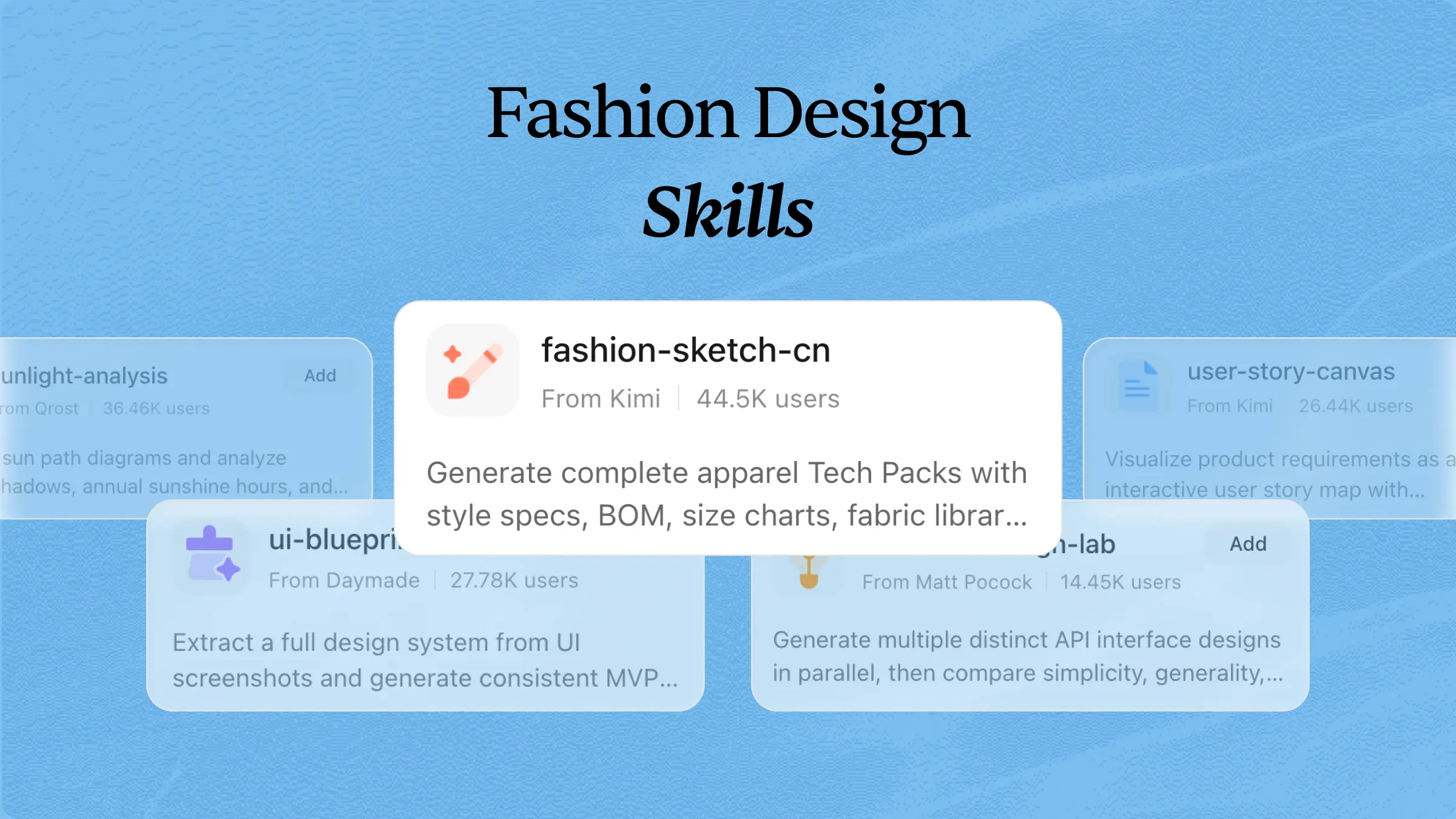
| design-system-builder | Extract design systems from reference UI images and generate implementation-ready UI design prompts. Use when users provide UI screenshots/mockups and want to create consistent designs, generate design systems, or build MVP UIs matching reference aesthetics. |
Research & education
Research and education workflows often involve collecting information, analyzing resources, and organizing knowledge into useful formats. AI agent skills can help automate research tasks, simplify learning processes, and improve information management. The following agent skill examples show how Kimi Agent skills can support academic research, learning, and educational workflows.
| Skill name | Description |
|---|---|
| academic-paper-reviewer | Simulates academic peer review, evaluating papers across Originality, Methodology, Results, and Writing to provide Major/Minor Revision recommendations with actionable feedback. Triggers when a user asks to "review my paper," "simulate peer review," or "give my paper a peer review. |
| anki-card-maker | Extract key knowledge from study materials (text, Markdown, notes) and generate front-question + back-answer flashcards, producing an Anki-compatible CSV file ready for import. Trigger when users mention flashcards, Anki, spaced repetition, need to convert notes into Q&A pairs, or request memory cards or review cards from their study content. |
| astro-observation-report | Skill for writing gravitational-wave observational results papers for compact binary coalescence events (BNS, BBH, NSBH) detected by LIGO, Virgo, or KAGRA. Covers paper architecture, first-page layout, parameter-estimation figures, uncertainty notations, credible-interval plots, statistical conventions, page headers, replicating Physical Review X two-column journal style. |
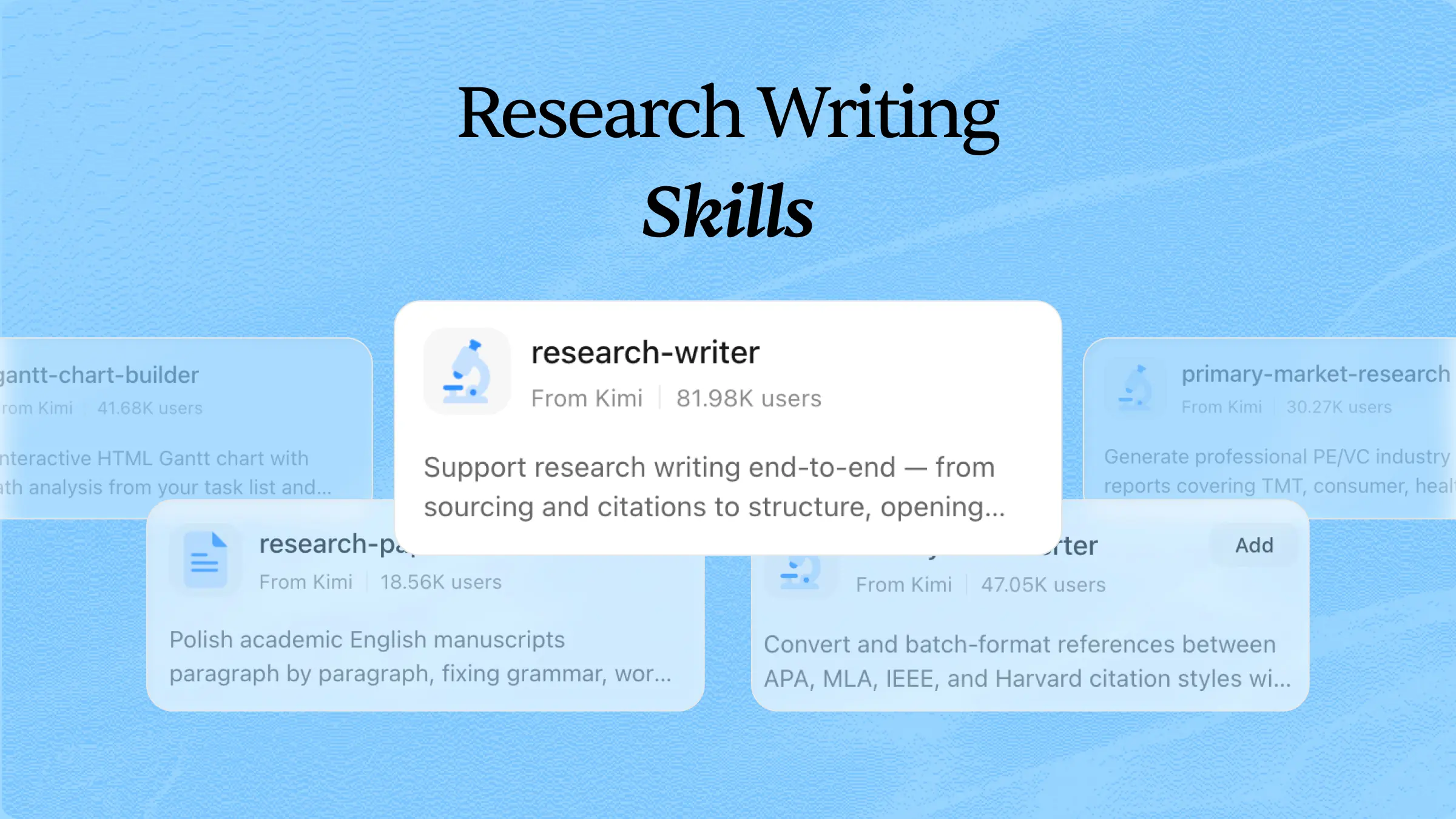
| cite-style-converter | Convert academic citations between APA, MLA, IEEE, and Harvard styles with batch processing and format validation. Trigger when users ask to convert, check, or fix their references, mention specific citation styles, or talk about their bibliography. |
| content-research-writer | Assists in writing high-quality content by conducting research, adding citations, improving hooks, iterating on outlines, and providing real-time feedback on each section. Transforms your writing process from solo effort to a collaborative partnership. |
| scholarly-writing-refiner | Polishes academic English paragraph by paragraph, reviewing grammar, word choice, voice, coherence, and sentence structure. Output revision suggestions alongside polished text. Triggered by phrases like 'polish this paragraph,' 'check the grammar,' 'rewrite in academic English,' or keywords like manuscript editing, SCI polishing, and journal submission editing. |
| scientific-problem-selection | This skill should be used when scientists need help with research problem selection, project ideation, troubleshooting stuck projects, or strategic scientific decisions. Use this skill when users ask to pitch a new research idea, work through a project problem, evaluate project risks, plan a research strategy, navigate decision trees, or get help choosing what scientific problem to work on. Typical requests include "I have an idea for a project", "I'm stuck on my research", "help me evaluate this project", "what should I work on", or "I need strategic advice about my research". |
| sci-paper | Structured guidance for composing, formatting, and presenting scientific research papers for top-tier venues (CVPR, ICCV, NeurIPS, ICML, ACL, ICLR, etc.). Covers the full workflow: section-by-section drafting, figure design, LaTeX typesetting, narrative logic, and pre-submission polishing. Use for writing, revising, or typesetting manuscripts into camera-ready or preprint PDFs. |
| browse | Conduct web research by navigating websites, extracting relevant data, taking screenshots, filling forms, and interacting with web pages. Supports remote browser sessions and advanced access capabilities for researching and collecting information from protected or restricted sites. |
| fast-browser-use | Accelerate web research with fast browser automation, DOM extraction, screenshots, session management, and data collection from dynamic websites and infinite-scroll pages. Useful for quickly gathering information and extracting research data from complex web sources. |
| playwright-scraper-skill | Research and extract data from dynamic and protected websites using Playwright. Collect page content, titles, and screenshots from JavaScript-rendered pages, making it useful for researching specific URLs and gathering information from sites with access restrictions. |
With a wide range of skills covering different workflows, Kimi can help you handle tasks across research, analysis, content creation, development, and more. Once you find a skill that fits your needs, install it from the Skills store and use it directly in your workflow, or combine it with your instructions to complete tasks more efficiently. The following steps show how to use Kimi skills.
How to use Kimi skills
Kimi skills make it easier to automate specialized tasks without creating workflows from scratch. Follow the steps below to start using Kimi skills effectively.
Step 1: Install the skill and input its command
Open Kimi and type / in the input box to open the Skills store. Search for the skill you need, such as investor-pitch-planner, and click to install it. Then enter the skill command /investor-pitch-planner in the input box to activate the specific workflow.
Step 2: Start your research task
After activating the skill, describe your requirements and provide the necessary details. You can include your goals, target audience, preferred format, or upload relevant files to help Kimi generate more accurate results.
Example prompt:
Once your request is submitted, Kimi analyzes your instructions and generates a structured output based on the selected skill and your requirements.
Step 3: Review and download your document
Review the generated content, make any necessary edits, and export the final document for further use. You can refine the results by providing additional instructions until the output matches your needs.
While the Skills store provides ready-to-use workflows for common tasks, users may also need customized solutions for unique projects and requirements. Kimi allows you to create your own agent skills by defining specific instructions, workflows, and capabilities. This flexibility helps you build personalized AI workflows that better match your work processes and goals.
How to create your own skills with Kimi
Follow the steps below to create your own skills with Kimi.
Step 1: Access the "Document to skills" tool
Open Kimi and navigate to the "Plugins" > "Document to skills" feature to start creating a customized skill from your resources.
Step 2: Upload the files
Upload relevant documents, guides, or reference materials that contain the information and instructions you want your skill to use.
Step 3: Create and use your skills
Review the generated skill, make adjustments if needed, and save it for future tasks.
You can update the skill anytime as your workflow changes or export it as an .md file for future use.
Tips to use agent skills like a pro
Using agent skills effectively requires more than simply activating a workflow. The right approach helps you get more accurate results, create efficient processes, and build AI workflows that match your specific needs. Follow these tips to make the most of agent skills.
Choose skills based on specific goals
Select skills that match your exact task requirements instead of using general workflows for every project. A goal-focused approach helps AI agents understand the purpose of the task and deliver more relevant results.
Combine multiple skills for complex tasks
For larger projects, combining different skills can help manage multiple steps more efficiently. Using complementary skills allows AI agents to handle research, analysis, content creation, and other processes within a connected workflow.
Customize skill instructions for better results
Adjust skill instructions according to your preferred format, workflow, and output requirements. Customized instructions help create more consistent results and make the skill better suited for your specific tasks.
Provide clear context and detailed inputs
Give the AI agent enough background information, examples, and expected outcomes before starting a task. Clear inputs help the agent understand your requirements and reduce the need for repeated corrections.
Build reusable workflows with frequently used skills
Save and reuse skills for tasks you perform regularly, such as reporting, content creation, or data analysis. Reusable workflows improve productivity by reducing setup time and maintaining consistency across projects.
Test and refine skills regularly
Review the performance of your skills and update instructions when your needs change. Regular testing helps improve accuracy, optimize workflows, and ensure your AI agent skills continue delivering better results.
Conclusion
AI agent skills make AI workflows more focused, efficient, and adaptable to specific tasks. By choosing the right skills, providing clear instructions, and refining them regularly, you can achieve more consistent results. Exploring practical agent skills examples and customizing your own workflows with Kimi can help you build a smarter, more efficient way of working.