Budget Ledger
Full-year, second-half and monthly views reconcile (budget = actual + remaining); departments get budget-versus-actual bars, and items beating the calendar go red.
A budget execution report board with full-year, half-year and monthly views, marking red every item that runs ahead of time progress.
The monthly view overlays the same-period-last-year curve next to this year's actuals, so the two years can be compared directly; the highlight warning for crossing the budget line works as before.
Try Kimi BuildBuild a budget execution report page called Budget Ledger, titled for the fiscal year 2026. A switcher at the top of the page toggles between three views: full year, second half of the year, and monthly. At the core of the page is a three-way identity check on the totals, budget equals actual plus remaining, so the numbers on every view always reconcile. Each department gets its own budget-versus-actual comparison bar, and any item running ahead of time progress is marked red with its over-progress percentage. In the monthly view, the actual spending curve is drawn over the budget reference line, and a highlight warning appears on the chart whenever the actual line crosses above it. The detail subject tree expands level by level into its sub-items for closer reading, the data on the page is a built-in sample set, and the whole page follows a restrained financial report style. Single-file static page.
On top of the red marking and over-progress percentage, custom alert rules arrive: both the warning threshold and the alert recipients can be set to fit the team.
Try Kimi BuildBuild a budget execution report page called Budget Ledger, titled for the fiscal year 2026. A switcher at the top of the page toggles between three views: full year, second half of the year, and monthly. At the core of the page is a three-way identity check on the totals, budget equals actual plus remaining, so the numbers on every view always reconcile. Each department gets its own budget-versus-actual comparison bar, and any item running ahead of time progress is marked red with its over-progress percentage. In the monthly view, the actual spending curve is drawn over the budget reference line, and a highlight warning appears on the chart whenever the actual line crosses above it. The detail subject tree expands level by level into its sub-items for closer reading, the data on the page is a built-in sample set, and the whole page follows a restrained financial report style. Single-file static page.
Adds an export entry next to the view switcher: whichever of the full-year, second-half or monthly views is on screen can be exported as a single report image with one click.
Try Kimi BuildBuild a budget execution report page called Budget Ledger, titled for the fiscal year 2026. A switcher at the top of the page toggles between three views: full year, second half of the year, and monthly. At the core of the page is a three-way identity check on the totals, budget equals actual plus remaining, so the numbers on every view always reconcile. Each department gets its own budget-versus-actual comparison bar, and any item running ahead of time progress is marked red with its over-progress percentage. In the monthly view, the actual spending curve is drawn over the budget reference line, and a highlight warning appears on the chart whenever the actual line crosses above it. The detail subject tree expands level by level into its sub-items for closer reading, the data on the page is a built-in sample set, and the whole page follows a restrained financial report style. Single-file static page.
Arrow keys dodge, Z shoots, Shift slows movement and shows the focus hitbox, X fires a bomb; near misses charge a graze burst. Build yours from the same prompt.
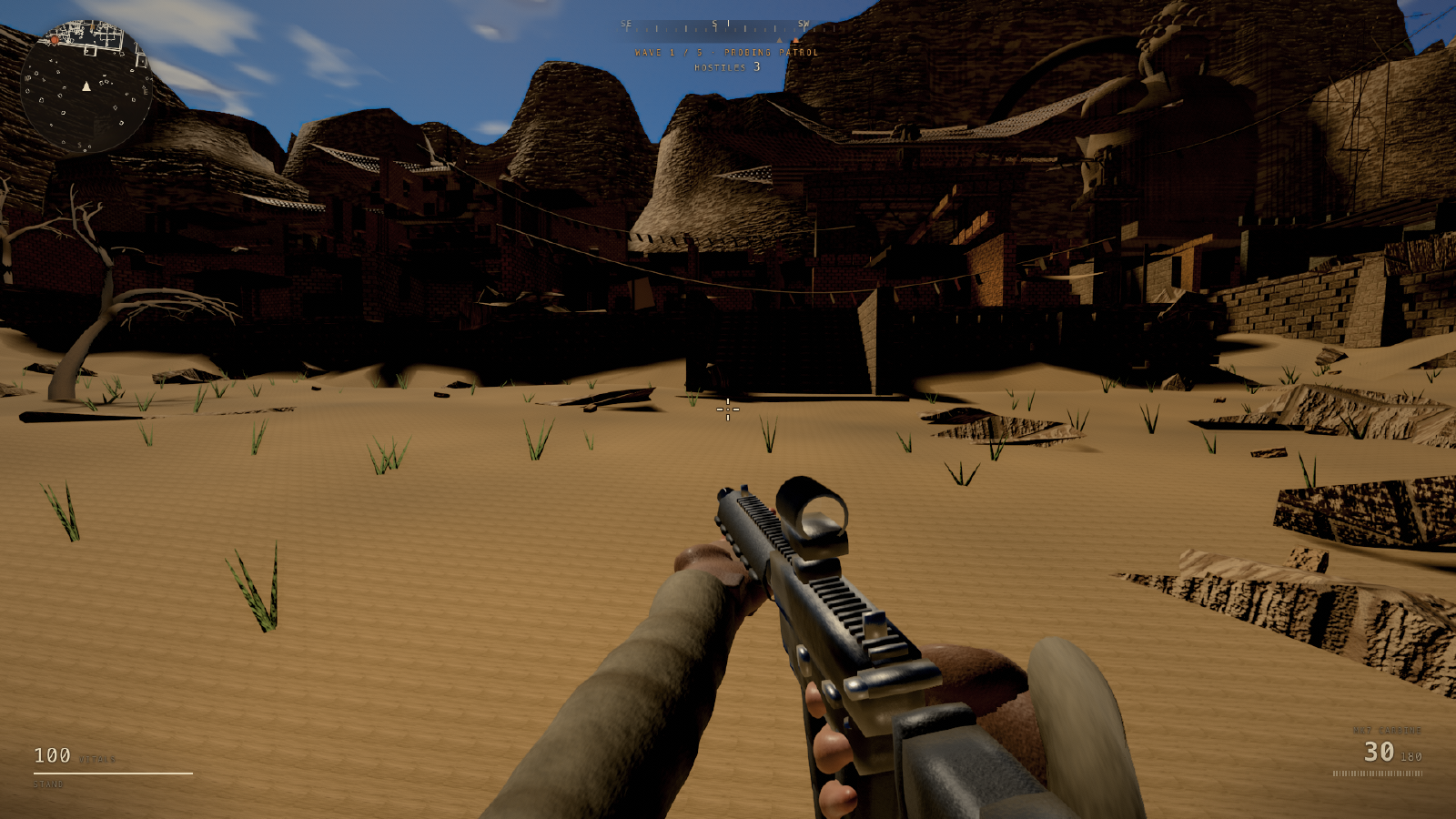
Three aces fight in rainy neon skies, most hits wins: mouse steers, plasma fire on hold, Shift boosts until overheating, and a hit kills systems for two seconds.