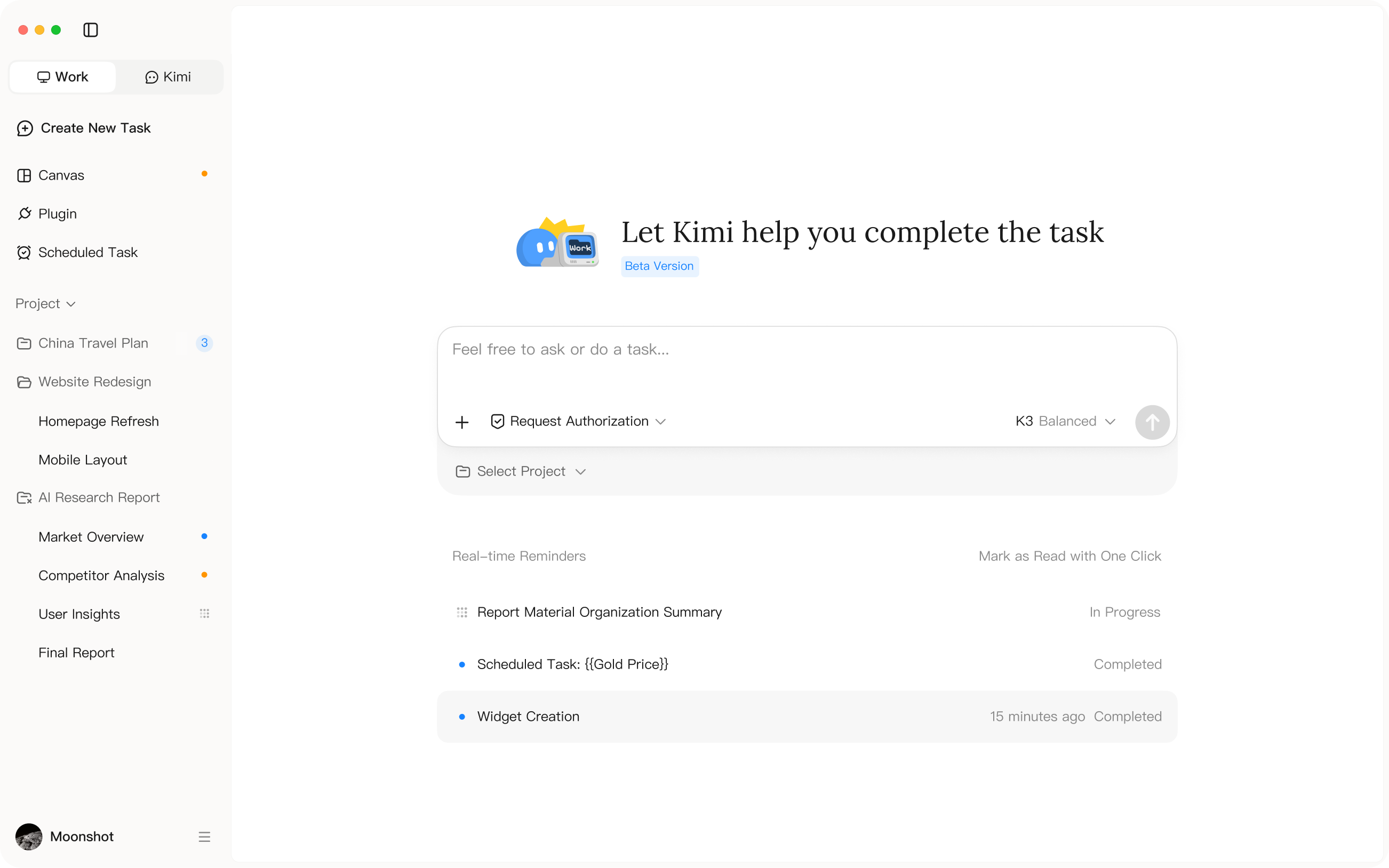
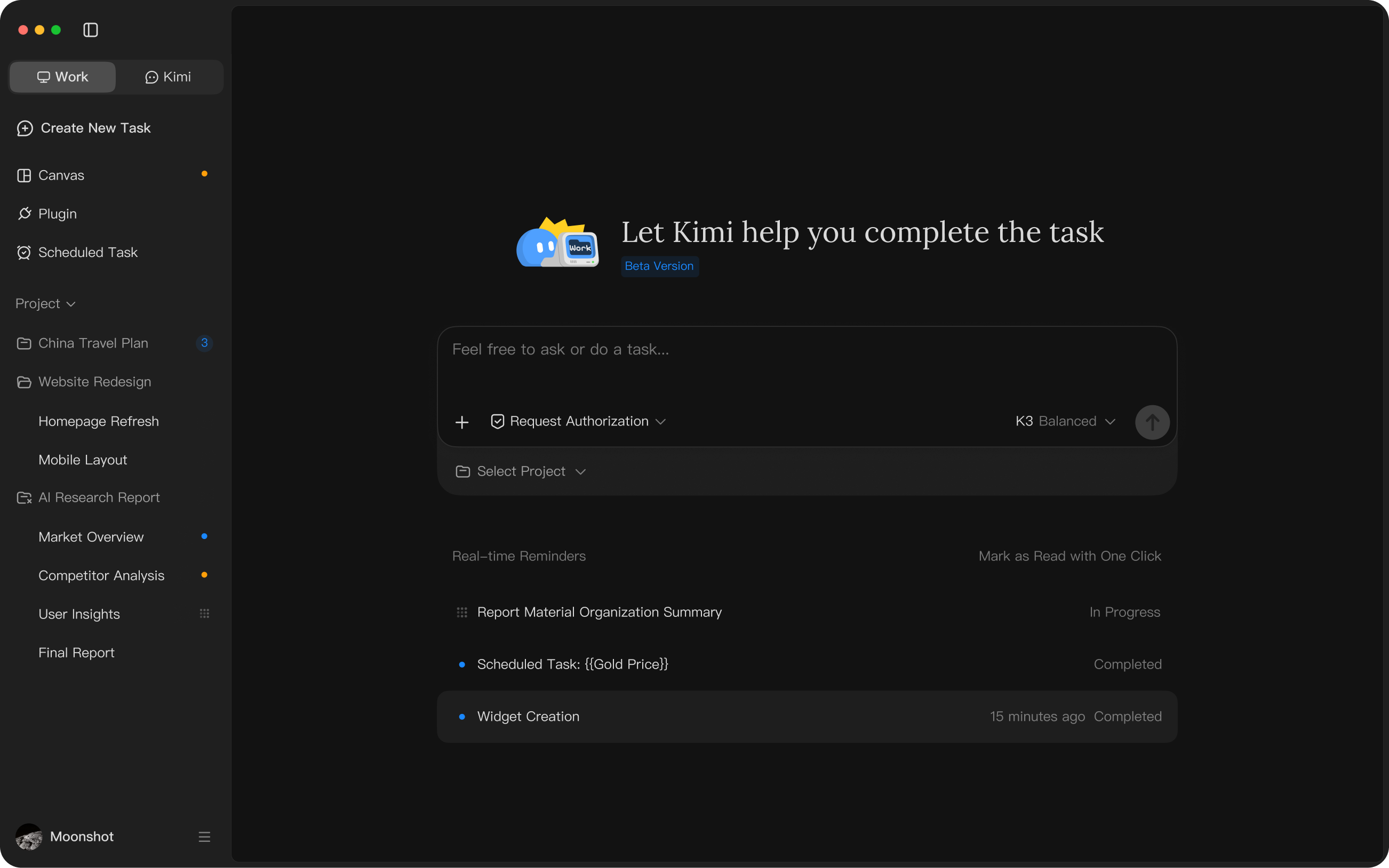

Kimi for desktop, with Kimi Work
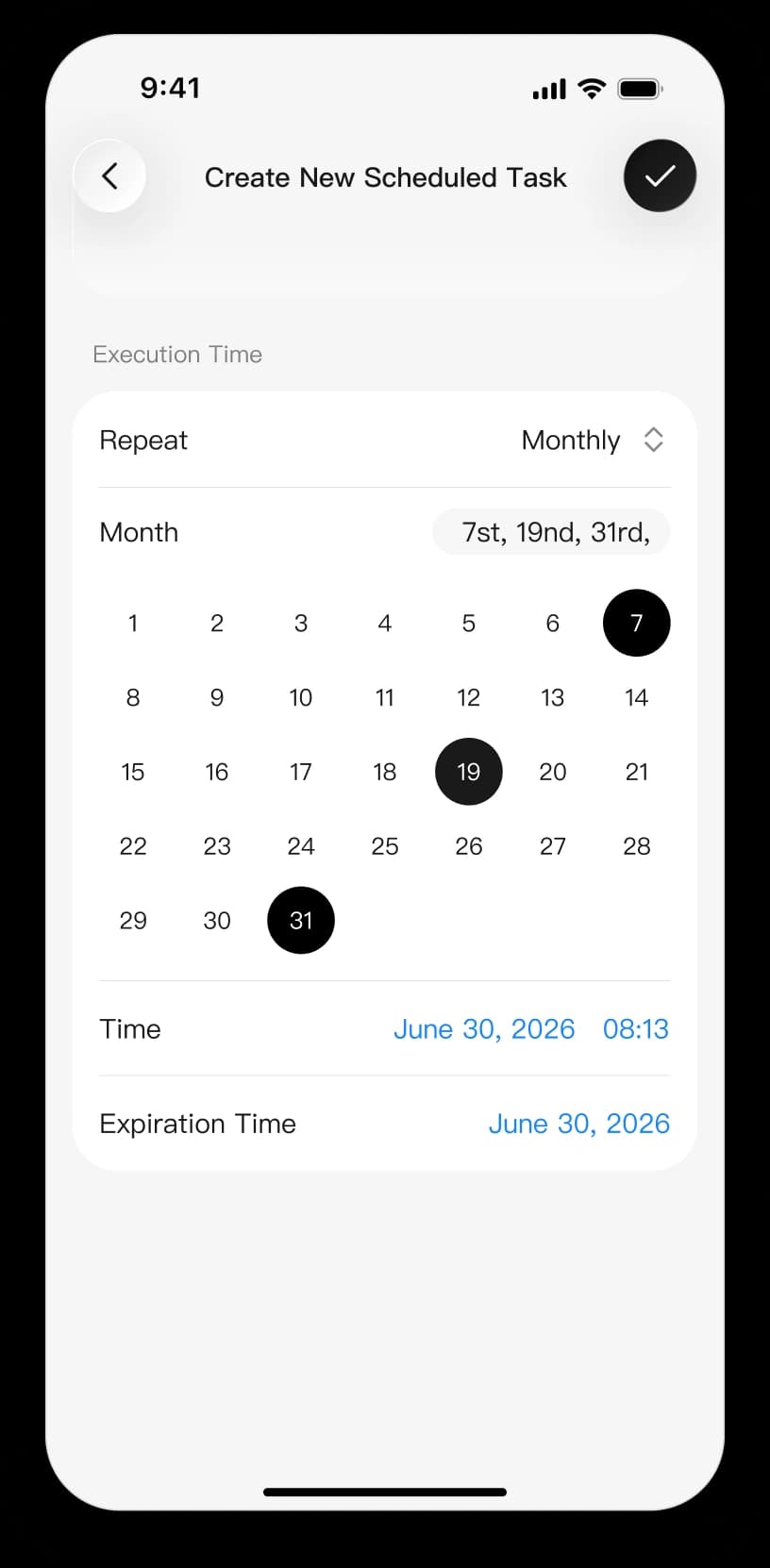
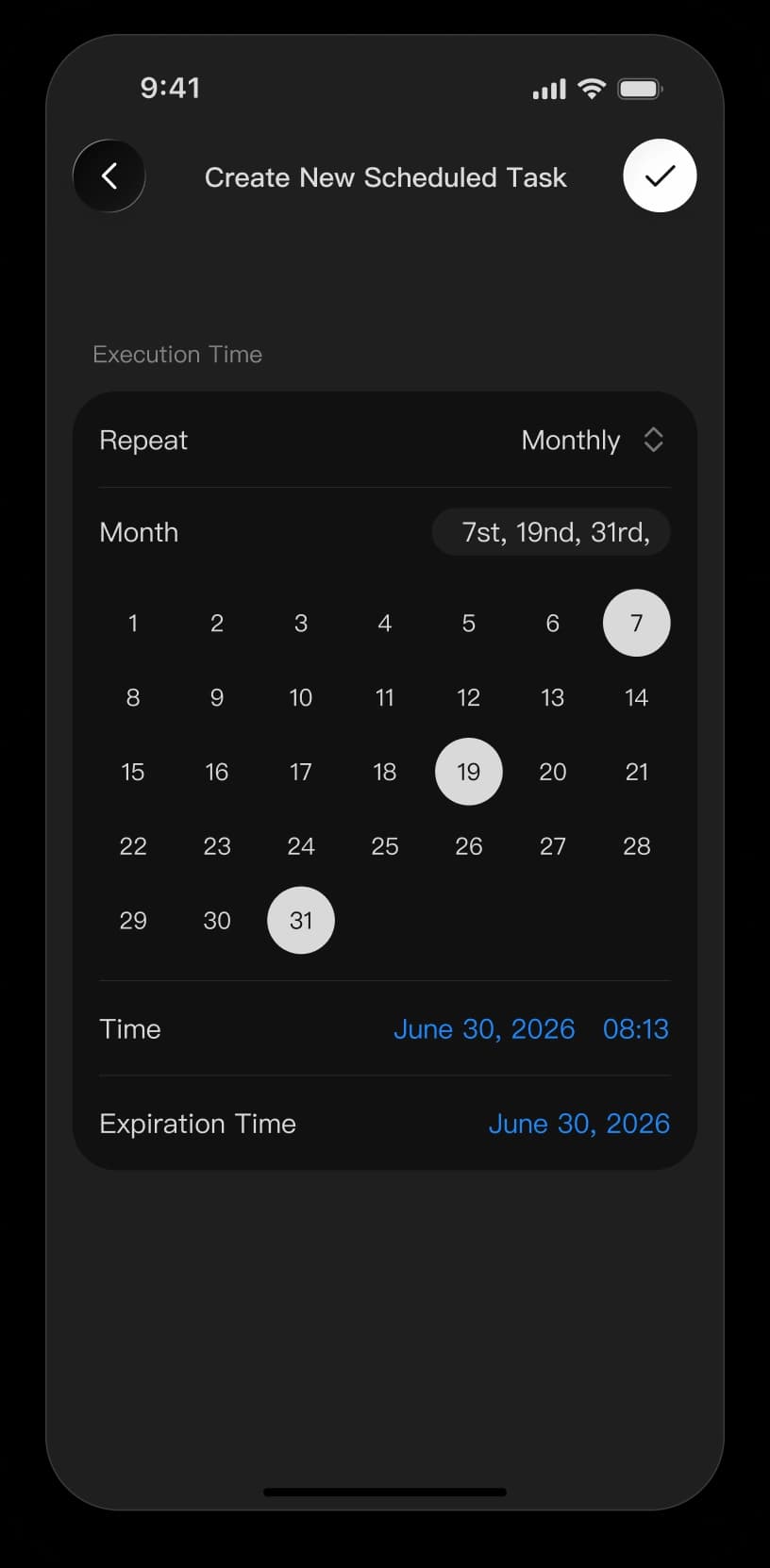
Work with local files, automate web tasks with the browser agent, and tackle complex work with Agent Swarm. Extend your workspace with dashboards, plugins, and scheduled tasks with Kimi Work.
Work with Kimi on your desktop. Stay connected on mobile. Code where you build.
Work with local files, automate web tasks with the browser agent, and tackle complex work with Agent Swarm. Extend your workspace with dashboards, plugins, and scheduled tasks with Kimi Work.
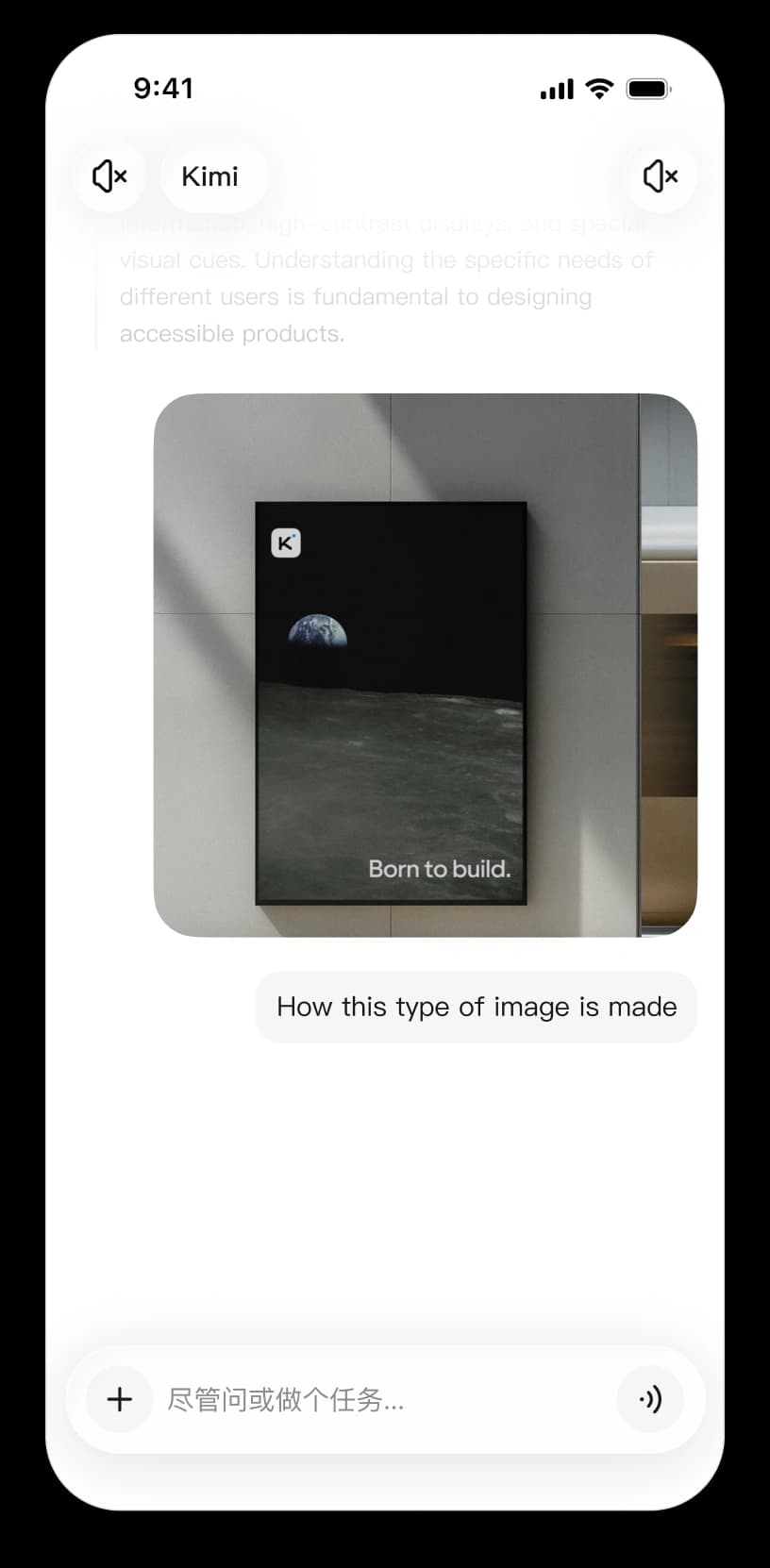
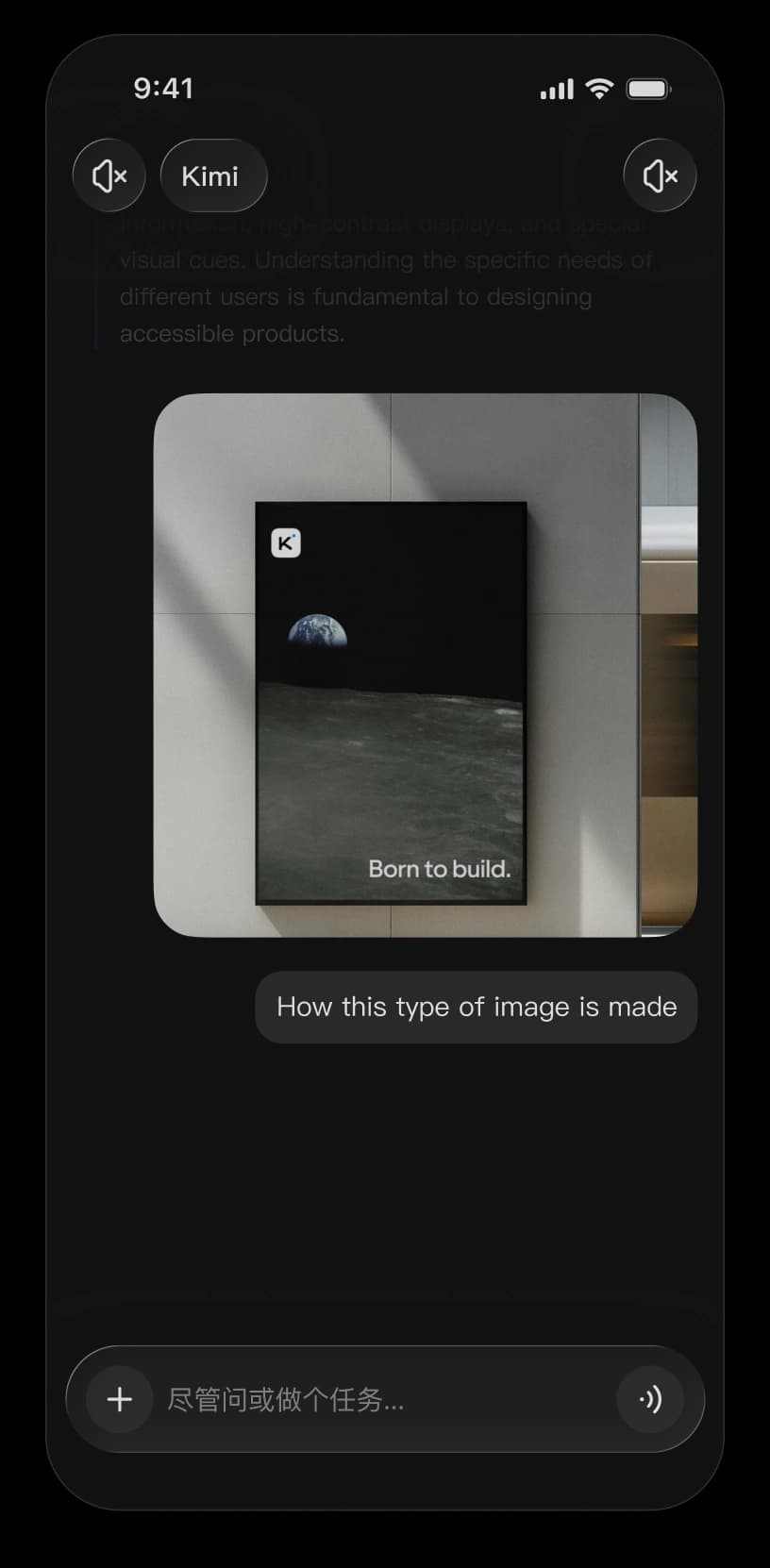
Take Kimi with you wherever you go. Ask questions, search, create, and set tasks from your phone, then keep up with results while you're away from your computer.
Summarize the latest news and key updates every morning, all in one place.
Code with Kimi directly in your terminal or IDE. Kimi Code understands your codebase and works through complex development tasks, from planning and code changes to execution. Learn more about Kimi Code or read the documentation.
Welcome to Kimi Code!
Send /help for help information.
Use /model to switch and /new to start a fresh session
moonshot@moonshot /setup
API platform Kimi Code
 macOS (Apple silicon)
 Windows