Kimi API is now compatible with both the OpenAI Responses API and the Anthropic Messages API. If you live in Codex or Claude Code, you can point your CLI directly at Kimi models — kimi-k3, kimi-k2.7-code-highspeed, kimi-k2.7-code, kimi-k2.6 — no protocol translation or local proxy required.
Get started
Let a local agent configure it for you
If you already have a local agent like Kimi Code or Kimi Work installed on your computer, send it one of the prompts below and it will configure everything for you.
To set up Codex CLI and the Codex/ChatGPT desktop app:
To set up Claude Code:
Notes
The OpenAI Responses API supports text and image input; video input is not supported yet. To analyze video, extract key frames with ffmpeg first and pass them to the model — or call the Kimi API to process video input directly (see the video input docs).
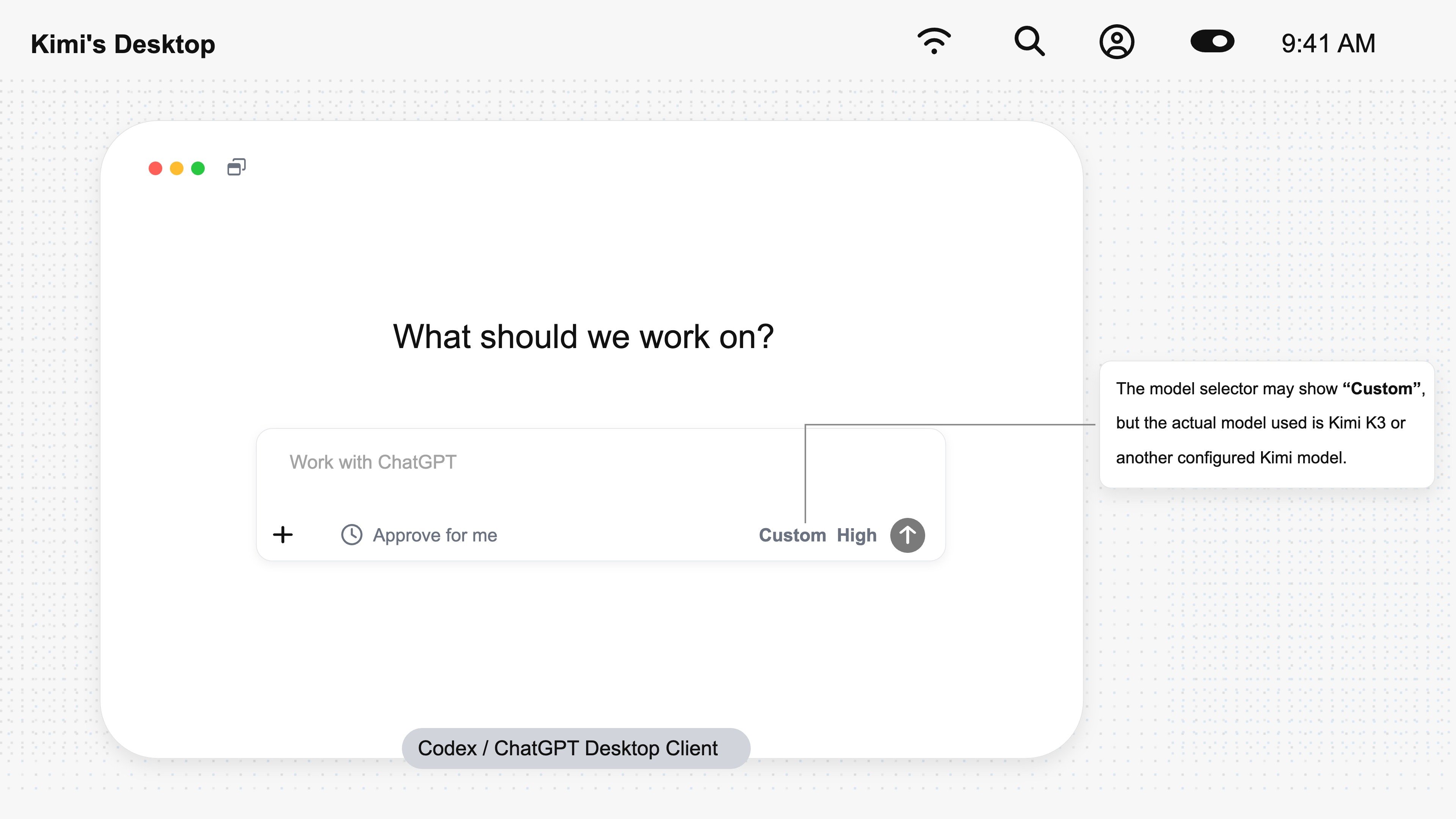
The model selector in the Codex desktop app (now ChatGPT) may show Custom, but the model actually in use is Kimi K3 or whichever Kimi model you have configured.