AI 3D Image Generator
Create 3D visuals from text prompts or reference images with an AI 3D image generator. Customize shapes, proportions, and textures to bring your ideas to life. With Kimi 3D Make, refine your designs and create 3D assets for games, product concepts, and other creative projects.
Create detailed, realistic 3D images from your ideas
Turn prompts and references into 3D visuals
Transform text descriptions and reference images into creative 3D visuals tailored to your ideas. With an AI-powered 3D image generator, you can guide the subject's shape, proportions, colors, and overall appearance to create designs that match your vision.
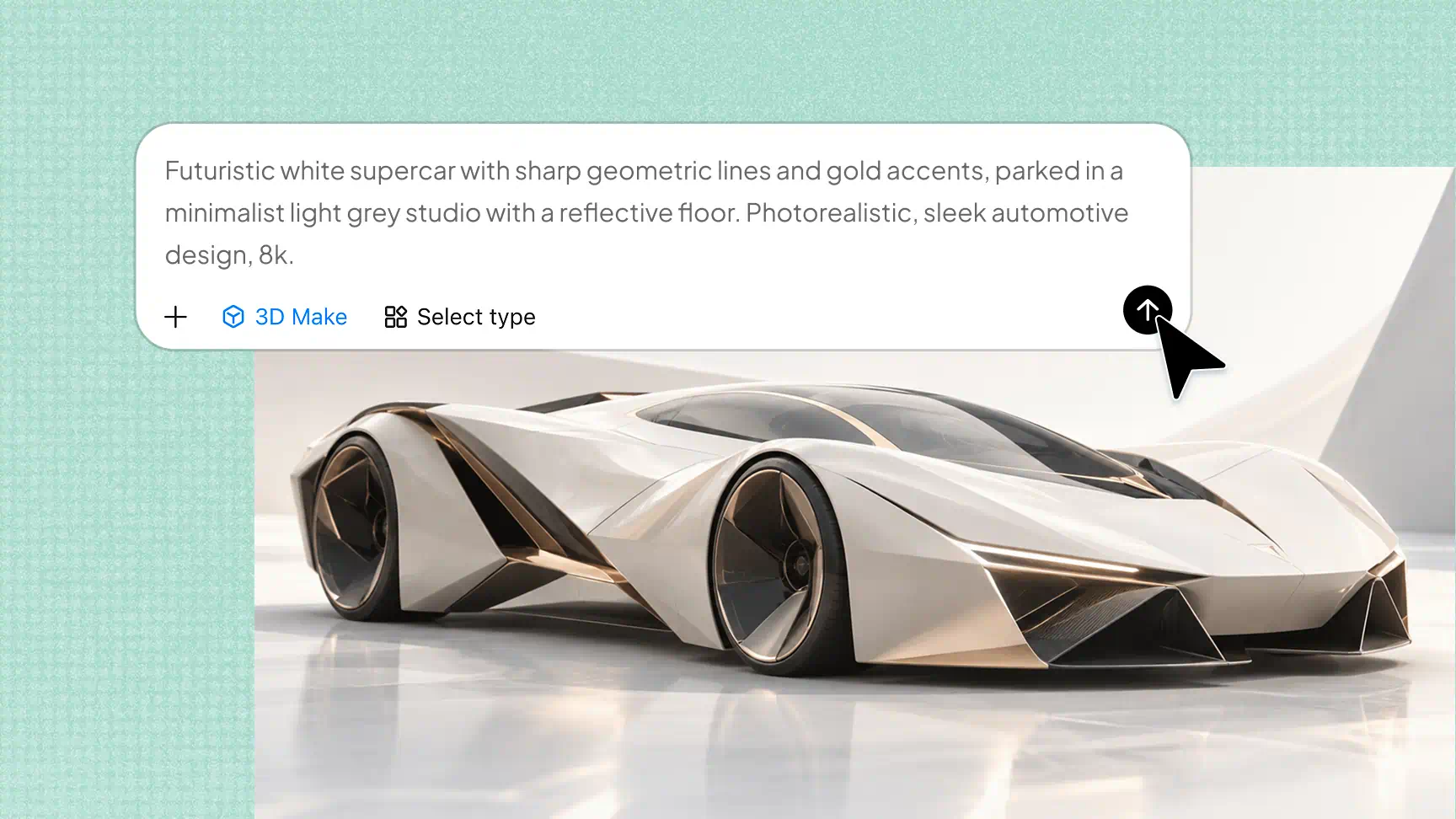
Create detailed 3D visuals with realistic textures
Generate 3D visuals with refined geometry, intricate features, and realistic-looking materials. Kimi 3D Make uses uploaded reference images to guide the model's overall style, shapes, and visual details, helping you create 3D representations of objects, architectural elements, and other creative concepts with a consistent visual direction.
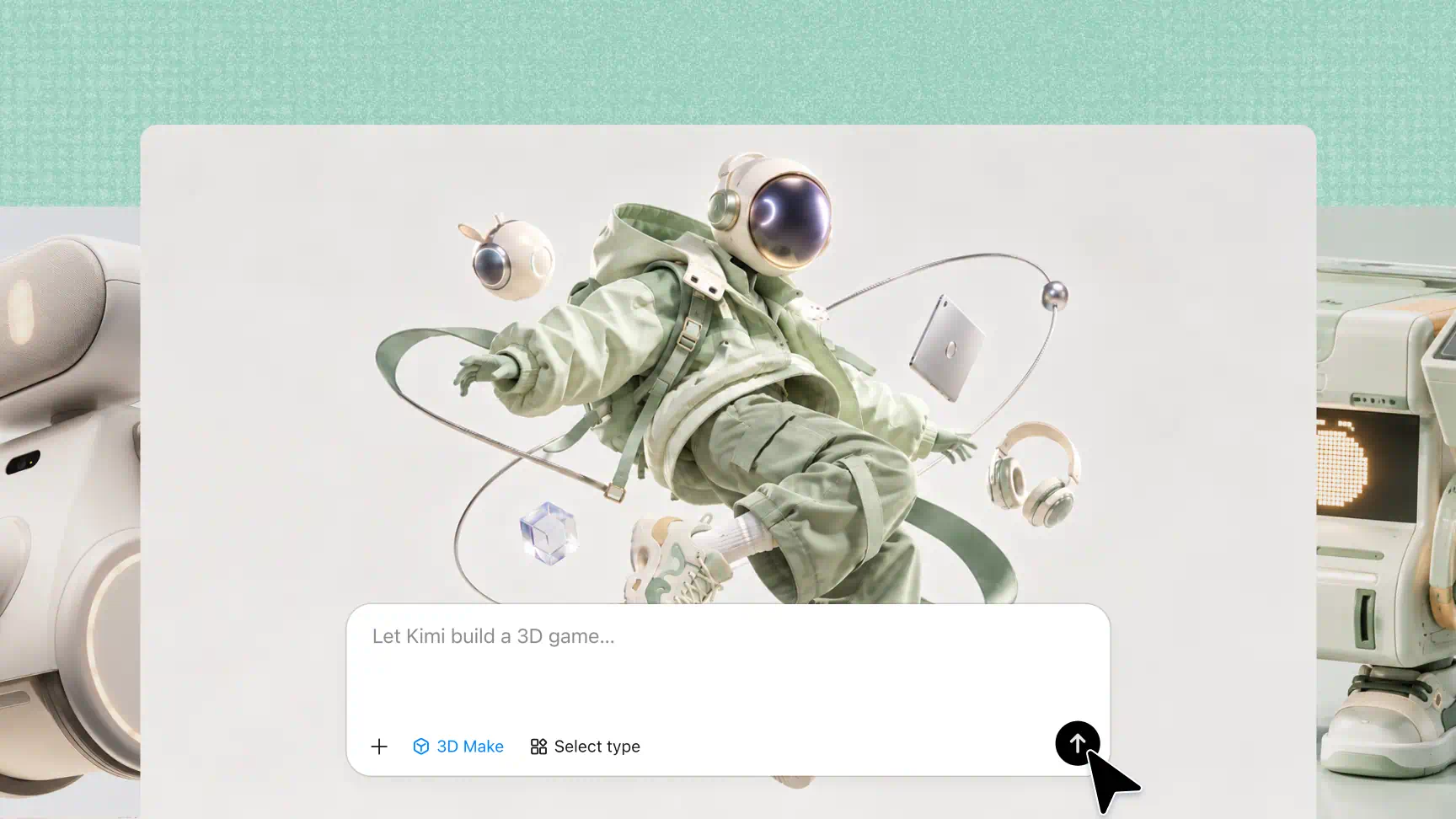
Edit 3D designs with prompts and manual controls
Refine your creations using natural-language instructions, comments on specific elements, or manual editing tools. As an AI 3D image creator, Kimi 3D Make helps you adjust shapes, materials, proportions, and other details to bring your designs closer to your intended result.
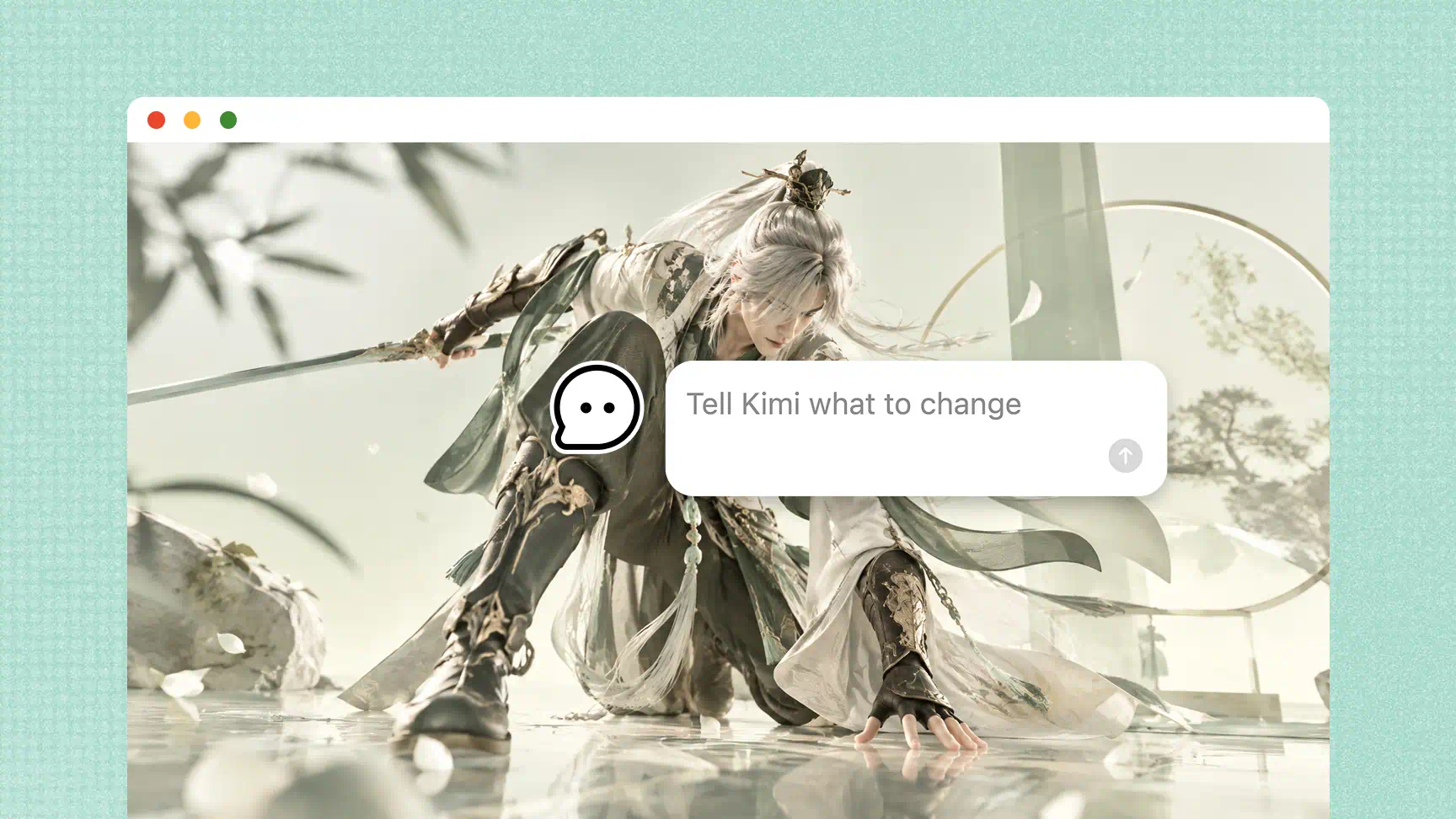
Export 3D models and designs in multiple formats
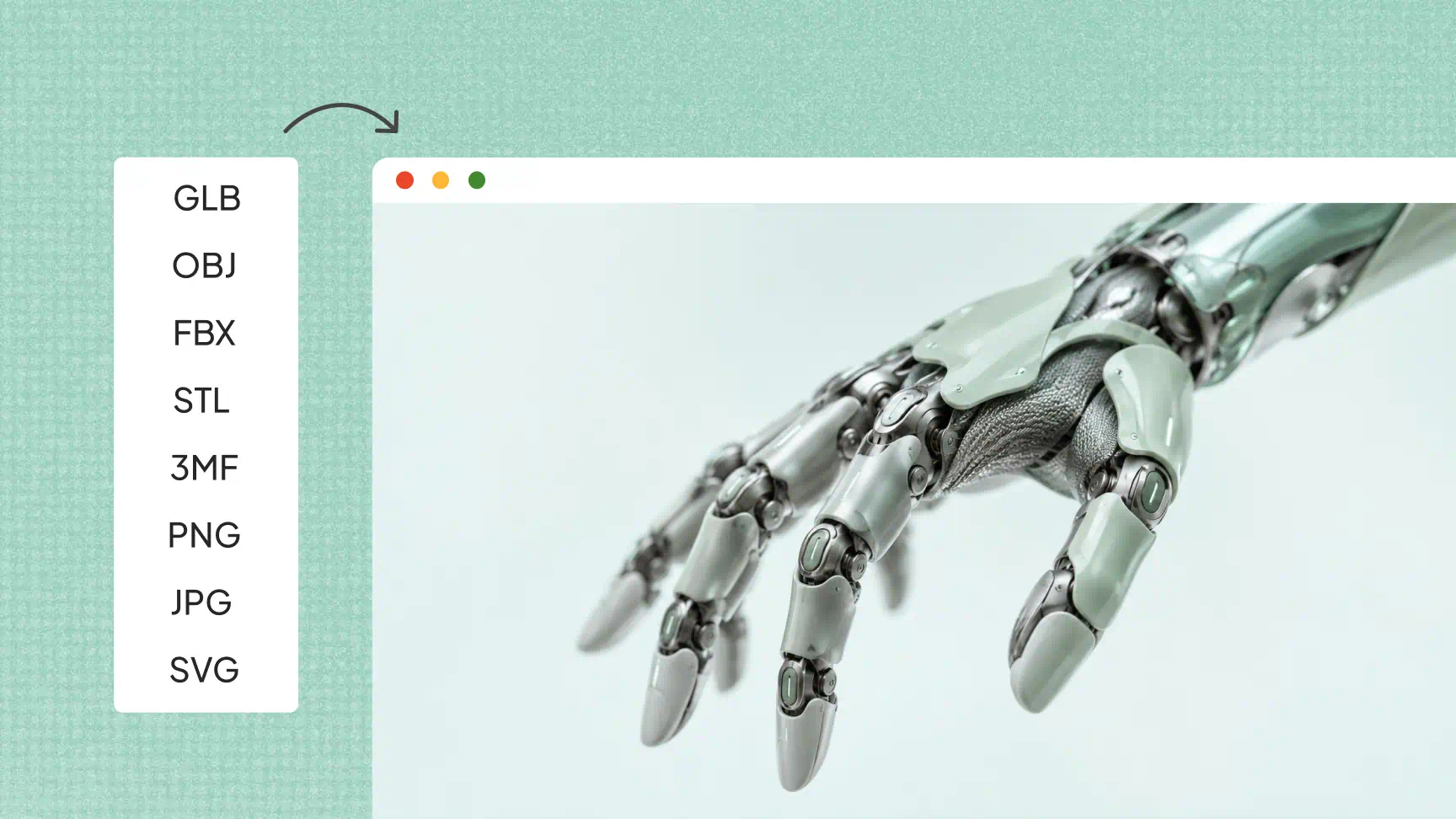
Export 3D models in GLB, BLEND, STL, and 3MF formats for rendering, game development, presentations, or 3D printing. You can also export images in PNG, JPG formats, along with editable posters and infographics, making this 3D image maker useful for a range of creative workflows.
How to create a 3D image with AI
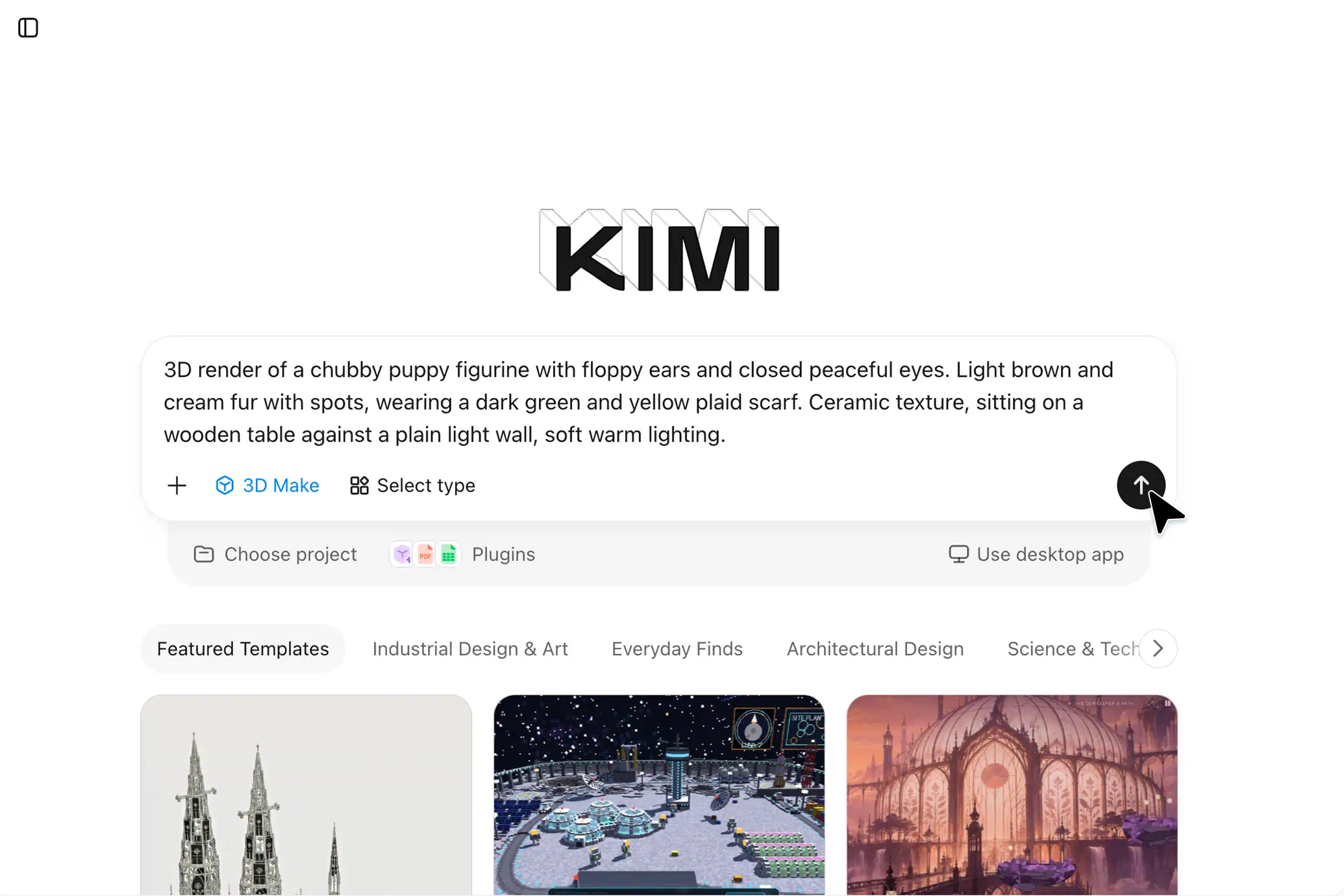
Enter your prompt
Open Kimi 3D Make and enter a prompt describing the 3D image you want to create. Include basic details about the subject, colors, and appearance.
Edit your 3D image
Review your generated 3D image and make adjustments through the chat interface. You can enter follow-up prompts or comment on specific elements to request changes.
Export and share
Once you're satisfied with the result, export your 3D model in a supported format. You can then use it in your creative projects or other applications.
Use cases for AI 3D image generation
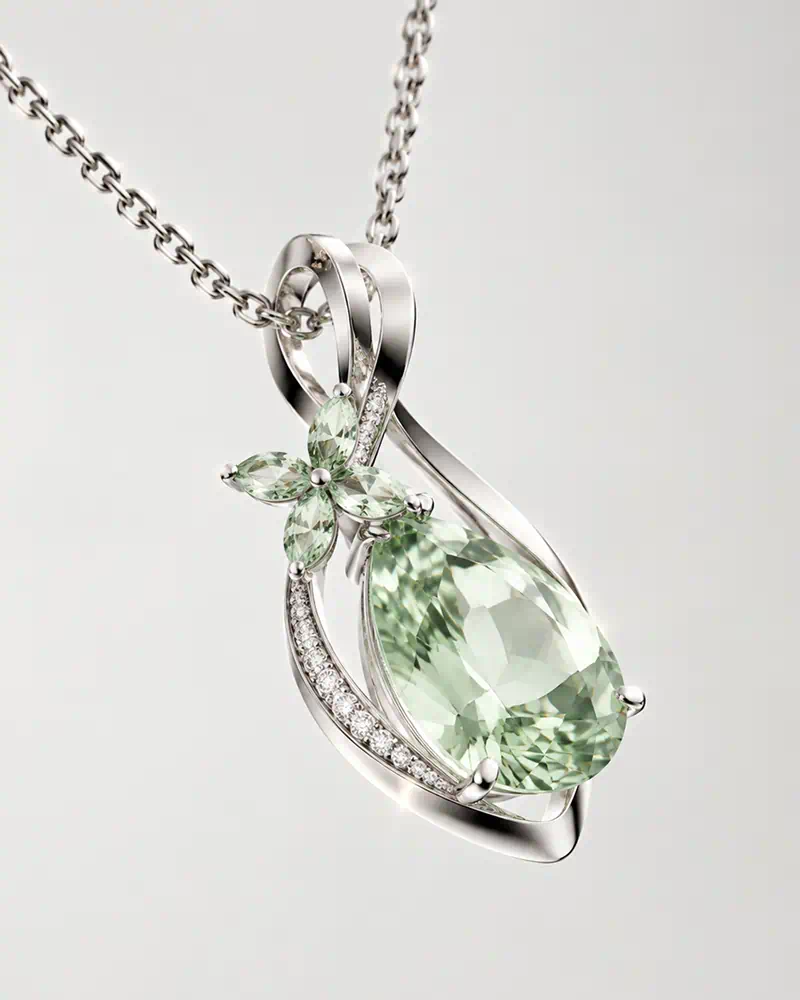
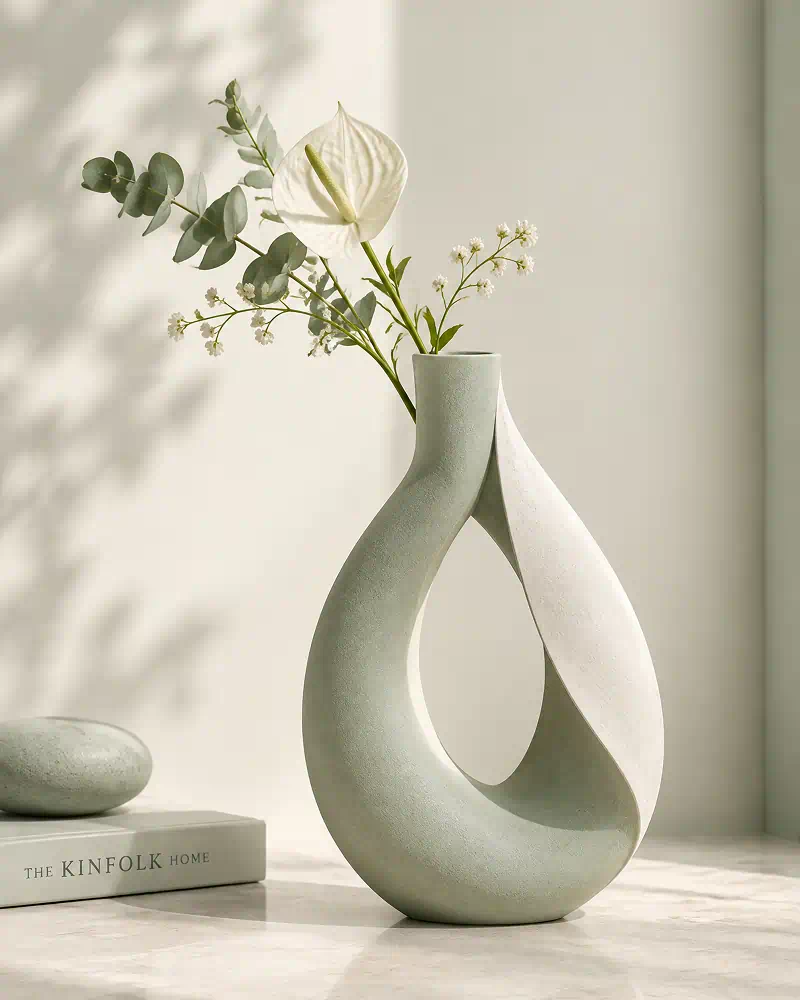
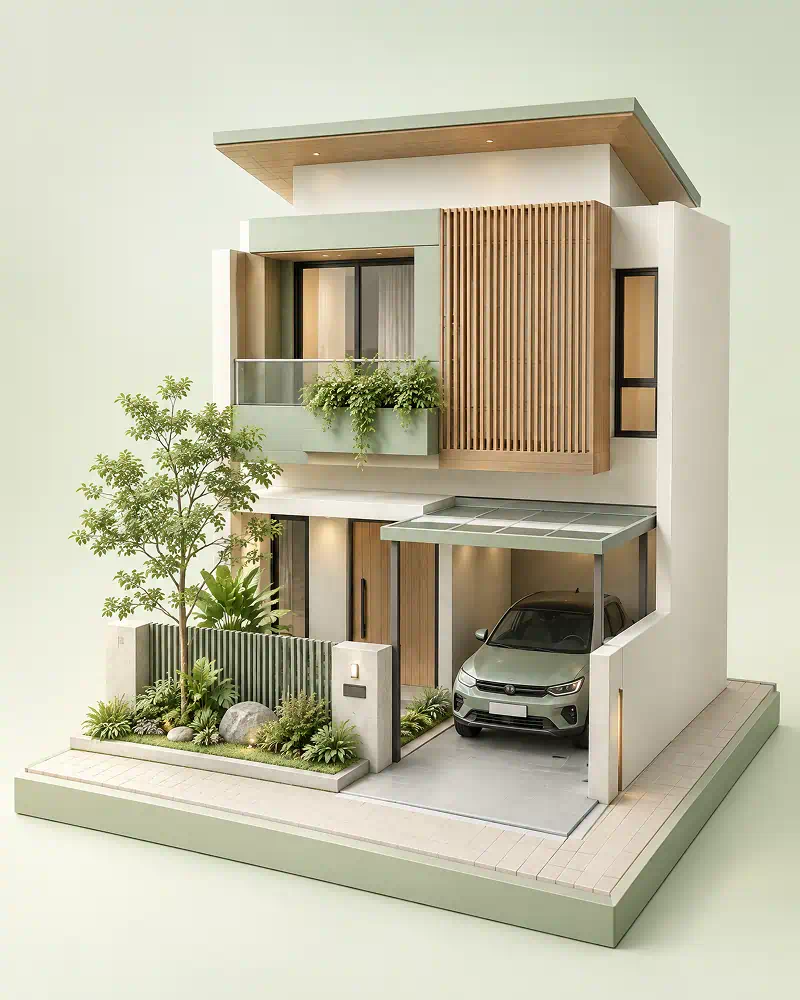
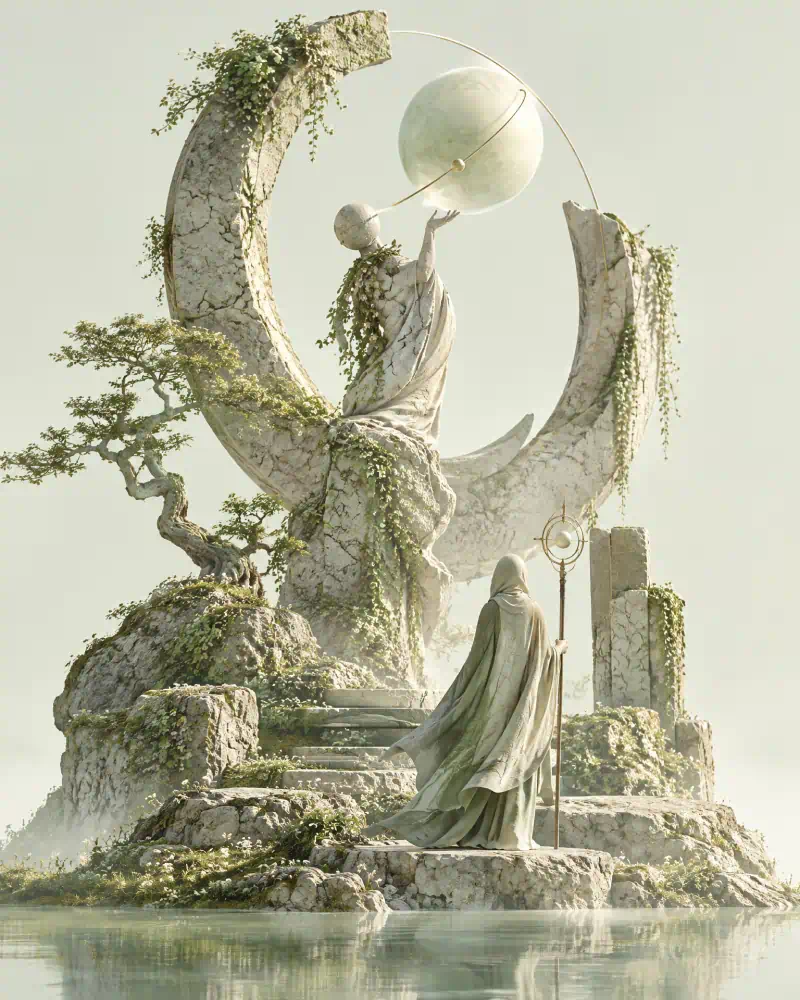
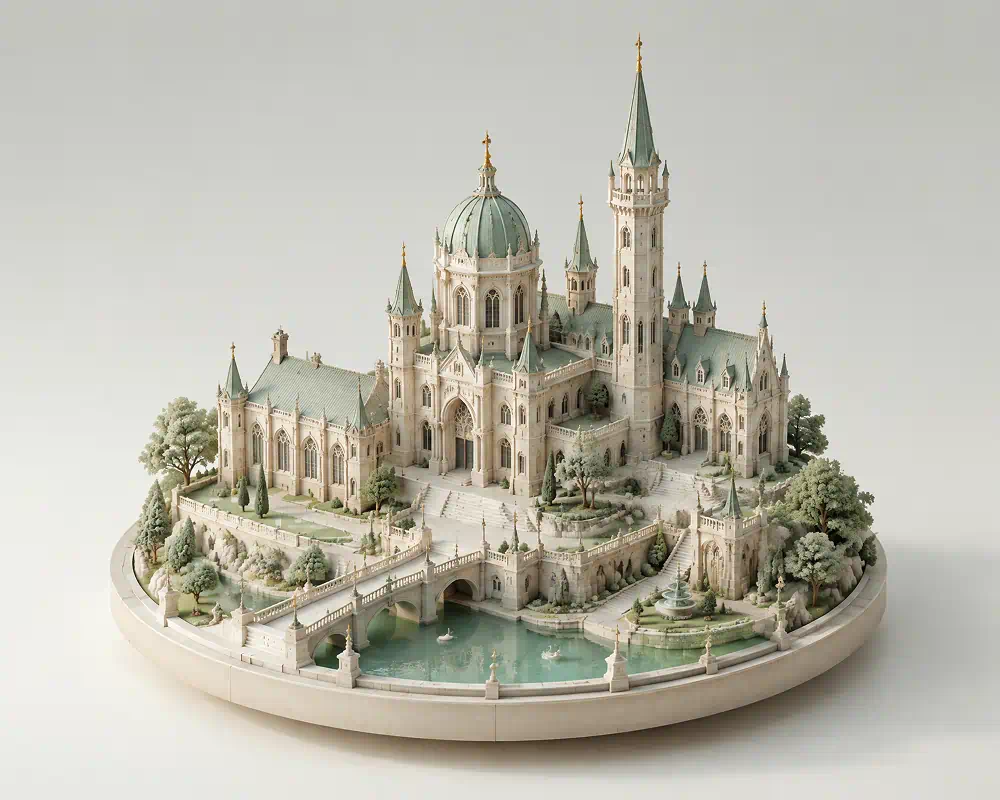
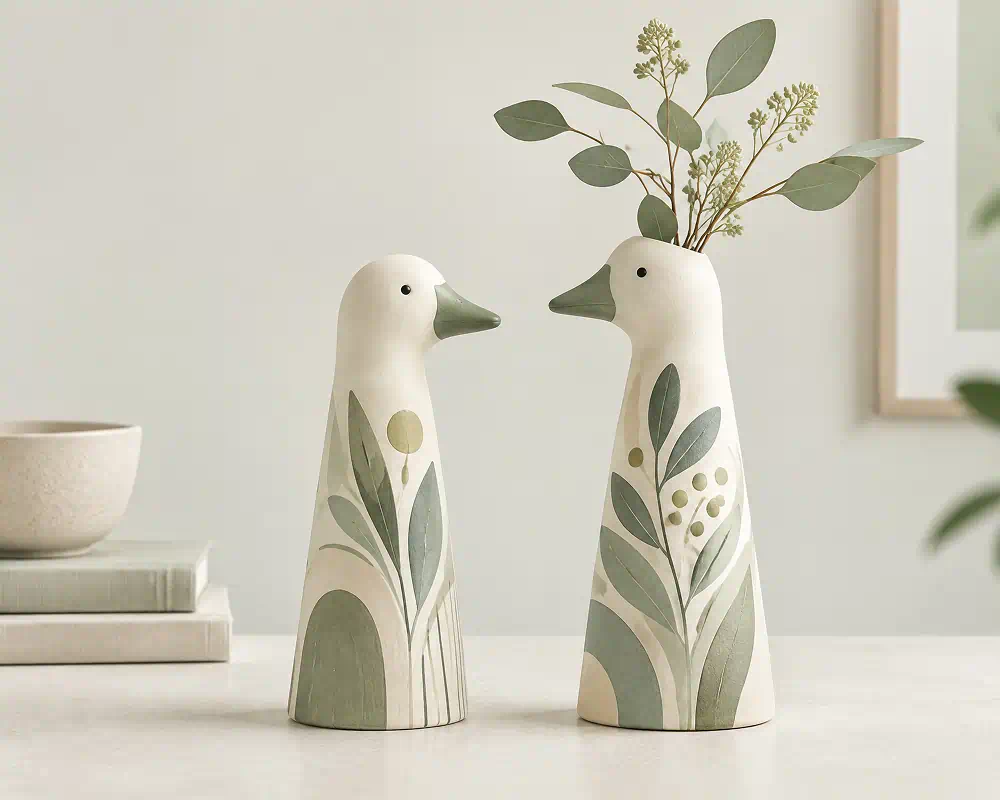
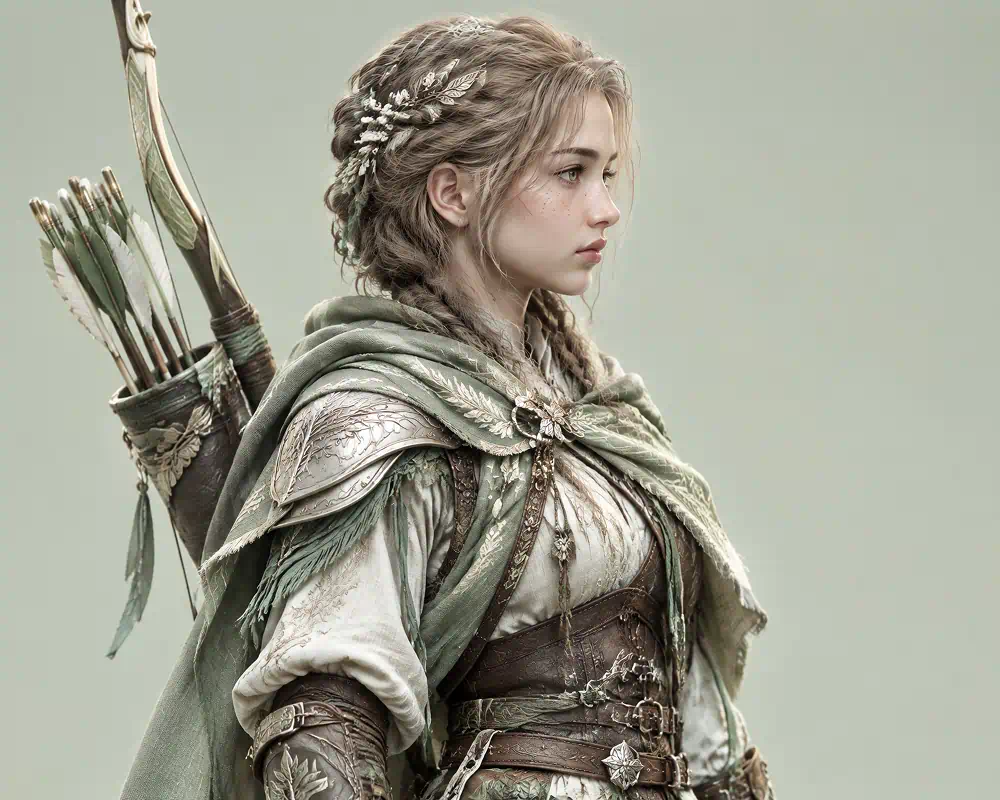
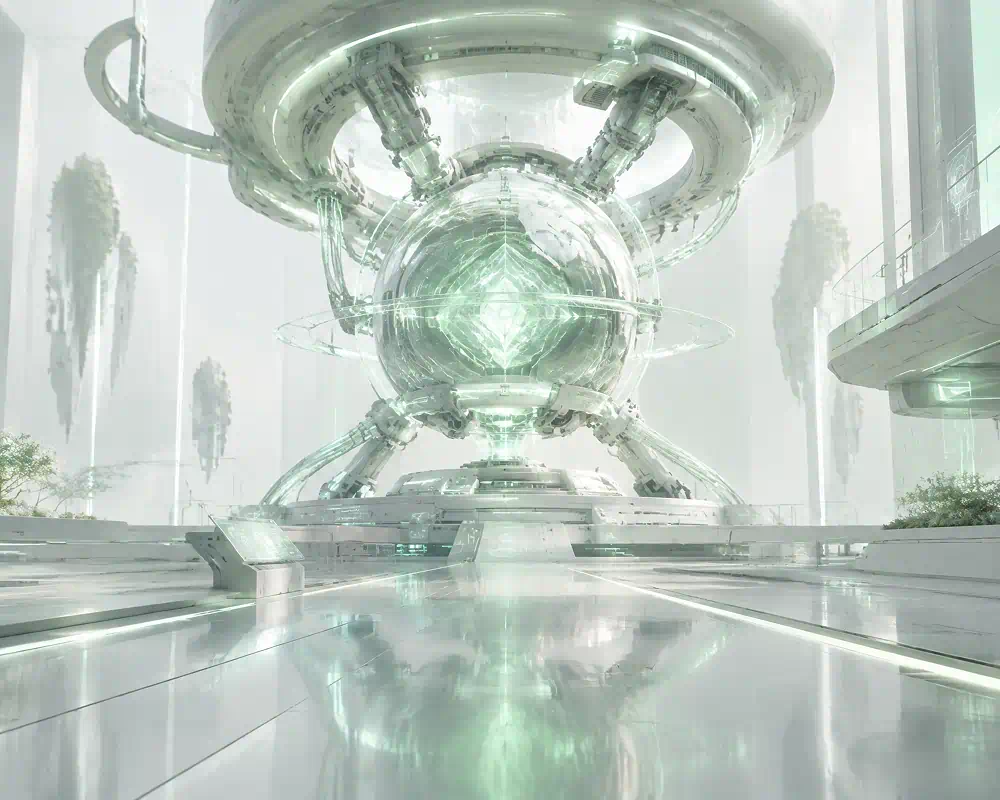
Explore product concepts, characters, architecture, and imaginative environments created with an AI 3D image generator.