AI Image Generator

Create polished, fully editable designs with Kimi Design, an AI image generator that turns prompts or reference images into posters, social graphics, infographics, invitations, and more. Refine, export, and share your designs with ease.

Go beyond image generation with full design control

Create designs from text, images, and video references

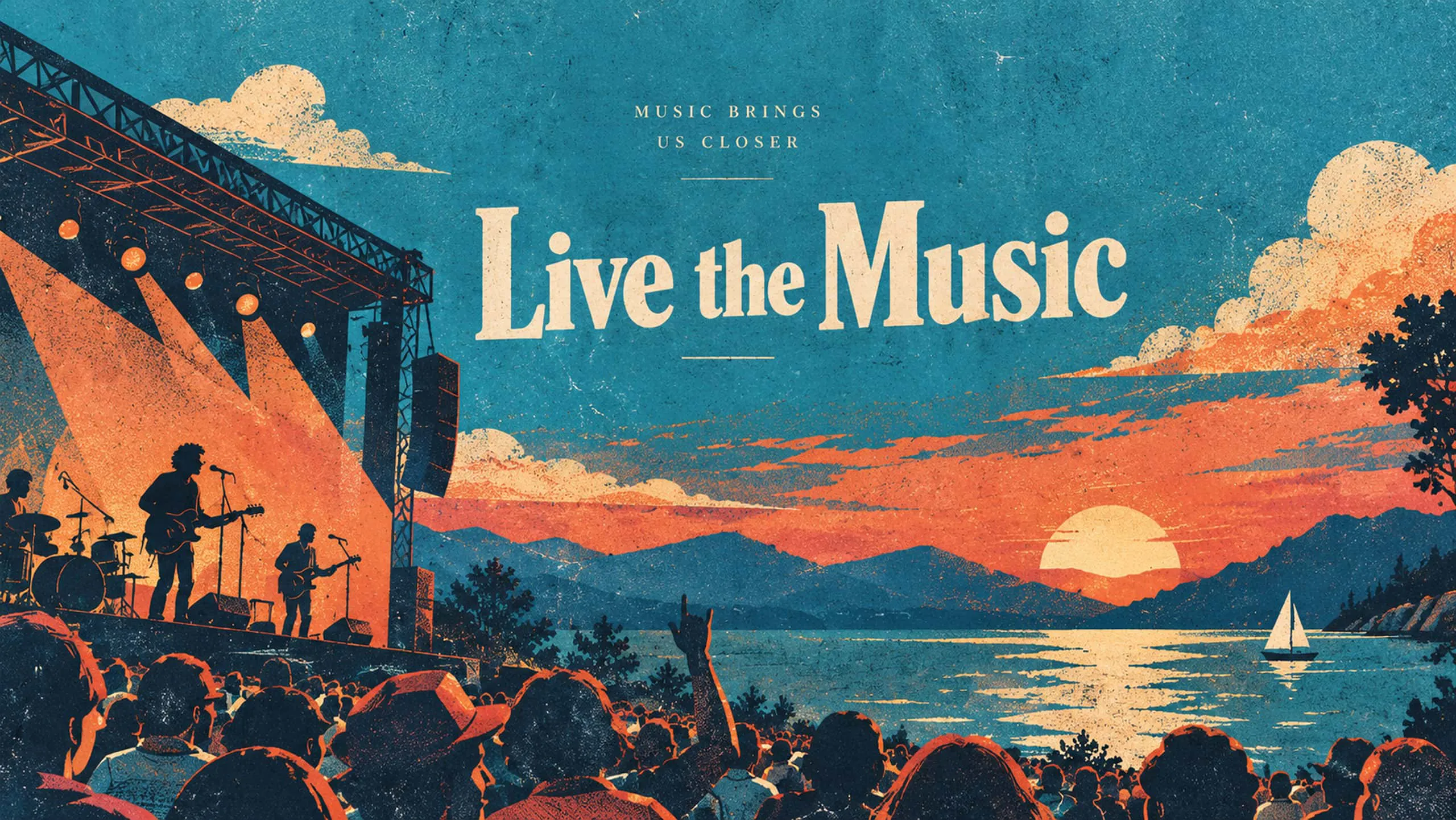
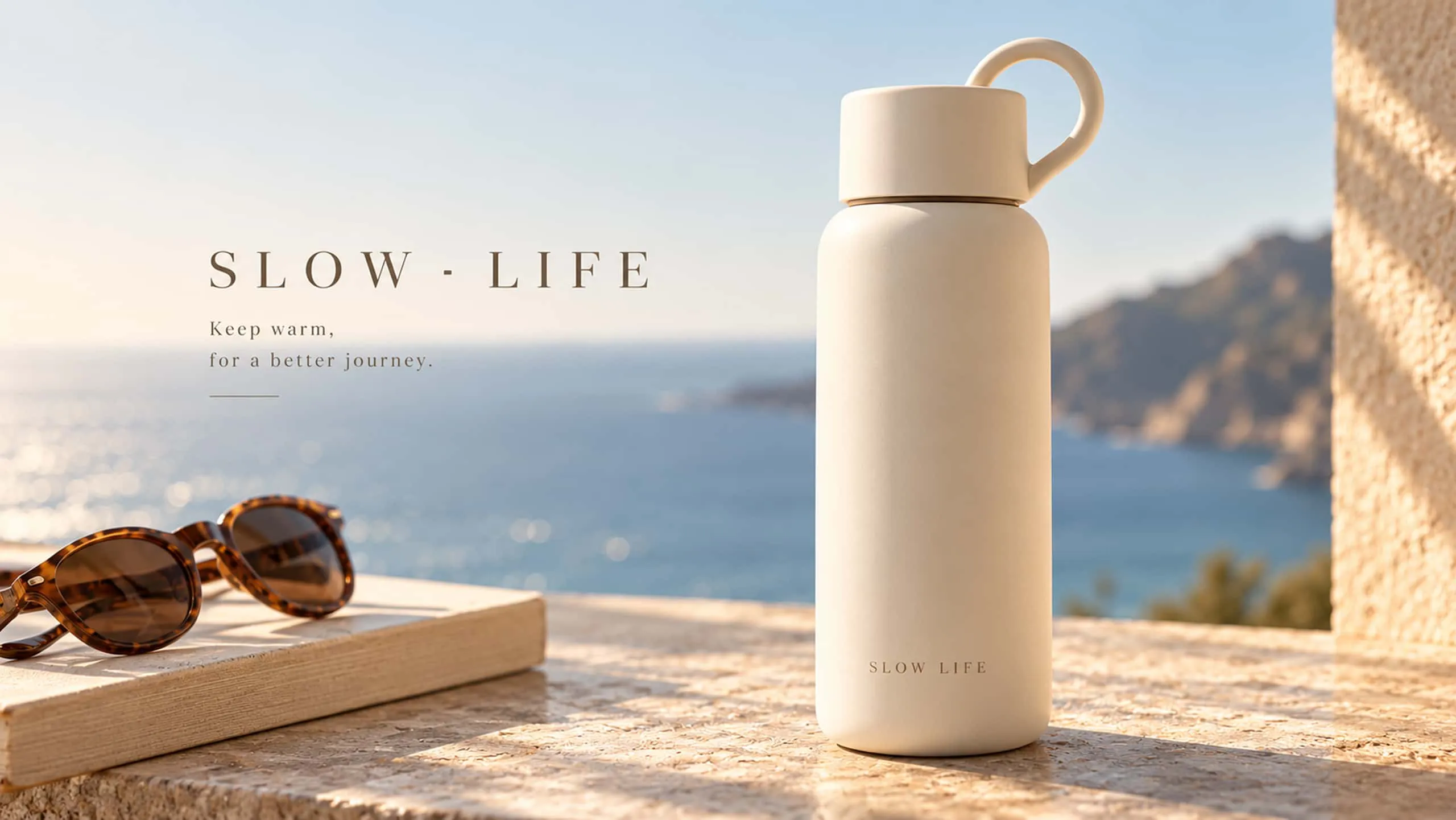
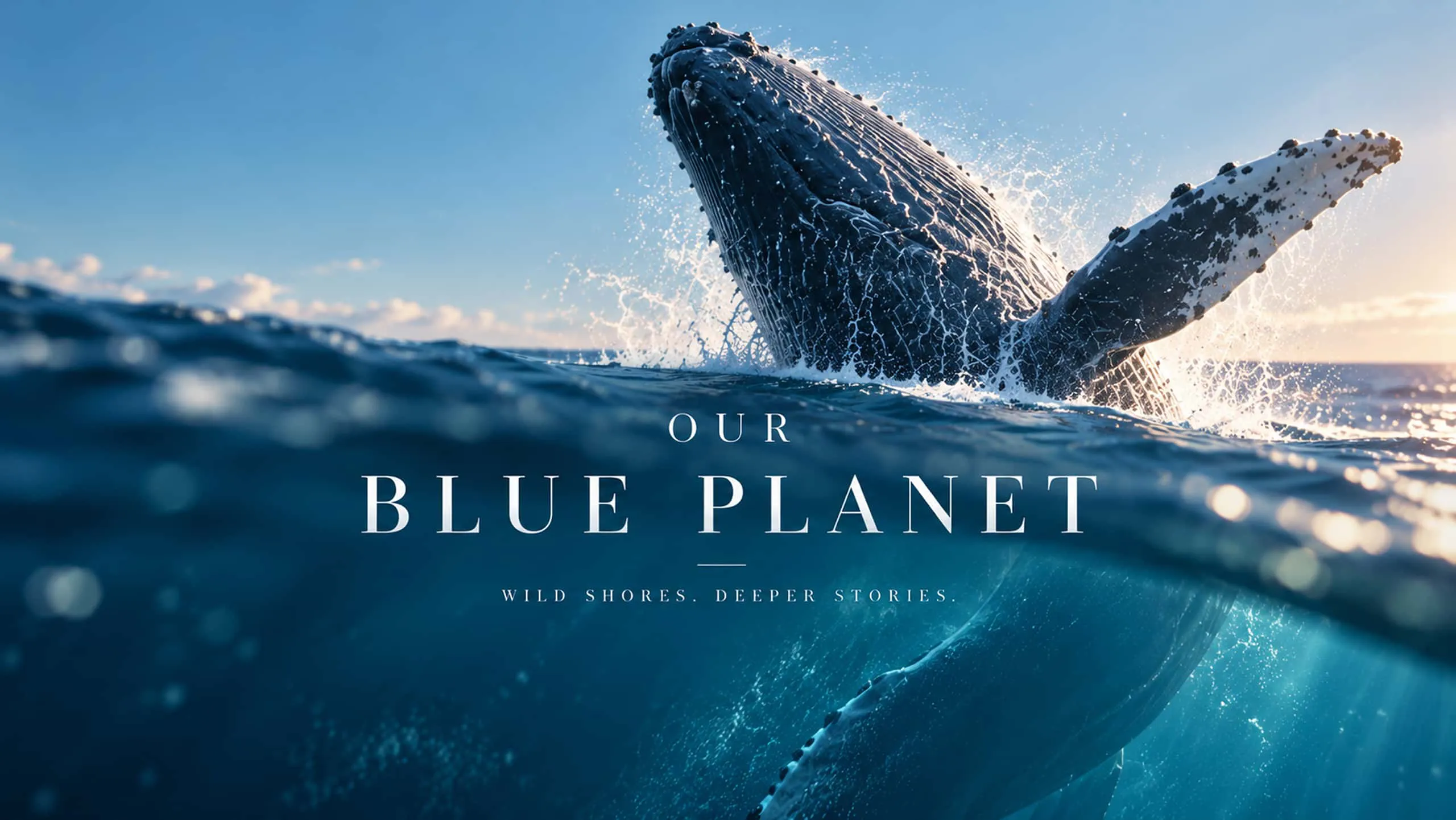
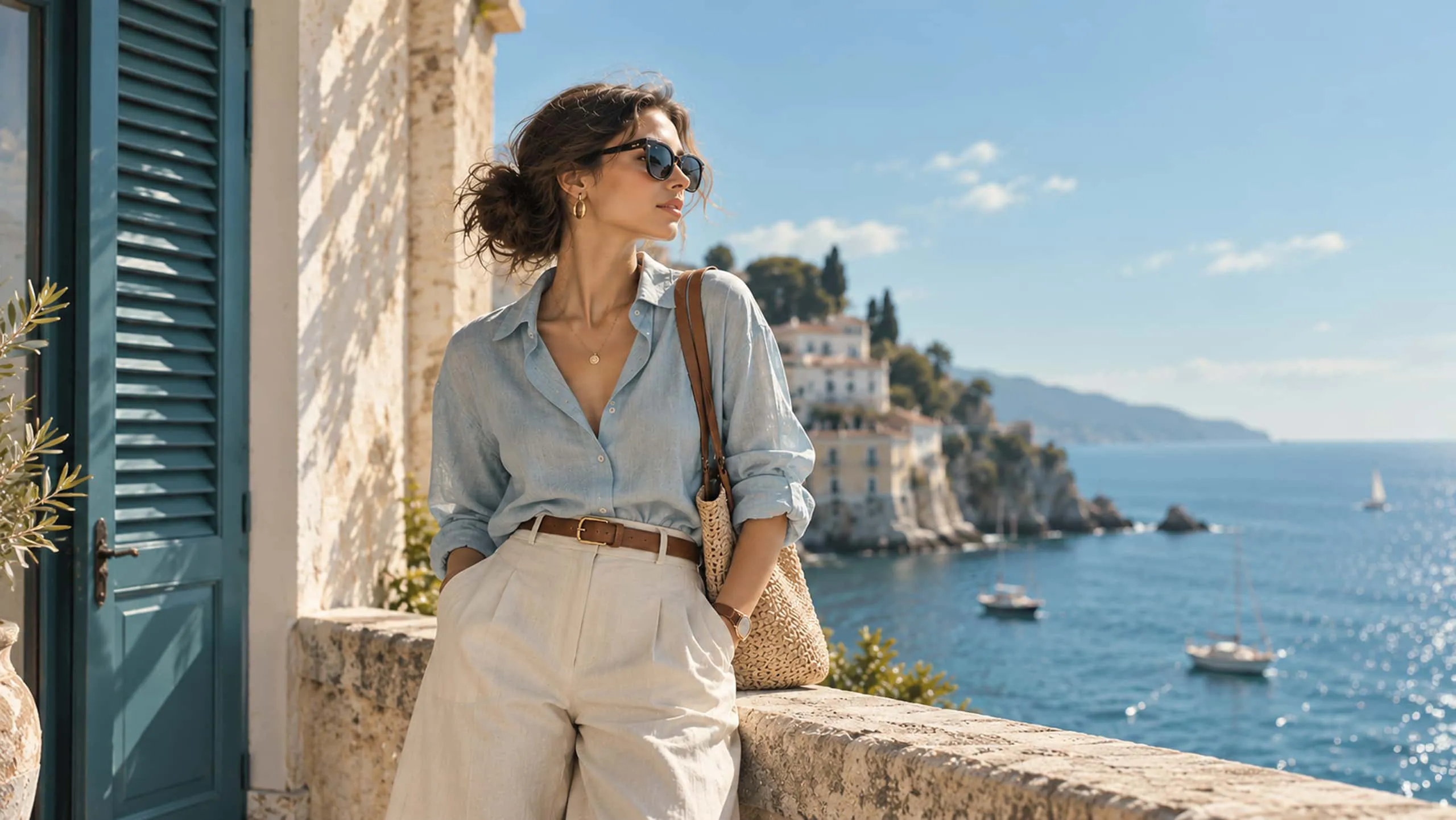
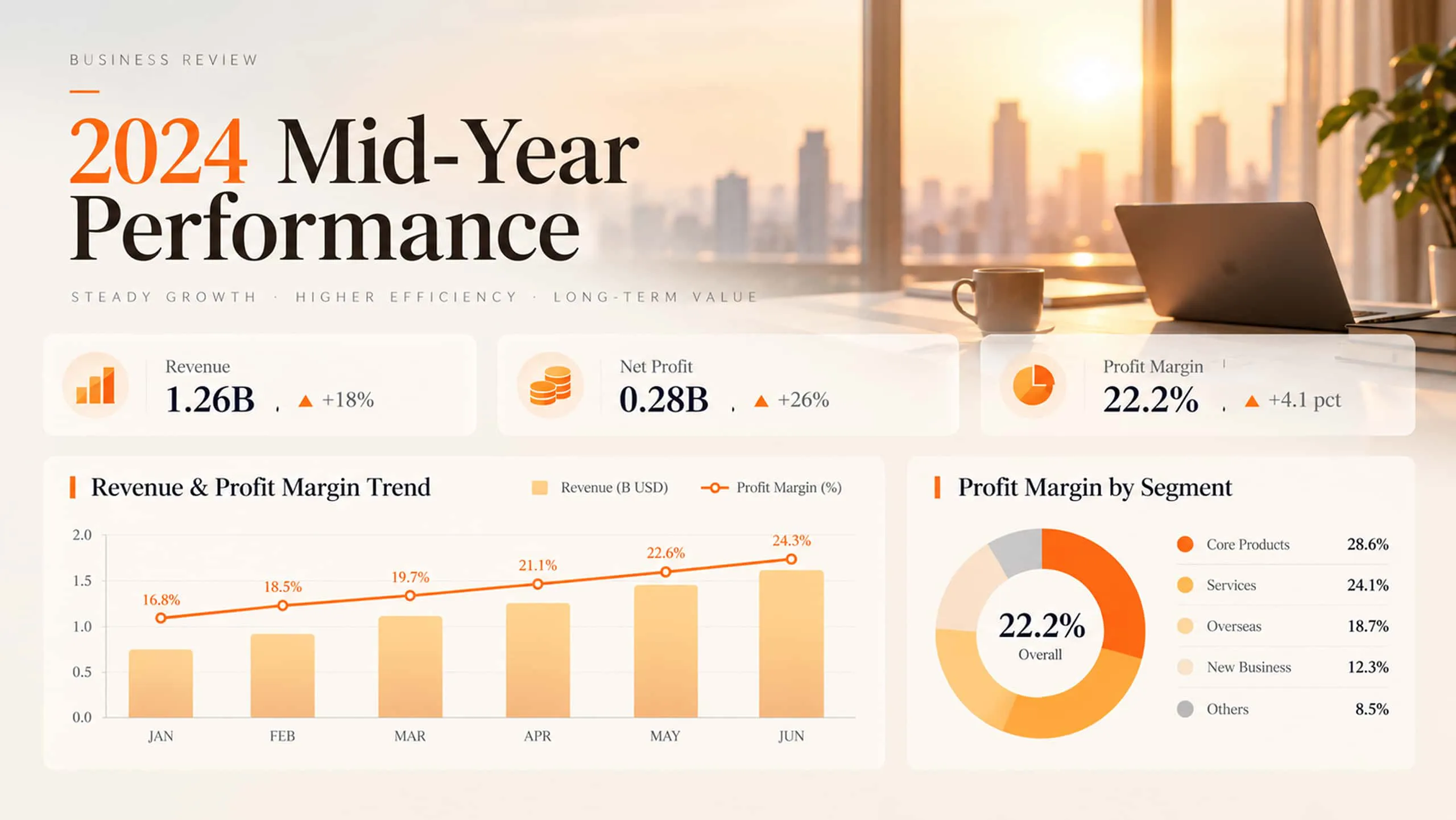
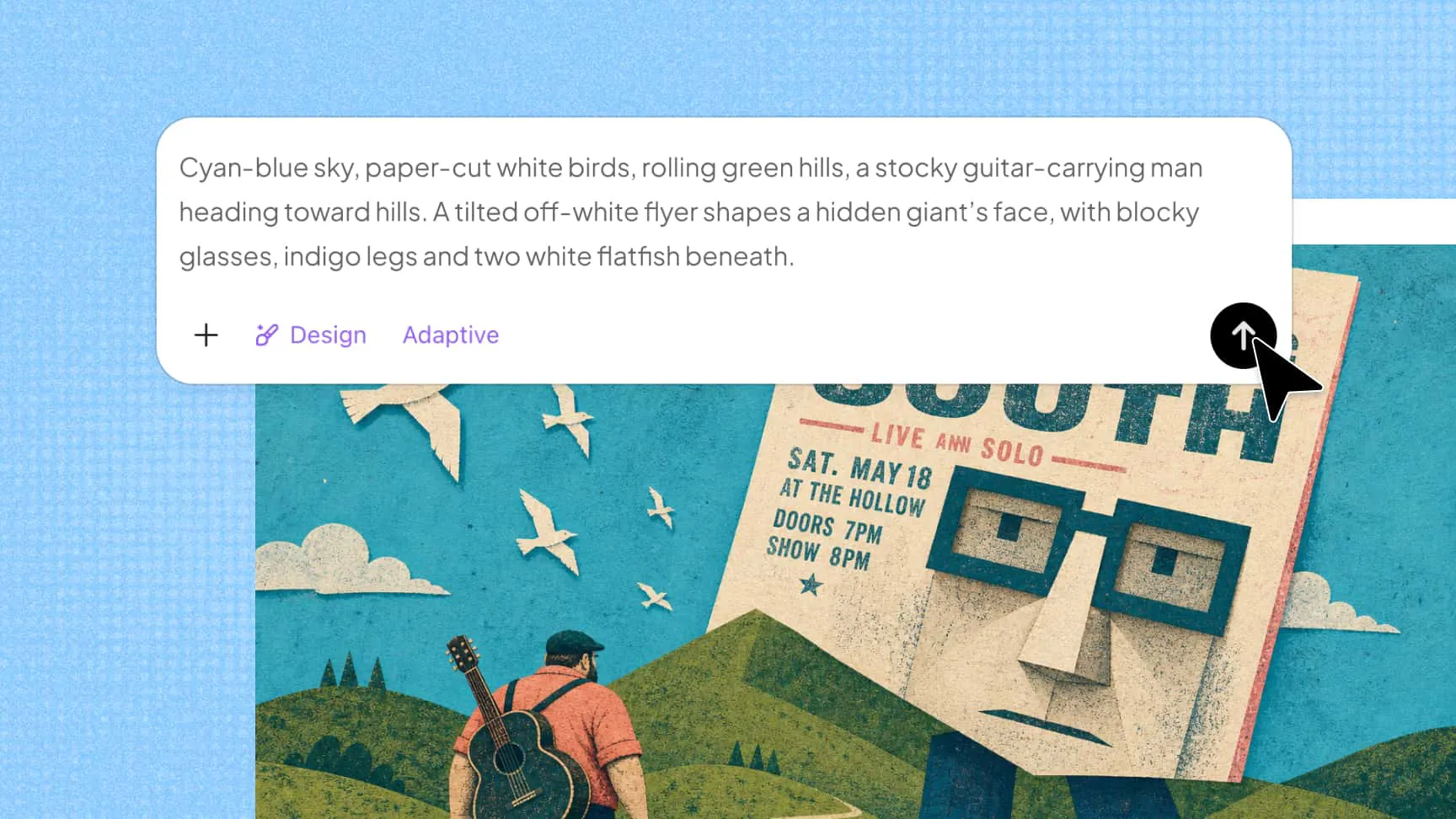
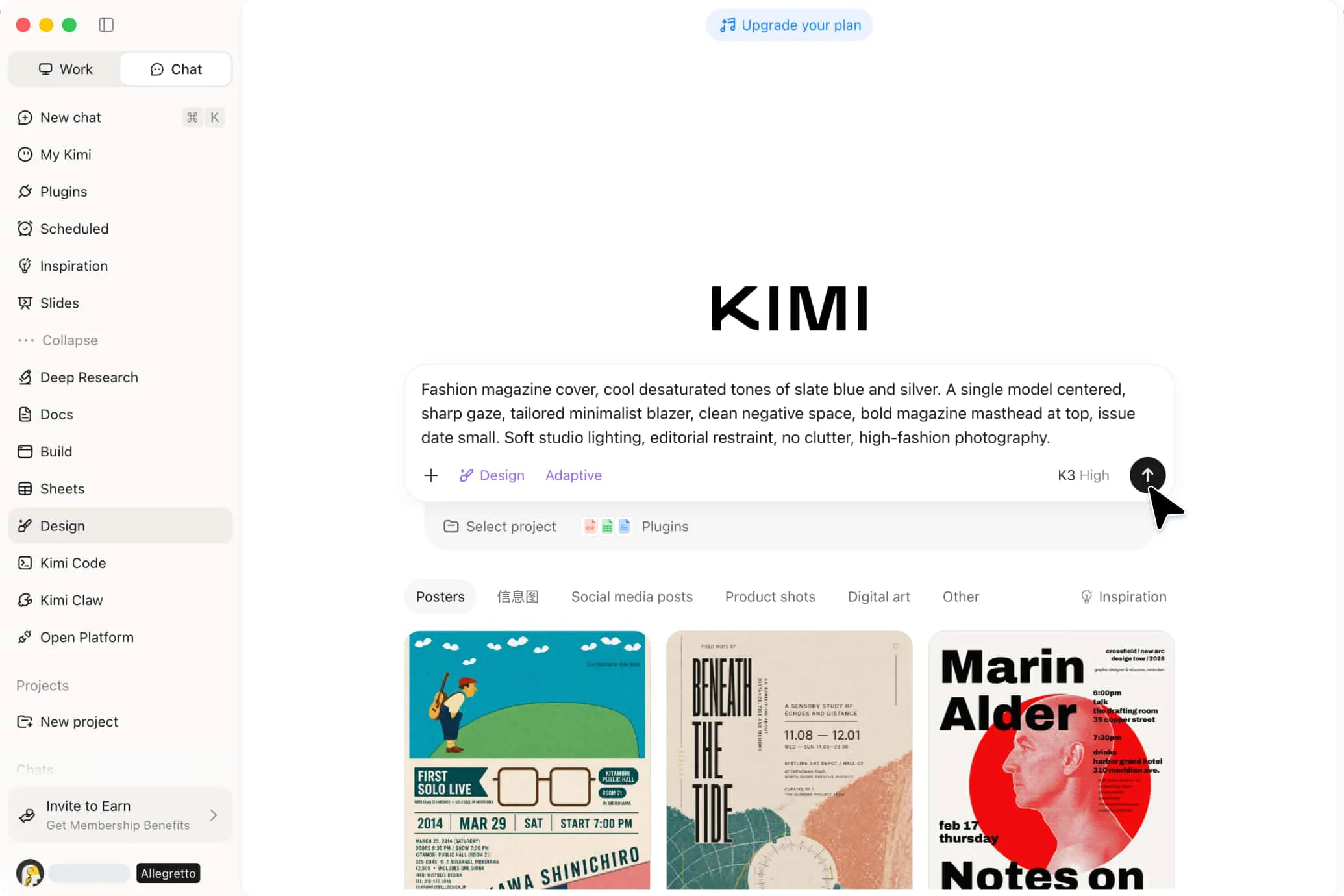
Turn your ideas into customized visuals using text prompts, uploaded images, videos, and other references. Beyond basic AI image generation, Kimi Design helps you build polished compositions with balanced layouts, typography, colors, and visual hierarchy.

AI image generator from text and image references

Fit every format and canvas

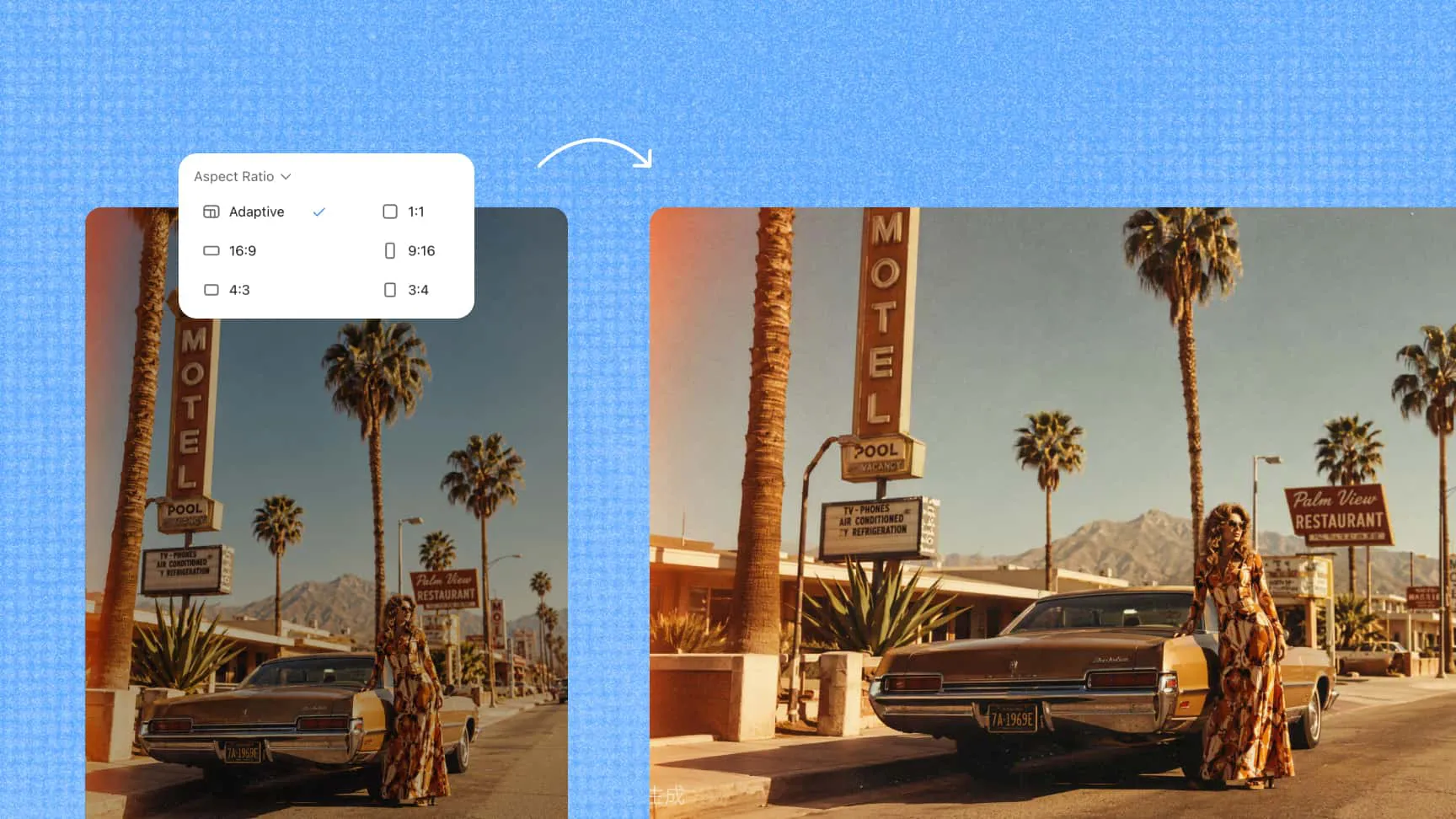
Create visuals for social media, print, presentations, and more with flexible sizing options. Choose social media dimensions, A4 or A3, adaptive sizing, or a custom canvas to match your content and platform requirements.

AI image maker for custom canvas sizes

Edit every element with natural language

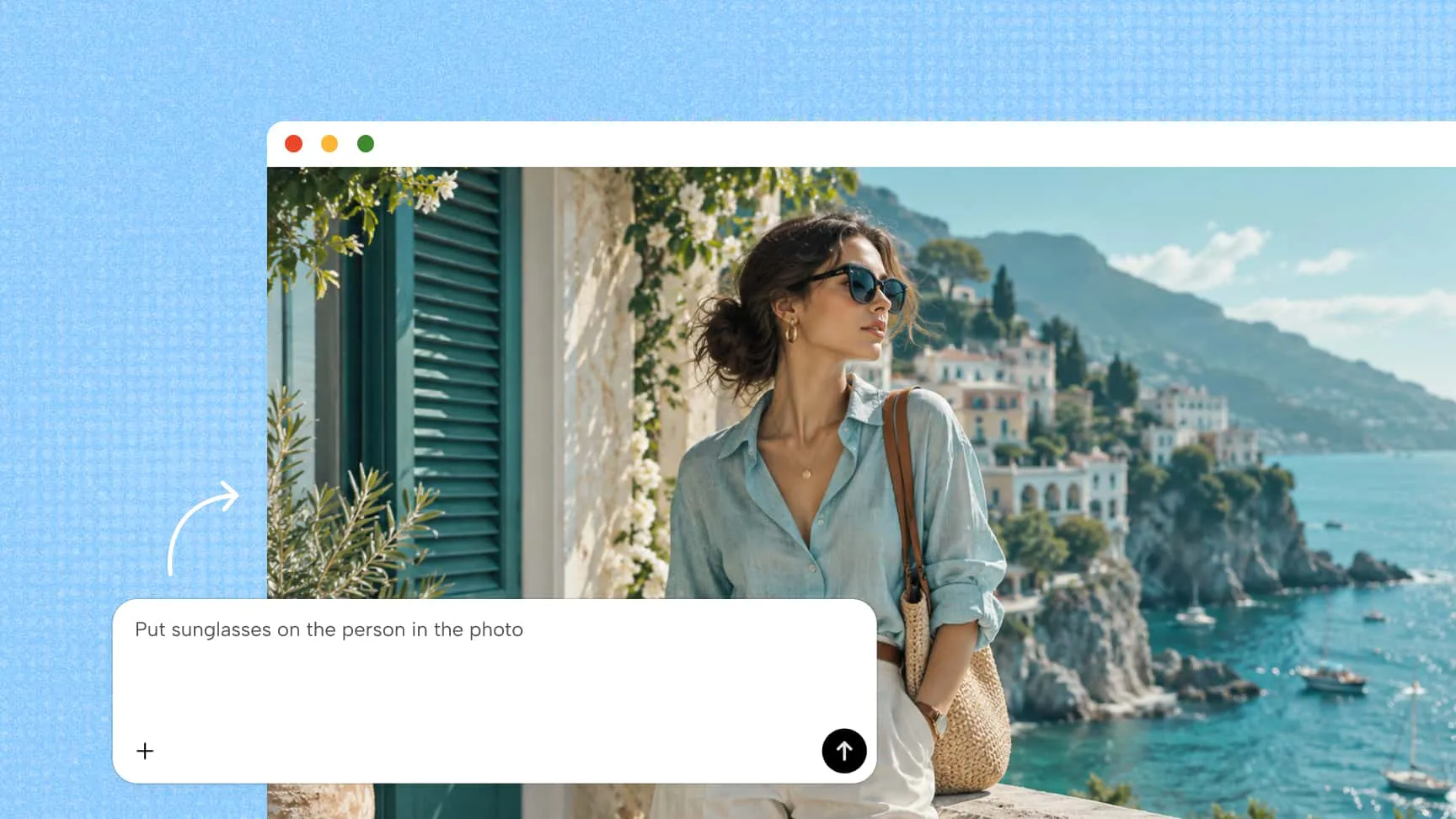
Refine AI-generated images by editing text, pictures, shapes, icons, tables, and charts individually. Add comments directly to the canvas or describe changes in natural language to update specific elements, adjust styles, and turn an initial AI picture into a design that fits your needs.

AI picture generator with editable design elements

Generate variations and export high-quality designs

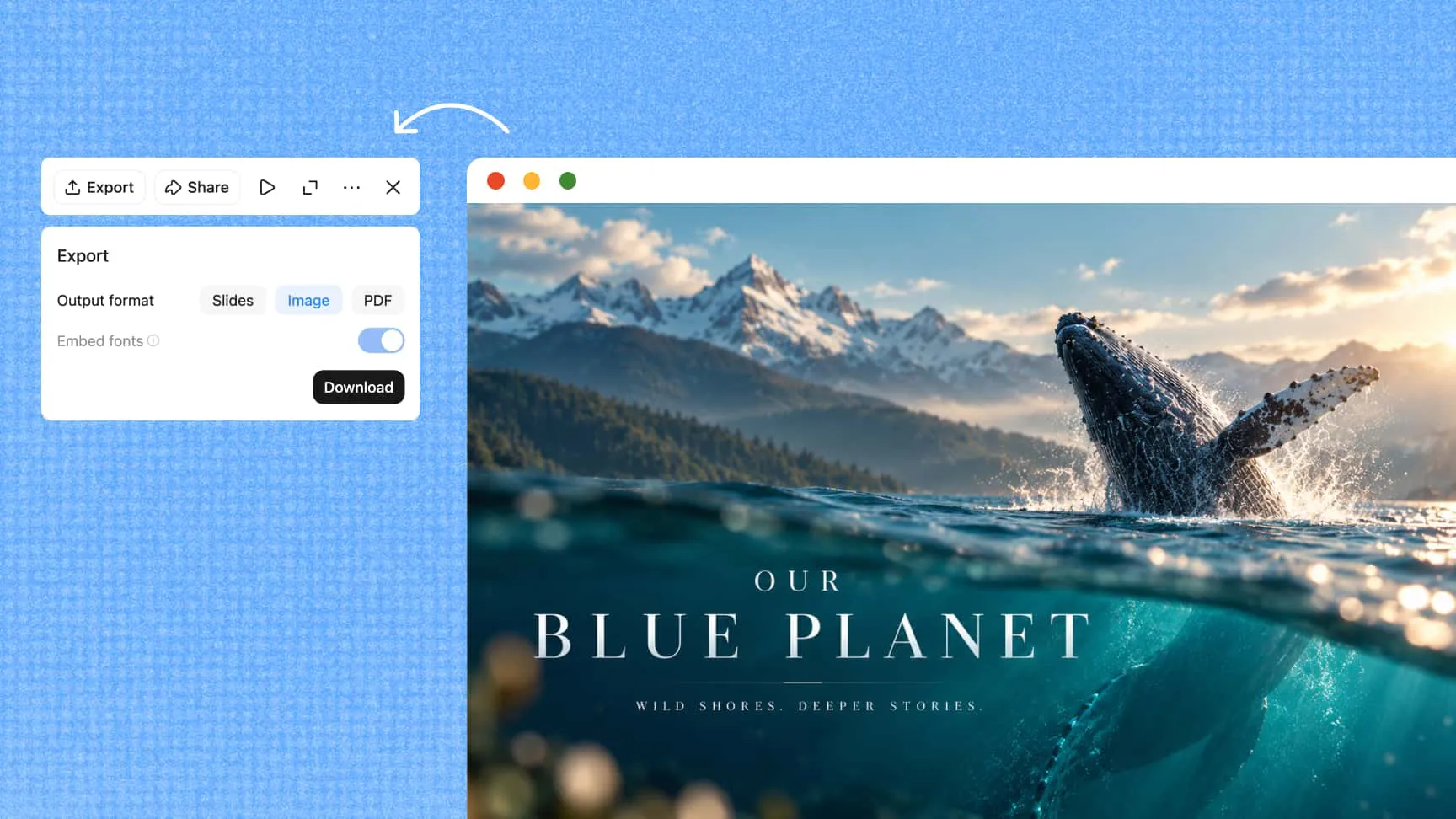
Explore multiple versions of your design to compare layouts, colors, and visual styles before selecting your favorite. After refining your AI-created images, export your work in supported formats such as PNG, JPG, PDF, or PPTX for use in digital content, presentations, and other creative projects.

AI generated images with multiple design variations

How to create an AI image with Kimi Design

1

Start with your idea

Start by describing the visual you want to create or uploading a reference image to guide the design. Choose a suitable canvas size, such as social media dimensions, A4, A3, adaptive sizing, or a custom format, based on your project.

2

Generate, review, and refine your design

Let Kimi Design turn your prompt into a polished visual, then review the layout and individual elements. Add comments directly to the canvas, request changes through chat, or manually edit text, images, colors, and charts to refine your AI-generated images.

3

Export and share your final design

Once you're satisfied with the result, add a watermark if needed, then export your design in a supported format, such as PNG/JPG, PDF, or PPTX. Use the version history to review previous edits or restore an earlier version whenever necessary.

AI image generator using text prompts and reference images

Create more. Iterate faster. Go further.

Bring ideas to life faster

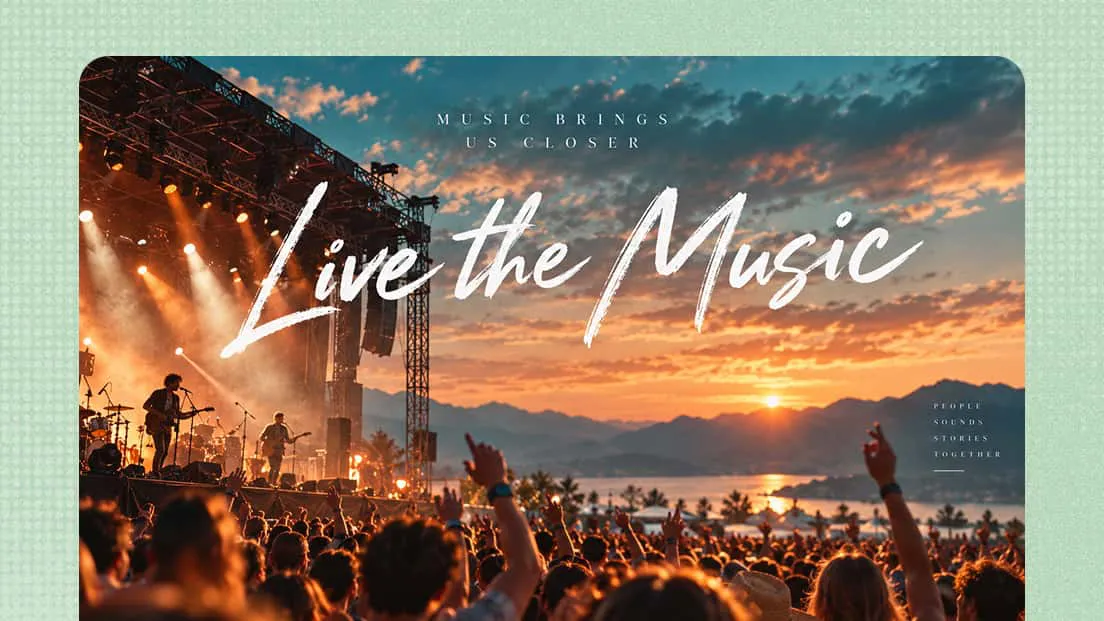
Turn simple prompts into polished visuals without spending hours on manual design work. Kimi Design streamlines AI image generation, helping you explore creative concepts, produce visual content, and move from an initial idea to a usable design more efficiently.

Iterate without slowing down

Refine designs through comments or manual edits, then revisit earlier versions with version history and roll back when needed. Keep exploring new directions without losing previous work or starting from scratch.

Use your creations for commercial projects

Create visuals for real-world commercial needs, from marketing campaigns and product promotions to social content and branded materials. This AI photo generator makes it easier to turn AI-generated visuals into assets you can use across your business and creative projects.

Create for every idea, industry, and workflow

AI picture generator for product visuals

Ecommerce and product design

Create product visuals, promotional banners, product cards, comparison graphics, and storefront content. Quickly adapt layouts, messaging, and formats for product launches, seasonal campaigns, and different sales channels.

AI image generator for social media posts

Social media and content creation

Turn ideas into engaging posts, stories, carousels, thumbnails, and other social graphics. Create visuals in the right dimensions for each platform, then refine the text, colors, and layout to match your content strategy.

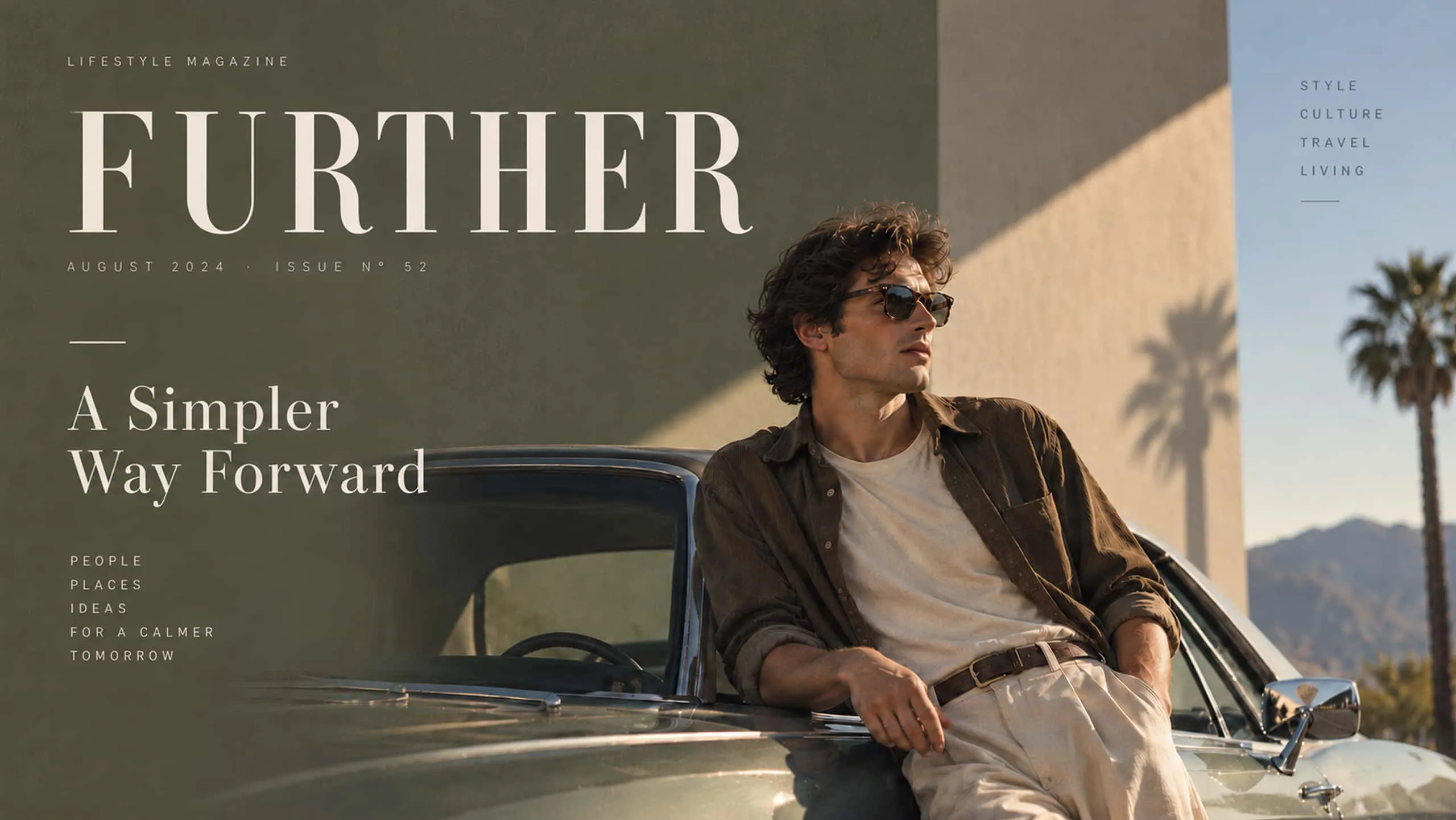
AI generated images for infographics

Infographics and data visualization

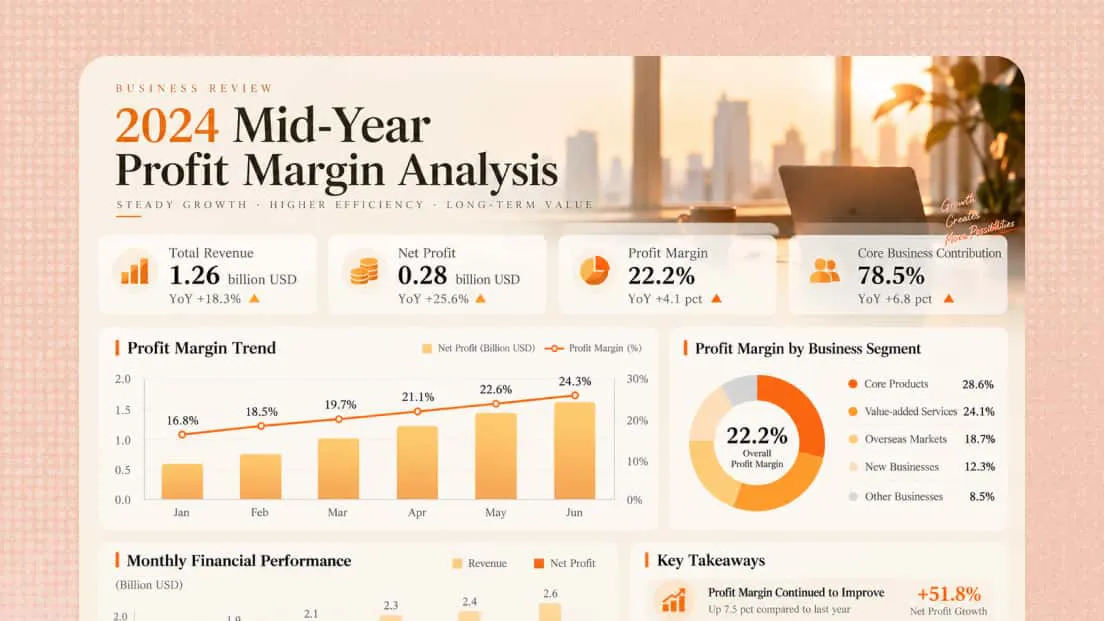
Transform complex information into clear infographics, charts, tables, and visual reports. Combine readable typography, structured layouts, and balanced visual elements to highlight key insights and make information easier for your audience to understand.

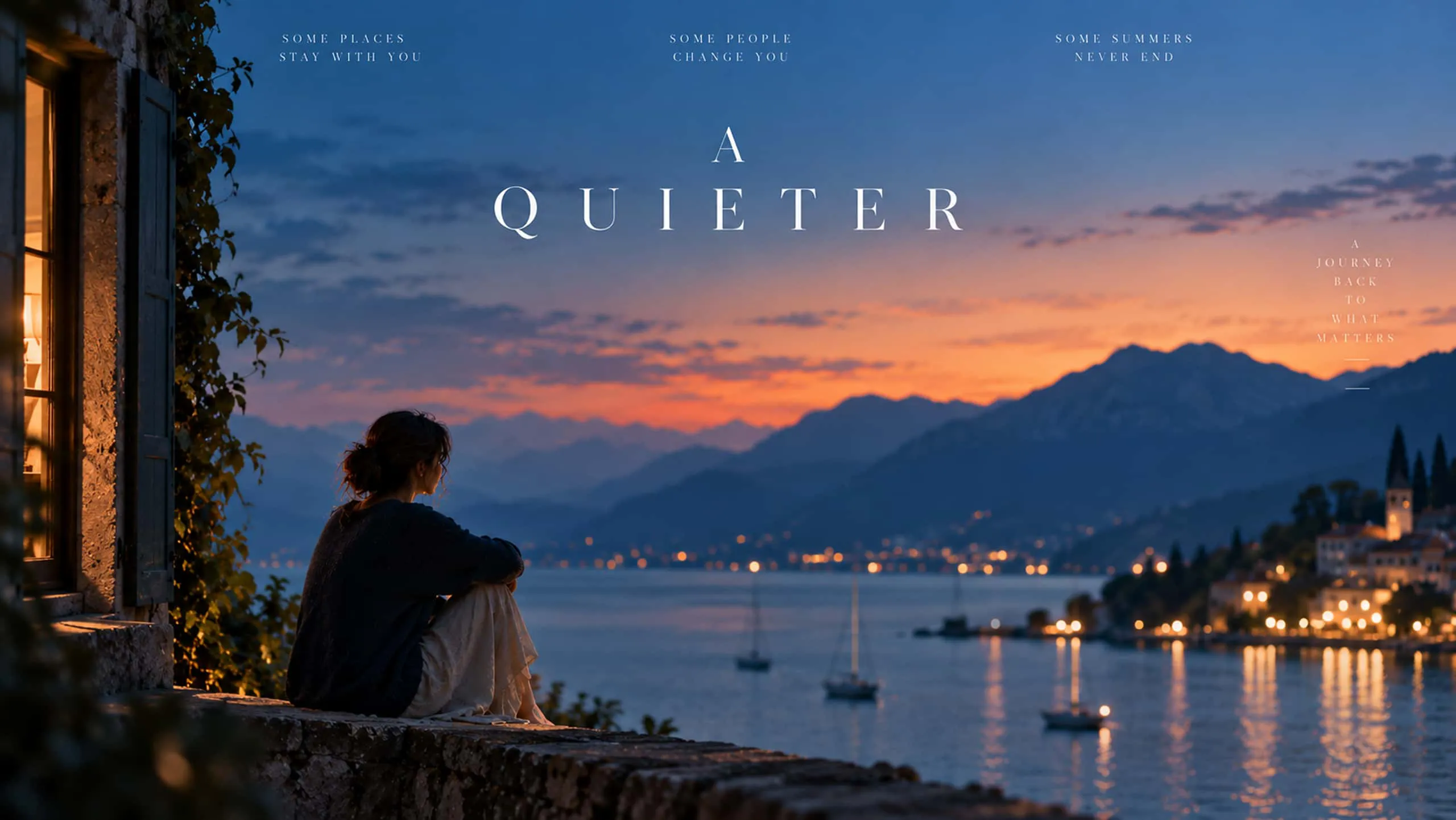
AI image generator for storyboards

Film and pre-production

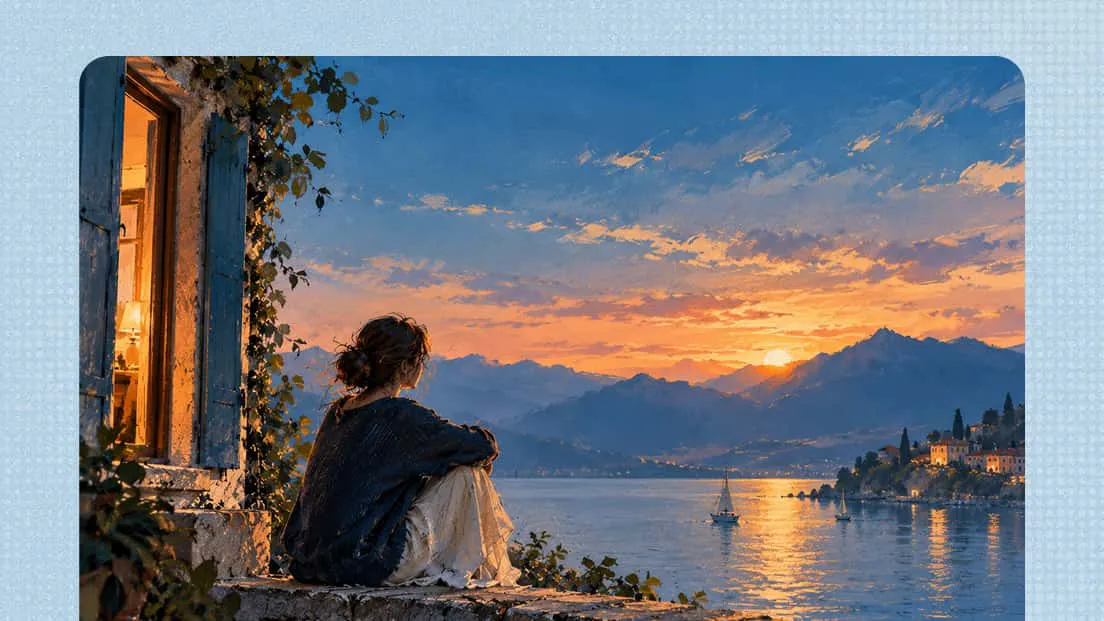
Develop storyboards, mood boards, scene concepts, keyframes, and visual treatments before production begins. Use AI-generated images to explore characters, environments, lighting, and compositions, helping your team communicate creative ideas and plan scenes more effectively.

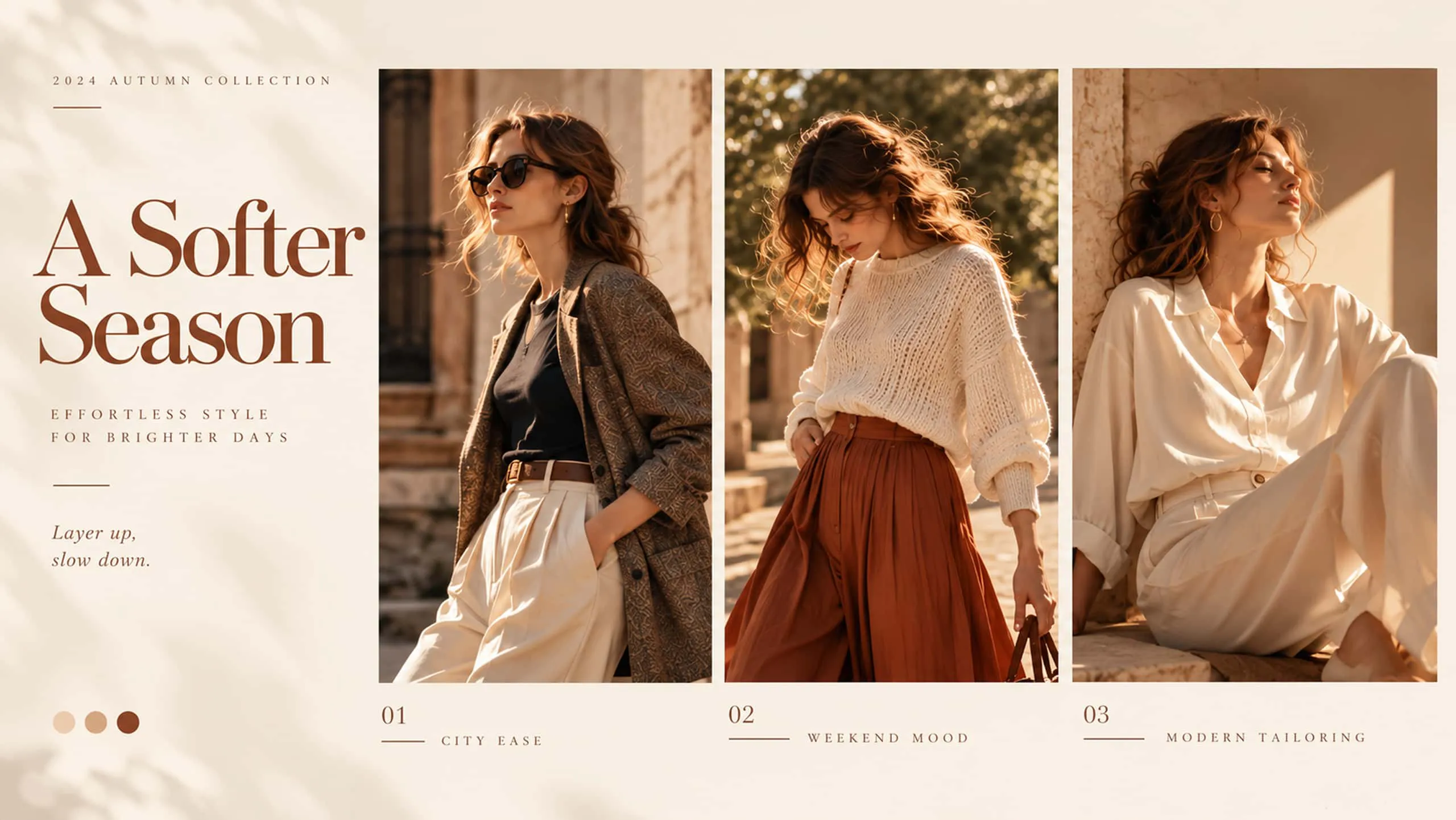
AI photo generator for fashion visuals

Fashion and lifestyle brands

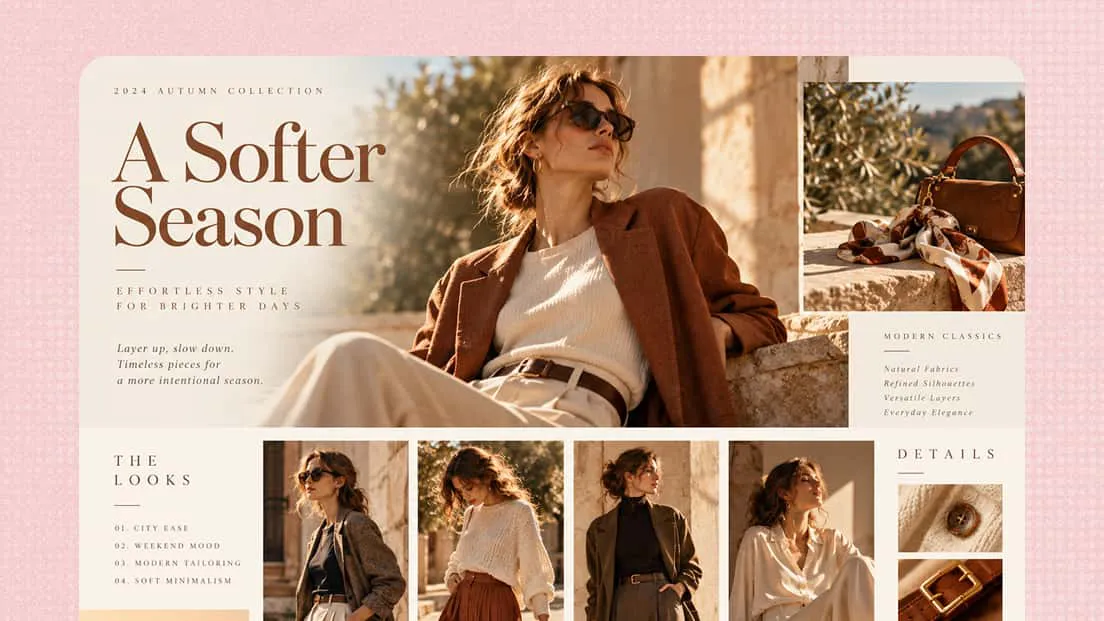
Create lookbooks, campaign visuals, editorial graphics, product showcases, mood boards, and branded social content. Develop distinctive visual directions and maintain a consistent aesthetic across campaigns and customer touchpoints.

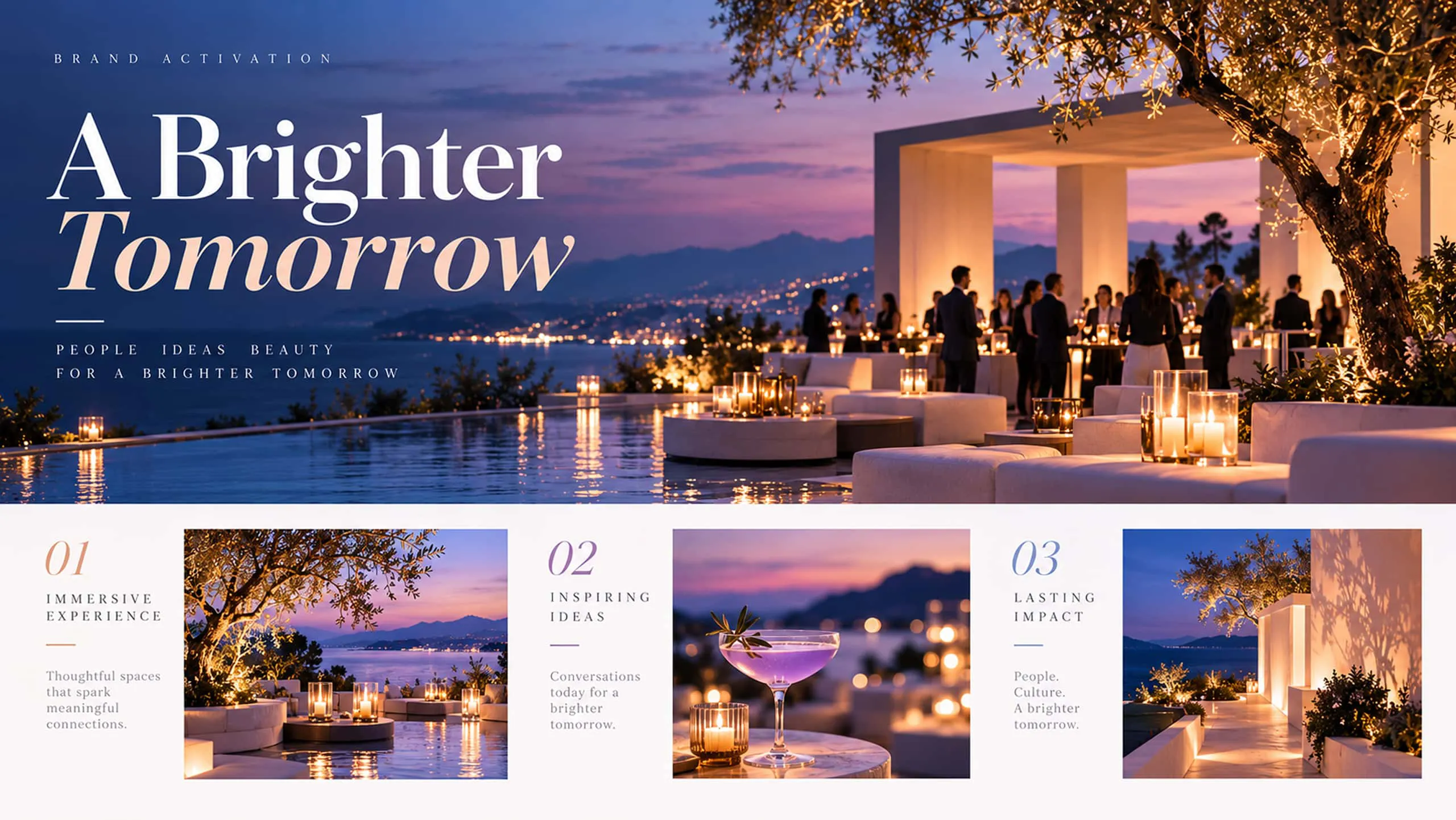
AI image maker for marketing graphics

Marketing and brand design

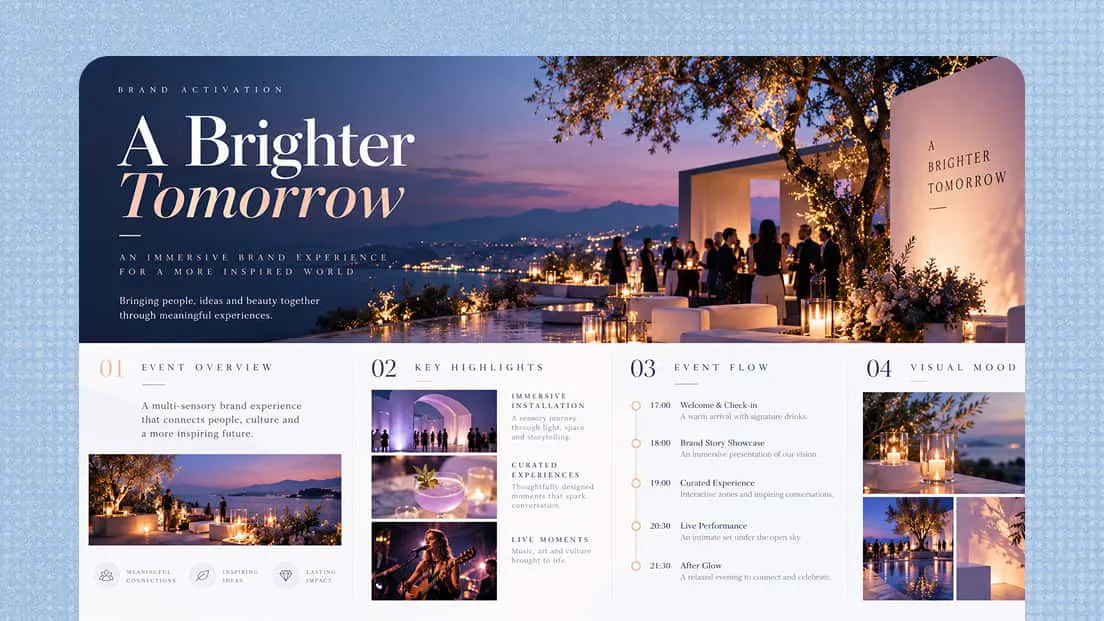
Create campaign concepts, ads, promotional graphics, event materials, presentations, and branded content. Develop cohesive visual systems and quickly adapt creative assets for different audiences, channels, and campaigns.

FAQ

Yes, an AI image generator is suitable for beginners because it can turn simple text prompts into visuals without requiring advanced design skills. Tools like Kimi Design also let you refine individual elements, making it easier to create customized designs.
Describe your subject, preferred style, colors, composition, and intended use as clearly as possible. Specific instructions help an AI photo generator produce more relevant results. You can also refine your prompt based on the first output to improve the final design.
Yes, AI image generation can help you explore different concepts, styles, and compositions quickly. You can generate multiple ideas, compare visual directions, and develop the strongest concepts into more detailed designs for marketing, branding, or personal projects.
Use consistent descriptions of your subject, colors, typography, and visual style across your prompts. Reference previous designs when possible and refine the results through editing. An AI image maker that supports element-level editing can also help maintain a cohesive look across related visuals.
Yes, Kimi provides free usage credits each month, allowing you to explore its design features. Subscribe for continued access and unlock a higher usage quota and advanced features.
Kimi Design supports flexible canvas options for different design needs, including social media dimensions, A4 and A3 formats, adaptive sizing, and custom canvases. This flexibility helps you prepare visuals for digital platforms, presentations, and print materials.
Kimi Design supports exports in formats such as PNG and JPG for images, along with PDF for print and documents, and PPTX for presentations. You can also specify your preferred output format in your prompt to generate designs suited to your requirements.

Bring ideas to life with an AI image generator