Choose Agent Swarm mode
On Kimi Web or Kimi Work on the desktop, select Swarm mode from the input box or the sidebar. When using Kimi Code, you can also enter /swarm to launch Agent Swarm mode.
Kimi Agent Swarm breaks complex goals into parallel workstreams and assigns them across specialized sub-agents for research, analysis, coding, verification, and more. It turns a single execution path into a coordinated system that can work in parallel, cross-check results, and keep complex projects moving toward completion.
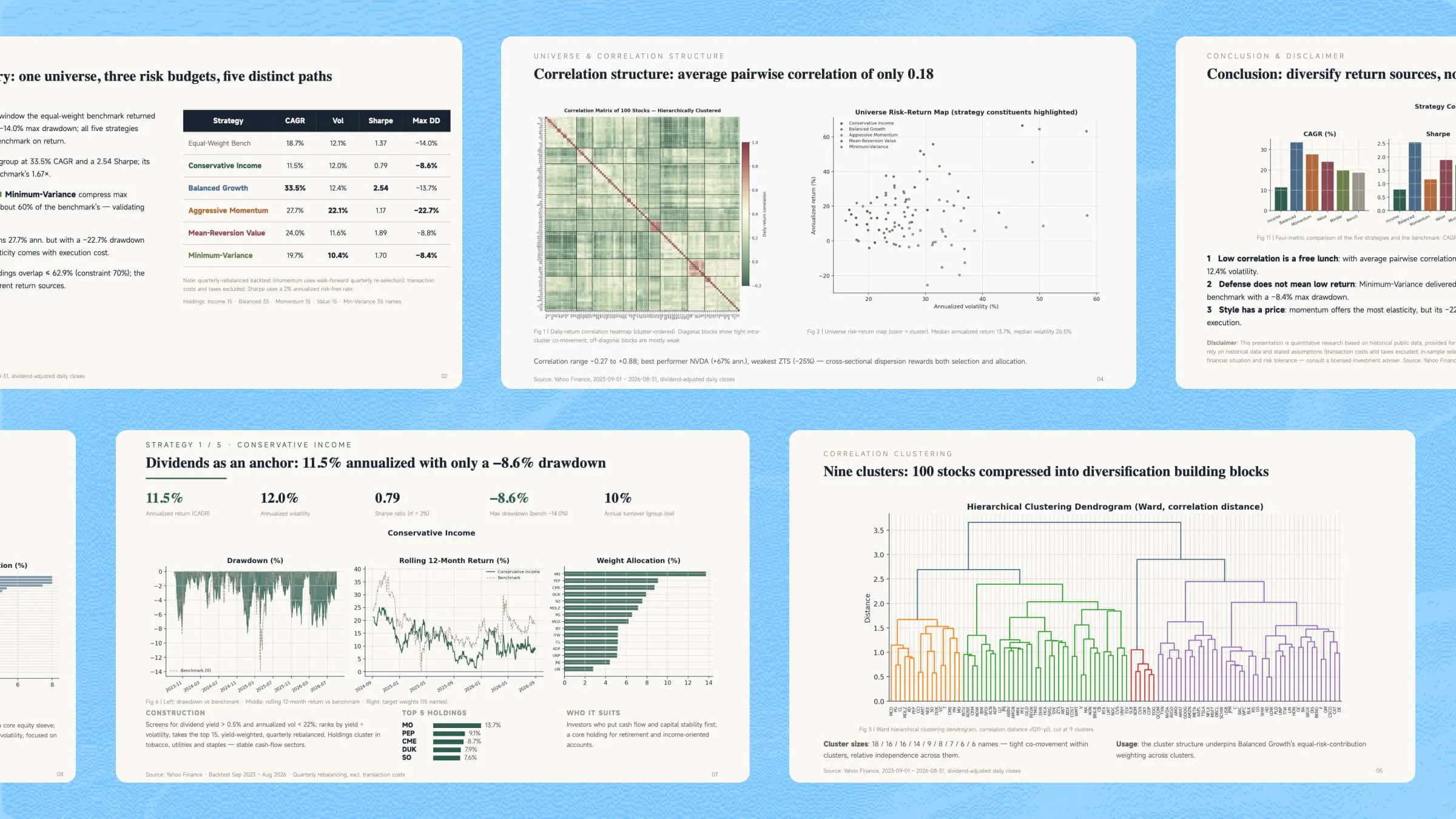
Coordinate multi-source research, complex reasoning, cross-validation, and synthesis across academic research, business intelligence, market research, investment analysis, scientific visualization, and reverse reasoning.
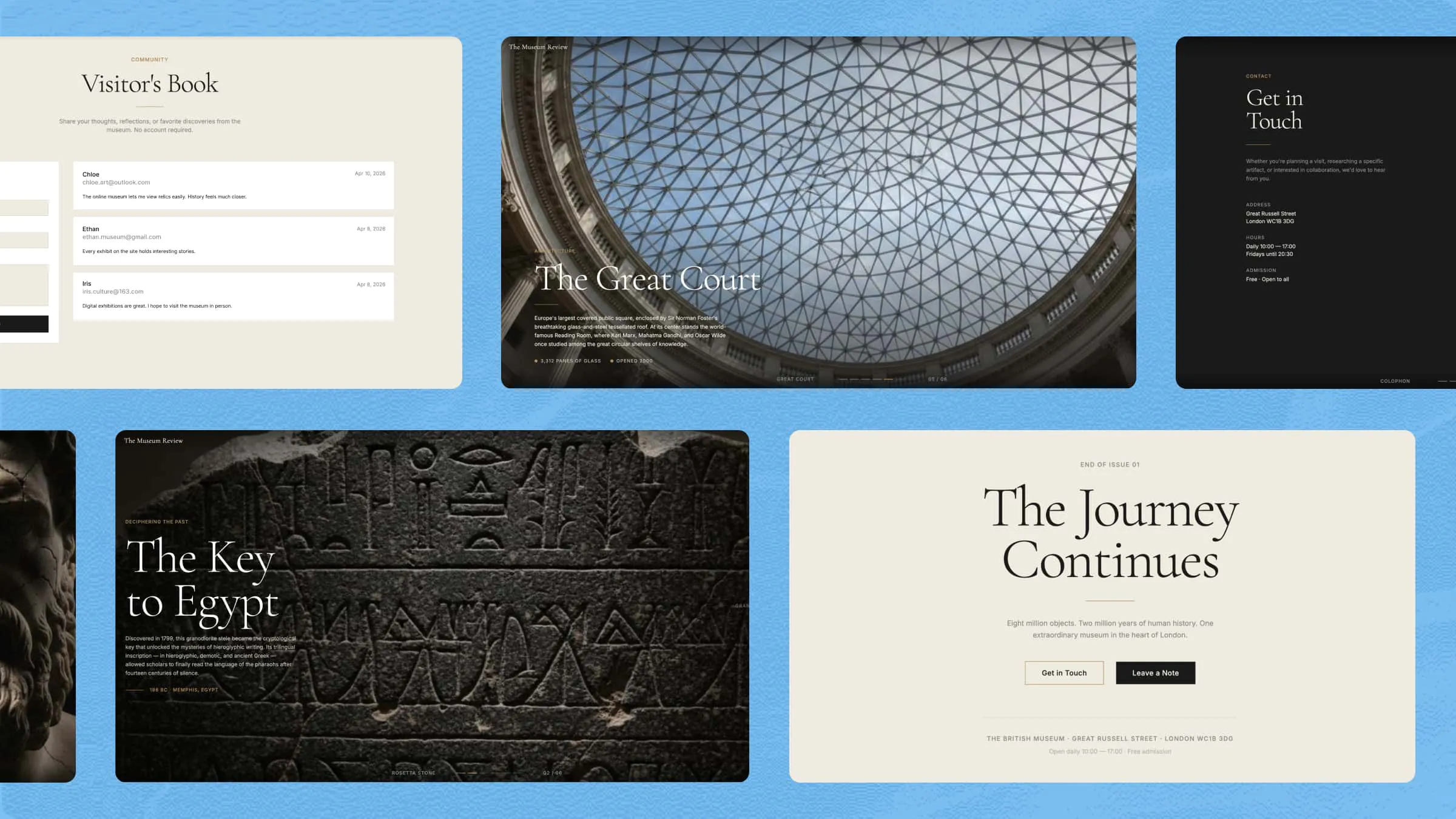
For complex digital product projects, specialized sub-agents can divide the work across requirements, architecture, coding, testing, and iteration, from full-stack applications and mobile apps to games and interactive experiences.
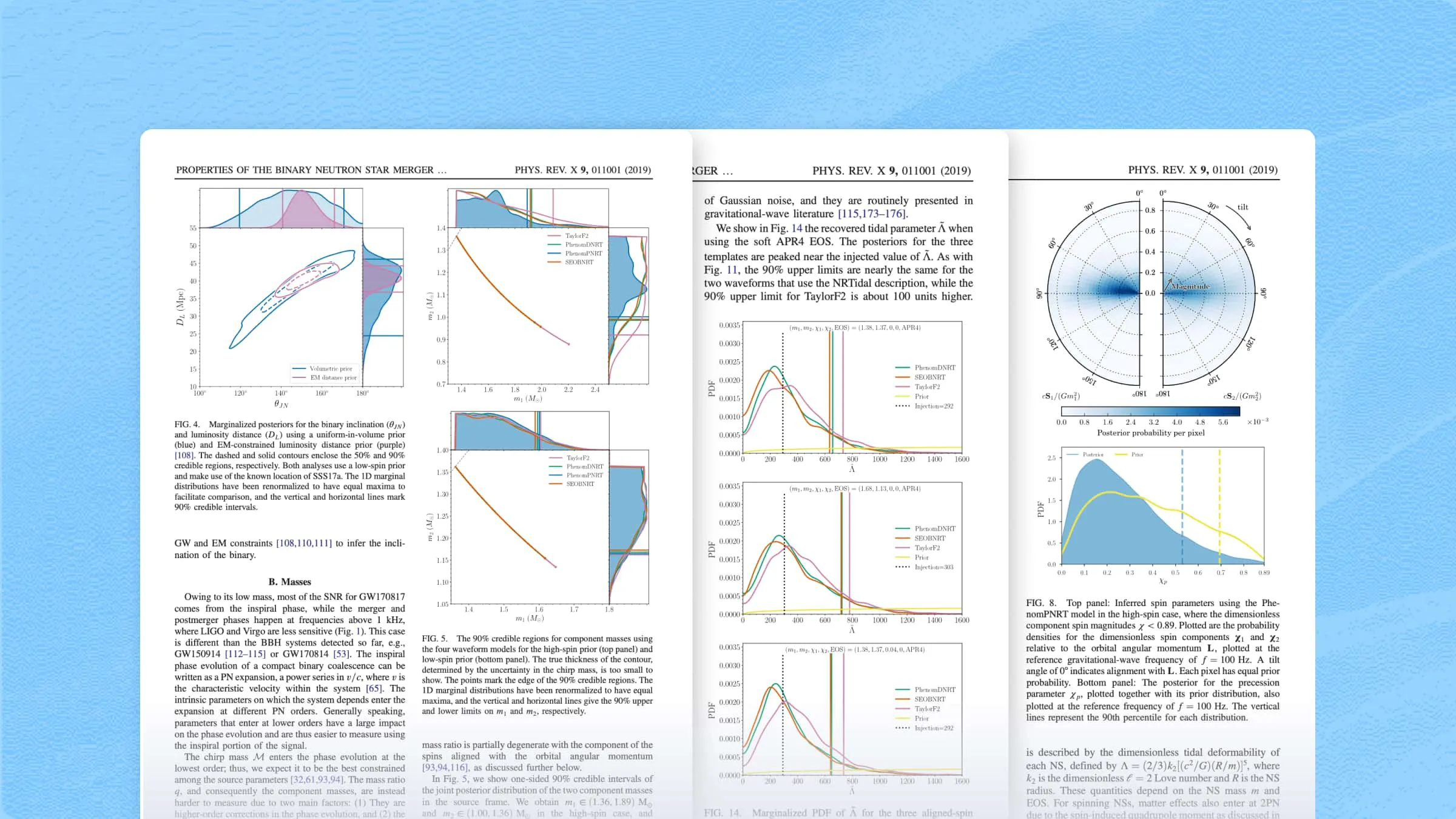
Turn vast, fragmented information into structured, connected, and visual outputs. Multiple sub-agents can work together to organize files, extract key information, map relationships, and create database dashboards, knowledge bases, relationship maps, and knowledge graphs.
From market research and product planning to content marketing, sales support, and business analysis, Agent Swarm can delegate work across multiple sub-agents and run complex business workflows in parallel, enabling one person to operate with the capabilities of a full team.
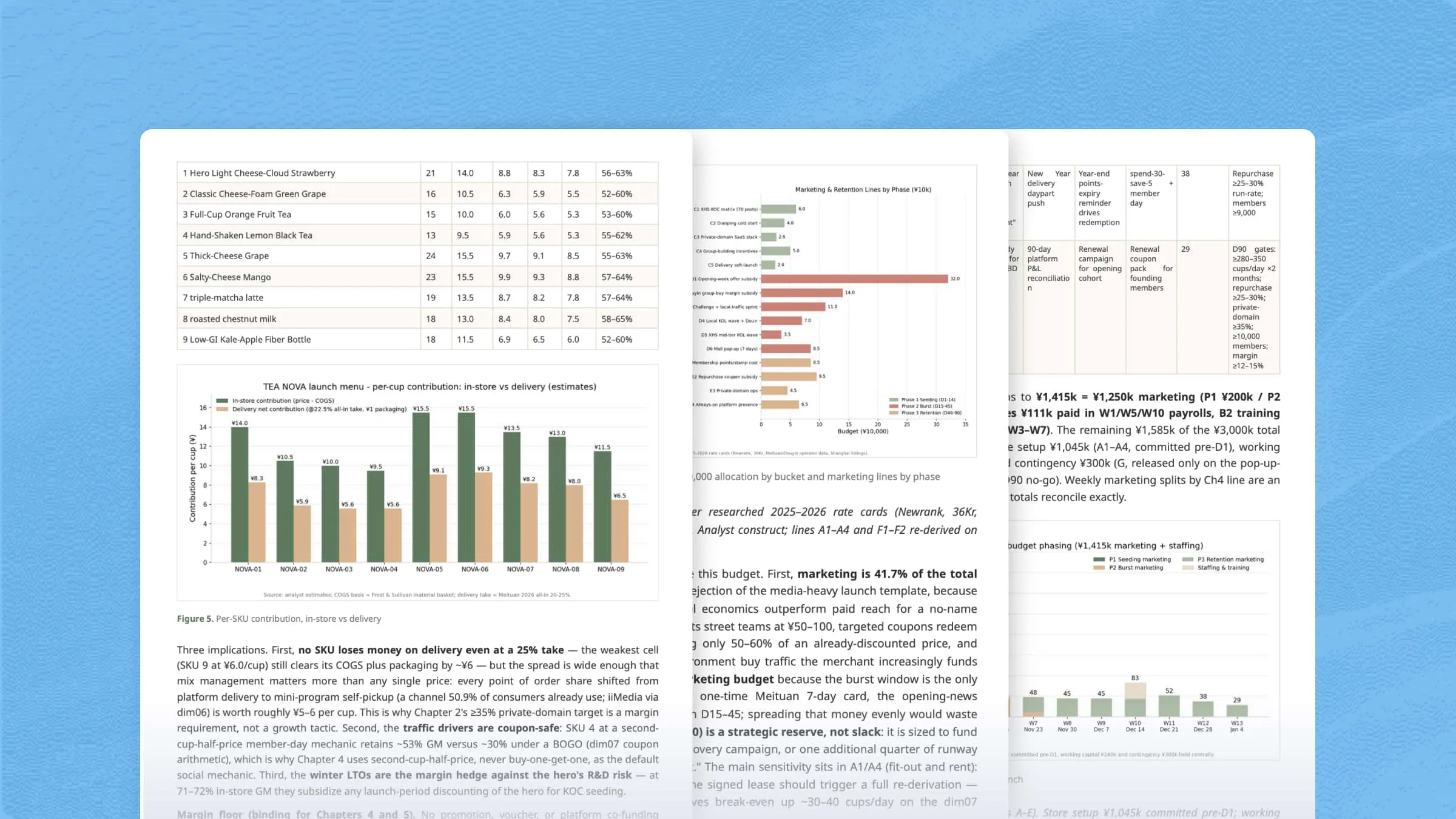
Agent Swarm can assign sub-agents different roles and viewpoints to simulate, debate, and evaluate complex decisions. Use it for expert panels, strategy debates, user simulations, business scenario planning, and multi-role creative collaboration.
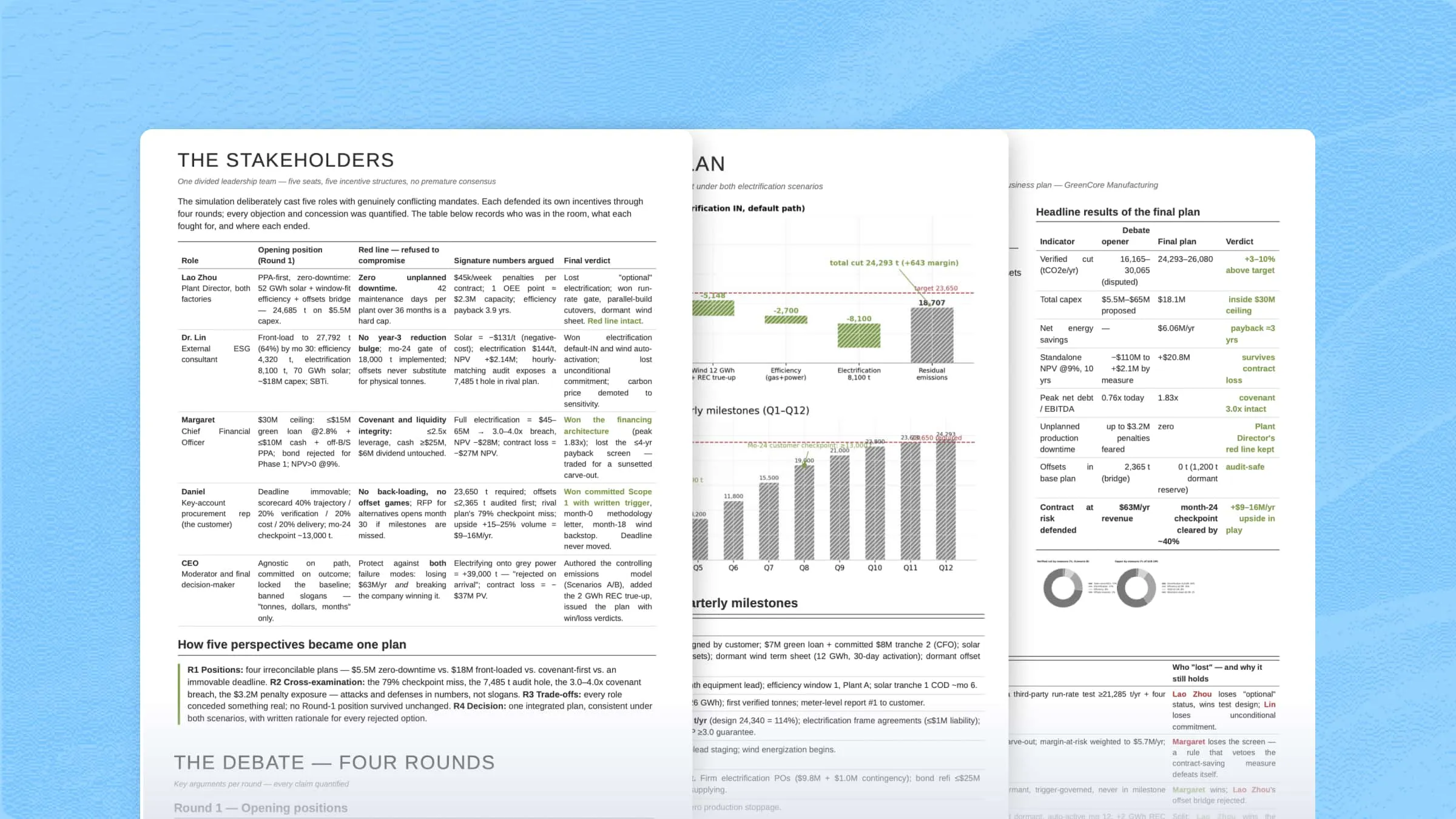
Coordinate multi-source research, complex reasoning, cross-validation, and synthesis across academic research, business intelligence, market research, investment analysis, scientific visualization, and reverse reasoning.
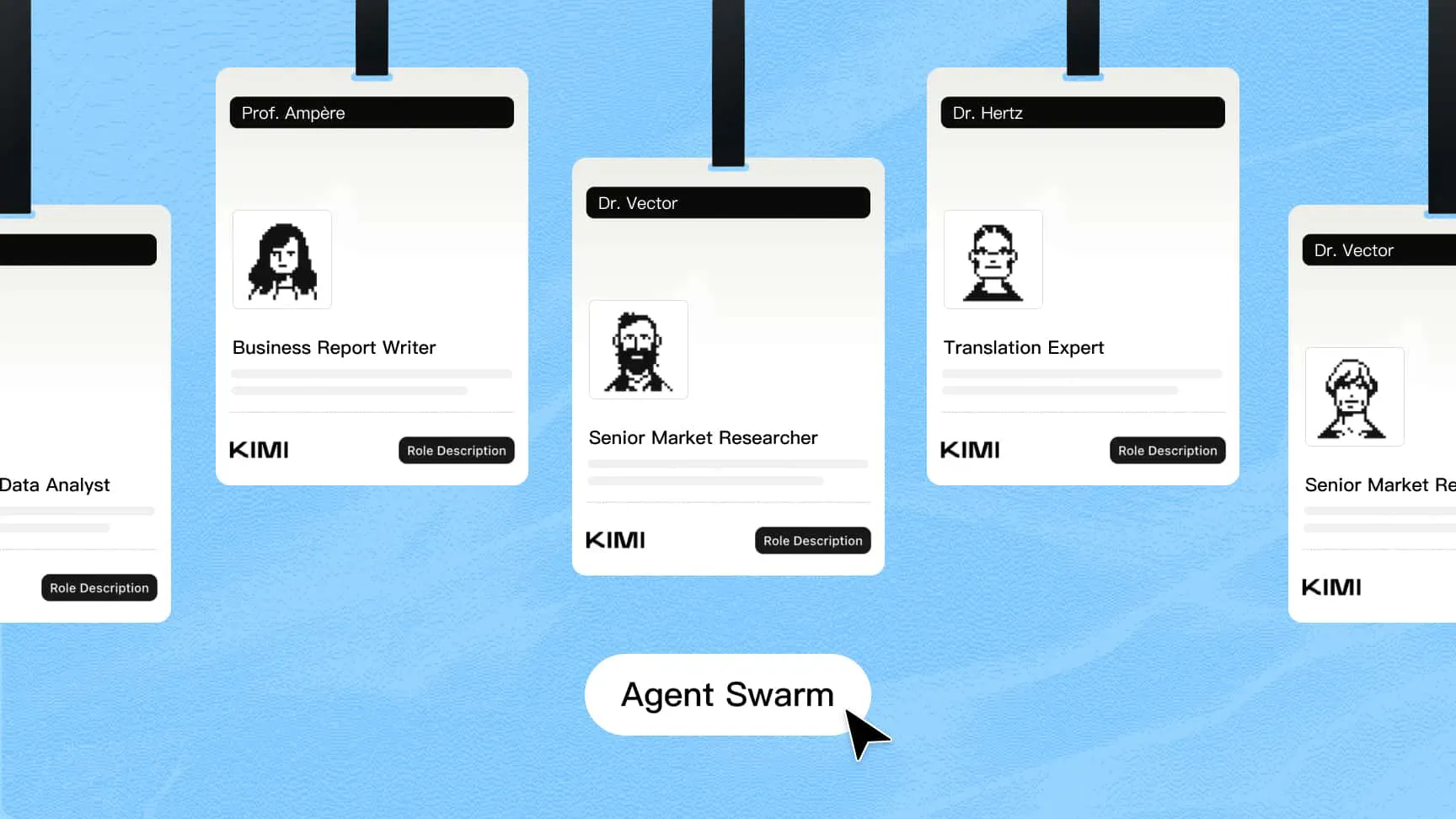
Kimi Agent Swarm breaks down and plans complex goals, then assigns specialized sub-agents to research, analyze, code, verify, and more. Multiple workstreams can move forward at the same time, turning a single execution path into a coordinated network of agents working in parallel.
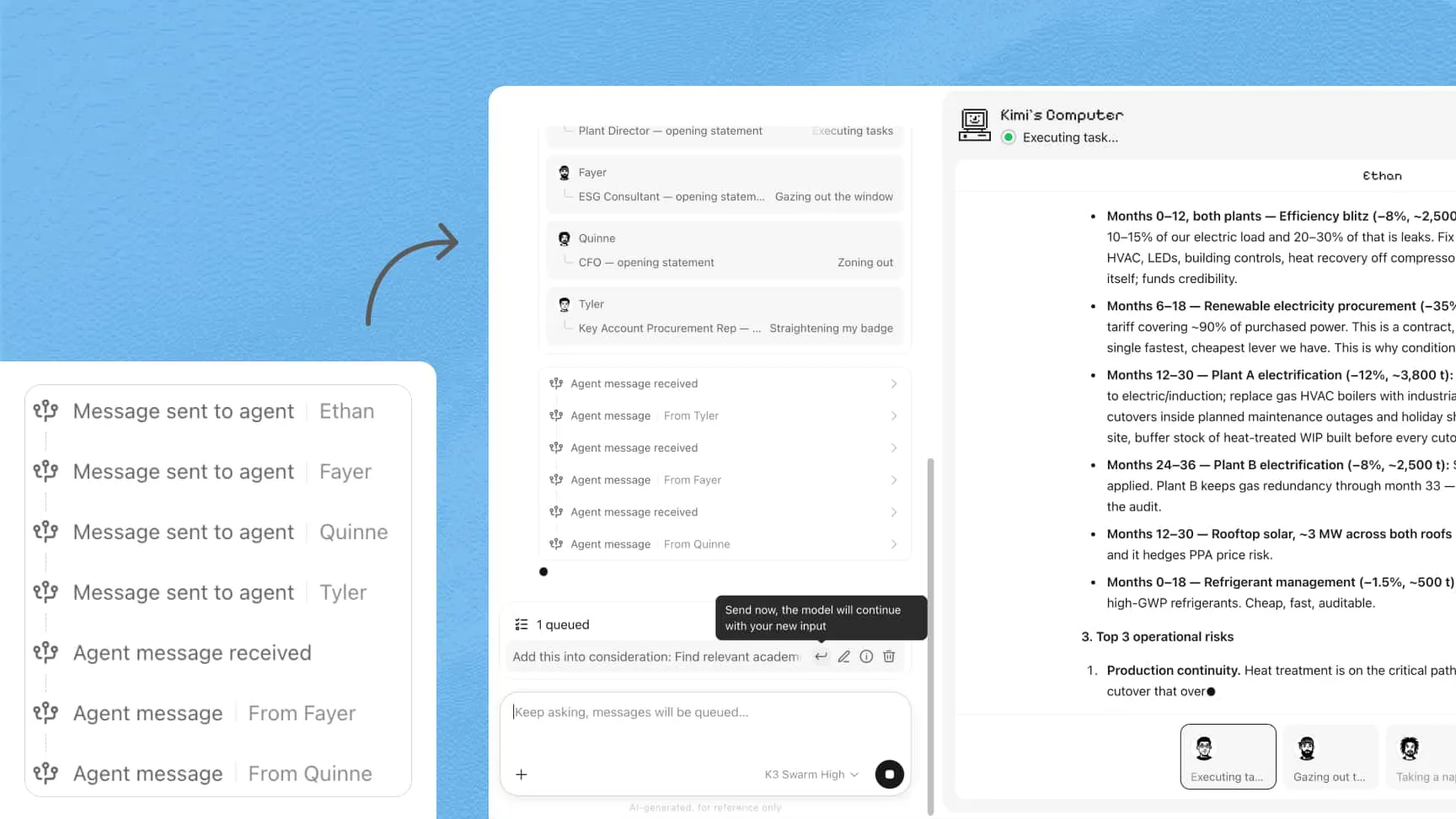
After Agent Swarm starts working, you can still add requirements, provide new information, or change direction. When a sub agent uncovers something important, it can report back to the main agent. The main agent can then share relevant updates with other sub-agents and adjust what happens next, so the project can adapt as it progresses.
On long-horizon, multi-round tasks, the multi-agent swarm can re-engage existing sub-agents with their prior context intact — no re-reading, no repeated exploration. Agent Swarm keeps exploring, verifying, and refining, so every round delivers a more complete, more in-depth result.
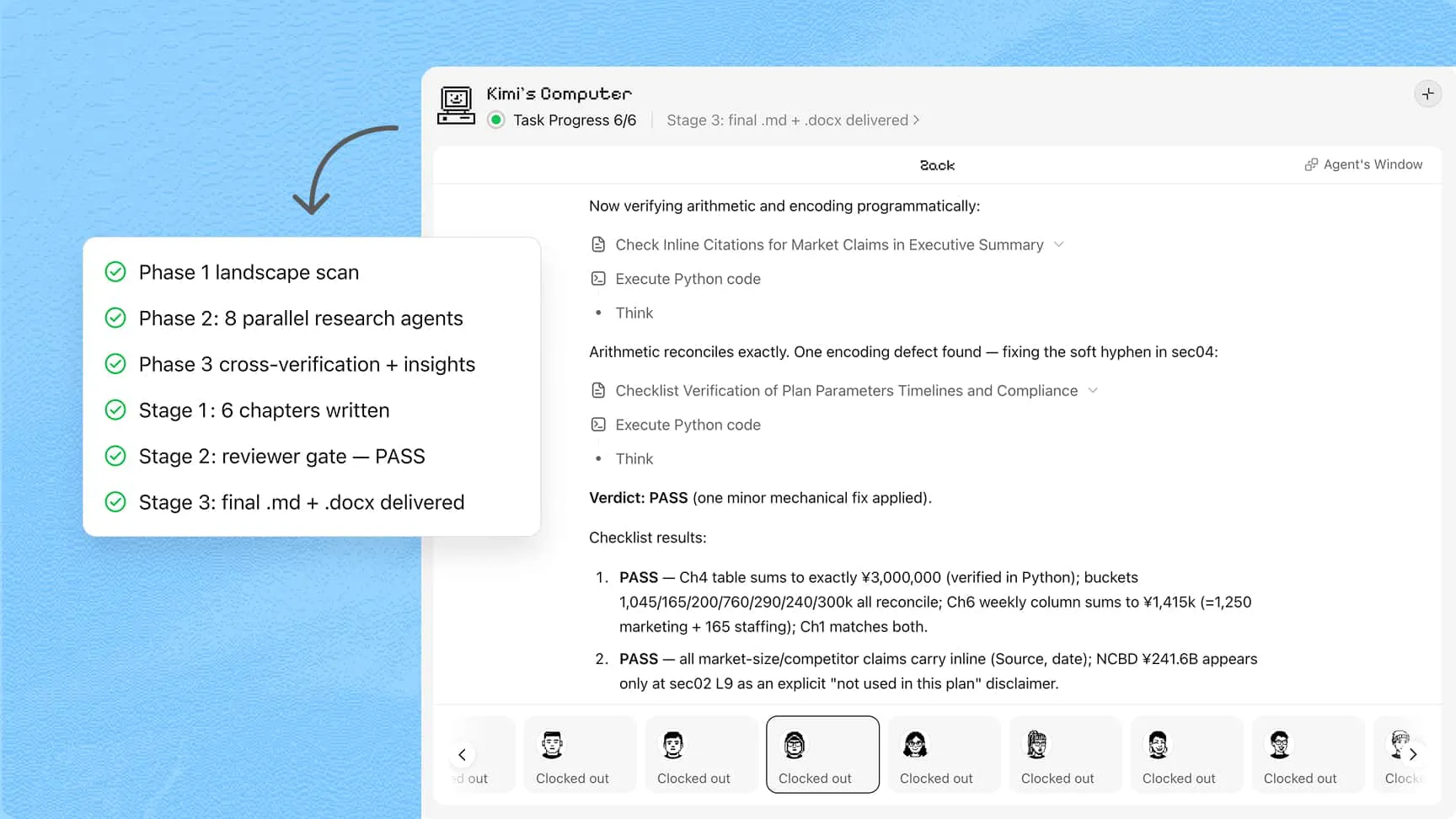
On Kimi Web or Kimi Work on the desktop, select Swarm mode from the input box or the sidebar. When using Kimi Code, you can also enter /swarm to launch Agent Swarm mode.
Describe what you want to accomplish directly, upload files, add context, and choose Skills or Plugins as needed.
Review the reports, charts, or code, request additions or revisions, and export the outputs you need.