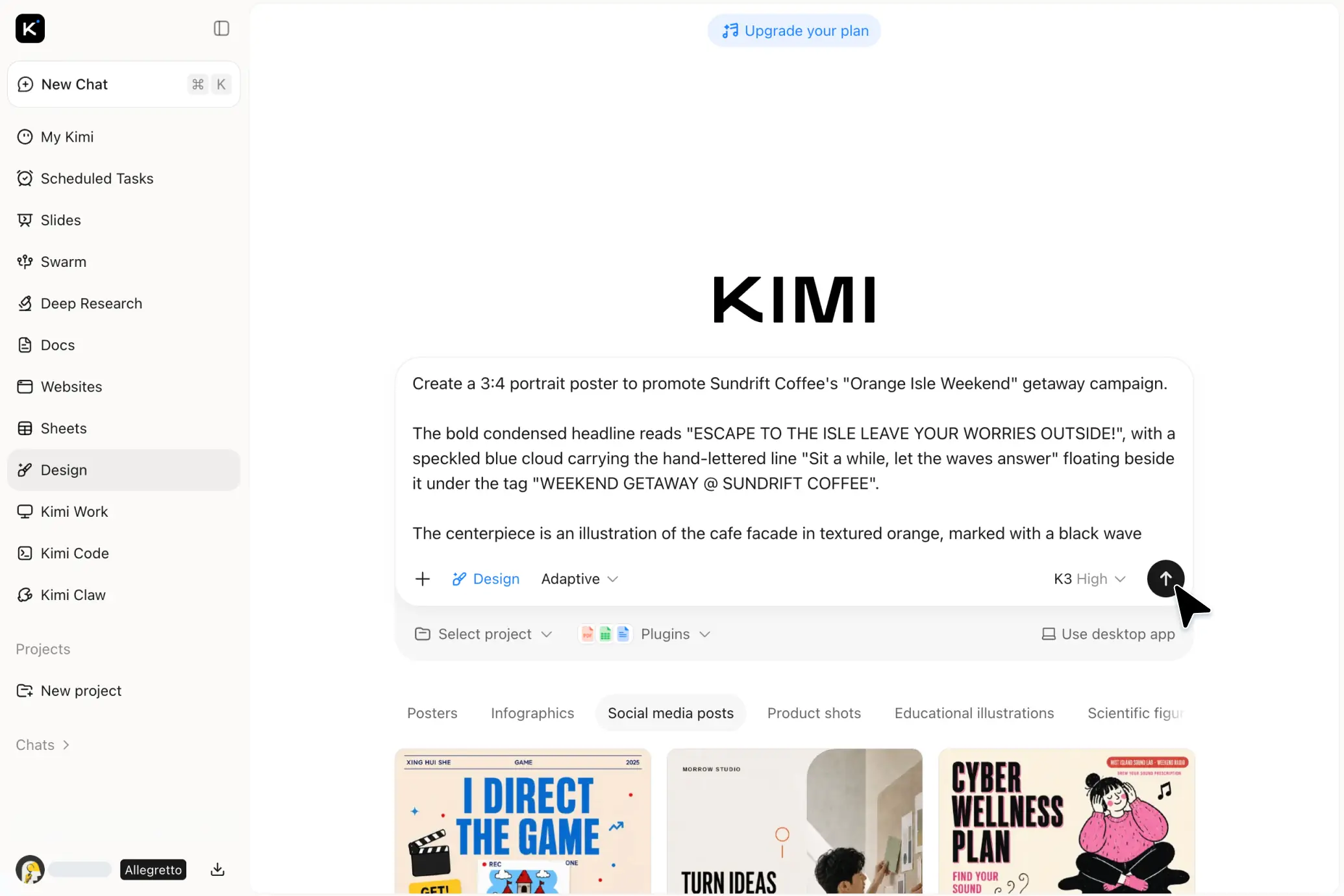
AI Design Generator That Turns Ideas into Visuals
Great design gives every idea a stronger presence. Kimi doesn't just generate, it designs. Turn prompts or images into polished, fully editable designs for posters, socials, product visuals, infographics, and more.
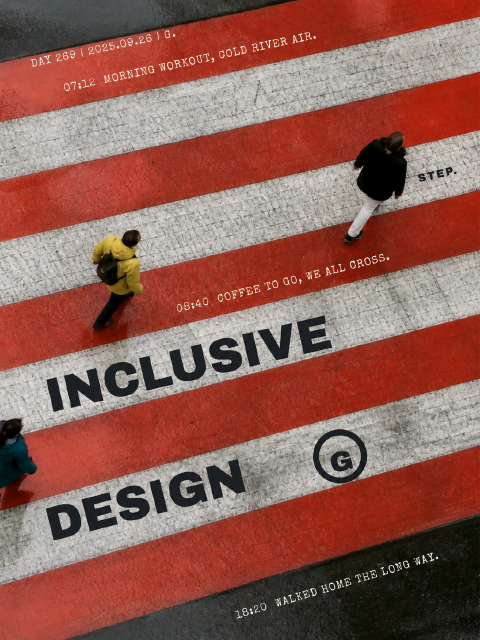

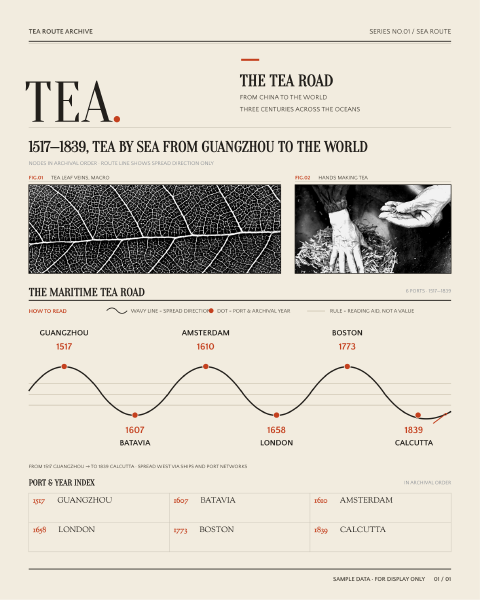
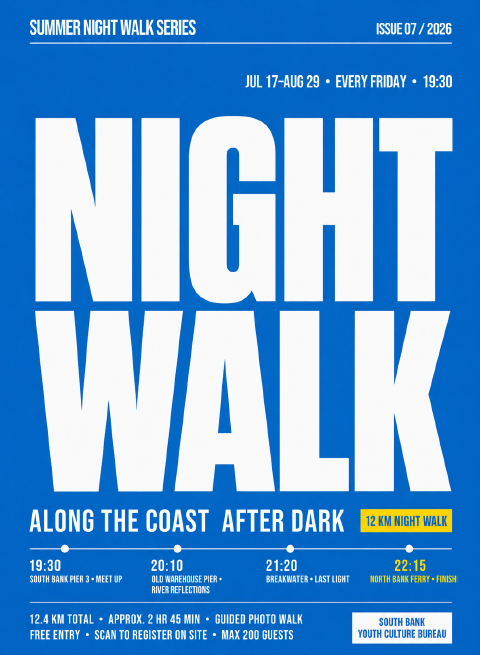
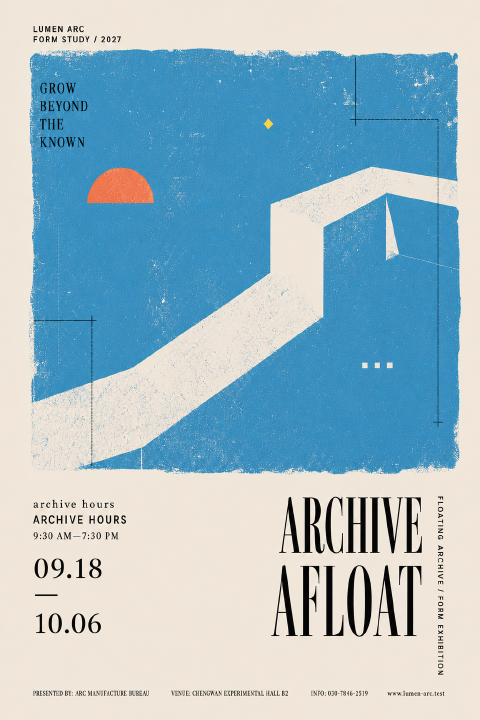
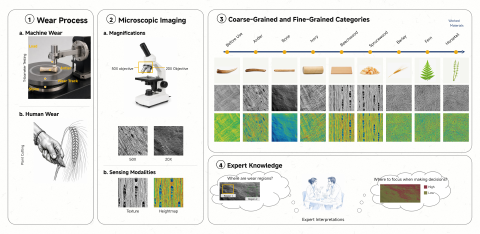
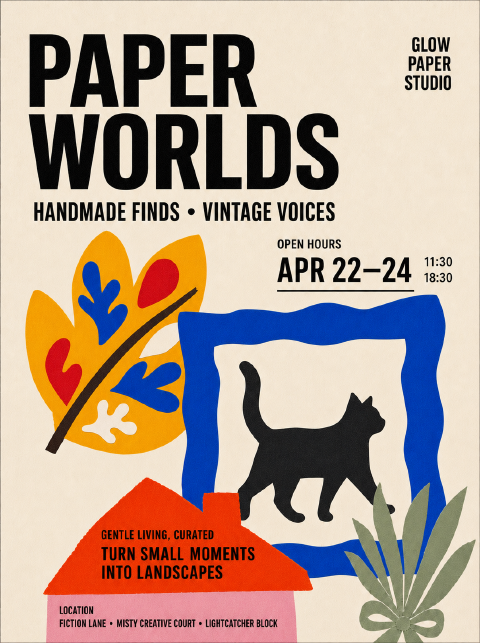
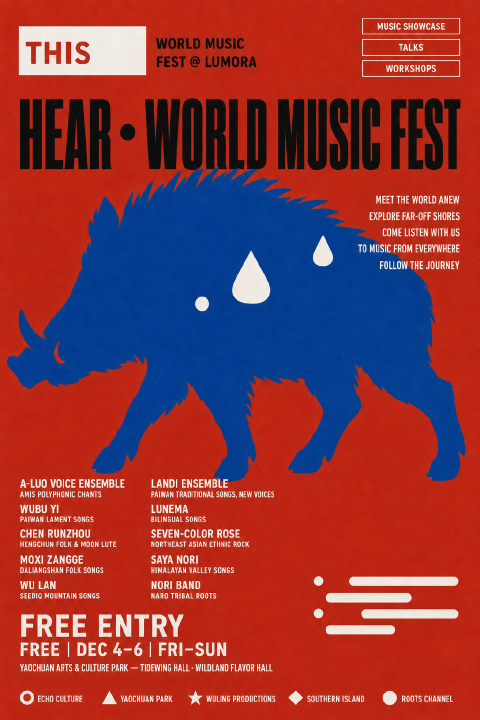

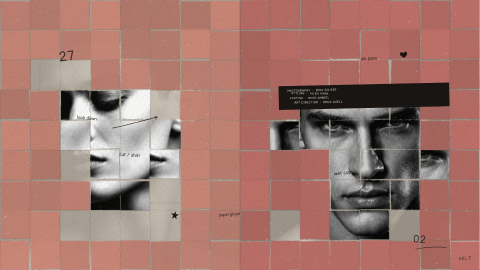

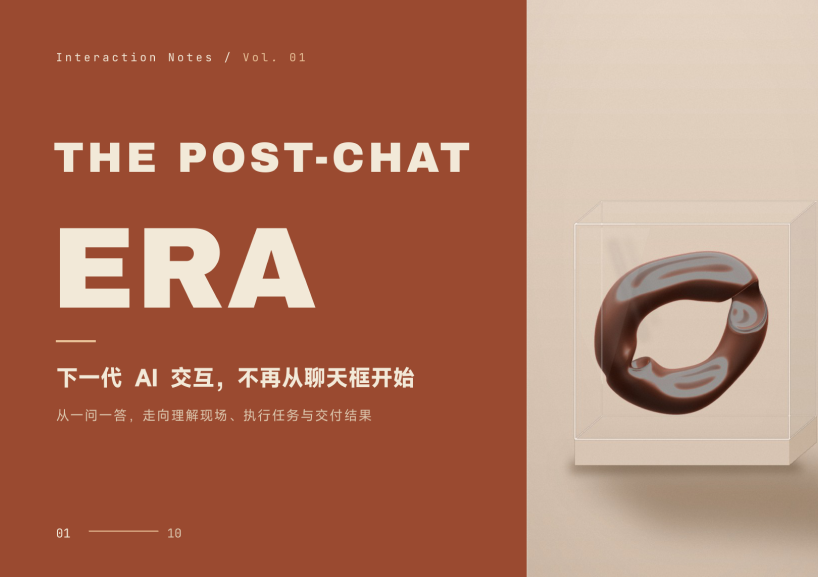
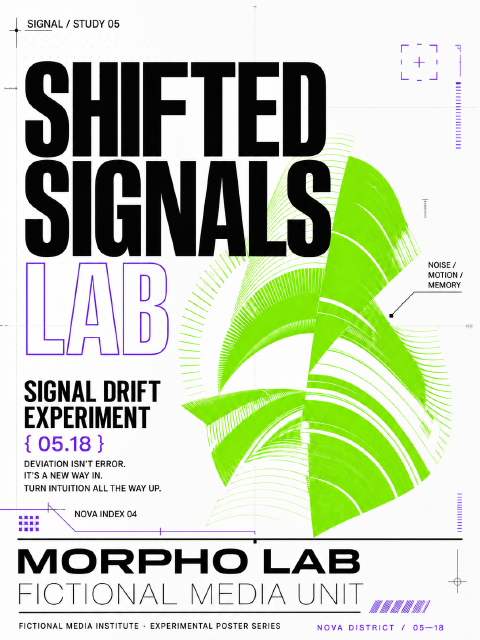
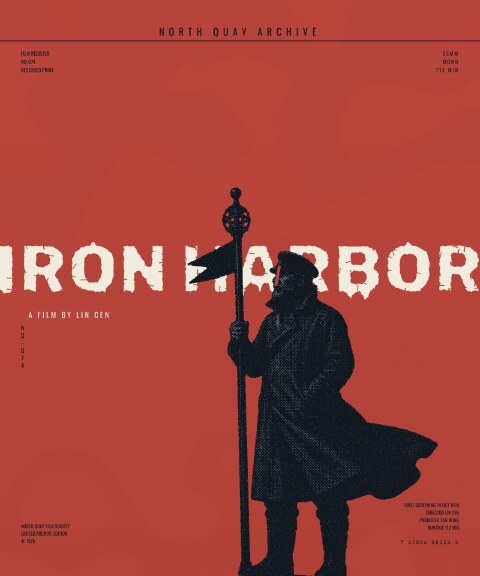
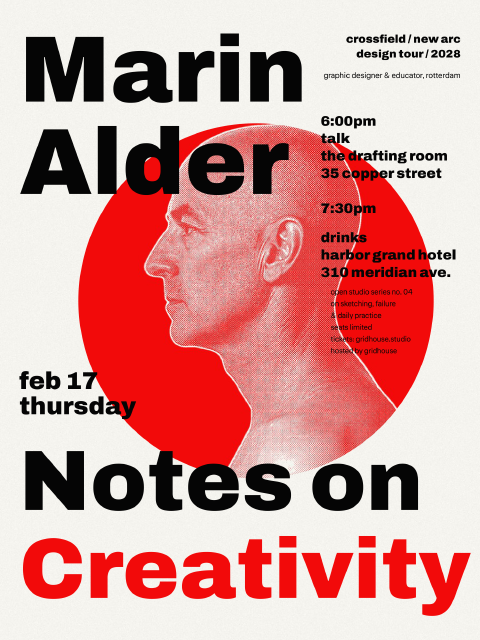
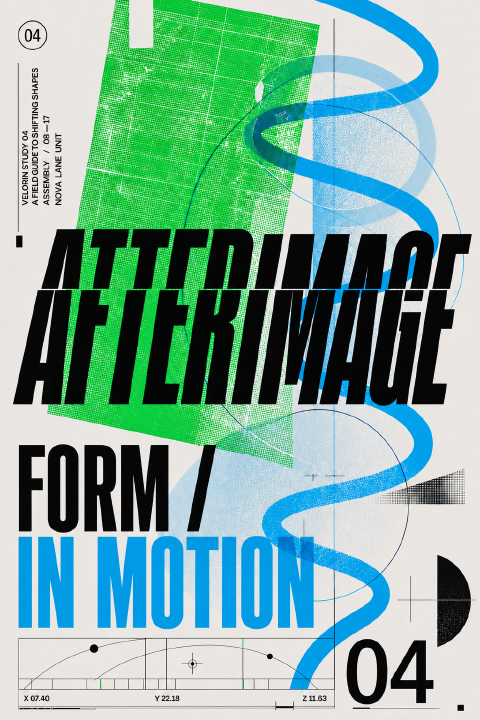
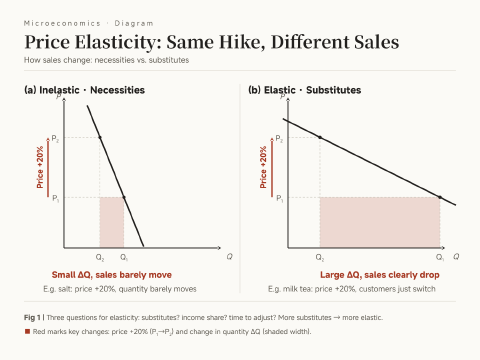
Ideas, turned into real design
Prompts & References
Start with a prompt or upload a reference image. Kimi turns your idea, mood, layout direction, or visual reference into a complete, editable design you can keep refining.
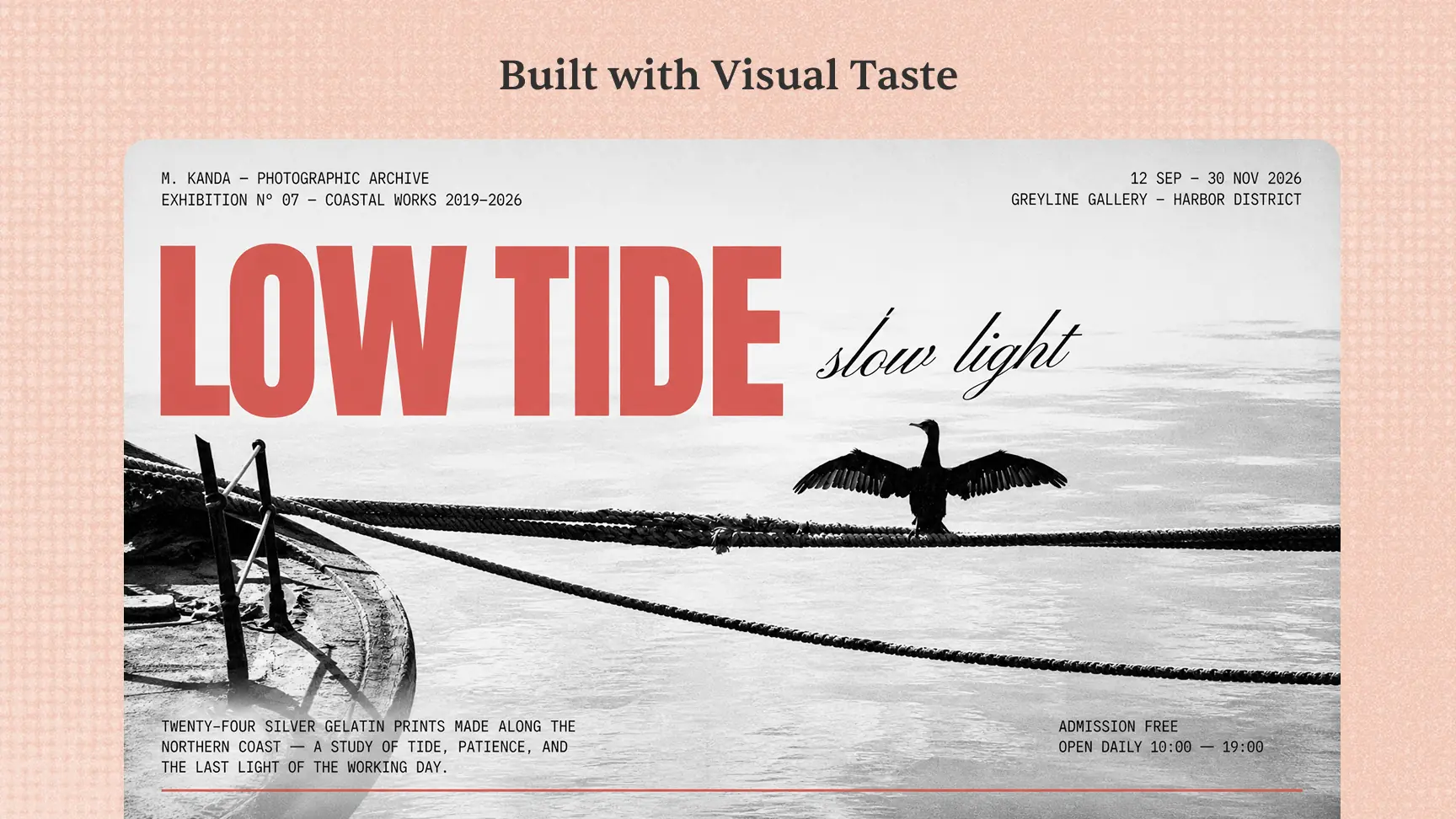
Built with Visual Taste
Create designs with a strong sense of layout, typography, color, and visual hierarchy. Kimi helps your design feel intentional and distinctive from the first draft.
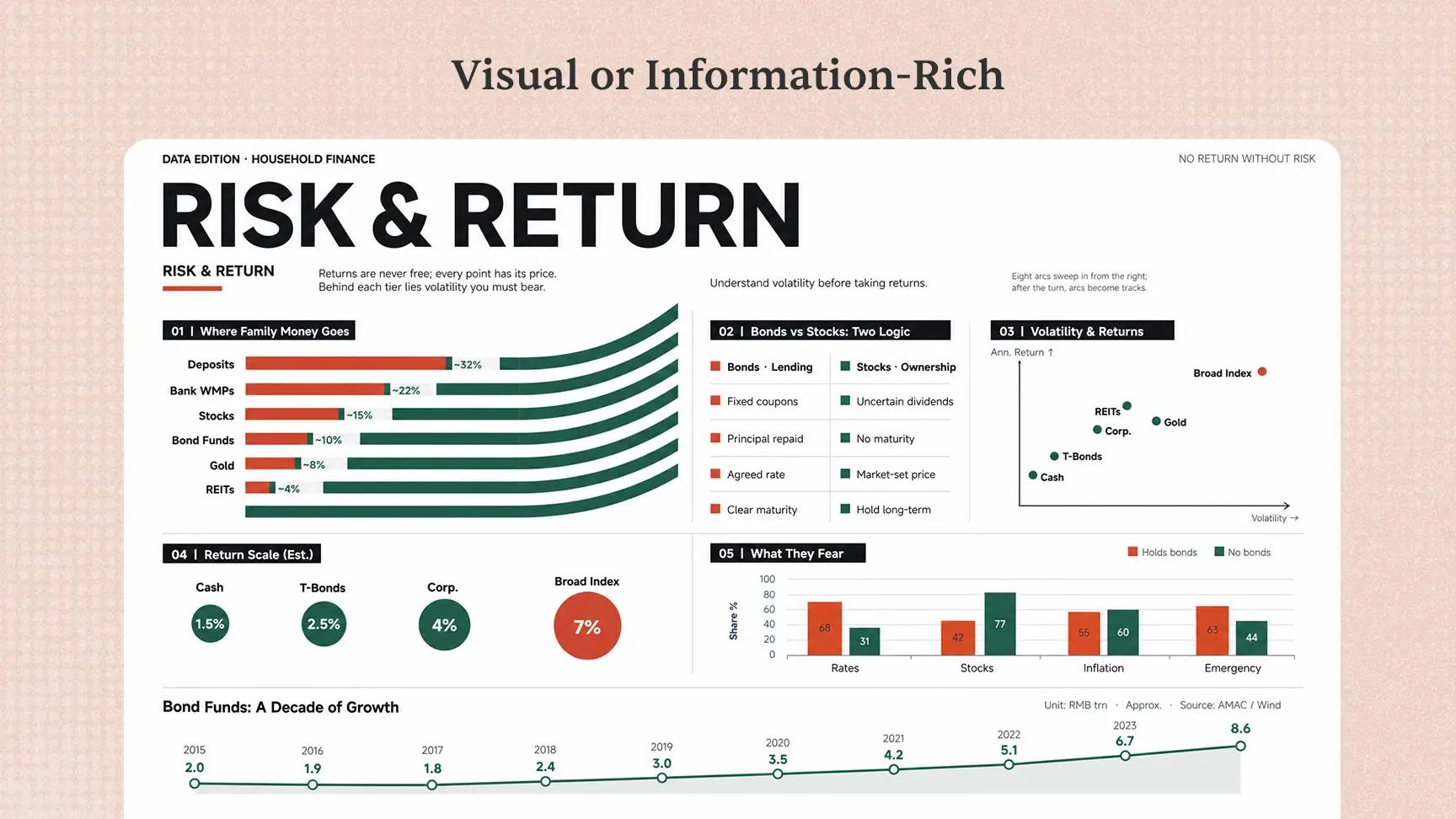
Visual or Information-Rich
Create visual-first designs like posters, social graphics, and product visuals, or information-rich designs like infographics, diagrams, educational illustrations, and scientific figures. Choose social media sizes, A4 or A3, adaptive sizing, or a custom canvas.
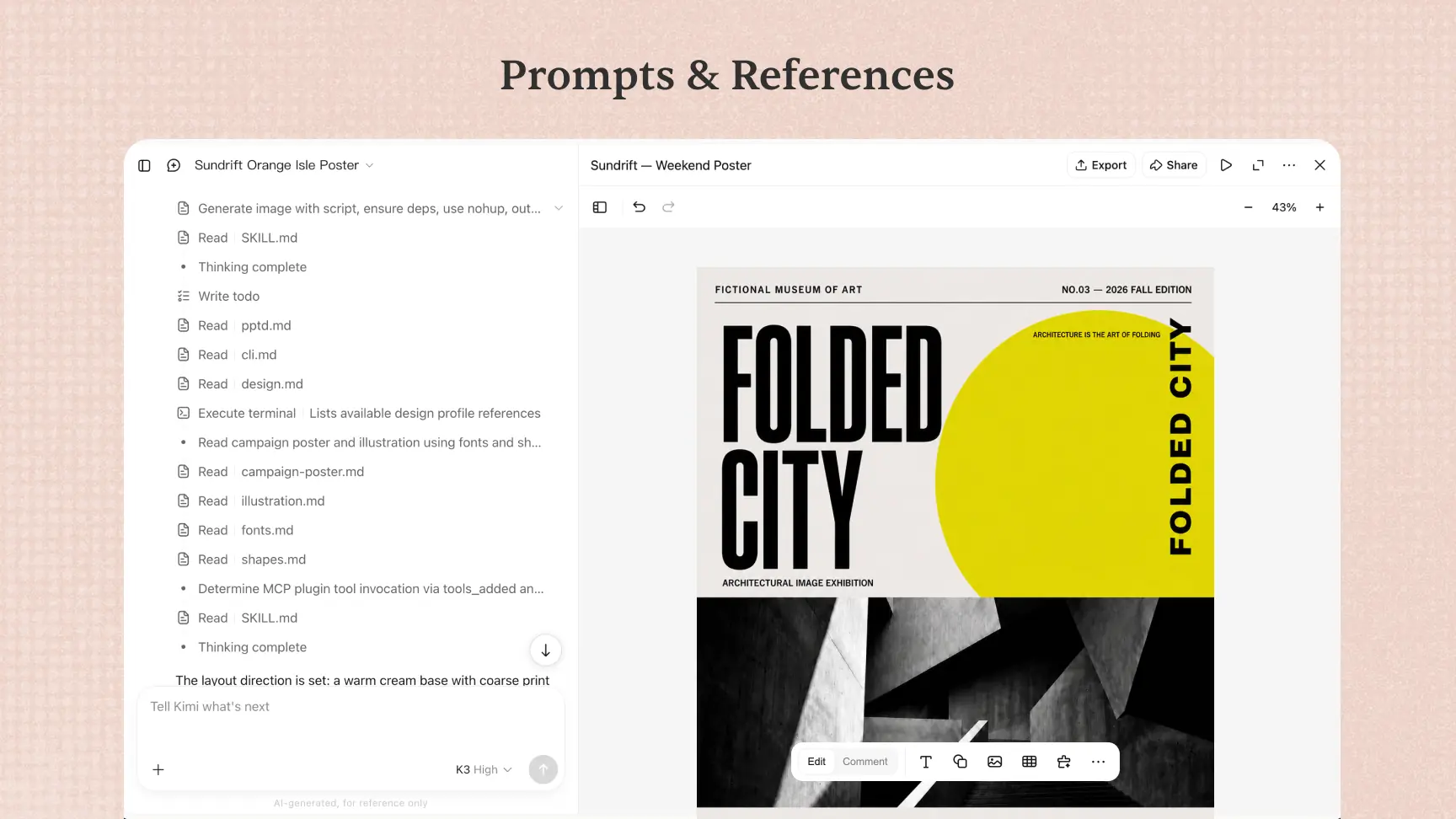
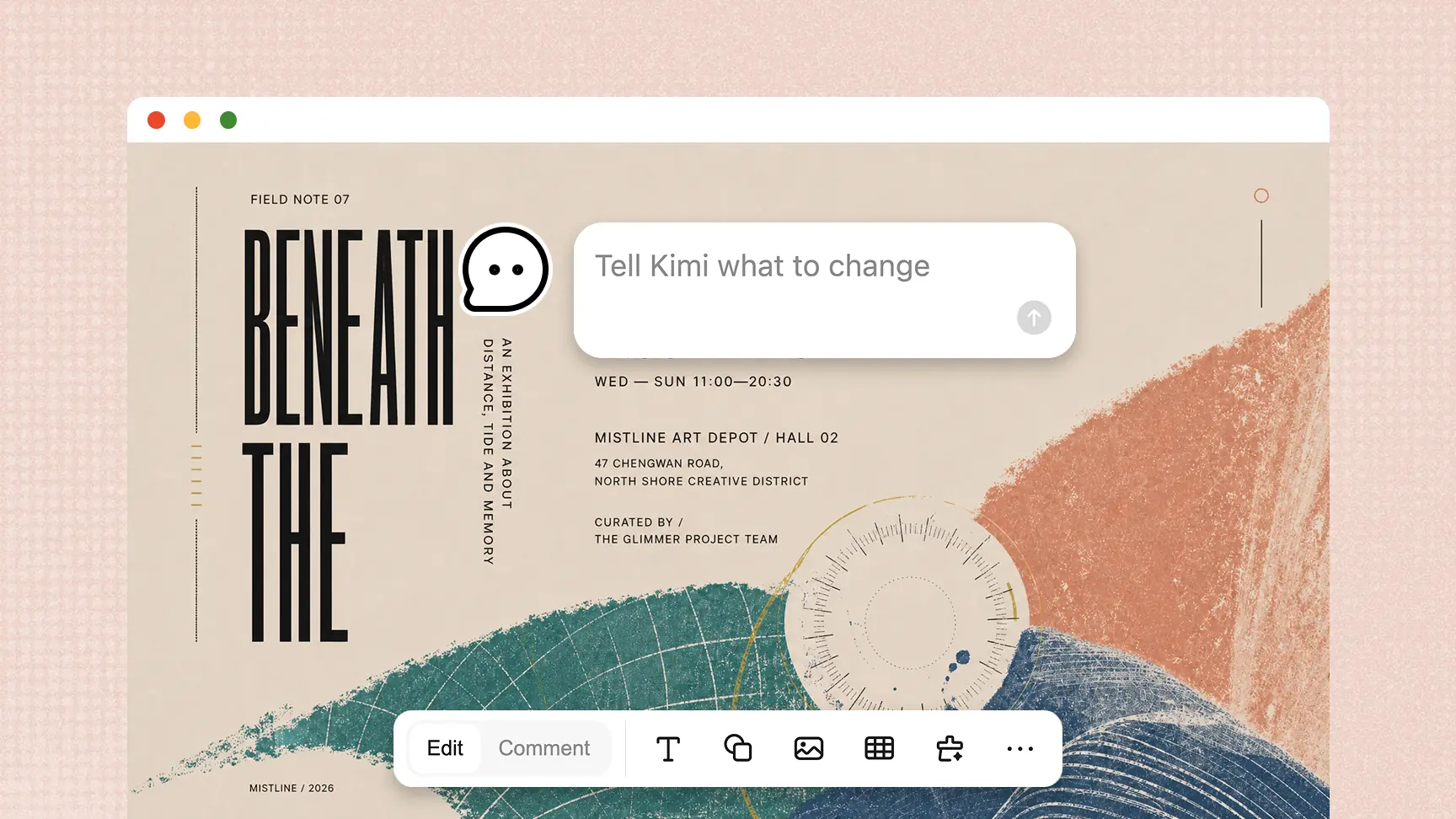
Refine designs at the element level
Every design stays editable at the element level. Leave a comment directly on the canvas to ask Kimi for changes, continue refining it through conversation when you need broader adjustments, or edit text, images, shapes, icons, tables, charts, layouts, colors, and positions by hand.
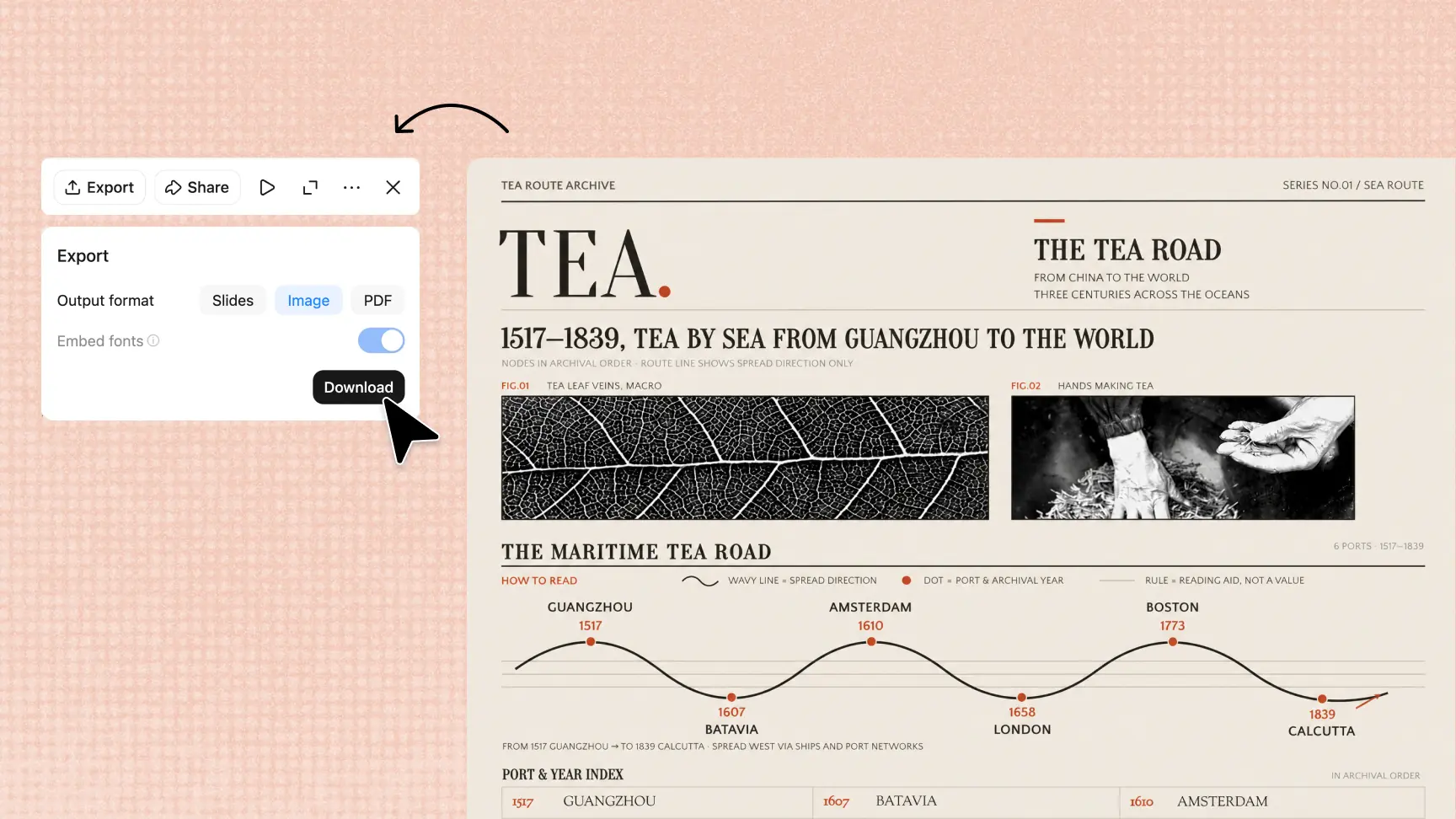
Save, share, and export
Every revision is saved in version history, so you can roll back anytime. When the design is ready, share it, present it, add a watermark, or export it as an image, PDF, PPTX, or Google Slides file.
Built for everyone who makes designs

Freelancers
Client work moves fast, and so do the formats. Kimi helps freelancers turn prompts, reference images, or rough ideas into social posts, posters, invitations, and other polished visuals they can share quickly.

Designers
Designers need control, not just generation. Kimi keeps every element editable on canvas, so designers can speed up first drafts, refine details, and adapt one design across different outputs.

Marketing teams
Campaigns need consistent visuals across every channel. Kimi helps marketing teams create on-brand social graphics, posters, product visuals, and campaign materials they can refine as the launch evolves.

Entrepreneurs
When time is limited, clarity matters more than complexity. Kimi helps entrepreneurs turn early ideas into professional visuals for launches, pitches, and everyday business communication.

Students
Presentations, research, and class projects work better when ideas are easy to see. Kimi helps students turn notes and topics into infographics, educational illustrations, and scientific figures they can present with confidence.
How to create a design with Kimi
Start with your idea
Describe what you want to create or upload a reference image to begin. Kimi turns your input into an editable design.
Edit and refine on canvas
Review the result, then ask Kimi for changes or adjust the design directly on canvas.
Export or publish
When your design is ready, share or present it directly, or export your work as an image, PDF, PPTX, or Google Slides file for further use.