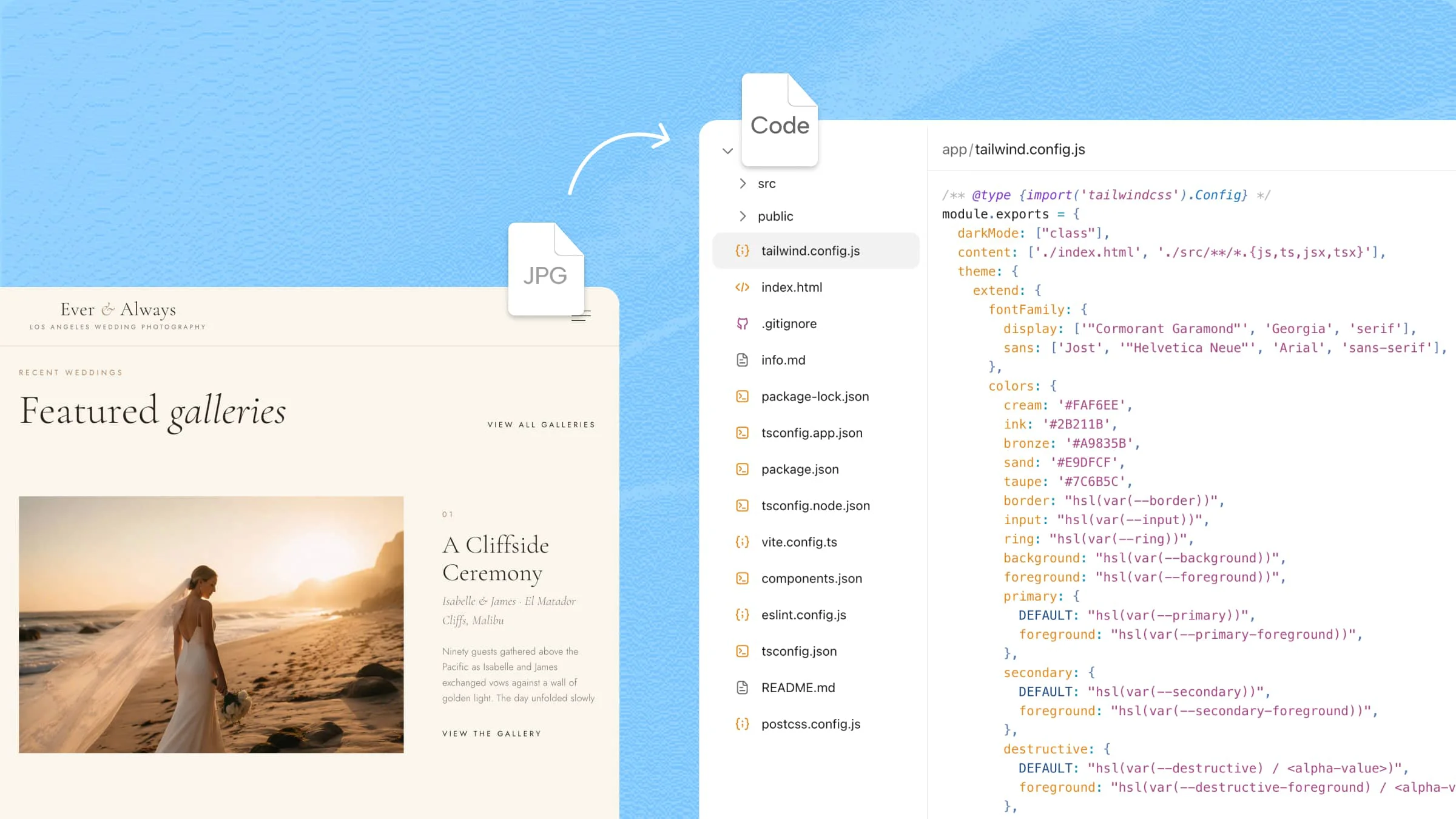
Nowadays, design-to-code tools are becoming useful for teams that want to move from visual concepts toward functional web experiences without making the process unnecessarily complicated. Different platforms support different approaches, from AI-assisted creation to structured design handoffs and frontend development. This guide brings those options together to help you understand what each tool offers and where it can fit naturally into a web project.
Overview of 10 design-to-code tools
The right choice depends on what you want to achieve, from turning a visual concept into a working interface to simplifying the handoff between design and development. The following tools take different approaches, so exploring them side by side makes their individual strengths easier to understand.
| Tool | Design / input | Code generation | Editing & iteration | Responsive support | Suitable for |
|---|---|---|---|---|---|
| Kimi Build | Figma, screenshots, mockups, prompts | Structured web code | Natural-language instructions, visual references | Yes | Freelancers, startups, agencies, marketers |
| Figma Make | Prompts, existing designs, design context | Functional web interfaces | Conversational and visual refinement | Yes | Rapid prototyping and design exploration |
| Google Stitch | Text, images, code, visual references | Web interface code | AI-assisted iterative design | Yes | Interface ideation and pre-development planning |
| Anima | Figma and other design files | React, Vue, HTML | Code and design customization | Yes | Developer-focused design handoffs |
| Locofy | Figma and other visual designs | Frontend code across frameworks | Component and development workflow customization | Yes | Agencies and cross-platform development |
| Builder.io | Figma and existing design systems | Framework-aware frontend code | Custom instructions and component mapping | Yes | Teams with established design systems |
| v0 by Vercel | Prompts, screenshots, images, GitHub repos | React-based interfaces | Conversational iteration | Yes | React prototyping and frontend development |
| Bolt.new | Prompts and project requirements | Full-stack web applications | Direct codebase and conversational edits | Yes | Full-stack prototypes and rapid development |
| Lovable | Natural-language prompts | Functional web applications | Conversational requirement refinement | Yes | Startups and business applications |
| Zeplin | Design files and project specifications | Developer implementation resources | Structured handoff and documentation | Depends on implementation | Design-to-development handoff |
These tools cover a range of design-to-code workflows, from turning visual ideas into interfaces to refining existing designs and preparing them for development. To see how this process works in more detail, the next section takes a closer look at Kimi Build, its key features, and how you can use it to turn design ideas into functional websites.
Explore 10 design-to-code tools for web projects
As web development becomes increasingly AI-assisted, choosing the right design-to-code tools can significantly influence how efficiently ideas evolve into functional interfaces. The following options highlight those differences to help you identify a tool aligned with your project requirements.
Kimi Build
Kimi Build, an AI website builder, provides a flexible environment for turning ideas and written instructions into web experiences without requiring every design decision to be handled manually. It helps shape page structure, visual presentation, and content into a cohesive digital interface. The platform is particularly useful when you want to move from an initial concept to a presentable website with greater speed and creative flexibility.
Main features
Convert visual designs into working websites
Transform Figma files, screenshots, mockups, and other visual references into structured web code while retaining the intended aesthetic.
Recreate interfaces with their key components
Translate navigation bars, forms, cards, buttons, and menus into functional elements that preserve the interface's underlying visual hierarchy.
Adapt your designs across screen sizes
Generate responsive implementations that intelligently accommodate varying viewports by adjusting layouts, spacing, components, and content.
Keep improving the website with AI
Refine generated pages through natural-language instructions, allowing changes to styling, positioning, copy, or interactions without extensive manual coding.
Suitable for
Freelancers handling client websites
Startups validating digital concepts
Agencies managing multiple projects
Marketers creating campaign pages
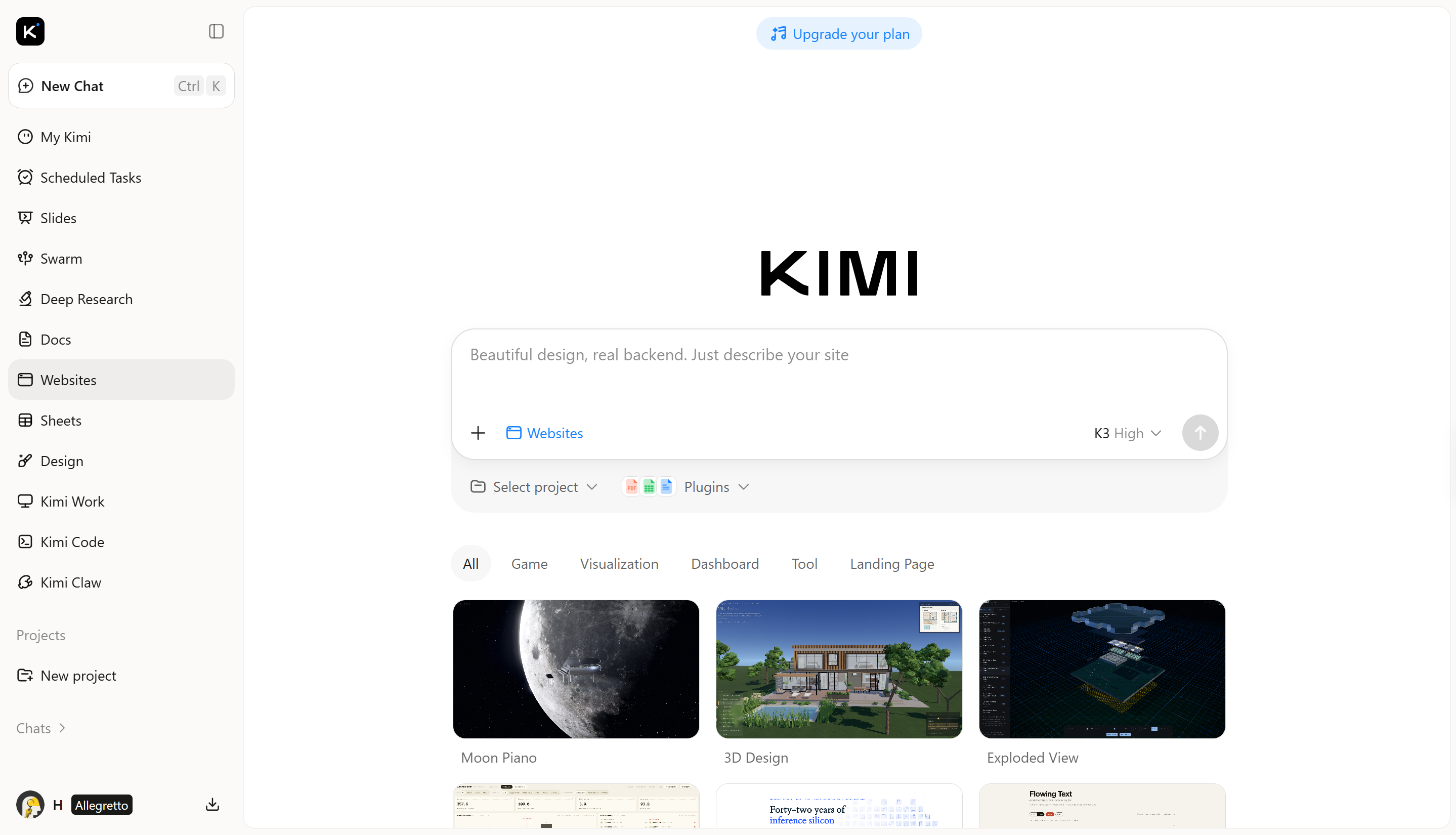
How to turn a design into code with AI
Here is how to use Kimi Build to convert a webpage image into code.
Step 1: Bring your design or visual reference
Upload a screenshot of the webpage you want to recreate. Kimi uses the image as the visual reference for the conversion process, capturing details such as the page structure, layout, typography, colors, images, and interface elements.
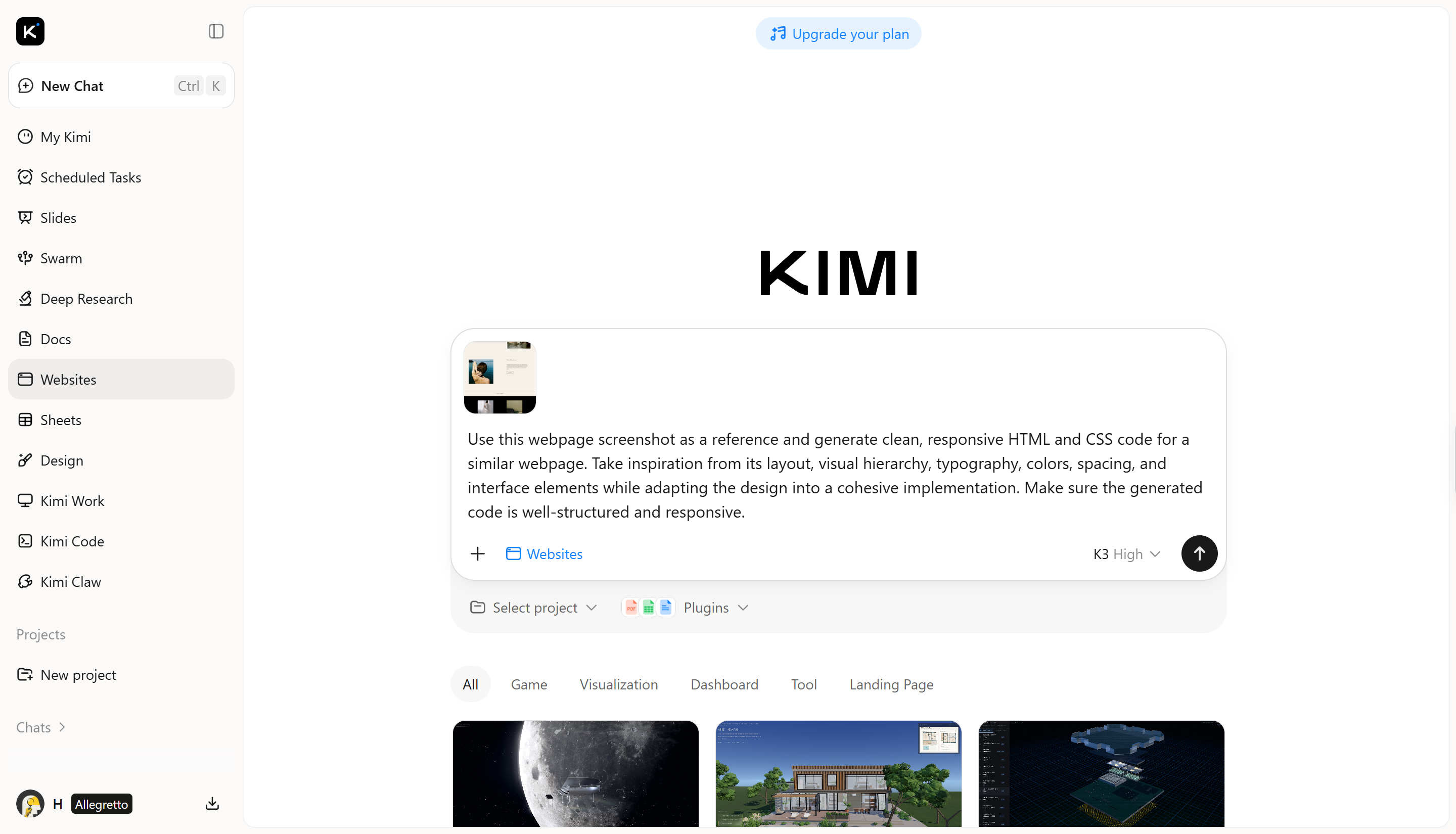
Step 2: Let AI analyze the image and convert it into code
Kimi Build analyzes the uploaded webpage image to identify its visual structure and individual interface elements. It then translates what it sees into corresponding web code, recreating the layout, styling, content, and components shown in the image.
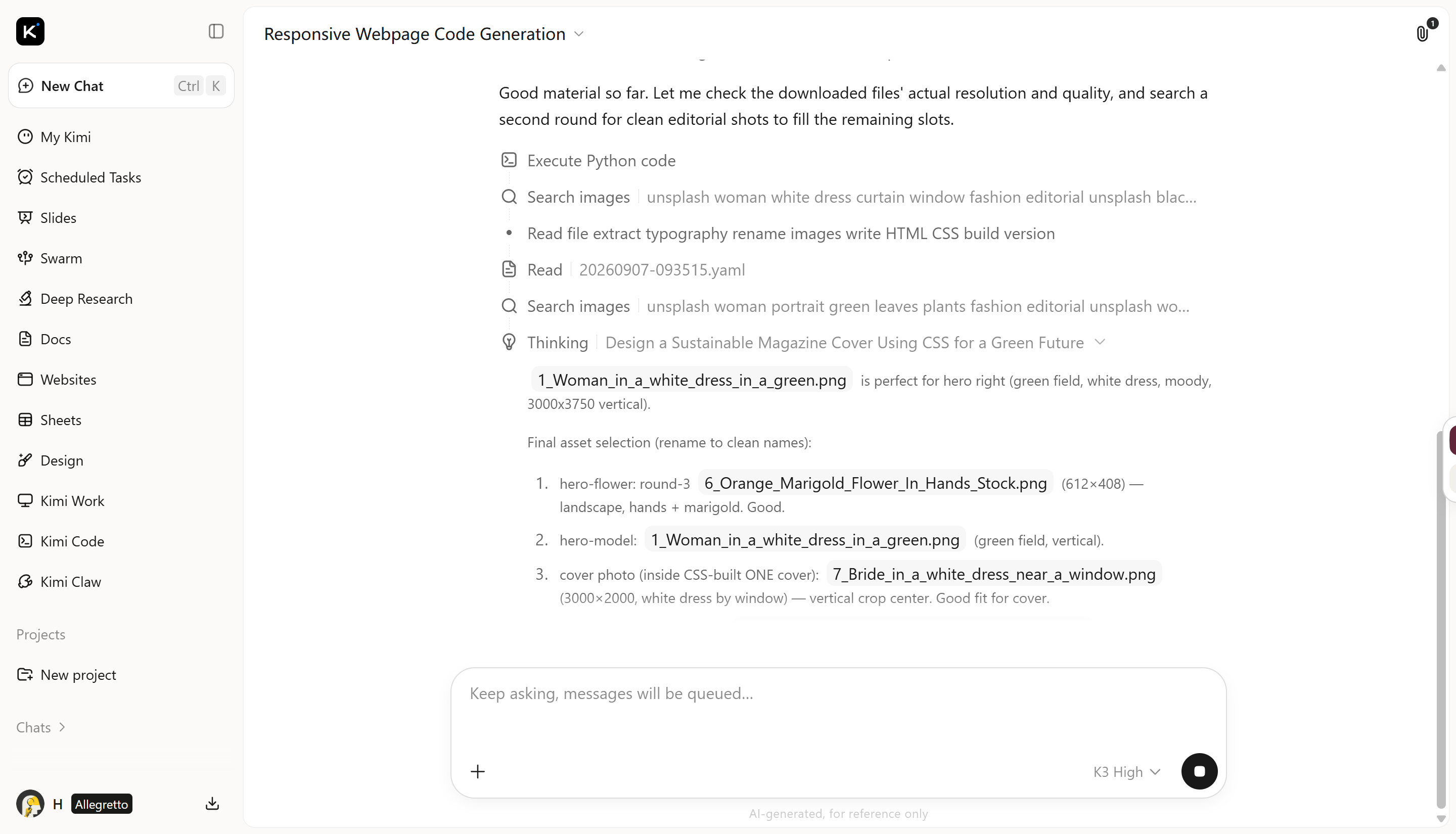
Step 3: Refine the generated code with AI
Review the converted result and use natural-language instructions to refine it. You can ask Kimi Build to adjust typography, spacing, colors, positioning, images, content, or other elements while keeping the original design as a reference.
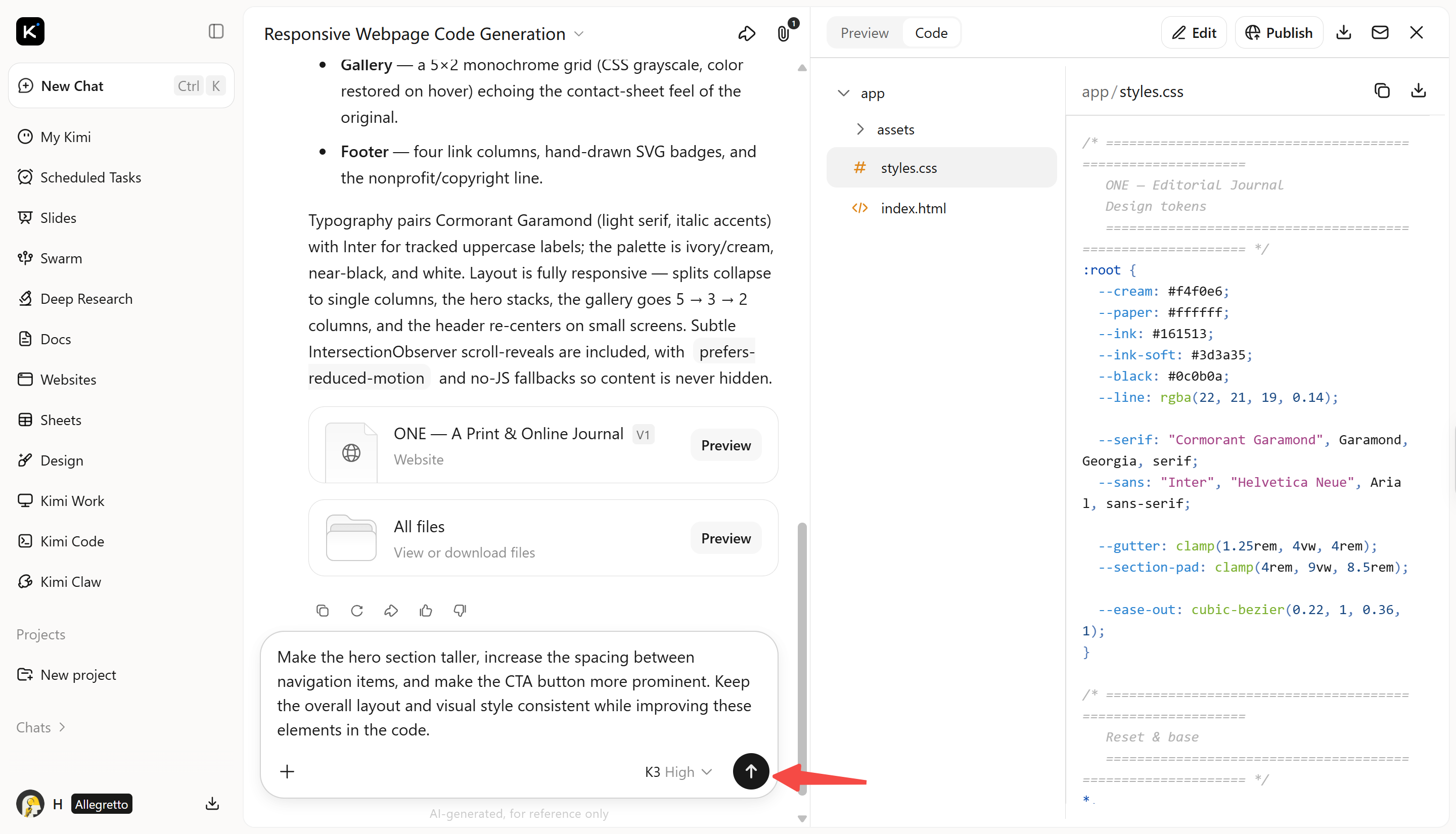
Step 4: Access the code and preview the webpage
Once the conversion is complete, you can copy the generated code and use it in your own development workflow. Edit the code as needed, integrate it into another project, or continue developing the webpage with your preferred tools.
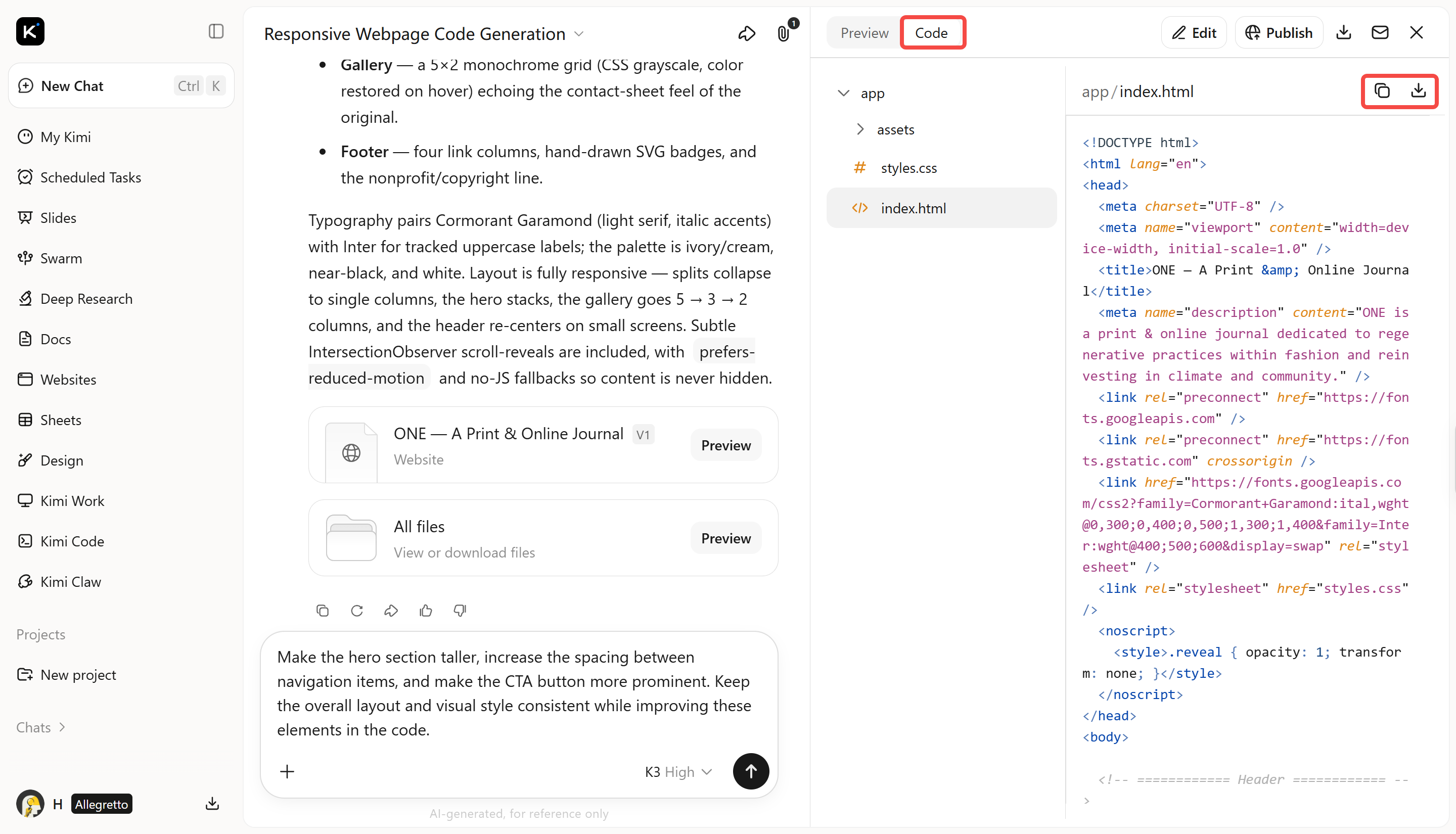
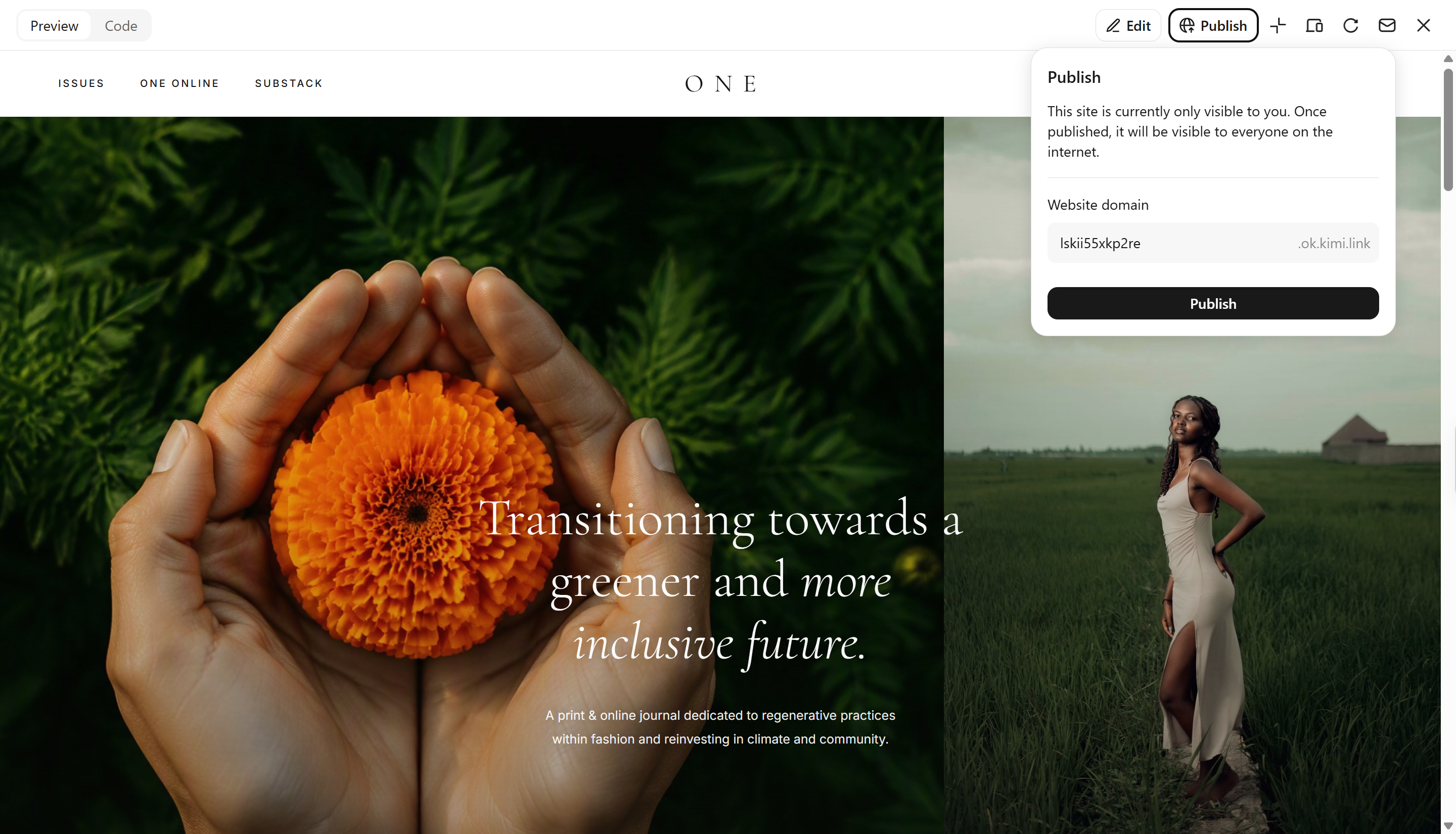
You can also open the generated webpage directly to preview the result. Review the layout, content, and overall appearance, make further refinements with AI if needed, and publish the webpage when it's ready.
Figma Make
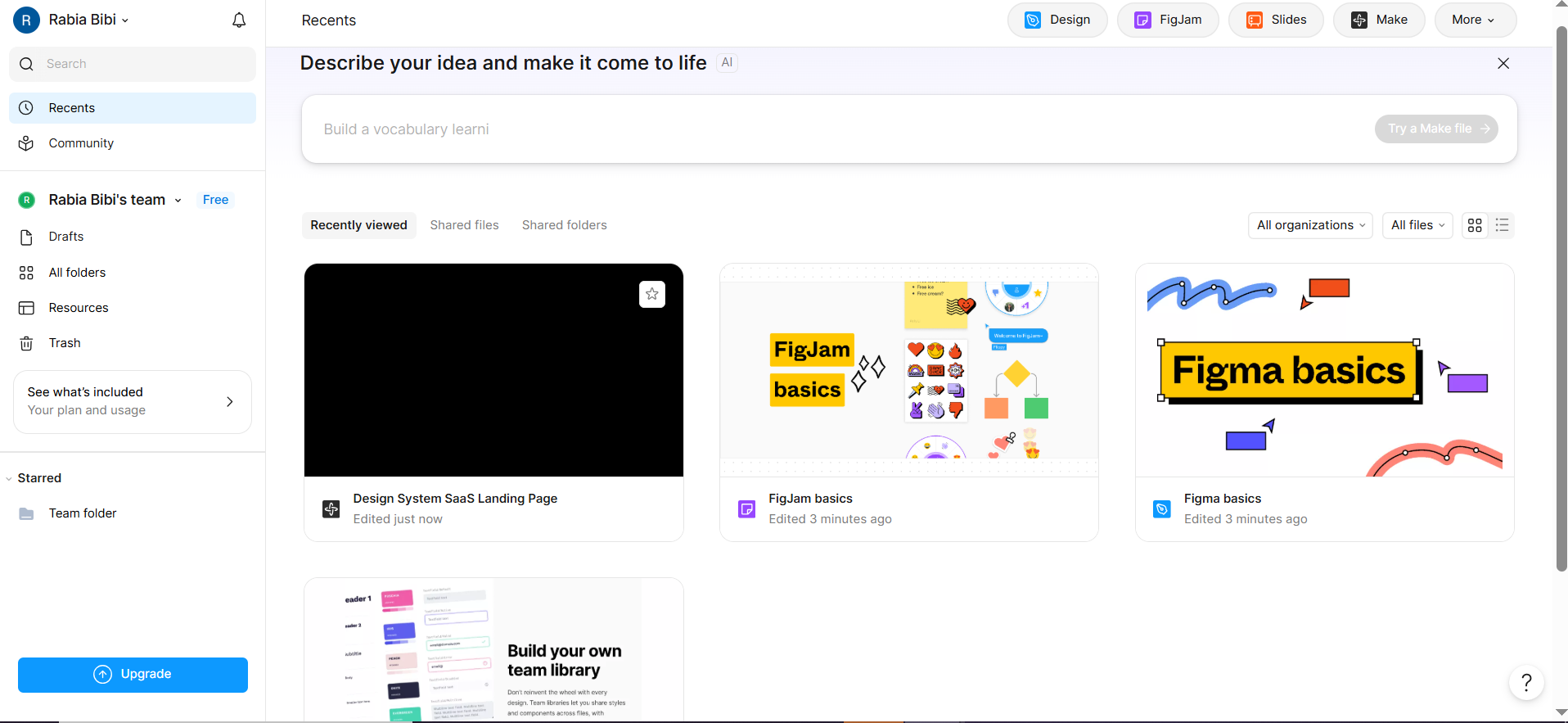
Figma Make is a design-to-code tool that takes a conversational route to interface creation, allowing an idea or existing design context to become a functional prototype or web application. Rather than treating design and implementation as entirely separate stages, it brings prompting, visual refinement, and code inspection into one environment.
Main features
Generates functional interfaces from prompts
Accepts designs and contextual references
Creates interactive web prototypes quickly
Enables targeted conversational design refinements
Publishes functional experiences for sharing
Suitable for
Rapid product concept validation
Early startup experimentation
Stakeholder prototype demonstrations
Designer-led functional exploration
Google Stitch
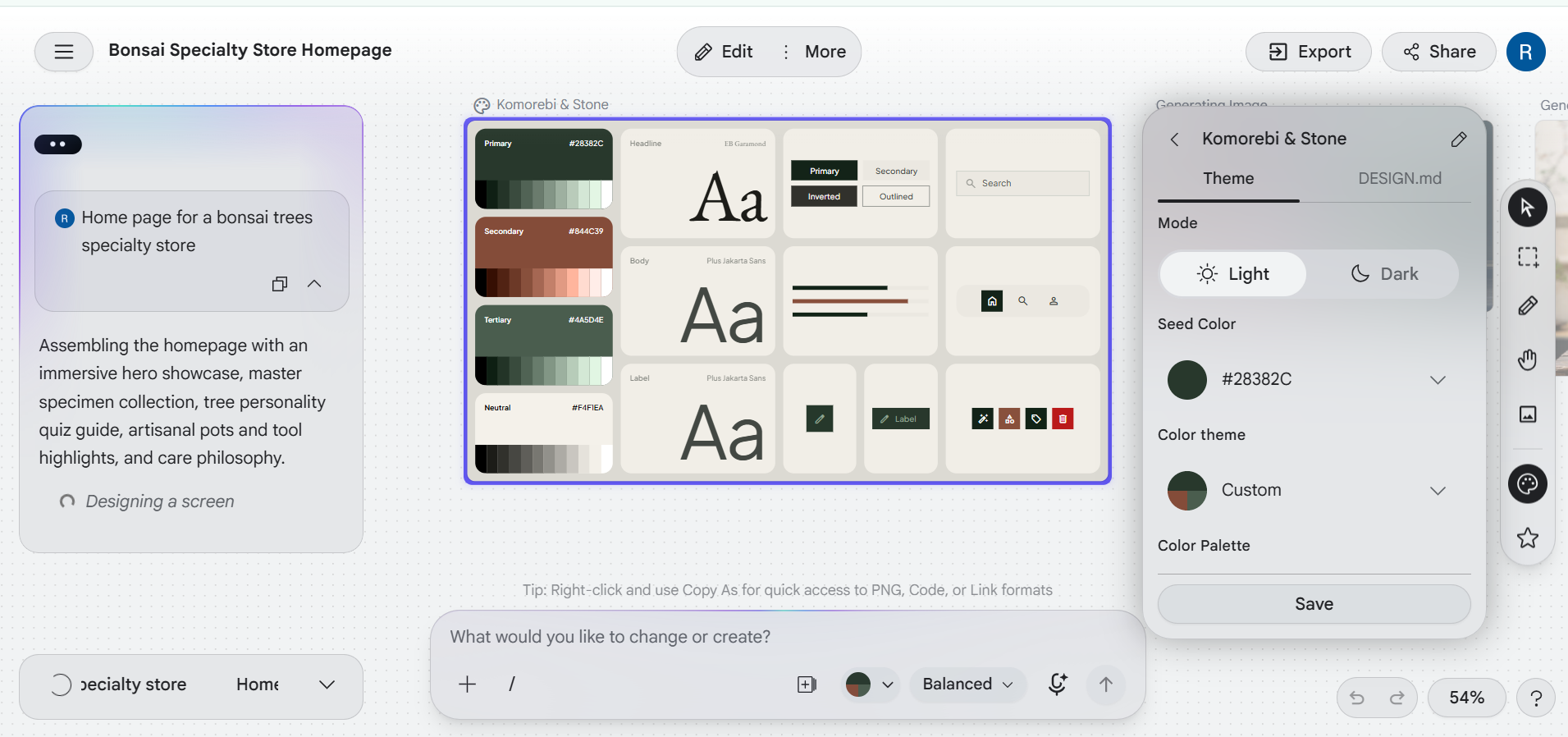
Google Stitch approaches interface creation as an AI-native design activity rather than a conventional design-to-code handoff. Its canvas lets users begin with natural-language intent, visual references, or code and progressively shape high-fidelity interfaces through an AI design agent.
Main features
Provides an expansive infinite canvas
Combines text, images, and code
Supports voice-based design interaction
Facilitates continuous AI-assisted iterations
Connects concepts with development workflows
Suitable for
Exploratory interface direction
Founder-led product ideation
Multimodal creative experimentation
Pre-development interface planning
Anima
Anima is oriented more directly toward the design-to-development handoff, translating interface work into developer-friendly frontend code. Its emphasis falls on responsive behavior, reusable components, framework selection, and code customization rather than merely producing a visual approximation.
Main features
Converts designs into frontend code
Supports React, Vue, and HTML
Interprets responsive layout structures
Offers flexible frontend styling approaches
Accommodates personalized coding preferences
Suitable for
Developer-focused design handoffs
Responsive website implementation
Functional interface prototyping
Multi-screen product development
Locofy
Locofy concentrates on accelerating frontend implementation from established designs, using AI to interpret layout structure, responsiveness, components, and interactions. Its ecosystem extends across design applications, frontend frameworks, UI libraries, development environments, and synchronization tools. That broader orientation makes it more development-centric than purely exploratory design platforms.
Main features
Converts visual designs into code
Supports numerous web development frameworks
Recognizes interactive interface components
Integrates existing design systems
Connects projects with development environments
Suitable for
Agency production workflows
Cross-platform application development
Component library integration
Continuous design-code synchronization
Builder.io
Builder.io takes a codebase-aware approach to design conversion, with Visual Copilot built to translate Figma designs while accounting for frameworks, styling systems, and existing components. Its distinctive emphasis is on reducing the gap between a designer's visual structure and the reusable implementation already maintained by developers.
Main features
Generates frontend code from designs
Accommodates diverse styling methodologies
Translates visual arrangements into layouts
Maps designs to existing components
Configures output through custom instructions
Suitable for
Mature design-system ecosystems
Architecture-conscious development teams
Large-scale product interfaces
Designer-engineer collaboration workflows
v0 by Vercel
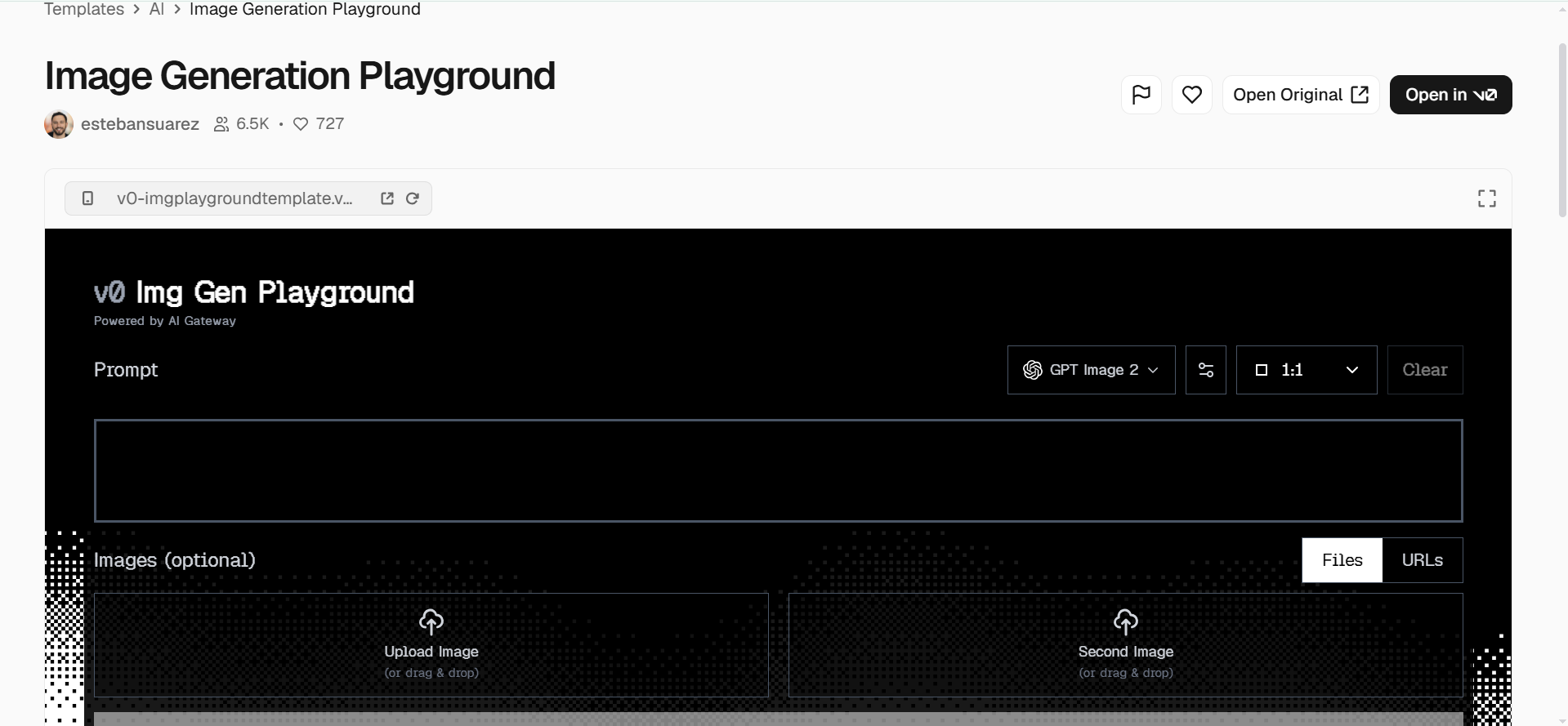
v0 by Vercel uses generative AI to transform natural language descriptions and visual references into functional web interfaces. Its workflow is particularly oriented toward modern frontend development, allowing users to iterate on generated applications while refining their requirements.
Main features
Generates interfaces from natural-language prompts
Creates React-based application components
Supports Tailwind CSS styling
Accepts image-based design references
Provides deployable Vercel integration
Suitable for
Frontend application prototyping
React interface experimentation
AI-assisted web development
Vercel deployment workflows
Bolt.new
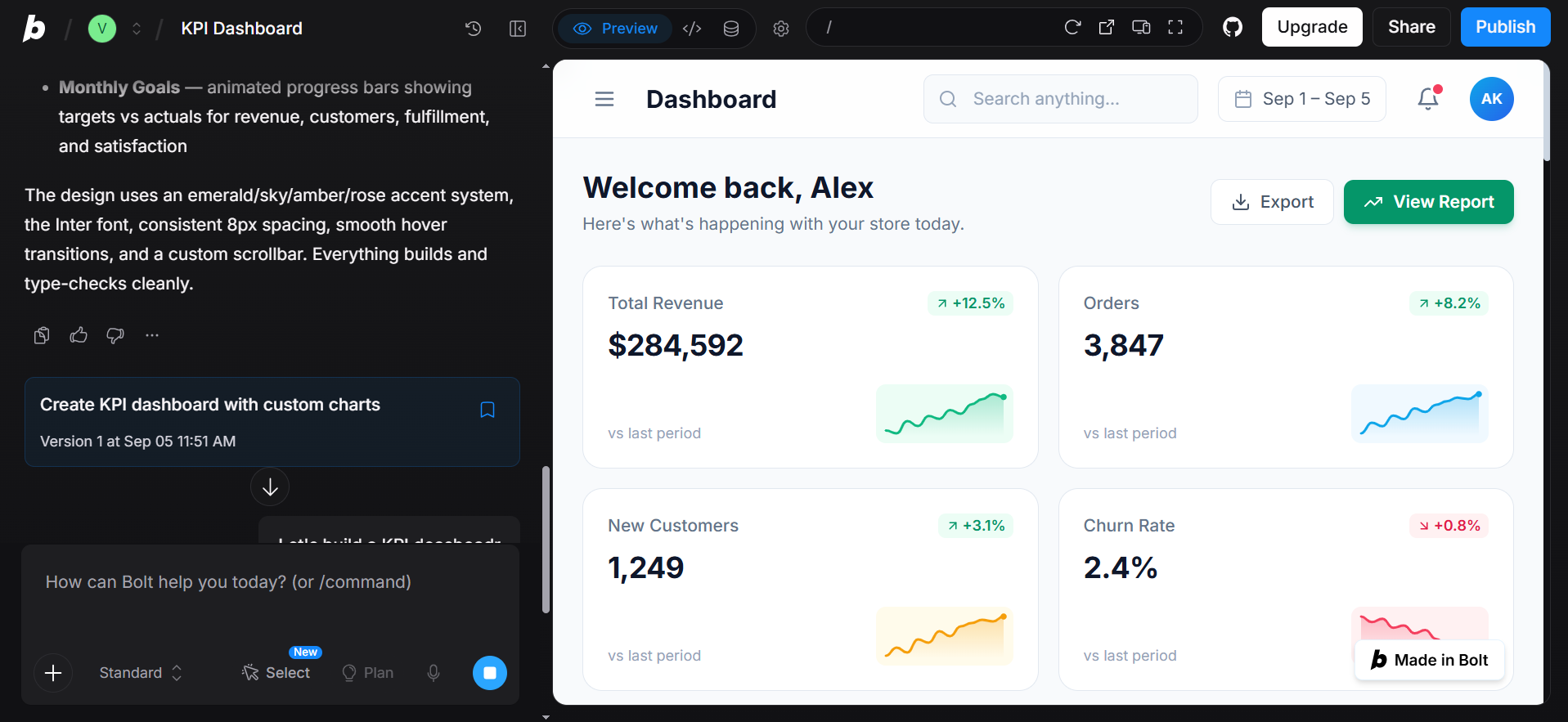
Bolt.new is a design-to-code tool that provides a browser-based environment where users can describe applications and have AI generate the corresponding code, structure, and functionality. Its appeal lies in combining generation with an immediately accessible development workspace rather than separating creation from implementation.
Main features
Runs development directly inside browsers
Supports JavaScript-based technology stacks
Provides instant application previews
Enables direct codebase modifications
Connects projects with deployment services
Suitable for
Full-stack application experimentation
Rapid functional prototypes
Independent software creators
Short-cycle product development
Lovable
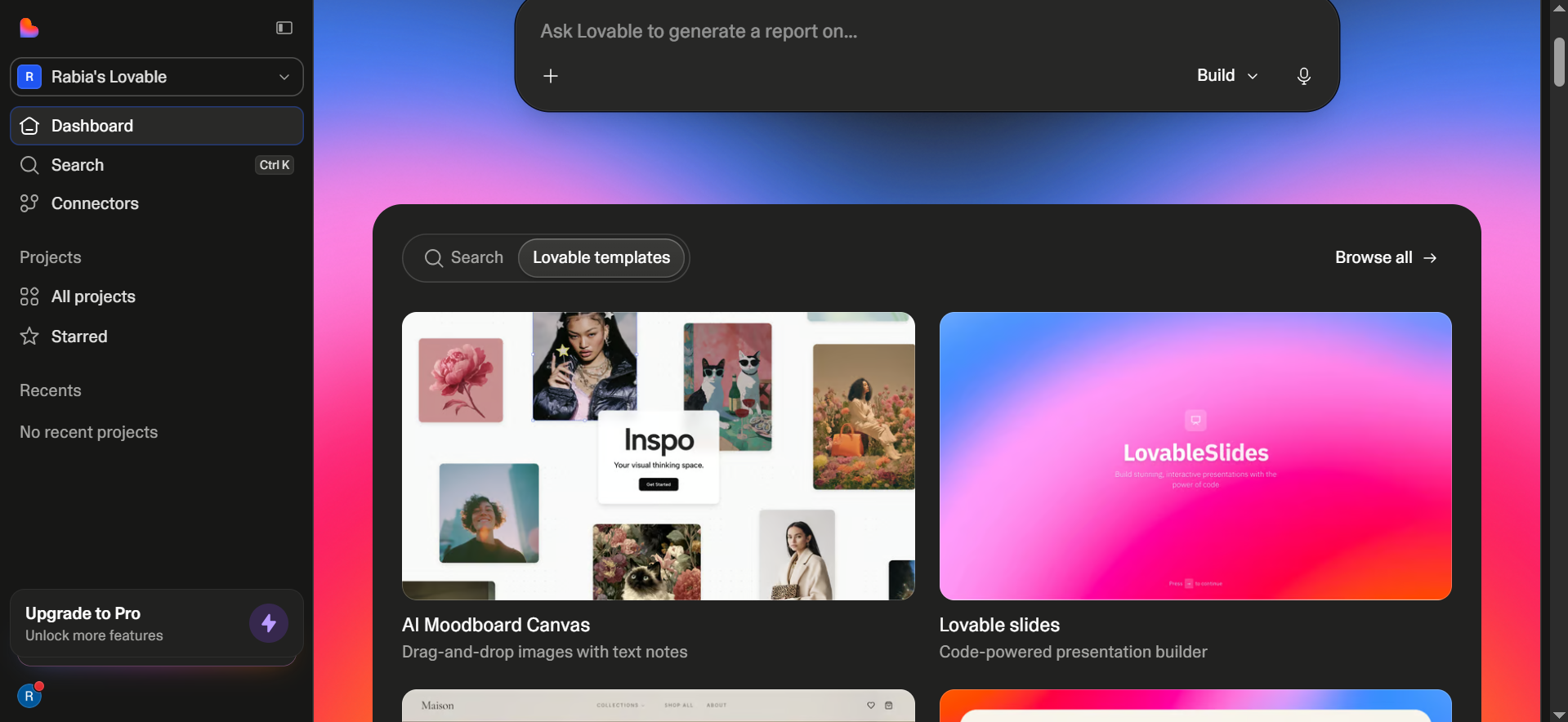
Lovable focuses on conversational software creation, allowing users to describe digital products and progressively shape the resulting application through natural language interaction. Rather than requiring every implementation detail upfront, it encourages an iterative workflow in which requirements can evolve alongside the generated product.
Main features
Generates functional frontend experiences
Connects applications with backend services
Supports database and authentication setup
Allows iterative requirement refinement
Provides integrated application previews
Suitable for
Startup product development
Business application creation
Non-technical founder workflows
Internal tool construction
Zeplin
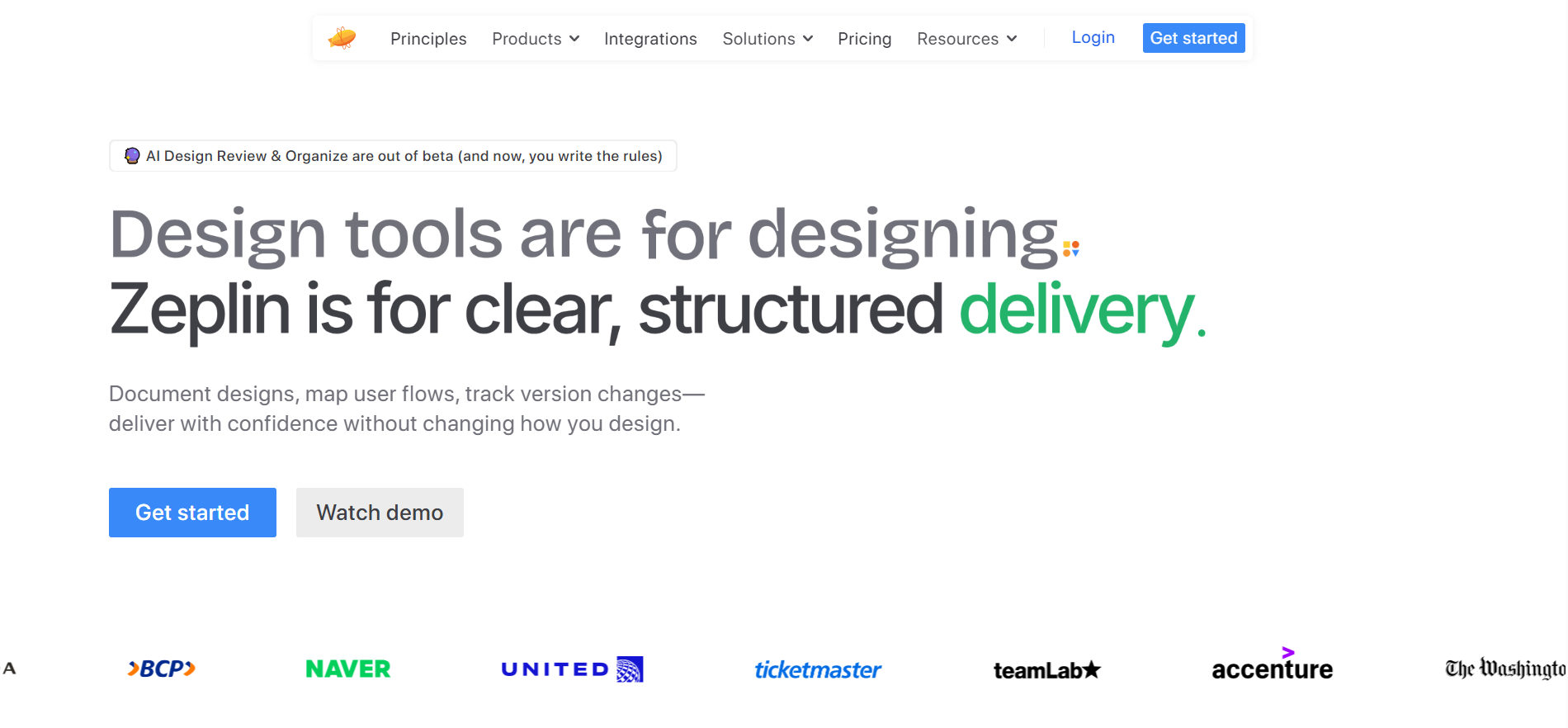
Zeplin takes a different approach by concentrating on the handoff between design and development instead of generating an entire application autonomously. It organizes design specifications, assets, measurements, and implementation details into a developer-oriented workspace.
Main features
Automatically extracts technical specifications
Generates platform-specific implementation resources
Centralizes downloadable design assets
Supports shared project workspaces
Provides structured component documentation
Suitable for
Design development collaboration
Production handoff management
UI specification documentation
Cross-functional product teams
How to choose a suitable design-to-code tool?
With so many platforms approaching design-to-code conversion differently, choosing one can feel less straightforward than expected. A closer look at their capabilities, output quality, and compatibility with your existing process can reveal which option genuinely fits your project.
Check the design formats it supports
Begin by confirming whether the platform accepts the design files your team already uses, such as Figma, Adobe XD, or other supported sources. Compatibility at this stage prevents unnecessary conversion work before development even begins.
Check what technologies it can generate
Examine the frameworks, programming languages, and styling systems available in the generated output. The right match should complement your technical stack rather than forcing developers to restructure their existing environment.
Look at the quality of the generated code
Generated code should be more than visually convincing; it should possess a coherent structure that developers can understand and maintain. Inspect aspects such as component organization, semantics, reusability, and unnecessary complexity before committing to a platform.
Consider the level of design accuracy
Compare the resulting interface against the original visual specification, paying attention to typography, spacing, proportions, and component behavior. High visual fidelity becomes particularly important when the source design has detailed styling requirements.
Make sure it supports responsive layouts
A dependable platform should account for how an interface behaves across desktops, tablets, and mobile screens. Examine whether it produces adaptable structures rather than simply shrinking the same arrangement for every viewport.
Evaluate how easy it is to refine the output
Even strong automated results usually require some adjustment, so examine the editing experience before making a decision. Convenient iteration, accessible source code, and straightforward customization can substantially reduce post-generation effort.
Consider how well it fits your workflow
Think beyond individual features and assess how naturally the platform integrates with your team's existing habits, tools, review cycles, and deployment practices. A technically impressive solution may still prove inefficient if it disrupts the way your projects are already managed.
Conclusion
In conclusion, choosing the right design-to-code tools can simplify the journey from visual concepts to functional web experiences while reducing unwanted development effort. Each platform brings a distinct approach, making it important to weigh its capabilities against your project's technical and creative demands. Kimi Build offers an accessible route for transforming visual references into refined websites through AI-assisted iteration.