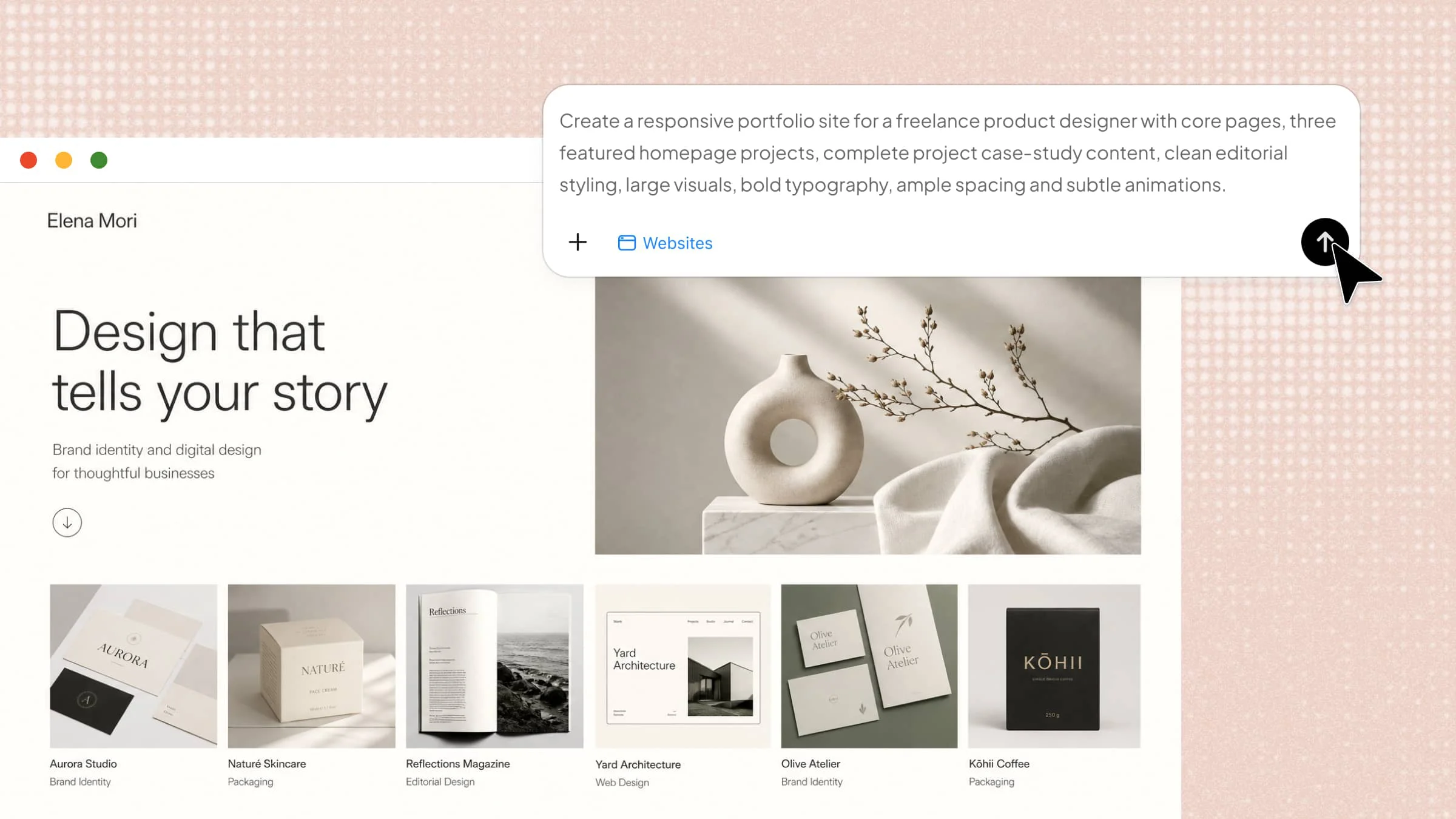
A strong portfolio can open new opportunities, but creating one from scratch can feel overwhelming when you don't know how to present your work effectively. Deciding what projects to add, how to arrange your pages, and how to make the design look professional can be difficult for beginners. With a clear plan and simple tools, you can create a website that truly reflects your skills and experience. Discover how to create a portfolio website in this article and turn your ideas into a polished online presence.
How to create a portfolio website in 5 steps
A portfolio website should do more than collect your past work in one place. It should quickly show what you do, highlight your strongest projects, and give potential clients, employers, or collaborators a reason to get in touch. Here's how to make a portfolio website from scratch:
Step 1: Plan your portfolio website
Before creating your website, decide what you want your portfolio to show and who you want it to reach. Your goal will determine which projects to feature, what information to include, and how visitors should explore your work.
Prepare the main content and assets you will need:
Selected work: Projects that best represent your skills, experience, and type of work
Project details: Project goals, your role, process, tools, and results
Visual materials: Screenshots, images, videos, prototypes, or other work samples
About information: Short bio, professional background, skills, and experience
Social proof: Client feedback, awards, certifications, or notable results
Brand assets: Logo, colors, fonts, and visual references if you already have them
Contact information: Email, social profiles, resume, or other ways to get in touch
Then decide which pages your portfolio needs. A typical structure includes Homepage, Selected Work, Project Detail, About, and Contact. You can also add a Resume, Services, or Testimonials page if it supports your goal.
Think about how visitors will explore your work. A simple path might be:
Homepage > Selected Work > Project Details > About > Contact
This helps you decide what each page should communicate before you start building.
Step 2: Select the right tool to build your portfolio
Choose a website builder based on the type of work you want to showcase, how much customization you need, and how quickly you want to create your portfolio.
An AI website builder can help turn your project materials and ideas into webpages without requiring you to design every section manually. Kimi Build lets you describe your profession, projects, website structure, and preferred visual style, then generates webpages based on your instructions. You can also provide project screenshots, images, videos, and other visual references to guide the design.
Why use Kimi Build for a portfolio website:
Use visual references to shape your design: Provide images or videos that reflect your preferred visual style, and Kimi Build can draw on these references to create a website with a similar look and feel. This makes it easier to communicate your design direction without having to describe every detail in words.
Get more distinctive designs with MusePool: Work with the MusePool plugin to search for real-world design precedents and use them as references when developing your site. This helps move beyond generic AI-generated patterns and gives you more diverse, design-informed directions for your portfolio.
Create a connected multi-page portfolio: Build separate but consistent pages for your projects, About section, resume, and Contact information, giving visitors a complete view of your work and experience.
Refine every detail with natural-language instructions: Adjust project descriptions, layouts, images, animations, and visual styles simply by describing what you want to change. This makes it easy to iterate on your portfolio as your needs evolve.
Build responsive pages for every screen: Create portfolio pages that adapt to different screen sizes, so your projects, images, text, and interactive elements remain clear and usable across desktop and mobile devices.
Step 3: Create your portfolio website
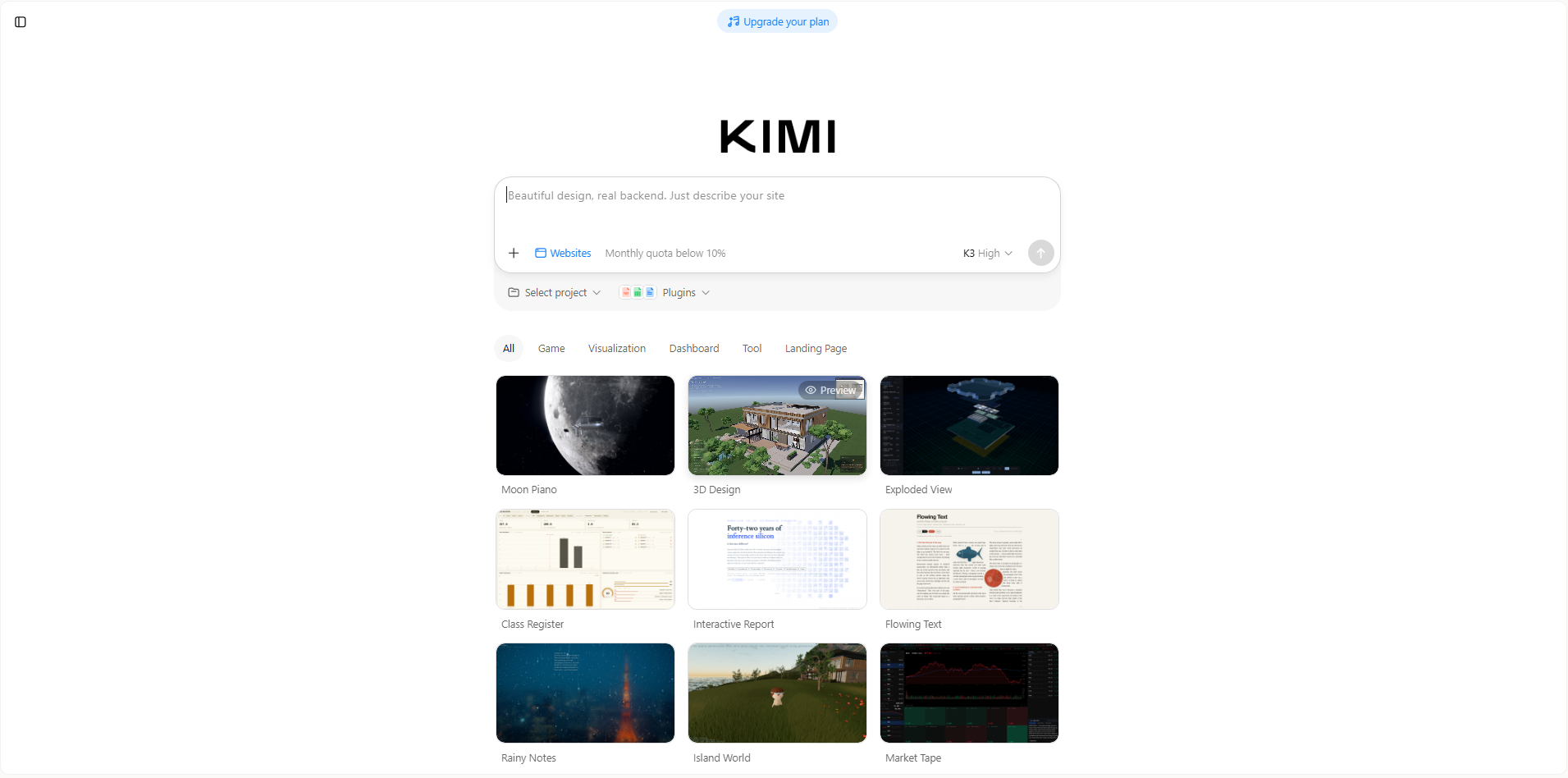
Open Kimi Build and describe your profession, target audience, selected projects, required pages, and visual direction.
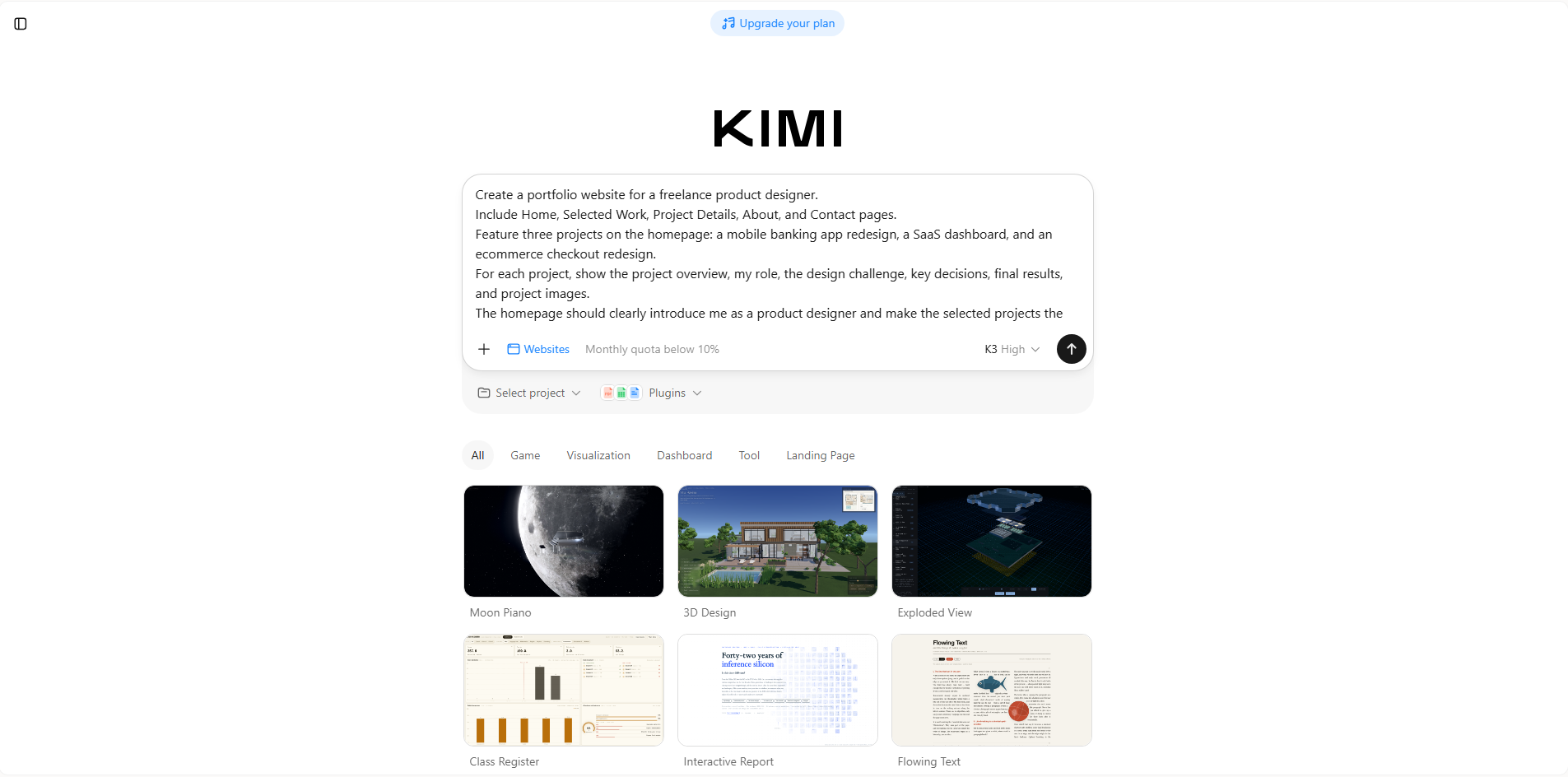
For a portfolio website, be specific about the projects you want to feature, your role in each project, the information visitors should see, and the overall visual style. You can also upload project images, screenshots, videos, or other work samples to help Kimi better understand your work.
Example prompt:
Step 4: Refine your portfolio and project pages
After the initial website is generated, review it from the perspective of someone seeing your work for the first time.
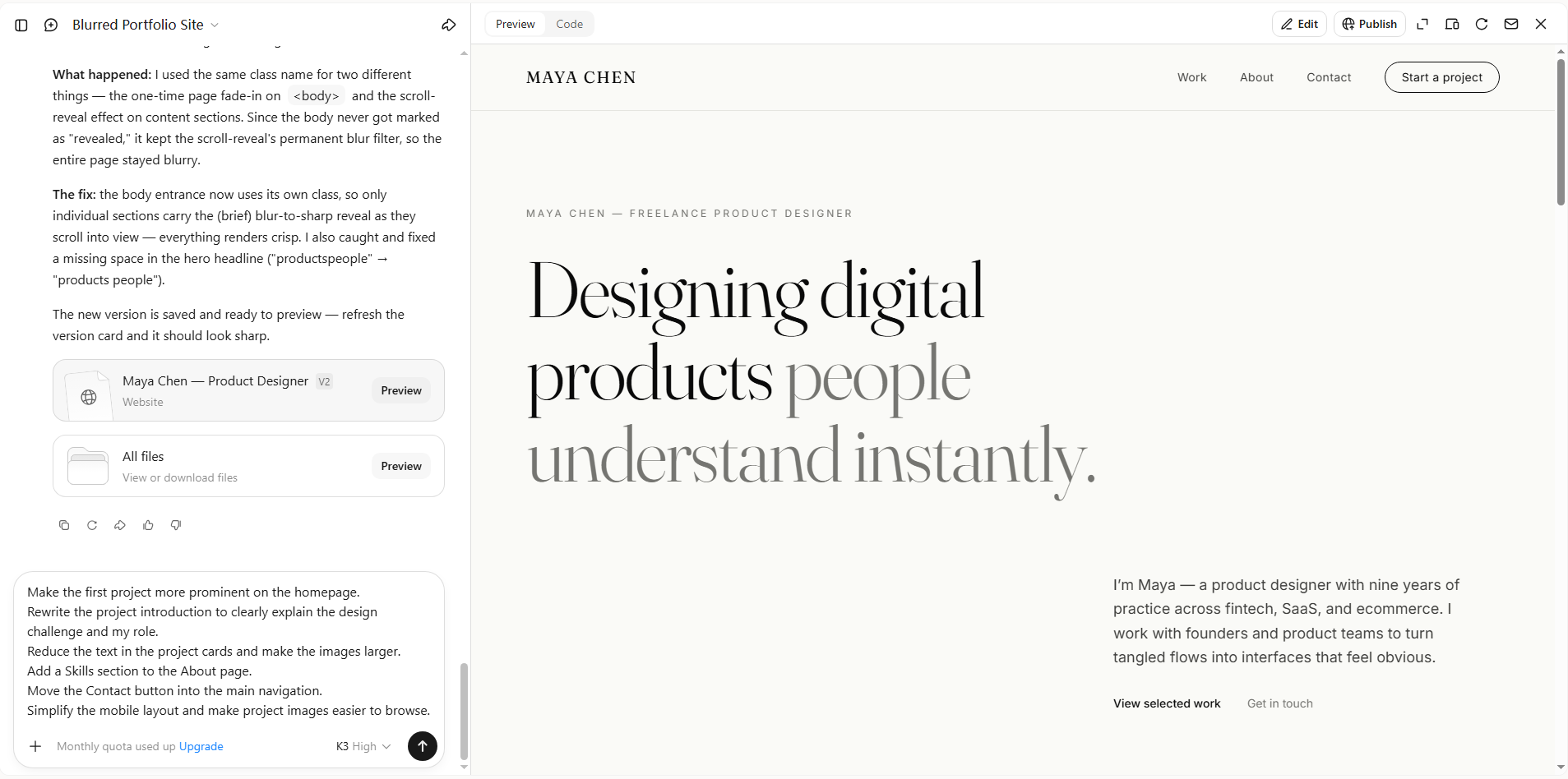
Make sure your strongest projects receive enough attention and that visitors can quickly understand what you do, what role you played, and what each project achieved. Keep project descriptions focused on your contribution rather than filling the page with unnecessary background information. You can use Kimi's editing tools to make specific changes with natural-language instructions.
For example:
Step 5: Test and publish your portfolio website
Before publishing, view your portfolio as if you were a potential client, recruiter, or collaborator. Start from the homepage and check whether a visitor can quickly understand who you are, what you do, and where to find your best work.
Make sure everything works as expected:
Project images and videos load correctly
Project descriptions accurately explain your role and contribution
Navigation makes it easy to move between projects and pages
Contact buttons and links work properly
Your resume and professional profiles open correctly
Text and images display properly on mobile devices
There are no placeholder sections or broken links
Your contact information is accurate and easy to find
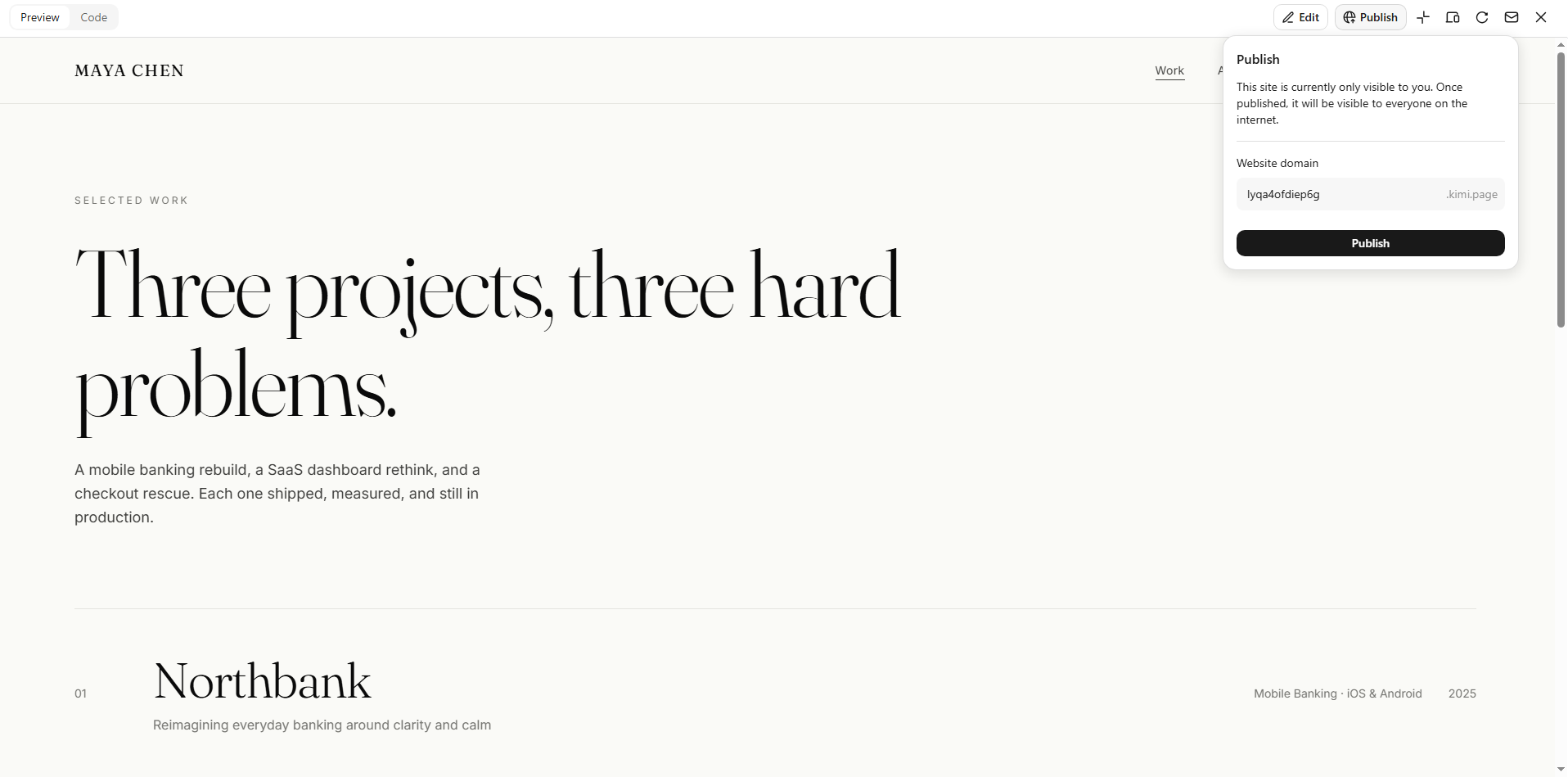
Once everything looks right, publish your portfolio website and add the link to your resume, professional profiles, proposals, or other relevant channels.
Key tips for building a successful portfolio website
A successful portfolio requires more than just adding your projects online. The right approach to design, content, and user experience can help you create a website that highlights your skills and leaves a lasting impression. Keep these practical tips in mind to build a portfolio that looks professional.
Lead with a clear value proposition
Your portfolio should quickly explain who you are, what you offer, and what makes your work different. A clear message helps visitors understand your value from the first moment. When you create a portfolio website, make your purpose easy to recognize.
Showcase quality over quantity
Choose projects that best represent your skills and experience instead of adding everything you have created. A smaller collection of strong work can leave a better impression on visitors. Focus on quality examples that clearly show your abilities.
Include real case studies, not just images
Images can show the final result, but case studies explain the process behind your work. Share the challenges, solutions, and outcomes of your projects to build credibility. This gives visitors a deeper understanding of your skills.
Create a clear and intuitive site structure
Organize your pages and content in a logical way so visitors can quickly find your projects, background, and contact information. Use clear navigation labels and keep important content easy to access. A well-structured portfolio helps visitors understand your work without having to search through unnecessary pages or menus.
Make contact info easy to find
Visitors should not struggle to find a way to contact you after viewing your work. Add clear contact details or a simple form in easy-to-see areas. A smooth contact process can help you turn visitors into potential clients and create valuable new business opportunities.
Make your portfolio responsive
Make sure your portfolio adapts smoothly to different screen sizes. Check project images, text, buttons, menus, and other key elements on mobile devices to ensure everything remains readable, accessible, and easy to use.
Update regularly with new projects
Adding fresh projects keeps your portfolio active and shows continuous growth. Regular updates help visitors see your latest skills and achievements. Keep your portfolio current by adding new work as your skills and experience grow.
Conclusion
Learning how to create a portfolio website starts with choosing the right projects, organizing your content, and creating a clear, professional layout. A thoughtful portfolio can showcase your skills, build credibility, and help you attract new opportunities. Kimi Build makes it easier to turn your ideas into a polished portfolio with AI-powered tools for building and customizing your site.