A personal finance app can help you take control of your money when everyday expenses, bills, and savings goals become difficult to manage. Without a clear budget, it is easy to lose track of spending or struggle to set money aside for future needs. The right app brings your financial activities into one place and makes money management more organized. In this article, you'll explore 10 personal finance management apps, their key features, and how they can support your financial goals.
Overview of 10 personal finance apps
Not every budgeting tool offers the same approach to managing money. Some focus on tracking daily expenses and controlling spending, while others provide investment insights, debt management, and savings planning. The following comparison highlights 10 personal finance apps, their key features, and the users who may benefit most from them.
| App | Main focus | Key features | Suitable for |
|---|---|---|---|
| EveryDollar | Zero-based budgeting | Budget categories, manual transaction tracking, savings and debt goals | Beginners and users who prefer a straightforward budgeting app |
| Quicken Simplifi | Everyday money management | Spending Plan, savings goals, watchlists, financial reports | People managing bills, spending, and savings |
| YNAB | Structured budgeting | Goal tracking, loan planner, spending reports, budget sharing | Users who want a planned approach to money management |
| Goodbudget | Envelope budgeting | Digital envelopes, shared budgets, debt tracking, bank synchronization | Families and individuals managing category-based budgets |
| Money Manager | Expense tracking | Transaction calendar, budget categories, charts, asset management | Users who prefer detailed expense records |
| Empower Personal Dashboard | Wealth and investment tracking | Net worth monitoring, investment analysis, cash flow, retirement planning | Investors and long-term financial planners |
| Rocket Money | Subscription and bill management | Subscription tracking, budget management, bill negotiation, credit monitoring | People looking to manage recurring expenses |
| PocketGuard | Available spending tracking | Spending forecasts, bill tracking, debt payoff planner, custom budgets | Users who want to monitor available spending money |
| Spendee | Multi-wallet budgeting | Multiple wallets, budget creation, scheduled transactions, shared wallets | Couples, roommates, and users managing multiple accounts |
| Wallet by BudgetBakers | Budgeting and financial reporting | Bank synchronization, smart budgets, planned payments, financial reports | Users who want organized financial records and spending insights |
10 personal finance apps for better budgeting and saving
Explore these personal finance apps that offer different features to help you manage spending, build savings, and make informed financial decisions.
EveryDollar
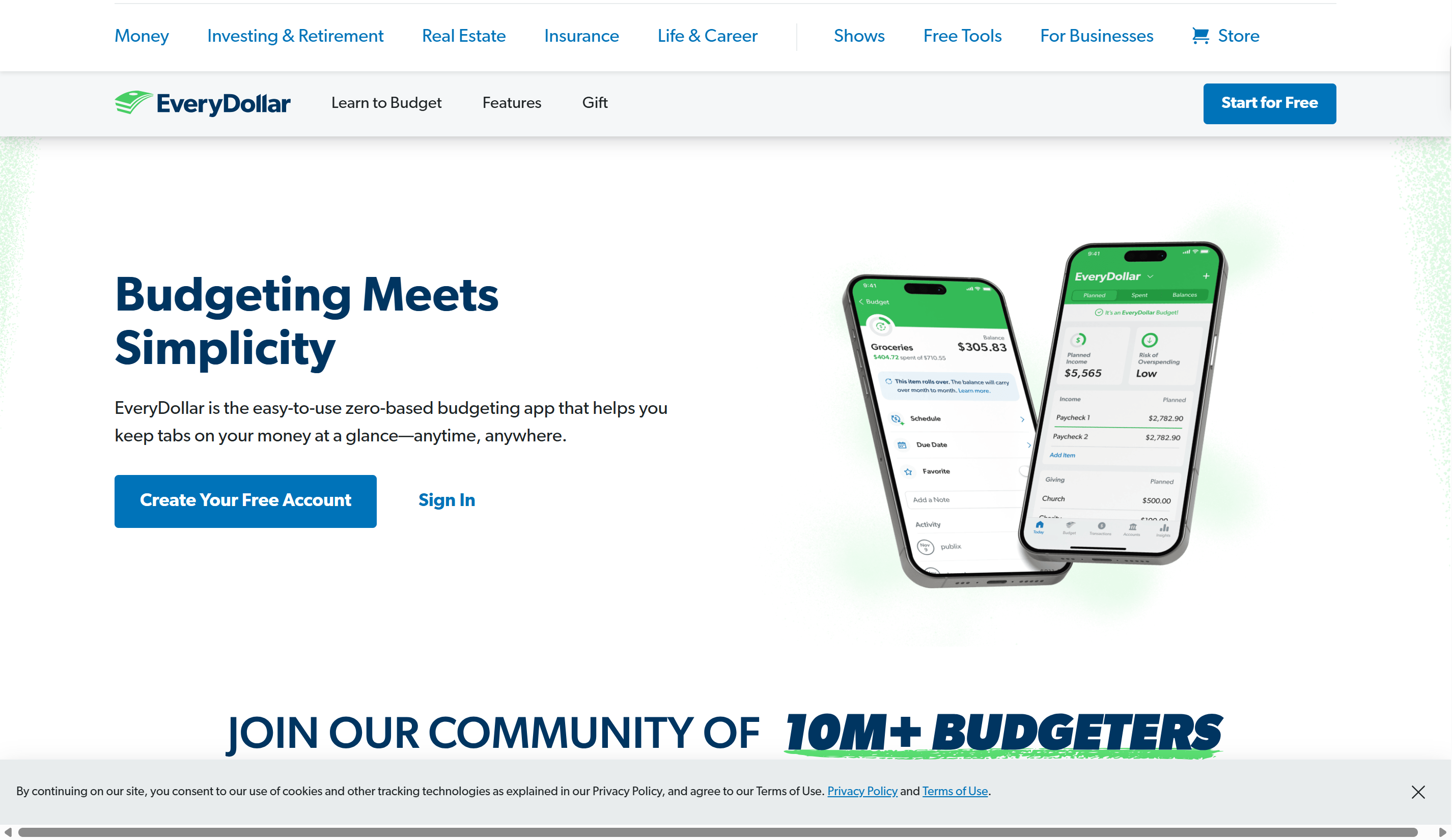
EveryDollar is a budgeting tool designed around the zero-based budgeting method, where you assign a purpose to every dollar of your income. It helps you organize monthly earnings, expenses, savings, and debt payments into a clear plan. The app is useful for people who prefer to decide how their money will be used before spending it. This personal finance app supports manual budgeting, while the premium version adds bank connections and other planning tools.
Main features
Zero-based budgeting: Allocate your expected income across expenses, savings, and debt until every dollar has a planned purpose.
Custom budget categories: Create and organize budget lines to reflect your regular bills, household costs, personal spending, and financial priorities.
Transaction tracking: Record purchases manually in the free version or connect eligible bank accounts through the premium plan.
Savings and debt goals: Set targets for upcoming expenses and track progress toward savings milestones and debt payments.
Suitable for
Beginners learning to create a monthly budget.
People who prefer zero-based budgeting.
Individuals organizing expenses around paydays.
US users who want a free budgeting option with an upgrade path.
Quicken Simplifi
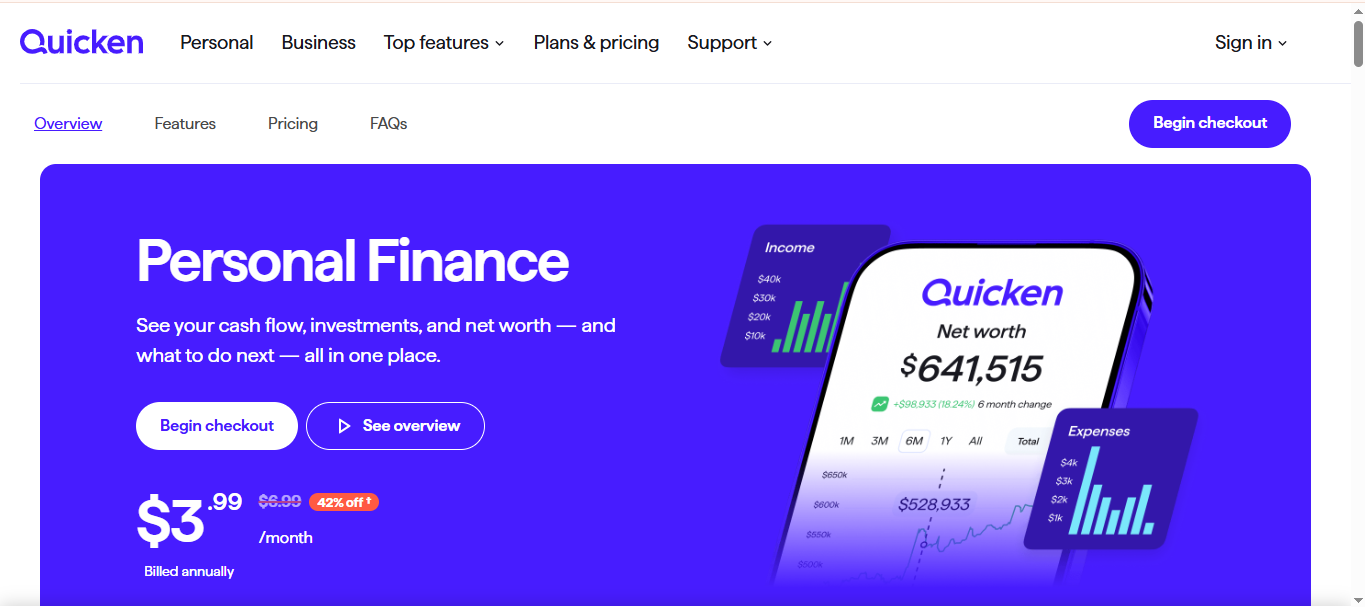
Quicken Simplifi is a personal finance app that brings everyday money management into one dashboard. It gives users an overview of their income, recurring bills, spending, savings goals, and investments. Its Spending Plan helps show how much money remains after planned expenses are accounted for. The app also provides reports that make it easier to review financial activity over time.
Main features
Spending Plan: Organize income, bills, subscriptions, savings contributions, and everyday expenses in a monthly plan that updates as transactions arrive.
Savings goals: Set targets for purchases or future plans and monitor how much you have saved toward each goal.
Watchlists: Follow selected spending categories, merchants, or tags without creating a complete budget for each one.
Financial reports: Review spending, income, cash flow, savings, and net worth through detailed summaries and charts.
Suitable for
Individuals who want a clear monthly spending overview.
People managing recurring bills and subscriptions.
Users tracking several savings goals.
Households that want to review financial information together.
YNAB
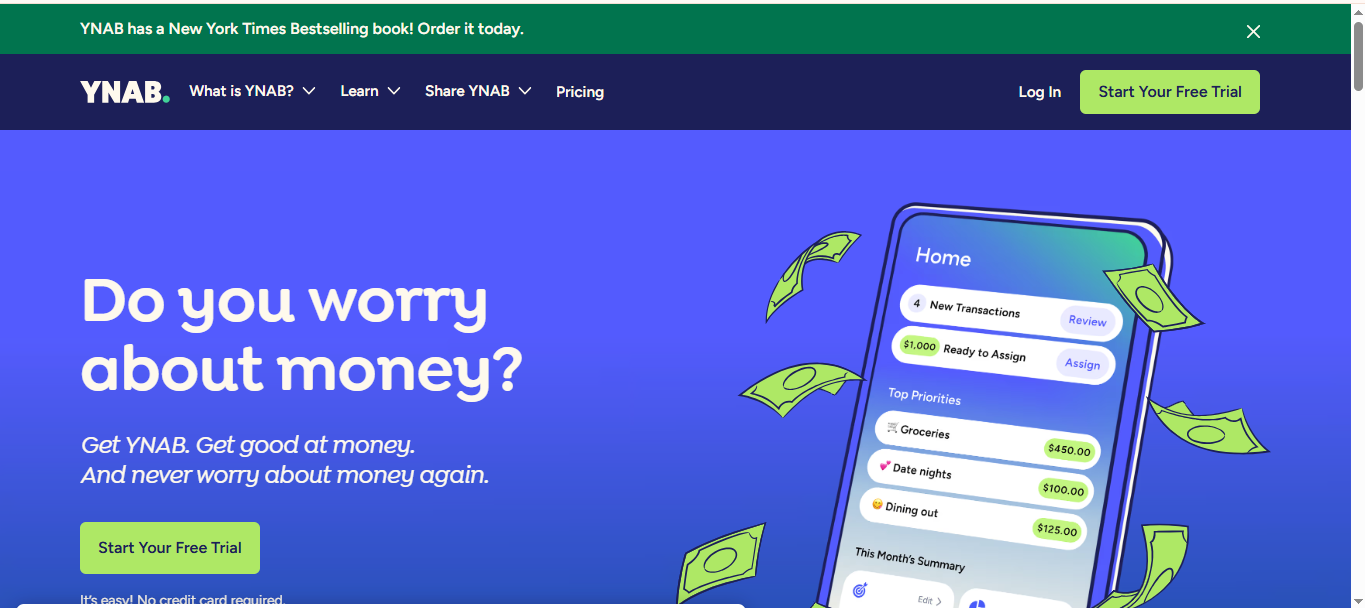
YNAB, short for You Need A Budget, is a budgeting platform built around giving every dollar a specific job. Rather than simply recording purchases, it encourages users to make deliberate decisions about how to allocate available money. Its budgeting approach can help people prepare for upcoming expenses and adjust their plans when priorities change. YNAB also includes tools for monitoring financial progress and reviewing spending patterns
Main features
Goal tracking: Create savings targets and calculate how much you need to set aside weekly, monthly, or by a chosen date.
Loan planner: Compare debt repayment scenarios and estimate how additional payments may affect interest costs and payoff time.
Spending reports: Use charts and category breakdowns to examine spending habits and compare financial activity over time.
YNAB Together: Share a subscription with up to six people, making it easier for partners or family members to manage a shared budget.
Suitable for
People who want a structured budgeting method.
Individuals working toward savings targets.
Users planning to reduce outstanding debt.
Couples and families managing money together.
Goodbudget
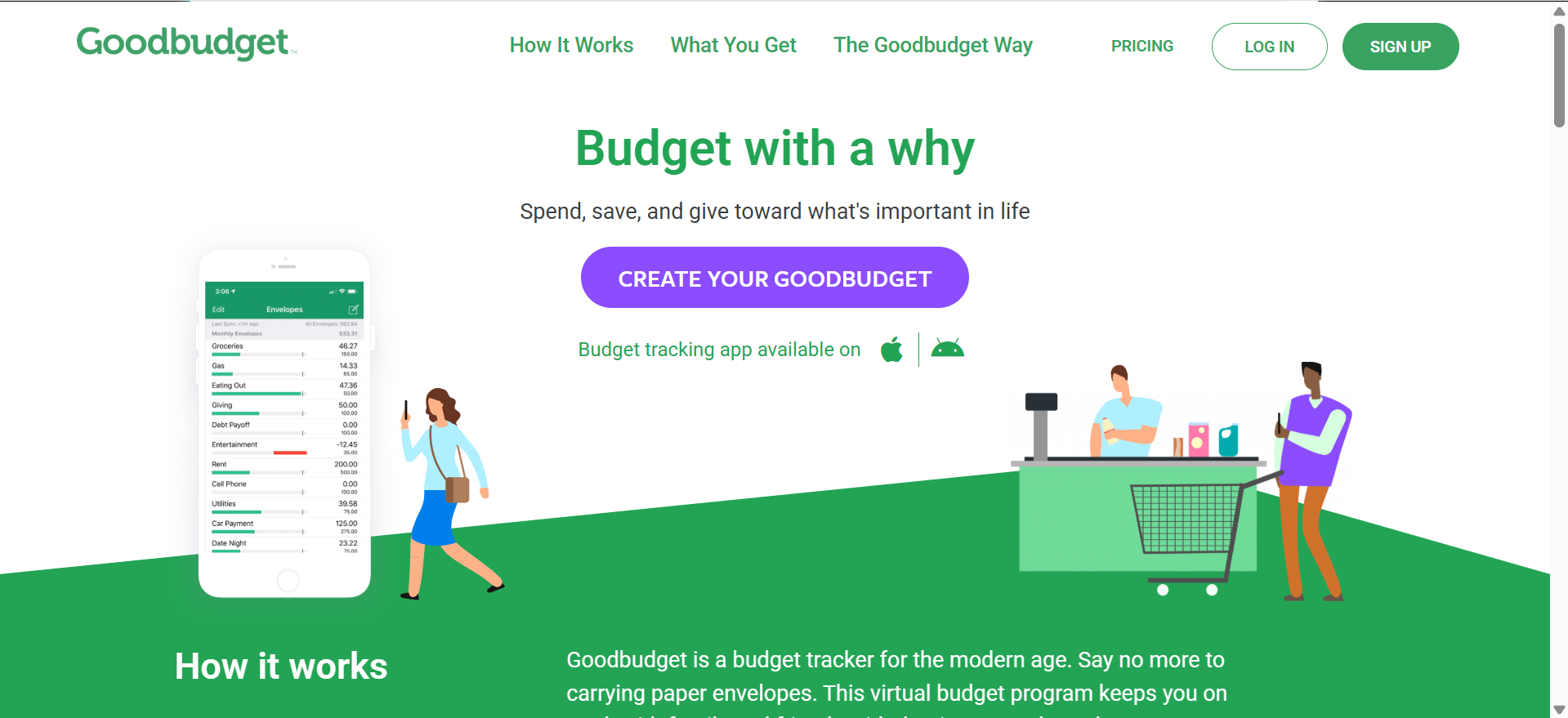
Goodbudget is a digital envelope budgeting tool that helps users divide their income into separate spending categories. Each envelope represents an amount reserved for a particular purpose, such as groceries, rent, transport, or entertainment. This approach makes it easier to see how much money remains available in each category. Goodbudget also provides options for sharing budgets and tracking debt repayment progress.
Main features
Envelope budgeting: Create digital envelopes for different expenses and assign a planned amount to each category.
Budget sharing: Share household budgets with a partner or family member to coordinate spending decisions.
Debt tracking: Use debt accounts and the debt snowball method to monitor balances, interest, fees, and repayment progress.
Bank synchronization: Link supported financial accounts to import transactions automatically; availability depends on the plan and supported institutions.
Suitable for
People who prefer the envelope budgeting method.
Couples managing shared household expenses.
Individuals who want to track debt repayment.
Users who prefer assigning spending limits to specific categories.
Money Manager
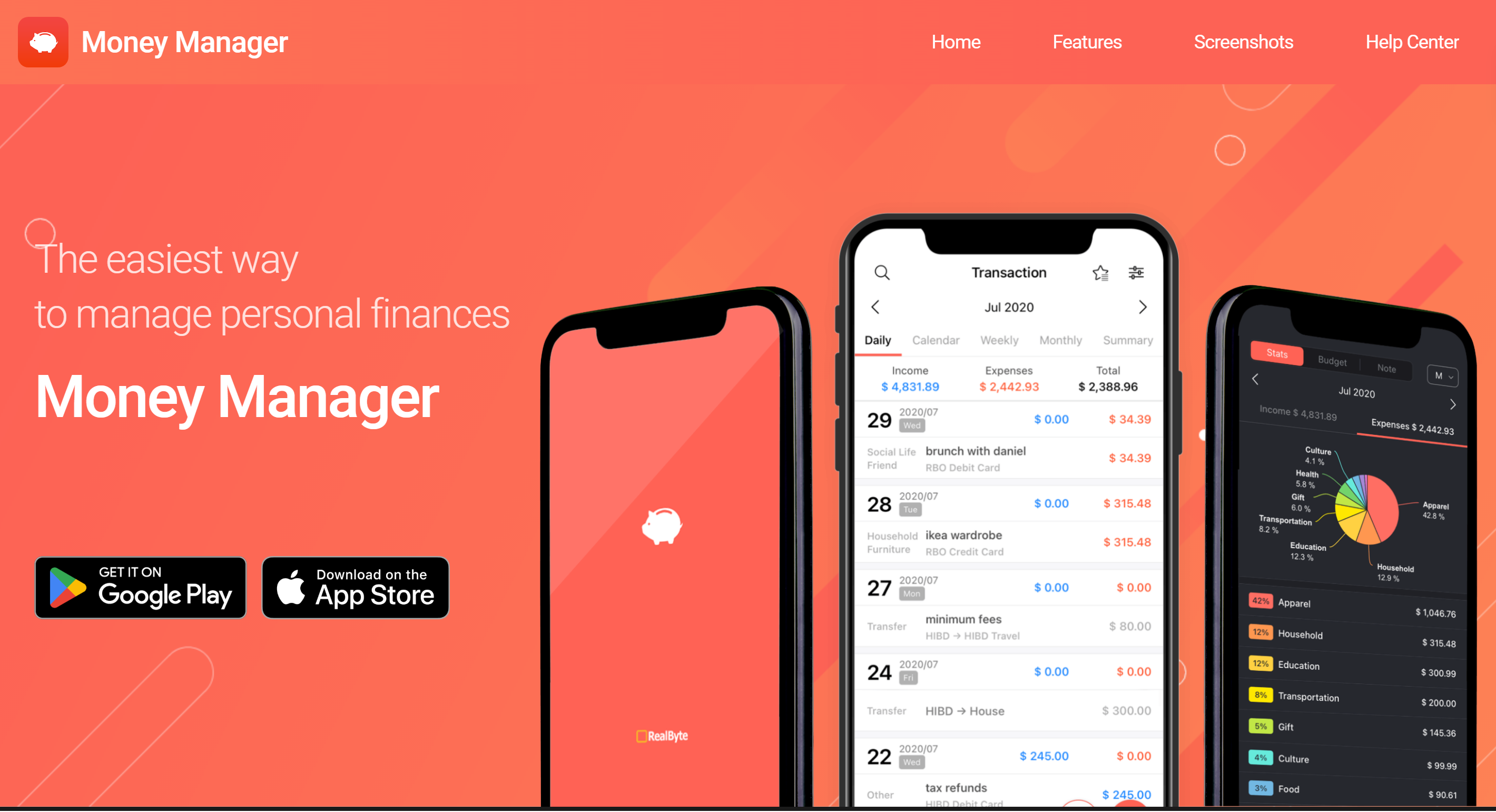
Money Manager by Realbyte is an expense-tracking and budgeting tool for people who want to keep a closer record of their daily financial activity. It organizes transactions into categories and provides weekly and monthly summaries. Users can also record assets, liabilities, and other financial details to maintain a broader view of their finances. Its calendar and chart features make it easier to review past transactions and spending trends.
Main features
Category-based budgets: Set monthly spending limits for individual categories and compare planned amounts with actual expenses.
Transaction calendar: View financial activity by date to review purchases and identify when expenses occurred.
Charts and reports: Analyze spending patterns through organized graphs and weekly or monthly summaries.
Asset management: Record savings, insurance, loans, and real estate to monitor different parts of your financial position.
Suitable for
People who prefer recording expenses manually.
Individuals who want detailed transaction histories.
Users tracking assets and liabilities alongside spending.
Anyone who wants visual summaries of monthly expenses.
Empower Personal Dashboard
Empower Personal Dashboard is a financial tracking platform that combines everyday budgeting with investment and wealth-monitoring tools. It brings connected financial accounts into one place, helping users review their overall financial position. The dashboard includes information about cash flow, investment performance, retirement savings, and debt.
Main features
Net worth tracking: View the combined value of connected assets and liabilities and monitor how your net worth changes over time.
Investment analysis: Review portfolio performance, investment allocation, and changes in account values.
Budgeting and cash flow: Compare income and expenses across accounts and examine spending by category.
Retirement and savings planning: Monitor retirement progress, emergency fund levels, and debt repayment through dedicated dashboard tools.
Suitable for
Investors who want an overview of their financial accounts.
People monitoring their net worth.
Individuals planning for retirement.
Users who want basic budgeting alongside investment tracking.
Rocket Money
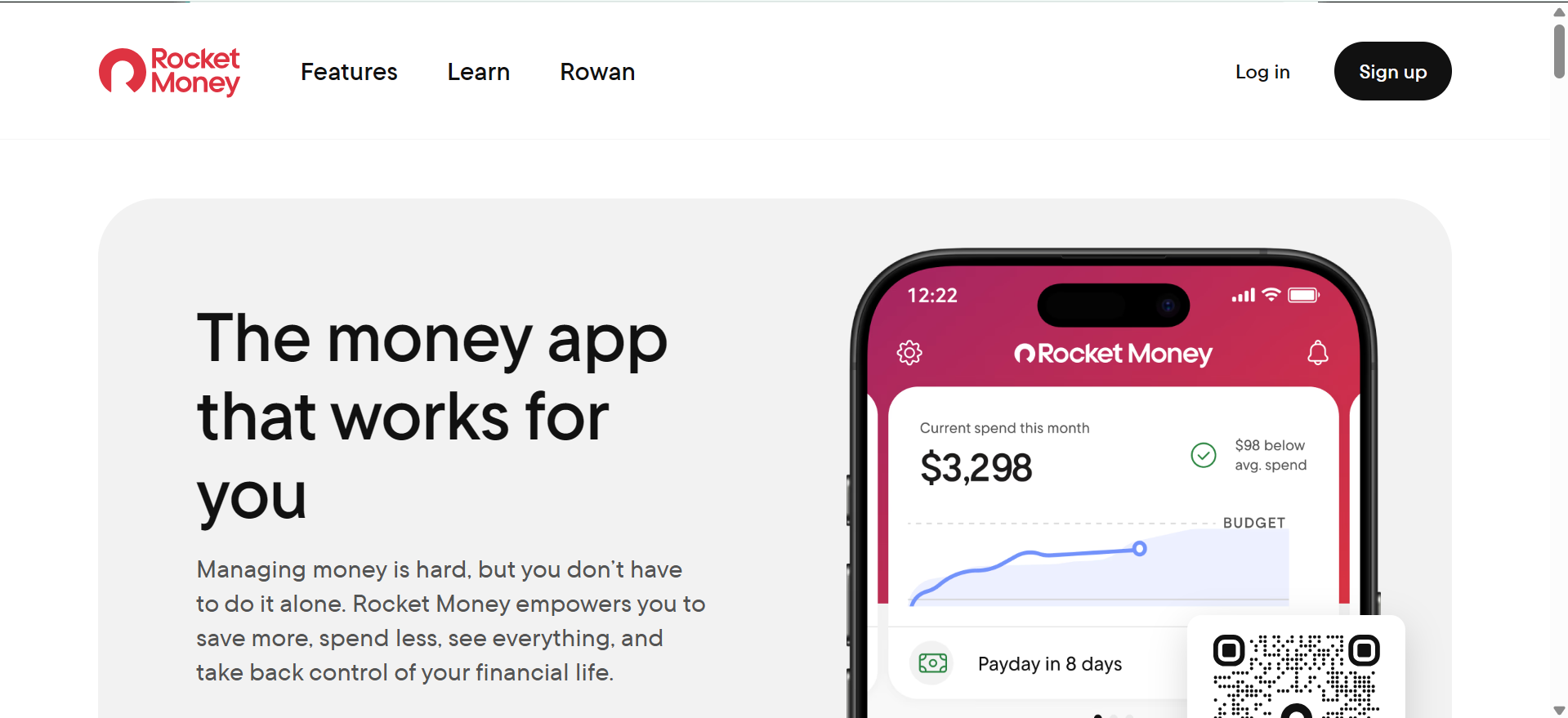
Rocket Money is a personal finance management app that helps users keep track of recurring charges, bills, and everyday spending. It identifies subscriptions and organizes financial activity so users can see where their money goes. The platform also offers tools for managing budgets, monitoring credit, and working toward savings goals. Some advanced services, including subscription cancellation and bill negotiation, require a paid plan.
Main features
Subscription tracking: Identify recurring payments and view subscriptions in one place to spot services you may no longer need.
Budget management: Categorize transactions and create spending limits for different expense categories.
Bill negotiation: Eligible Premium+ members can request help negotiating certain recurring bills, such as internet and phone services.
Financial goals and credit monitoring: Premium features include savings goals and credit-score tracking, helping users monitor progress beyond everyday spending
Suitable for
People managing multiple subscriptions.
Individuals looking for ways to reduce recurring bills.
Users who want spending and credit information in one dashboard.
People interested in automated savings tools.
PocketGuard
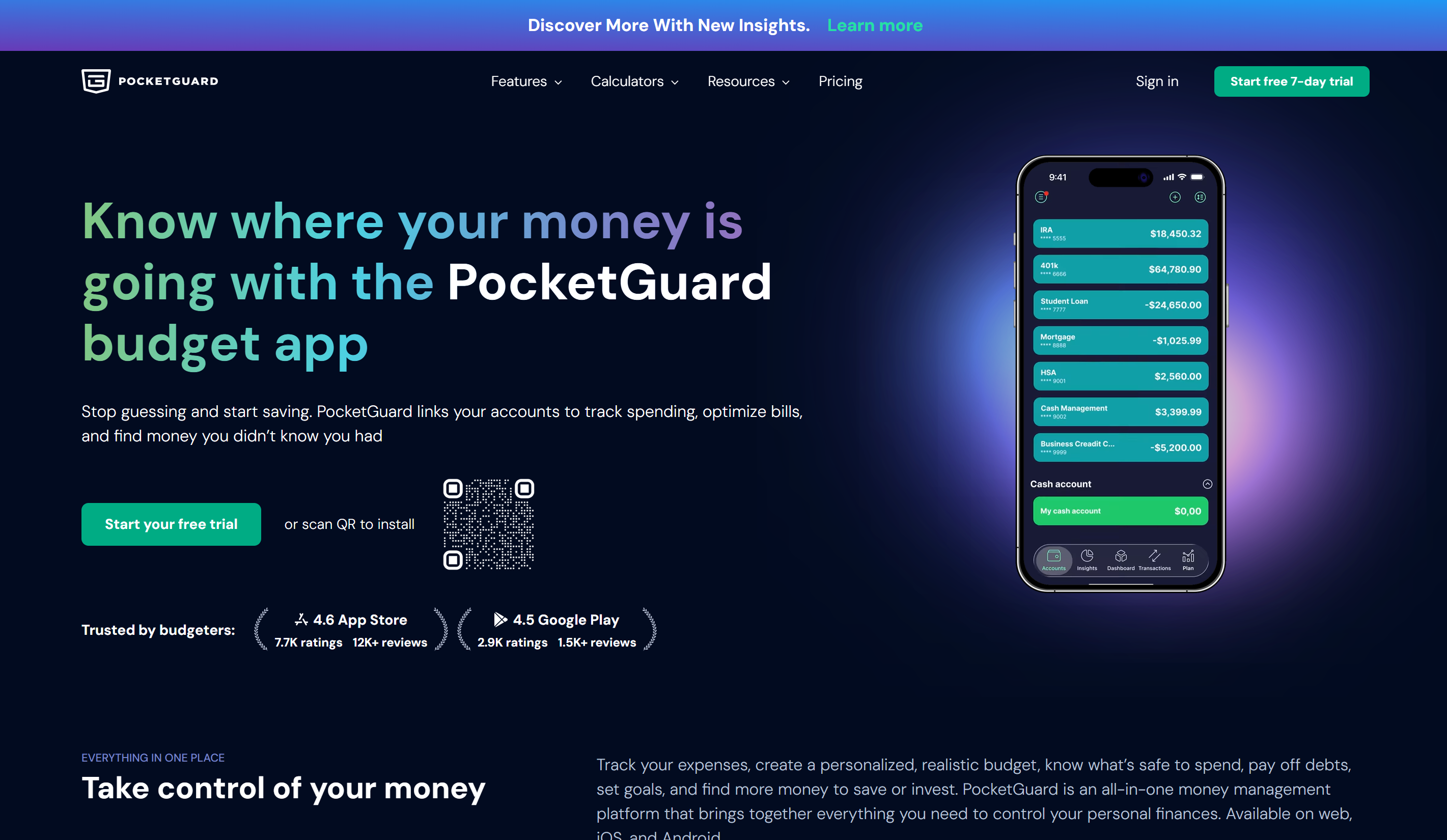
PocketGuard is a budgeting app that helps users understand how much money they can spend after accounting for bills, planned expenses, and savings. It brings transactions from connected financial accounts into one view and offers tools to identify spending patterns. Its forecasting feature uses spending history to estimate how much money may remain at the end of the month. The app also includes options for debt repayment and savings planning.
Main features
Spending forecast: Use past transactions and current spending habits to estimate how much money may be left by the end of the month.
Bill and subscription tracking: Review upcoming payments and recurring charges to avoid overlooking regular expenses.
Debt payoff planner: Compare repayment approaches and create a plan for reducing outstanding balances.
Custom budgets and rollover: Set category limits, create financial goals, and carry unused budget amounts into the next period.
Suitable for
People who want to estimate their available spending money.
Individuals managing recurring bills.
Users working toward debt reduction.
Anyone who wants spending forecasts and savings targets.
Spendee
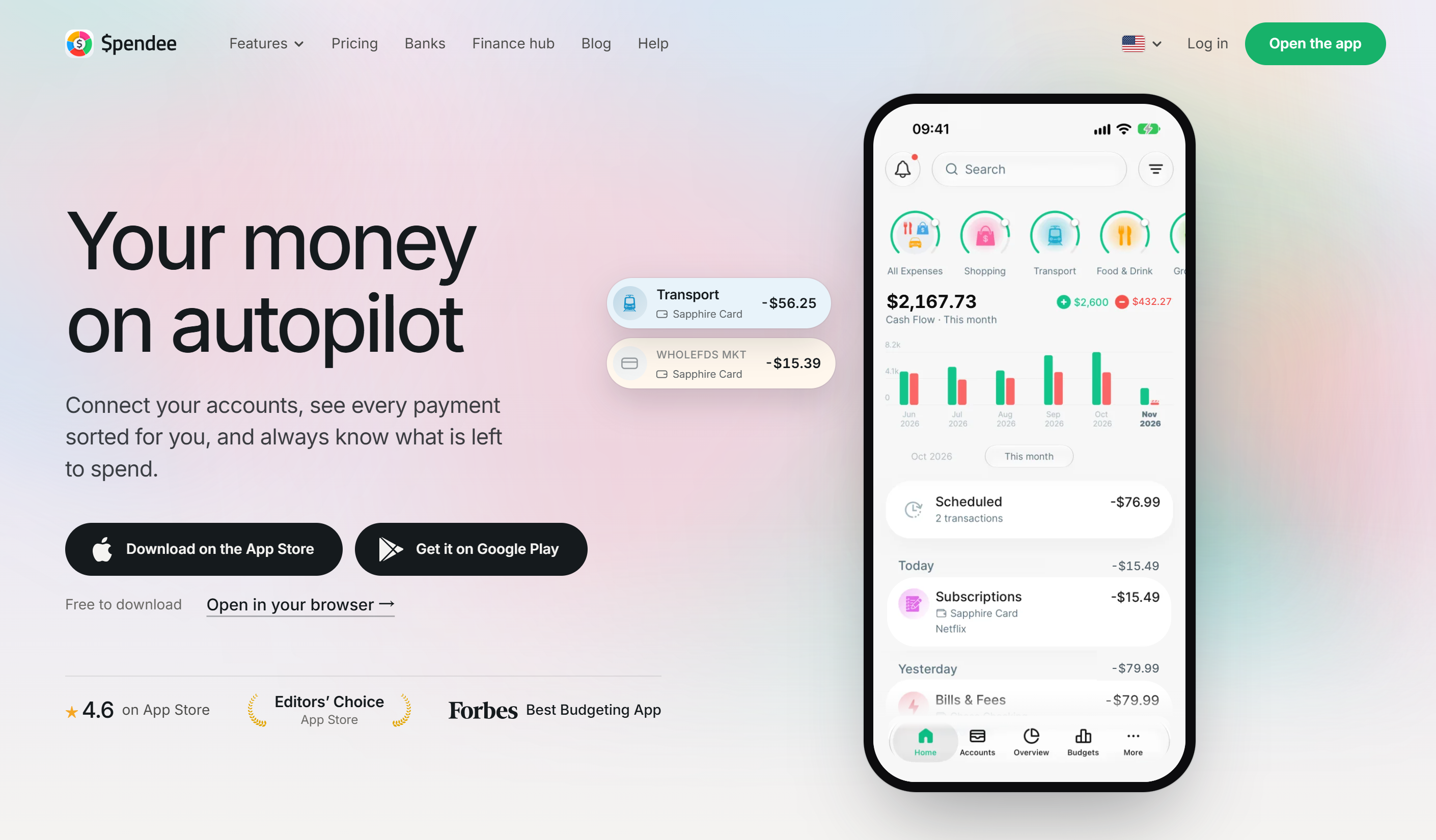
Spendee is a budgeting app that helps users organize expenses across different wallets and financial accounts. It supports manual transaction entry as well as bank synchronization for supported institutions and plans. Users can create budgets, review spending summaries, and schedule transactions for future dates. Its shared-wallet option also makes it useful for people who manage expenses with family members or roommates.
Main features
Multiple wallets: Organize money across cash wallets and supported bank accounts to keep different financial activities separate.
Budget creation: Set spending limits and monitor expenses against your selected budgets.
Scheduled transactions: Add expected payments or recurring transactions to help prepare for upcoming financial activity.
Shared wallets: Invite other people to access a shared wallet and record group expenses together.
Suitable for
People managing expenses across multiple wallets.
Couples and roommates sharing household costs.
Users who want to plan recurring transactions.
Individuals looking for a budgeting app with manual and connected account options.
Wallet
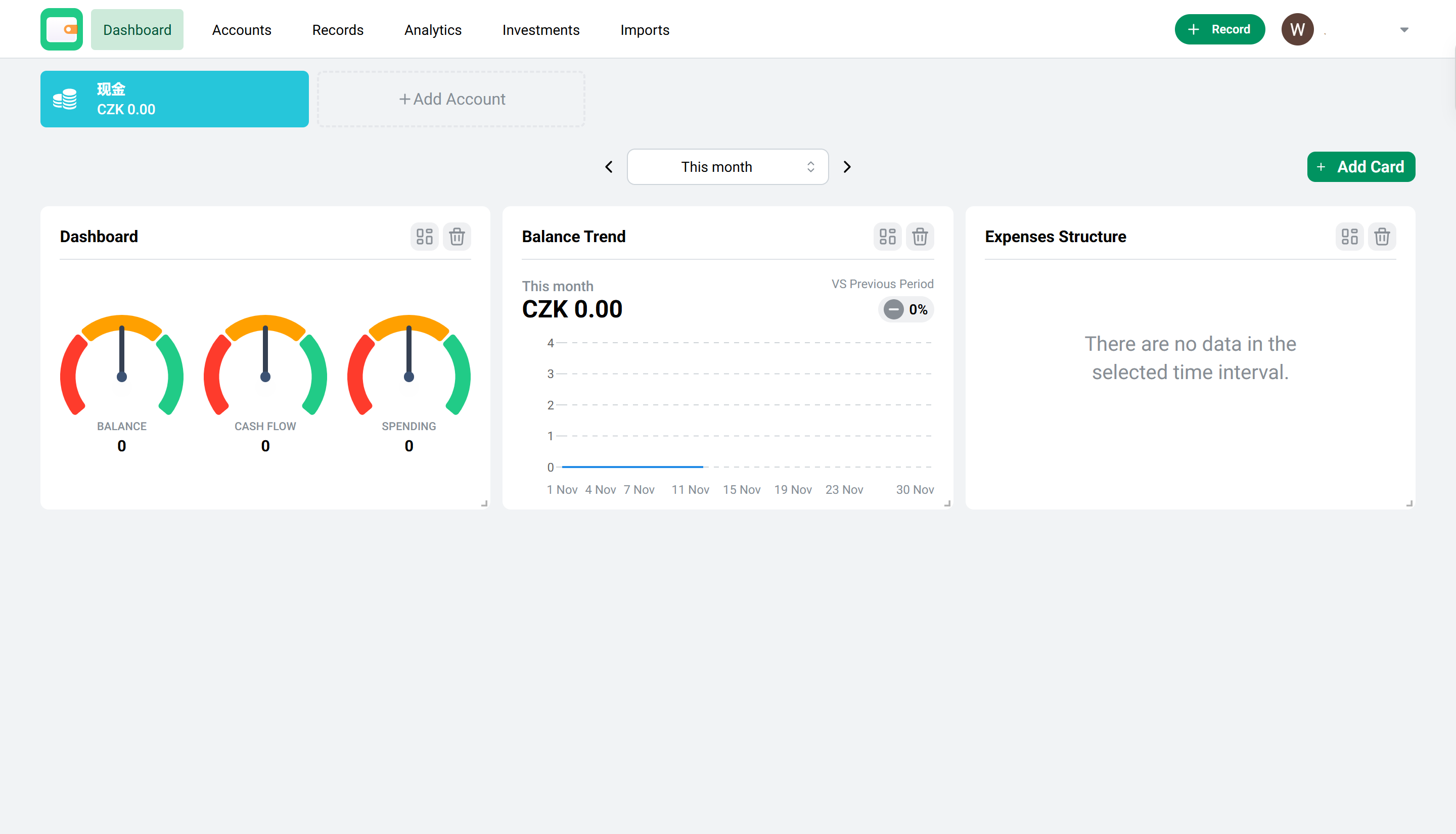
Wallet by BudgetBakers is a useful personal finance app that combines expense tracking, budgeting, and financial reporting. It allows users to record transactions manually or connect supported bank accounts for automatic updates. The app also provides insights into spending patterns and tools for planning upcoming payments. With multi-currency support and group-sharing options, it can accommodate different budgeting needs.
Main features
Automatic bank synchronization: Connect supported financial institutions to import transactions and update account balances.
Smart budgets: Set spending limits for different categories and receive alerts when expenses approach their limits.
Planned payments: Schedule upcoming bills and payments with reminders to help you prepare for due dates.
Financial reports and insights: Review spending trends, cash flow, and category breakdowns through visual reports.
Suitable for
People who want automatic transaction tracking.
Users managing finances in different currencies.
Individuals planning upcoming bills and payments.
Families or partners who want to organize shared expenses.
Bonus tip: Create a finance tracker without coding with Kimi Build
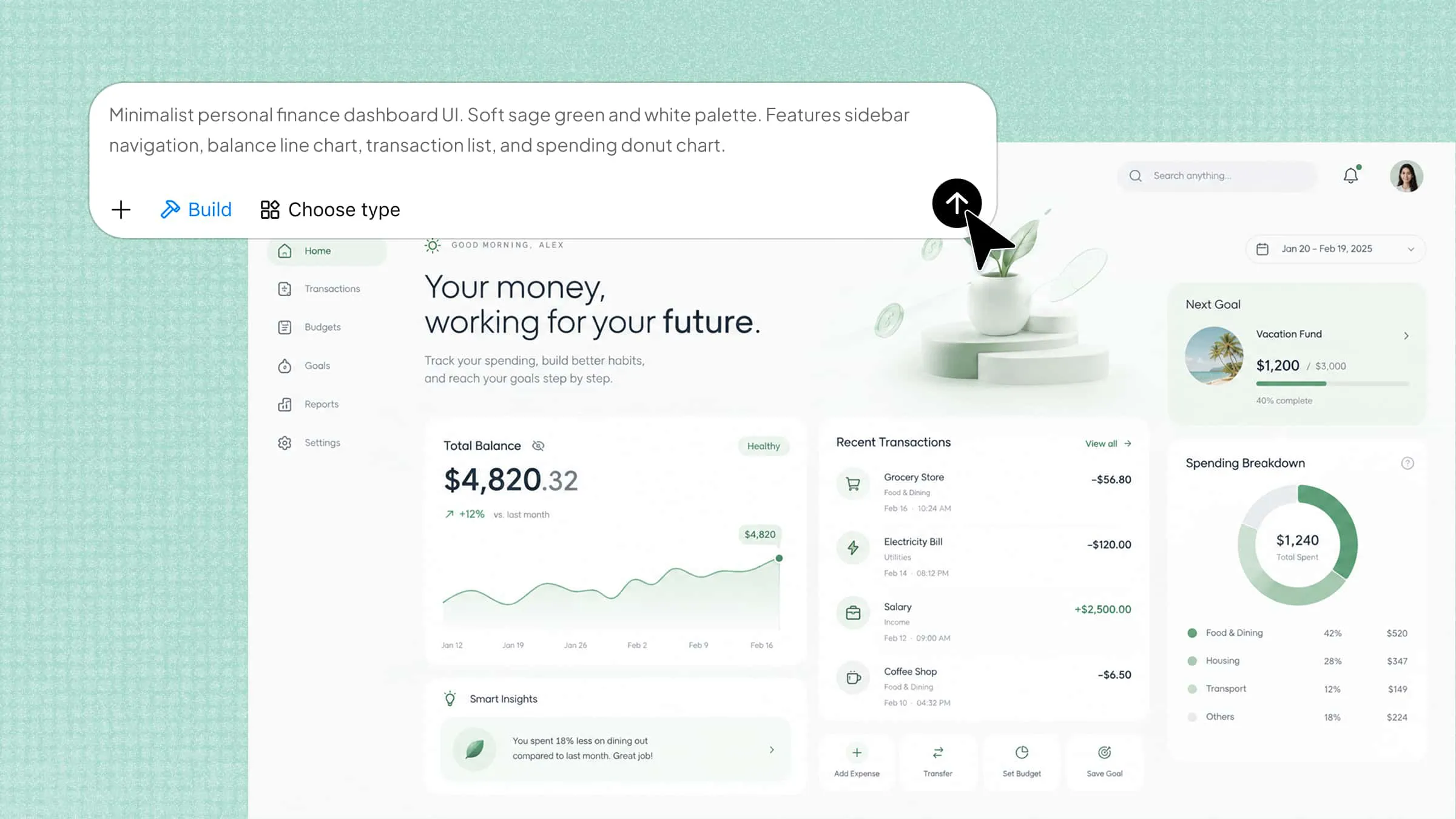
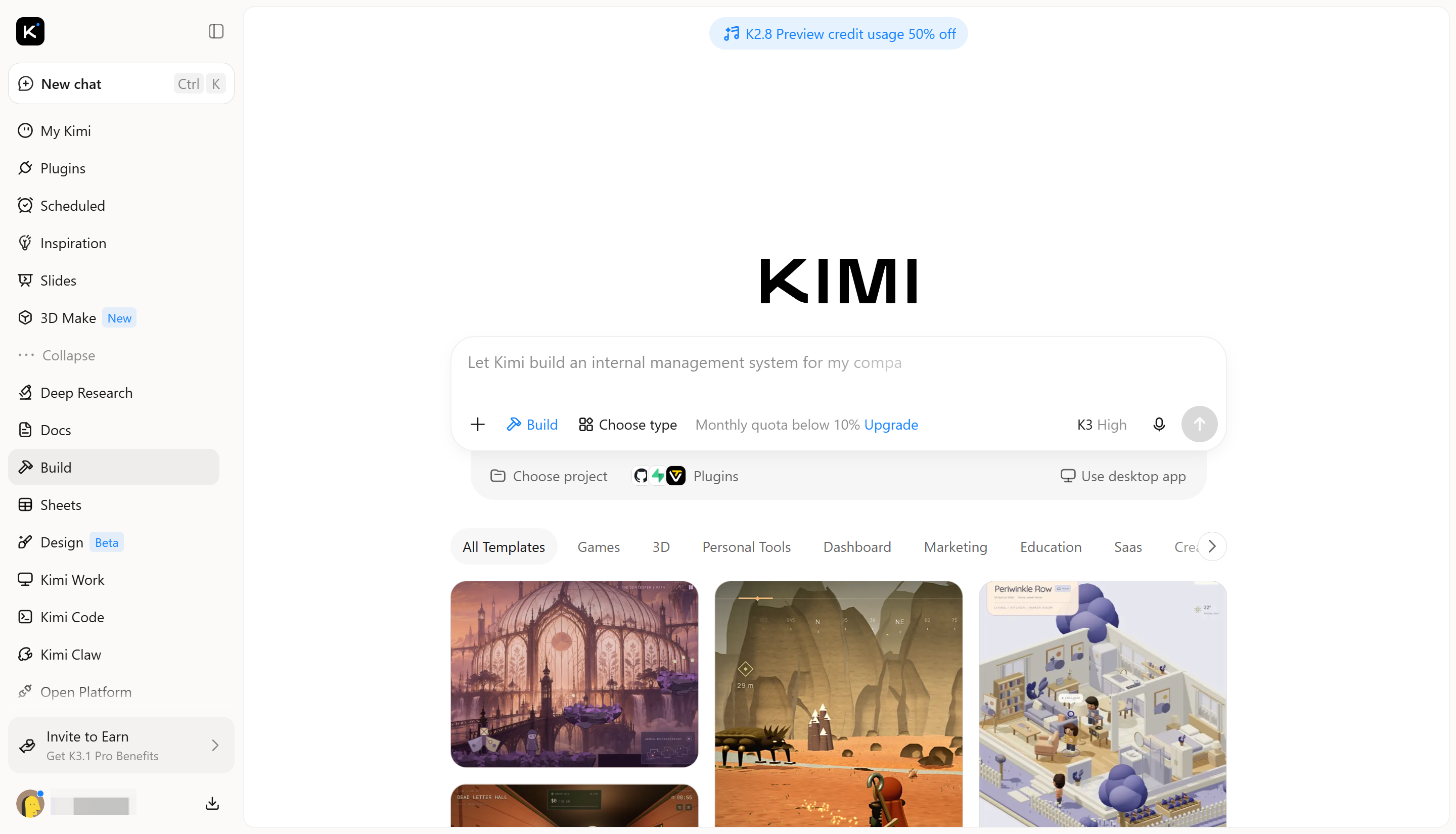
Managing personal finances becomes easier when income, expenses, savings, and budgets are organized in one place. If existing personal finance apps do not offer the layout or features you need, you can create a custom finance tracker with Kimi Build, an AI website builder. Simply describe your requirements in natural language, and Kimi can generate an interactive application with a dashboard, data-entry forms, expense categories, and visual reports. You can then preview the result, request changes, and publish your application when it is ready.
Main features
No-code app creation from ideas and references: No programming experience is needed to get started. Simply describe the personal finance app in natural language, outline the features you want, or upload reference images, design files, and supporting documents. Kimi Build turns these inputs into a working app with an organized structure and an initial interface.
Interactive experiences beyond static designs: The app can include dynamic financial dashboards, clickable navigation, interactive expense categories, budget trackers, savings goal indicators, and data visualization. Users can explore different sections, interact with interface elements, and navigate between features rather than just viewing a collection of static screens.
Modern and visually appealing interface design: A polished personal finance app can combine clean layouts, contemporary typography, thoughtful color combinations, intuitive navigation, and well-organized data visualizations. Responsive layouts also help maintain a consistent visual experience across desktop, tablet, and mobile screens.
Flexible editing and personalized customization: App development does not stop after the initial generation. AI-assisted editing through chat prompts allows you to describe broader changes, while the Edit feature supports direct manual adjustments. You can also leave comments on specific elements to request targeted refinements, making it easier to update individual components without redesigning the entire app.
Built-in preview, export, and publishing options: A preview environment lets you explore the app and test its interactions before sharing it. You can continue refining the design based on what you see, export your project, or publish it to generate a shareable link. This makes it easier to move from an initial concept to a working app that can be presented and accessed by others.
How to virtually track your budget with AI
Follow these steps to create and publish your own budget tracker without coding.
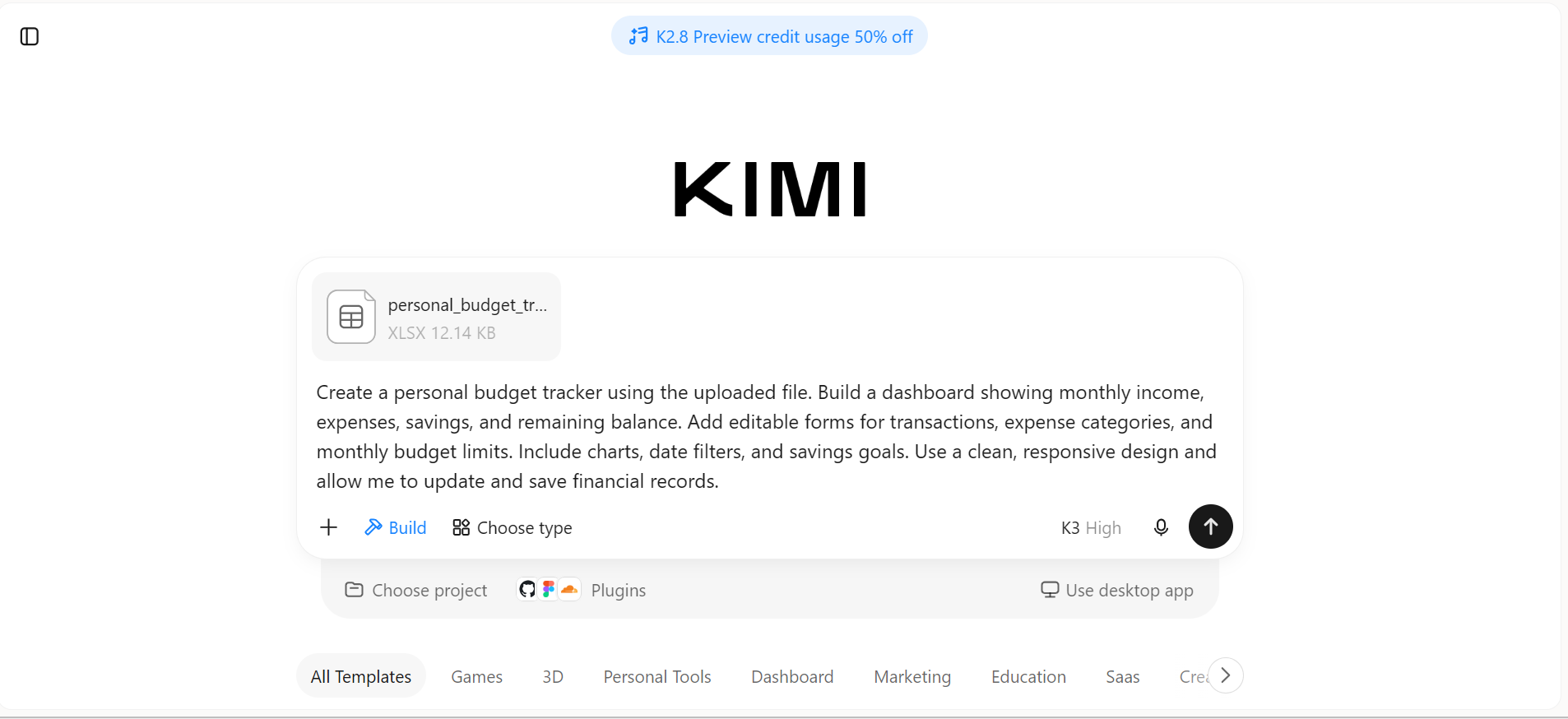
Step 1: Upload the file and write a prompt
Upload your existing budget spreadsheet to Kimi Build and explain how you want the app to organize your financial information. Include the dashboard details, expense categories, budget limits, and reports you need.
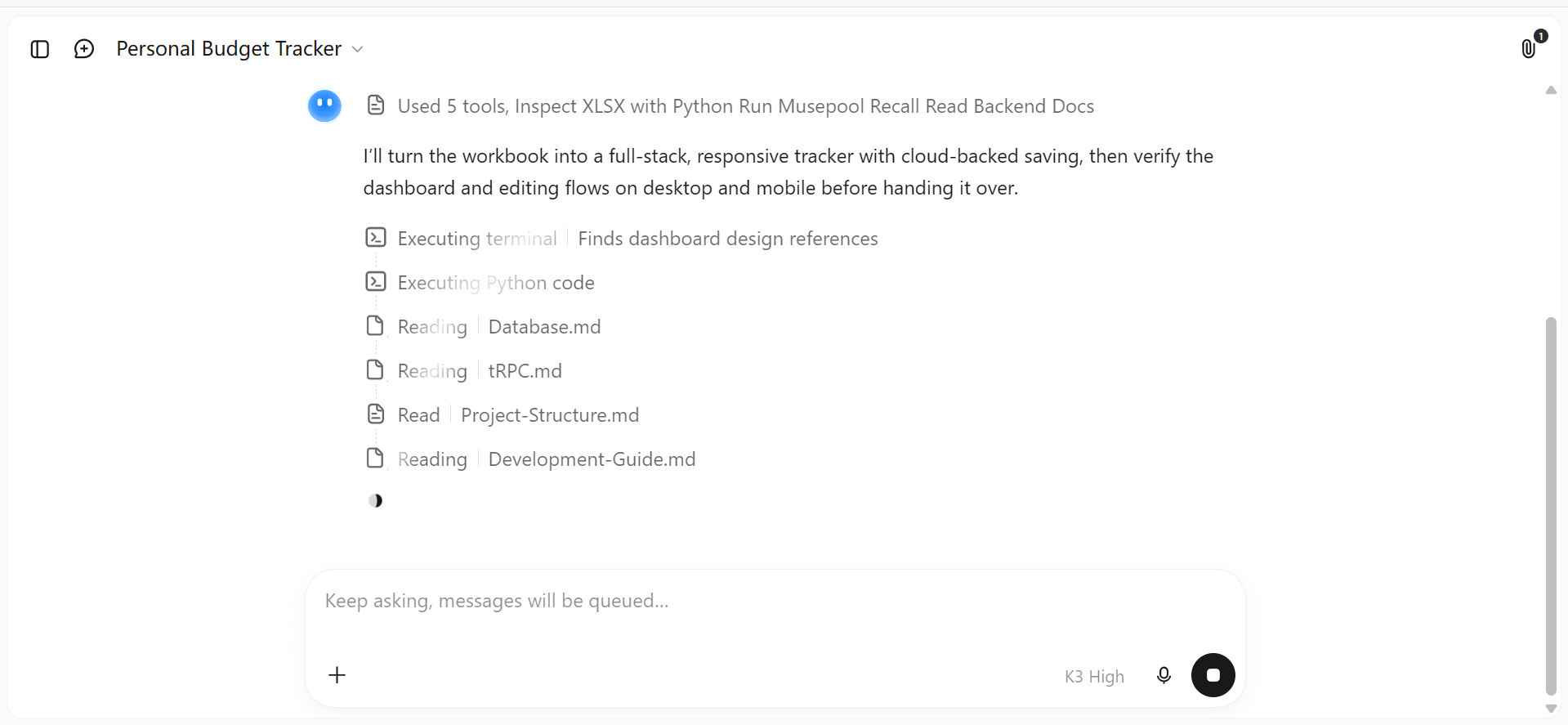
Step 2: Let Kimi Build generate output
Kimi Build will use your uploaded file and instructions to generate the application. Review the dashboard, transaction forms, budget categories, and charts to check whether they match your requirements. If anything is missing, describe the changes you want and let Kimi refine the app.
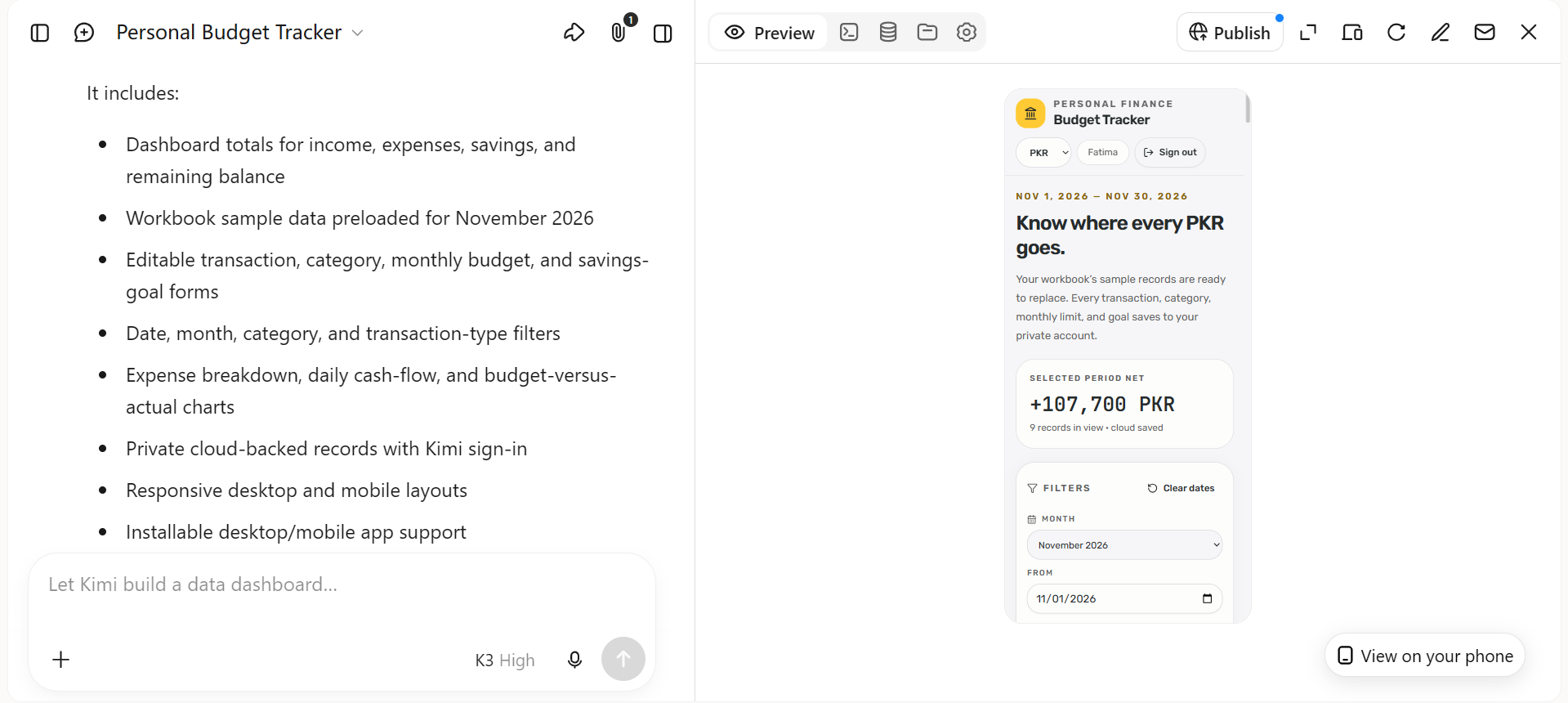
Step 3: Review and publish your app
Test the tracker to make sure you can add or edit transactions, view monthly summaries, and check your remaining budget. Preview it on different screen sizes, make any final adjustments, and publish the app when it is ready. You can then access it through its published link.
Conclusion
To sum up, the right personal finance app can make budgeting more organized, improve expense tracking, and help you stay focused on your financial goals. Each option offers a different approach, from simple budget planning to investment monitoring and subscription management. If none fully matches your requirements, Kimi Build provides another way to create a finance tracker with the features and layout you prefer.