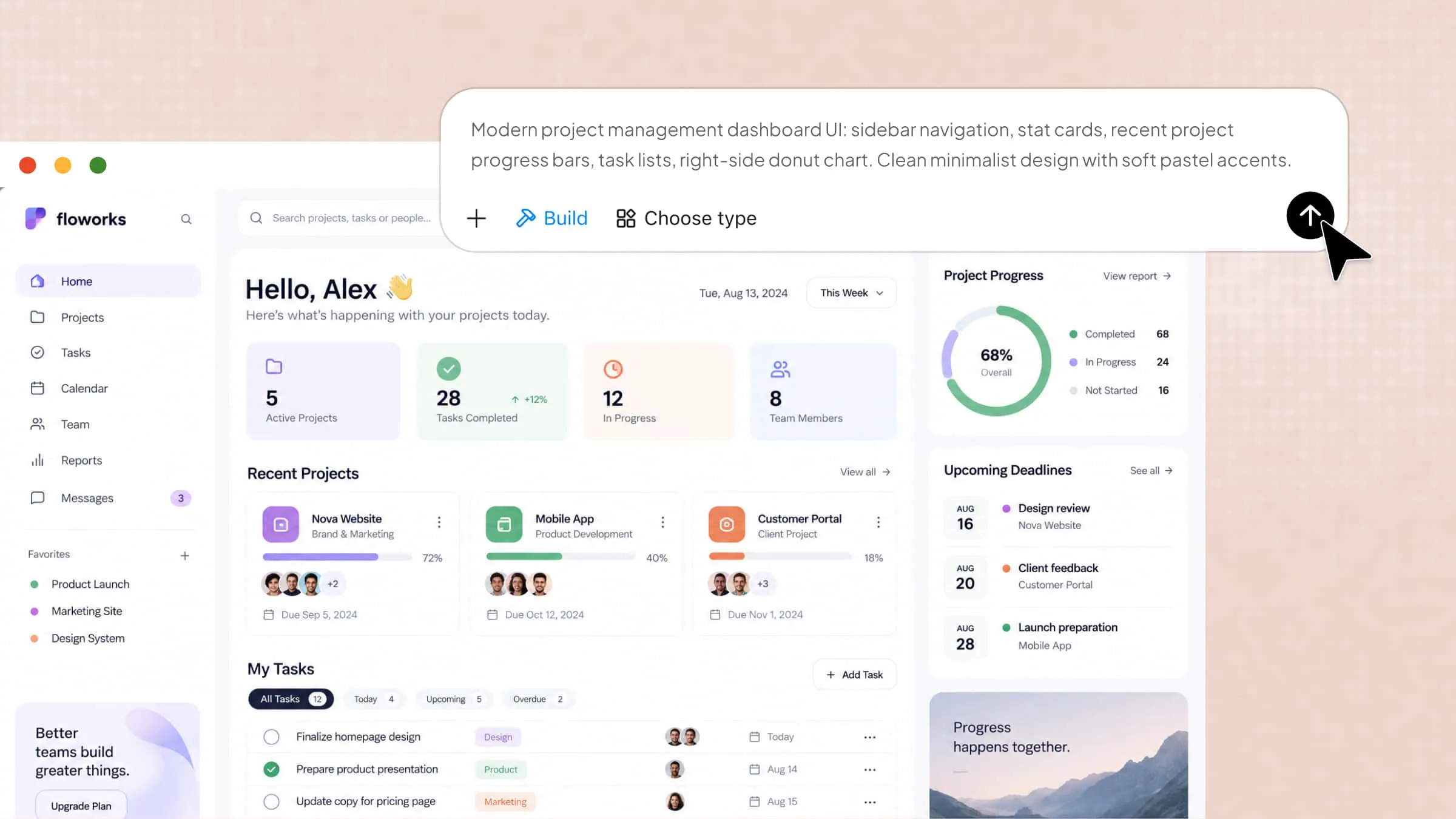
Managing projects can become challenging when tasks, deadlines, team communication, and progress updates are scattered across different tools. Without a clear system, important details can get overlooked, and keeping everyone on track becomes difficult. Project management apps bring these activities together, helping you organize tasks, collaborate with teams, monitor progress, and meet deadlines. In this guide, we'll explore 10 project management apps to help you plan, track, and launch projects more efficiently.
Overview of 10 project management apps
Different teams need different tools to organize tasks, manage deadlines, and monitor project progress. The following table lists the top 10 project management tools, their standout features, pricing options, and ideal use cases to help you find the right fit.
Explore 10 project management applications worth trying
With so many tools available, finding the right platform can make a significant difference in how you organize and complete projects. Some focus on team collaboration, while others offer advanced planning, automation, and task-tracking capabilities. Here are 10 top project management tools worth exploring, along with their main features and ideal users.
Asana
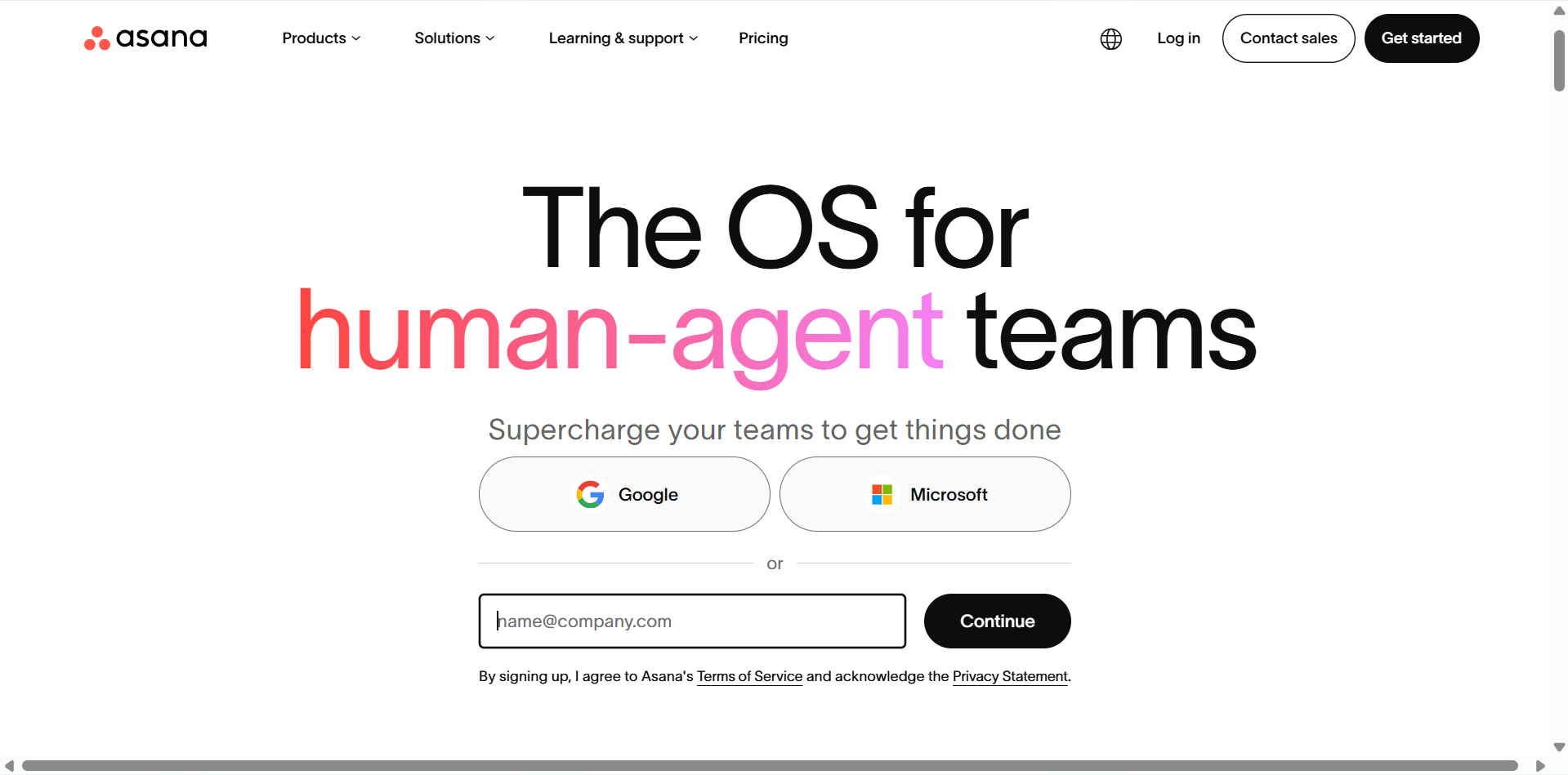
Asana is a popular project management app designed to help teams organize tasks, coordinate responsibilities, and track project progress. It provides multiple project views, making it easier to manage deadlines and monitor ongoing work. Teams can assign tasks, set priorities, and communicate within projects without switching between multiple platforms. Its automation and reporting features also help reduce repetitive work and improve team coordination.
Main features
Task management: Create tasks, assign responsibilities, set due dates, and organize work into projects. Teams can also add subtasks and dependencies to manage complex activities.
**Multiple project views: **Switch between List, Board, Timeline, and Calendar views to organize tasks according to different workflows and preferences.
Workflow automation: Automate repetitive activities, such as task assignments, status updates, and notifications, to save time.
**Project reporting: **Use dashboards and progress reports to monitor project performance, identify delays, and understand team workloads.
Suitable for
Teams managing multiple projects simultaneously.
Businesses that need structured task assignments and deadlines.
Remote teams coordinating responsibilities across departments.
Project managers who need progress tracking and reporting tools.
Trello
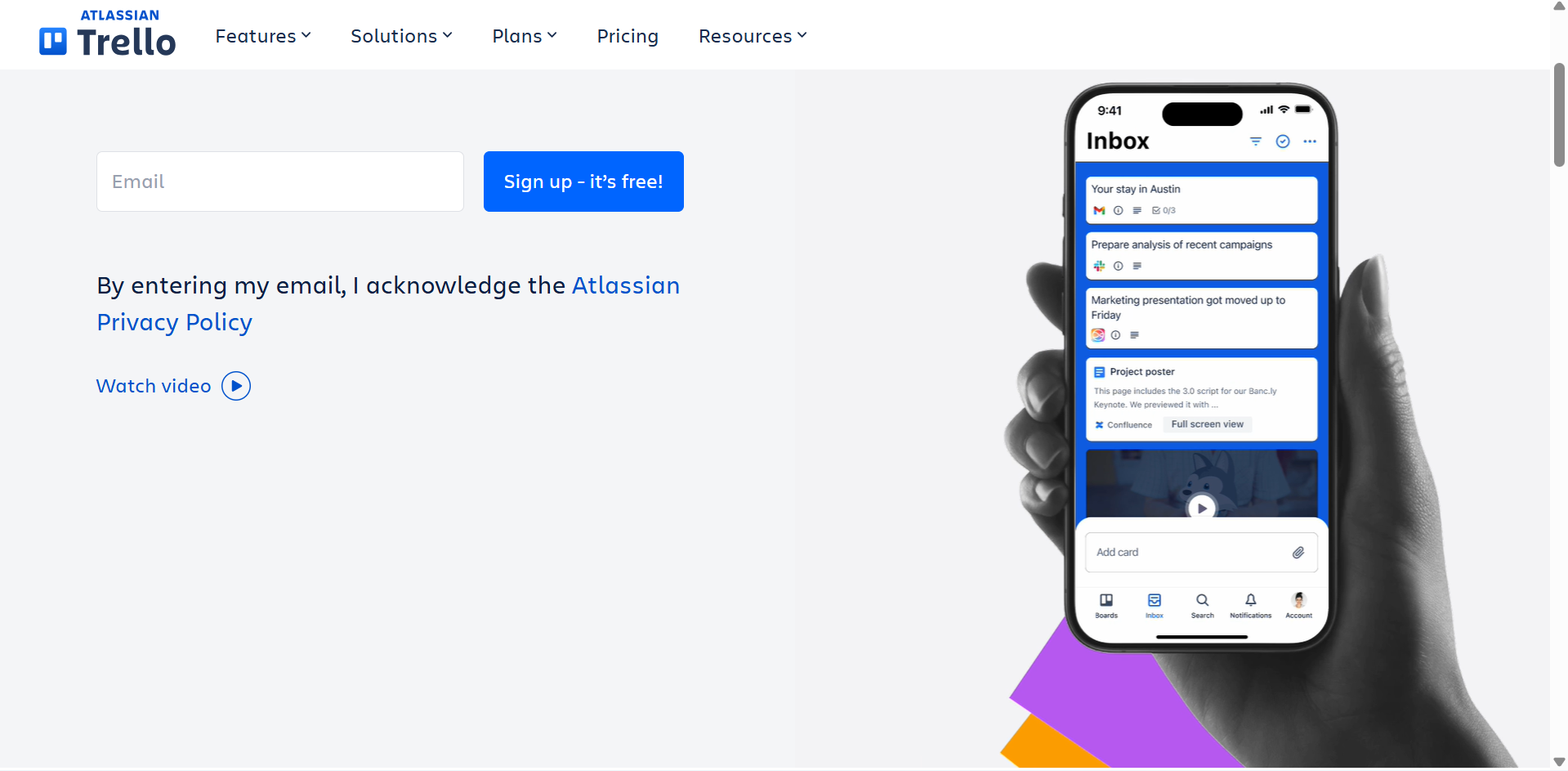
Trello is a visual task management platform that uses boards, lists, and cards to organize project activities. Its simple drag-and-drop interface makes it easy to create workflows and monitor tasks as they move through different stages. Users can add descriptions, checklists, attachments, labels, and deadlines to individual cards. It is a practical project management app for individuals and small teams looking for a straightforward way to organize their work.
Main features
**Kanban boards: **Create boards for different projects and organize tasks into lists such as To Do, In Progress, and Completed.
**Task cards: **Add descriptions, checklists, due dates, labels, attachments, and team members to keep task information organized.
Automation with Butler: Automate routine actions, including moving cards, assigning members, and updating task details.
Power-Ups and integrations: Extend board functionality by connecting tools and adding features for calendars, reporting, and other workflows.
Suitable for
Freelancers organizing personal and client projects.
Small teams that prefer visual task management.
Students managing assignments and group projects.
Individuals looking for a simple personal project management app.
monday.com
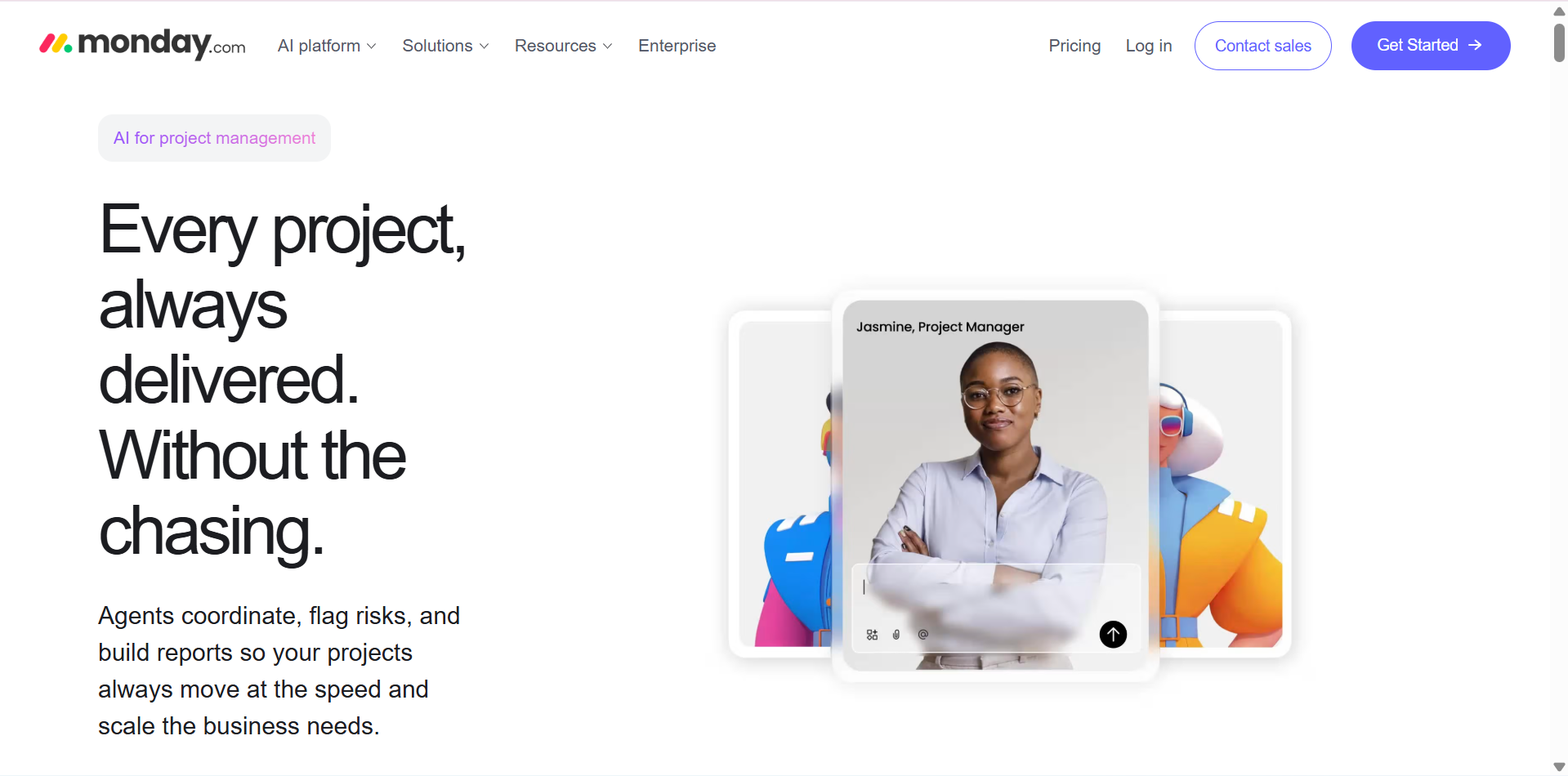
monday.com is a flexible work management platform that helps businesses plan projects, assign tasks, and coordinate team activities. It offers customizable boards and dashboards that allow users to organize information according to their specific workflows. Teams can track deadlines, monitor workloads, and automate repetitive processes from a centralized workspace. Its visual interface and integration options make it useful for managing different types of business projects.
Main features
**Customizable project boards: **Create boards with columns for task owners, priorities, deadlines, statuses, and other project information.
**Workflow automation: **Set up automated notifications, status changes, and task assignments to reduce manual work.
Project dashboards: Combine information from multiple boards to monitor project progress, deadlines, and team performance.
**Team collaboration: **Share updates, attach files, mention colleagues, and communicate directly within project items.
Suitable for
Businesses managing projects across multiple departments.
Marketing teams coordinating campaigns and content schedules.
Project managers who need customizable workflows.
Growing organizations that want centralized project tracking.
ClickUp
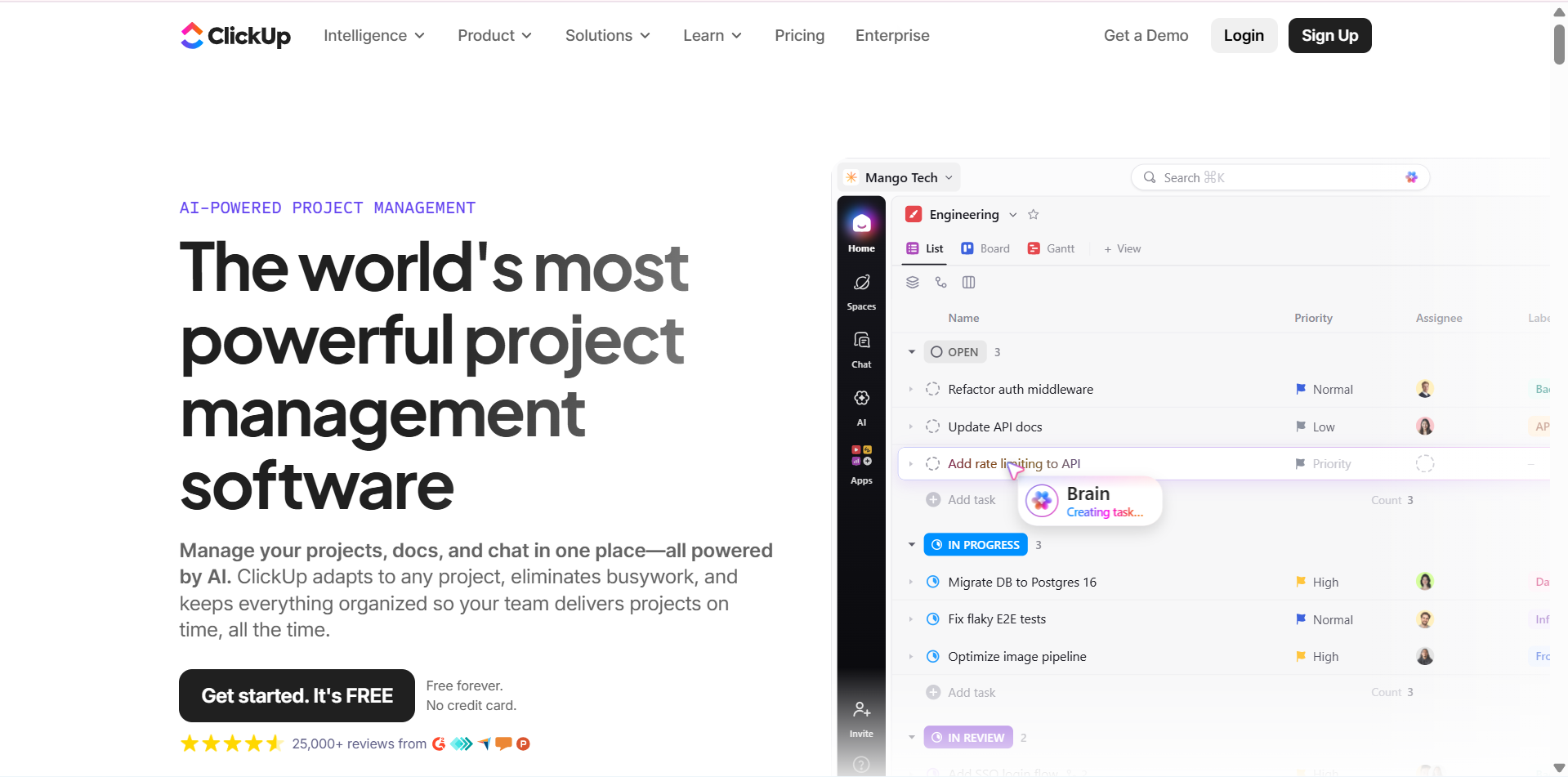
ClickUp is an all-in-one productivity platform that combines task management, project planning, documentation, and team collaboration. It allows users to organize projects into spaces, folders, lists, and individual tasks. Teams can switch between different views, monitor progress, and manage deadlines from a single workspace. Its extensive customization options make it one of the ideal project management apps for users who want multiple work management features in one place
Main features
**Task organization: **Create tasks and subtasks, assign team members, set priorities, and establish dependencies to manage project activities.
Multiple views: Use List, Board, Gantt, Calendar, and other views to visualize project schedules and workflows.
**Docs and collaboration: **Create documents, share project notes, add comments, and collaborate with team members within the workspace.
Time tracking and reporting: Record time spent on tasks and use dashboards to monitor progress, workloads, and project performance.
Suitable for
Teams looking for an all-in-one work management platform.
Businesses handling several projects and workflows.
Freelancers managing client tasks and deadlines.
Users who want customizable task project management software.
Jira
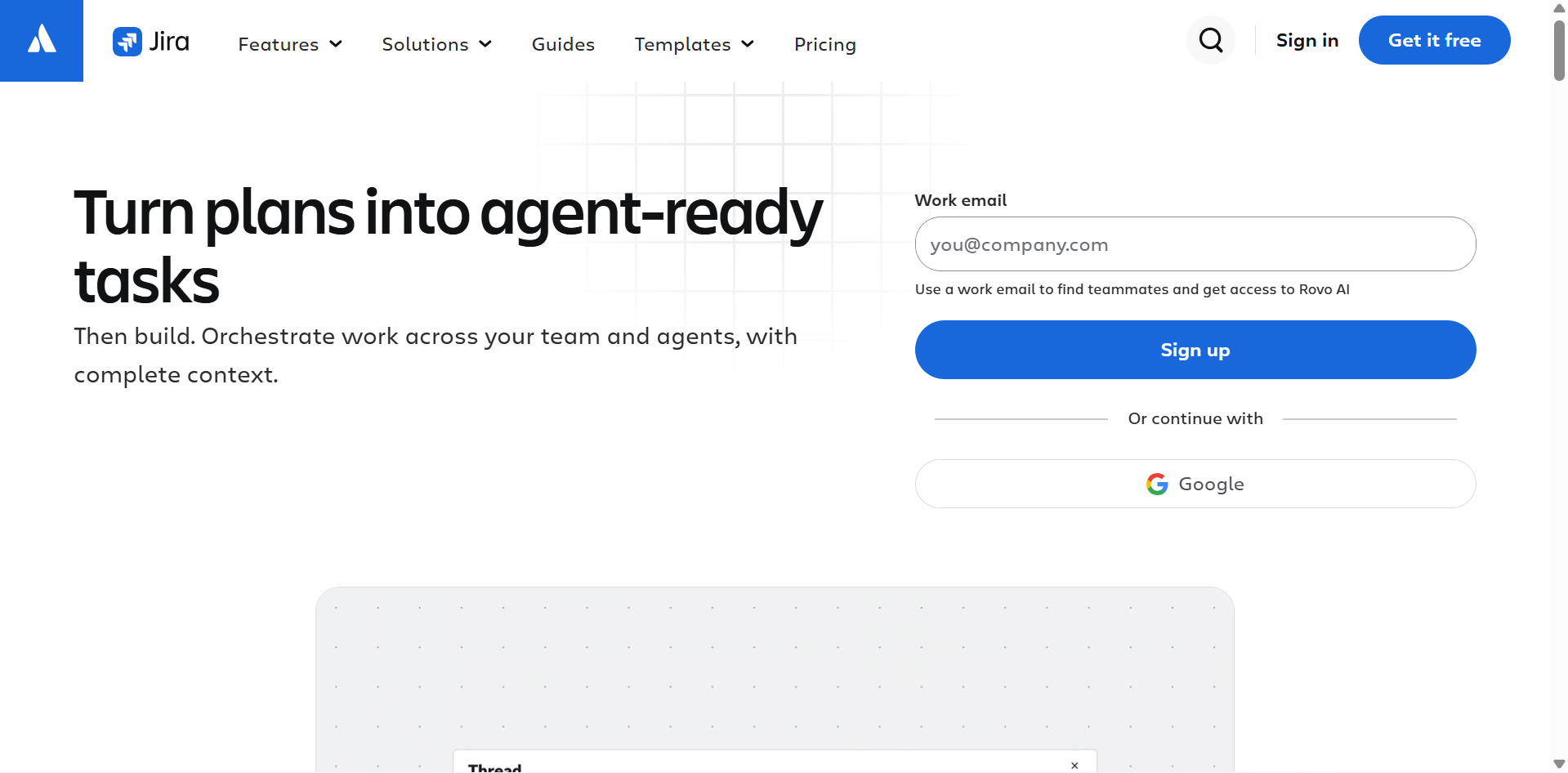
Jira is a project management and issue-tracking platform developed by Atlassian, particularly popular among software development teams. It supports Agile methodologies, including Scrum and Kanban, to help teams plan work, organize backlogs, and monitor development progress. Users can create issues, assign responsibilities, and track tasks throughout the development lifecycle. Its reporting and integration capabilities also make it suitable for managing complex technical projects.
Main features
Scrum and Kanban boards: Organize development tasks, manage backlogs, and visualize work across different stages of a project.
**Sprint planning: **Create sprints, estimate workloads, assign tasks, and track progress toward development goals.
**Issue tracking: **Record bugs, feature requests, and technical problems while assigning priorities and responsibilities.
**Reports and dashboards: **Monitor sprint performance, team progress, project timelines, and development activities through built-in reports.
Suitable for
Software developers managing product development.
Agile teams using Scrum or Kanban methodologies.
IT departments tracking bugs and technical issues.
Organizations coordinating complex software projects.
Wrike
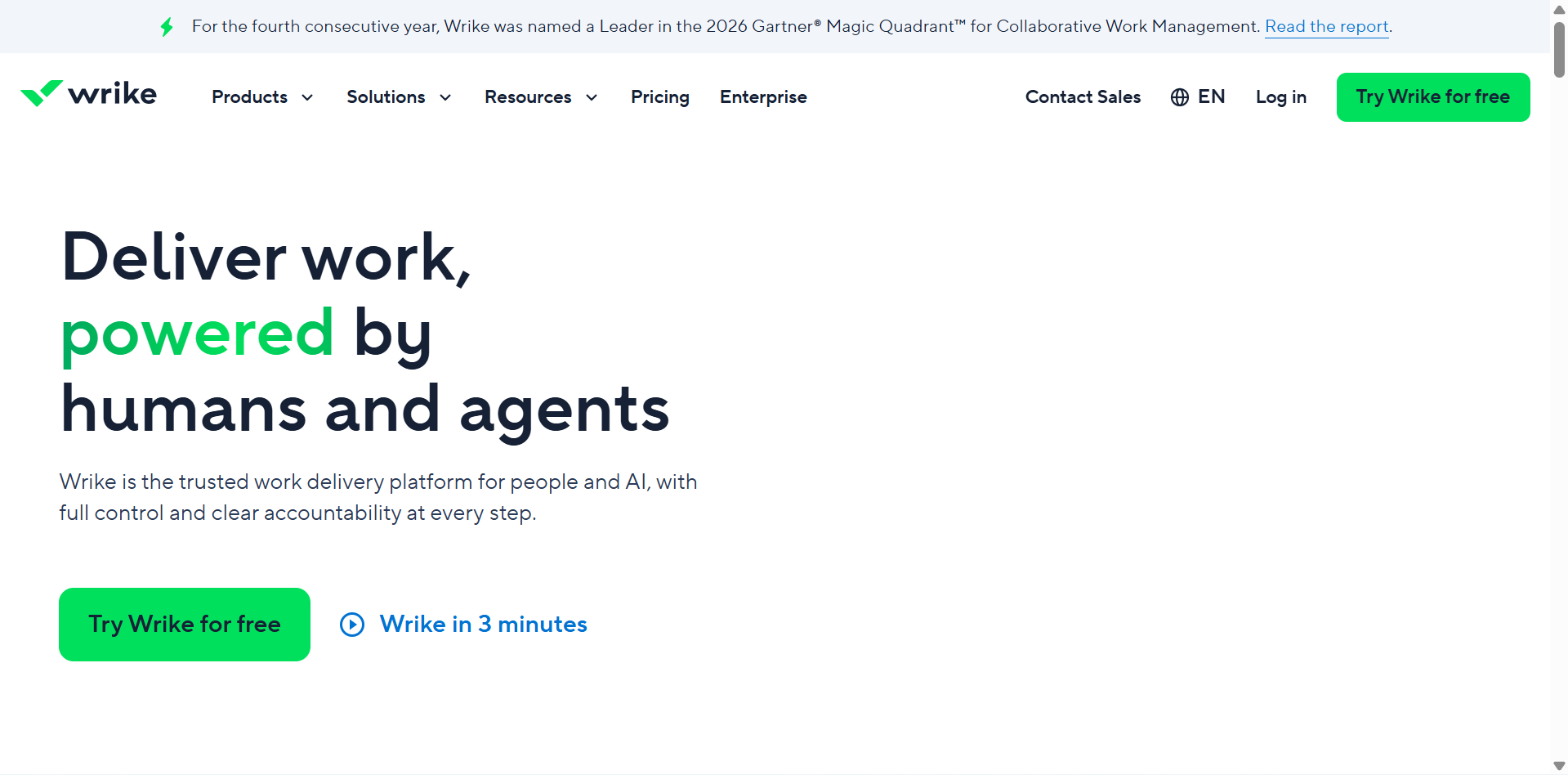
Wrike is a collaborative project management platform designed to help teams coordinate complex projects and manage resources. It provides tools for task assignments, scheduling, workload management, and project reporting. Users can create customized workflows and monitor activities through different project views. Its collaboration and approval features also help teams organize feedback and keep projects moving efficiently.
Main features
**Task and workflow management: **Create projects, assign tasks, establish dependencies, and customize workflows to match team requirements.
**Gantt charts: **Visualize project schedules, manage deadlines, and identify dependencies between different activities.
**Resource management: **Monitor team capacity, distribute workloads, and identify potential resource conflicts.
Proofing and approvals: Share creative files, collect feedback, and manage review processes to streamline content and design projects.
Suitable for
Medium-sized and large organizations managing complex projects.
Marketing teams coordinating campaigns and creative work.
Agencies managing multiple client projects.
Project managers who need resource planning and workload visibility.
Notion
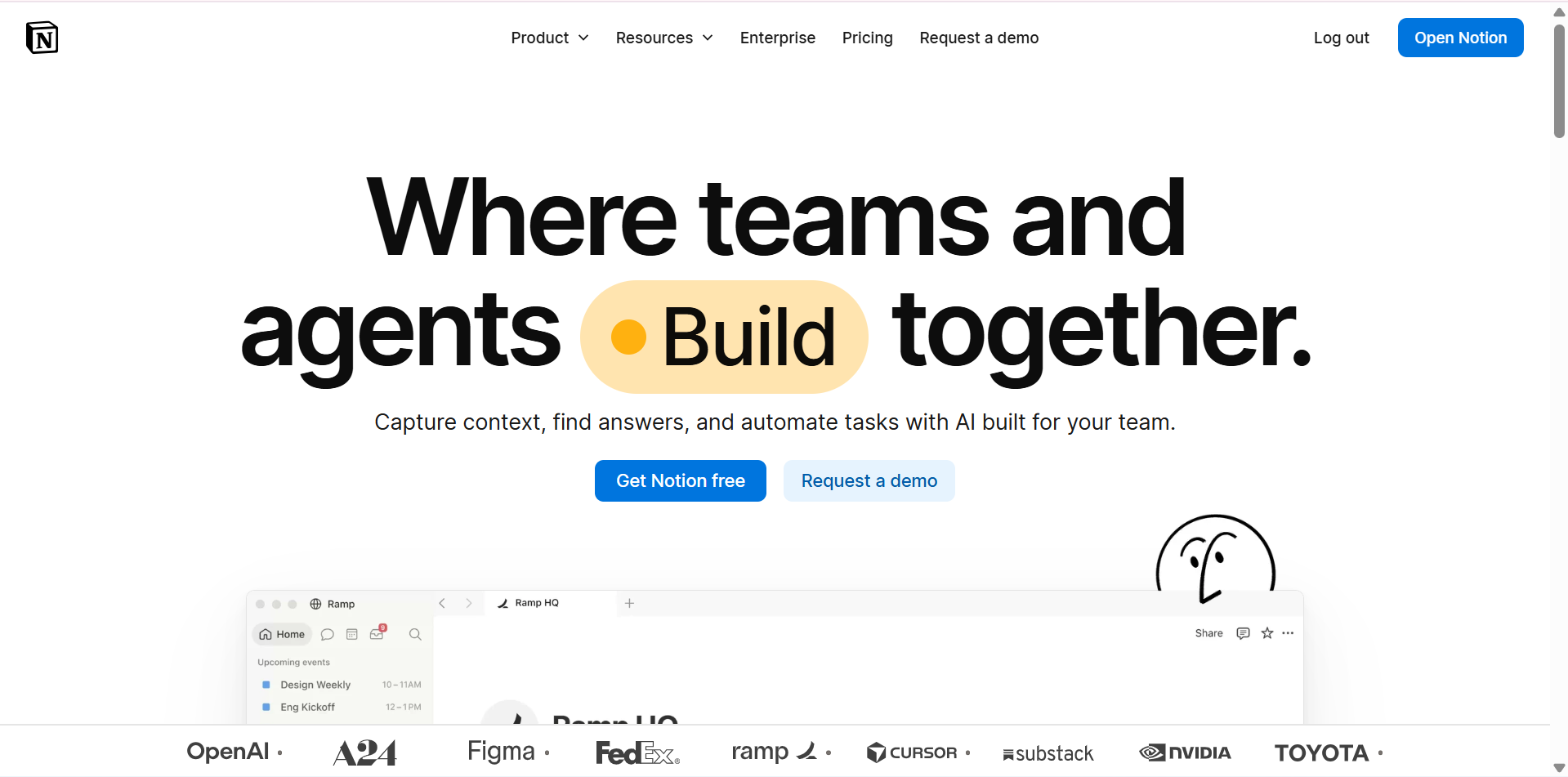
Notion is a flexible workspace that combines note-taking, documentation, databases, and project organization. Users can create customized pages and databases to manage tasks, organize information, and track project activities. Its templates make it easier to build personalized workflows without requiring advanced technical knowledge. Notion is also a useful personal project management app for individuals who want to keep their notes, plans, and tasks together.
Main features
Project databases: Create structured databases with properties for task status, deadlines, priorities, and assigned team members.
Custom project views: Organize information through Table, Board, Calendar, and Timeline views.
Documentation and notes: Build project plans, meeting notes, knowledge bases, and shared documents within one workspace.
Templates and integrations: Use ready-made templates and connect external tools to customize project organization.
Suitable for
Students organizing academic projects and assignments.
Freelancers managing tasks, notes, and client information.
Small teams building customized project workflows.
Individuals looking for flexible project management programs free of complex setup.
Smartsheet
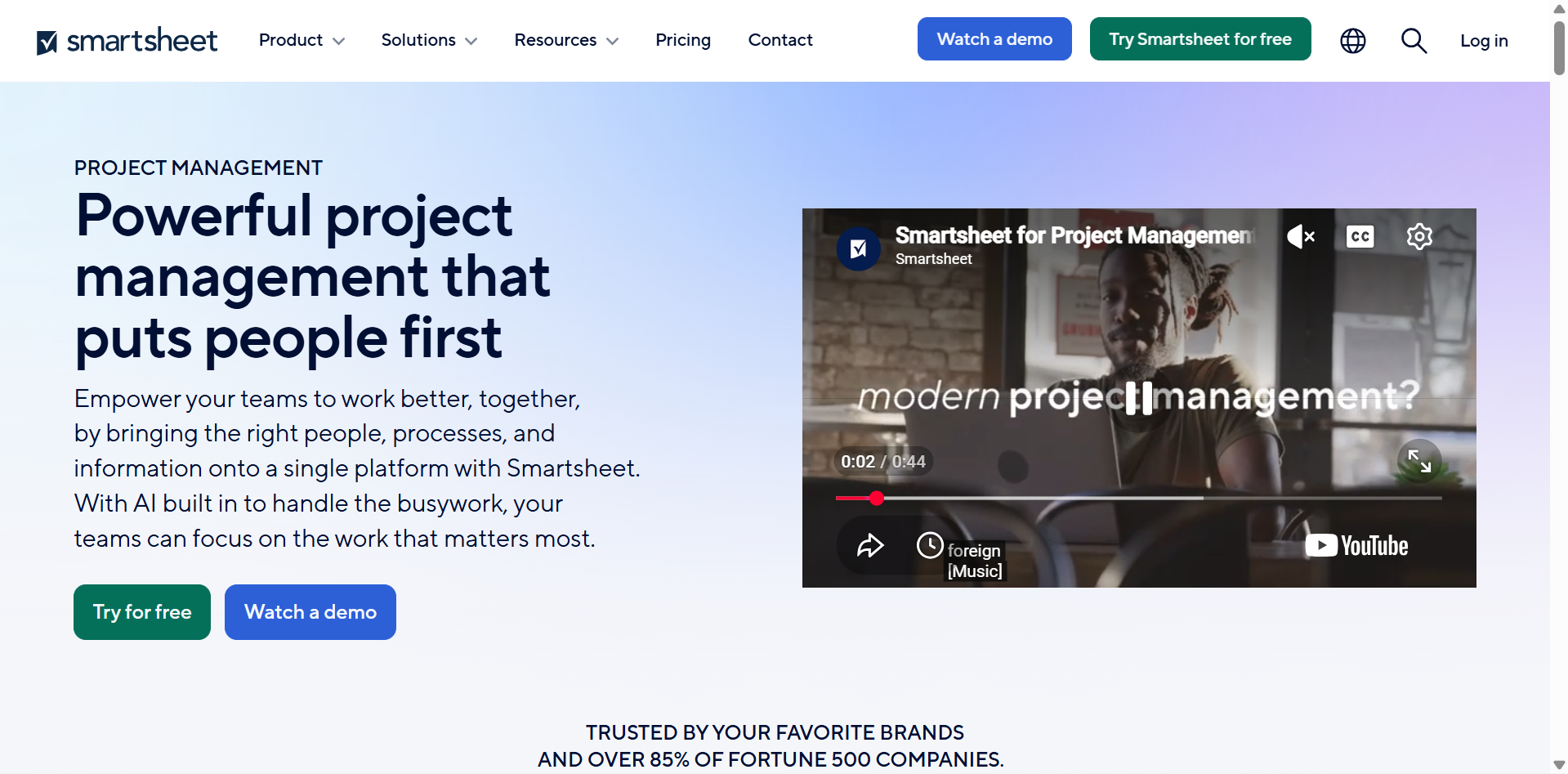
Smartsheet is a work management platform that combines spreadsheet-style organization with advanced project planning features. It allows users to manage tasks, create project schedules, monitor resources, and track progress through familiar grid-based layouts. Teams can also use automation, dashboards, and reporting tools to coordinate their work. Its spreadsheet-inspired interface makes it a practical option for professionals who prefer structured data and detailed project tracking.
Main features
Grid-based project management: Organize project information in rows and columns, with fields for task owners, deadlines, priorities, and progress.
Gantt charts and calendars: Visualize project schedules, track milestones, and manage dependencies between tasks.
Automated workflows: Create rules for notifications, approval requests, and status updates to reduce repetitive administrative work.
Dashboards and reporting: Build visual summaries of project data to monitor performance, resources, and overall progress.
Suitable for
Businesses managing large projects and detailed schedules.
Project managers familiar with spreadsheet-based workflows.
Teams coordinating resources and project timelines.
Organizations that need structured reporting and project visibility.
Basecamp
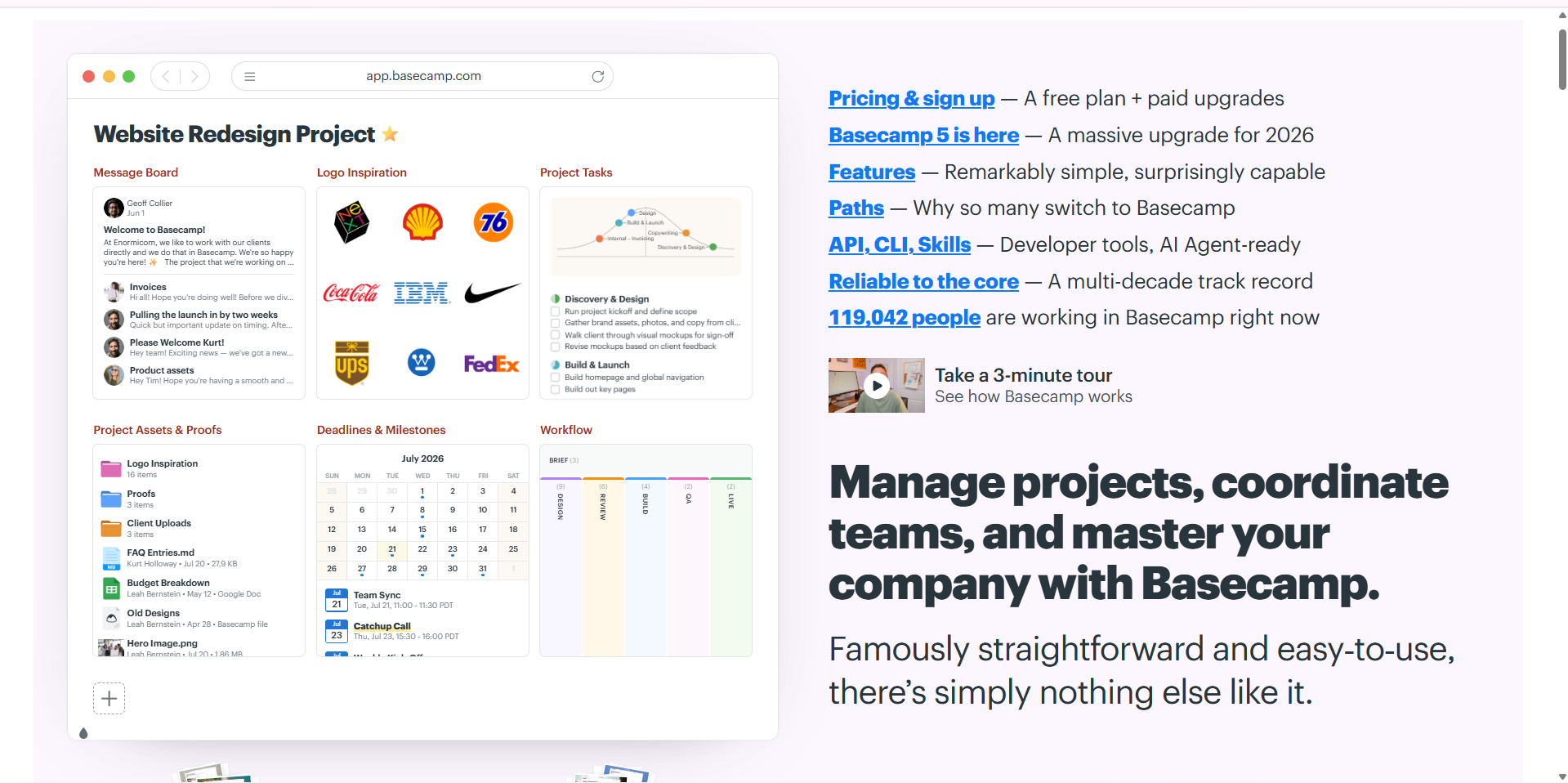
Basecamp is a team collaboration platform that brings project communication, task management, and file sharing into one workspace. It organizes work into separate project spaces, allowing teams to access important discussions, schedules, and task lists. Its straightforward interface helps reduce communication gaps and keeps project-related information accessible. Unlike more complex project management applications, Basecamp focuses on providing essential tools for everyday team coordination.
Main features
To-do lists: Create task lists, assign responsibilities, set deadlines, and monitor completion across different projects.
Message boards: Organize project discussions, share announcements, and keep important conversations in one place.
**Team schedules: **Maintain project calendars, track important dates, and coordinate upcoming deadlines.
**File sharing: **Upload documents, images, and other resources so team members can access relevant project materials.
Suitable for
Remote teams that need centralized communication.
Small businesses coordinating daily operations.
Agencies managing client communication and deliverables.
Teams that prefer simple collaboration over advanced project management features.
Zoho Projects
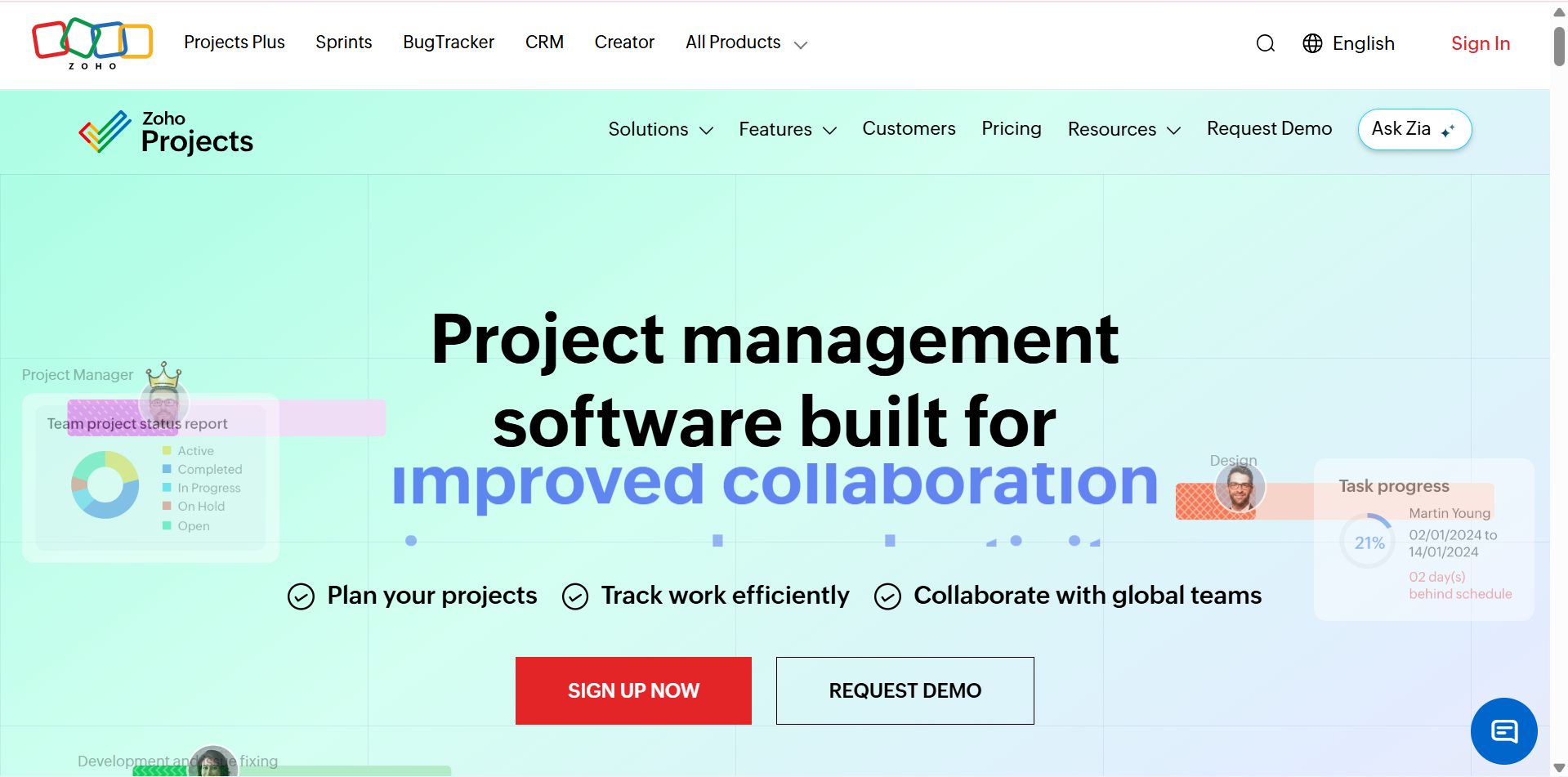
Zoho Projects is an online project management platform that helps businesses plan tasks, establish milestones, and monitor project progress. It provides tools for scheduling, collaboration, time tracking, and reporting within a centralized workspace. Teams can break larger projects into manageable tasks and track dependencies to maintain organized workflows. Its integration with other Zoho applications also makes it useful for businesses already using the Zoho ecosystem.
Main features
Task and milestone management: Create task lists, assign responsibilities, establish deadlines, and divide projects into smaller milestones.
**Gantt charts and dependencies: **Visualize project timelines, track task relationships, and identify scheduling conflicts.
Time tracking: Record time spent on individual tasks and generate timesheets to monitor project hours.
Collaboration and reporting: Share files, communicate through project feeds, and use reports to evaluate project progress.
Suitable for
Small and medium-sized businesses managing multiple projects.
Teams that need structured task and milestone tracking.
Organizations monitoring project time and productivity.
Businesses already using other Zoho applications.
How to pick a suitable project management app
With many project management apps available, choosing the right one requires more than comparing features and prices. Consider your team's working style, project requirements, and budget to find a platform that supports your workflow without adding unnecessary complexity.
Define your team's needs first
Identify the type of projects you manage, the number of people involved, and the challenges you want to solve. Consider whether you need basic task tracking, team collaboration, resource planning, or advanced reporting. This will help you narrow down the right project management software for your requirements.
Check ease of use and setup
Choose an application with a clear interface and straightforward navigation so team members can start using it without extensive training. Check how easily you can create projects, assign tasks, and manage deadlines. Simple project management applications can improve adoption and reduce the time spent learning new workflows.
Compare features against your workflow
Look for features that support your daily activities, such as task assignments, project timelines, Kanban boards, automation, and progress tracking. Avoid paying for advanced tools that your team rarely needs. The right software should simplify your existing processes rather than introduce unnecessary complexity.
Look for integration with your tools
Check whether the platform connects with applications your team already uses, such as Google Drive, Slack, and Microsoft Teams. These integrations help centralize project information and reduce repetitive work. A well-connected platform also makes communication and file sharing more efficient.
Test with a free trial first
Take advantage of free trials or available free plans to explore the platform before committing to a subscription. Create a sample project, assign tasks, test collaboration features, and evaluate its overall performance. This practical experience helps you determine which tool offers the most value for your team.
Build project tracking web apps with AI: Kimi Build
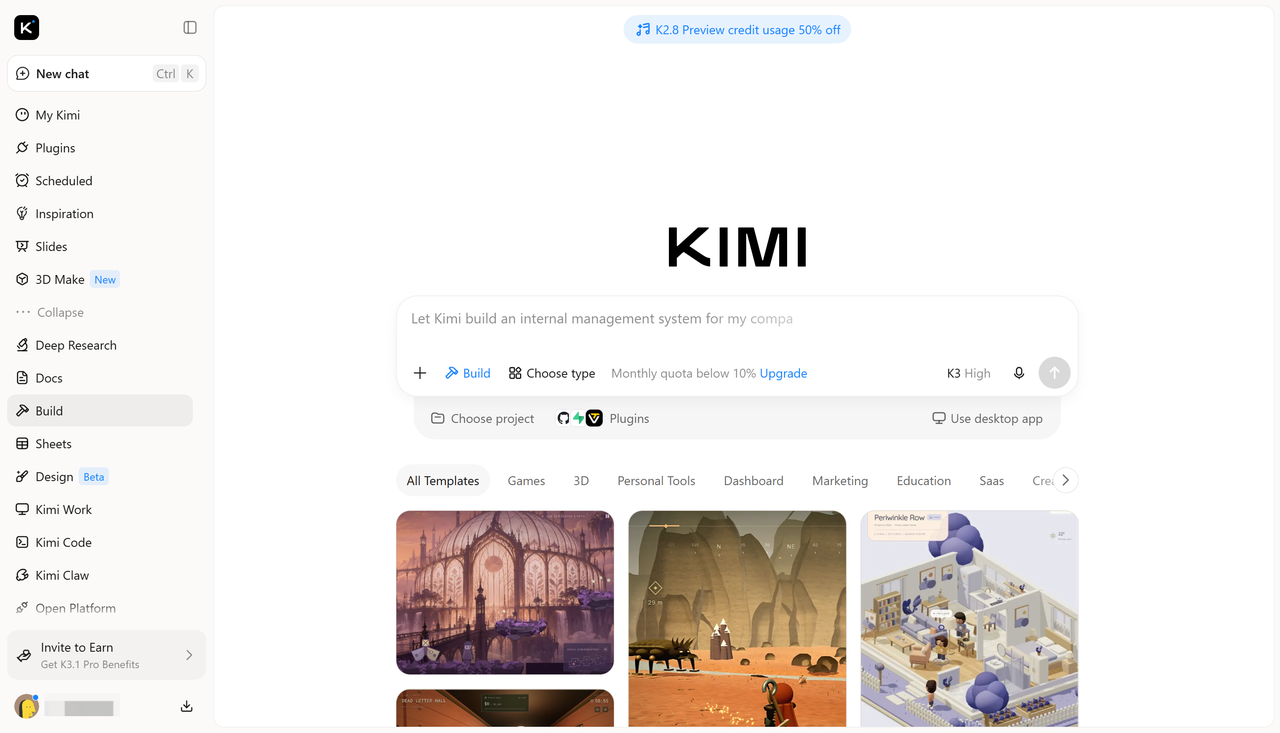
Beyond traditional project management apps, AI-powered tools offer another way to create customized project tracking solutions. Kimi Build, an AI website builder, helps users turn text prompts and visual references into functional web applications, making it easier to design project dashboards, task trackers, and workflow management interfaces without starting from scratch. You can describe your requirements, generate an initial design, and refine the result through additional prompts.
Main features
From project ideas to functional apps: Turn your project management requirements into a working app using natural language prompts, reference images, wireframes, or supporting documents. Kimi Build interprets your inputs and generates an initial app structure, complete with relevant pages, components, and project management features, without requiring you to write code.
**Interactive project management workspace: **Bring task boards, project timelines, team assignments, progress trackers, and deadline calendars into one organized workspace. Interactive task cards, status selectors, drag-and-drop boards, and clickable project views make it easier to organize workloads, update task progress, and keep track of ongoing projects.
**Polished interface and visual organization: **Combine clean dashboards, structured task lists, visual timelines, and intuitive navigation to make complex project information easier to understand. Modern typography, cohesive color schemes, and consistent interface elements create a professional workspace that works smoothly across desktop, tablet, and mobile devices.
Flexible editing and workflow customization: Adapt the app as project requirements and team workflows evolve. Chat-based prompts allow you to request broader design or functionality changes, while the Edit feature supports direct manual adjustments. You can also leave comments on specific elements to refine individual components, such as task cards, timeline views, dashboard sections, and navigation menus.
Preview, export, and publishing options: Explore the app in a built-in preview environment, test interactive elements, and review the overall user experience before sharing. Once the design is ready, you can export your project or publish it to generate a shareable link, making it easier to showcase your project management app and let others explore it.
How to create a project management app with AI
You can use Kimi Build to turn your project requirements into a customized web application without designing every element manually. Follow these steps to generate a project management interface with AI.
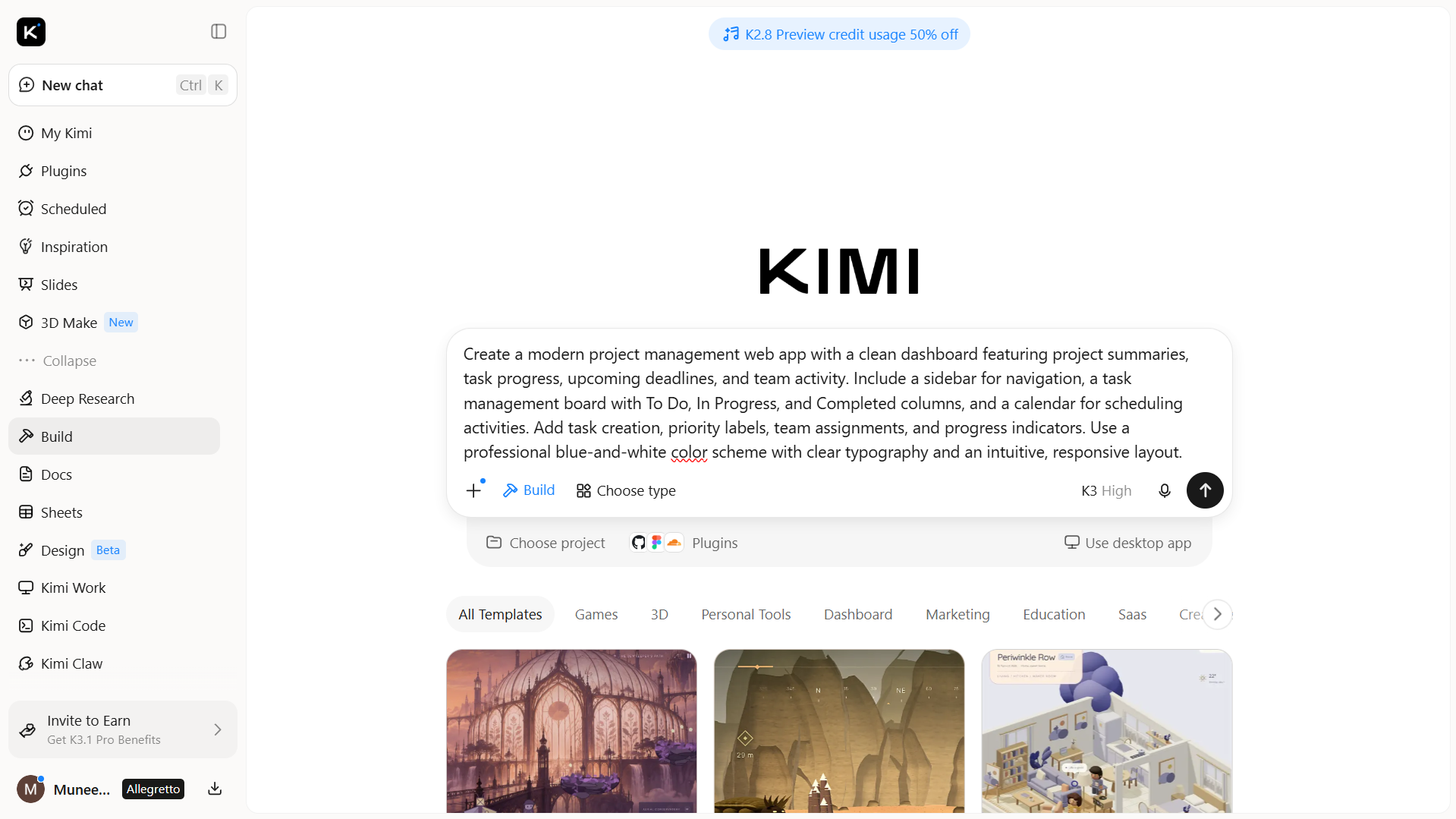
Step 1: Upload the file and write a prompt
Open Kimi Build and upload a reference image, sketch, or existing design if you have one. Then, describe the type of project management app you want, including its layout, features, and visual style. A detailed prompt helps AI understand your requirements and generate a suitable interface.
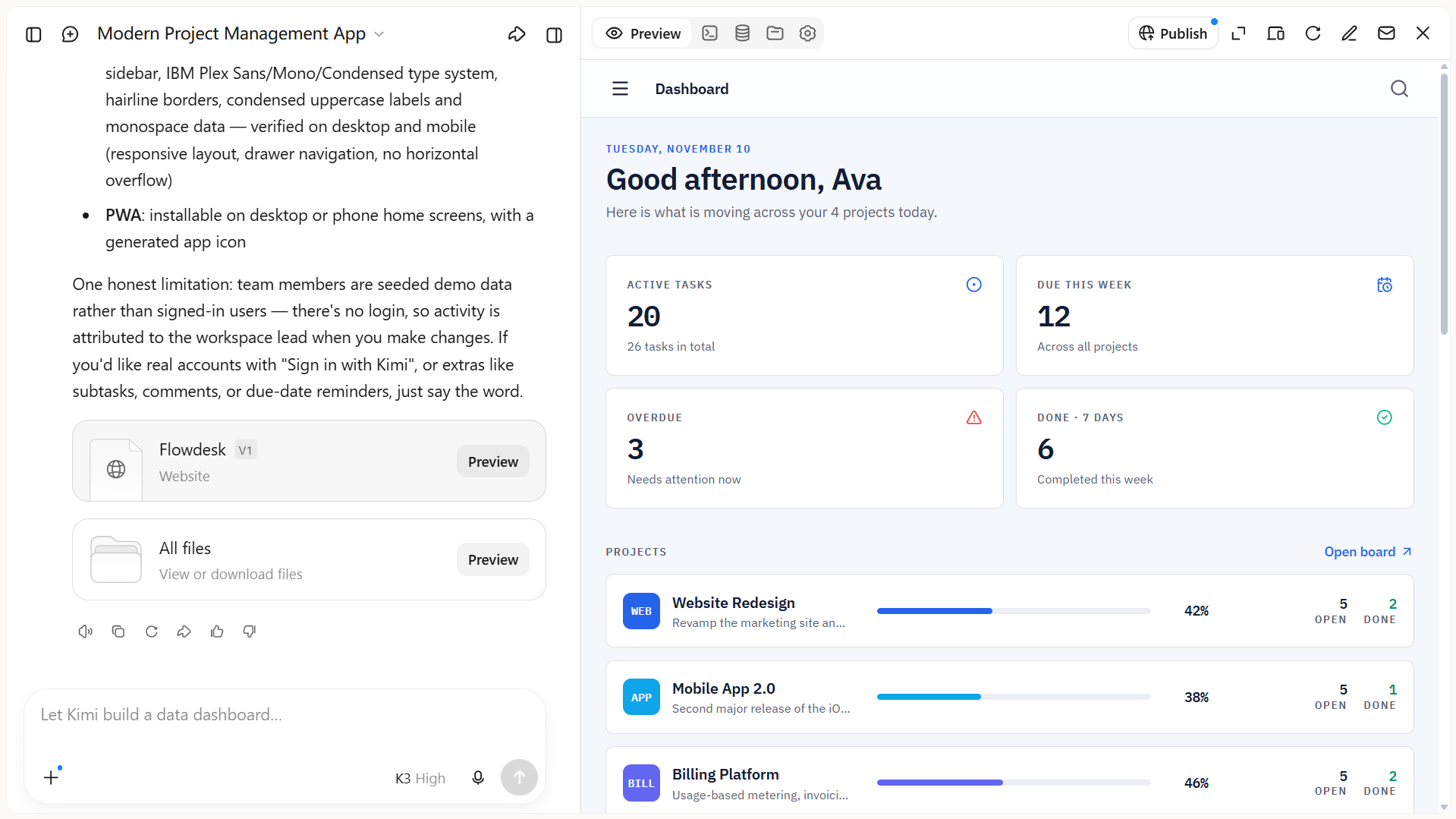
Step 2: Let AI generate the app
Submit your prompt and allow Kimi Build to generate the initial application. AI will interpret your instructions and create the interface with the requested sections, layouts, and design elements. Review the generated result and use additional prompts to adjust the dashboard, modify task cards, or refine specific features.
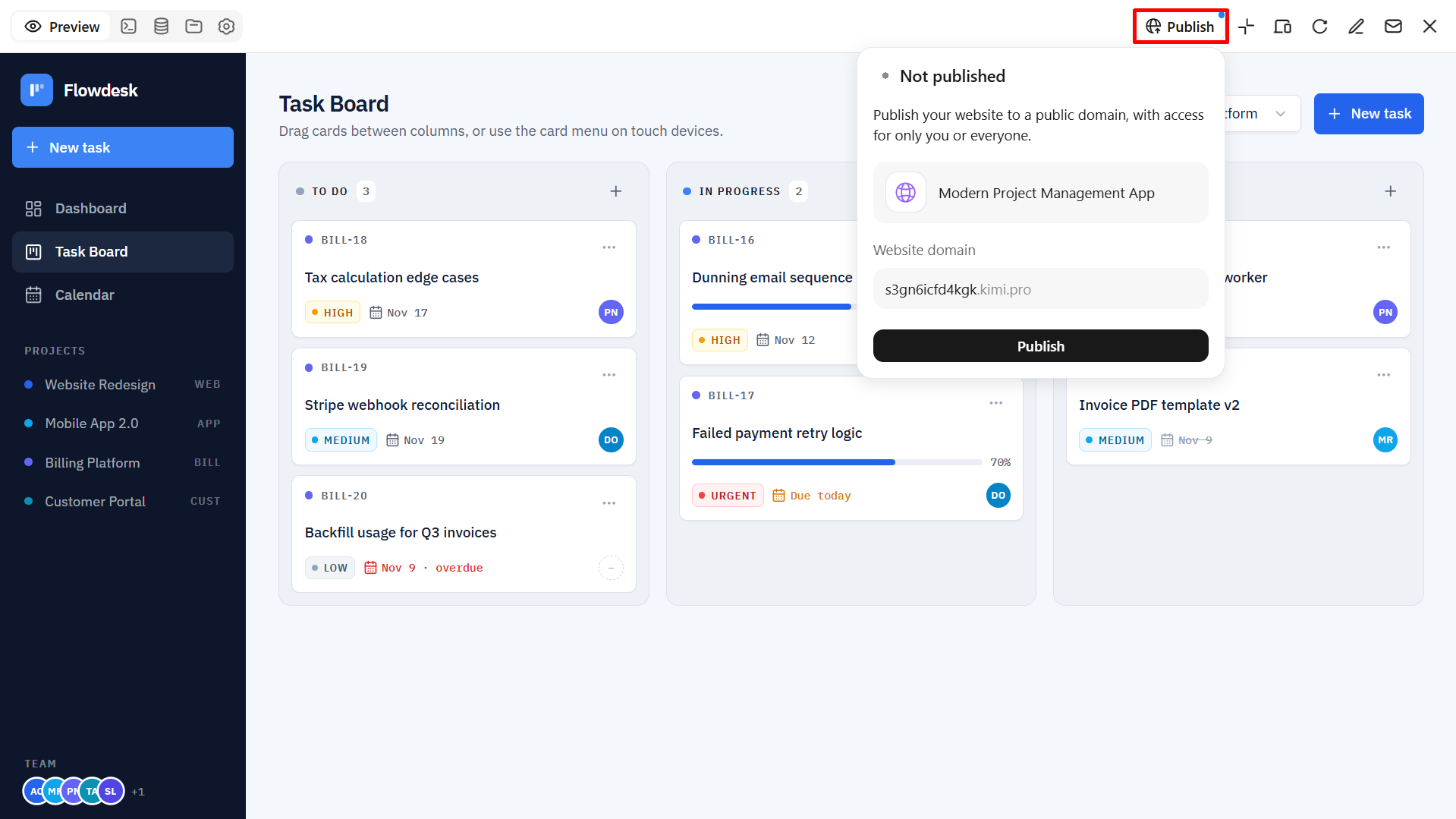
Step 3: Review and publish the final app
Once the design is ready, review the layout, navigation, and available interactions to ensure everything matches your requirements. When satisfied, use the available publishing or export options to make the final version available.
Conclusion
To sum up, the right project management app helps you organize tasks, track progress, and collaborate more efficiently. Explore the tools in this guide to find one that matches your needs. You can also try Kimi Build to create a customized project tracking web app with AI by simply describing your requirements and refining the generated design.