Blue-and-White Porcelain Vase Interactive 3D Scene
A digital reconstruction of a Kangxi blue-and-white porcelain vase — thirty numbered fragments fly back, one by one, into a measured cage to rebuild the vessel. Generated by Kimi K3.1 Pro.
Loading preview...
Start from this prompt
Thirty numbered fragments fly into a measured cage to reconstruct a Kangxi blue-and-white porcelain vase.
Try 3D MakeCreate an interactive 3D webpage for reassembling the fragments of a blue-and-white porcelain vase. Scene and interaction: at the start, 30 fragments lie flat on a measured 7×5 grid, tagged with numbers 01–30, with an empty plot left in the center. After clicking begin, a reconstruction cage generated from the vase's measured profile fades in at the center, fading out locally as more fragments lock into place. Clicking any fragment sends only that piece flying along a gentle arc into its matching slot and locking in; clicking a locked fragment returns it along the same path — there is no enforced order. Each empty slot displays the broken-edge contour of its corresponding fragment. Place all: every remaining fragment takes off, spirals one to two turns around the vase, and docks into place one by one, with the camera orbiting along with the flock and the placement pace ramping linearly from 1× to 3×. Once the vase is whole, "Scatter" can be triggered: the vessel bursts into thirty pieces that tumble irregularly in the air for a few seconds, then drift back to their numbered positions. Press and hold a fragment to pause and view its record.
Add touch controls
Adds phone controls and layout without changing the other requirements.
Try 3D MakeCreate an interactive 3D webpage for reassembling the fragments of a blue-and-white porcelain vase. Scene and interaction: at the start, 30 fragments lie flat on a measured 7×5 grid, tagged with numbers 01–30, with an empty plot left in the center. After clicking begin, a reconstruction cage generated from the vase's measured profile fades in at the center, fading out locally as more fragments lock into place. Clicking any fragment sends only that piece flying along a gentle arc into its matching slot and locking in; clicking a locked fragment returns it along the same path — there is no enforced order. Each empty slot displays the broken-edge contour of its corresponding fragment. Place all: every remaining fragment takes off, spirals one to two turns around the vase, and docks into place one by one, with the camera orbiting along with the flock and the placement pace ramping linearly from 1× to 3×. Once the vase is whole, "Scatter" can be triggered: the vessel bursts into thirty pieces that tumble irregularly in the air for a few seconds, then drift back to their numbered positions. Press and hold a fragment to pause and view its record.
Create an interactive 3D webpage for reassembling the fragments of a blue-and-white porcelain vase.

Scene and interaction: at the start, 30 fragments lie flat on a measured 7×5 grid, tagged with numbers 01–30, with an empty plot left in the center. After clicking begin, a reconstruction cage generated from the vase's measured profile fades in at the center, fading out locally as more fragments lock into place. Clicking any fragment sends only that piece flying along a gentle arc into its matching slot and locking in; clicking a locked fragment returns it along the same path — there is no enforced order. Each empty slot displays the broken-edge contour of its corresponding fragment.

Place all: every remaining fragment takes off, spirals one to two turns around the vase, and docks into place one by one, with the camera orbiting along with the flock and the placement pace ramping linearly from 1× to 3×. Once the vase is whole, "Scatter" can be triggered: the vessel bursts into thirty pieces that tumble irregularly in the air for a few seconds, then drift back to their numbered positions. Press and hold a fragment to pause and view its record.
You Might Also Like
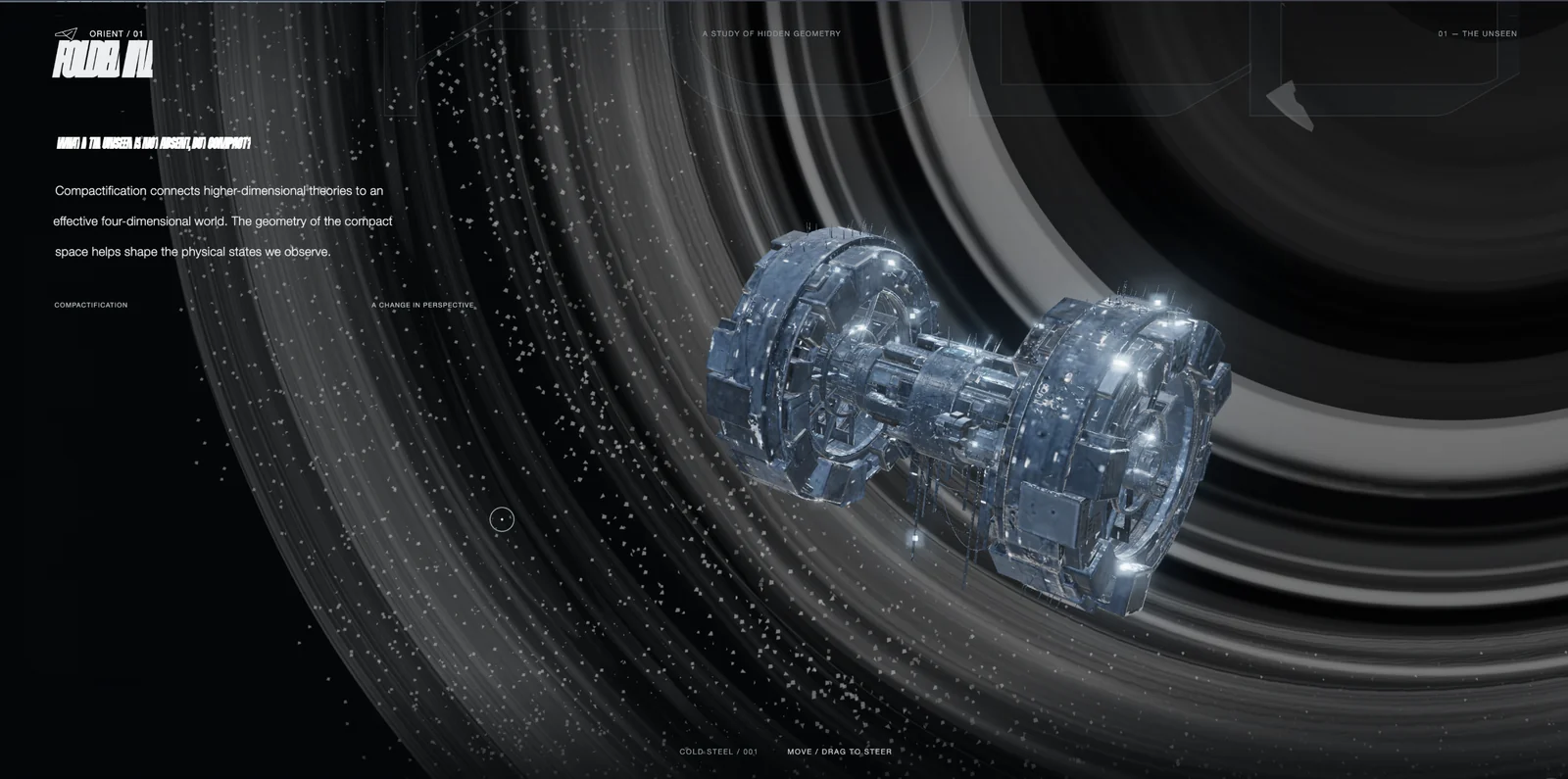
Space Tunnel Interactive 3D Scene
A silver ring station rotates above a black-hole backdrop as scrolling reveals its wireframe. Theory chapters and a tunnel-flight film lead into the end credits. Generated by Kimi K3.1 Pro.
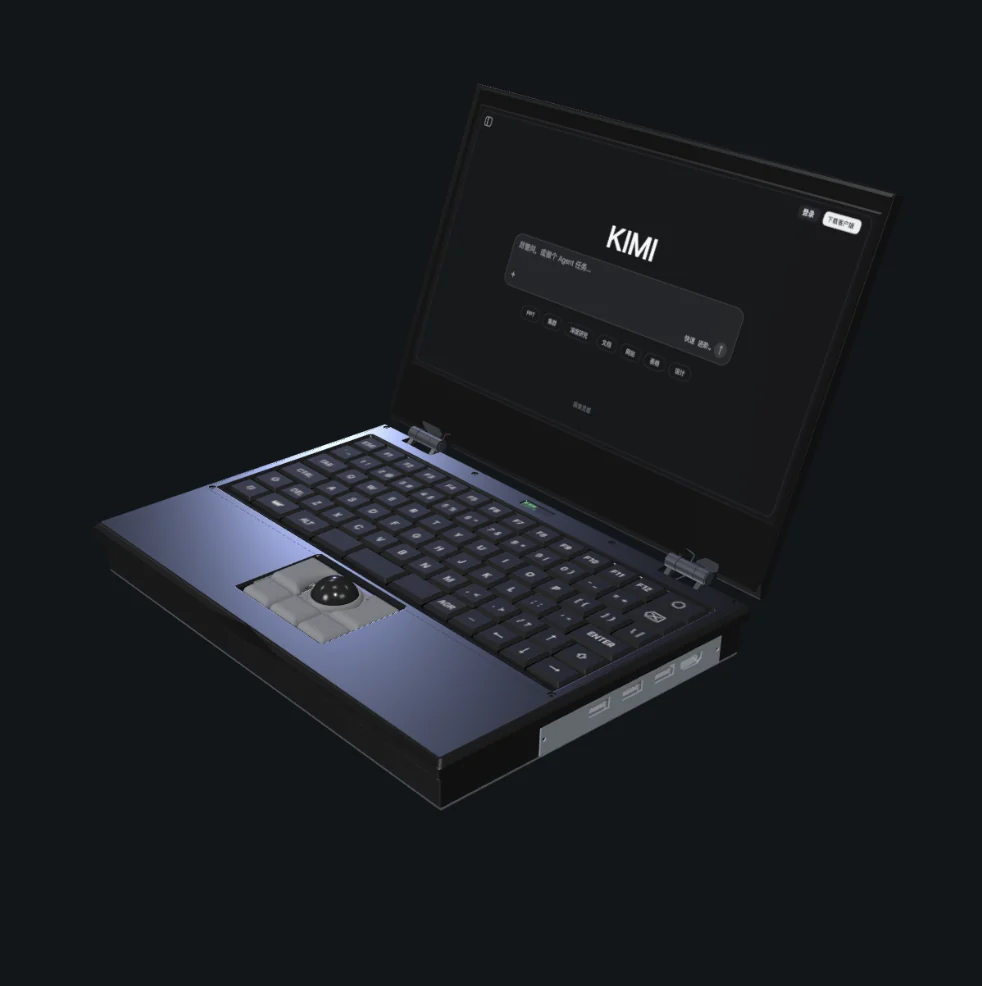
MNT Reform Laptop Exploded View Interactive 3D Scene
Rotate and disassemble an MNT Reform laptop, revealing its components and wiring while adjusting the lid angle. Generated by Kimi K3.1 Pro.