Click Garden Flower Planting Interactive 3D Scene
An interactive 3D garden on a windswept meadow — click anywhere to plant clusters of flowers, switch between four species, and grow a garden of your own. Generated by Kimi K3.1 Pro.
Loading preview...
Start from this prompt
A windswept 3D meadow where visitors plant clusters of four flower species.
Try 3D MakeCreate an interactive 3D webpage where clicking plants flowers. The scene is a bright circular green meadow with dense grass blades swaying gently in the wind, under a soft sky with distant fog. Left-clicking the ground plants a small cluster of flowers at that spot, sprouting with a natural growth animation. A side panel switches between four flower species — white daisy, red tulip, sunflower and spider lily — each button carrying a thumbnail, and clicking it opens a single-flower 3D preview (auto-rotating, draggable). A bottom toolbar offers "random sowing" and "clear garden" actions, with a live count of planted flowers. Support drag-to-orbit, scroll-to-zoom and right-click panning.
Add touch controls
Adds phone controls and layout without changing the other requirements.
Try 3D MakeCreate an interactive 3D webpage where clicking plants flowers. The scene is a bright circular green meadow with dense grass blades swaying gently in the wind, under a soft sky with distant fog. Left-clicking the ground plants a small cluster of flowers at that spot, sprouting with a natural growth animation. A side panel switches between four flower species — white daisy, red tulip, sunflower and spider lily — each button carrying a thumbnail, and clicking it opens a single-flower 3D preview (auto-rotating, draggable). A bottom toolbar offers "random sowing" and "clear garden" actions, with a live count of planted flowers. Support drag-to-orbit, scroll-to-zoom and right-click panning.
Create an interactive 3D webpage where clicking plants flowers.

The scene is a bright circular green meadow with dense grass blades swaying gently in the wind, under a soft sky with distant fog. Left-clicking the ground plants a small cluster of flowers at that spot, sprouting with a natural growth animation. A side panel switches between four flower species — white daisy, red tulip, sunflower and spider lily — each button carrying a thumbnail, and clicking it opens a single-flower 3D preview (auto-rotating, draggable). A bottom toolbar offers "random sowing" and "clear garden" actions, with a live count of planted flowers. Support drag-to-orbit, scroll-to-zoom and right-click panning.
You Might Also Like

Extreme Outdoor Routes Interactive 3D Scene
Explore ten extreme outdoor routes on a black-and-gold globe, selecting illuminated markers for route details. Generated by Kimi K3.1 Pro.
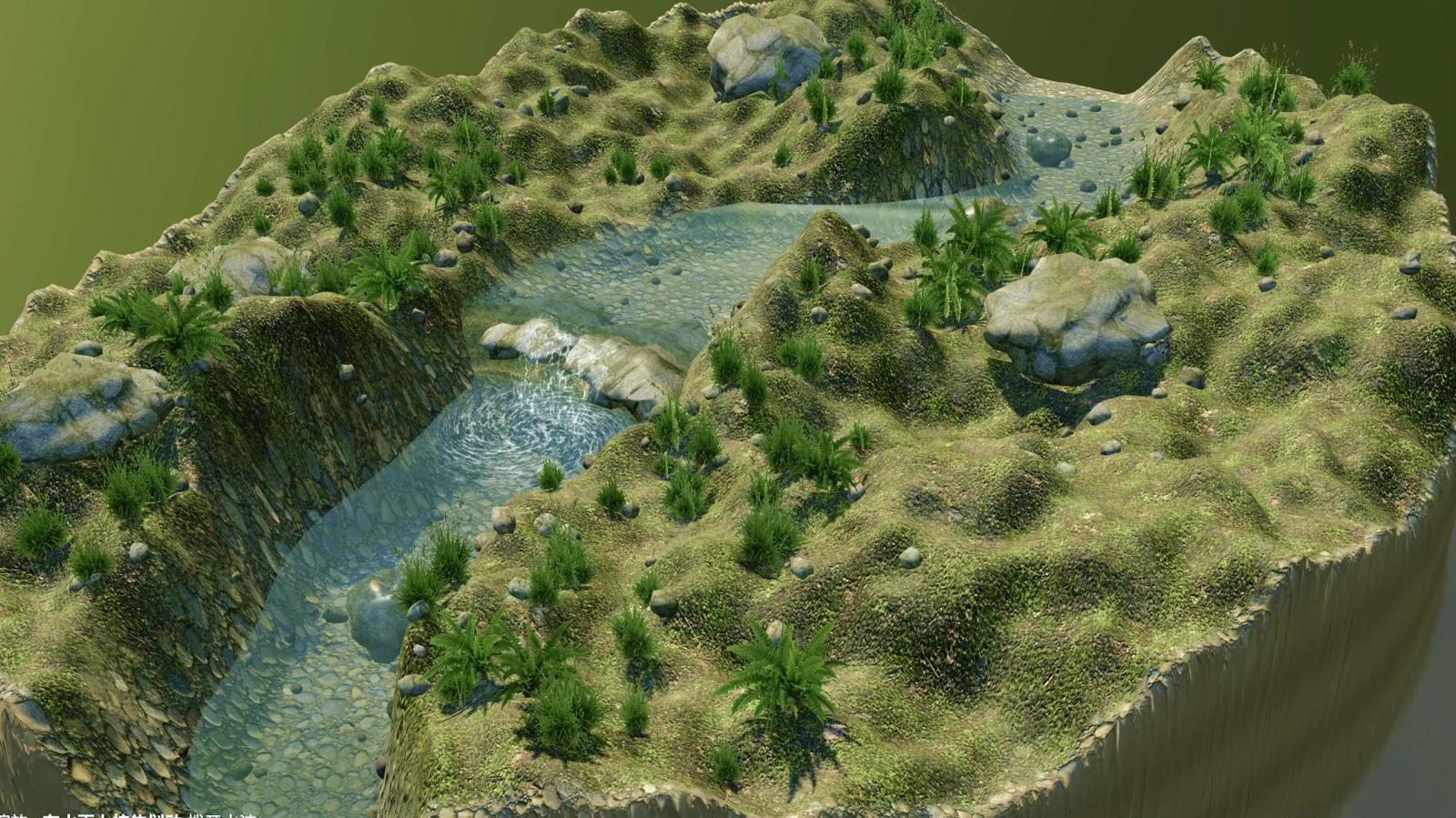
Creekside Stone Beach Interactive 3D Scene
A realistic creekside miniature with flowing water, stones and grasses, viewed from any angle with interactive ripples. Generated by Kimi K3.1 Pro.