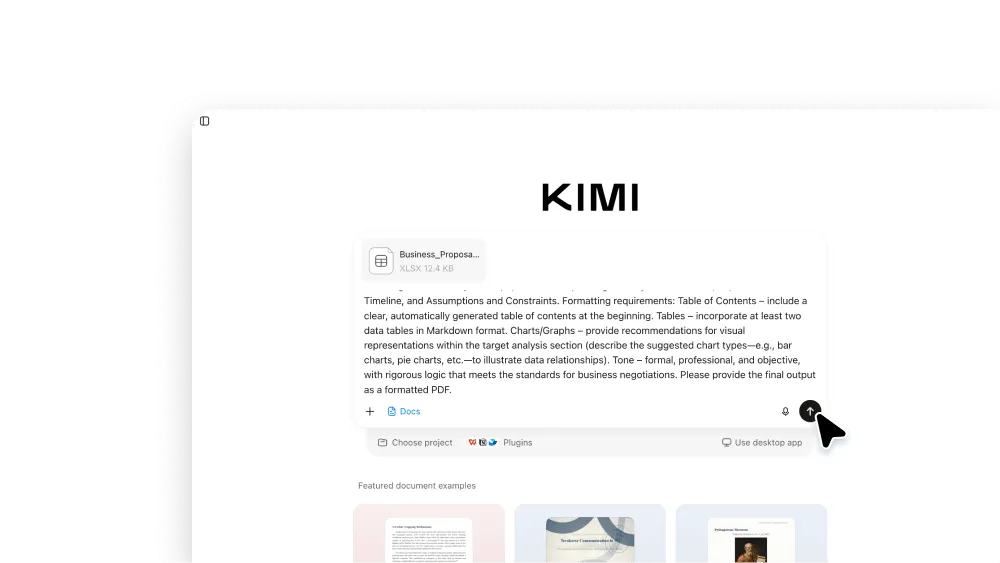
AI Proposal Generator
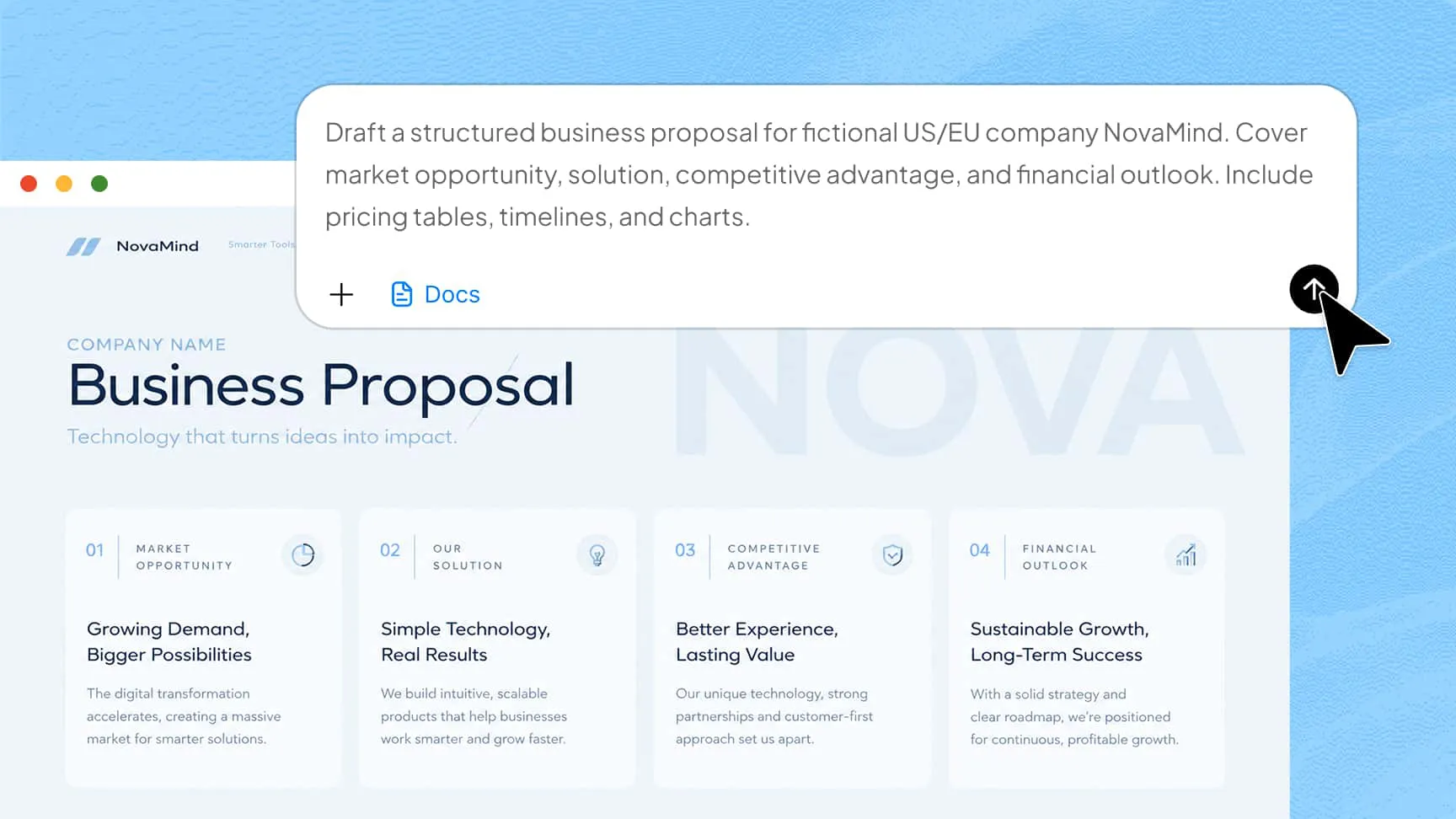
An AI proposal generator turns a short brief into a structured business proposal draft. Kimi Docs helps you draft proposals of up to 10,000 words, with support for pricing tables, timelines, and charts. Review the draft, make your edits, and export it to the format you need.
Get better proposals in less time with AI
Long-form and batch generation
Draft proposals of up to 10,000 words, or create multiple client-specific versions in one batch, with the source details carried over.
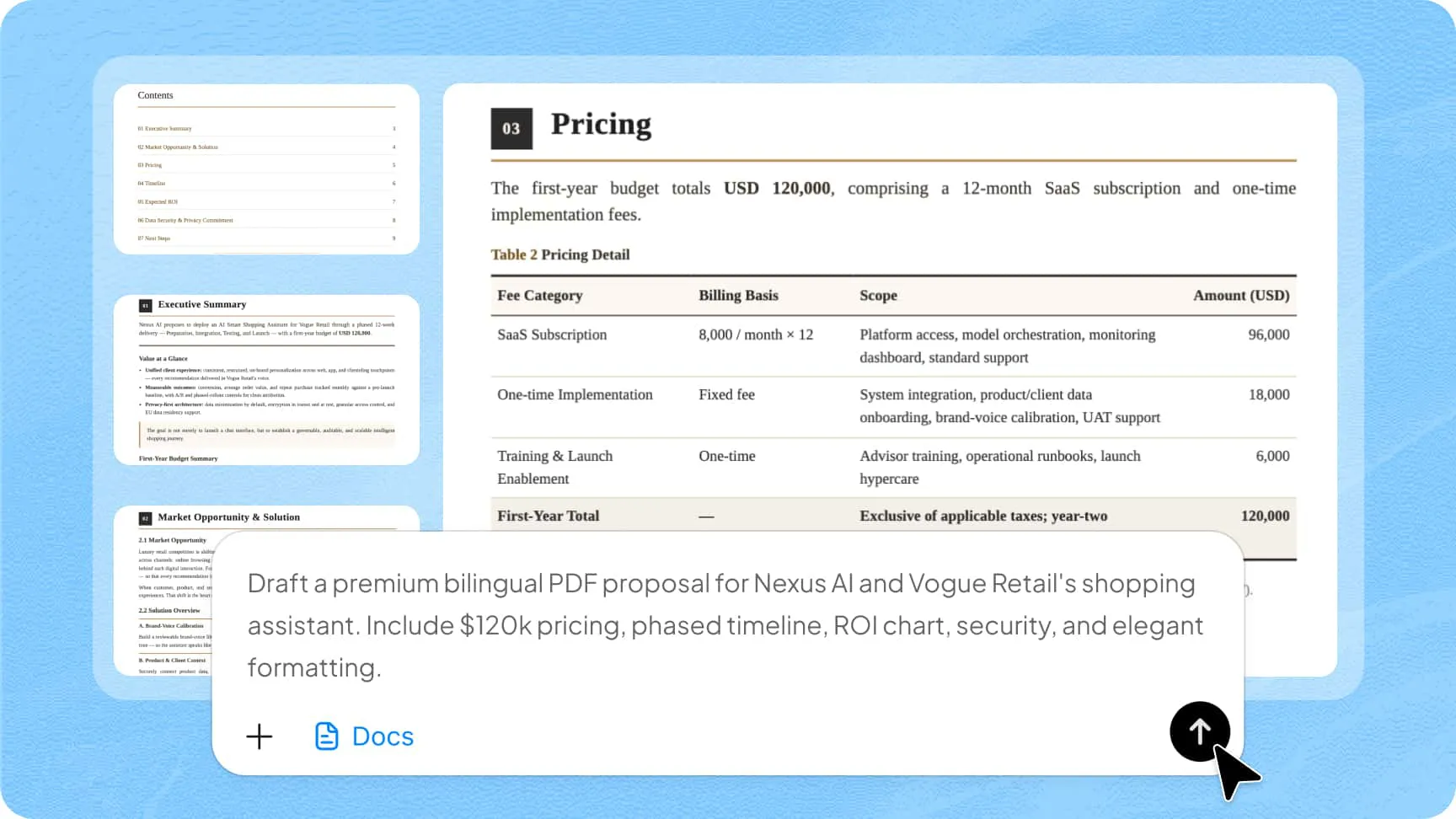
Professional elements, built in
Add pricing tables, milestone timelines, checklists, LaTeX formulas, citations, and a clickable table of contents to your draft.
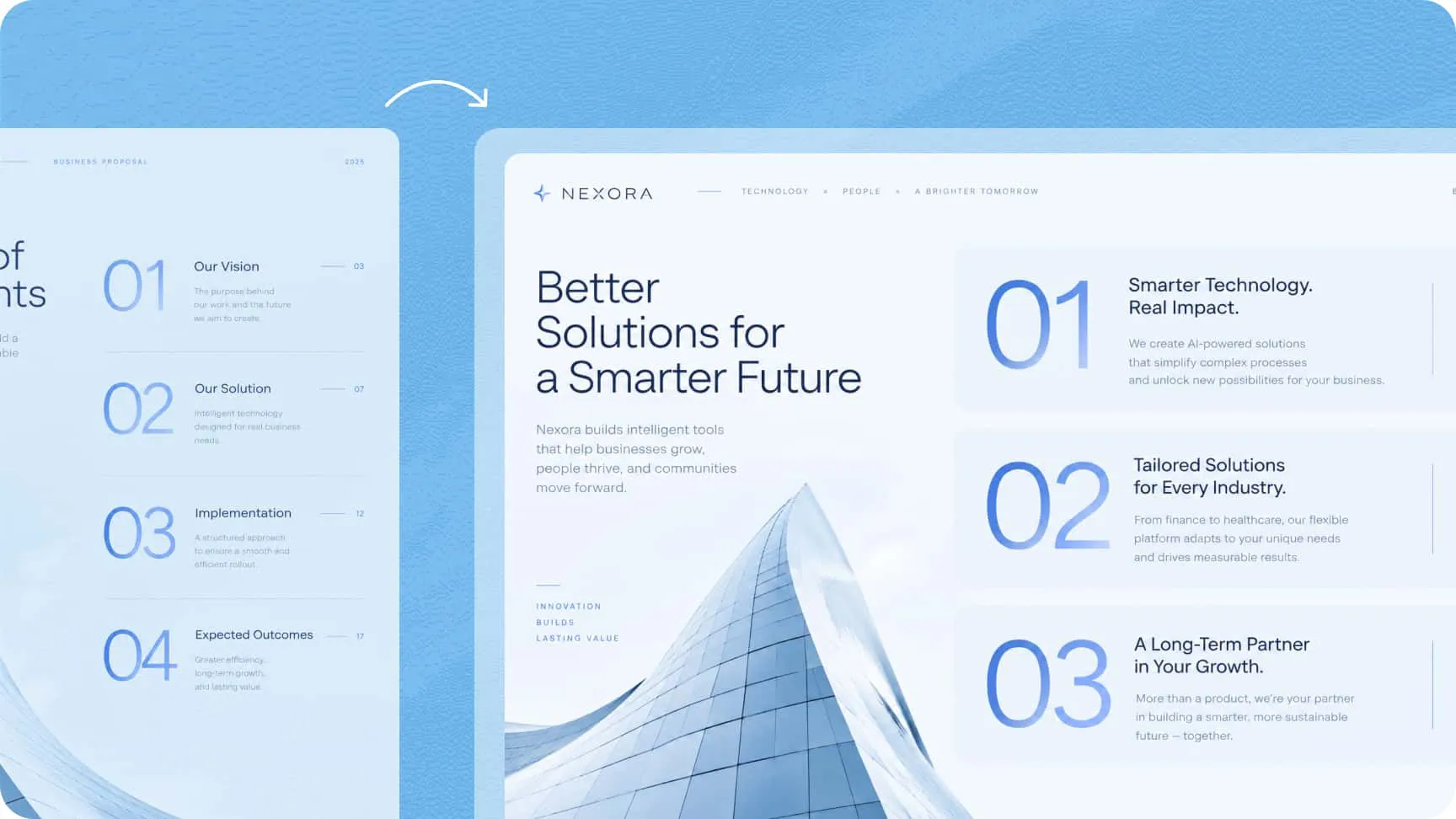
One proposal, every format
Export your proposal to Word for editing, PDF for sharing, or PowerPoint for presenting, with conversion between formats.
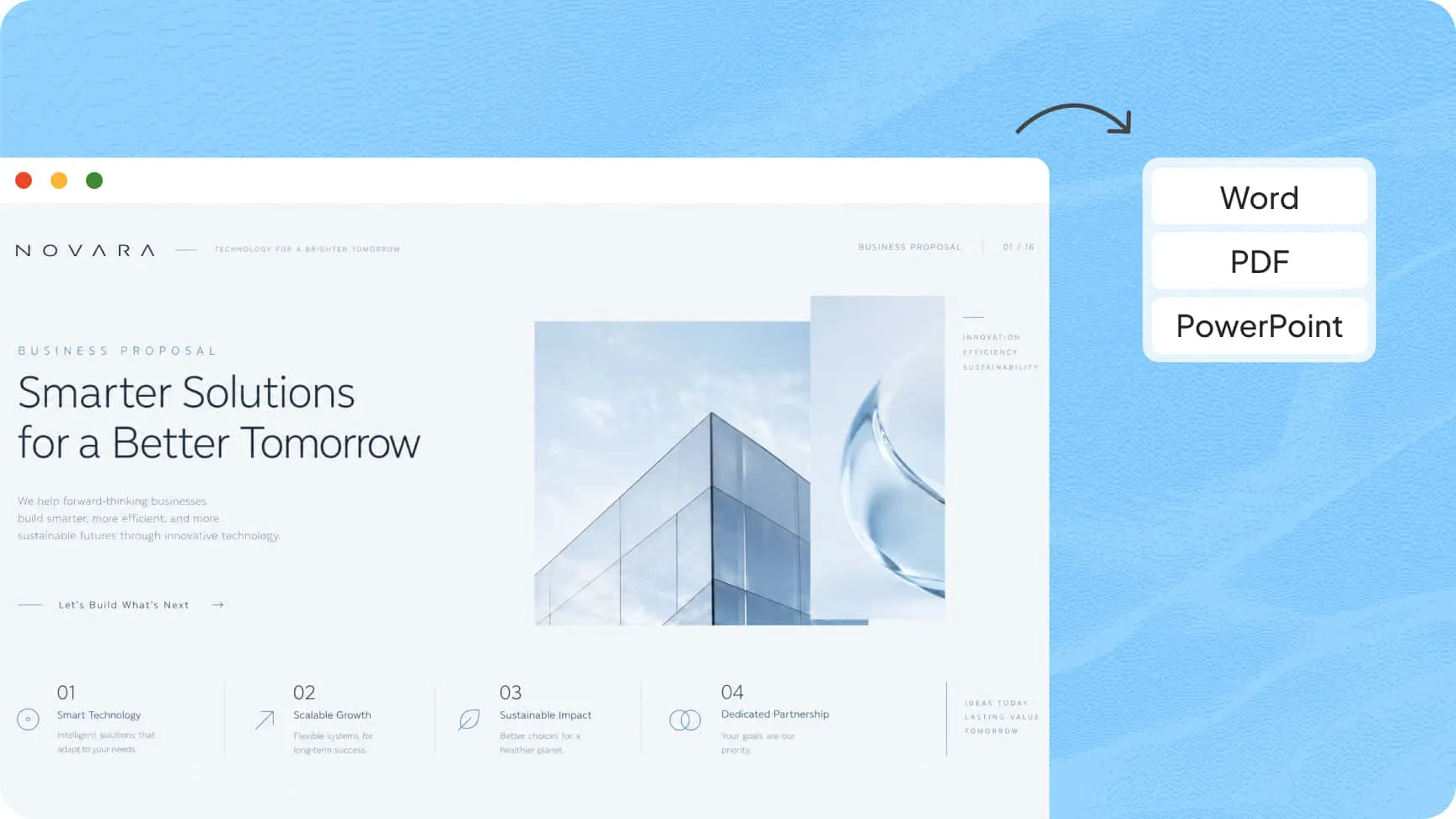
Content-aware conversion
Upload a client brief, an RFP, or an Excel pricing sheet, and Kimi can rebuild the material into structured proposal sections.
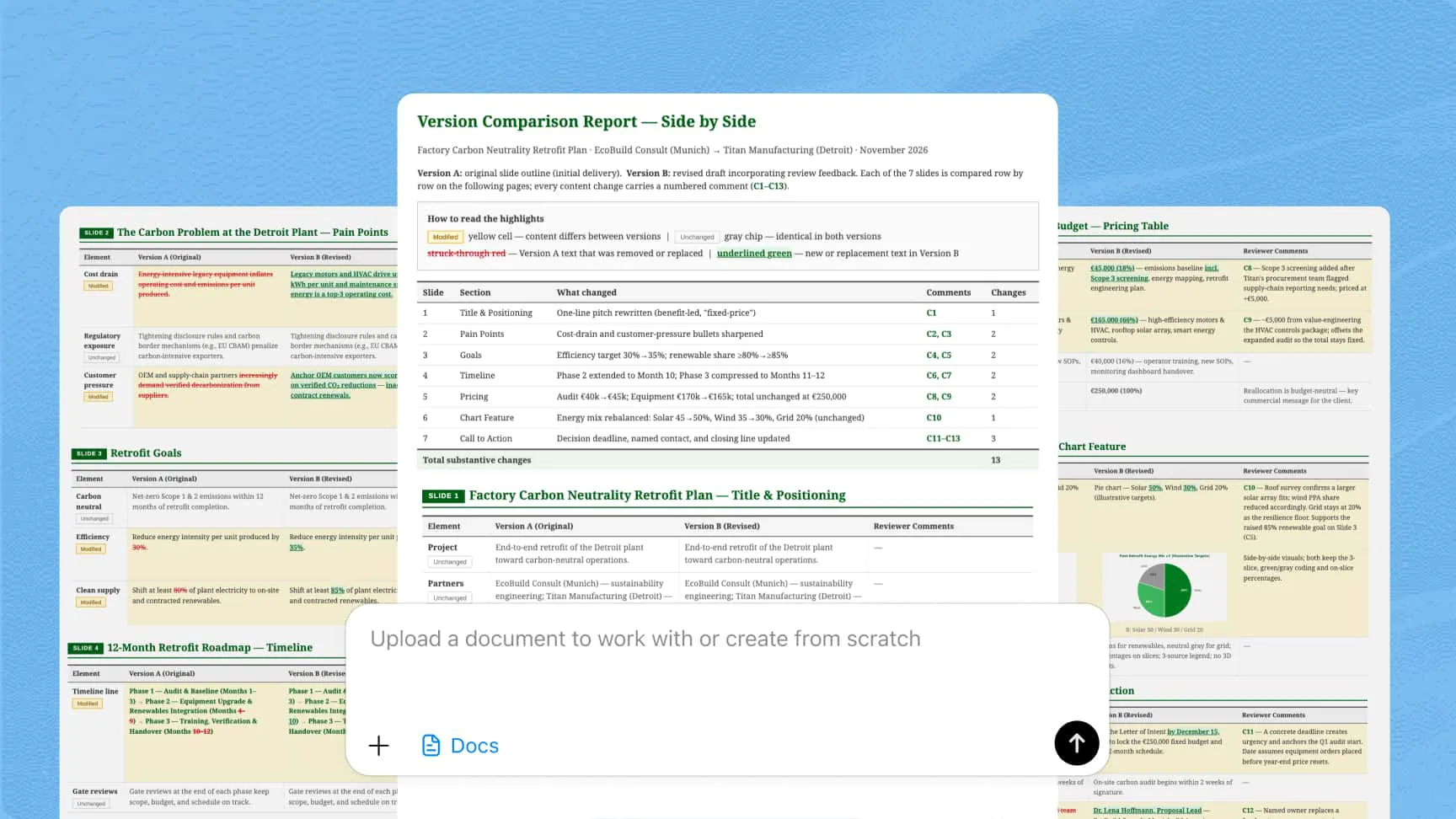
Review and version comparison
Add annotations to your draft and compare versions side by side with differences highlighted, so revisions are easier to track.
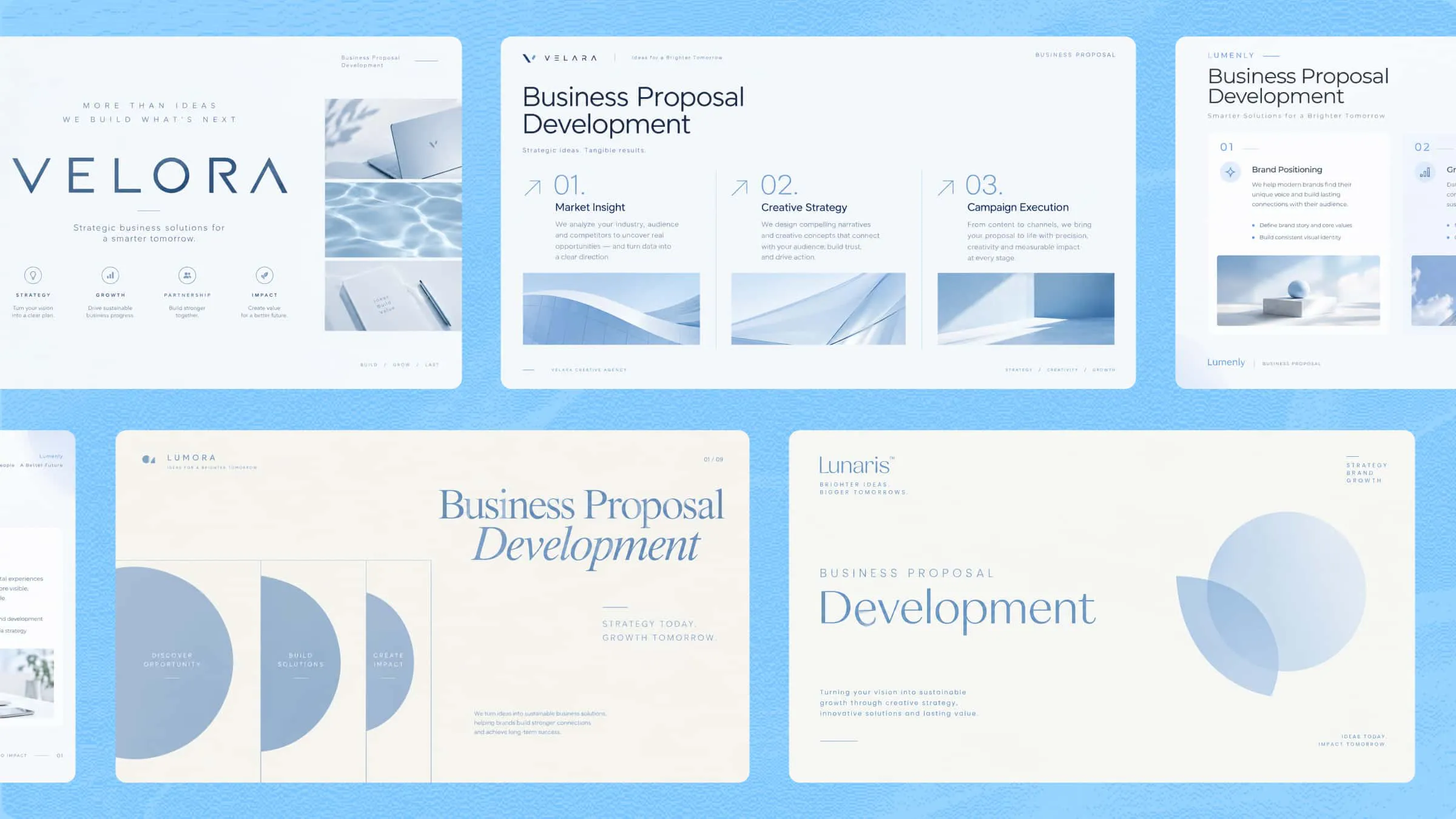
The ultimate AI proposal generator for every need
Business proposal development
Draft business proposals with executive summaries, scope of work, and pricing sections. Bring in your own research, then review and adjust the draft before sending.
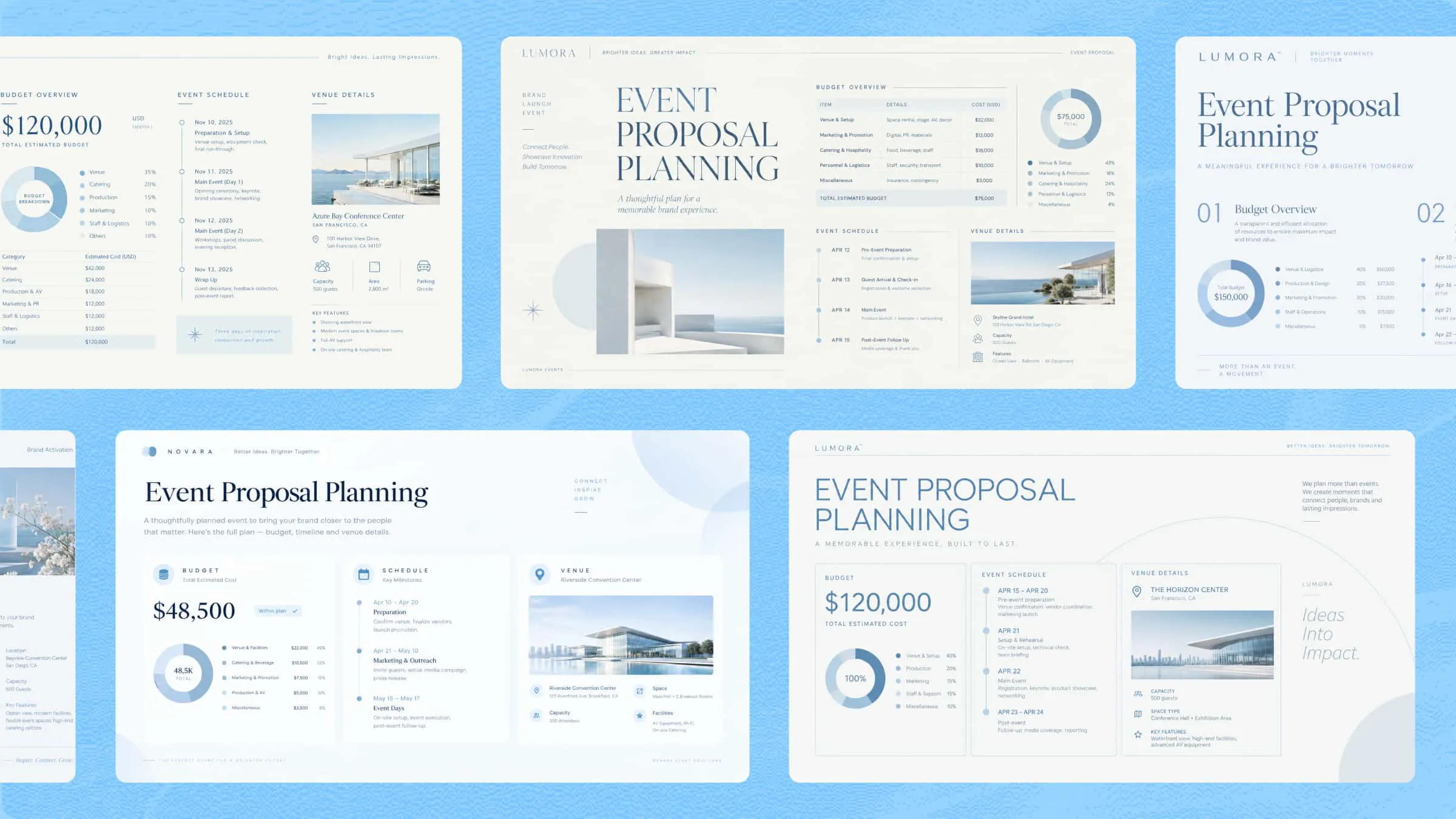
Event proposal planning
Turn your event concept into a structured proposal draft, with budgets, schedules, and venue details organized in tables and visuals.
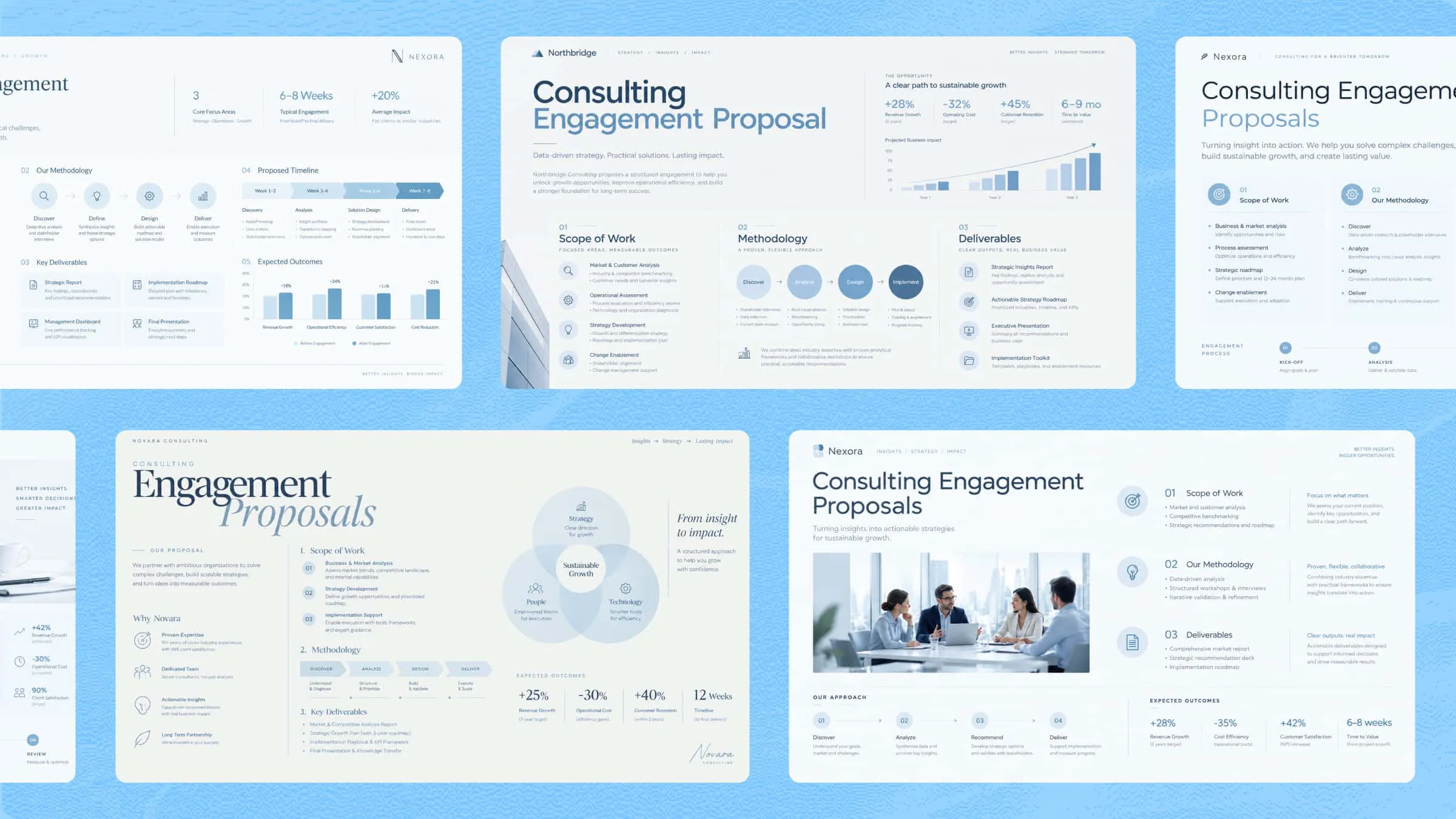
Consulting engagement proposals
Draft consulting proposals that lay out scope, methodology, and deliverables in a clear structure, with charts to help present your approach.
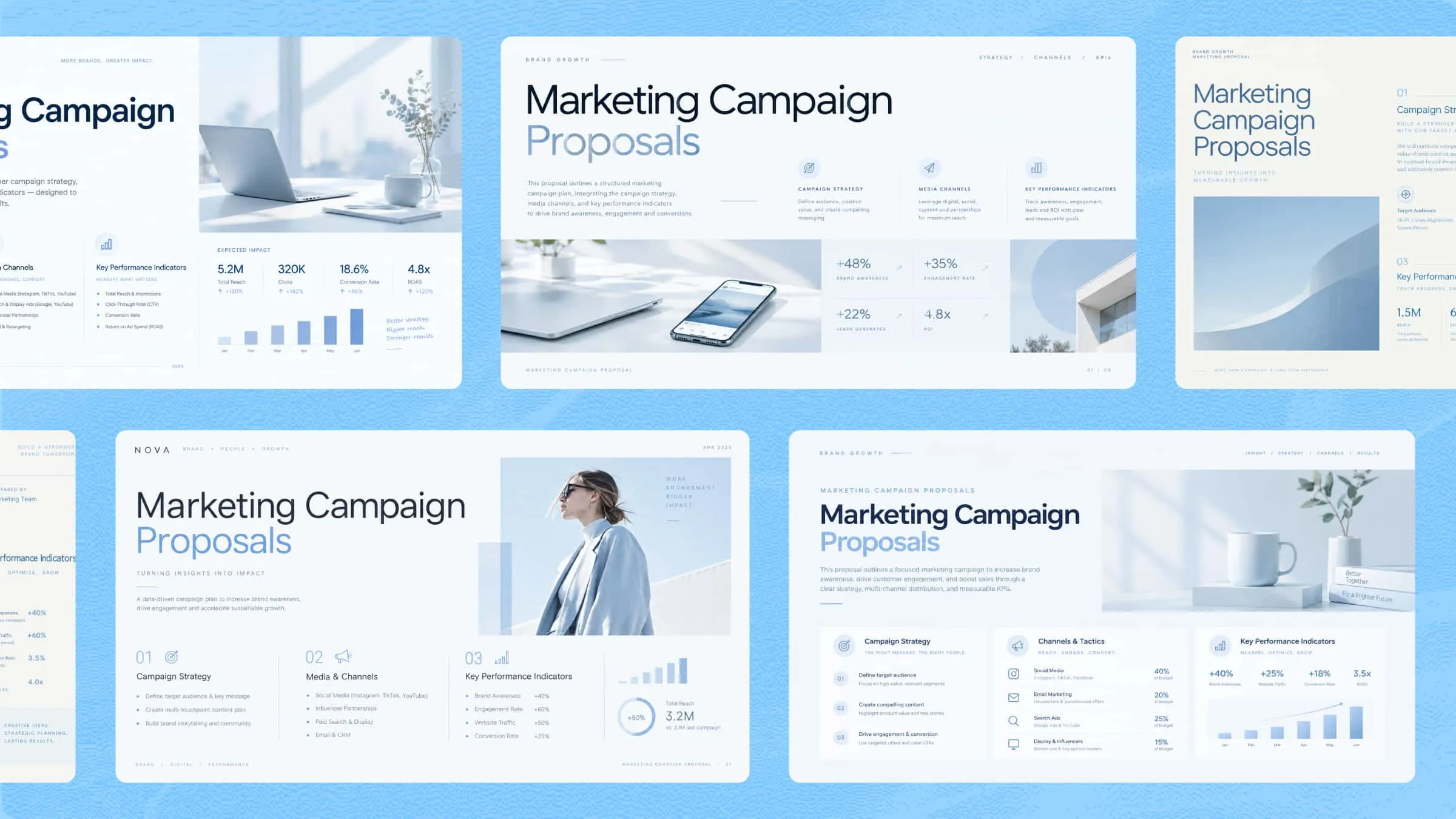
Marketing campaign proposals
Bring campaign strategy, channels, and KPIs together in one organized proposal draft, with an optional cover page and data visualizations.
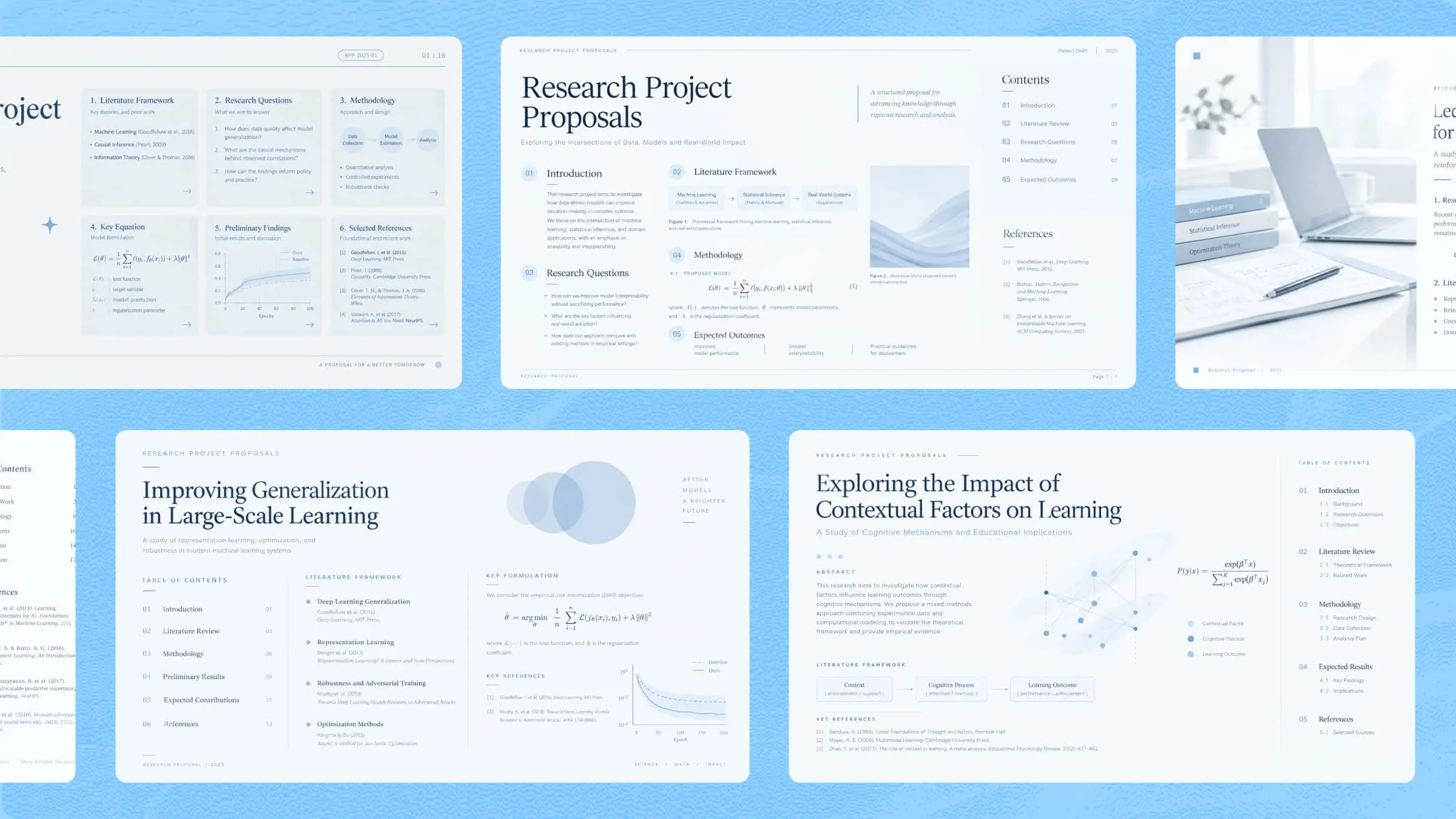
Research project proposals
Draft research proposals with academic structure, including literature framing, LaTeX formulas, citations, and a table of contents.
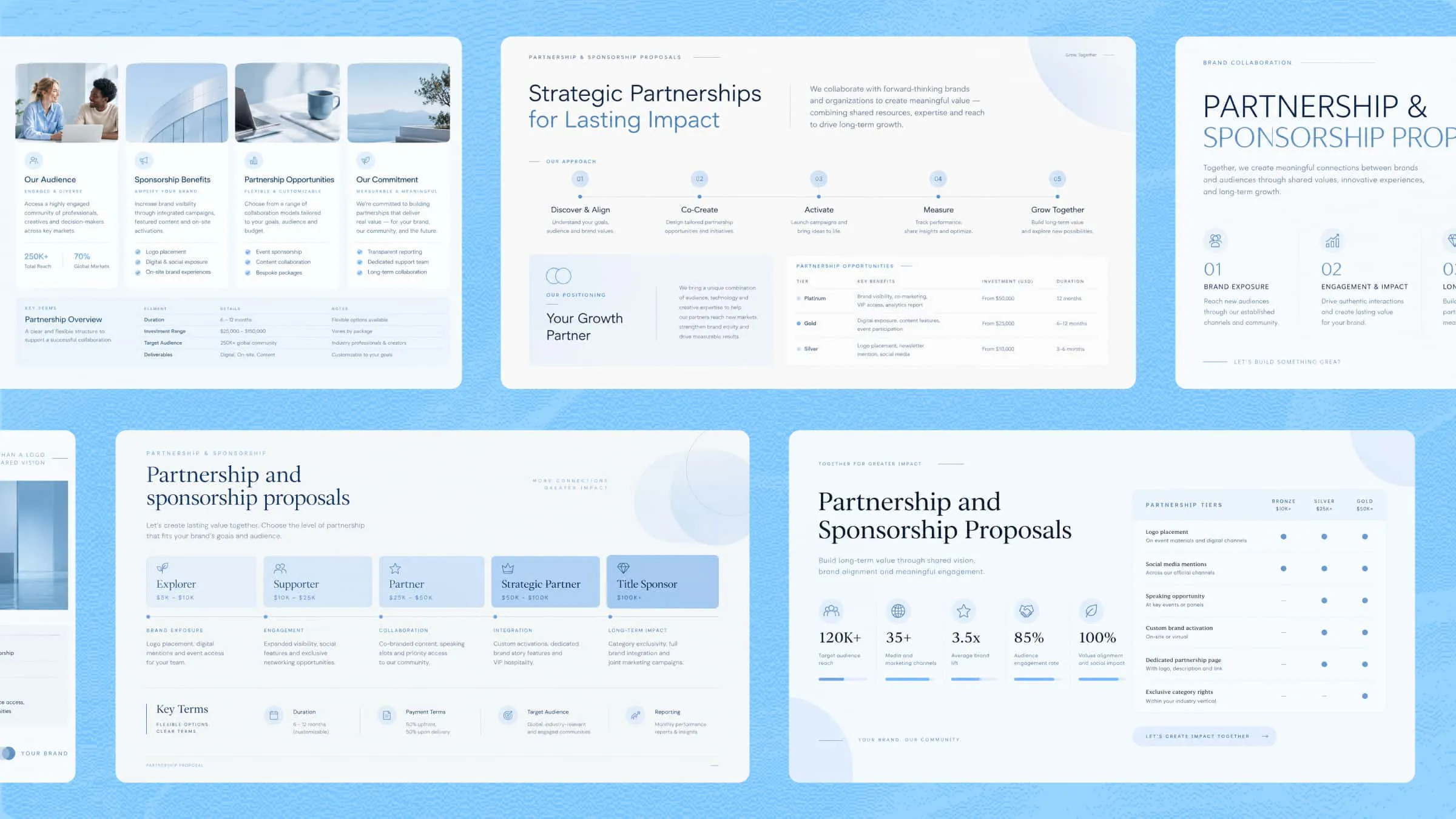
Partnership and sponsorship proposals
Present your positioning and terms in a structured document with visual elements and formatted terms tables.
Draft business proposals with executive summaries, scope of work, and pricing sections. Bring in your own research, then review and adjust the draft before sending.
How to create a proposal with AI
Describe your proposal goal
Tell Kimi what the proposal is for: the client, the project, and what you want to achieve. You can also upload supporting files like a client brief, an RFP, or an Excel pricing sheet, and Kimi will work them into the draft.
Generate a tailored proposal
Kimi Docs drafts a structured proposal based on your input, with sections like scope, deliverables, and pricing. Long proposals of up to 10,000 words are supported, and you can ask for tables, charts, or a table of contents.
Review and finalize
Read through the draft and refine it with follow-up requests. Add annotations, compare versions side by side to track your changes, then export the final proposal to Word, PDF, or PowerPoint.