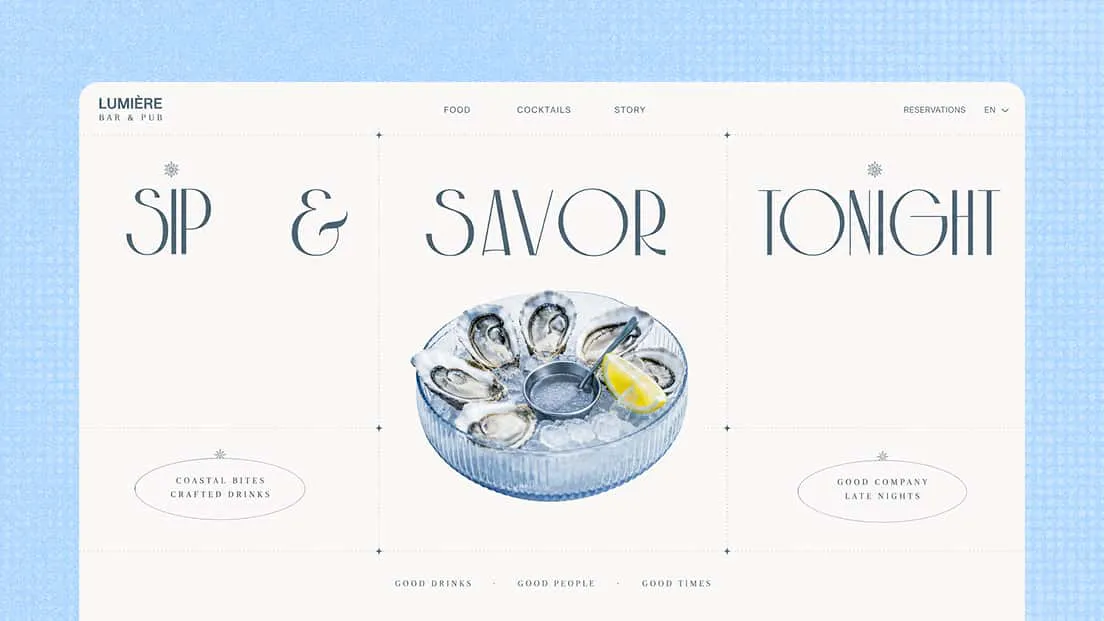
AI Restaurant Website Builder
Give your restaurant a website as distinctive as its dining experience. With an AI restaurant website builder, you can turn creative ideas into personalized website designs. Use Kimi Build to create, customize, and refine a website that brings your brand to life.
Design and build a distinctive restaurant website with AI
Turn your restaurant vision into a custom website
Bring your restaurant's identity online with AI-powered website generation. Describe your cuisine, dining atmosphere, brand personality, and website goals, or upload reference images for inspiration. Kimi Build turns your ideas into a tailored website with sections for menus, image galleries, and location details.
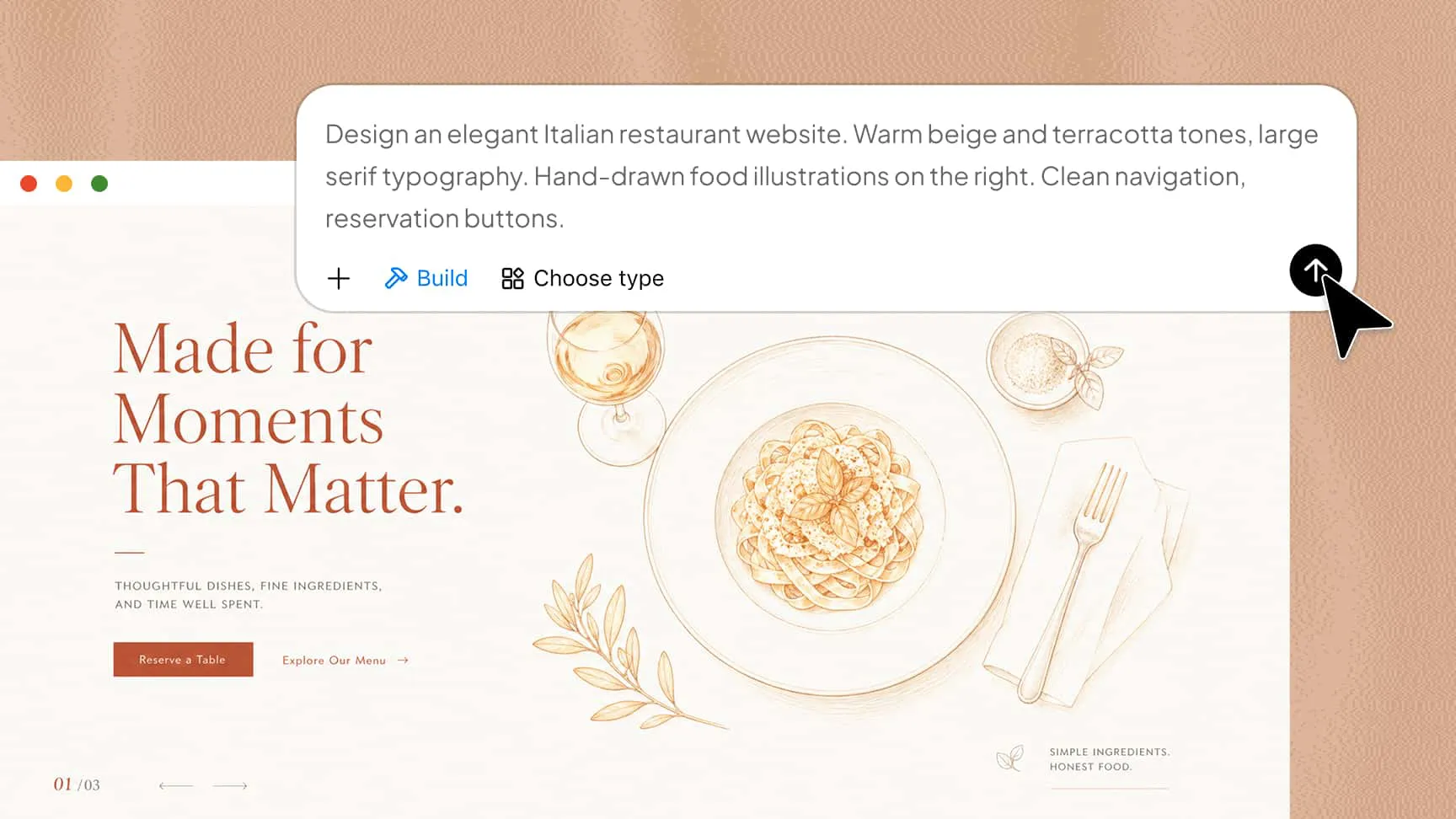
Create an appealing website with cohesive visual design
Use coordinated colors, refined typography, engaging imagery, and well-organized layouts to reflect your restaurant's atmosphere. Whether you run a casual café, family restaurant, or fine-dining establishment, Kimi Build helps bring your visual direction together.
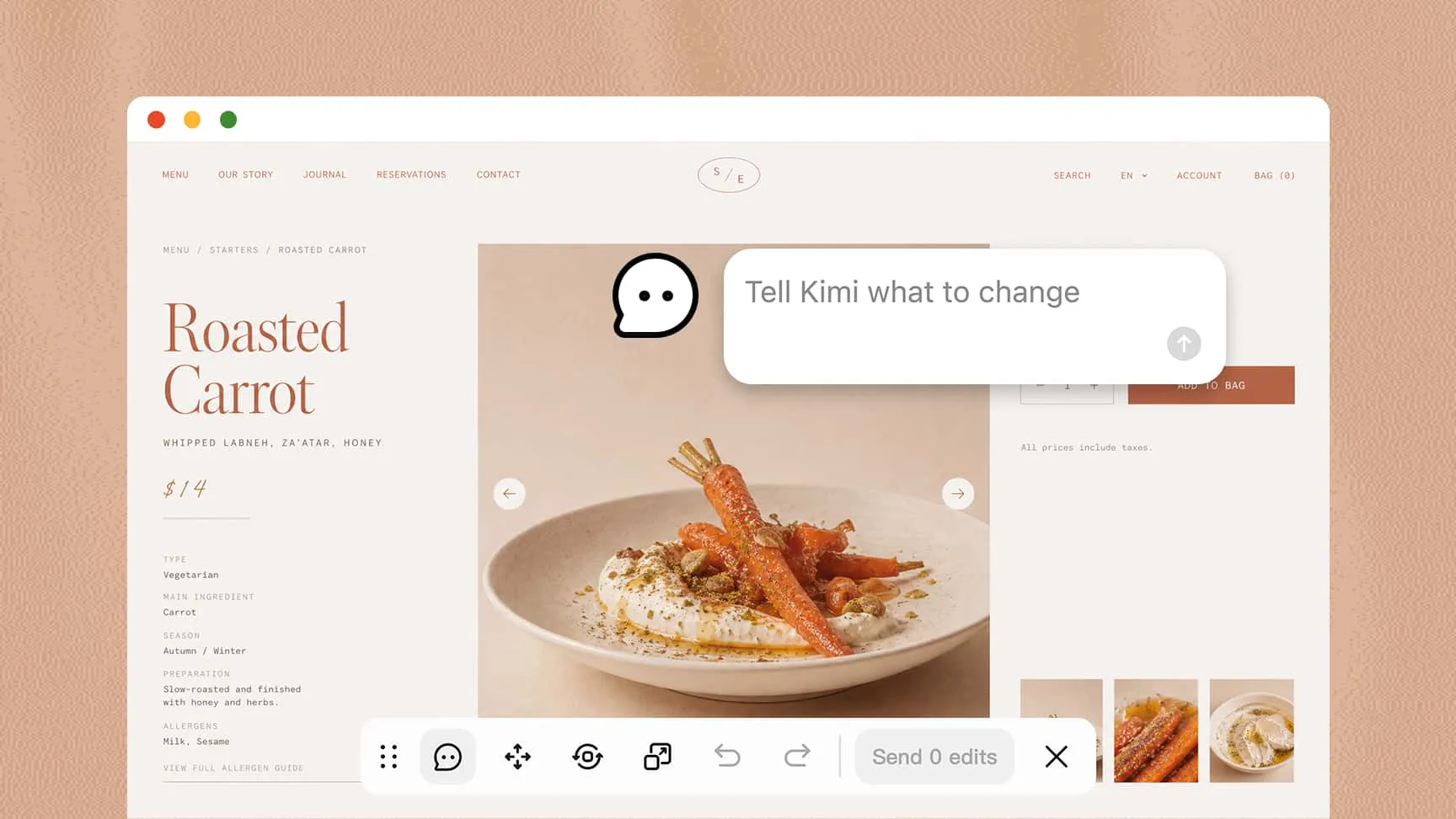
Give your website a fresh look with simple AI edits
Customize the design through chat prompts, comments on specific elements, or manual adjustments. Update menus, images, colors, typography, and page content to better match your restaurant's brand.
Launch a responsive website and take it further
Preview your website across desktop, tablet, and mobile screens. When it's ready, publish it with a shareable link or export the project and source code for further development. As an AI restaurant website builder, Kimi Build also gives you a flexible starting point for adding features such as online ordering.
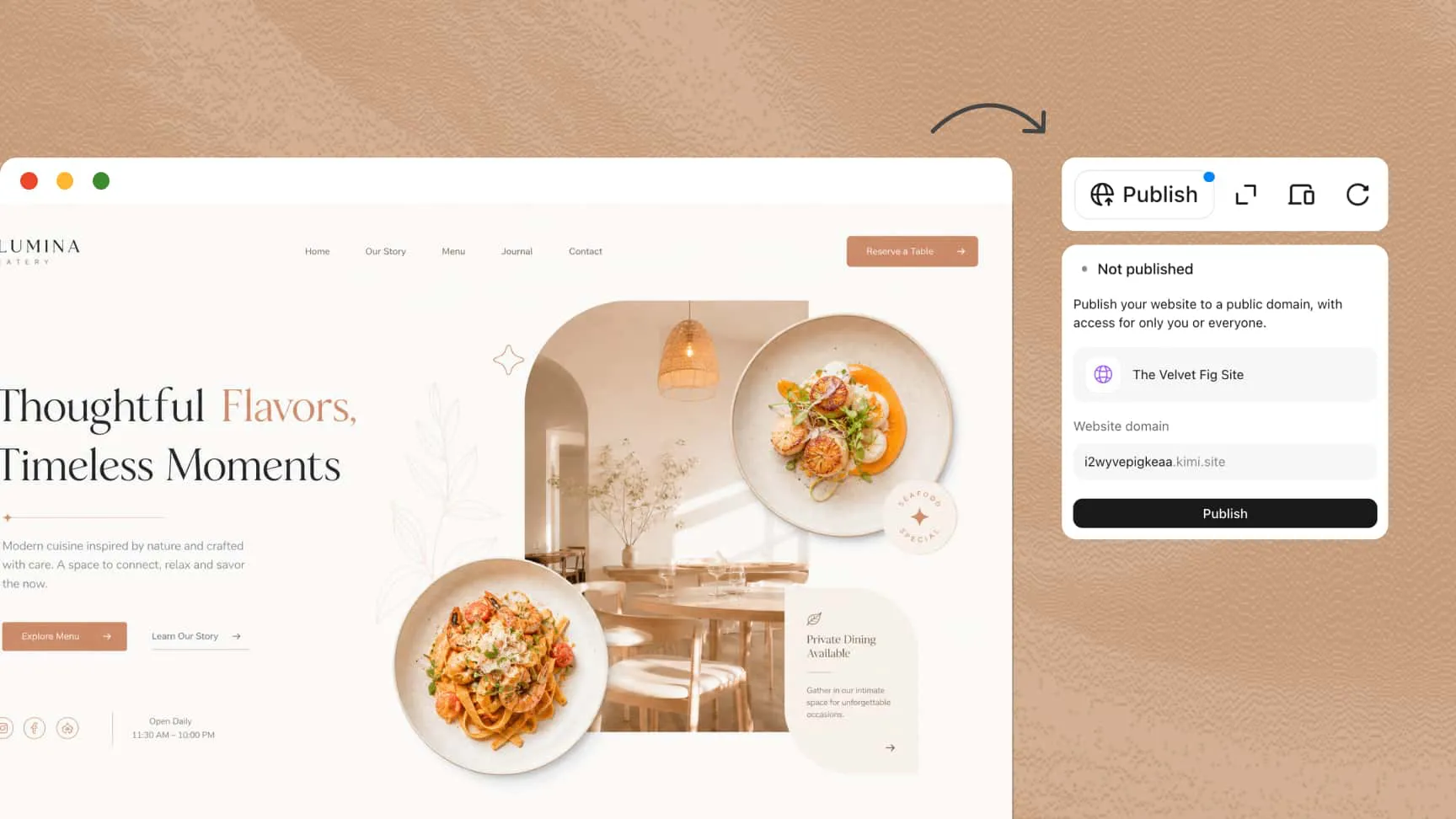
How to create a restaurant website with AI
Describe your restaurant website
Enter a prompt outlining your cuisine, brand identity, design preferences, and essential pages, such as the homepage, menu, and contact page.
Generate and customize your website
Let Kimi Build create the website, then refine text, images, colors, and layouts with prompts, element comments, or manual edits.
Preview and publish your website
Check the website on desktop and mobile, verify key details such as menus and opening hours, then publish it with a shareable link.
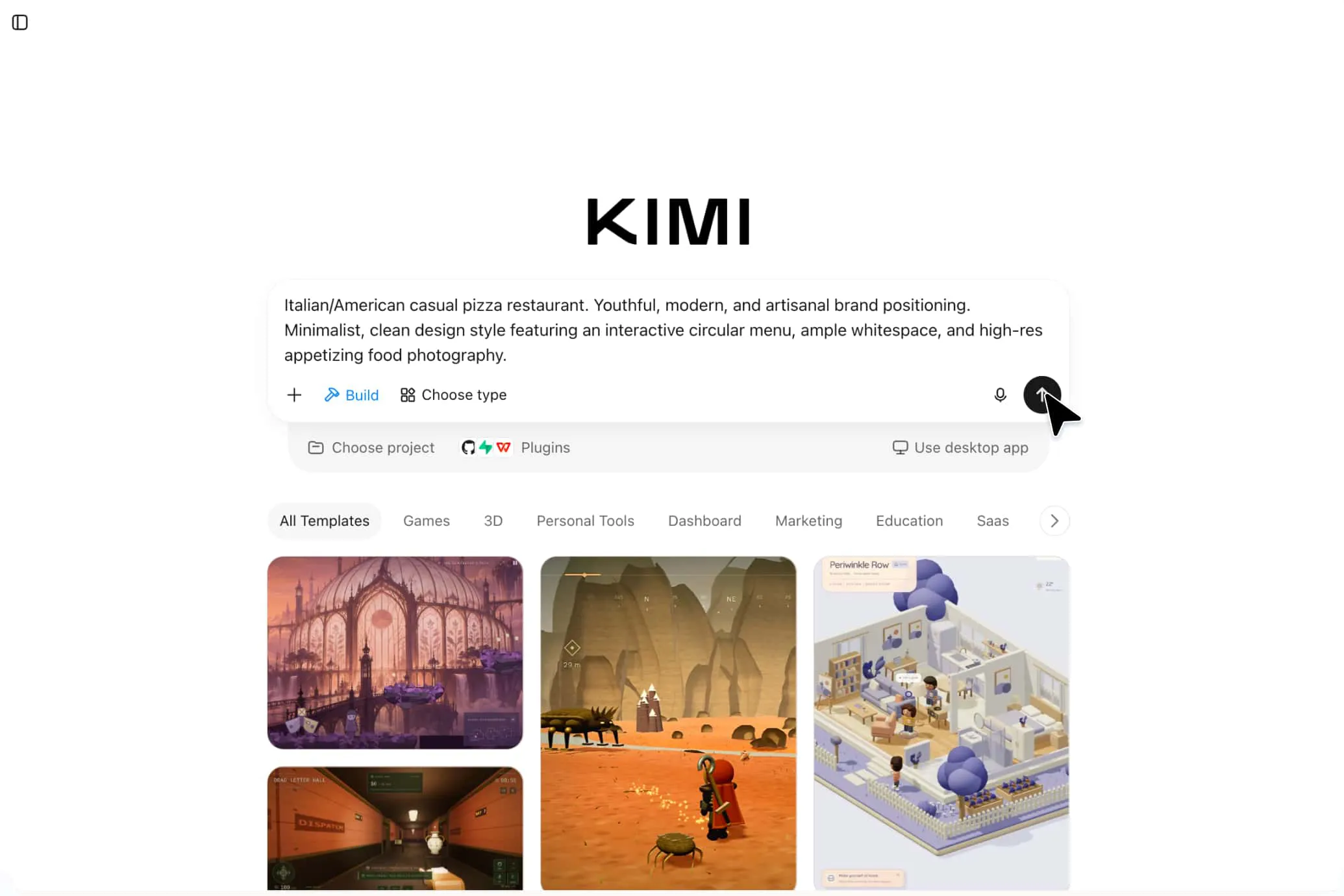
What types of restaurant websites can you create
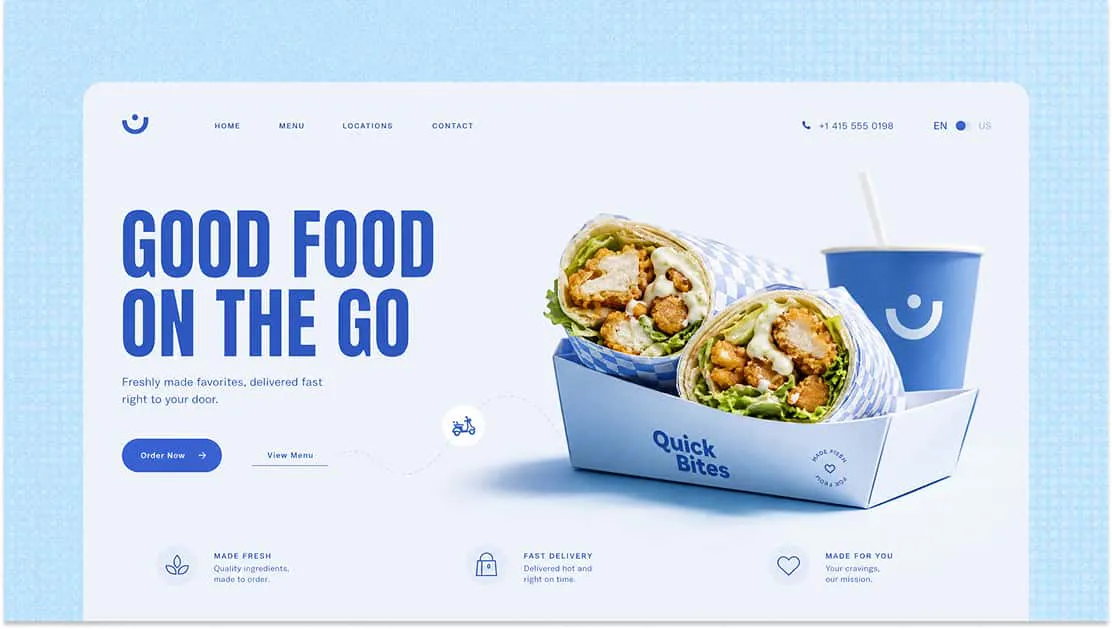
Fast food restaurant websites
Build vibrant, easy-to-navigate websites for burger shops, pizza restaurants, and quick-service businesses. Highlight popular meals, combo deals, menu categories, and ordering options.
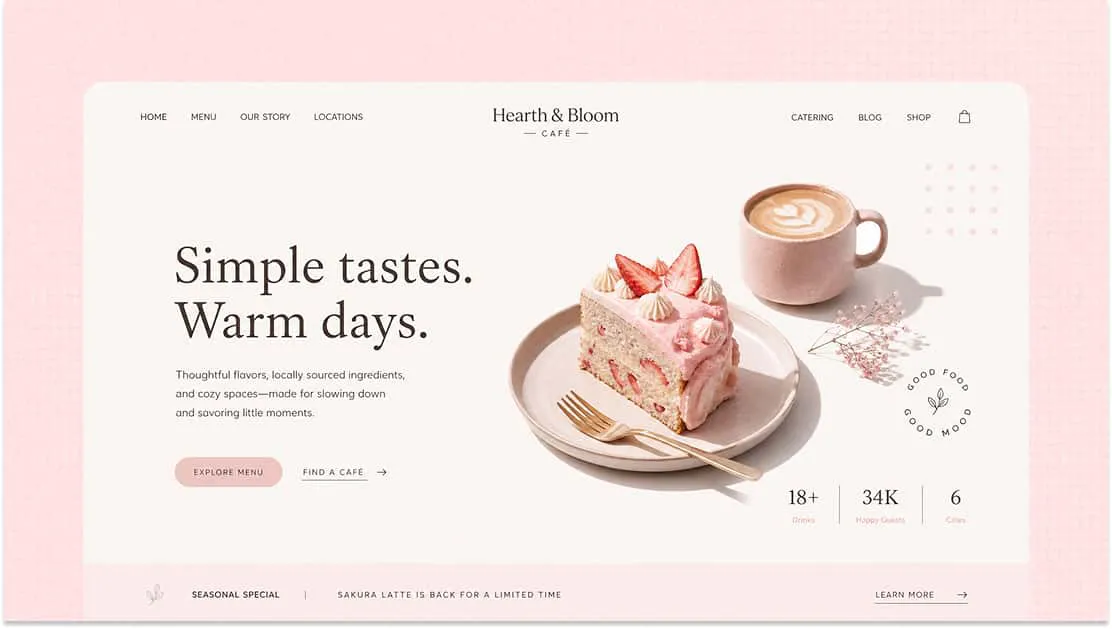
Café and coffee shop websites
Create cozy, visually appealing websites for coffee shops and specialty cafés. Showcase coffee selections, signature drinks, baked goods, and the café's unique atmosphere.
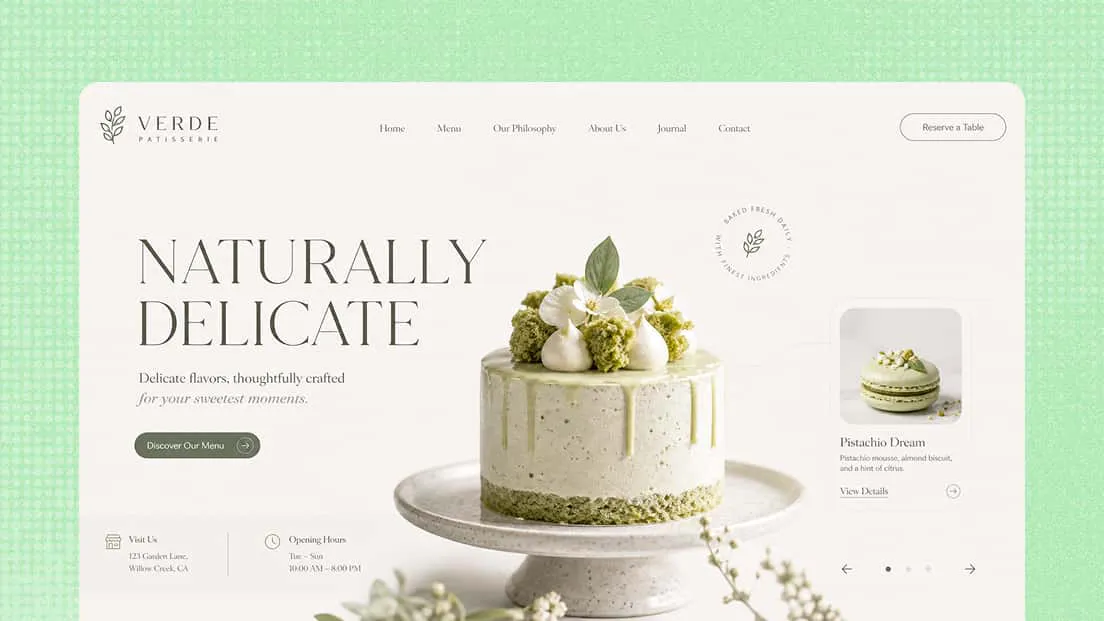
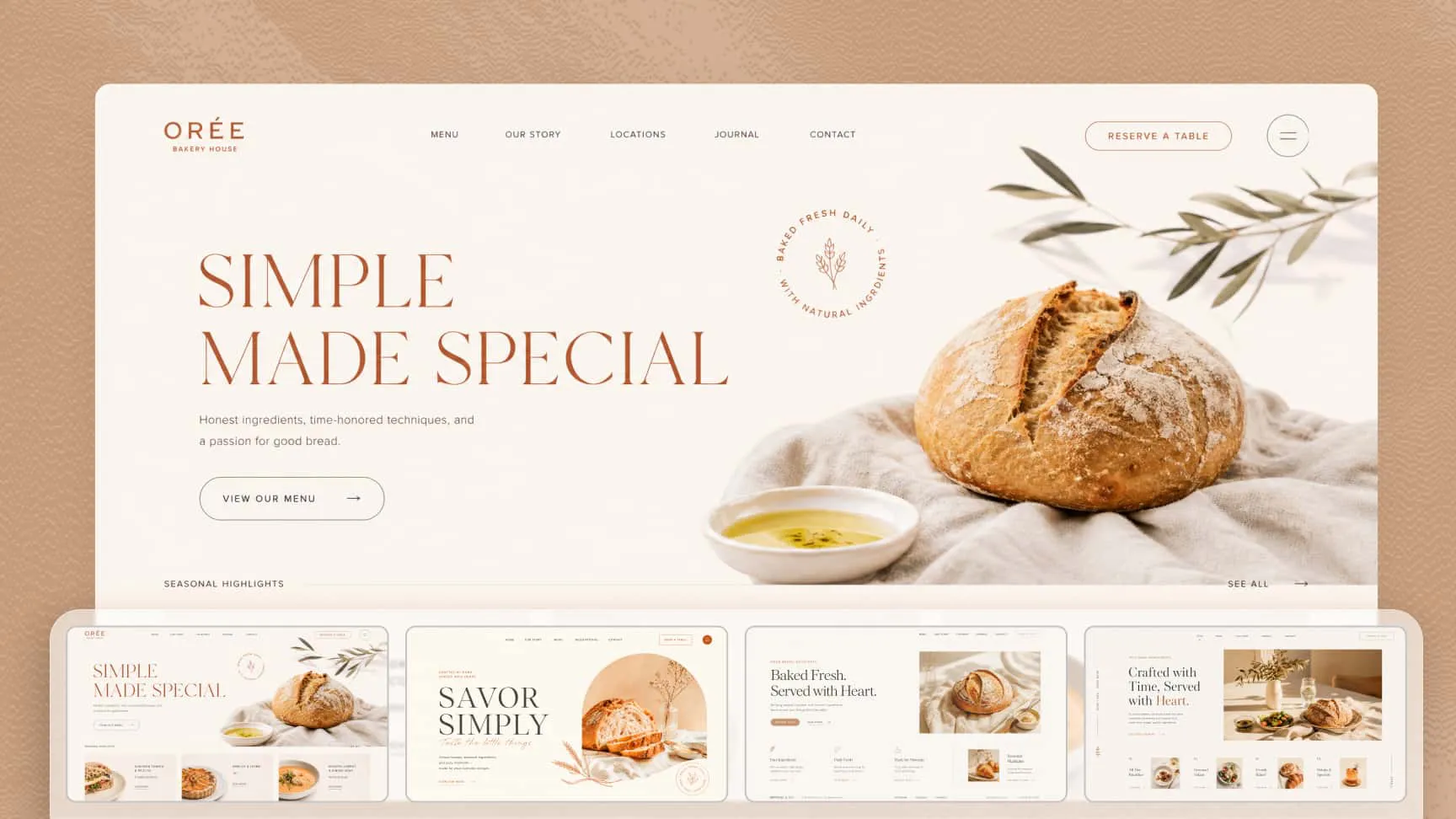
Bakery and dessert shop websites
Design inviting websites for bakeries, cake shops, and dessert businesses. Feature product galleries, seasonal treats, specialty cakes, and signature creations.
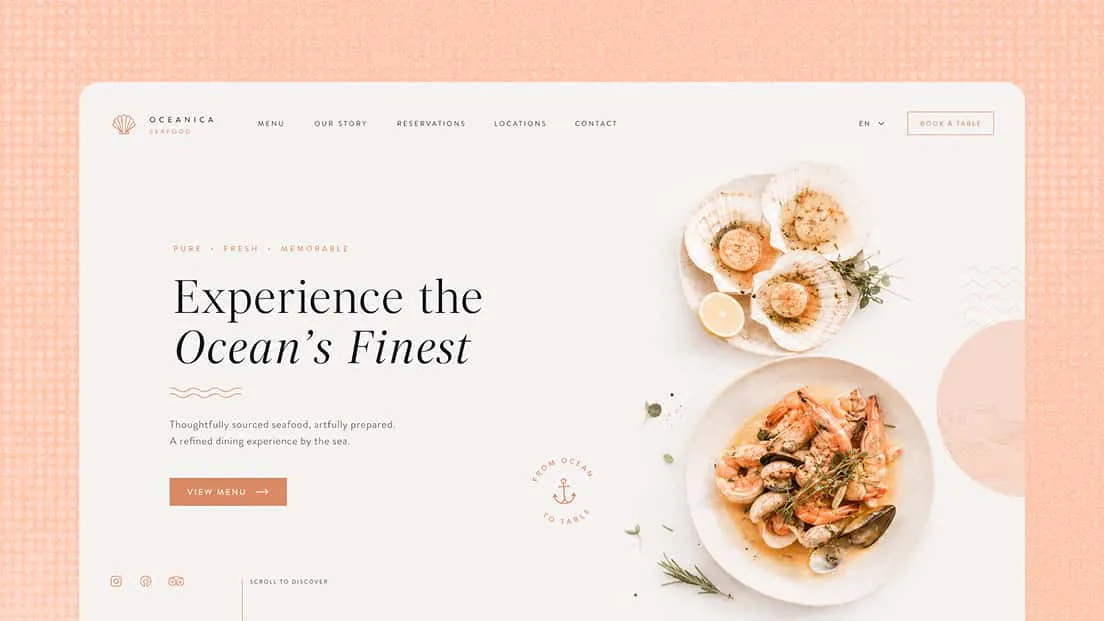
Seafood restaurant websites
Create fresh, engaging websites that highlight seafood specialties, signature dishes, daily menus, and the restaurant's dining atmosphere.
Bar and pub websites
Build distinctive websites for bars, pubs, and lounges. Showcase drink menus, food offerings, entertainment events, and venue details to give visitors a feel for the experience.