AI 3D Anime Maker
Create distinctive anime characters with an AI 3D anime maker. Start with a text prompt or reference image, customize their appearance and style, then export your designs for games, VTubing, animation, and other creative projects.
From anime inspiration to personalized 3D designs
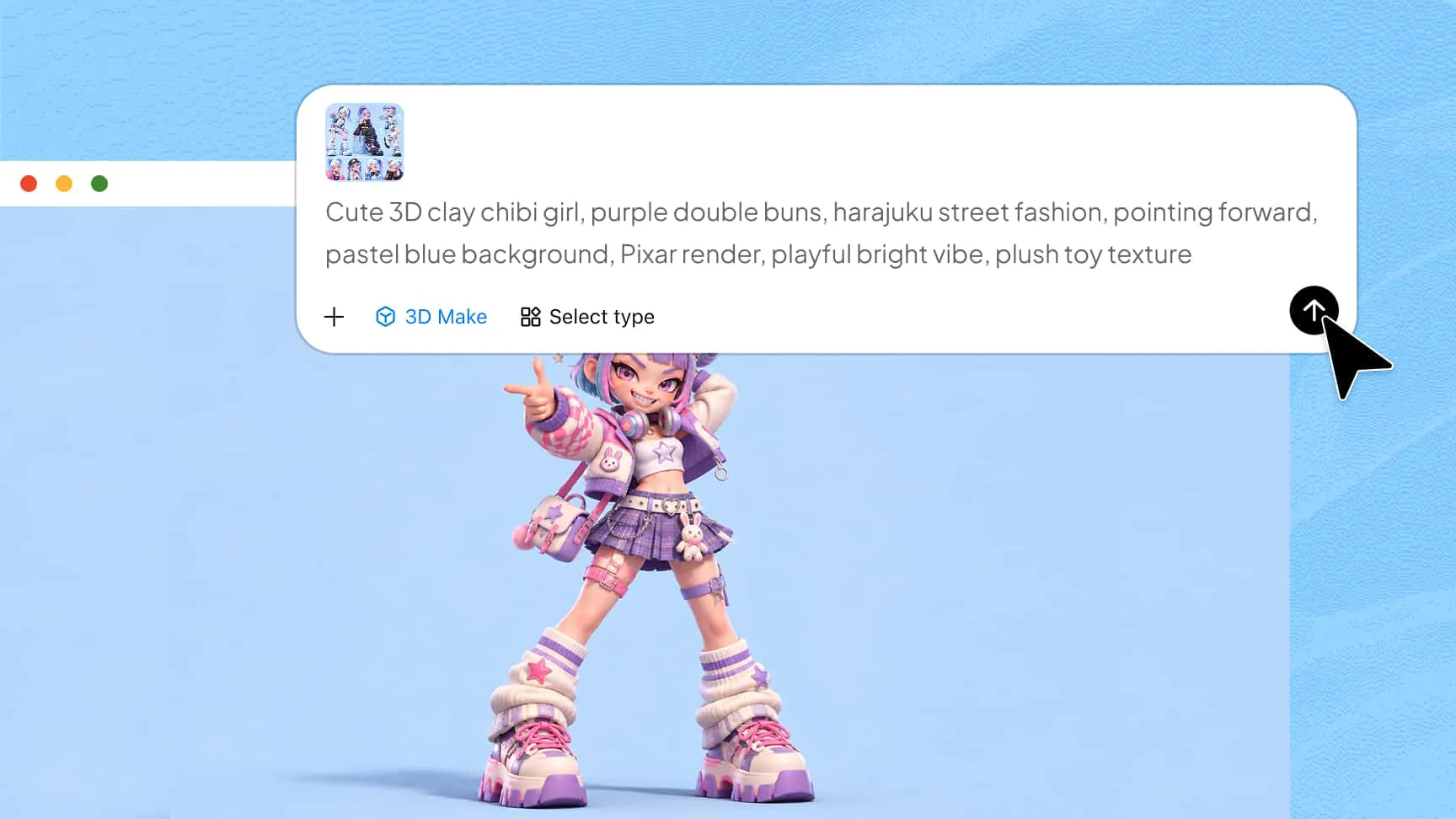
Turn anime ideas into 3D anime designs
Describe your character's appearance, hairstyle, outfit, personality, and visual style in a text prompt, or upload a reference image to guide generation. Turn your ideas into customizable 3D models with an easy-to-use online anime maker.
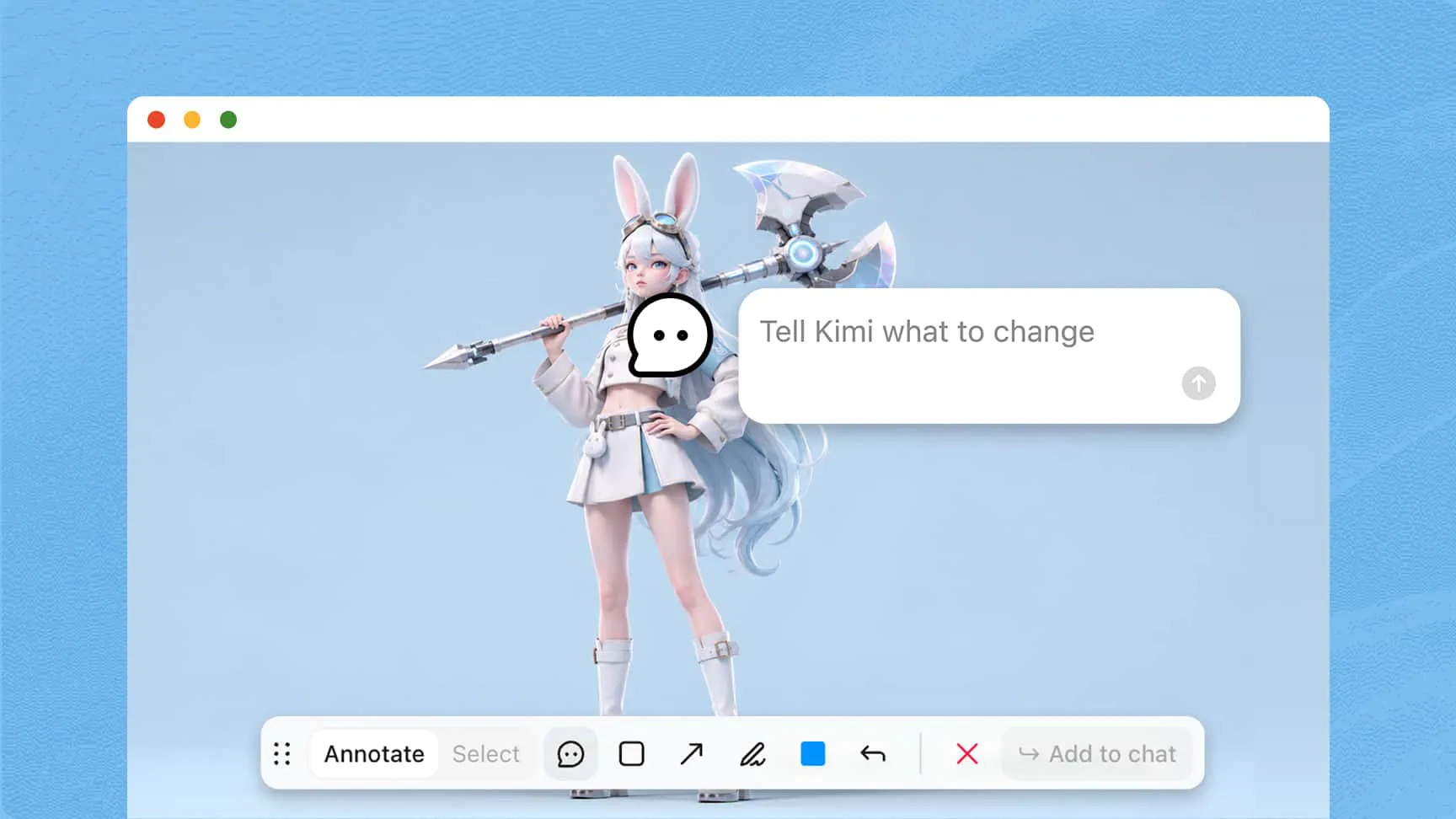
Customize your anime characters with flexible editing
Adjust facial features, hairstyles, clothing, colors, and accessories using AI prompts, element-specific comments, or manual editing. Experiment with different looks and refine your designs without starting from scratch, making it easy to create distinctive anime characters.
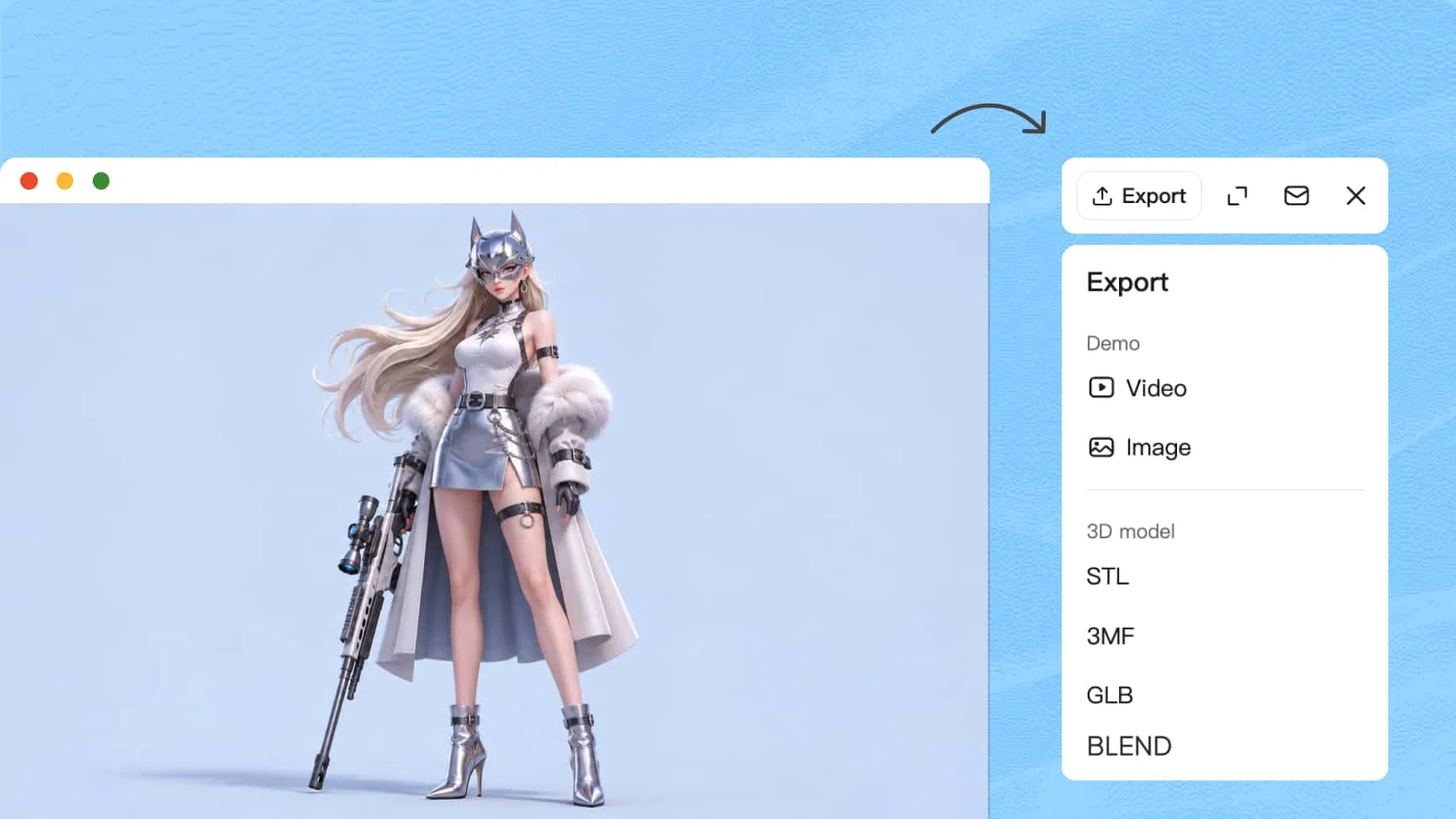
Export 3D anime creations for creative projects
Export your designs in supported formats, including PNG, JPG, GLB, and BLEND. Use images in posters and presentations or import 3D models into compatible software for further editing, animation, and other creative projects.
How to create 3D anime designs with AI
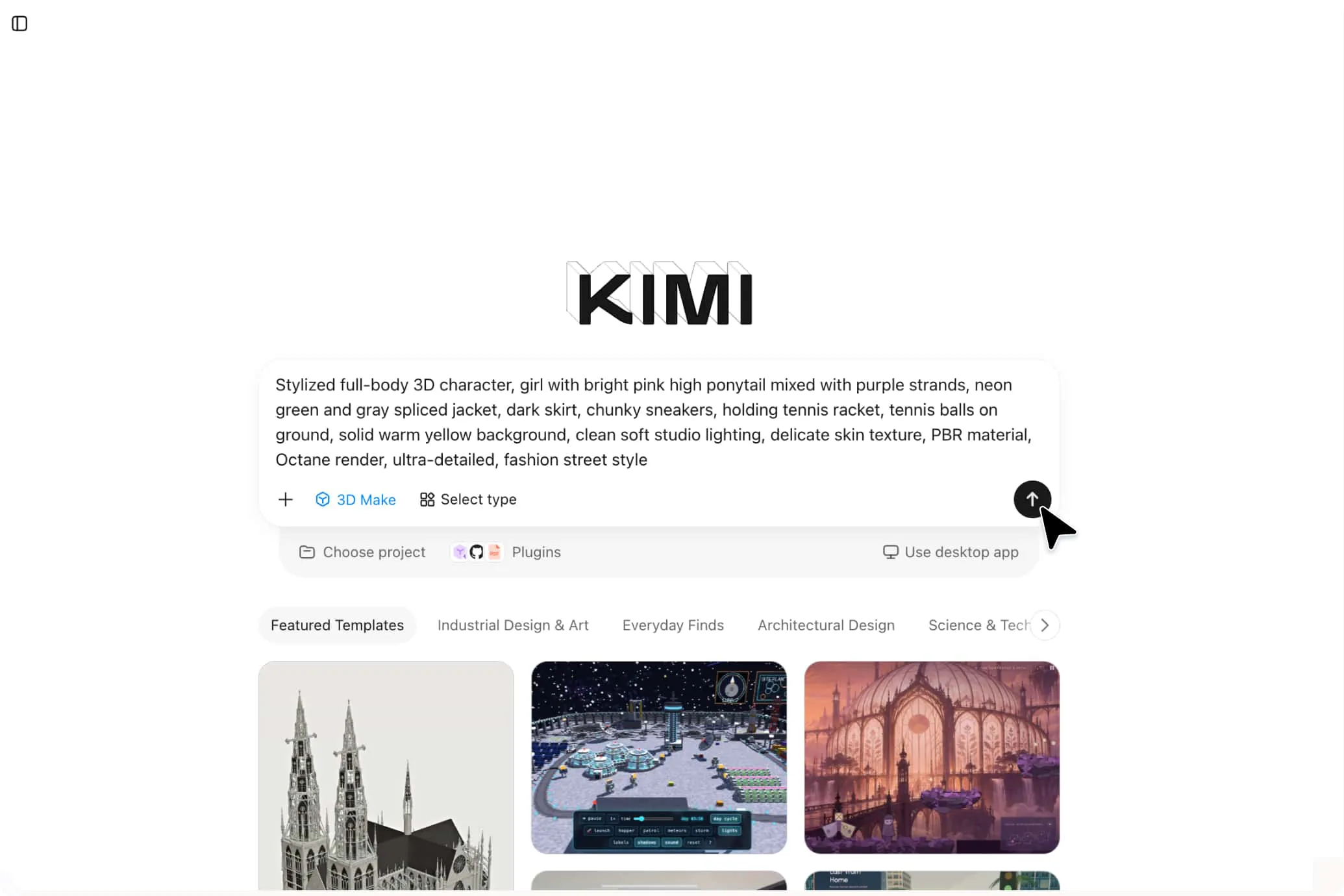
Describe your anime character or upload a reference
Enter a prompt describing your character's appearance, outfit, and anime style, or upload a reference image.
Generate and customize your 3D anime character
Use Kimi 3D Make to generate your design, then customize facial features, clothing, colors, and accessories with prompts, comments, or manual editing.
Export your finished 3D anime design
Export your character in a supported format for use in creative projects, 3D software, or animation.
Practical applications of an AI 3D anime maker
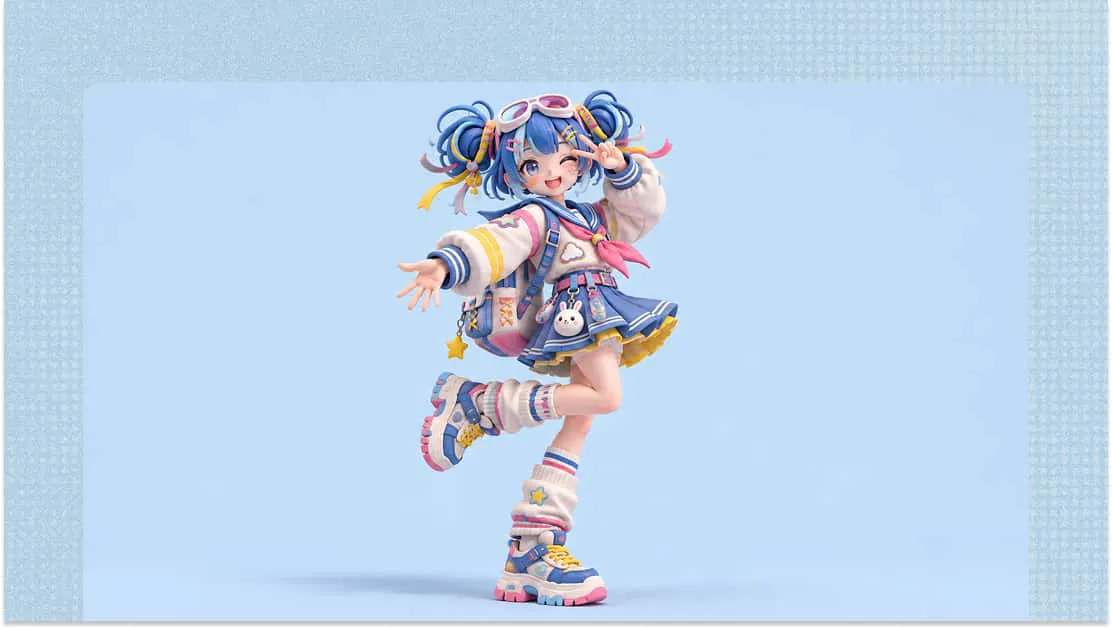
Anime profile pictures
Create original anime-style avatars for social media profiles, personal websites, and digital identities. Customize hairstyles, outfits, colors, and accessories to give your online presence a distinctive look.
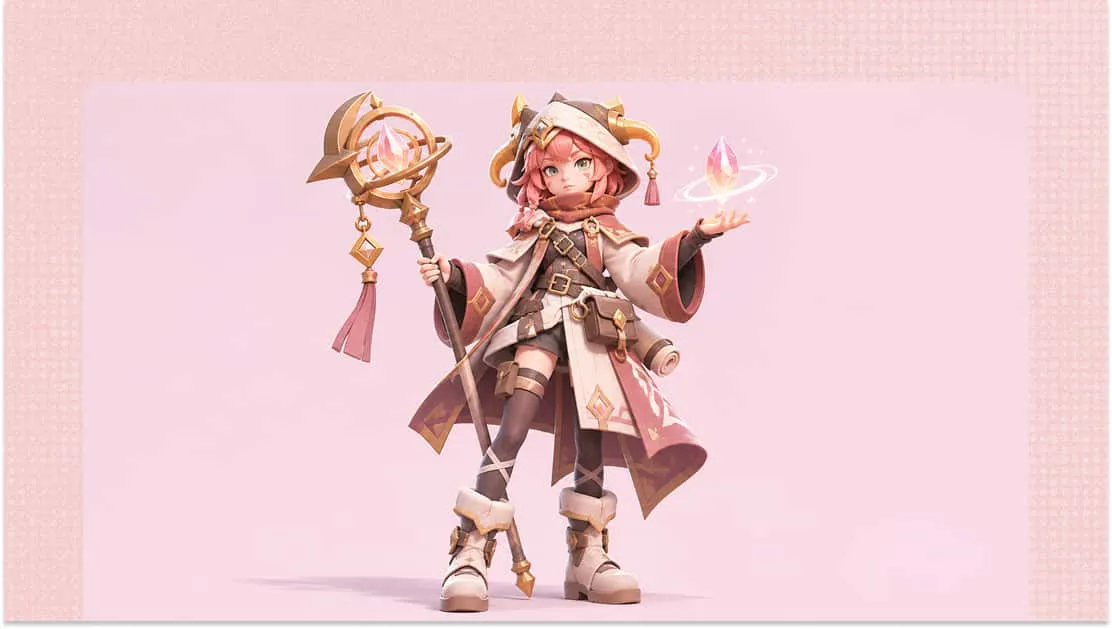
VTuber designs
Develop personalized anime characters for streaming channels, creator profiles, and online communities. This AI 3D anime character creator online can help you explore different character appearances for your VTubing projects.
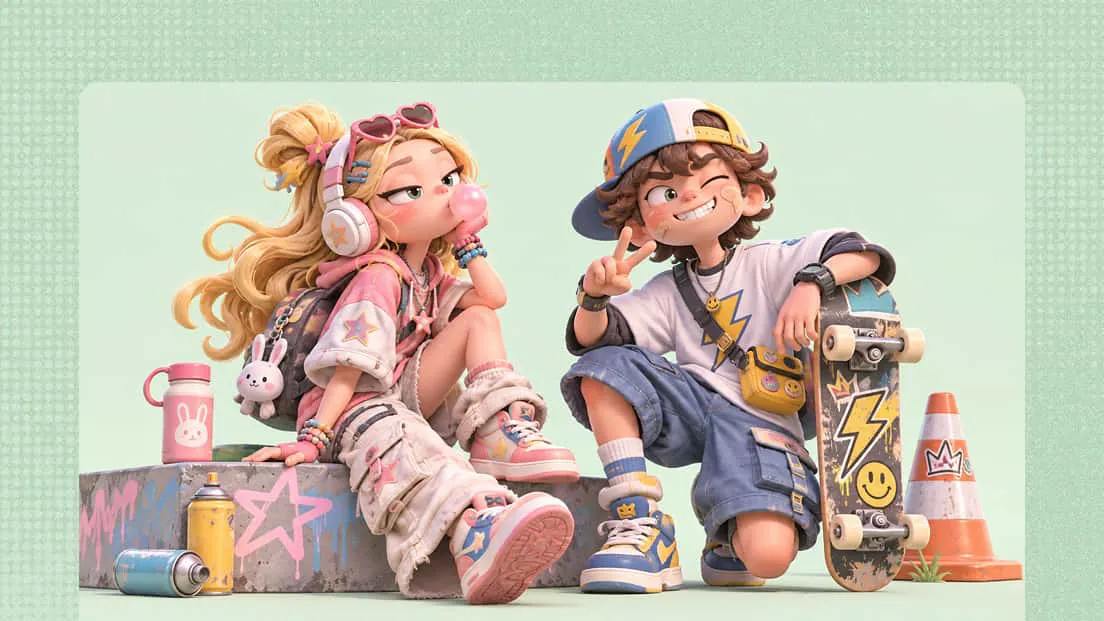
Anime game assets
Design heroes, villains, NPCs, and supporting characters for anime-inspired games. Explore different character concepts and appearances, then bring your models into compatible game development software.
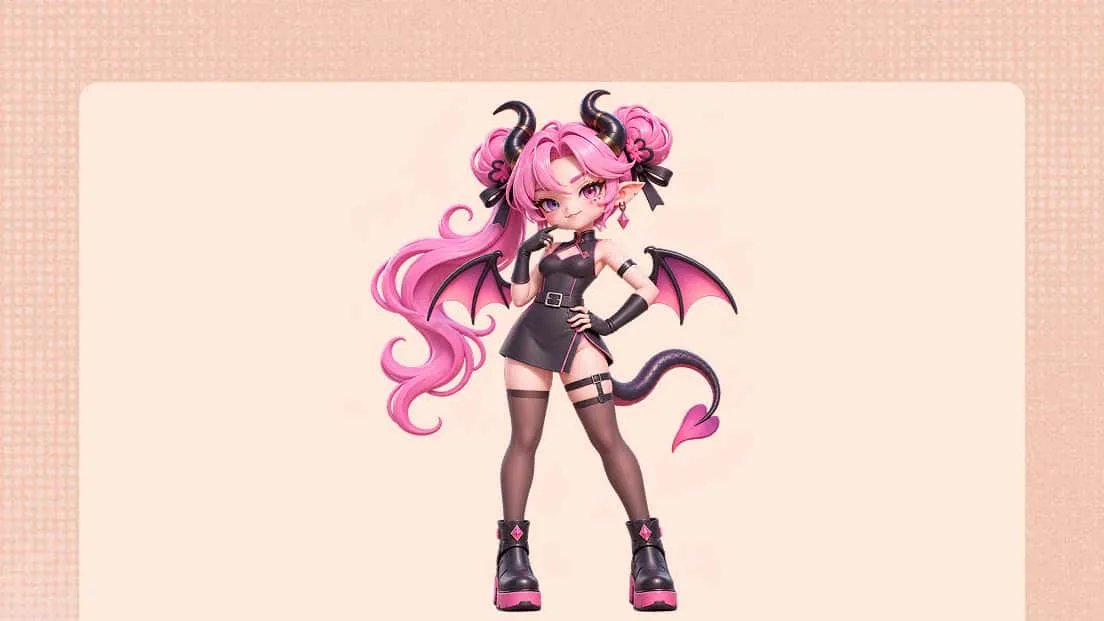
Manga and digital storytelling
Turn written descriptions and illustrated references into 3D character concepts for story development. Explore different outfits, expressions, and visual styles to help shape your fictional world.
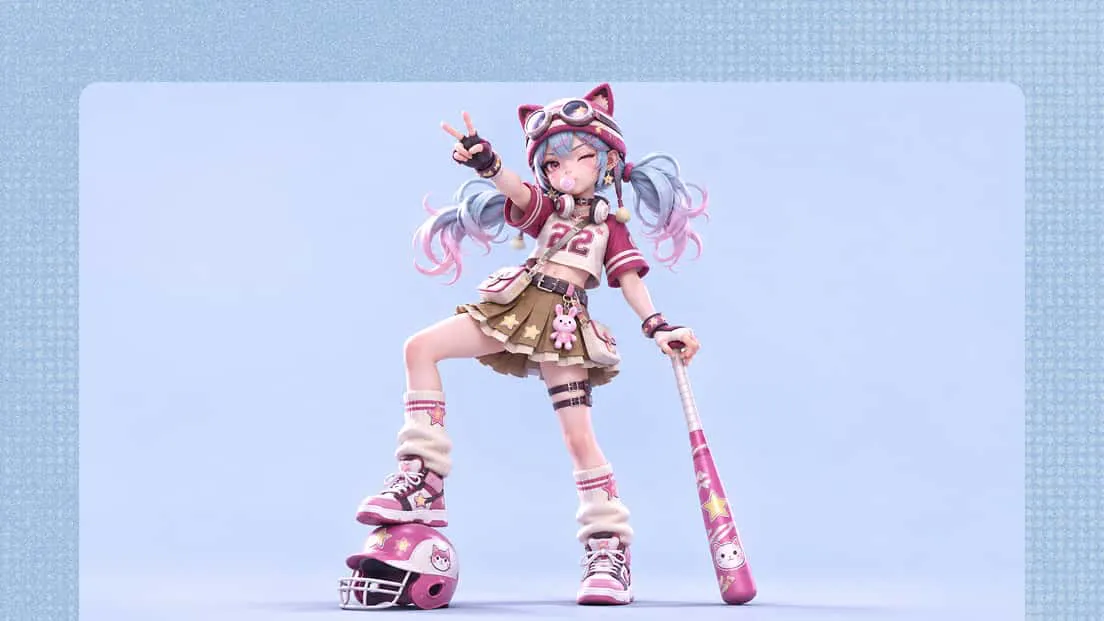
Marketing visuals
Add personality to product campaigns, event promotions, posters, and branded content with custom anime-inspired characters. Tailor their appearances to different themes and brand identities.
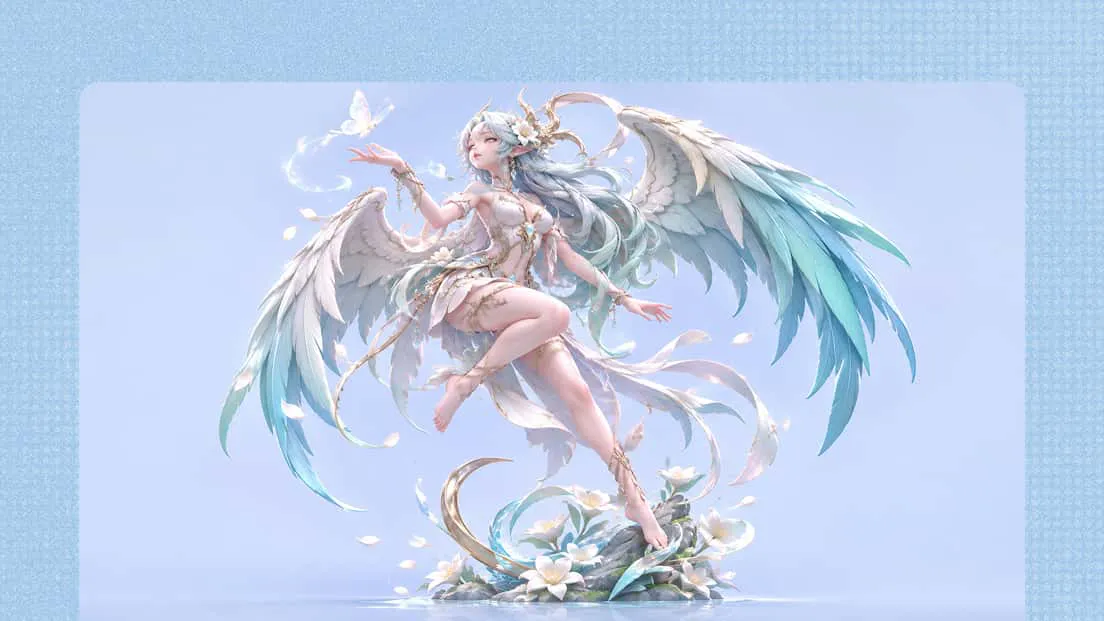
Collectibles and 3D printing
Develop anime-inspired models for collectible figures, display pieces, and merchandise concepts. Use the anime 3D model maker to create designs that can be refined for compatible 3D printing workflows.