AI Image to 3D Model Generator
Turn any 2D image into a detailed 3D model with Kimi Build. Upload a product, character, object, or visual reference and let AI bring it to life. Create 3D assets for games, product visualization, presentations, web experiences, and more—without complex 3D modeling.
Turn images, text, and ideas into 3D creations
Create 3D assets from images, text, or both
Start with a reference image, a text prompt, or both to guide the creation process. Kimi Build can turn visual cues and written requirements into a 3D creation, giving you more flexibility to turn an existing object, concept, or creative idea into a usable asset.
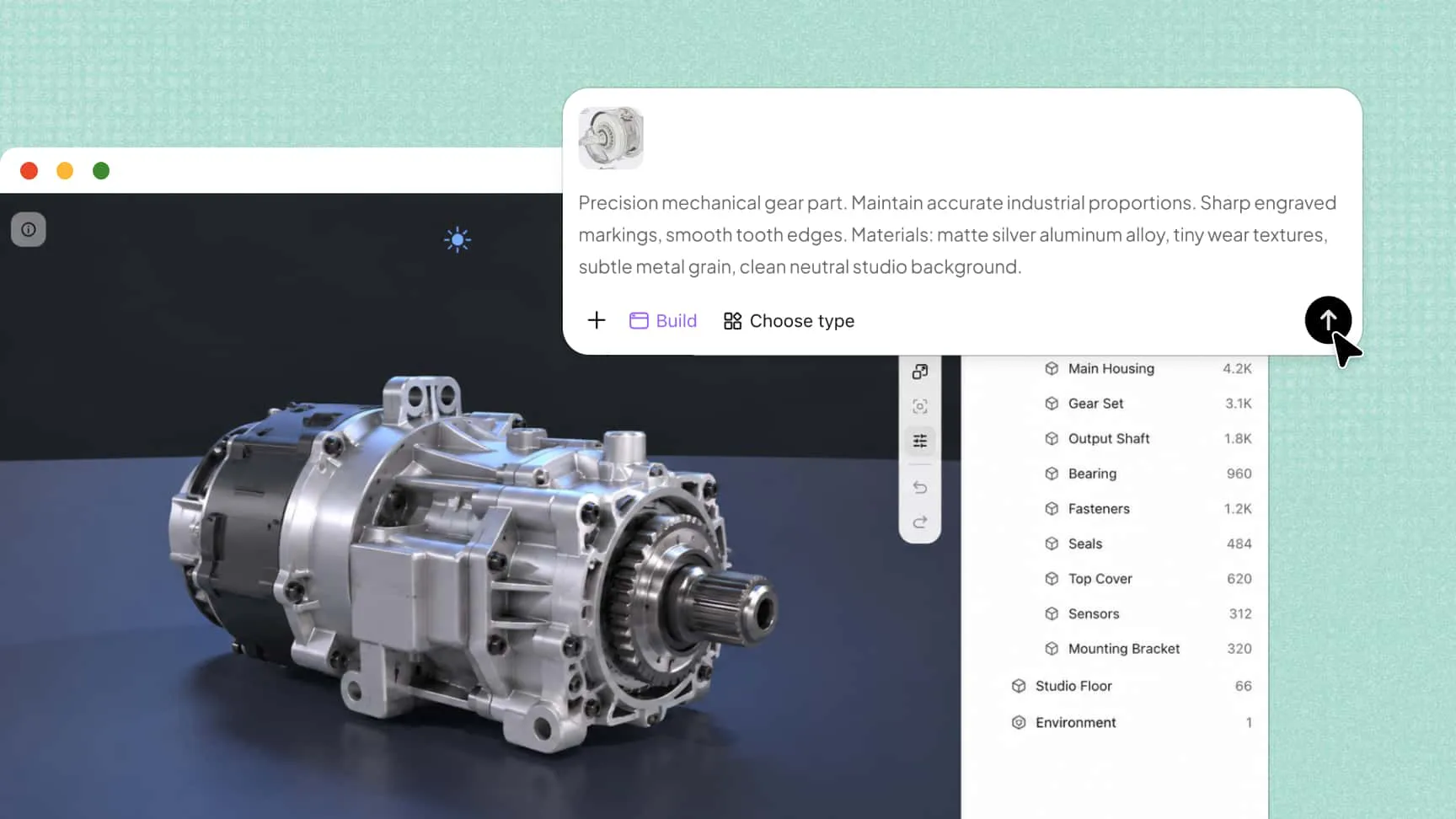
Bring more depth and realism to your models
Create more than basic shapes by developing detailed surfaces, realistic materials, curved forms, and repeated structural elements. These features help produce more refined AI-generated 3D models for creative projects, product visualization, and digital design.
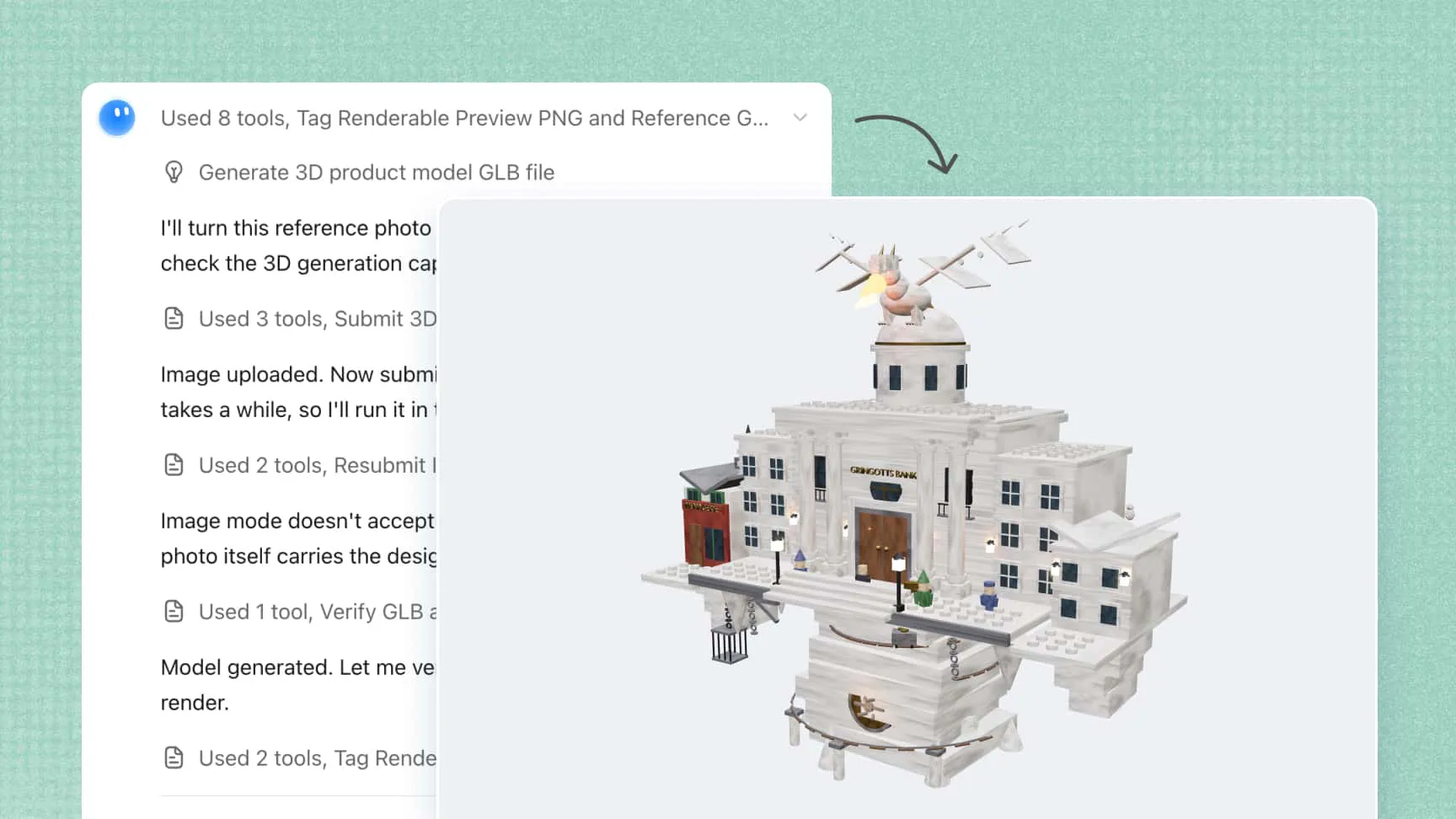
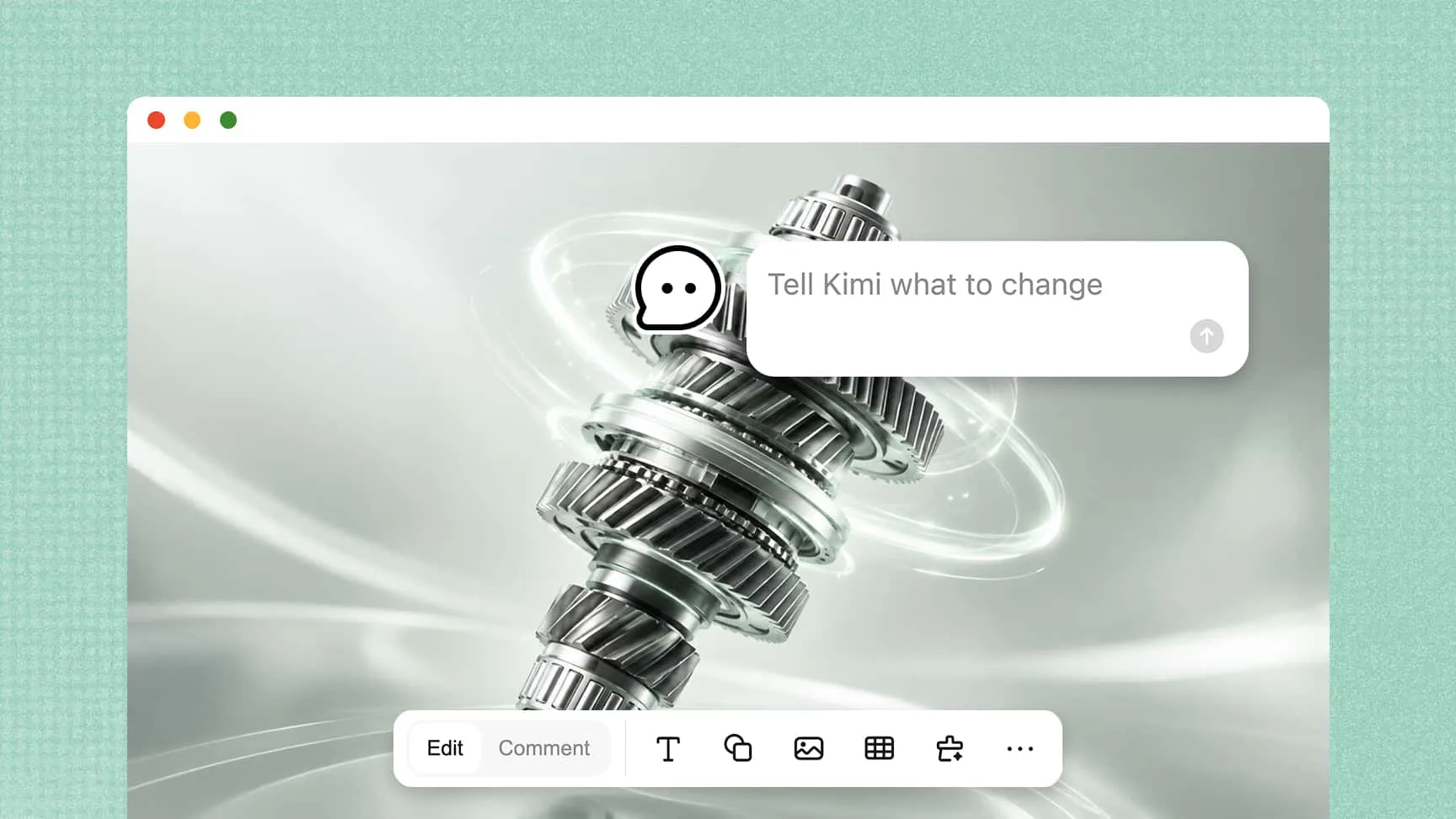
Refine models with natural-language instructions
Improve your model after the initial generation by describing the changes you want in plain language. Adjust shapes, materials, and individual details to refine your 3D model without rebuilding the entire asset from scratch.
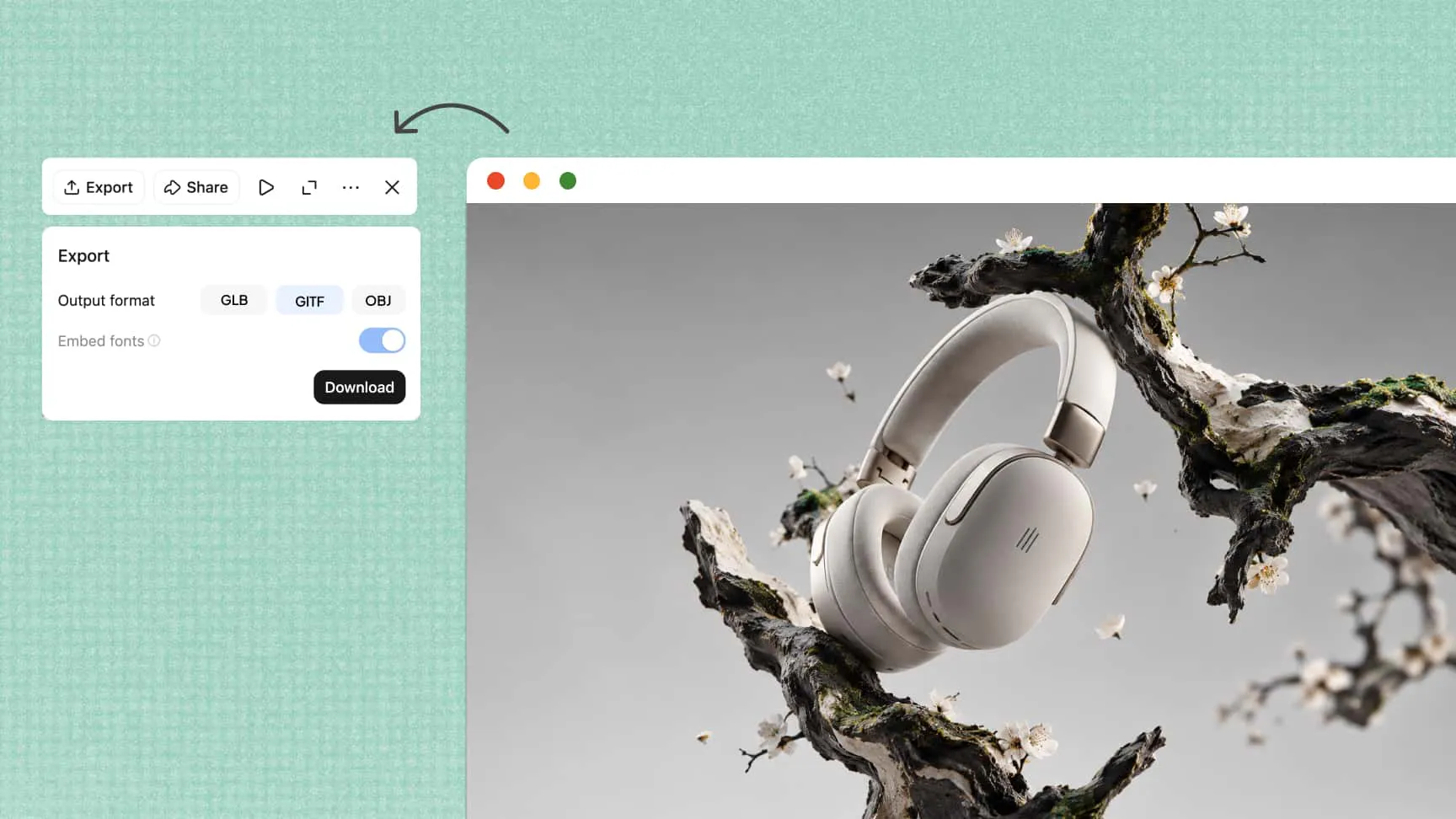
Export 3D assets for different workflows
Move your creations into other tools by choosing a suitable export format. Kimi Build supports web-friendly formats such as GLB, glTF, and OBJ, while Kimi Work offers additional options, including FBX, STL, USDZ, and BLEND, for workflows such as game development, 3D printing preparation, Apple AR, and Blender.
How to convert an image to a 3D model
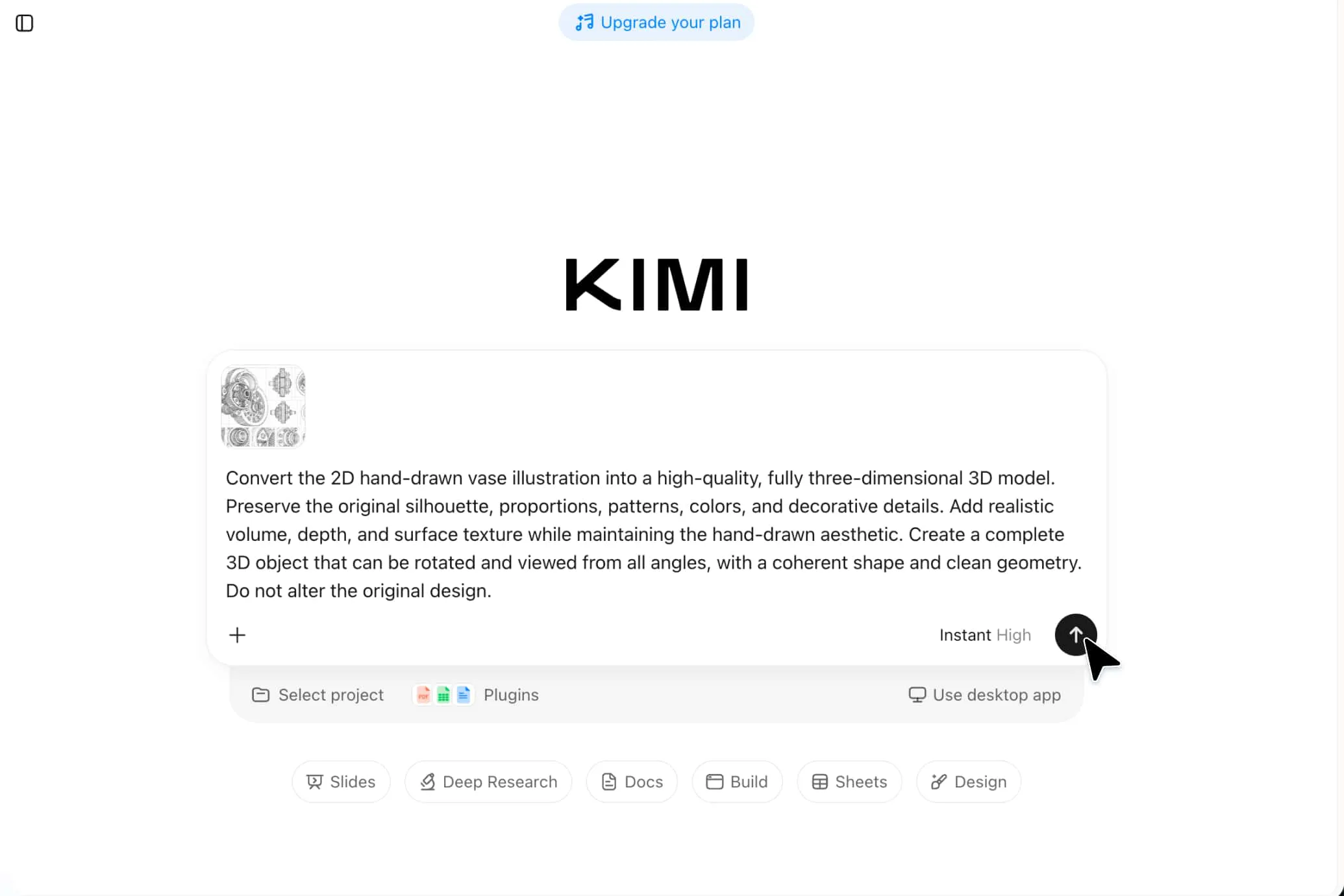
Upload your reference image
Upload a reference image to Kimi Build and describe the 3D model you want to create, including its shape, appearance, and materials.
Customize and refine the model
Review the generated model and use text instructions to adjust its features, materials, and overall appearance until it meets your requirements.
Review and export your 3D asset
Check the final model for visual inconsistencies, make any necessary adjustments, and export it in a supported format for your project.
Create 3D models for different projects
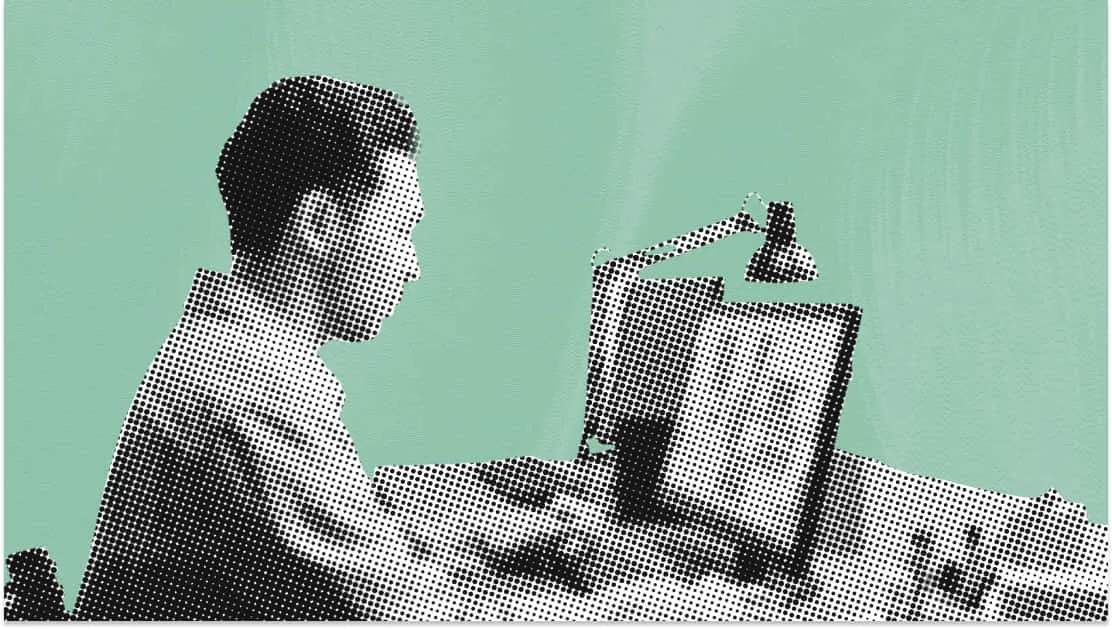
Game development
Turn character designs, props, and environmental references into 3D assets for games and interactive experiences. Refine shapes and materials to suit different game styles and project requirements.
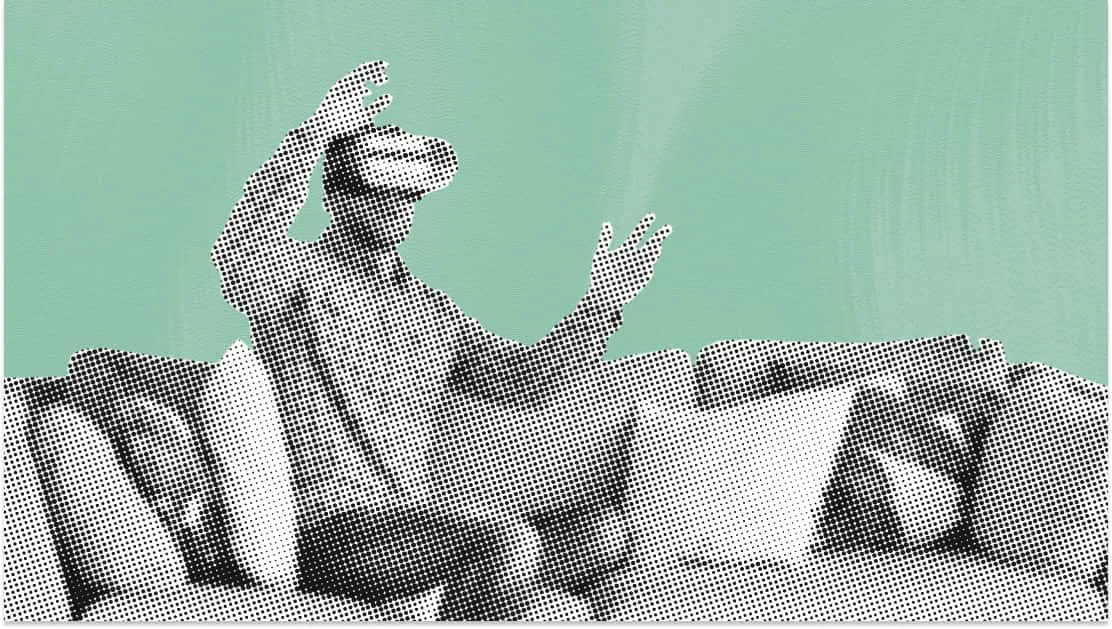
Product visualization
Convert product images into 3D models for product showcases, concept presentations, and design reviews. Explore shapes, surface details, and materials to communicate product ideas more clearly.

3D web experiences
Incorporate 3D models into interactive websites, product pages, and browser-based experiences. Add depth and visual interest to web content, helping visitors explore objects beyond what static images can show.
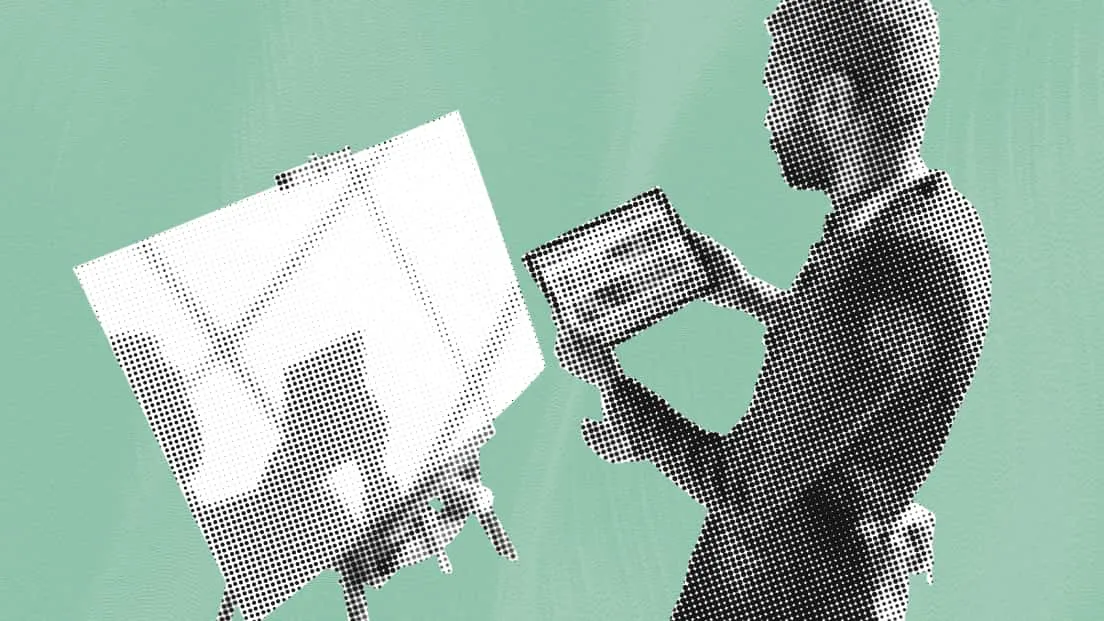
Creative projects
Transform original characters, everyday objects, and imaginative concepts into 3D assets for personal experiments, digital art, and creative presentations. Experiment with different forms and visual styles to bring ideas to life.