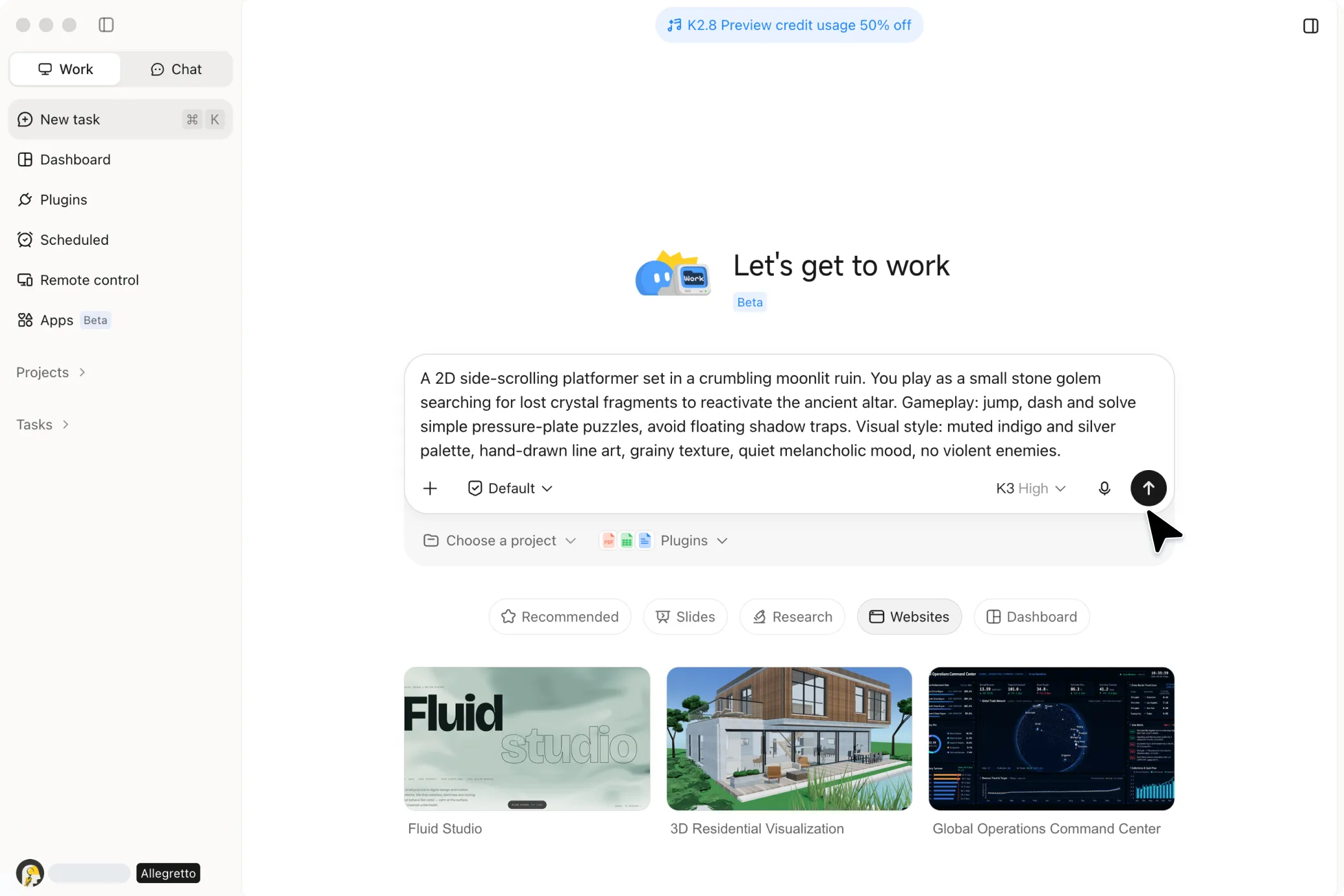
AI 2D Game Maker
Build 2D games with Kimi Build, from platformers and puzzles to arcade and racing games. Use AI to generate game mechanics, controls, animations, and interactive elements, then test and refine your game directly in the browser.
Build 2D games across multiple genres
From simple prompts to finished creative work.
2D Platformer
A cozy 2D platformer across floating garden islands — guide Pip, gather glowing dew berries, dodge falling acorns, and awaken the double jump hidden in Pip's leaves.
Build 2D games from concept to gameplay
Turn your ideas into playable 2D games
Describe your game concept in natural language and bring it to life without writing code. Continue refining the gameplay and visuals through prompts, or upload a reference image to guide the game's overall style in an AI 2D game maker.
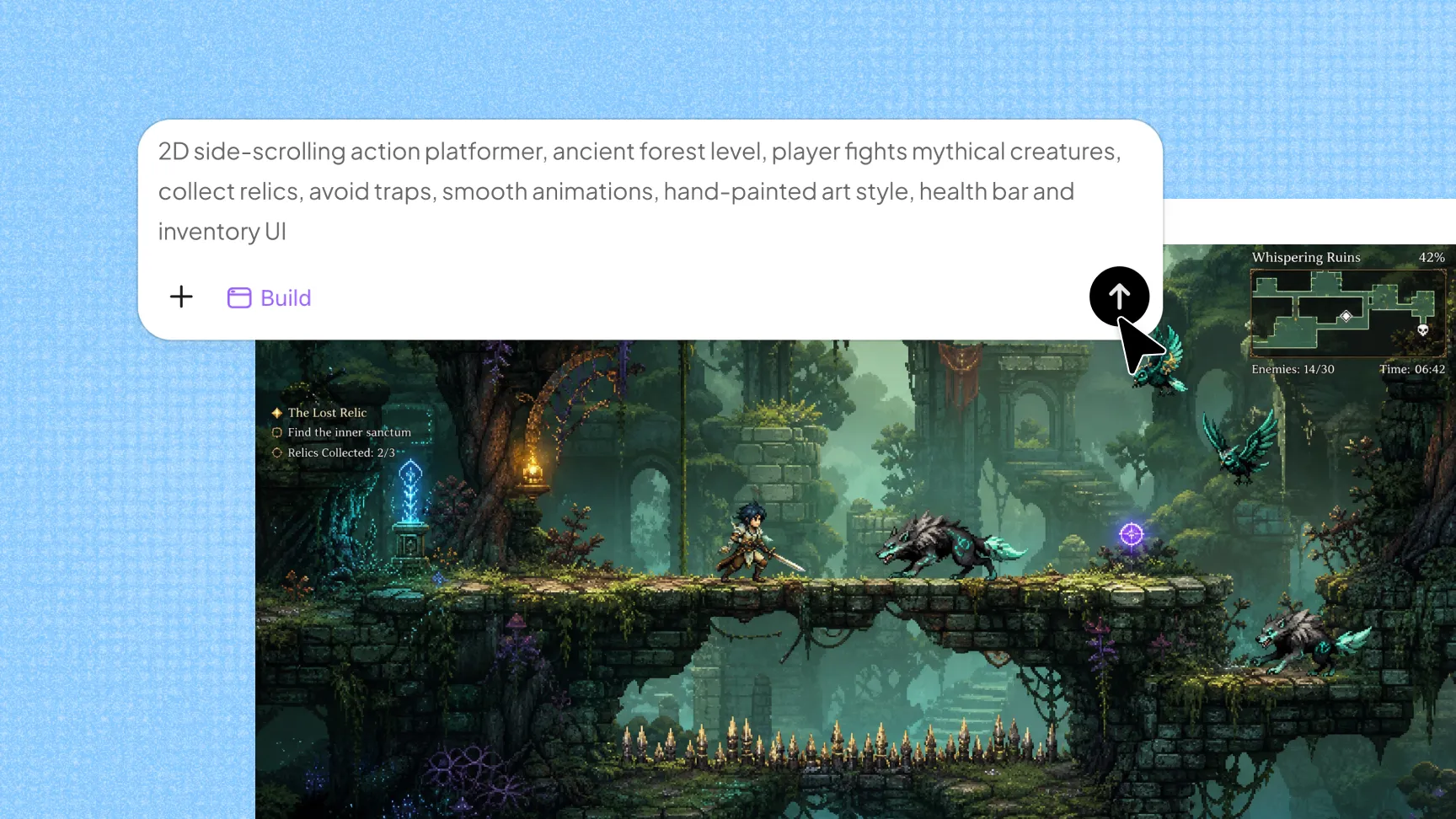
Create unique worlds and game assets
Define your preferred art style, colors, lighting, effects, and animations to build a consistent game world. Generate characters, props, enemies, sound effects, and other assets to give your game a distinctive look.
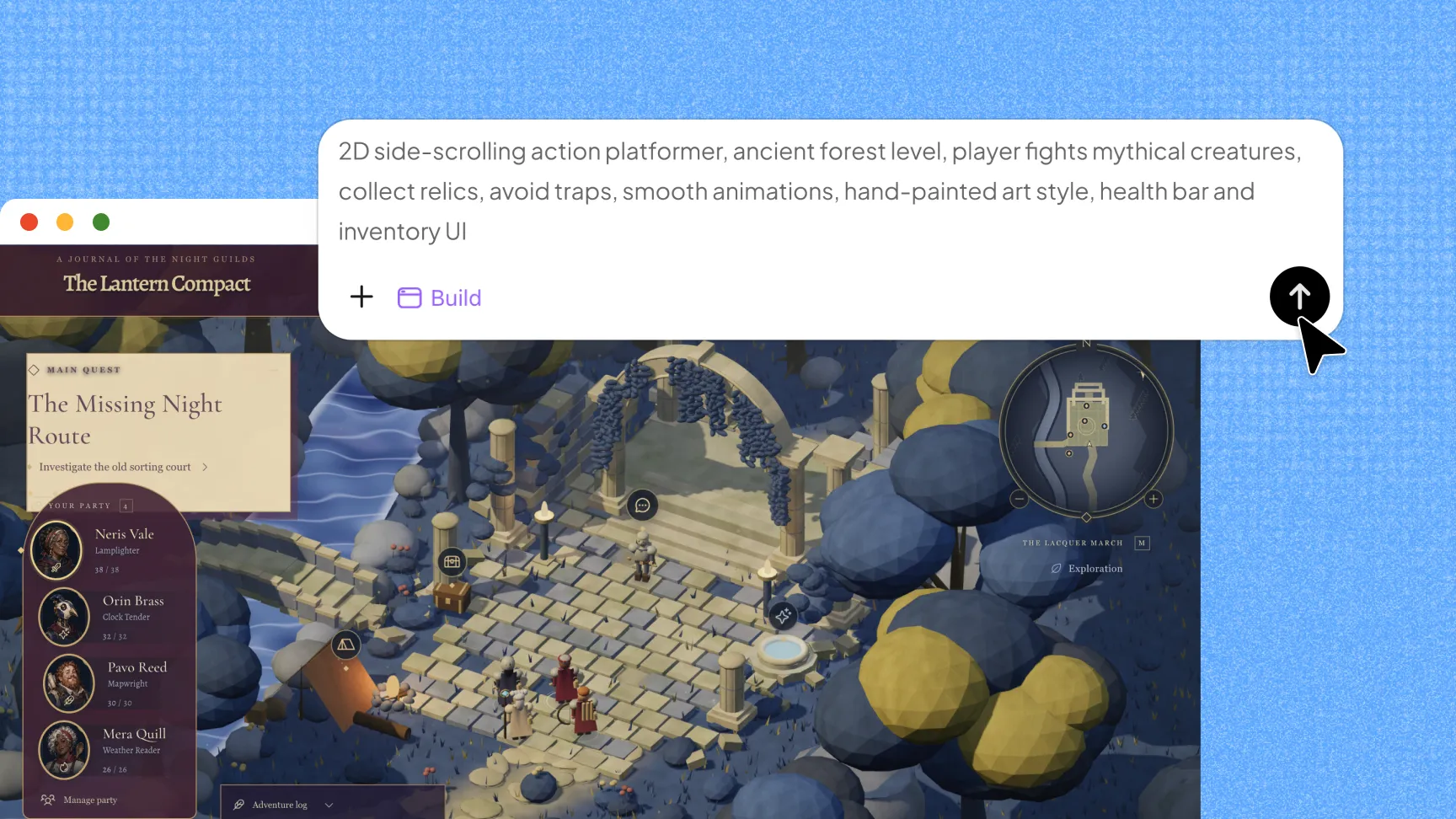
Play your game directly in the browser
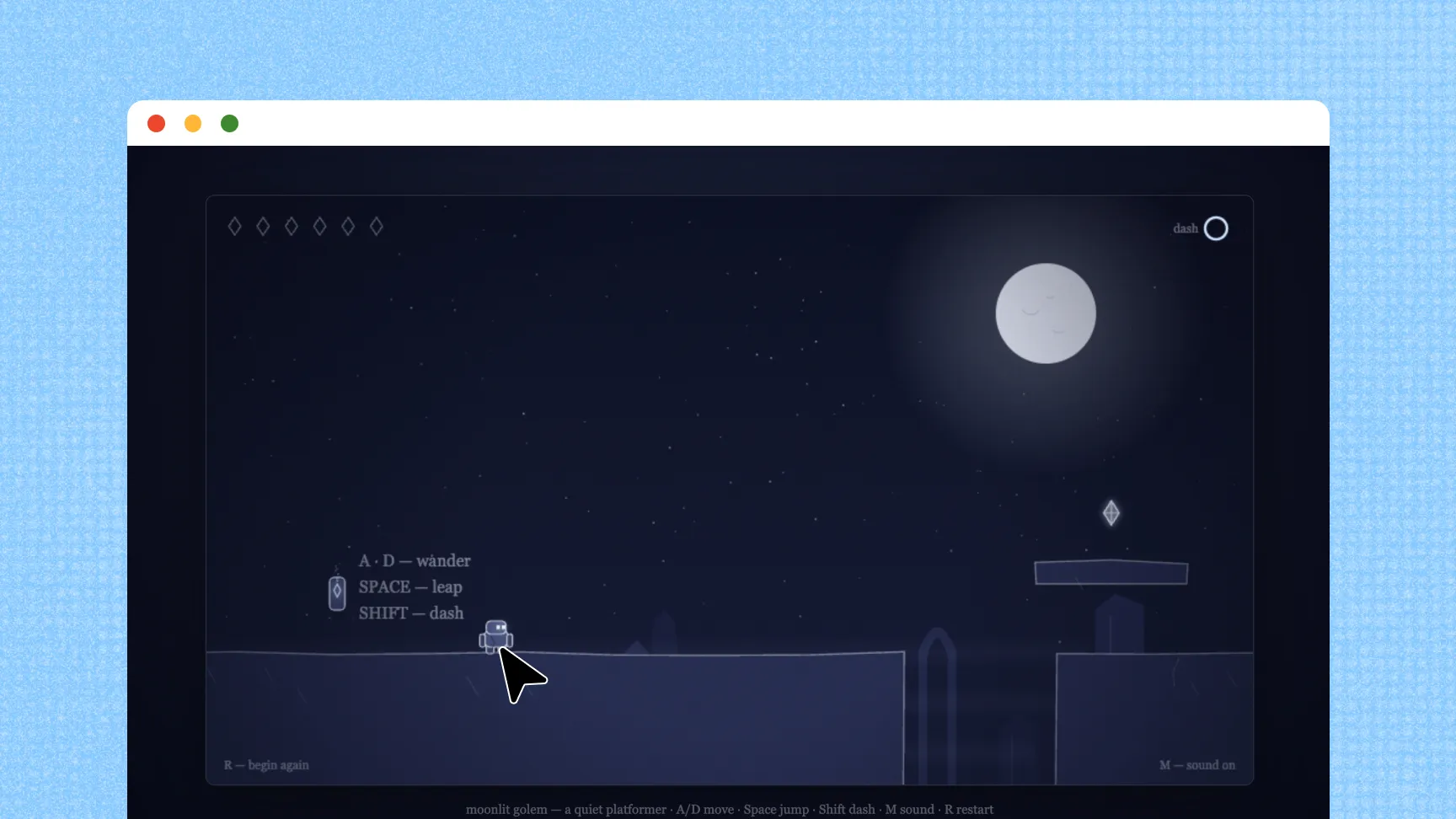
Generate a complete playable game and test it directly in the browser without installing additional software. Preview everything from the opening screen and gameplay to the final results as you develop and refine your game.
Refine and share your finished game
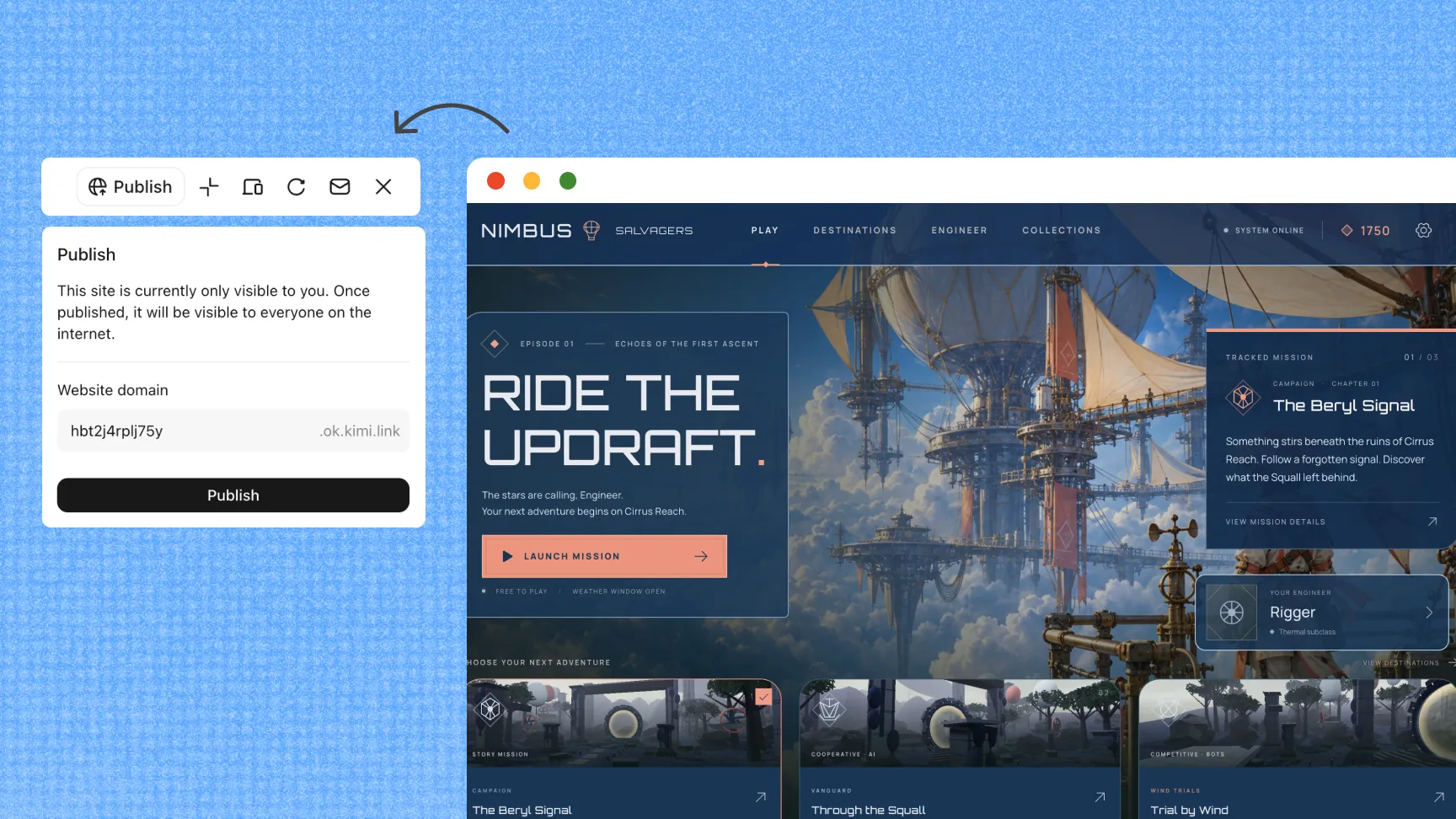
Revisit earlier versions, make improvements, and roll back changes whenever needed. Once your game is ready, create a shareable link and optimize the experience for both desktop and mobile players.
How to create a 2D game without coding
Start with a 2D game idea
Describe your game concept, including its genre, setting, characters, objectives, gameplay mechanics, and visual style. Kimi Build uses these instructions to generate the initial version of your game without requiring coding skills.
Improve your game
Play the generated game and identify areas that need adjustment. Use follow-up prompts to refine the gameplay, visuals, characters, levels, controls, and other elements as you iterate.
Share and publish your game
Test the completed game to make sure the controls and interactive elements work properly. Once everything is ready, publish your game, generate a shareable link, and let others play it.