AI Text to Game Generator
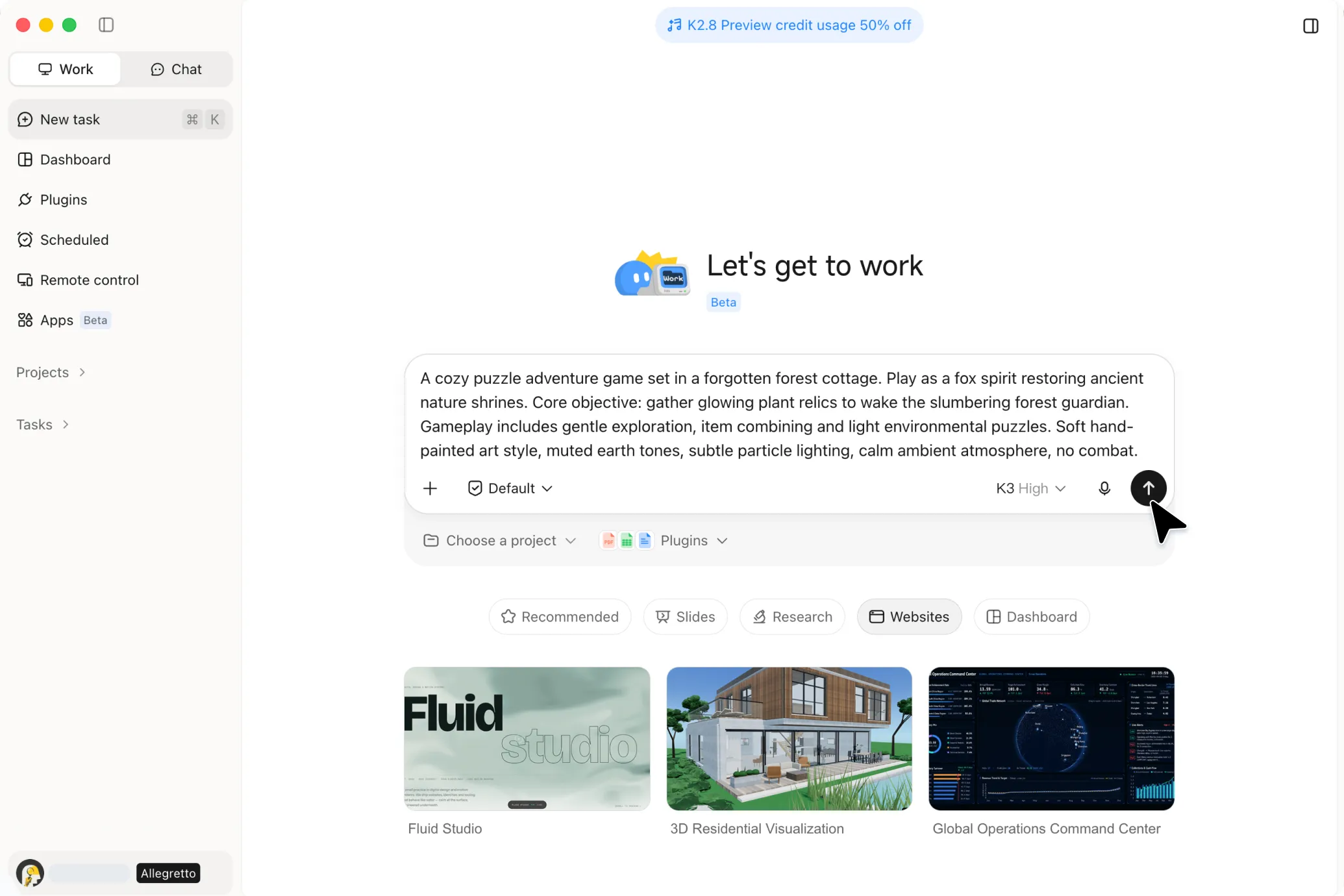
What if your next game started with just a few words? Kimi Build lets you turn text prompts into interactive games with customizable characters, scenes, and gameplay you can play and share online.
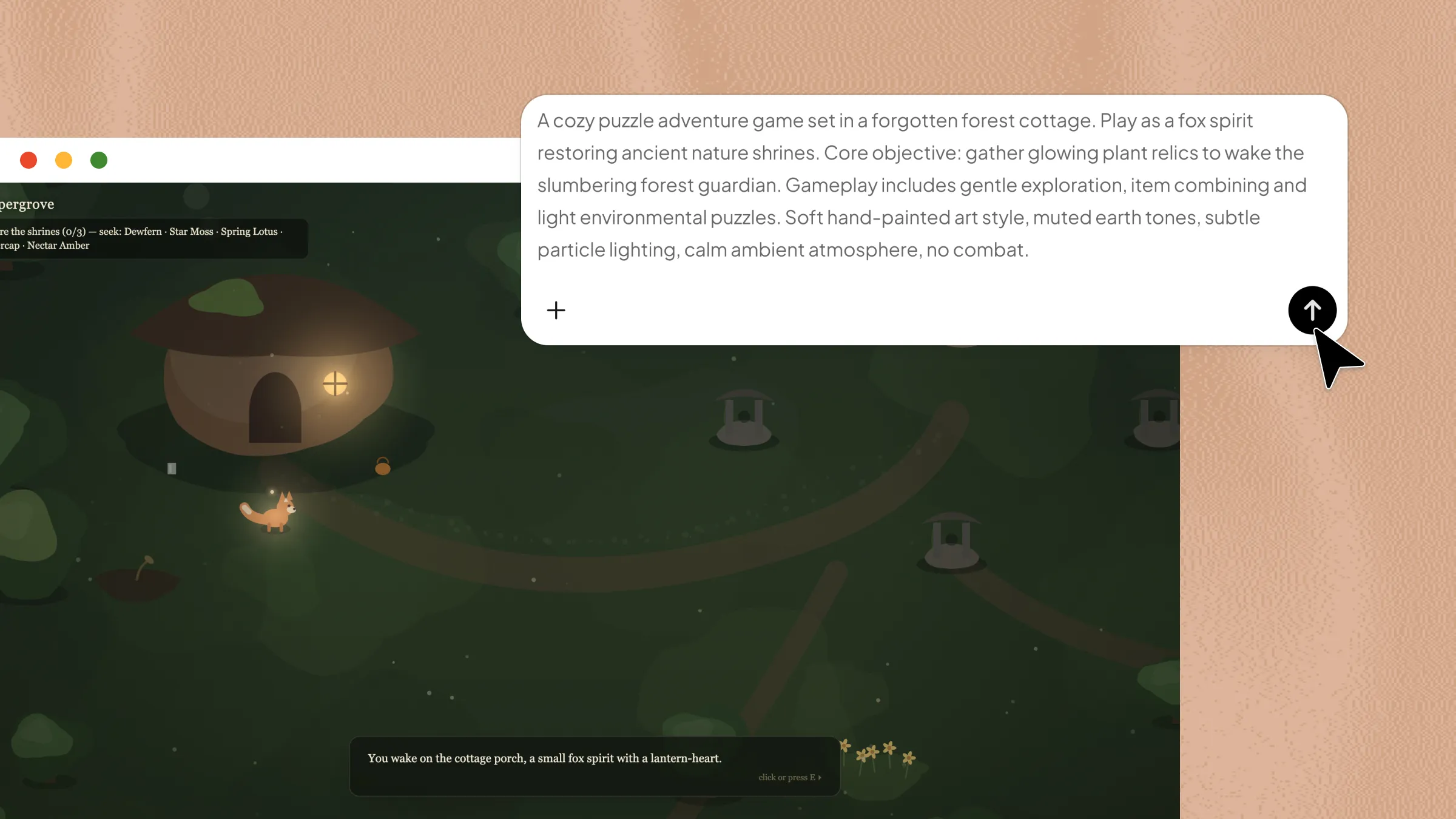
Every idea, brought to life.
From simple prompts to finished creative work.
3D GBA Emulator
Try the demoA working Game Boy Advance emulator with a faithfully modeled console and a real mGBA core, so you can actually play classic GBA games. External assets used: AGB-001 model.
Create and refine games with AI
Transform ideas into playable experiences
Describe your gameplay, objectives, characters, interactions, and visual style in natural language. Kimi Build interprets these instructions and builds the core elements of your game without requiring you to write code. Continue refining the same game through follow-up prompts as you adjust mechanics, levels, visuals, and other details.
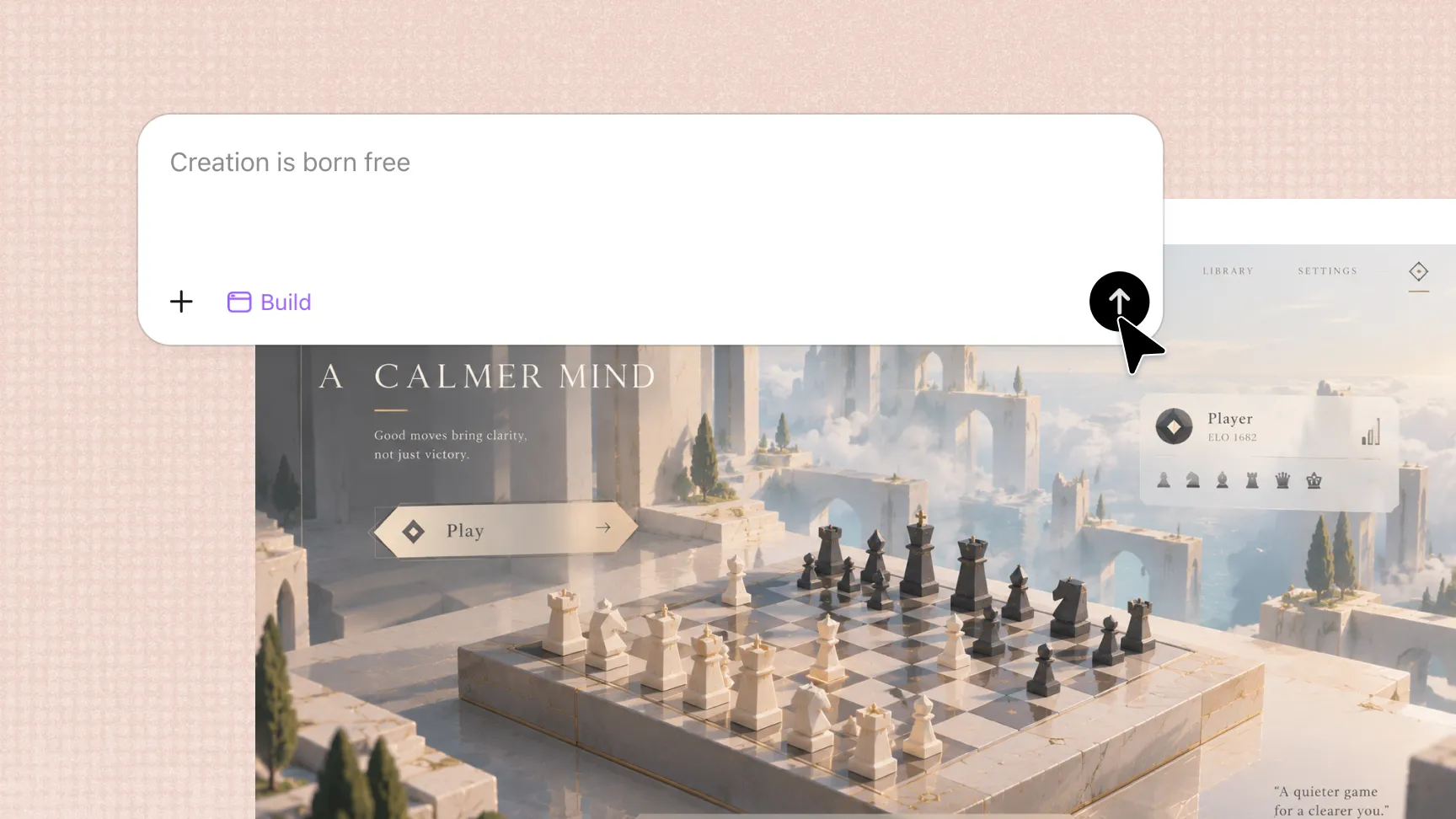
Create interactive worlds with rich details
Use text prompts to build 3D environments with terrain, buildings, skies, themed areas, lighting, shadows, particles, and animations. Add gameplay interactions through gravity, collisions, and object physics, and generate elements such as characters, props, enemies, and sound effects to make your world more engaging.
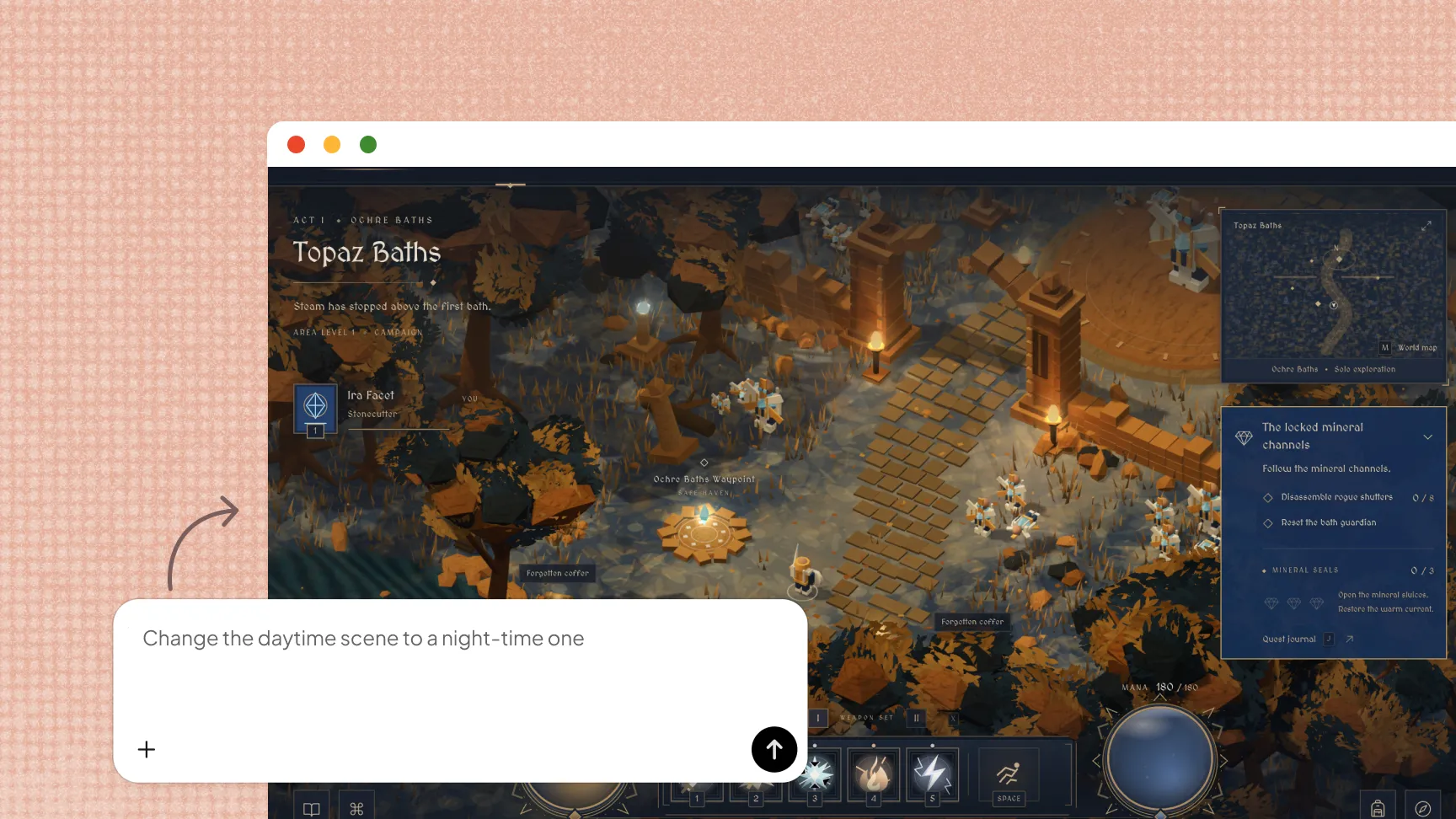
Enhance games with professional tools
Kimi Build uses LLM-powered code generation with HTML, CSS, JavaScript, and Three.js, giving you greater flexibility to customize game logic and interactive elements. For more advanced 3D workflows, Kimi Work extends the process to professional tools such as Unreal Engine and Blender.
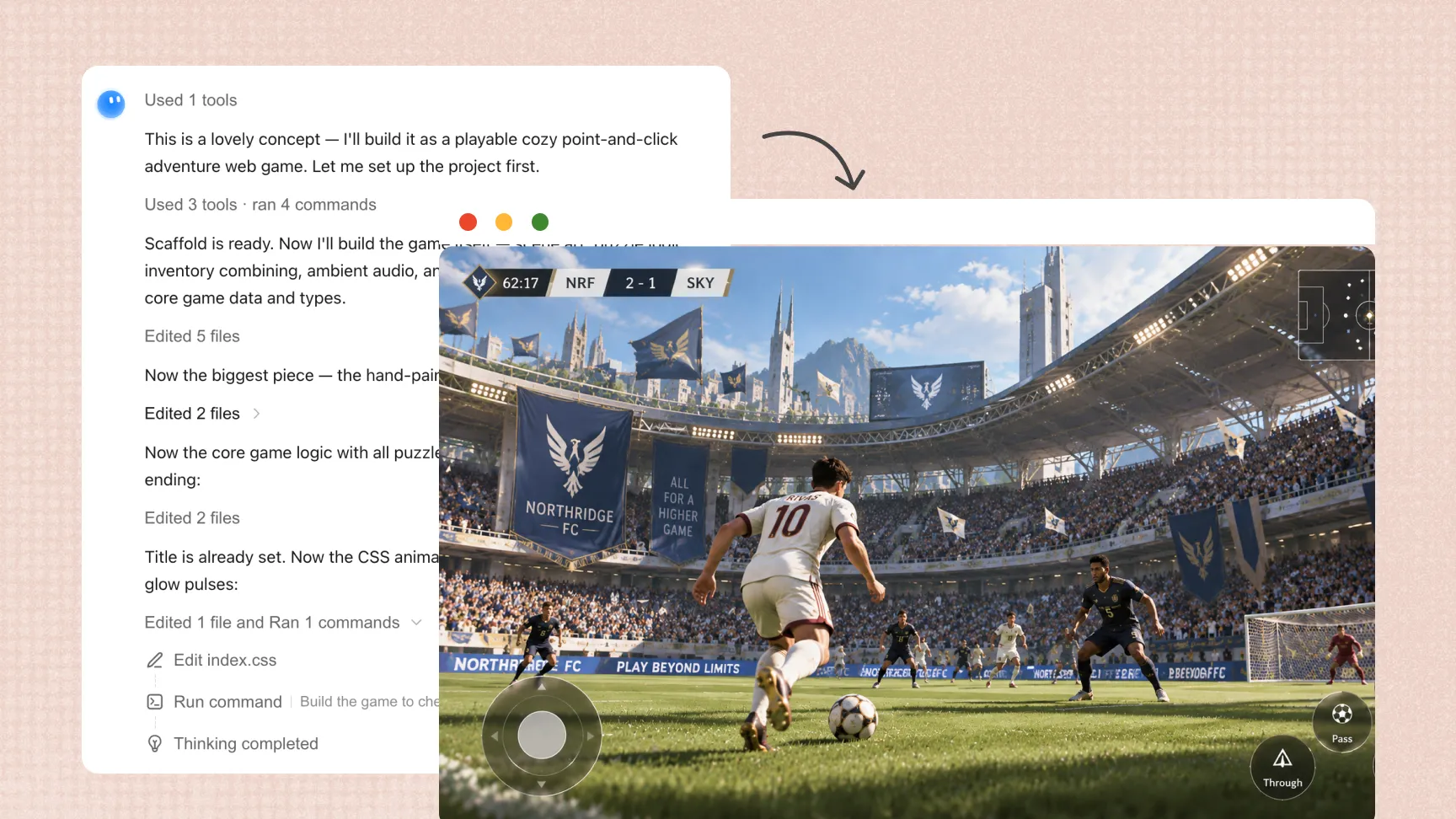
Preview, refine, and share in one workflow
Play your game directly in the browser, make changes through follow-up prompts, and preview each iteration without switching between separate tools. Roll back to earlier versions when needed, then publish and share the finished game online.
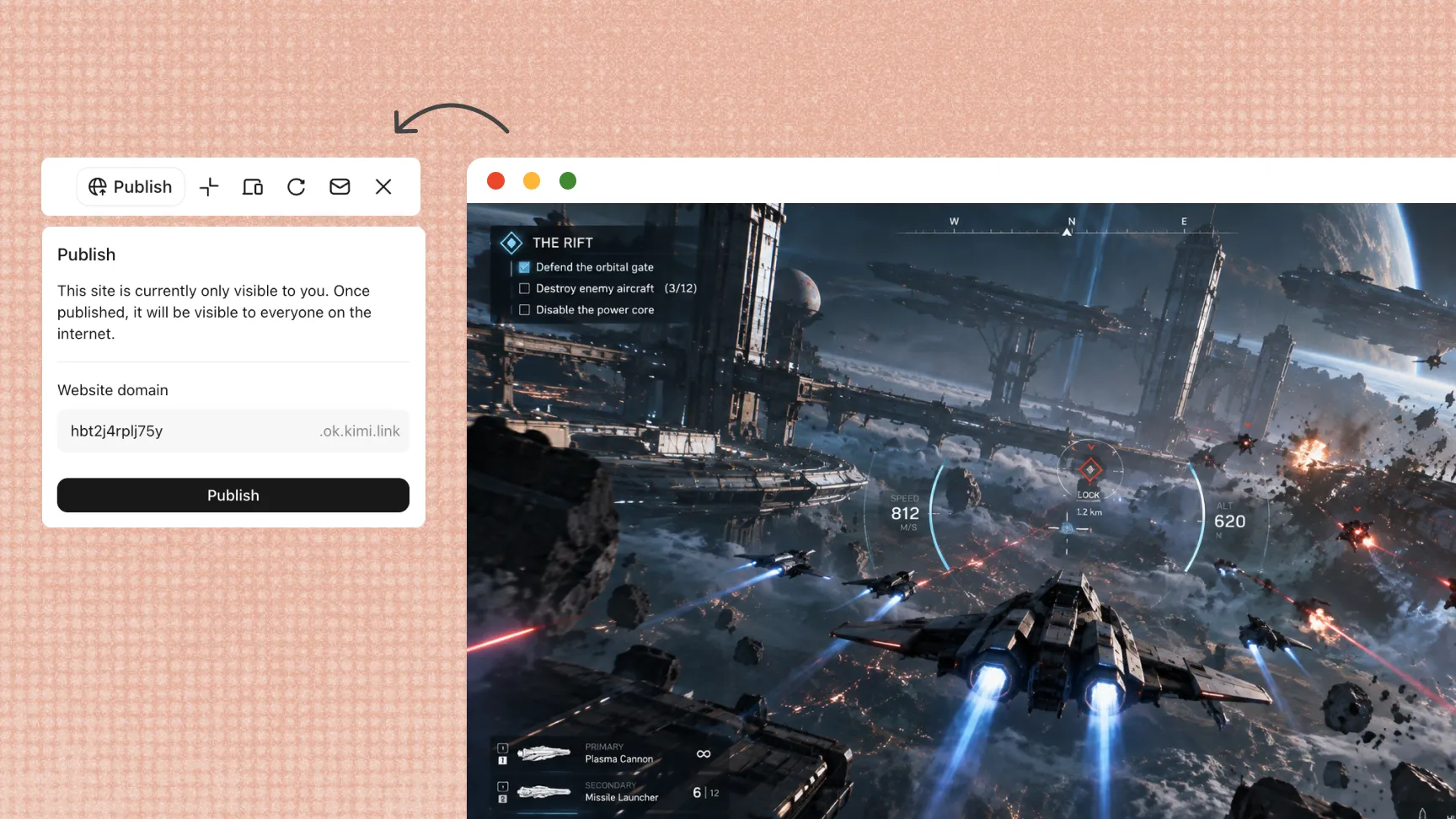
How to convert text to a game
Start with a game idea
Start with a clear game concept and describe the genre, setting, characters, objectives, gameplay mechanics, and visual style you want. Specific details give Kimi Build clearer direction when generating your game.
Improve with follow-up prompts
Play the generated game and identify areas that need improvement. Use follow-up prompts to adjust gameplay, levels, characters, visuals, controls, or other elements as you iterate.
Share and publish your game
Test the completed game to make sure the gameplay and interactive elements work as expected. Once it is ready, publish and share it with others.