Convert Video to Website with AI

Kimi’s video to website converter turns screen recordings, design walkthroughs, and presentation videos into editable, publishable websites. Upload a video and let AI rebuild the layout, content, and structure for you—no coding required.

Turn videos into ready-to-use websites with AI

Turn screen recordings into working websites

Upload a video and describe your goal in a natural-language prompt, and Kimi Build generates a real website with structured pages and components—instead of rebuilding screens by hand from scratch.
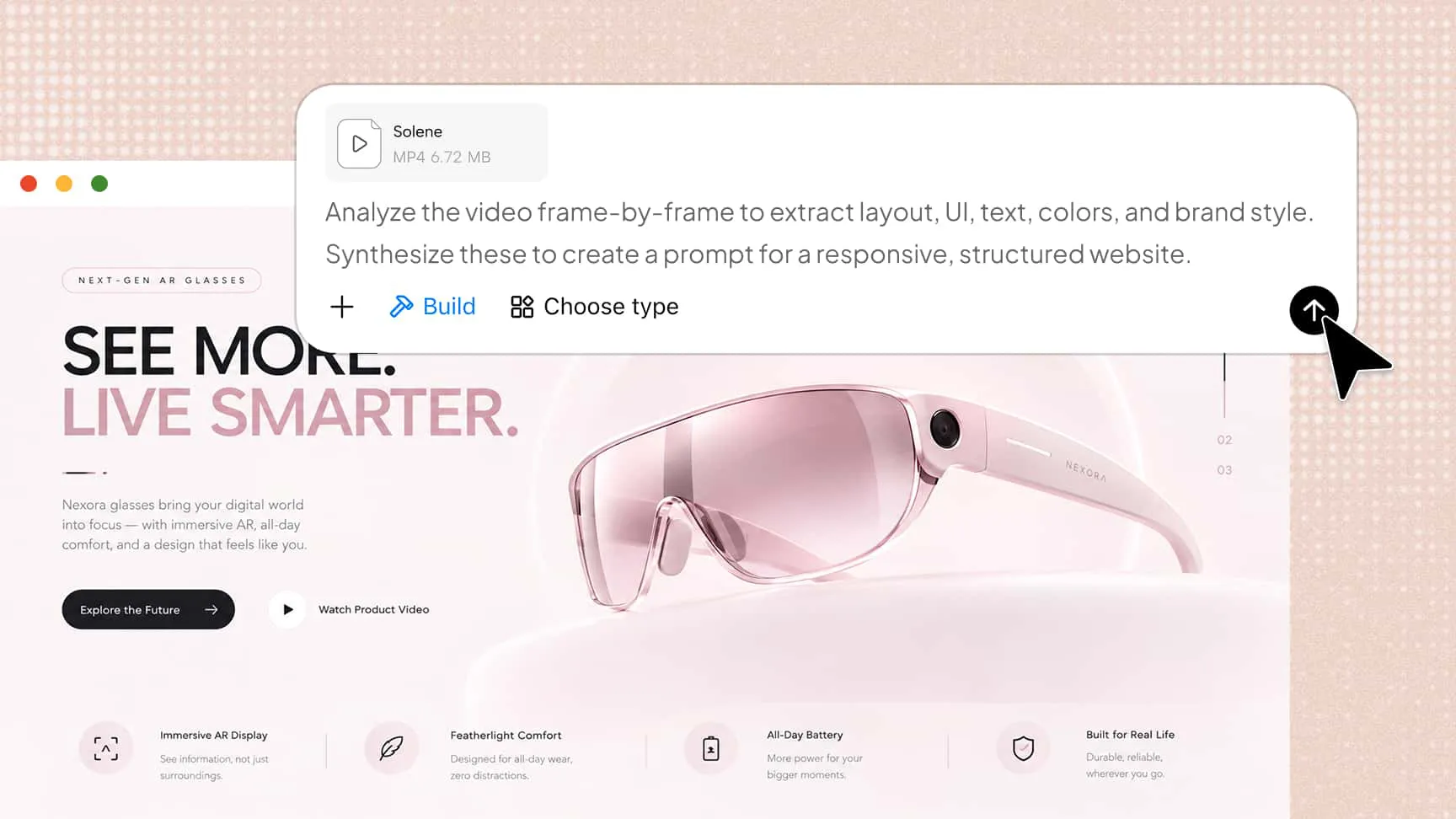
Kimi Build analyzing an MP4 video frame by frame to generate a responsive product website

Preserve the video’s visual style and layout

Kimi Build extracts colors, typography, spacing, and layout directly from your video, then translates the original visual style and design into the generated website.
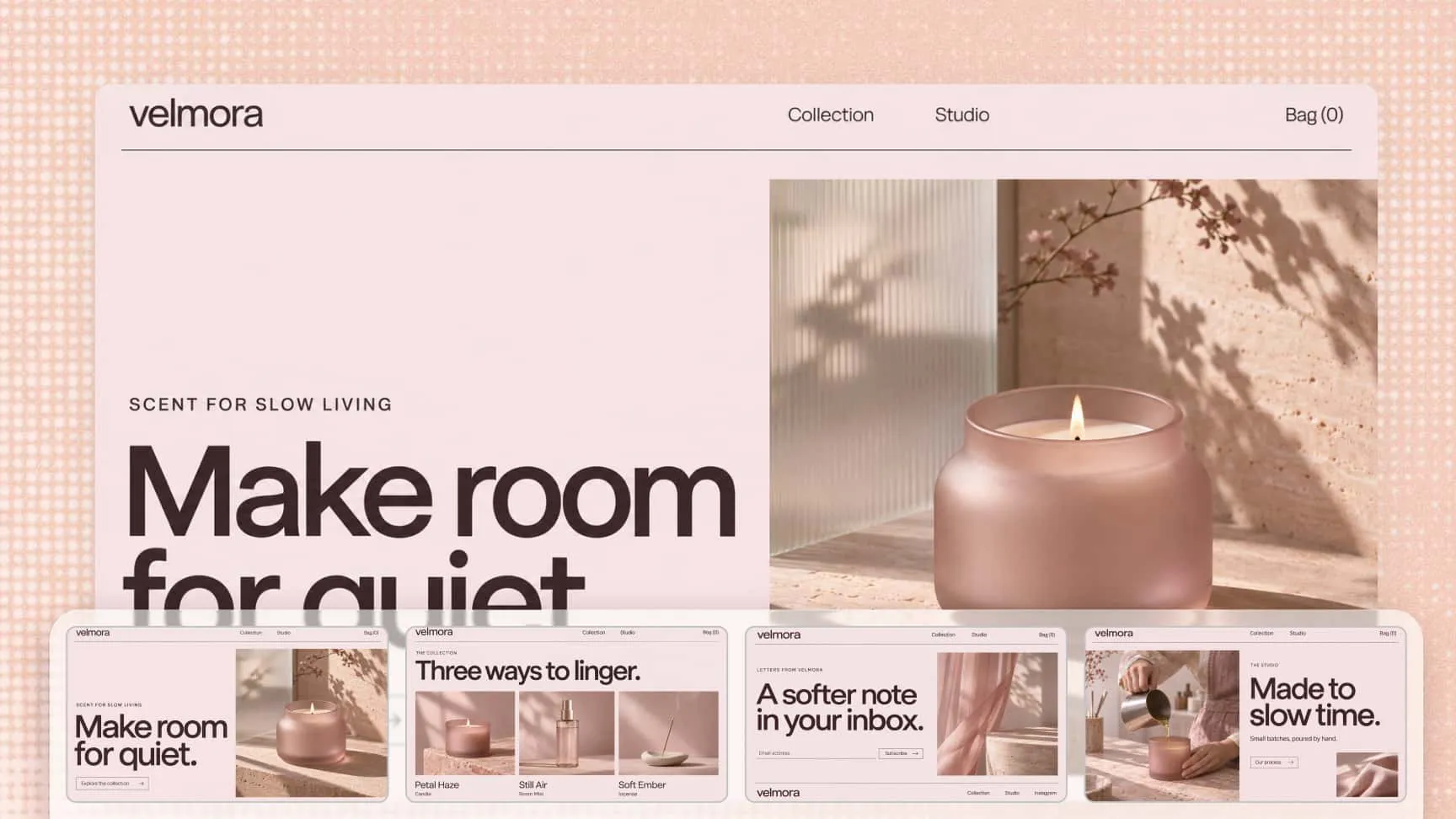
Generated Velmora candle website preserving the video’s soft pink visual style and layout

Refine every detail with chat or canvas comments

Continue refining your website through conversation or comments on the preview canvas. Point to the exact detail you want changed, and Kimi Build will adjust the copy, sections, and layout for you.
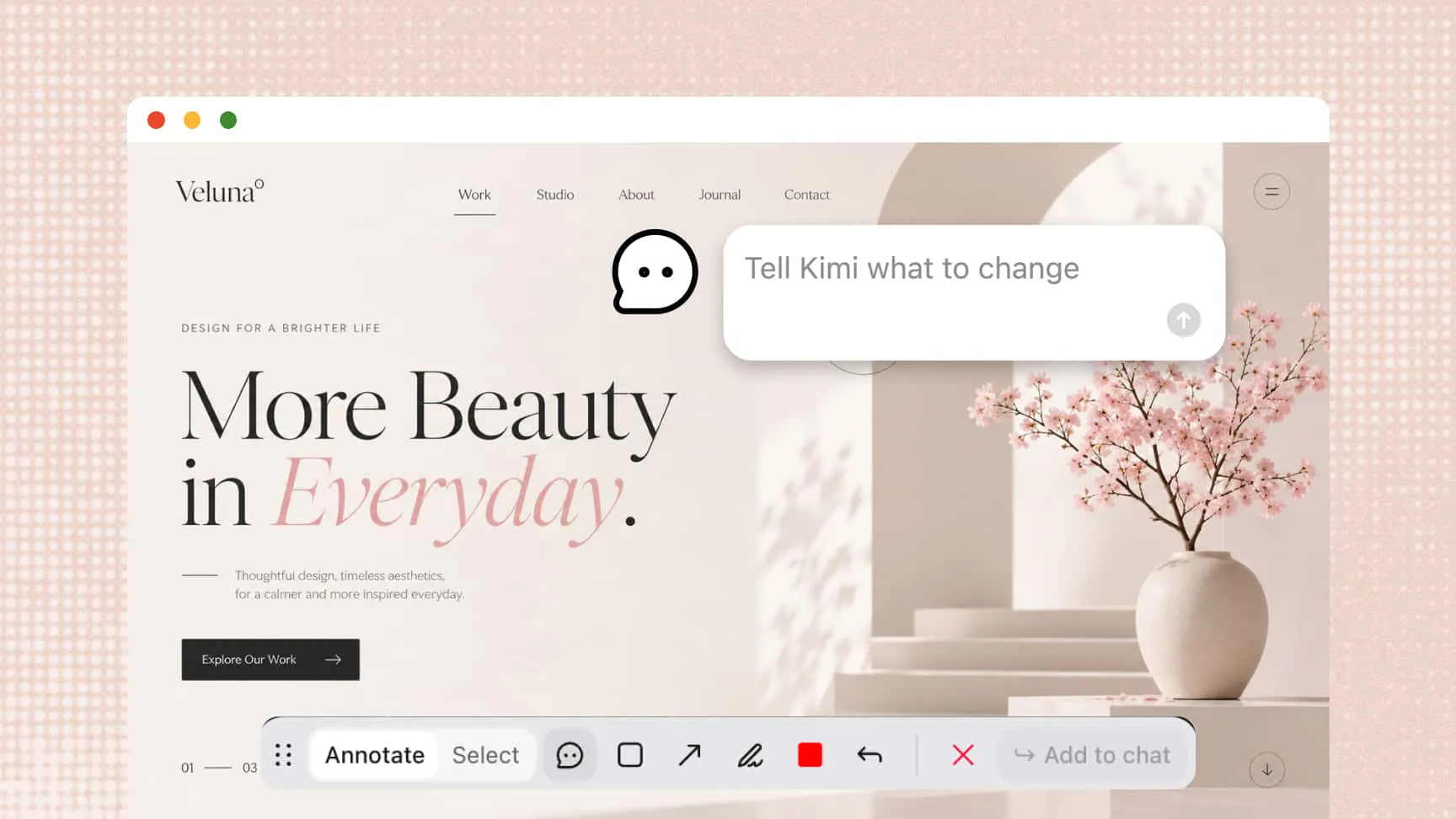
Comment and annotation tools for refining a generated website with Kimi Build

Convert videos to websites for every workflow

Product demos

Turn product demo and walkthrough videos into landing pages that let visitors explore your product at their own pace.
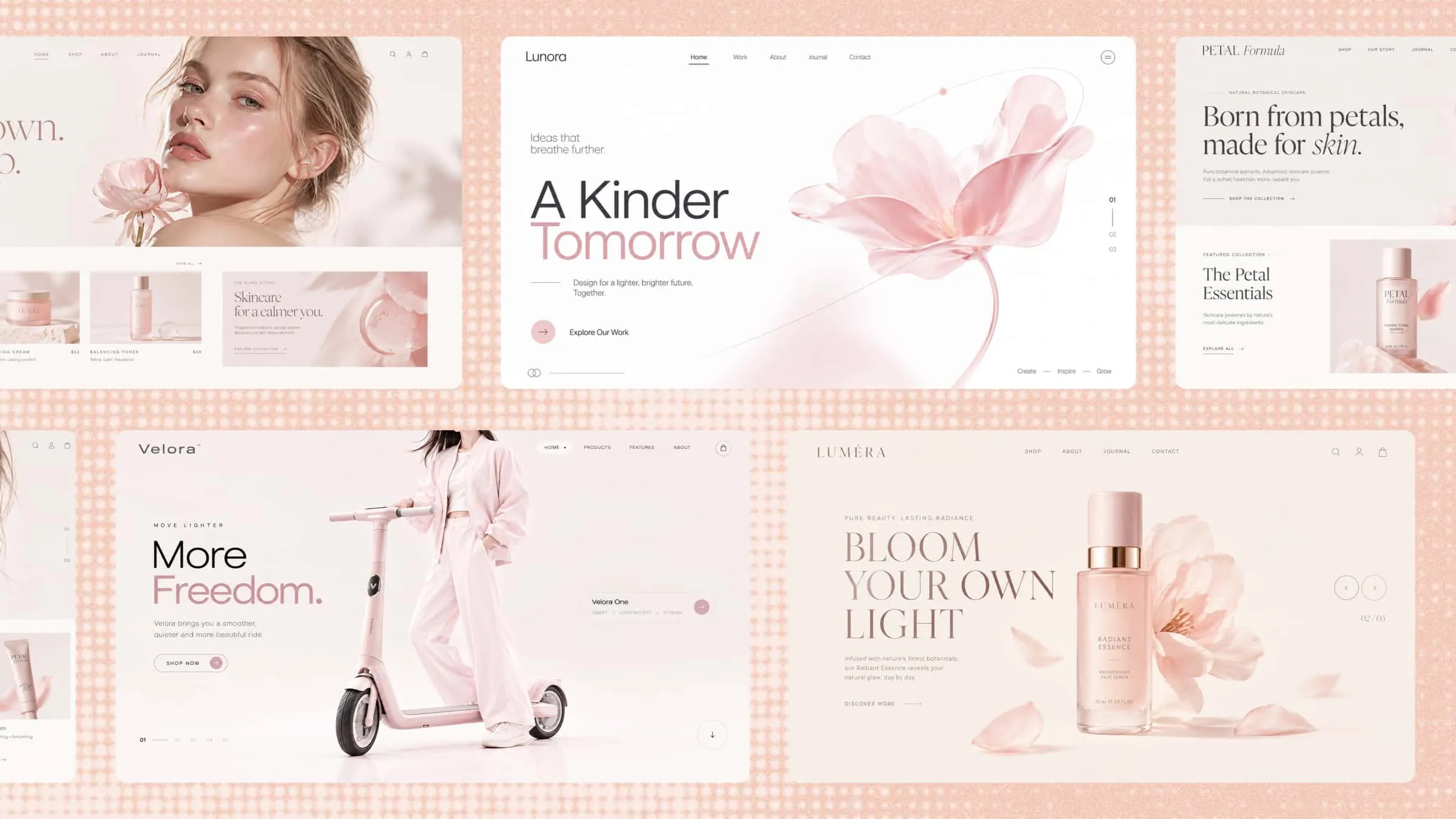
Product demo videos converted into polished landing pages for beauty, mobility, and fragrance products

Design handoff

Convert Figma or design-tool recordings into coded web pages, bridging the gap between design review and development.
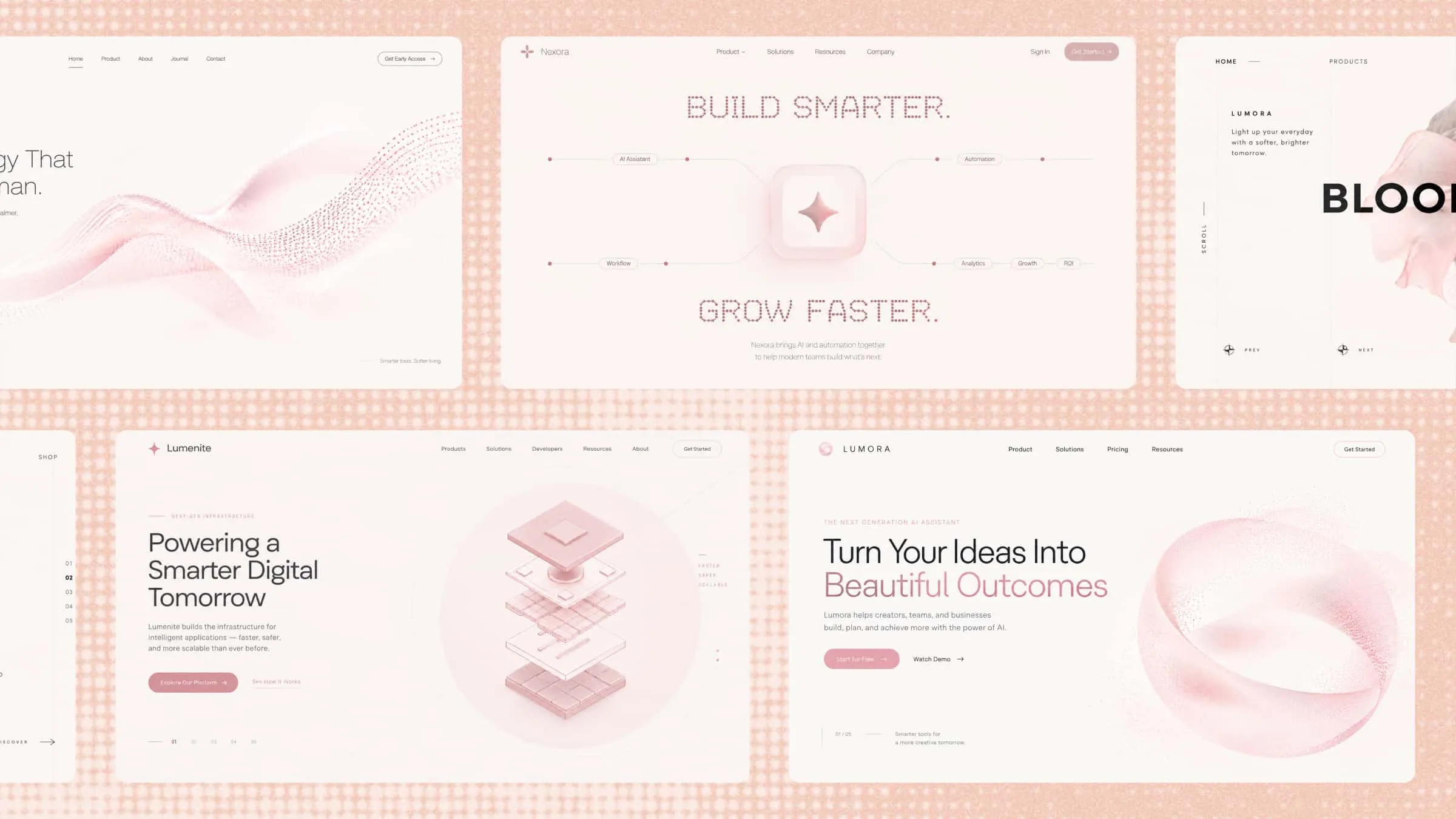
Design walkthrough videos converted into clean, minimal web pages for handoff

Courses and tutorials

Transform tutorial and lecture videos into structured resource websites with key content, chapters, and visuals organized for easy reading.
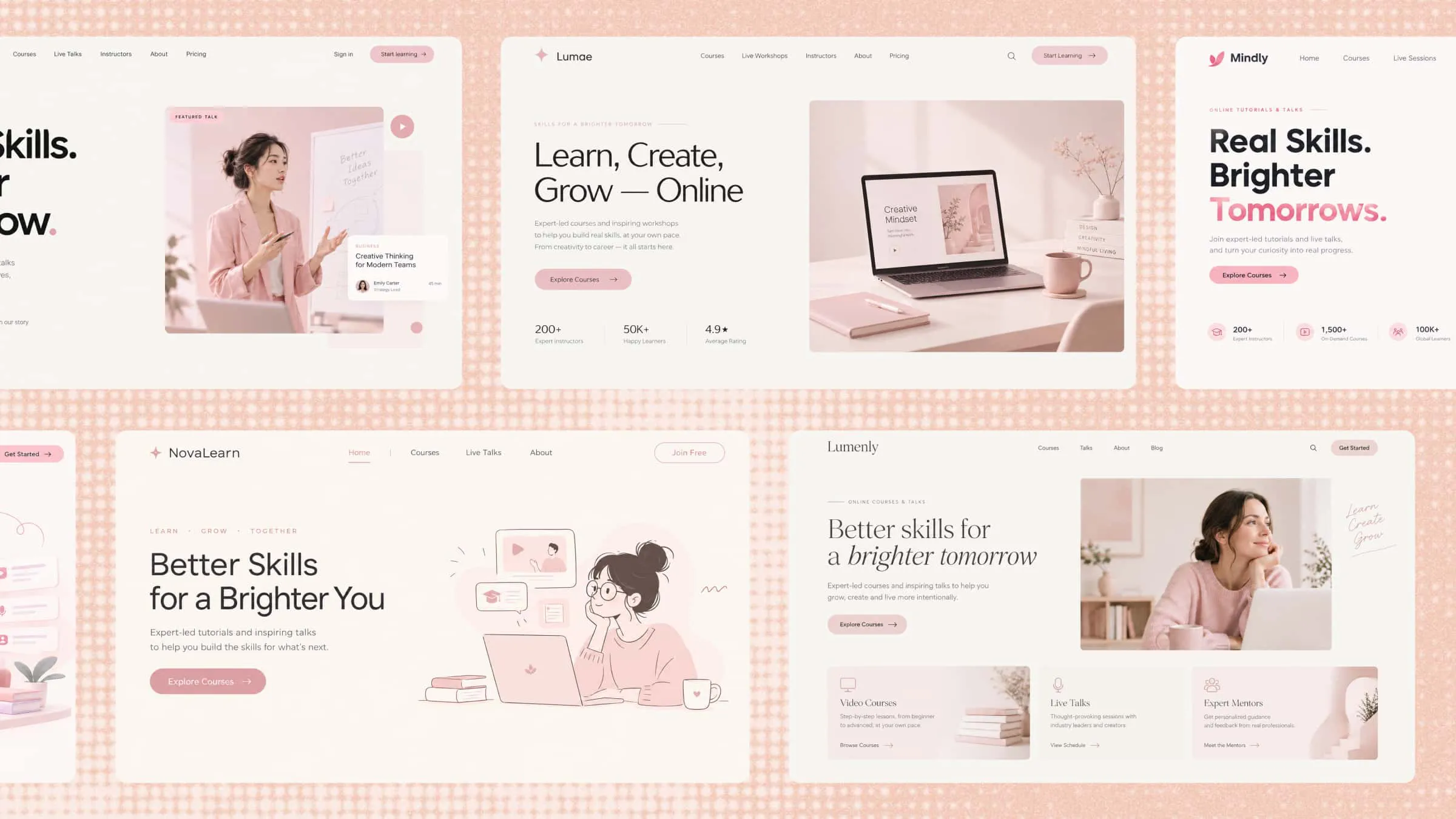
Tutorial and lecture videos converted into structured online course websites

Marketing campaigns

Repurpose promo and launch videos into campaign pages, getting more value from every video your team produces.
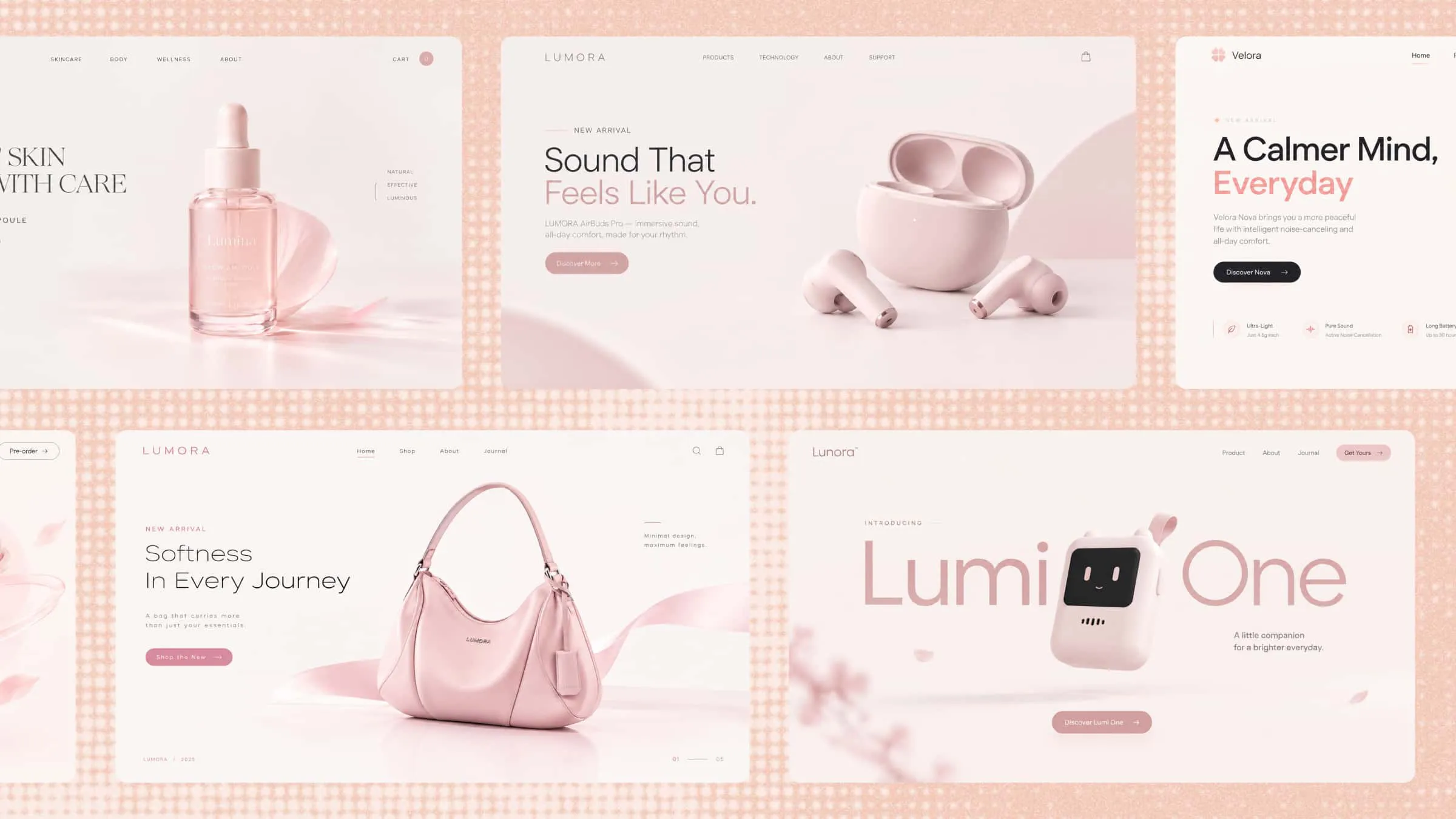
Promotional videos converted into campaign landing pages for skincare, audio, wellness, and fashion products

Startups and MVPs

Turn a pitch or prototype recording into a working MVP website to validate ideas before investing in full development.
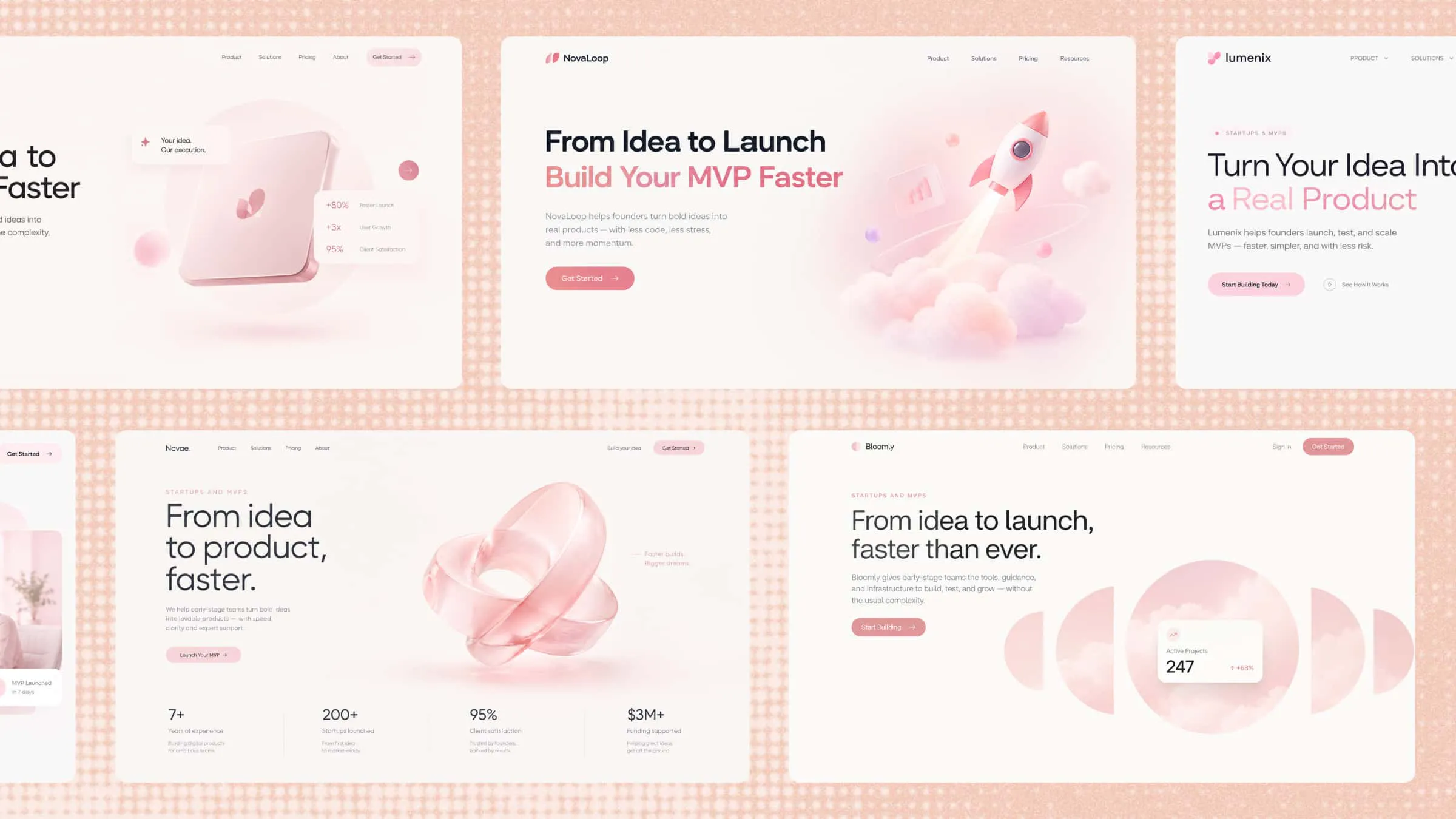
Pitch and prototype videos converted into startup and MVP landing pages

How to convert video to website with AI?

1

Upload your video

Upload a screen recording, design demo, tutorial, or presentation video, or paste a video link. AI supports everything from quick clips to full walkthroughs.

2

AI analyzes and rebuilds your site

Kimi Build watches your video frame by frame—identifying layouts, UI components, text content, colors, and brand style—then structures everything into a responsive, well-organized website.

3

Edit and publish

Review the generated website, refine it through chat or direct editing, then publish it with one click or export the clean code to host anywhere.
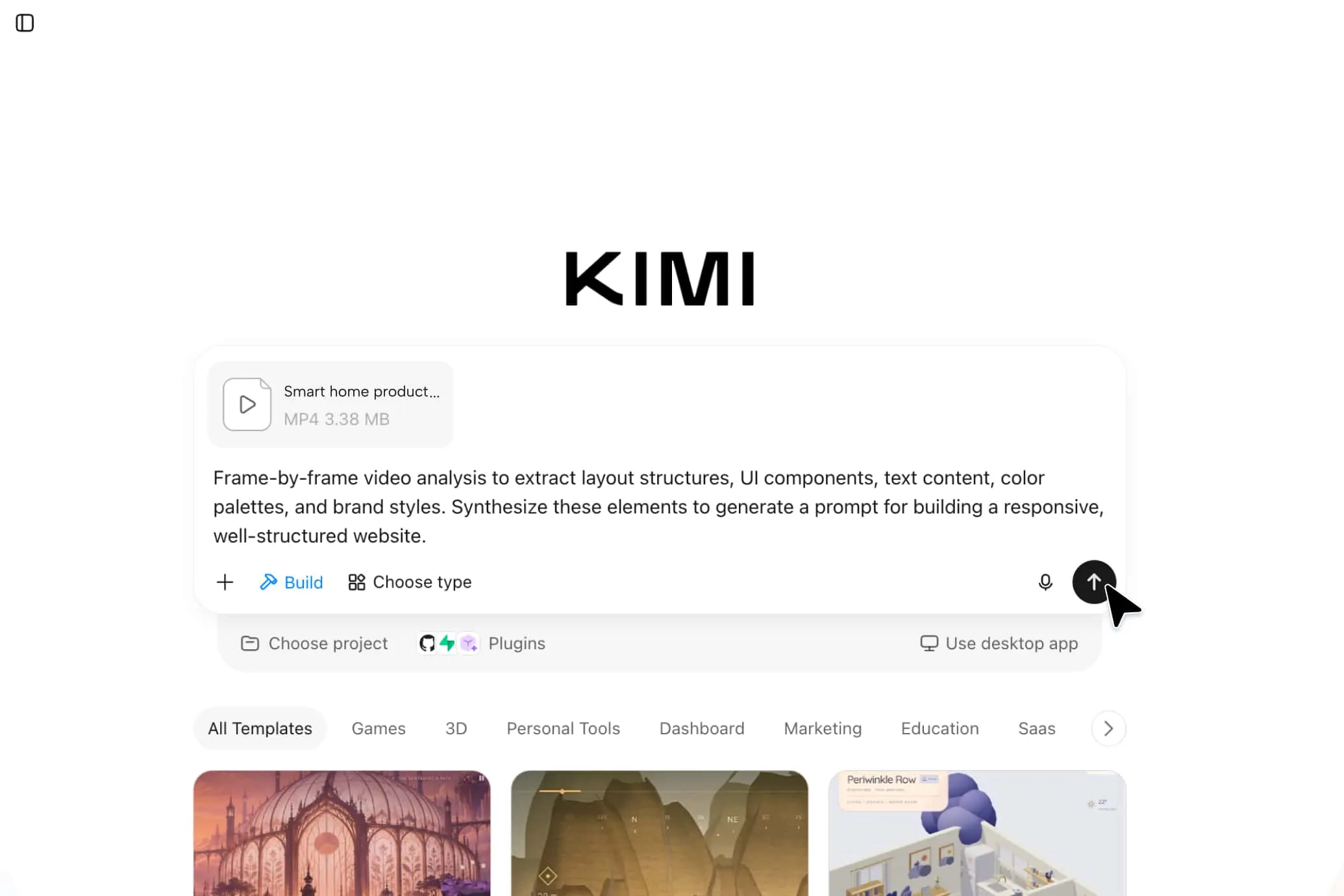
Uploaded MP4 video and analysis prompt in the Kimi Build interface

FAQ

A video to website converter is an AI tool that turns a video of an app, prototype, or design tool in action into a structured website. It analyzes the layout, typography, colors, spacing, and visual style in the video, then generates editable pages and components instead of requiring you to rebuild every screen manually.
Kimi Build supports common video formats such as MP4, MOV, and WebM. For the clearest result, upload a video that shows the interface, navigation, and key interactions in detail.
Yes. Kimi Build can convert a screen recording into a working website with structured pages and components. It extracts the layout and visual style from the video, then lets you refine the generated site through chat, canvas comments, or manual edits.
Yes. The generated website remains fully editable after conversion. You can continue refining it through conversation, leave comments on the preview canvas to request specific changes, or adjust the copy, sections, and layouts directly.
Yes. When the website is ready, you can publish it with a shareable link or export the project and source code for further development. Kimi Build also lets you preview the site across desktop and mobile screens before publishing.
A video to website converter reproduces the layout, typography, colors, and spacing shown in the video as closely as possible. Simple pages with clear navigation usually come out nearly identical, while complex animations or dense interactions may need minor adjustments after conversion. With Kimi Build, you can fine-tune any detail through chat or direct edits until the result matches your expectations.
For the best results, use a clear, steady screen recording that moves slowly through each page and shows the full layout, navigation, and key interactions. High resolution and minimal cursor distractions help the converter read spacing and styling more accurately. Short, focused videos of one page or flow at a time usually produce cleaner structures than long, fast-paced demos.

AI-powered video to website conversion for faster shipping