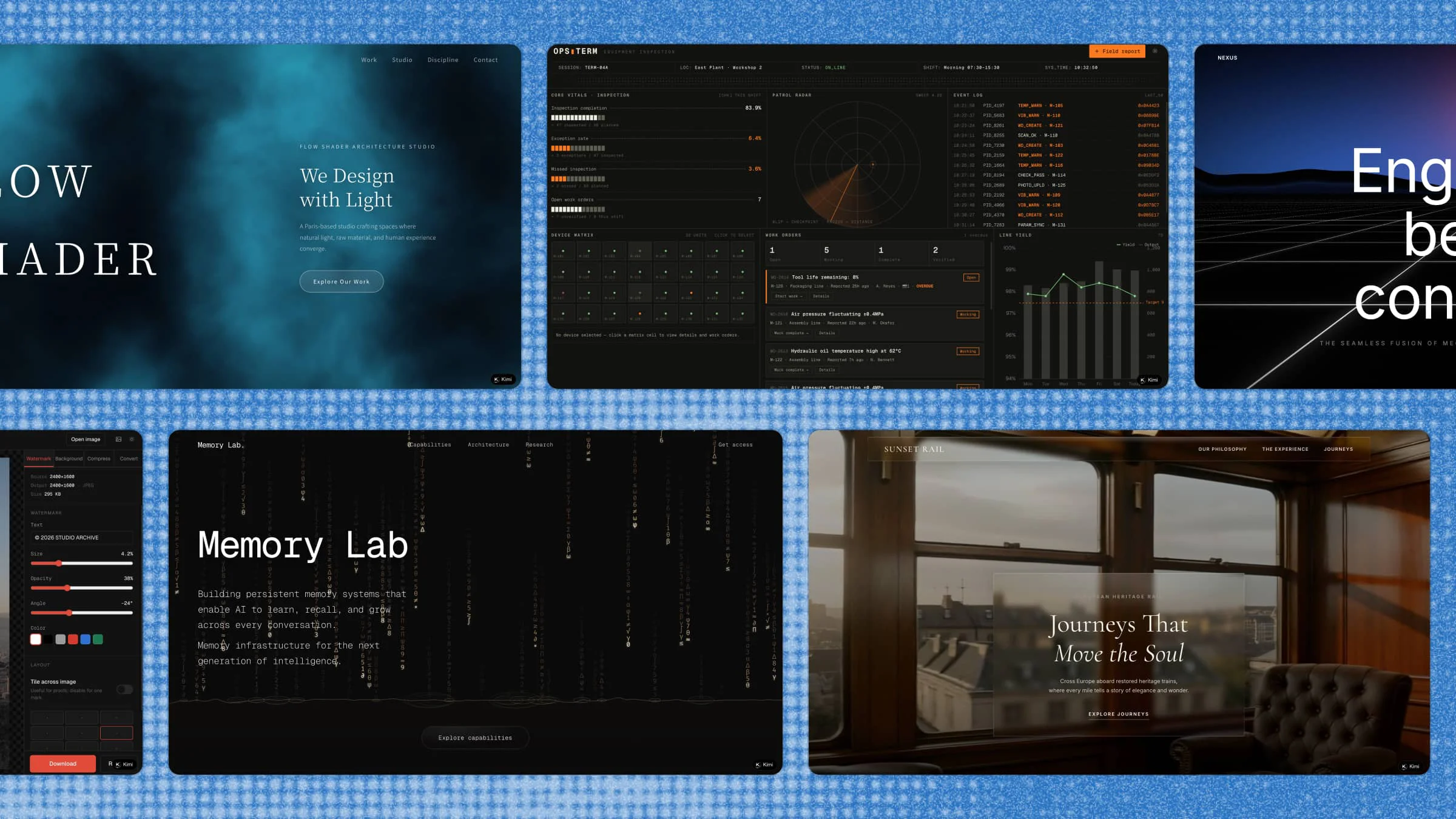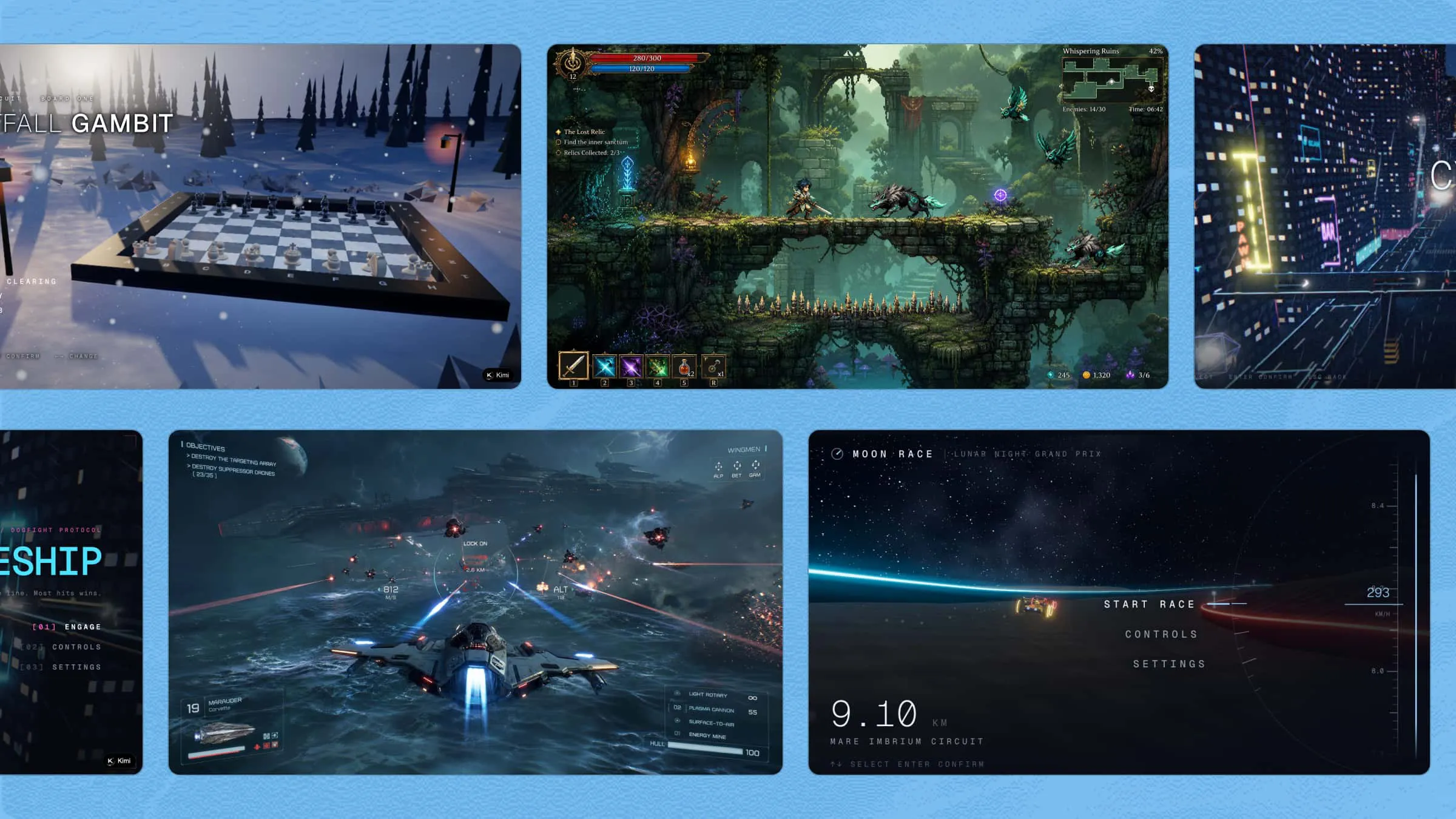
The gaming industry encompasses a vast range of genres, styles, and interactive experiences. Behind every game lies a collection of digital elements that contribute to its overall presentation. For developers, game assets offer a way to explore the creative possibilities of game design without necessarily purchasing every resource. This guide introduces the key types of game assets and explores practical ways to incorporate them into your workflow.
An overview of 10 types of game assets
Game assets cover a wide range of elements that shape how a game looks, sounds, and works. From characters and environments to animations and interface elements, each asset has a specific role. The table below highlights 10 common types and their uses.
| Game asset type | Primary purpose | Common examples | Gameplay contribution |
|---|---|---|---|
| Character sprites | Represent playable characters and NPCs | Heroes, merchants, companions | Establish character identity and support interactions. |
| Game backgrounds | Set the environment and atmosphere | Forests, cities, dungeons, space scenes | Strengthen immersion and environmental storytelling. |
| Environment objects | Populate and structure game levels | Trees, buildings, rocks, furniture | Add detail and make worlds feel more interactive. |
| Enemy sprites | Represent hostile characters | Monsters, robots, bosses | Communicate threats and support combat encounters. |
| Weapon assets | Representing combat equipment | Swords, guns, bows, shields | Add variety to combat and character abilities. |
| Inventory items | Represent collected or usable objects | Potions, keys, coins, armor | Support collection, resources, and progression. |
| Power-Up assets | Provide temporary enhancements | Health boosts, shields, speed bonuses | Add strategic opportunities and rewards. |
| Map elements | Show locations and navigation | Terrain, paths, landmarks, markers | Support exploration and level navigation. |
| UI elements | Display information and controls | Health bars, menus, buttons, minimaps | Help players interact with and understand the game. |
| Game logos | Establish visual identity | Title logos, emblems, publisher marks | Strengthen recognition and create a memorable identity. |
10 types of game assets to enhance your games
The right game assets can make a game more engaging, immersive, and easier to understand. Characters, environments, items, and interface elements all contribute to the overall gameplay and visual style.
Kimi Build can help you generate and customize game assets as part of the game creation process. From characters and backgrounds to weapons, maps, and UI elements, you can create visuals that match your game's style, world, and mechanics.
Character sprites
Character sprites define how players and NPCs appear and move throughout the game. Well-designed sprites incorporate expressive animations, distinctive silhouettes, and consistent visual details that strengthen character identity and make interactions feel more engaging.
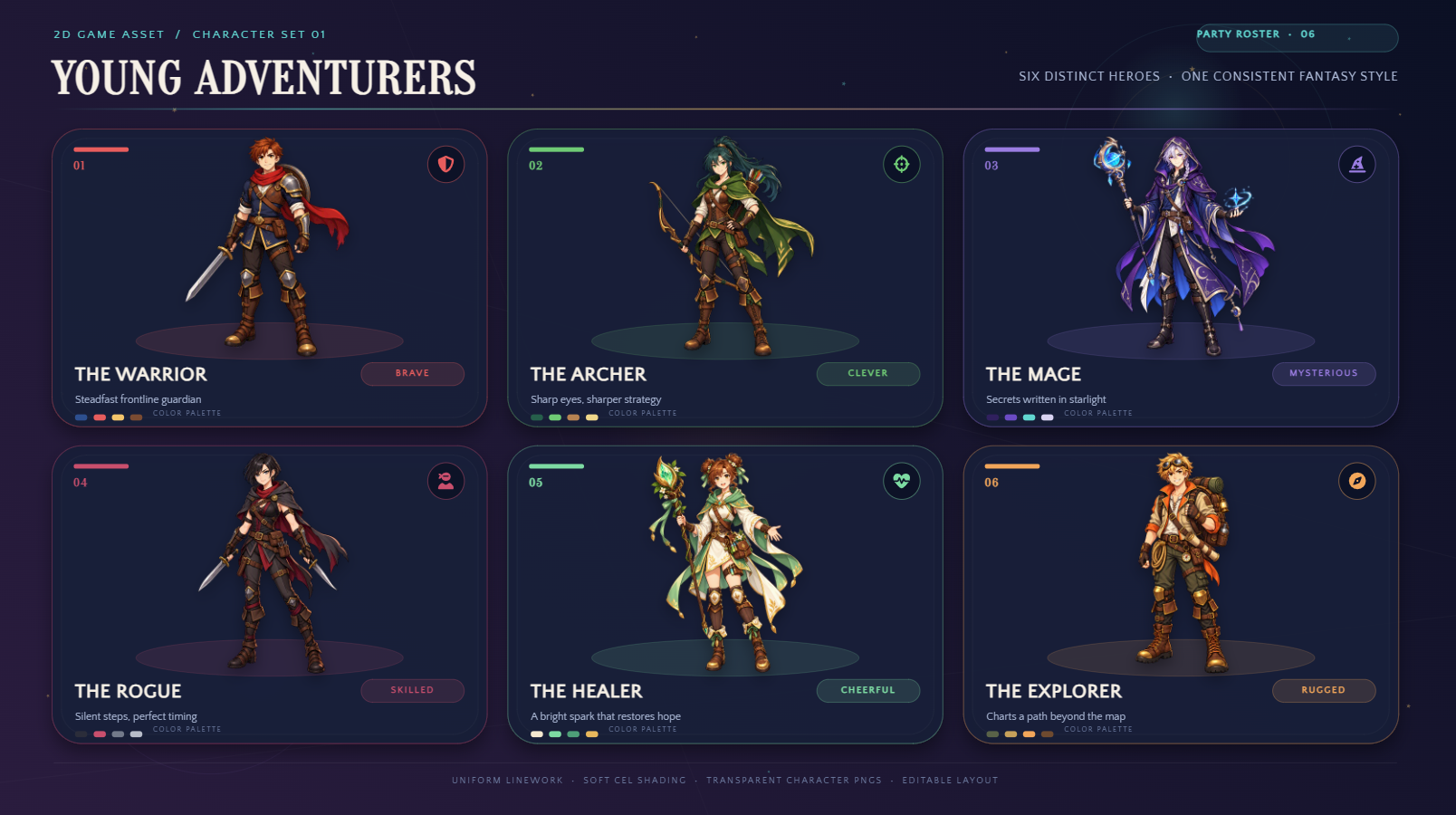
How to use
Step 1: Enter your prompt
Describe the character's appearance, clothing, personality, and artistic style. Include details about the background and intended use to guide the AI.
Prompt:
Step 2: Let AI generate your asset
Submit your prompt and let the AI interpret your instructions. Review the generated character to see whether its appearance and style match your vision
Step 3: Review and export the asset
Check the character's proportions, facial features, and visual details. Make any necessary refinements, then use the finished sprite directly in your game project.
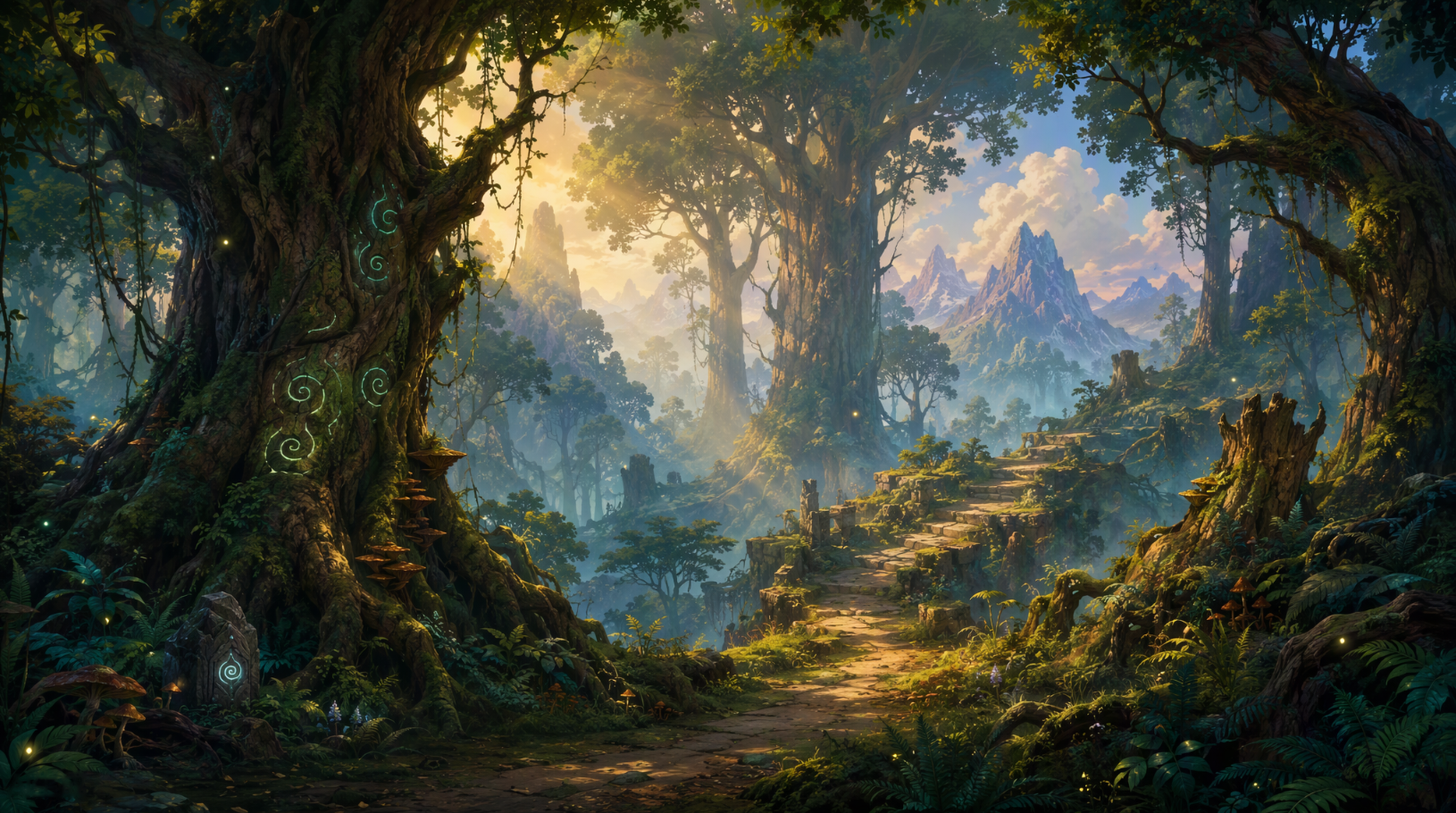
Game backgrounds
Game backgrounds establish the atmosphere, setting, and visual depth of each level. Kimi Build can generate landscapes, cityscapes, and other backdrops as part of your game creation process, so the visuals can match your game's setting, artistic direction, and gameplay.
How to use
Step 1: Enter your prompt
Specify the setting, atmosphere, color palette, and perspective you want for your background. Mention whether it is intended for a platformer, RPG, or another game genre.
Prompt:
Step 2: Let AI generate your asset
Allow the AI to create the scenery based on your description. Examine the composition, lighting, and environmental details to ensure they suit your game's setting.
Step 3: Review and export the asset
Check the background's dimensions, visual clarity, and composition. Adjust any distracting details, then use the finished background in your game project.
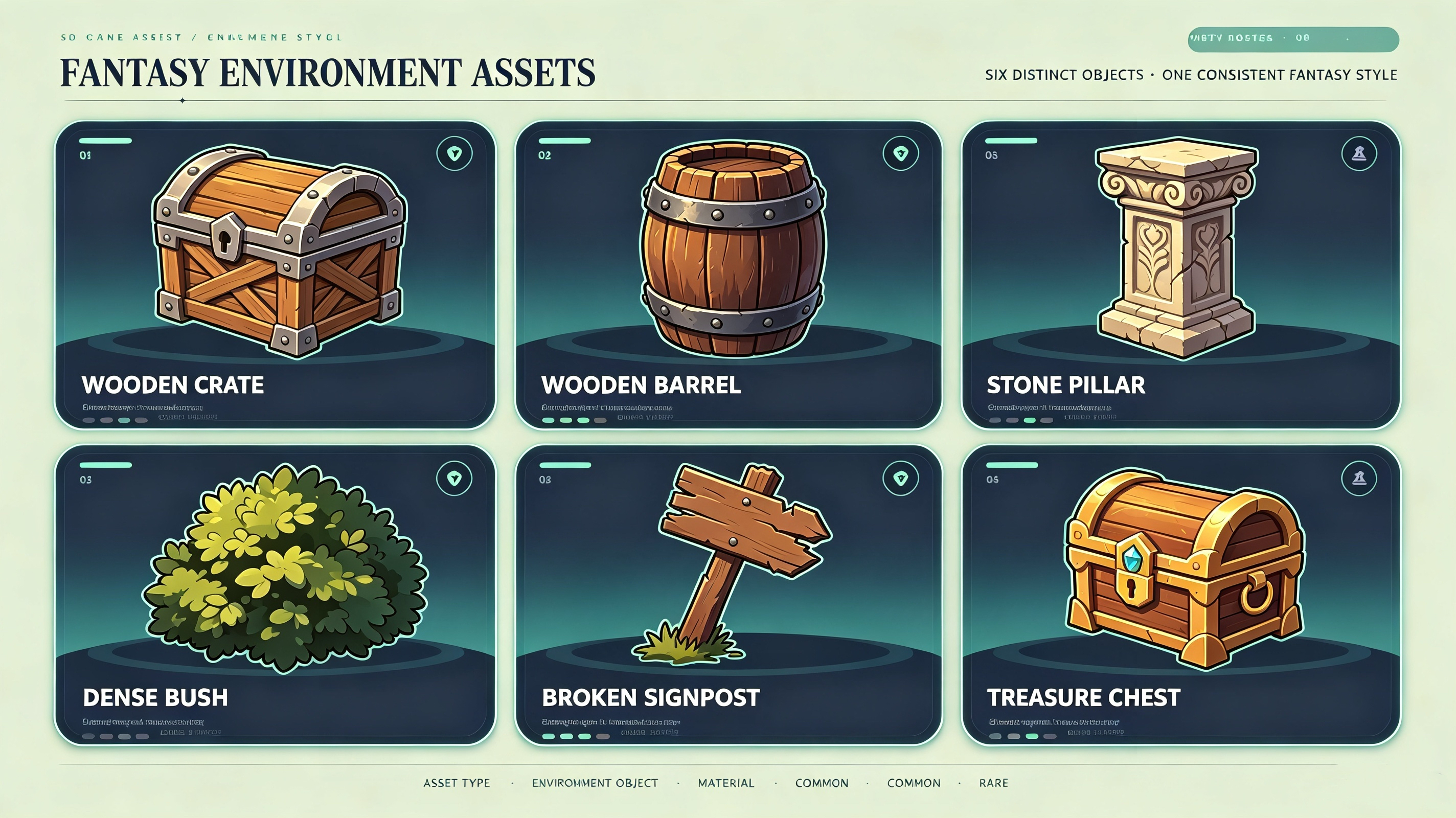
Environment objects
Environmental objects, such as trees, buildings, rocks, and furniture, add detail and personality to game levels. Developers can incorporate 2D game assets to populate scenes efficiently while maintaining a cohesive aesthetic and reducing production time.
How to use
Step 1: Enter your prompt
Describe the object's shape, materials, decorative features, and intended environment. Specify the visual style and whether you need a 2D graphic or a 3D model.
Prompt:
Step 2: Let AI generate your asset
Submit your description and allow the AI to generate the object. Inspect its structure, surface details, and overall appearance to determine whether it fits your environment.
Step 3: Review and export the asset
Examine the object's geometry, proportions, and textures. Refine any unwanted details, then use the finished asset in your game project.
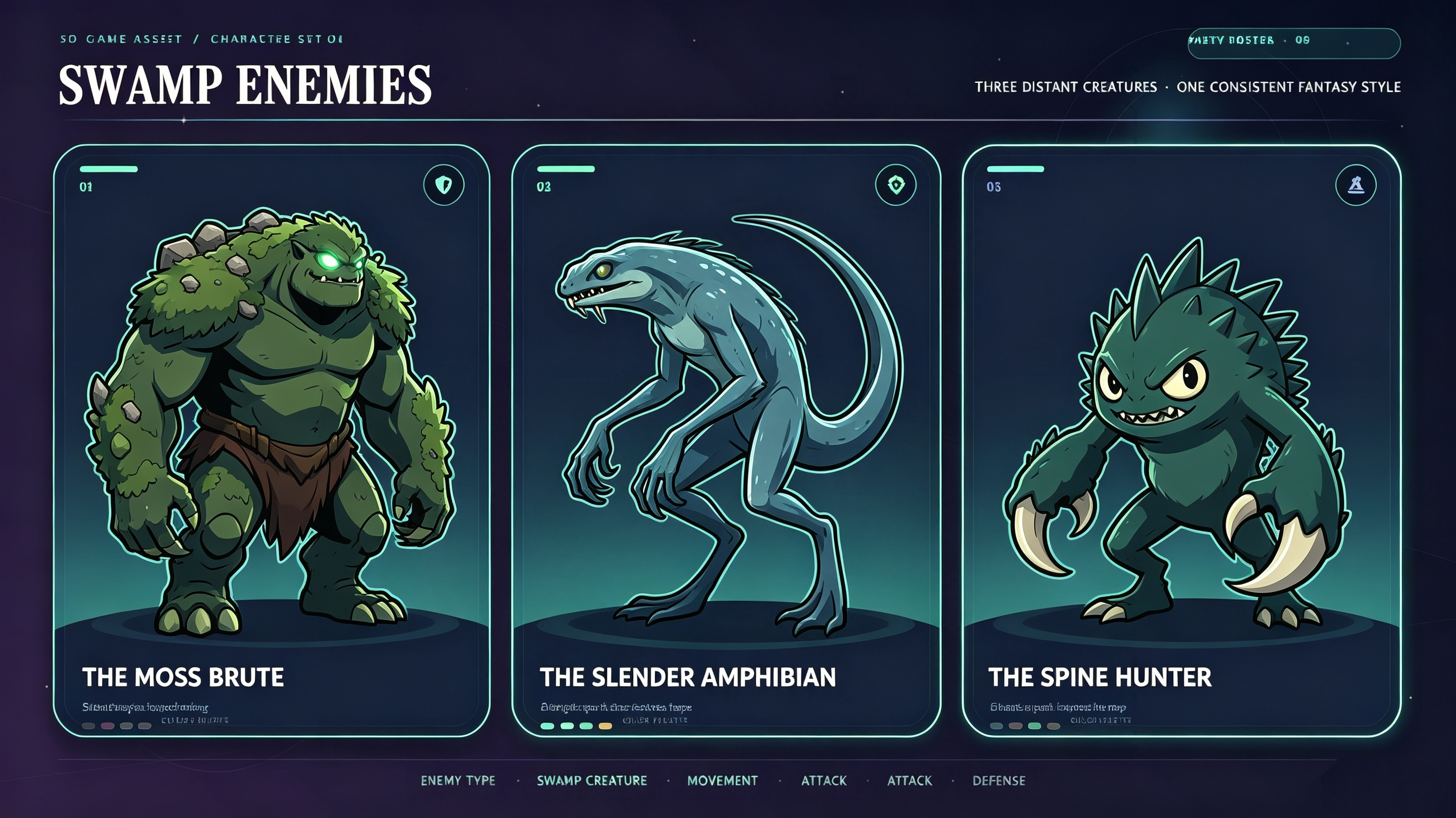
Enemy sprites
Enemy sprites bring challenges to life by giving opponents recognizable appearances, movement patterns, and attack animations. Distinctive designs help players identify different enemy types quickly, making combat encounters more readable and strategically engaging.
How to use
Step 1: Enter your prompt
Explain what the enemy should look like, including its physical features, clothing, expression, and artistic style. You can also mention the game's genre to establish the appropriate visual direction.
Prompt:
Step 2: Let AI generate your asset
Let the AI transform your description into an enemy sprite. Review its silhouette, distinguishing features, and overall appearance to ensure it suits your game's atmosphere.
Step 3: Review and export the asset
Check the sprite's proportions, outlines, and visual clarity. Make any necessary corrections, then use the finished sprite in your game project.
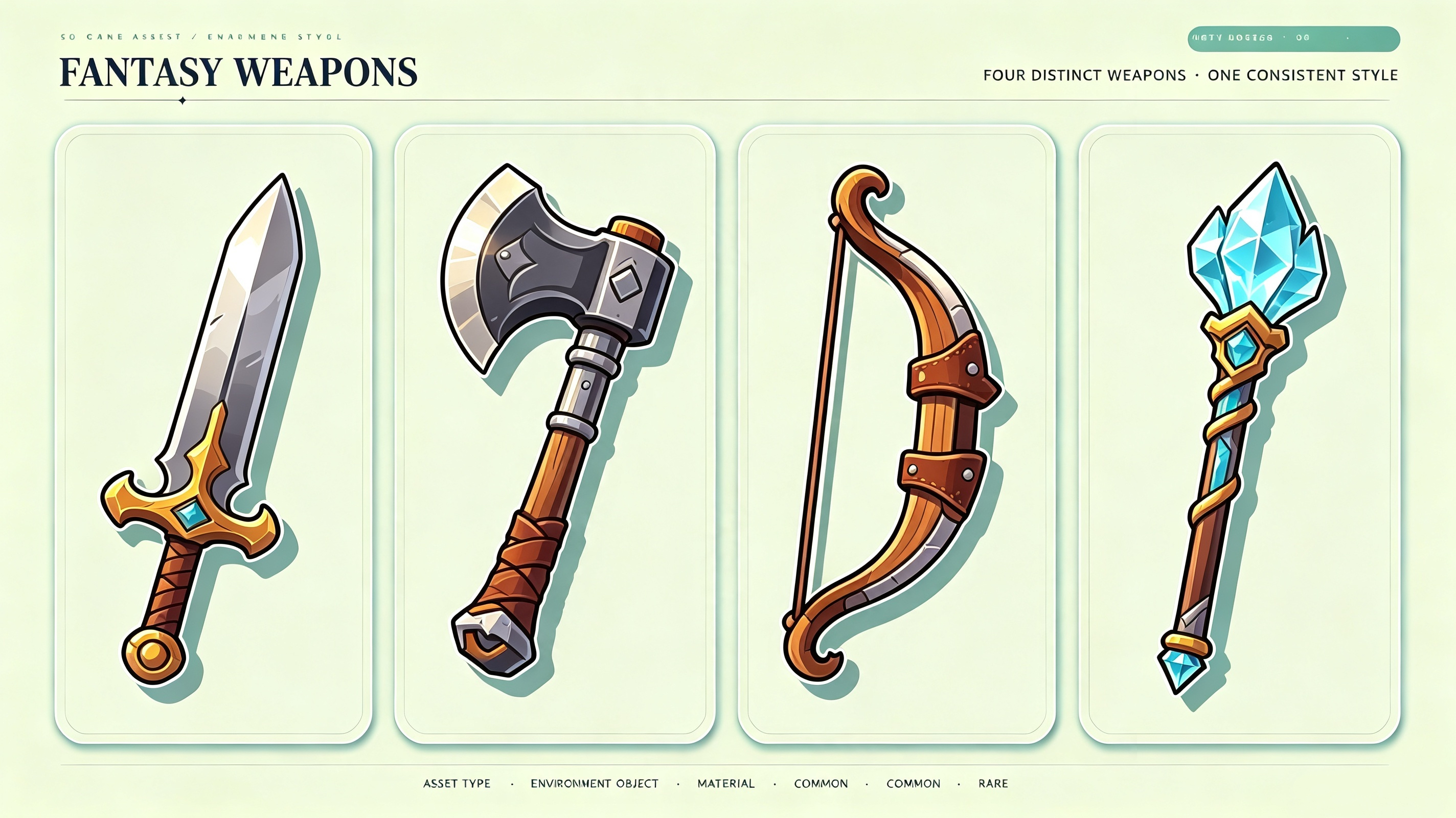
Weapon assets
Weapon assets such as swords, guns, bows, and other equipment play an important role in shaping a game's combat experience. Well-designed weapons can make gameplay more engaging while giving characters distinct abilities and helping maintain a consistent visual style across different equipment types.
How to use
Step 1: Enter your prompt
Describe the weapon's design, materials, decorative elements, and intended art style. Include specific visual characteristics to make the result more distinctive.
Prompt:
Step 2: Let AI generate your asset
Submit the prompt and allow the AI to develop the weapon model. Examine its shape, handle, blade, and materials to see whether they match your expectations.
Step 3: Review and export the asset
Inspect the model's geometry, proportions, and surface appearance. Refine any imperfections, then use the finished weapon in your game project.
Inventory items
Inventory items represent collectibles, consumables, resources, and equipment that players acquire during gameplay. Carefully selected video game assets with recognizable silhouettes and distinctive visual cues make inventory navigation more intuitive and help players manage resources efficiently.
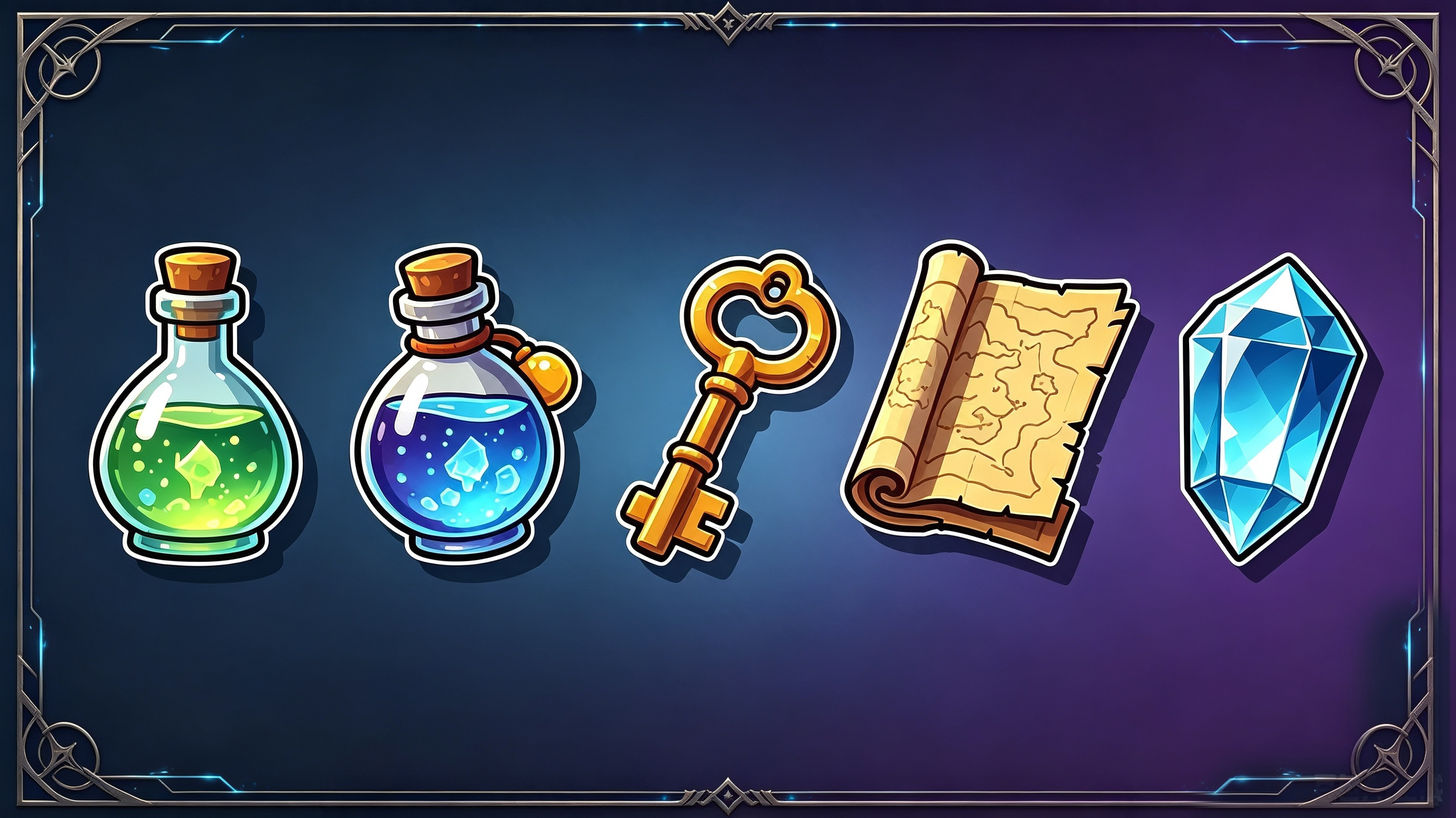
How to use
Step 1: Enter your prompt
Identify the item you want to create and describe its appearance, colors, and distinctive features. Specify the desired perspective and background so the graphic works well within an inventory interface.
Prompt:
Step 2: Let AI generate your asset
Allow the AI to produce the inventory graphic using your instructions. Check whether the item is visually distinctive and recognizable at smaller sizes.
Step 3: Review and export the asset
Examine the icon's clarity, dimensions, and transparency. Make any required adjustments, then use the finished icon in your game project.
Power-up assets
Power-up assets provide temporary abilities, bonuses, or enhancements that add strategic depth to gameplay. Visually distinctive effects, such as glowing icons or animated collectibles, help players recognize upgrades instantly and make each reward feel satisfying.
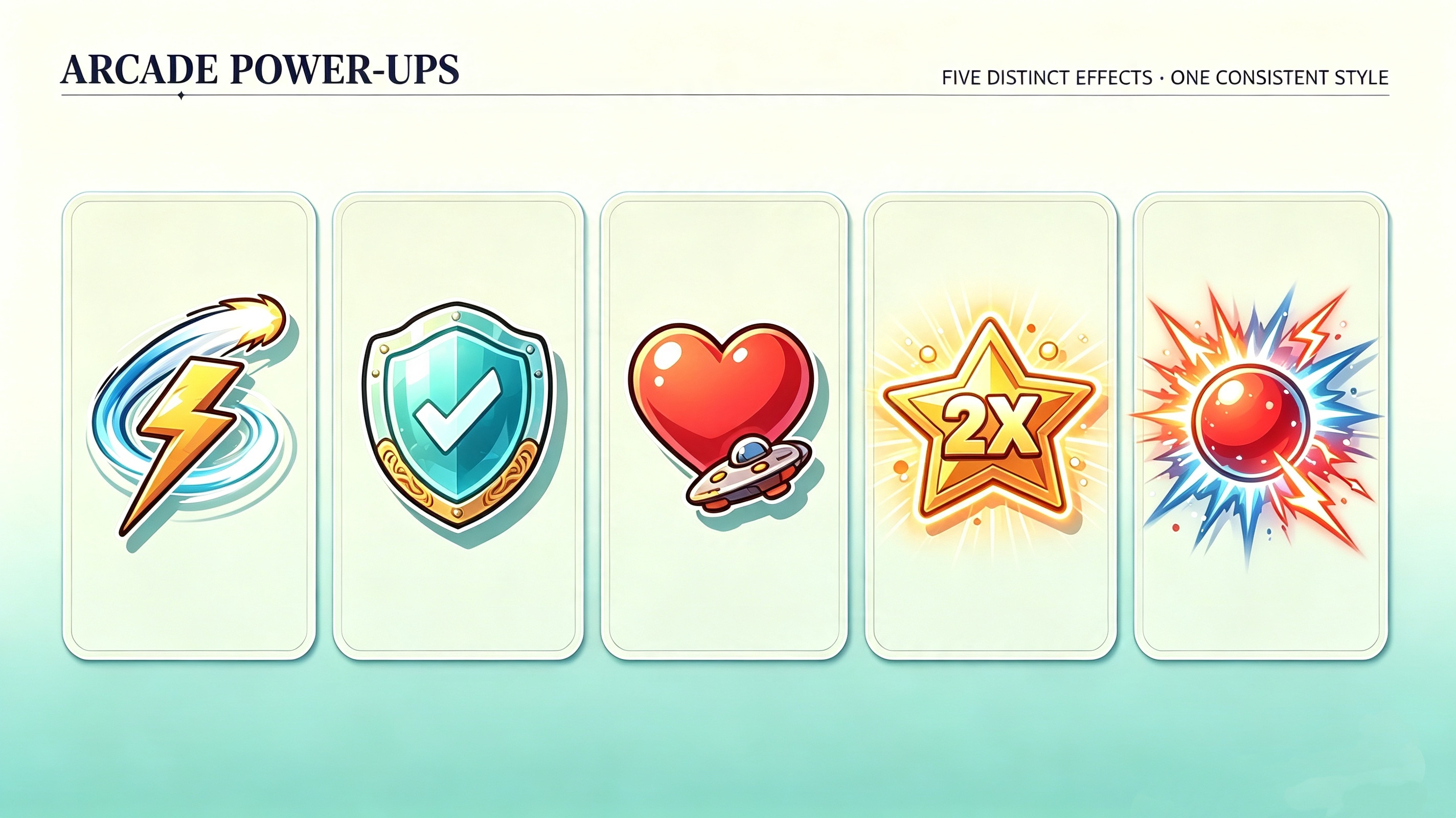
How to use
Step 1: Enter your prompt
Describe the ability or bonus the asset represents, along with its colors, shape, and visual effects. Choose a style that makes the power-up easy to distinguish during gameplay.
Prompt:
Step 2: Let AI generate your asset
Submit your description and let the AI generate the power-up. Review its shape, colors, and effects to ensure the design communicates its purpose clearly.
Step 3: Review and export the asset
Check the icon for unwanted artifacts and confirm that its details remain visible at different sizes. Refine the design, then use the finished icon in your game's reward or upgrade system.
Map elements
Map elements include terrain features, pathways, landmarks, and interactive markers that help players navigate the game world. Incorporating 3D game assets can add dimensional detail to maps, making exploration more immersive while helping players understand their surroundings.
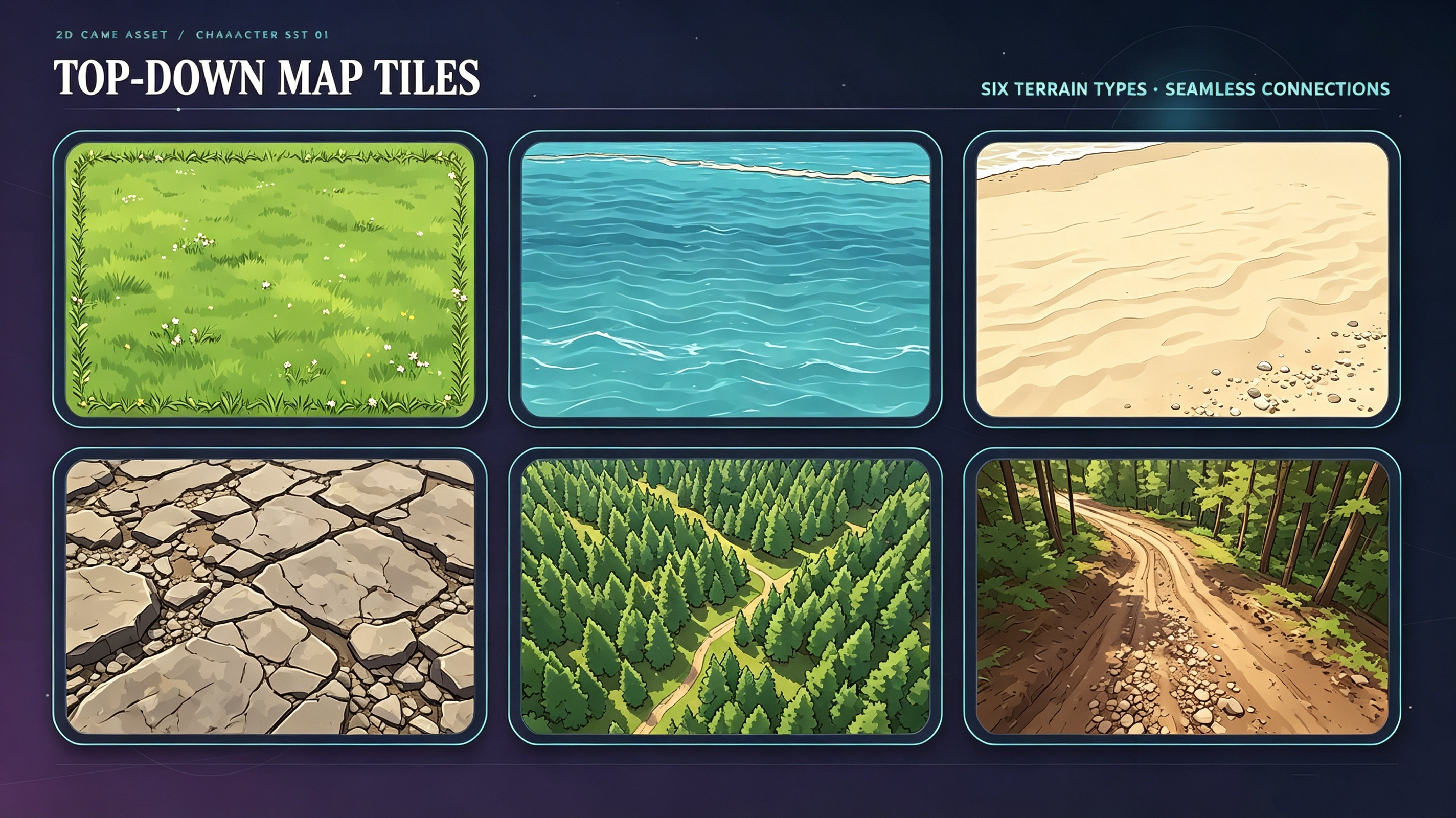
How to use
Step 1: Enter your prompt
Specify the terrain features, perspective, and artistic style required for your map. If you need multiple tiles, mention their dimensions and whether their edges should connect seamlessly.
Prompt:
Step 2: Let AI generate your asset
Allow the AI to create the requested map components. Examine their perspective, arrangement, and visual consistency to ensure they work together within your game world.
Step 3: Review and export the asset
Check tile alignment, dimensions, and edge transitions, particularly if the elements need to form a continuous map. Correct any inconsistencies, then use the finished assets in your level design.
UI elements
A game logo creates a recognizable identity and gives players an immediate sense of the game's style and theme. Distinctive typography, memorable symbols, and a consistent visual design can help the title stand out across menus, loading screens, promotional graphics, and other game materials.
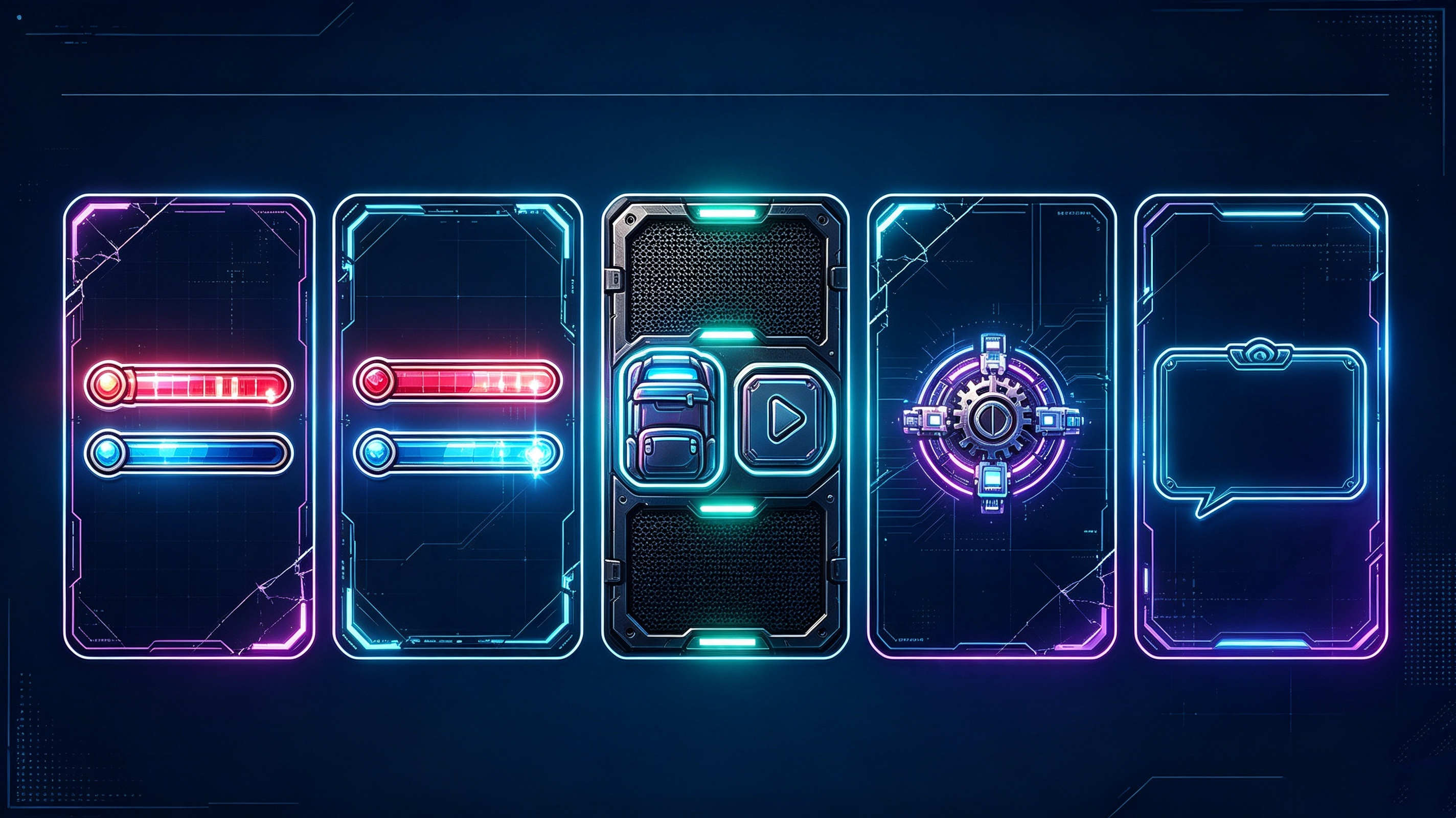
How to use
Step 1: Enter your prompt
Describe the interface component you need, its function, and the visual style it should follow. Include details about colors, layout, and readability to guide the design.
Prompt:
Step 2: Let AI generate your asset
Submit your prompt and allow the AI to develop the interface graphic. Review its layout, decorative features, and visual hierarchy to ensure the information is easy to understand.
Step 3: Review and export the asset
Check the component's readability, proportions, and fit within your intended screen layout. Refine the design, then use the finished component in your game's interface.
Game logos
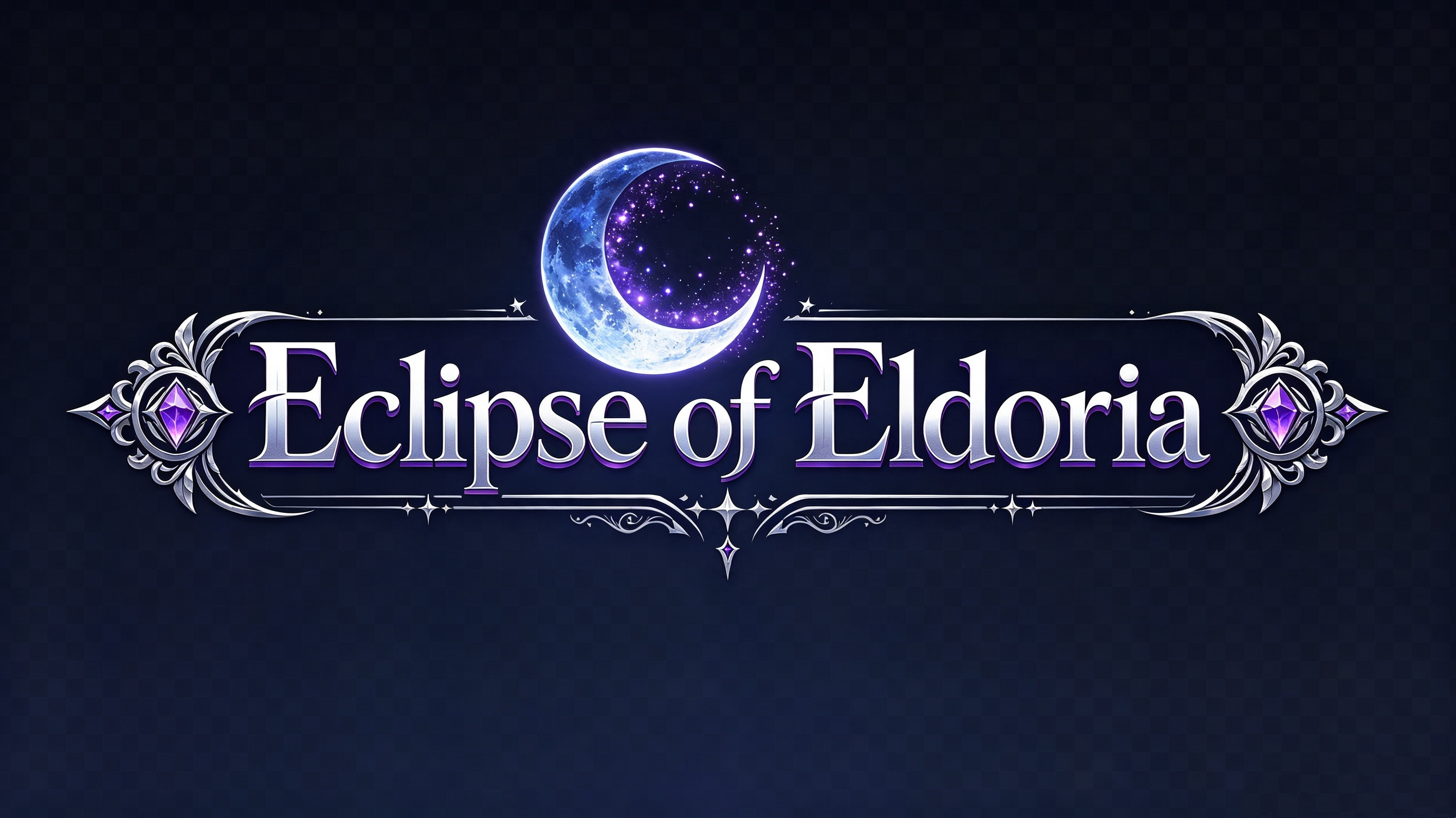
A game logo establishes a recognizable identity and communicates your project's personality at a glance. Distinctive typography, memorable symbols, and a consistent visual style help your title stand out across menus and promotional materials, while game character assets can complement its branding and create a cohesive aesthetic.
How to use
Step 1: Enter your prompt
Provide the game's title and describe its genre, atmosphere, and visual identity. Specify the typography, emblem, colors, and other elements you want the logo to include.
Prompt:
Step 2: Let AI generate your asset
Allow the AI to interpret your description and produce a logo concept. Examine the typography, emblem, and composition to determine whether they reflect your game's identity.
Step 3: Review and export the asset
Check the logo's legibility at different sizes and inspect its visual details. Make any necessary refinements, then use the finished logo in your game's menus and promotional materials.
Why choose Kimi Build for creating game assets
Creating game assets involves more than producing attractive visuals; it also requires flexibility, consistency, and an efficient workflow. Kimi Build brings these elements together, helping developers transform creative concepts into customized assets and interactive experiences with less technical complexity.
Create assets without coding
Describe your desired asset in natural language, and Kimi Build can help bring your concept to life without requiring programming expertise. You can also upload reference images and refine the generated output through conversational instructions.
Customize the visual style
Establish a distinctive artistic direction by specifying colors, lighting, composition, textures, and other stylistic attributes. This level of creative control helps maintain visual coherence across different elements of your game.
Generate a wide range of game assets
Develop diverse visual components, including characters, enemies, weapons, collectibles, environments, backgrounds, and interface elements. This versatility supports different genres and allows you to explore multiple creative concepts within a unified workflow.
Iterate on assets through conversation
Fine-tune generated content by requesting specific modifications to proportions, colors, expressions, or other design features. This conversational approach makes experimentation more accessible and helps you progressively refine your preferred results.
Turn assets into interactive experiences
Go beyond standalone graphics by transforming prompts and visual references into playable web experiences. This allows you to explore how your concepts function within an interactive setting and assess their presentation during gameplay.
Preview, share, and export your work
Review your creations directly in the browser, make adjustments, and publish or share your finished web experiences. Responsive layouts also help ensure that your projects remain accessible across desktop and mobile screens.
How to use game assets without looking generic
Ready-made assets can accelerate development, but using them without customization may leave your game feeling indistinguishable from others. A few thoughtful design choices can help you establish a recognizable aesthetic while making the most of existing resources.
Customize color palettes for variety
Rework the dominant hues and accent colors to establish a distinctive visual identity for your project. A carefully curated palette can transform familiar assets into components that feel purpose-built for your game's atmosphere.
Edit shapes and details slightly
Modify silhouettes, surface features, or smaller design elements to introduce subtle originality. Even restrained adjustments can distinguish familiar objects from their original versions without requiring extensive redesign.
Mix assets from different packs
Combine resources from multiple collections to introduce greater visual diversity into your project. Apply consistent adjustments to their proportions, outlines, and rendering styles so the final composition feels intentional rather than disconnected.
Create original sound design for feel
Develop custom sound effects that reinforce the personality of your gameplay, from environmental ambience to distinctive interaction cues. Thoughtful audio design can establish a recognizable atmosphere that complements the visual presentation.
Adjust scale for visual balance
Fine-tune the relative dimensions of objects, characters, and environmental features to establish a coherent sense of proportion. Consistent scaling helps maintain spatial clarity and prevents individual elements from overwhelming the overall composition.
Layer effects for extra depth
Incorporate particle systems, atmospheric overlays, and subtle lighting effects to enrich the visual presentation. Carefully controlled layering can introduce depth and movement while preserving the readability of important gameplay elements.
Style icons and UI elements uniquely
Customize interface components through distinctive typography, border treatments, iconography, and layout decisions. A unified interface aesthetic reinforces your game's identity while ensuring that essential information remains accessible.
Add personal touches to default sprites
Introduce signature accessories, expressive animations, or distinctive surface details to give existing sprites additional character. These individualized refinements can help familiar designs feel more closely connected to your game's world and narrative.
Conclusion
In conclusion, creating engaging games becomes more manageable when you have the right assets, a cohesive visual direction, and an efficient workflow. From character sprites and immersive environments to interactive UI elements, each component helps shape a memorable player experience. Whether you're exploring 2D concepts or developing more intricate visuals, game assets can help streamline your creative process. However, Kimi Build makes it easier to explore ideas, generate customized assets through prompts, and transform visual concepts into interactive web experiences.