AI Game Asset Generator
Create game assets with an AI game asset generator. Turn text prompts and reference images into characters, weapons, props, and environments. Refine designs, explore different angles, and bring your game ideas to life with Kimi 3D Make.
Create game assets with more flexibility using AI
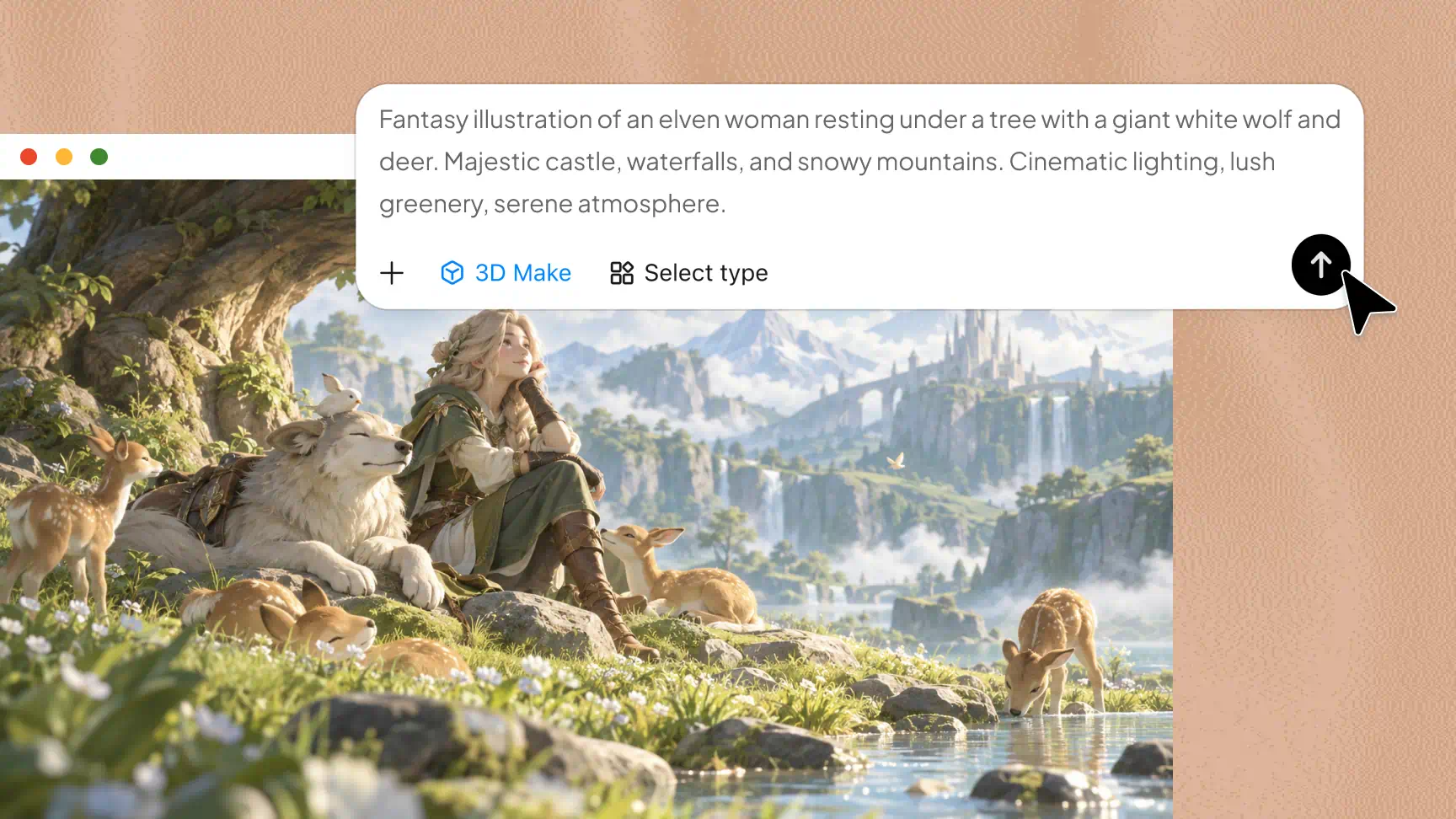
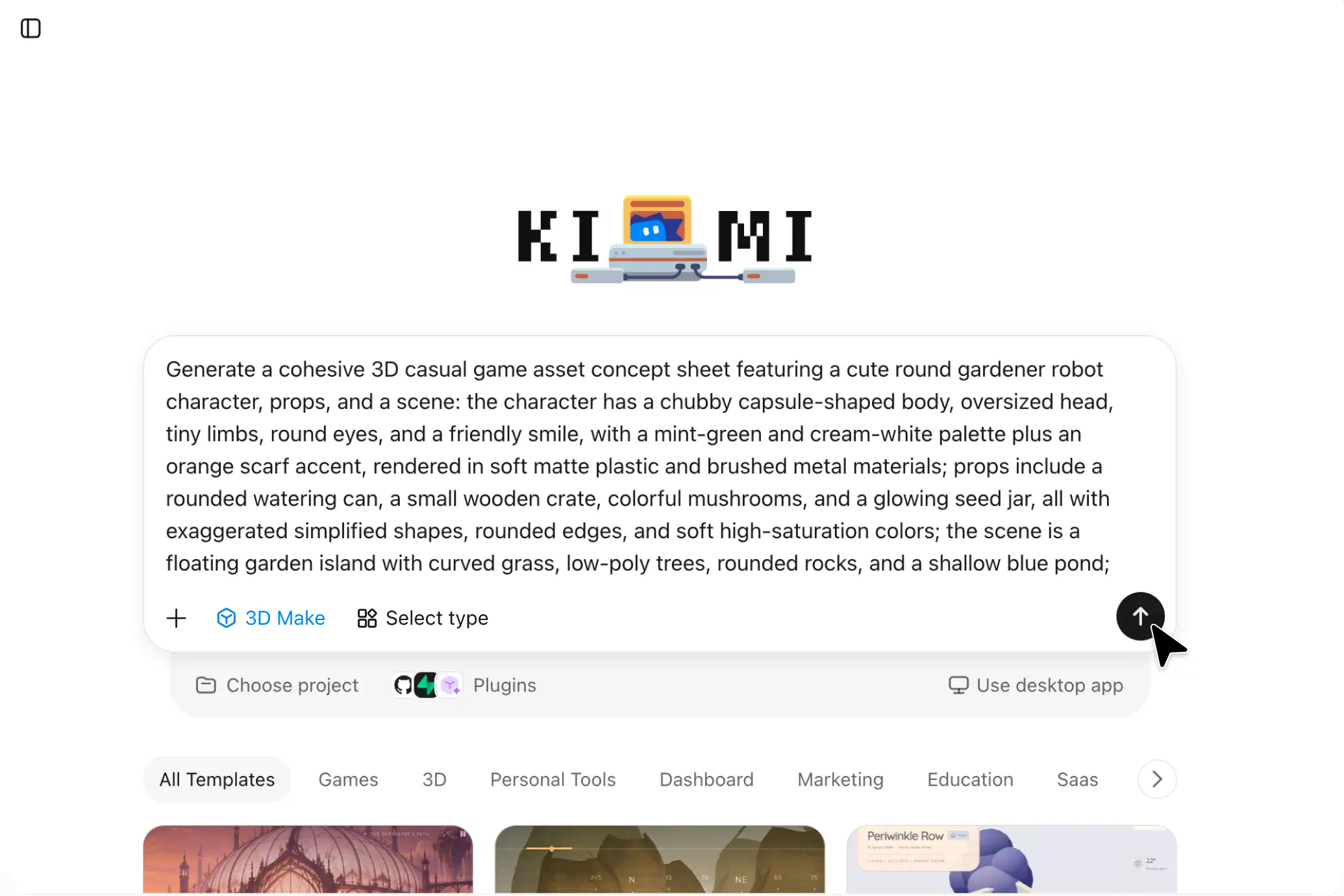
Generate game assets from text prompts and visual references
Describe your desired characters, props, environments, or visual style using text prompts, or provide reference images to guide the design. Kimi 3D Make helps turn these inputs into 3D concepts, giving you more flexibility to explore ideas for custom AI-generated game assets.
Maintain multi-angle consistency across game assets
Use visual references and clear prompts to guide the shape, proportions, and defining details of your assets. This helps you develop more consistent character and object designs across multiple views, making them easier to evaluate during the game design process.
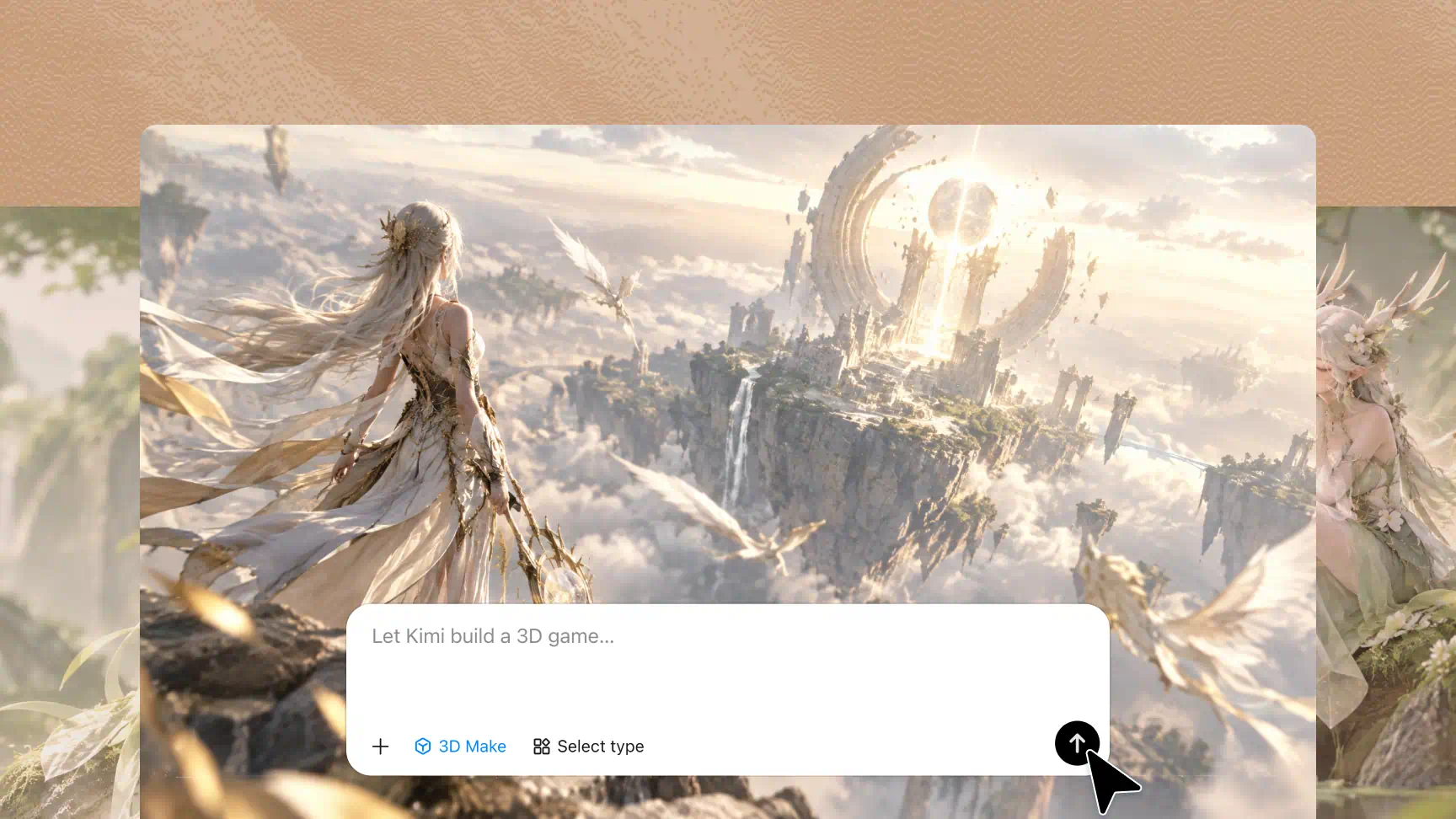
Create and refine game characters, props, and environments
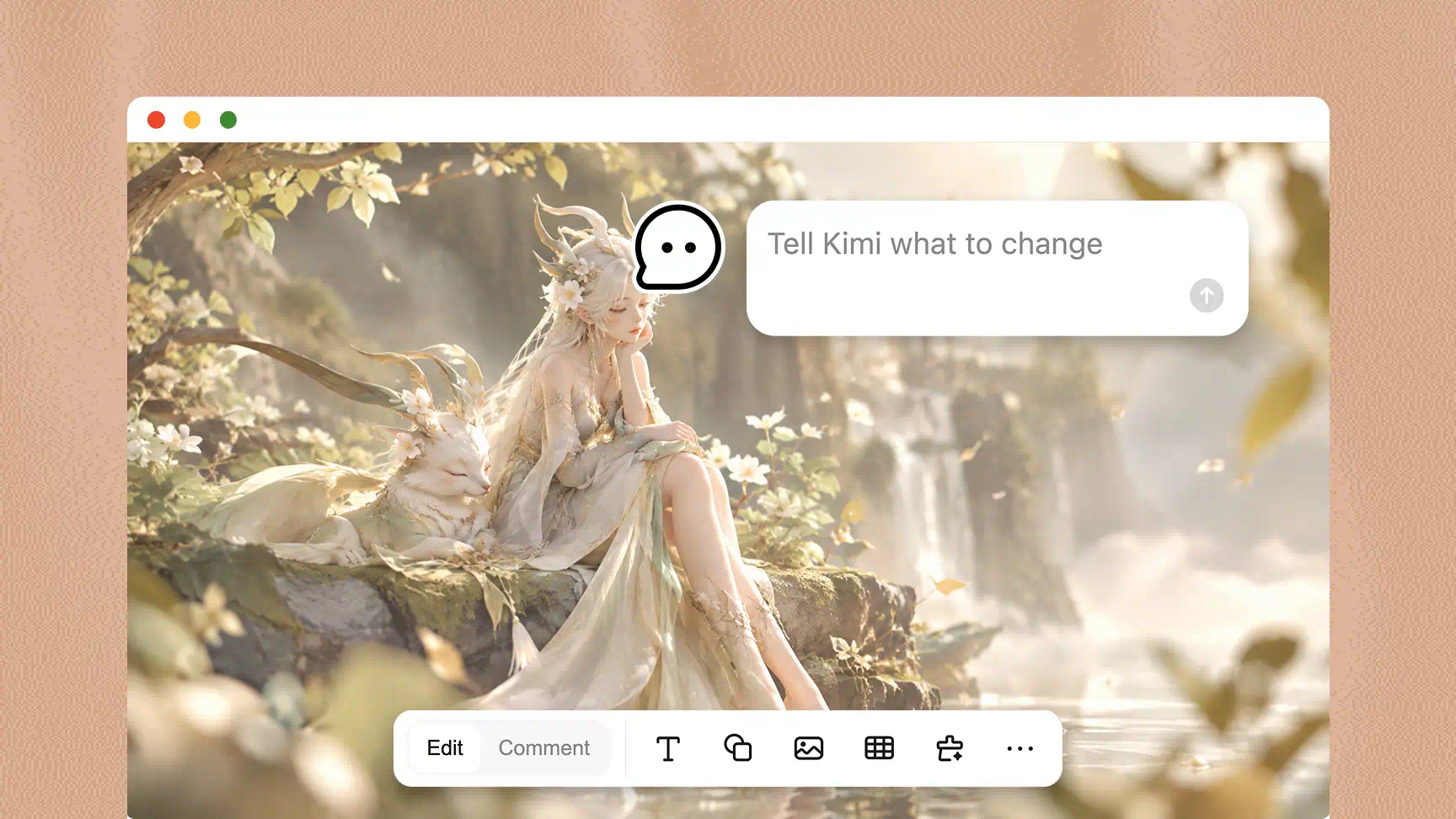
Develop 3D concepts for game characters, environmental objects, props, and scene elements. Refine shapes, colors, materials, and other visual details through additional prompts or targeted feedback to bring your designs closer to the intended style.
Extend game asset workflows with specialized 3D tools
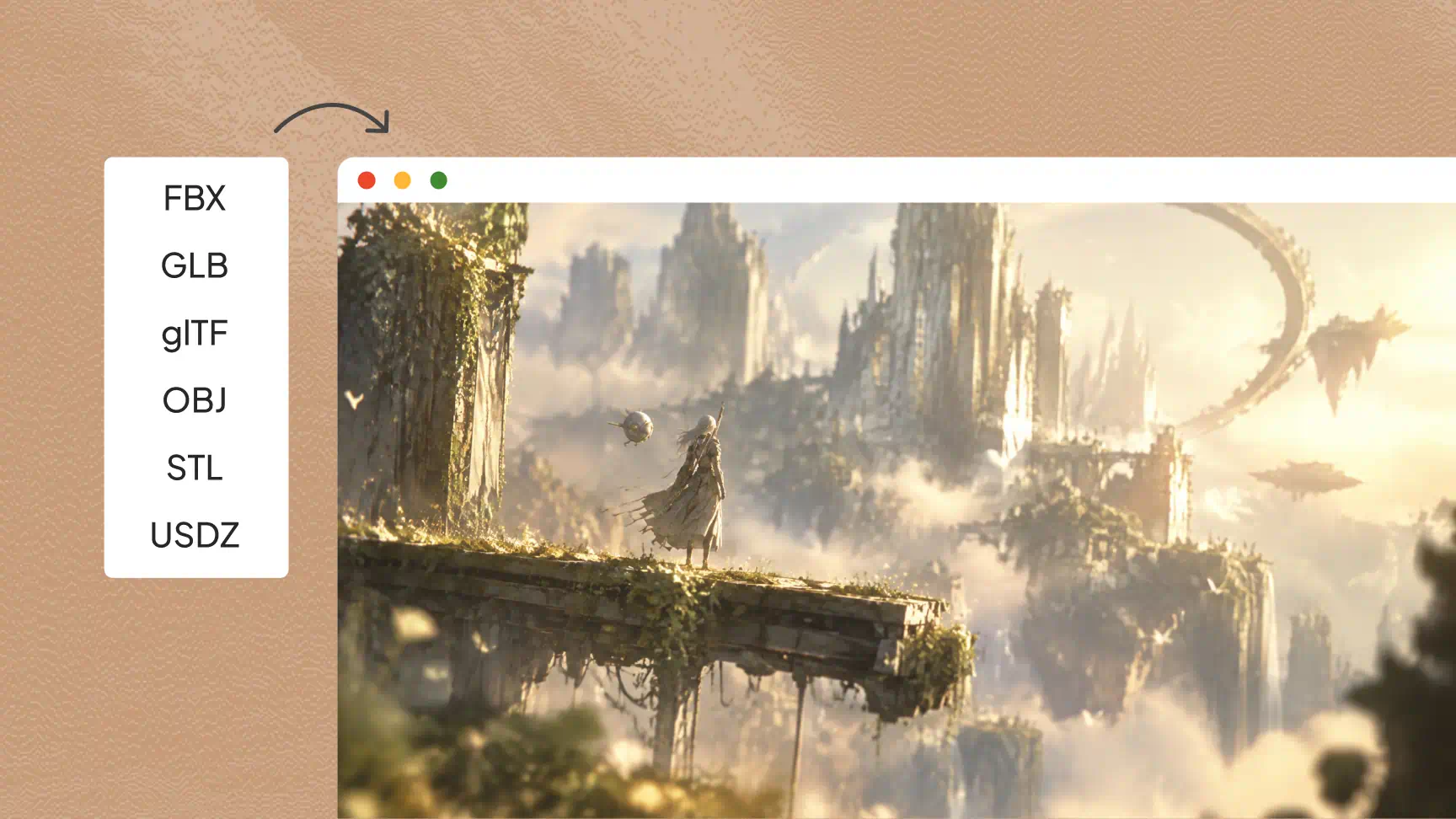
Kimi Work supports calling Blender and Tripo 3D to extend your game asset creation workflow. Blender supports 3D modeling, scene setup, and rendering, while Tripo 3D generates models from text prompts and images. Depending on the tool, formats such as BLEND and GLB support further editing and development.
How to create game assets with AI
Describe your game asset
Open Kimi 3D Make and describe the game assets you want to create, including their style, appearance, colors, and materials. You can also upload reference images to guide generation.
Generate and refine the asset
Generate game assets based on your description and review the results. Use follow-up prompts, comments, or manual edits to adjust the asset's appearance, proportions, colors, and materials.
Export and prepare the asset
Once satisfied with the result, export your asset in a supported format, such as GLB and BLEND, depending on the available options.
Types of game assets you can create with AI
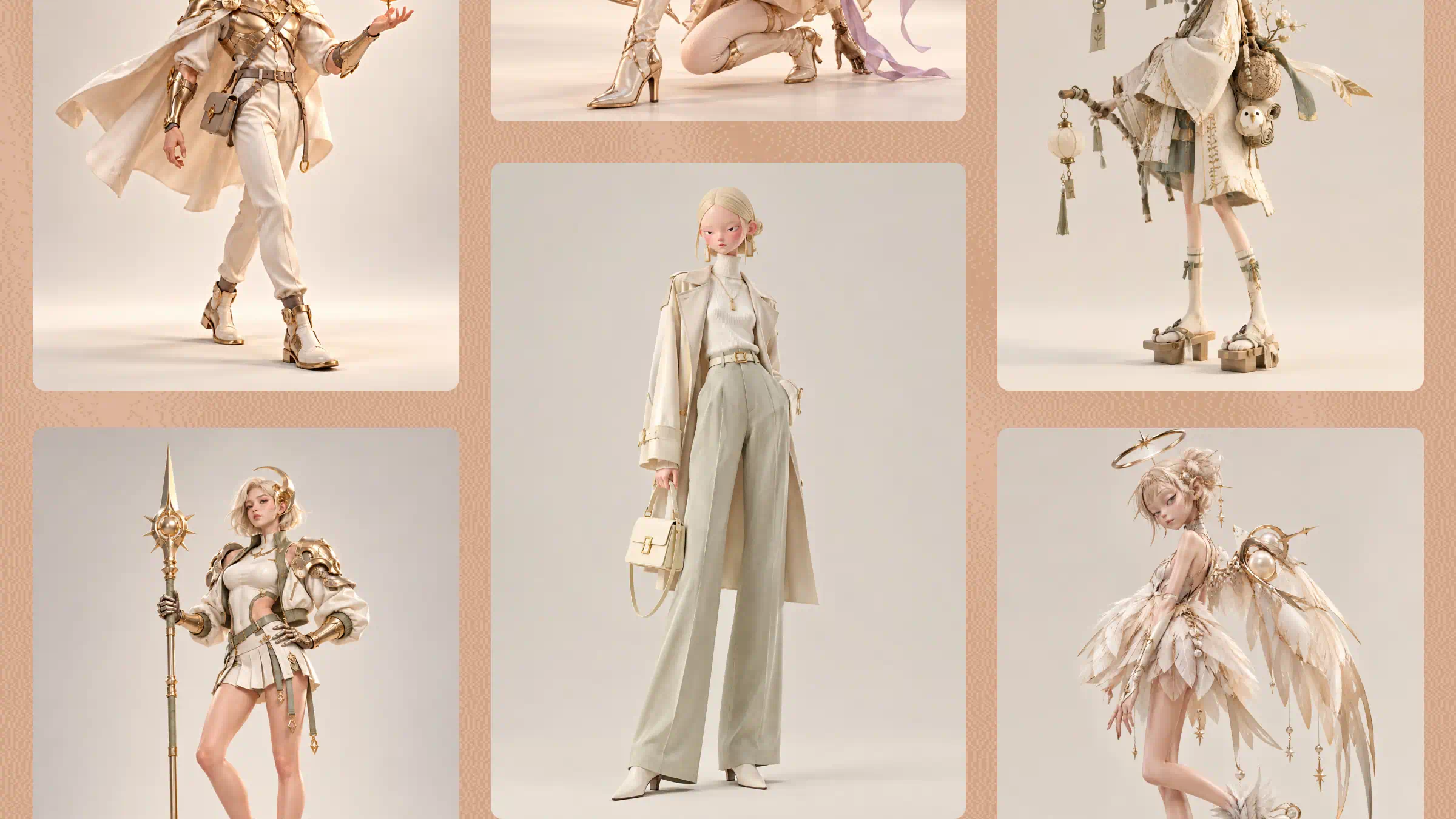
Characters and creatures
Create concepts for playable characters, NPCs, enemies, monsters, robots, and fantasy creatures. Customize their proportions, clothing, armor, facial features, and other details to match your game's visual style and character design.
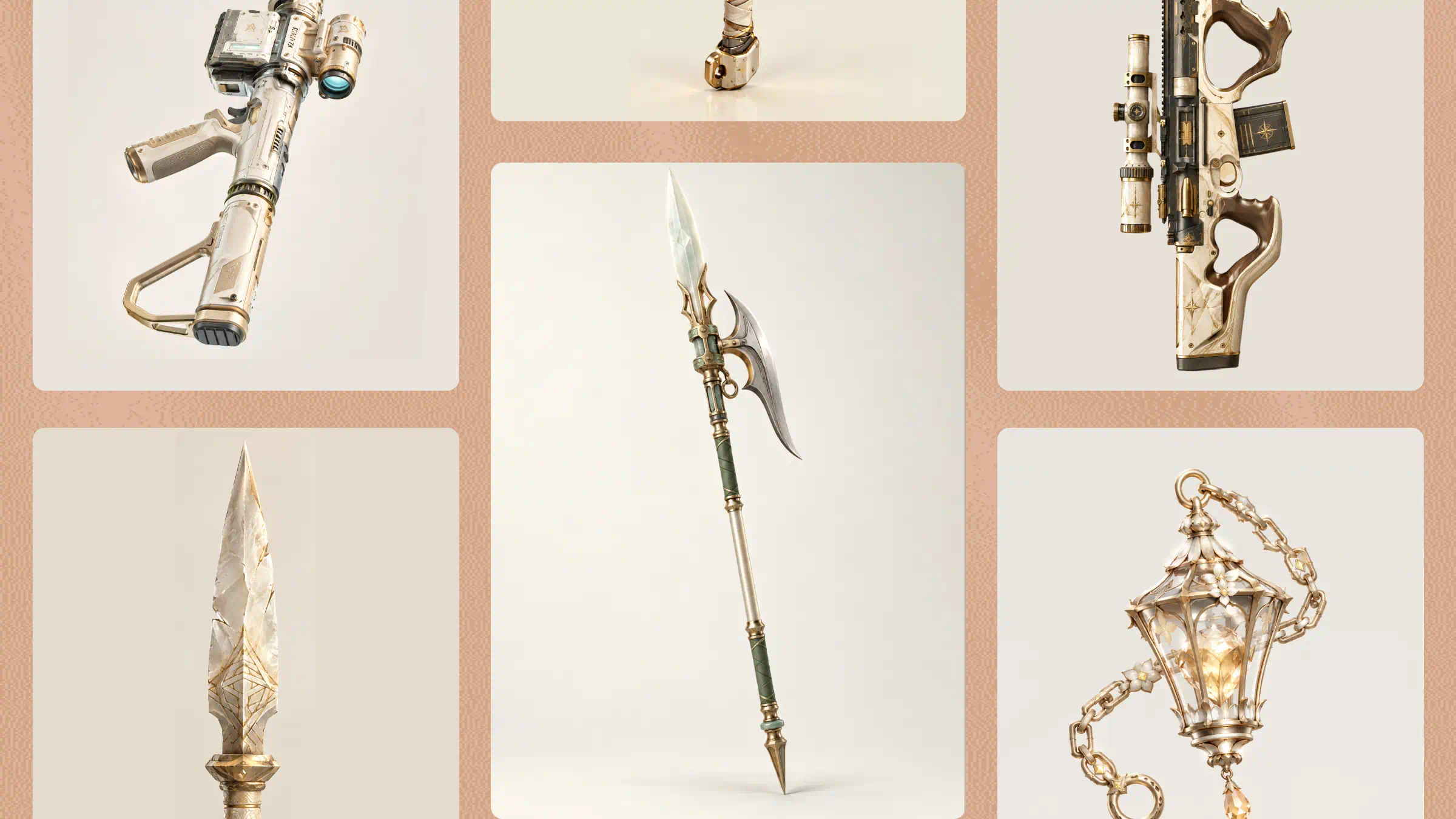
Weapons and props
Design swords, shields, tools, furniture, collectibles, and other in-game objects with distinct shapes, materials, and colors. These AI-generated game assets help establish a consistent visual style across your game's objects and equipment.
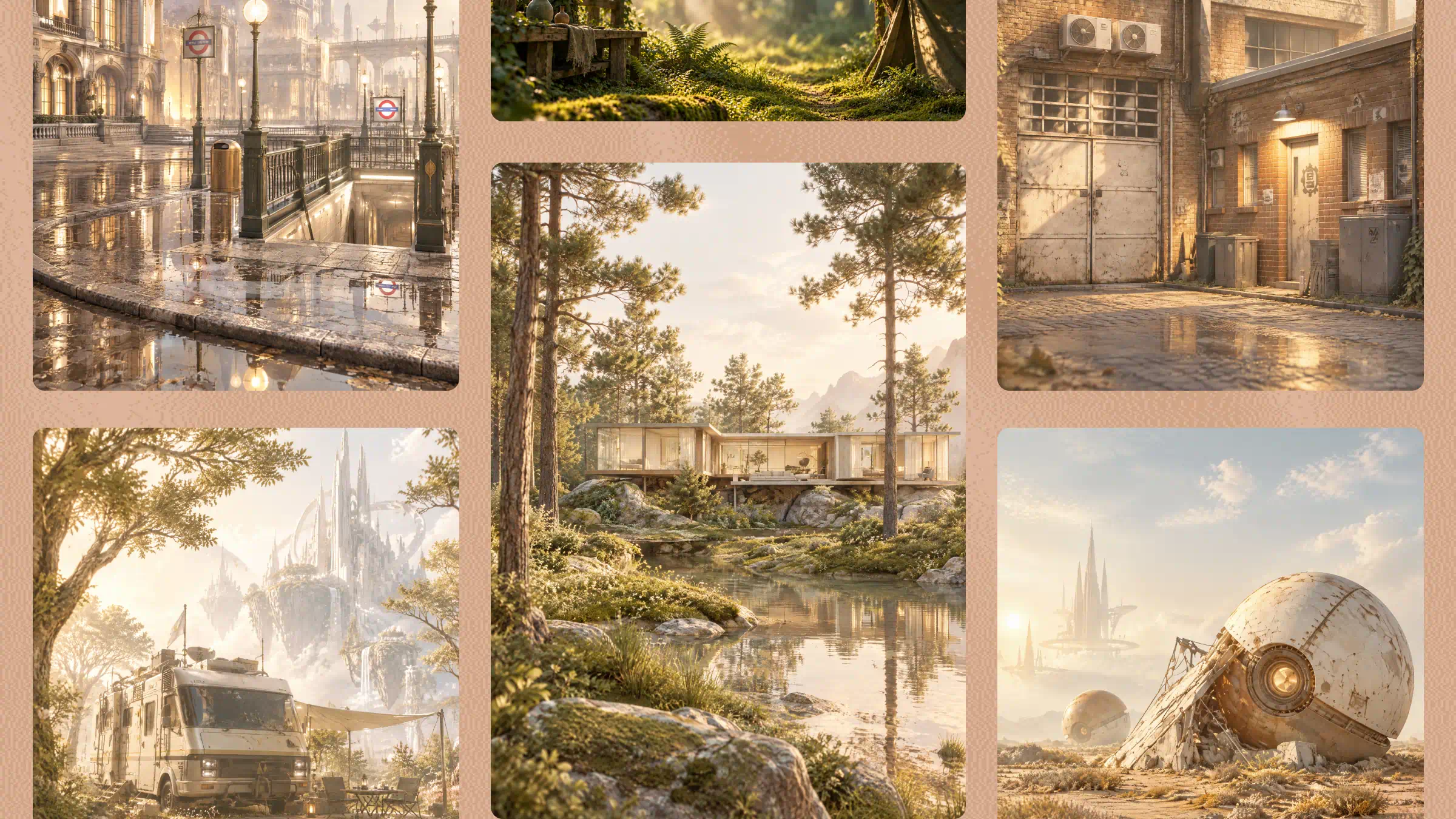
Environments and architecture
Develop 3D concepts for buildings, interiors, dungeons, landscapes, and futuristic or fantasy settings. Describe the architecture, atmosphere, lighting, and overall theme to guide the design of environments that fit your game world.
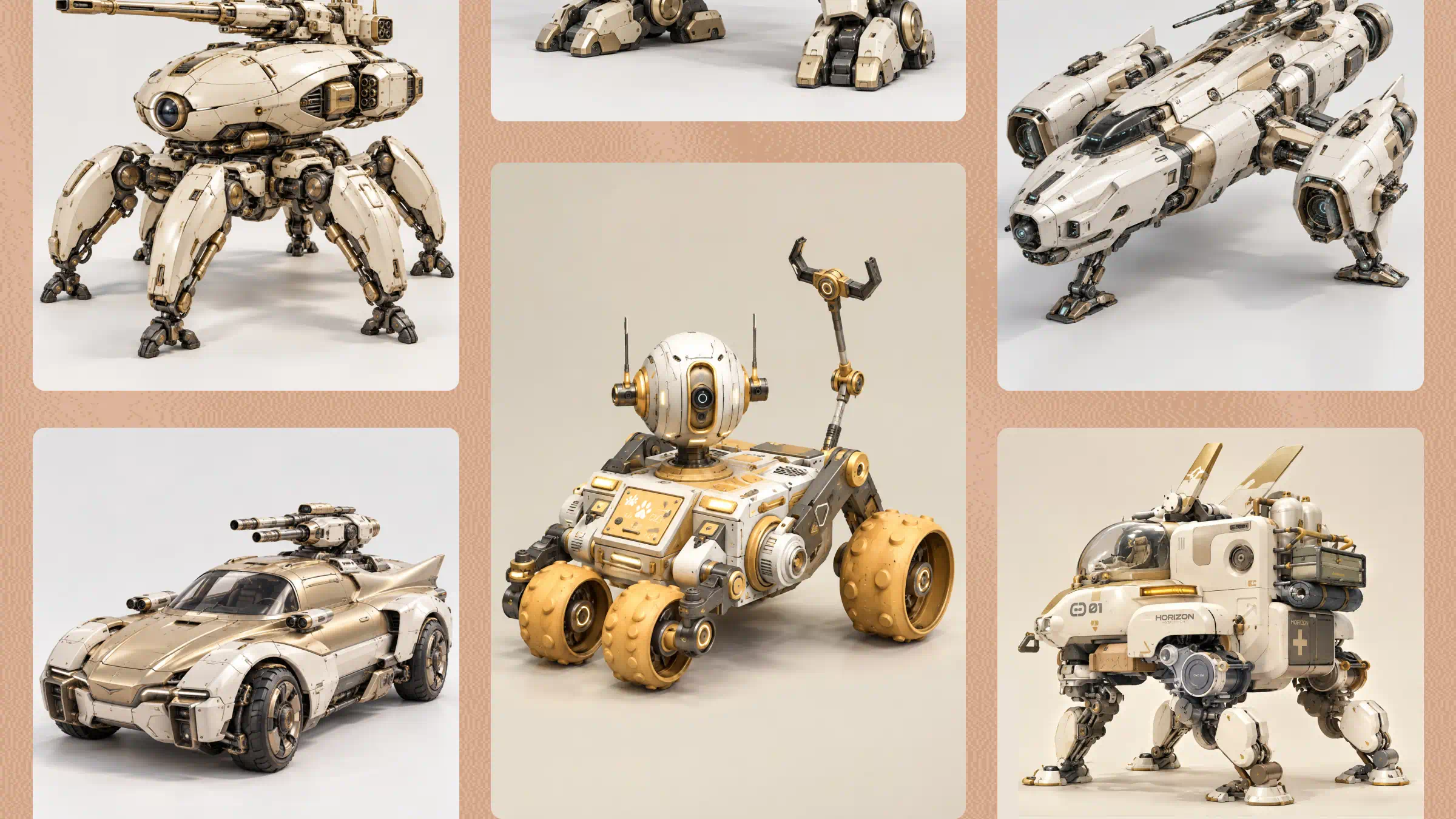
Vehicles and mechs
Create concepts for cars, aircraft, spaceships, robots, and mechanical designs. Specify their silhouettes, structural details, materials, and colors to explore realistic, stylized, futuristic, or industrial looks with an AI game asset generator.
Game UI and icons
Develop visual concepts for inventory icons, item symbols, buttons, badges, and interface illustrations. Define the shapes, colors, and level of detail to maintain a coherent visual style across your game's interface.

Create concepts for playable characters, NPCs, enemies, monsters, robots, and fantasy creatures. Customize their proportions, clothing, armor, facial features, and other details to match your game's visual style and character design.