AI Image-to-3D Video
Transform ordinary pictures into new dimensions with AI image-to-3D video technology. Whether you're exploring 3D creativity or developing digital assets, Kimi 3D Make helps you create detailed 3D models from text prompts and reference images, with options to preview and refine your results.
Explore AI features for turning images into 3D videos
Create 3D videos with image and prompt guidance
Bring your creative ideas to life using image references and natural-language prompts. Upload pictures to guide the appearance of your creations, including subjects, shapes, colors, and visual styles. Then use text instructions to describe movements, camera angles, lighting, and other scene details. Combining visual references with text prompts gives you more control over the creative process.
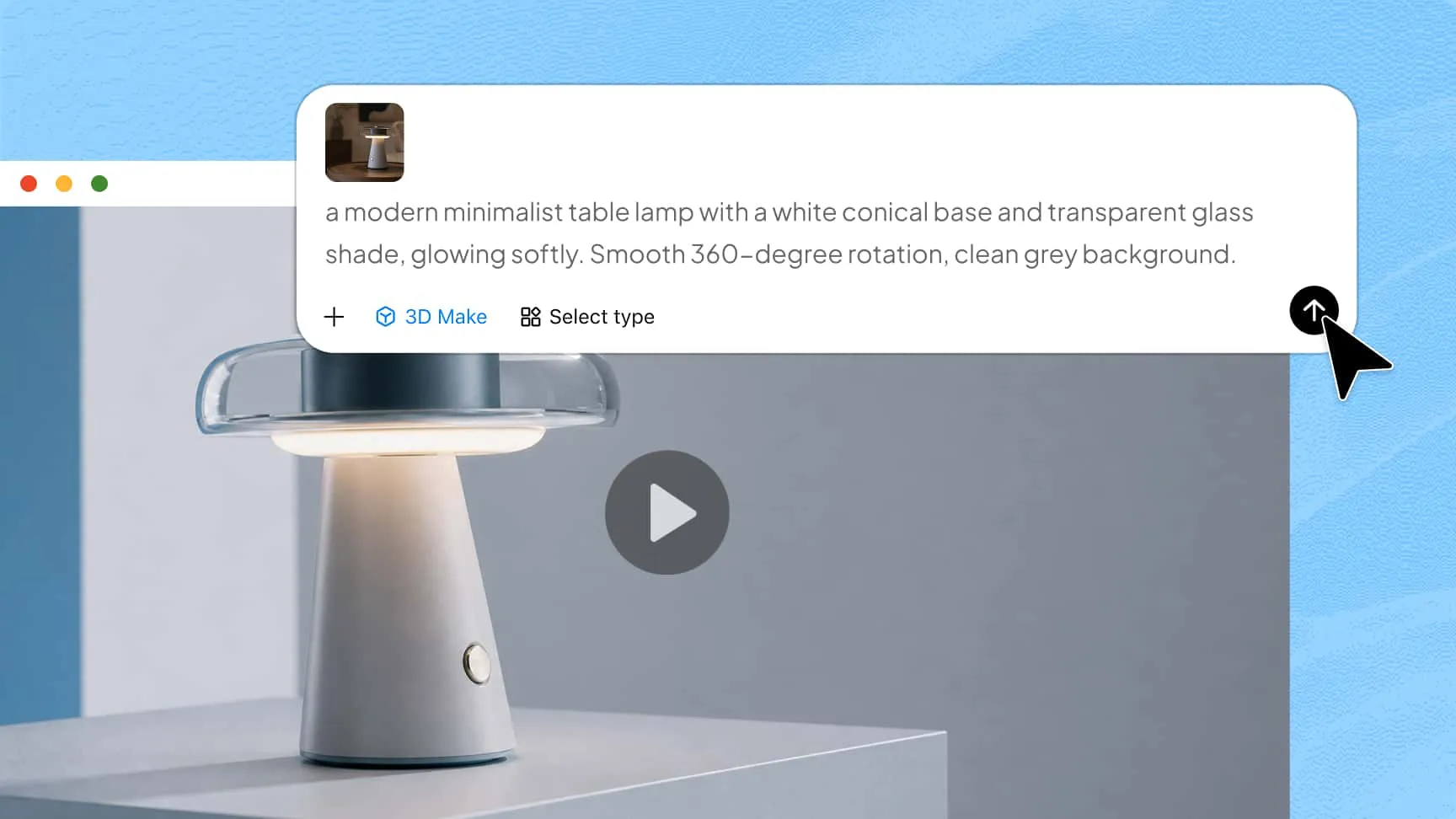
Create visually cohesive and engaging 3D content
Create visually appealing scenes with coordinated colors, detailed textures, balanced compositions, and realistic depth. Use 2D images as references to develop 3D visuals while retaining recognizable subjects and important design details. From stylized animations to product showcases, create content for promotional campaigns, social media, and other creative projects.
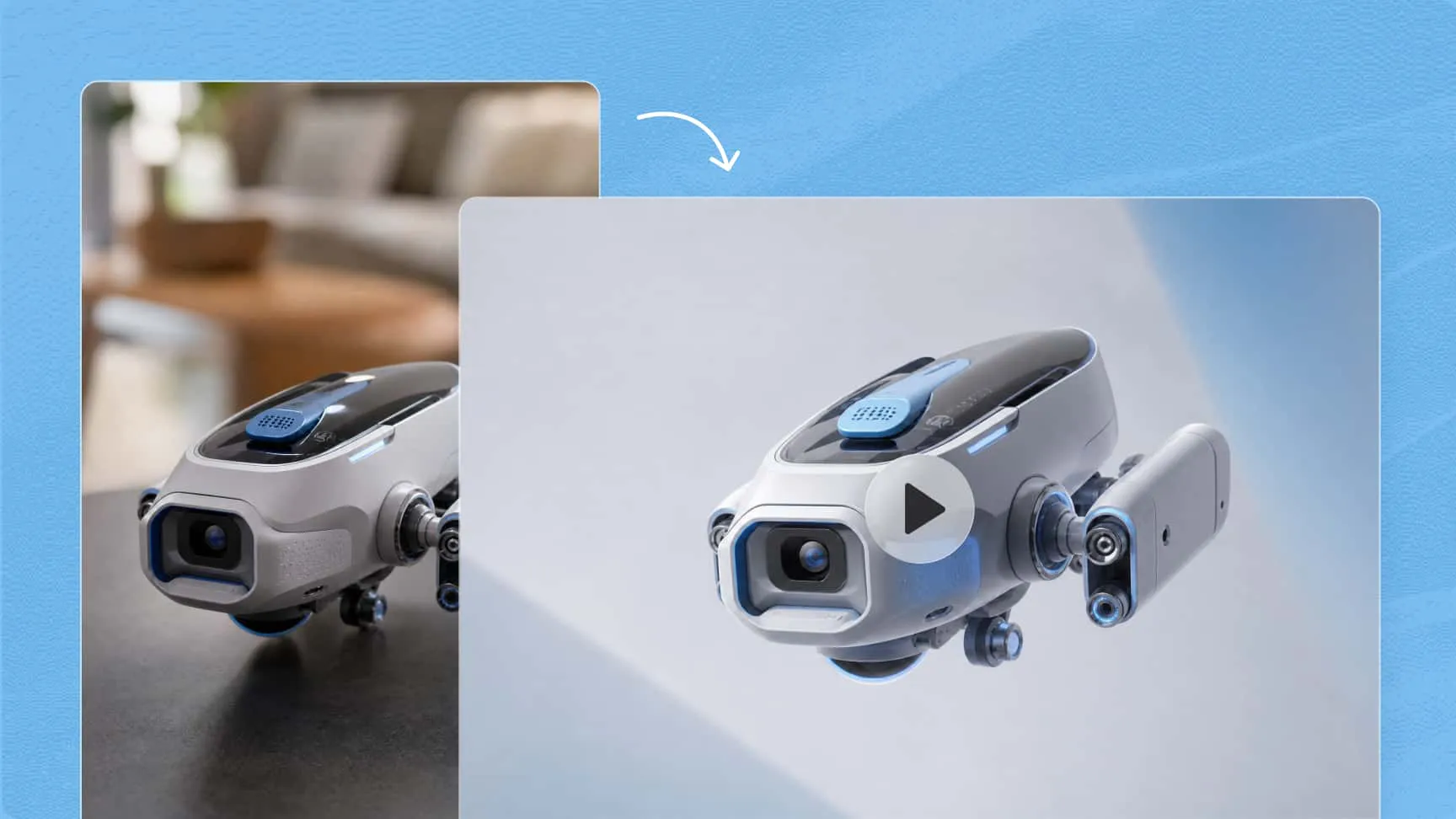
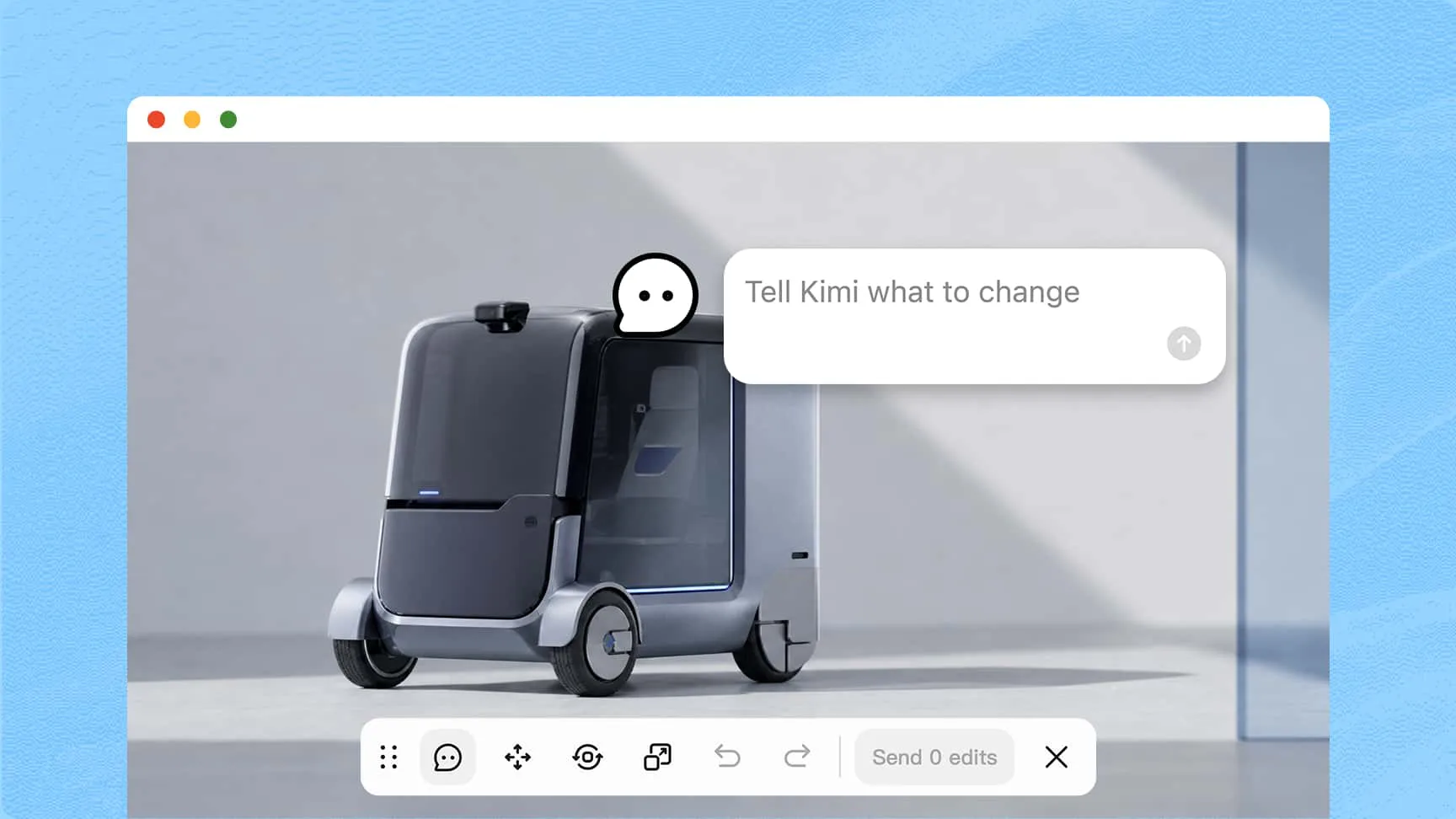
Refine every detail with flexible editing
Maintain creative control through conversational editing and follow-up prompts. Adjust visual styles, object details, camera movements, and scene compositions without starting over. You can also leave comments on specific elements or make manual adjustments where supported to achieve your desired results.
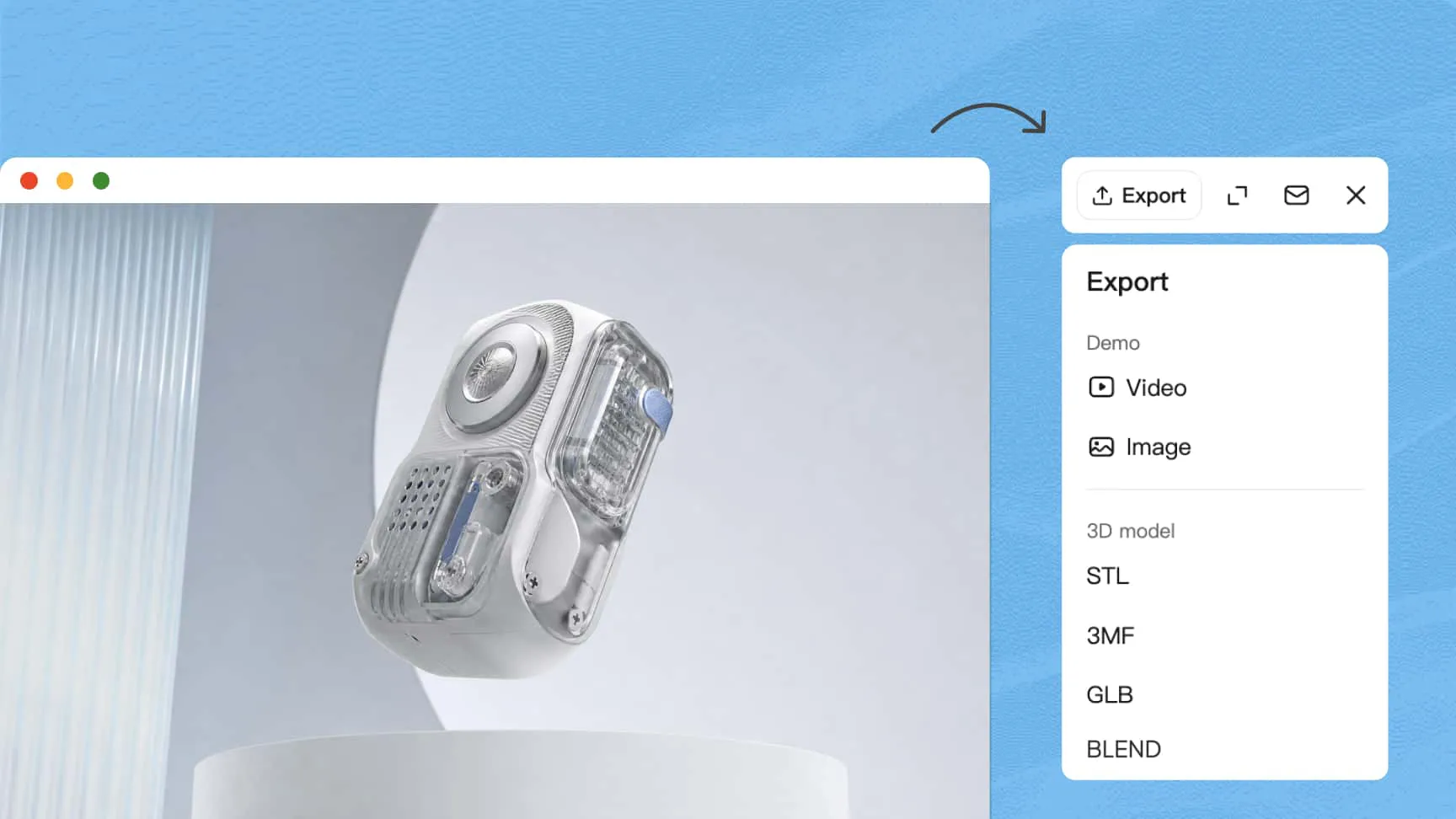
Revisit previous versions and export your work
Explore different creative directions while keeping track of your progress. Version history lets you revisit earlier designs and restore previous versions whenever needed. Once your project is ready, export your creation in supported formats for further editing, sharing, or use in other creative projects.
How to convert images to 3D video with AI
Upload your image and enter a prompt
Upload a reference image and enter a descriptive prompt to define the desired appearance, animation style, camera movements, and scene details.
Generate and refine your 3D video
Let AI transform your image and instructions into a dynamic 3D video. Review the result and use follow-up prompts to refine animations, textures, lighting, and other visual details.
Preview and export your creation
Preview your finished video, make any final adjustments, and export it in a supported format for sharing, further editing, or use in other creative projects.
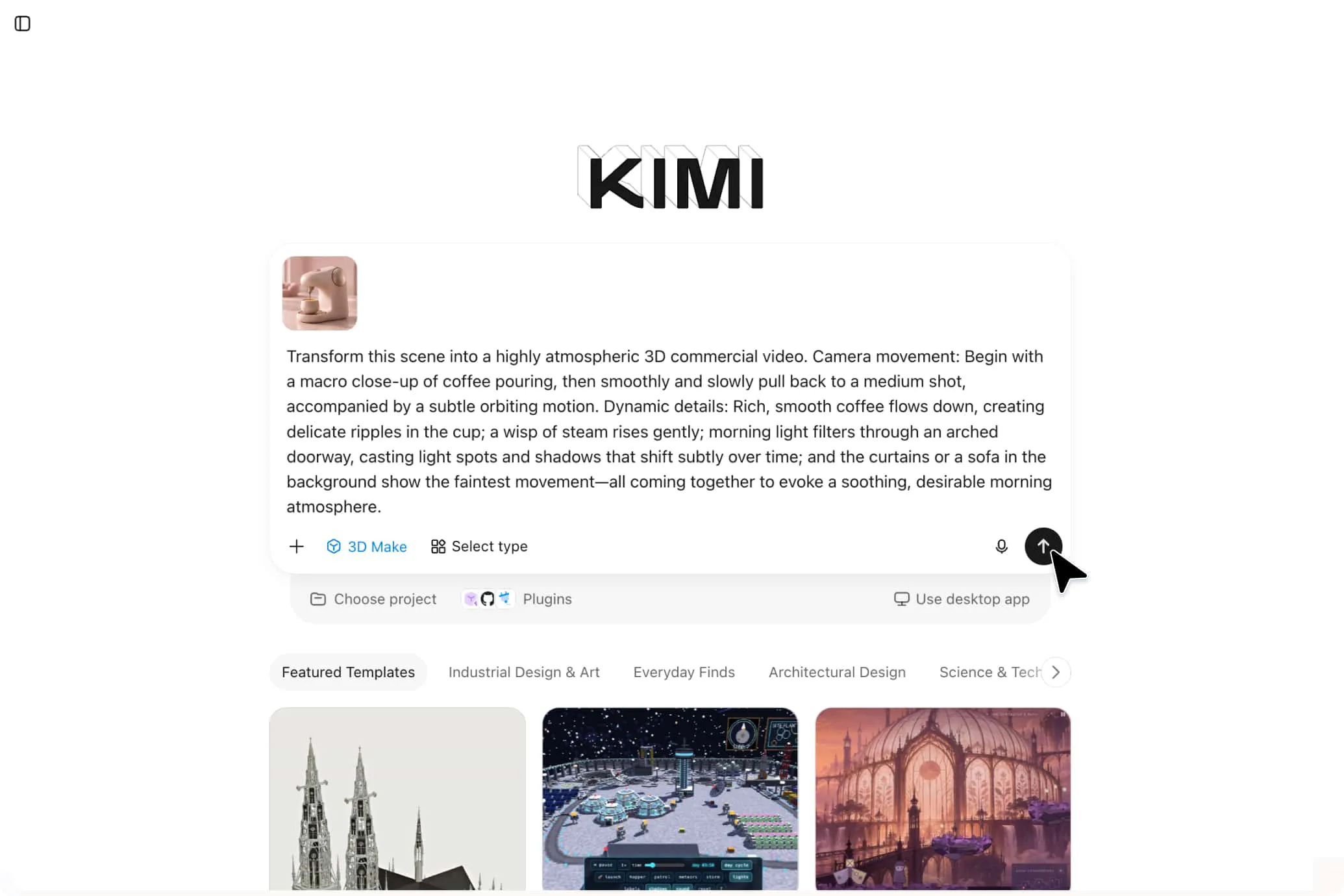
Turn static images into dynamic 3D content for every occasion
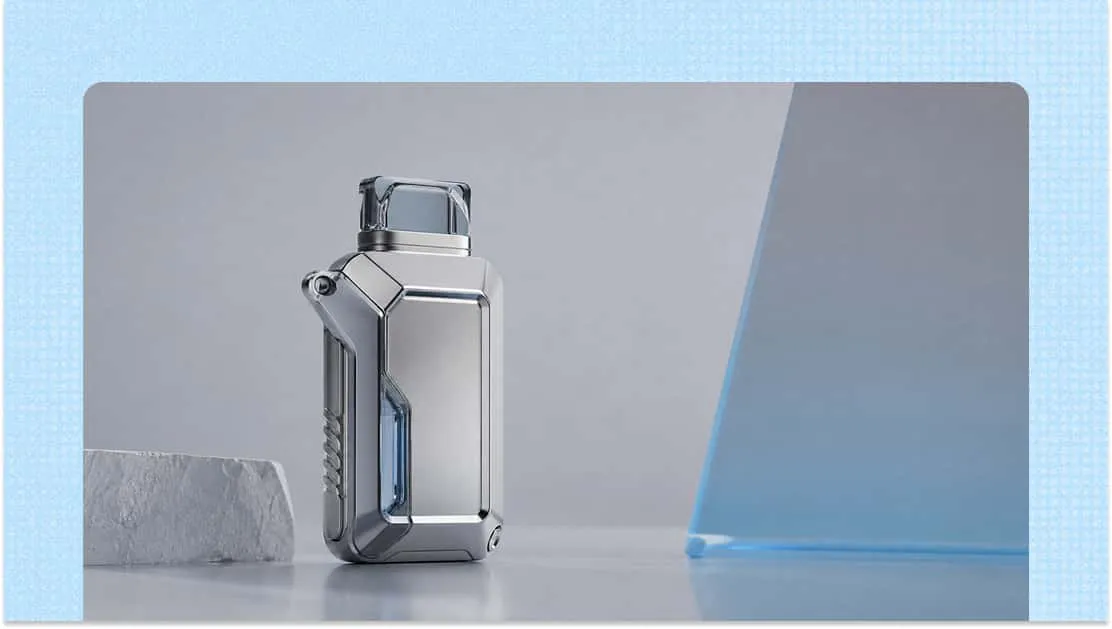
Product promotions
Transform product images into engaging 3D visuals with added depth, realistic textures, and smooth camera movements. Create attractive product showcases for advertising campaigns, online stores, and promotional videos.
Social media content
Give ordinary photos a fresh look with 3D effects and motion. Turn static visuals into eye-catching short-form videos that help your content stand out across social media platforms.
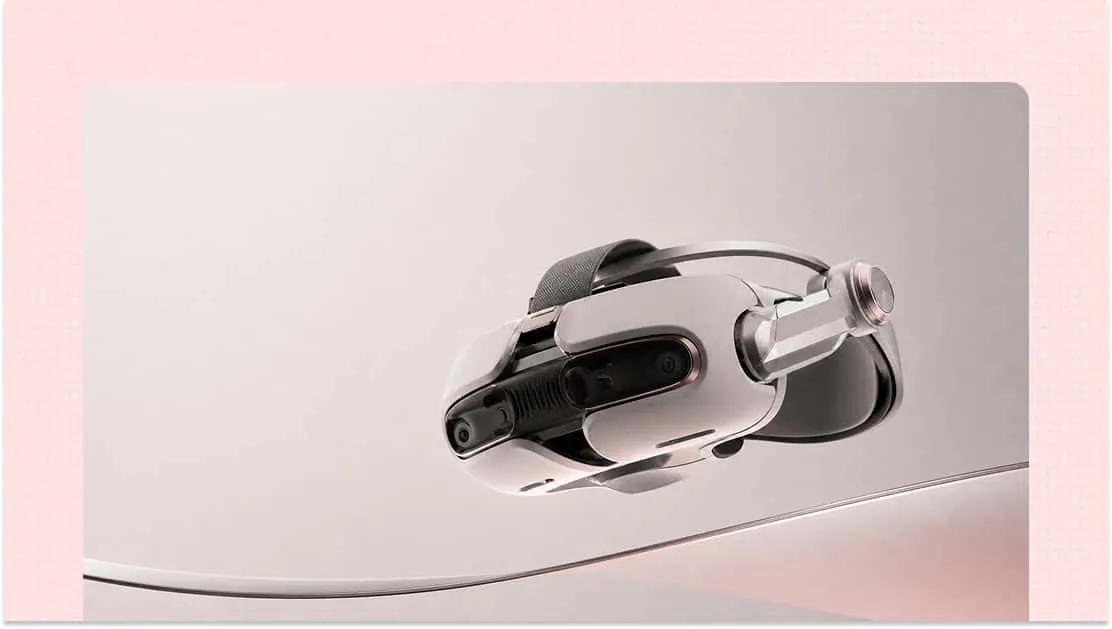
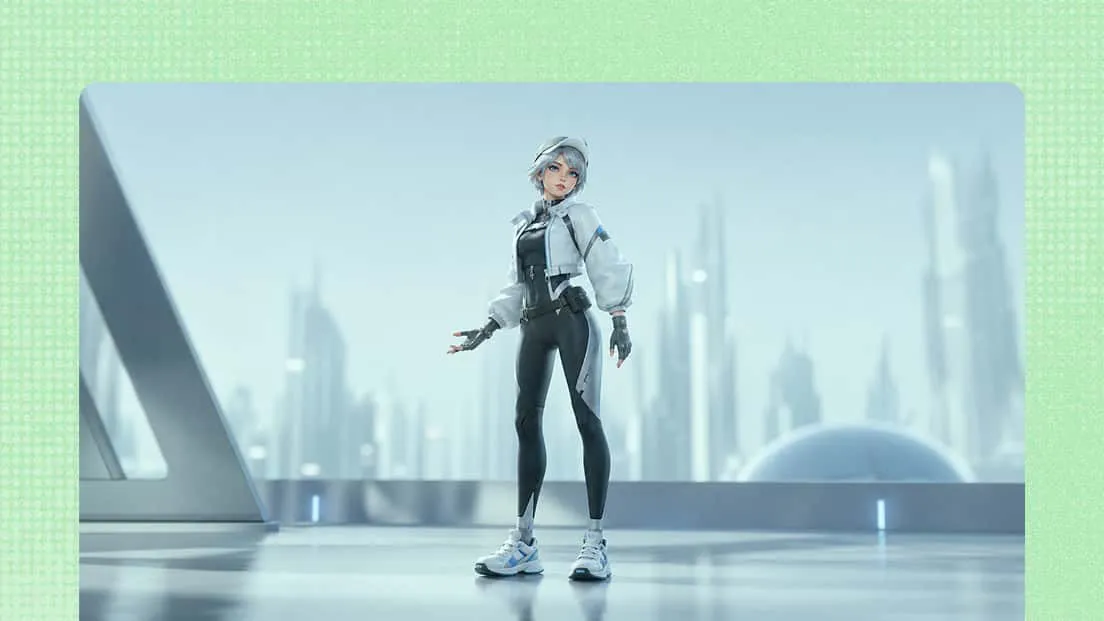
Film and animation production
Bring concept art, character illustrations, and visual references to life through dimensional scenes and camera movements. Explore scene concepts, develop storyboards, and create engaging visual sequences for films and animation projects.
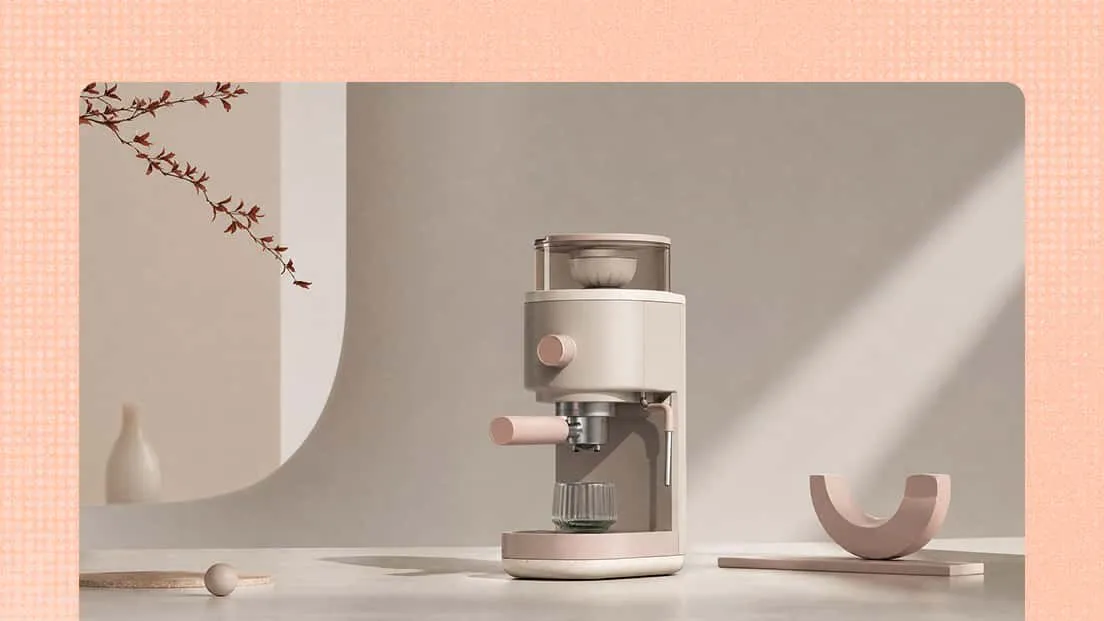
Marketing campaigns
Transform images of furniture, decorative objects, and architectural concepts into immersive 3D visuals. Add depth and movement to product presentations to highlight design details and create more engaging promotional content.