AI 3D Avatar Maker
Bring your imagination to life with Kimi 3D Make, a versatile 3D avatar maker. Turn text prompts and reference images into distinctive 3D characters, explore diverse visual styles, refine every detail, and export your creations for games, personal branding, and digital projects.
From creative ideas to personalized 3D avatars
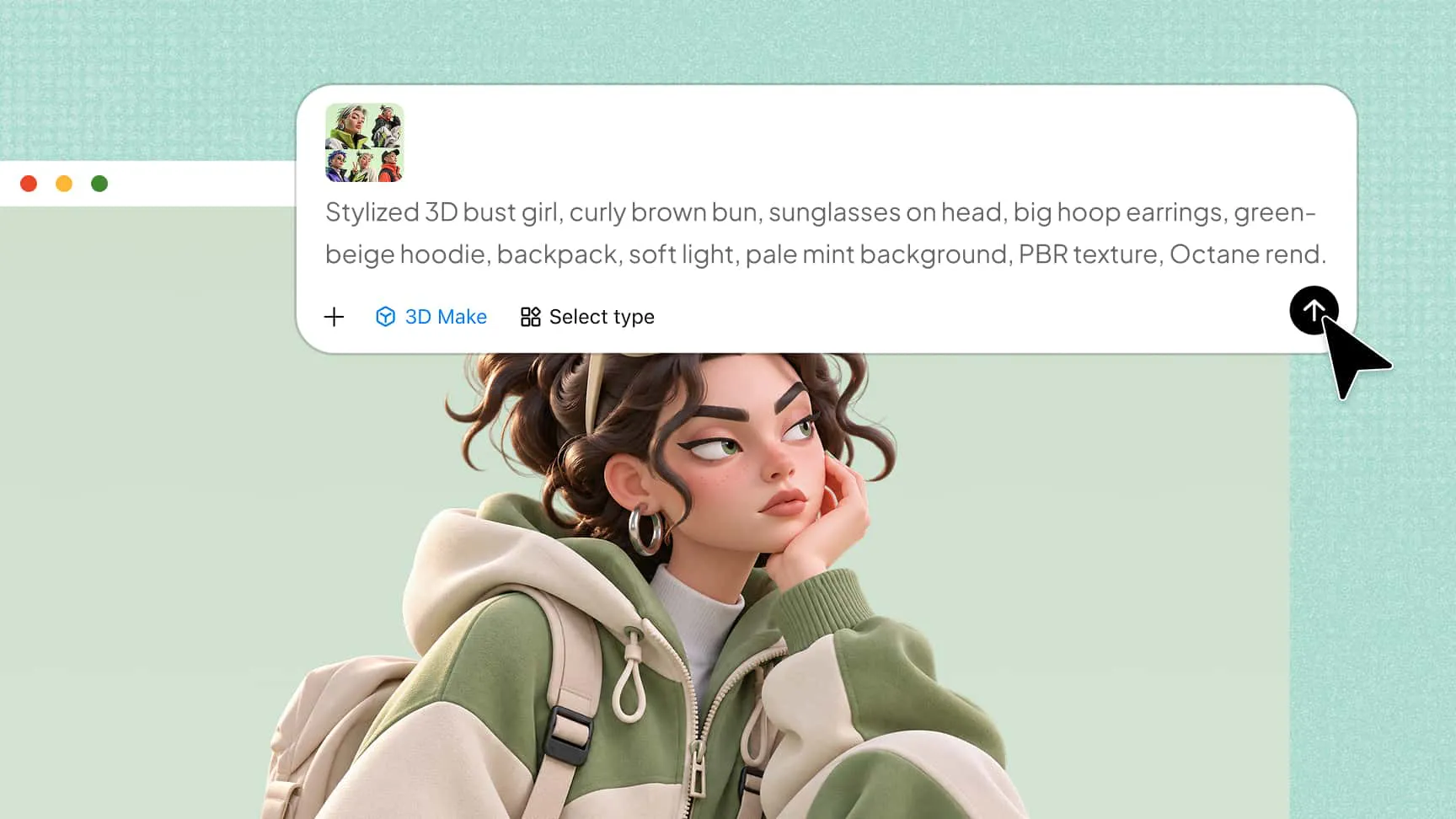
Generate 3D avatars from text and image references
Describe your avatar's appearance, hairstyle, outfit, and visual style through text prompts, or upload a reference image. Kimi 3D Make transforms your ideas into customizable 3D avatars without requiring manual modeling from scratch.
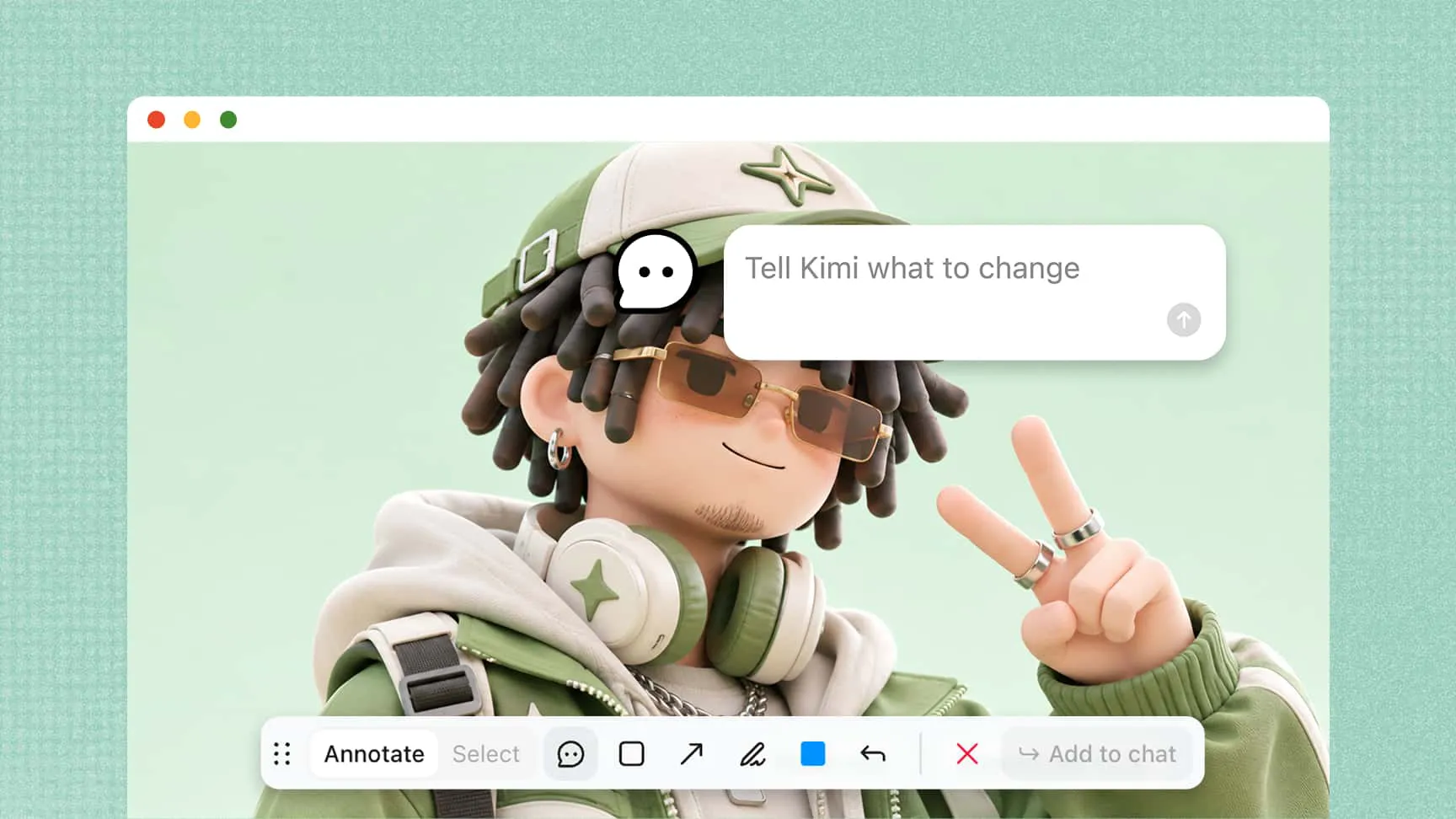
Customize every detail of your 3D avatar
Adjust facial features, body proportions, hairstyles, clothing, colors, and accessories using AI prompts, element-specific comments, or manual editing. Create a personalized design with a flexible 3D avatar maker.
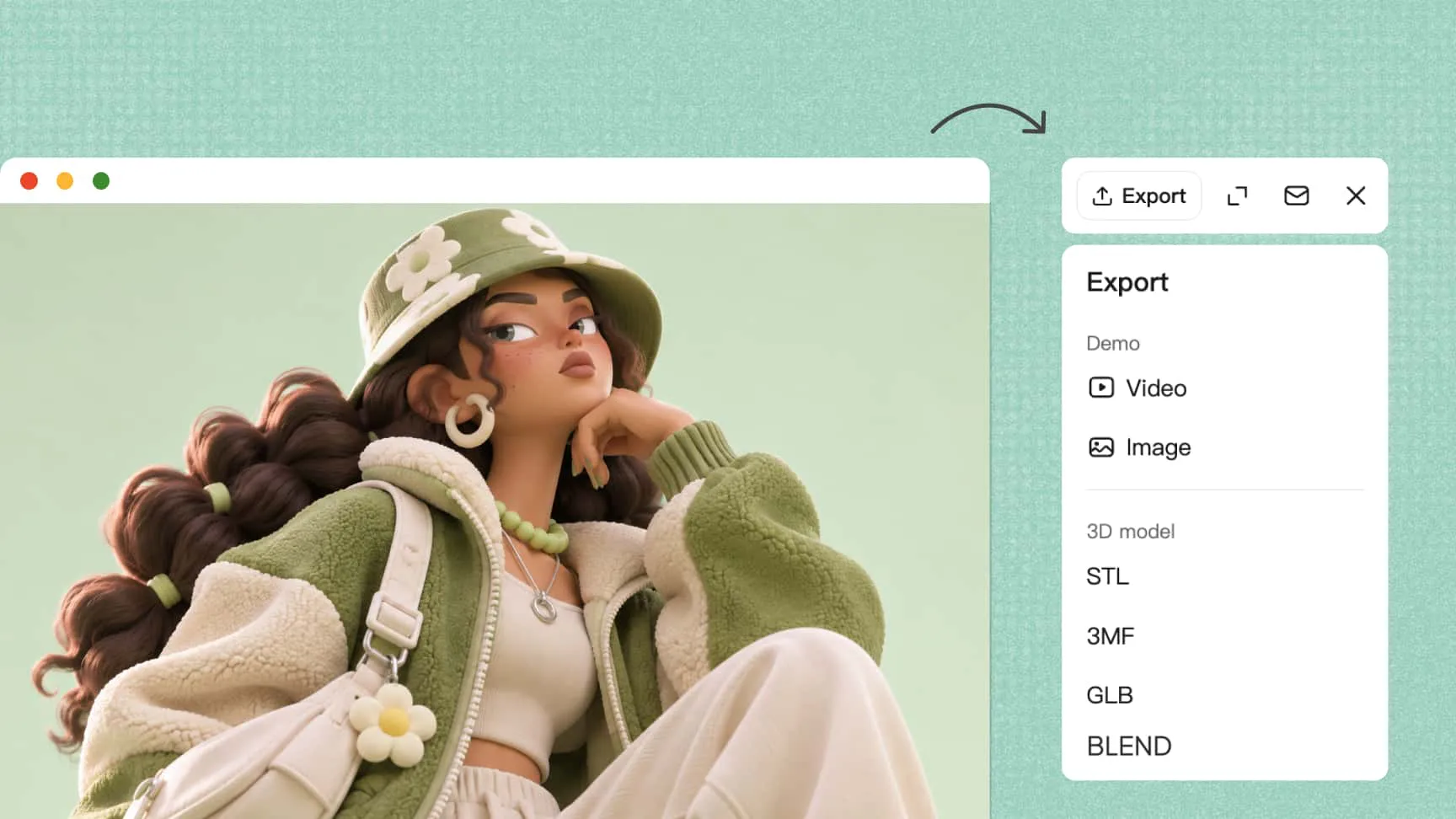
Export 3D avatars for creative projects
Export your designs in supported formats, including PNG, JPG, GLB, and BLEND. Use image files in presentations and marketing materials, or import 3D models into compatible software for further editing, animation, and other creative projects.
How to create a 3D avatar with AI
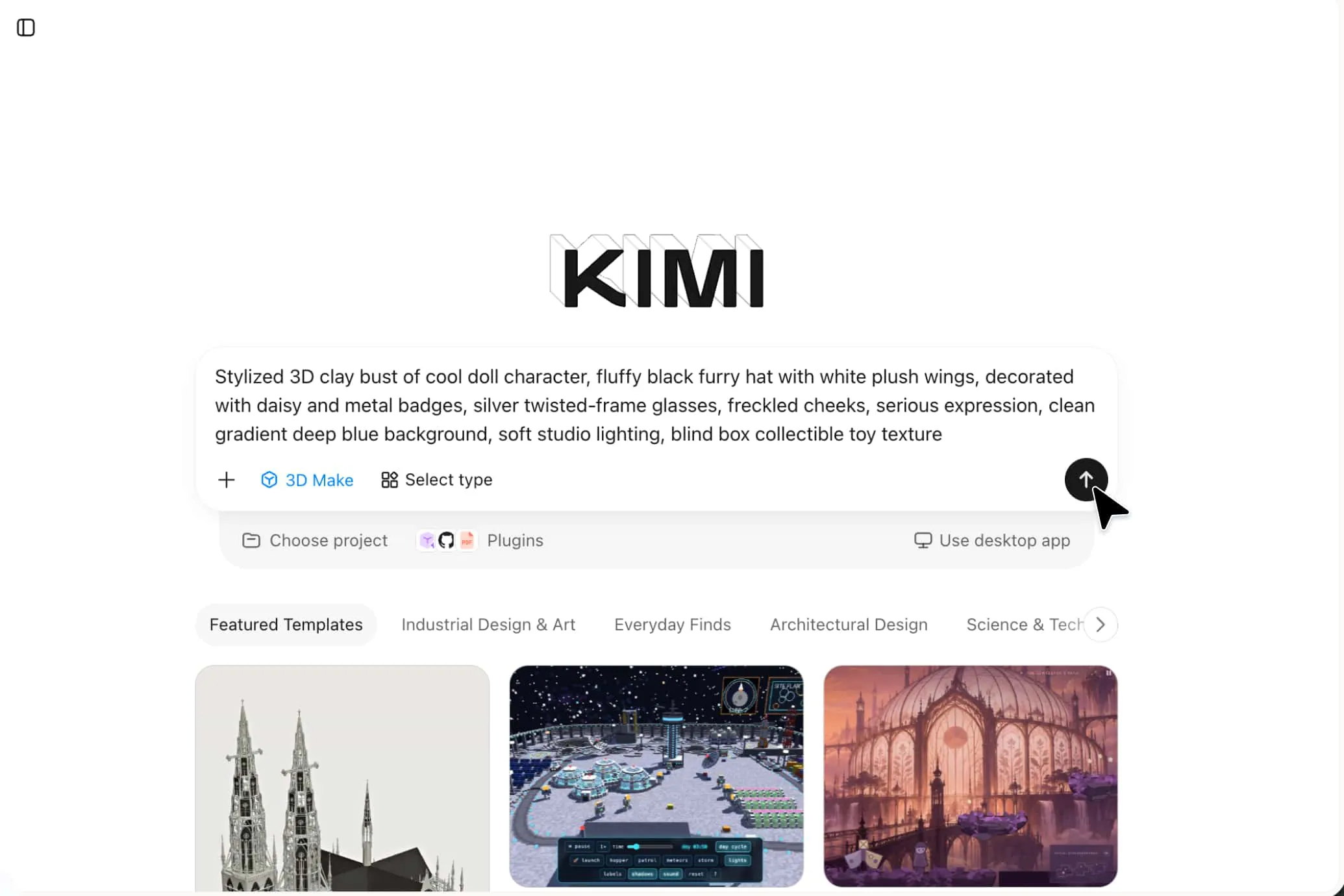
Upload a reference image or describe your avatar
Open Kimi 3D Make and upload a reference image or enter a prompt describing your avatar's appearance, outfit, and visual style.
Generate and customize your 3D avatar
Generate your model, then refine facial features, proportions, clothing, and accessories using prompts, comments, or manual editing.
Export your finished 3D avatar
Export your final model in a supported format, such as GLB or BLEND, for use in compatible 3D software, games, and animation projects.
Explore what you can create with an AI 3D avatar maker
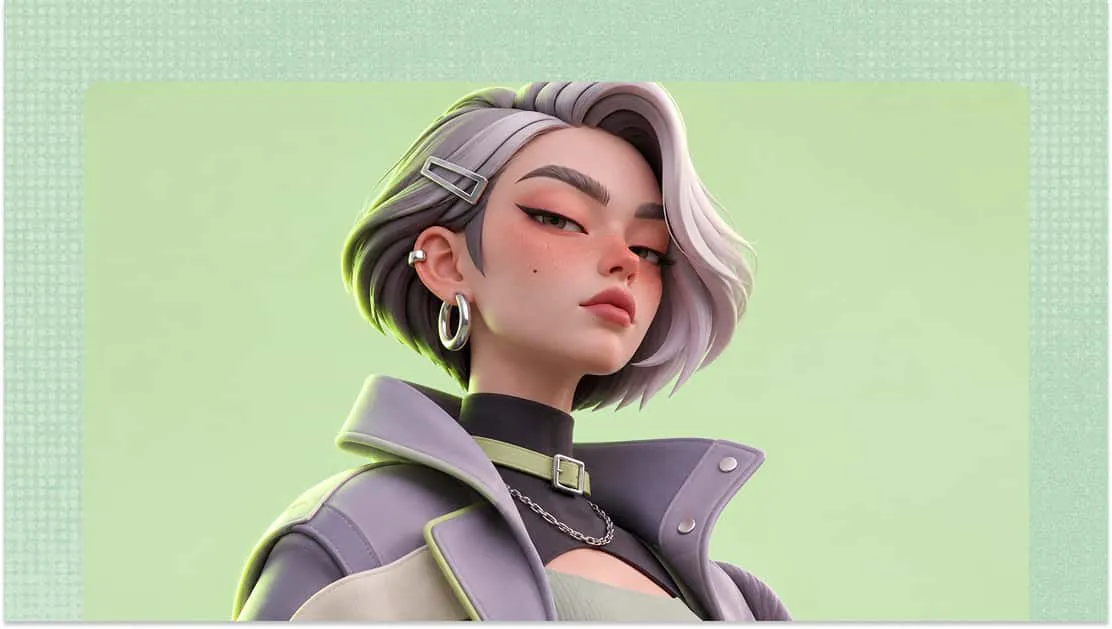
Virtual identities and personal branding
Create a personalized 3D avatar that reflects your personality and preferred style. Use it for social media profiles, personal websites, online identities, and digital branding.
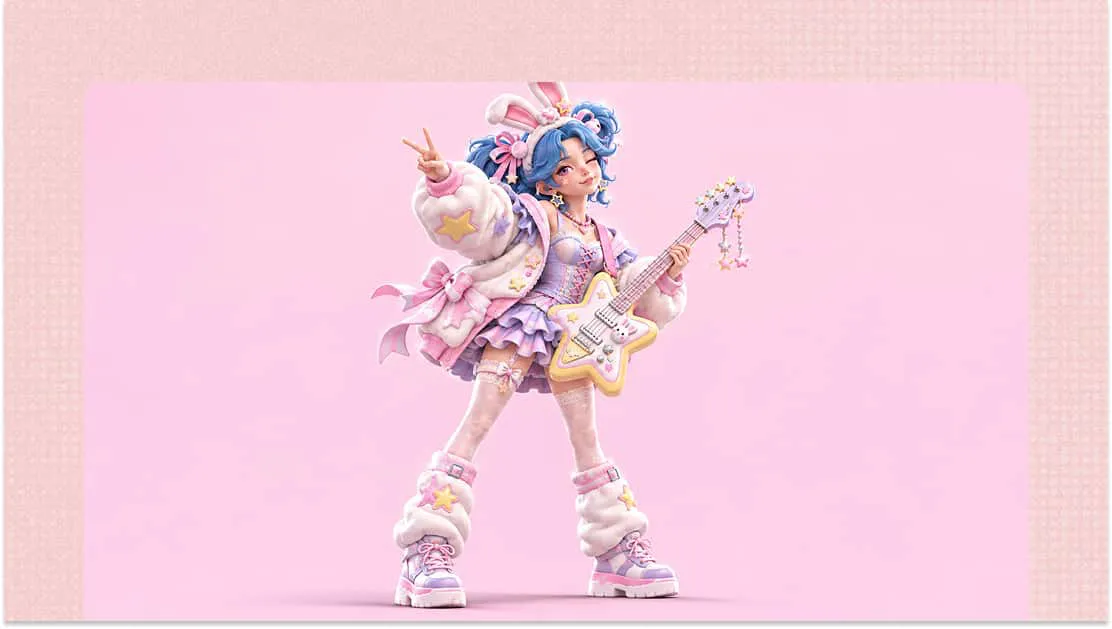
Game character concepts
Design original characters for game development and storytelling. Use a 3D avatar creator to experiment with facial features, hairstyles, outfits, body proportions, and accessories.
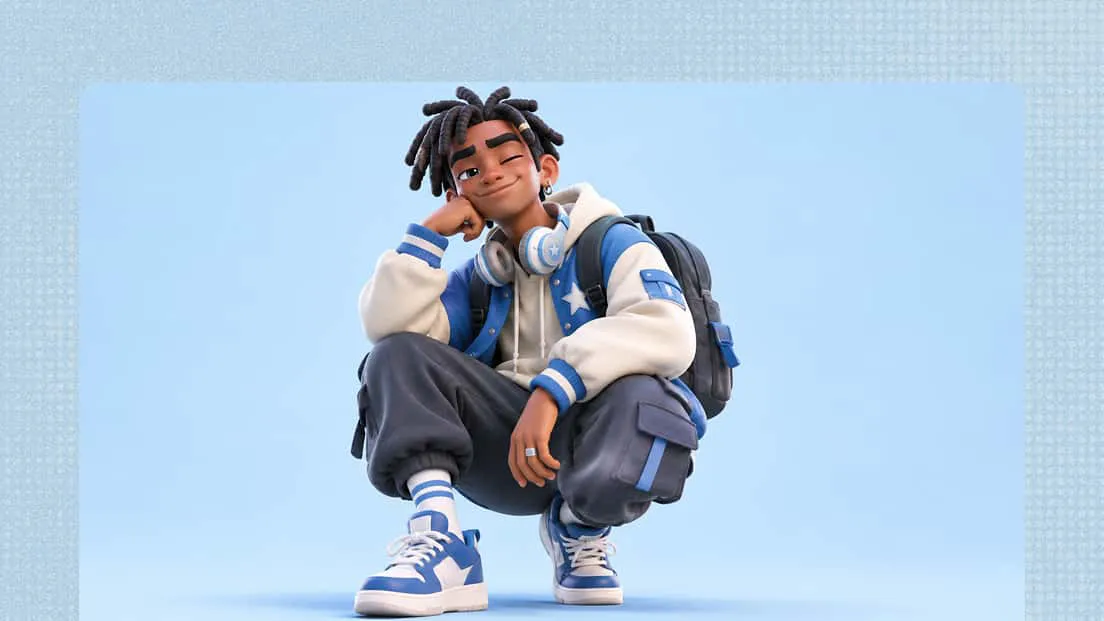
Marketing and promotional visuals
Develop branded 3D avatars for advertising campaigns, product promotions, social media posts, and presentations. Customize character appearances to match brand identities and campaign themes.
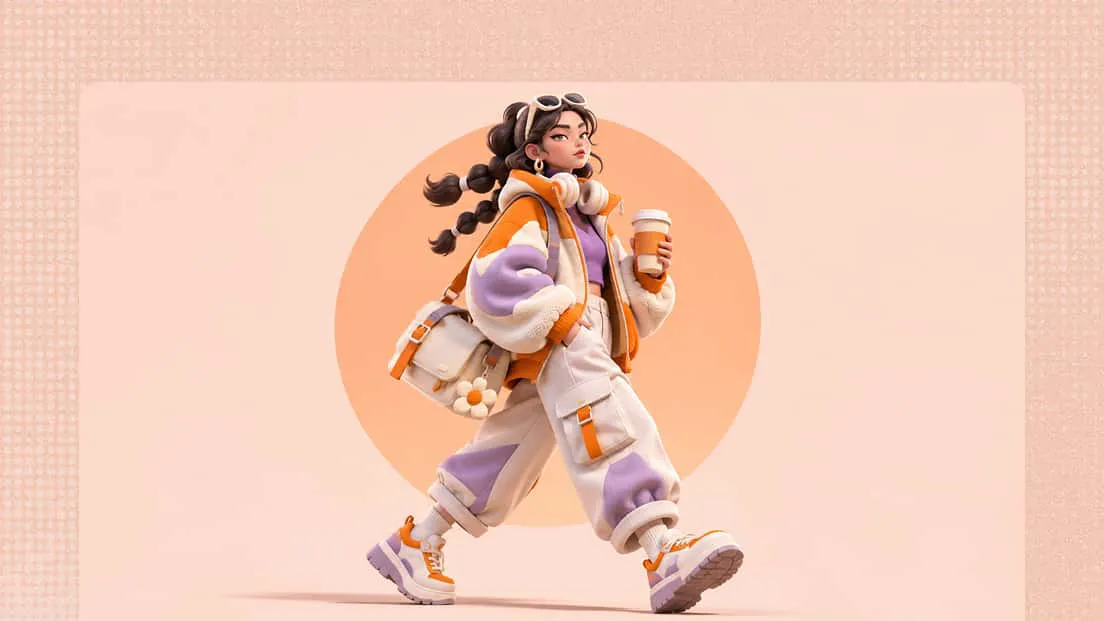
Digital storytelling and animation
Build character concepts for digital stories, animated content, and creative projects. Export your models for further editing and animation in compatible software.
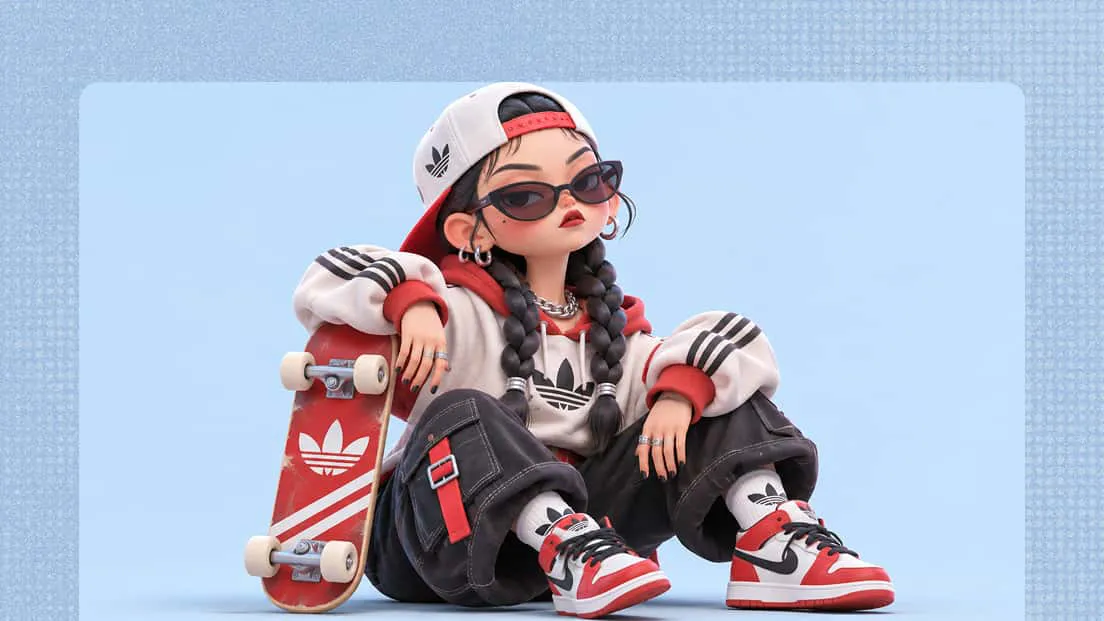
Virtual communities and online events
Create personalized avatars for online communities, virtual gatherings, and digital events. The online avatar maker 3D helps develop distinctive digital identities for different virtual experiences.