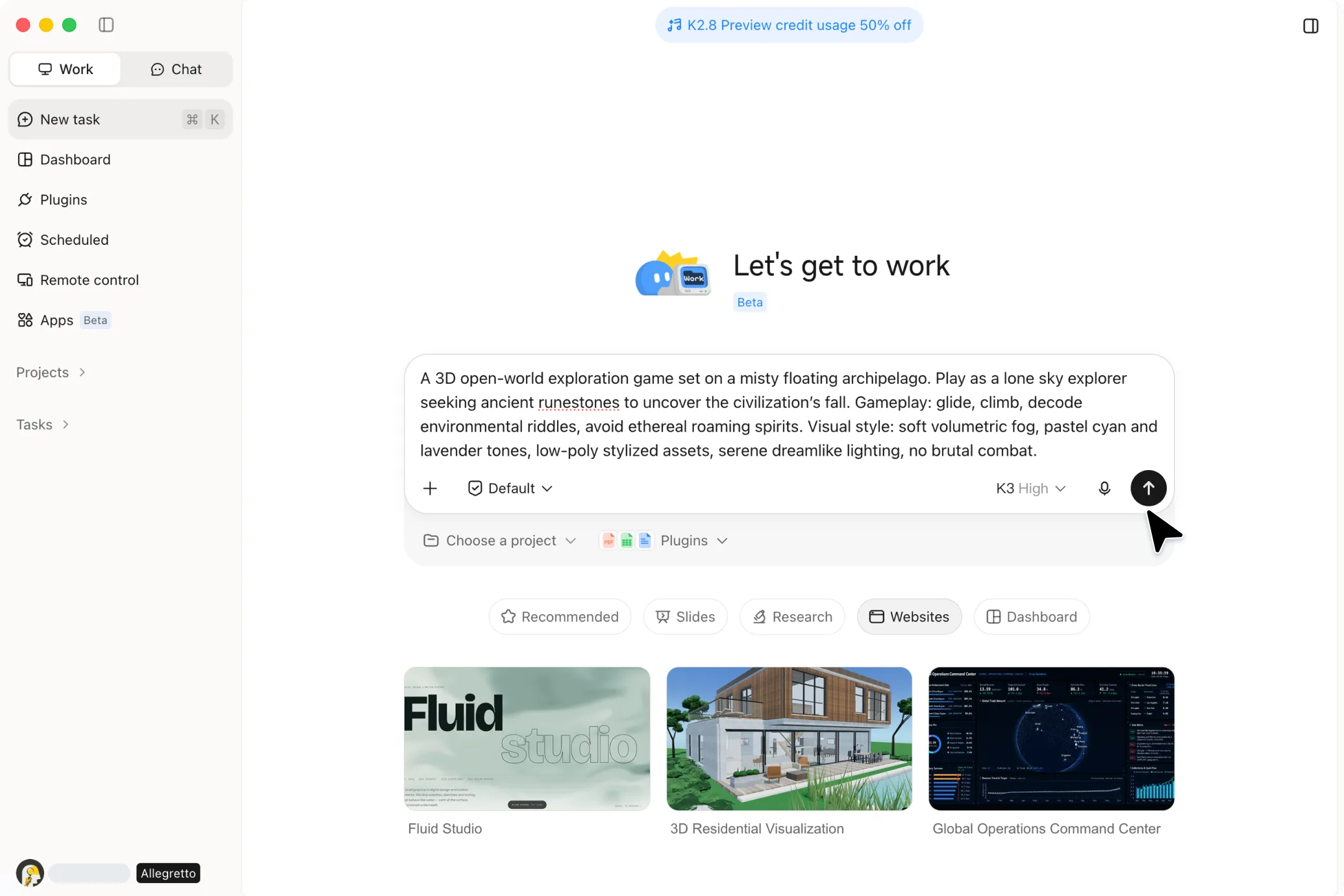
3D Game Creator
Bring your game ideas to life with Kimi Build, an AI-powered 3D game creator. Turn your vision into immersive, playable worlds by describing your characters, environments, and gameplay in natural language, then create and share your game online.
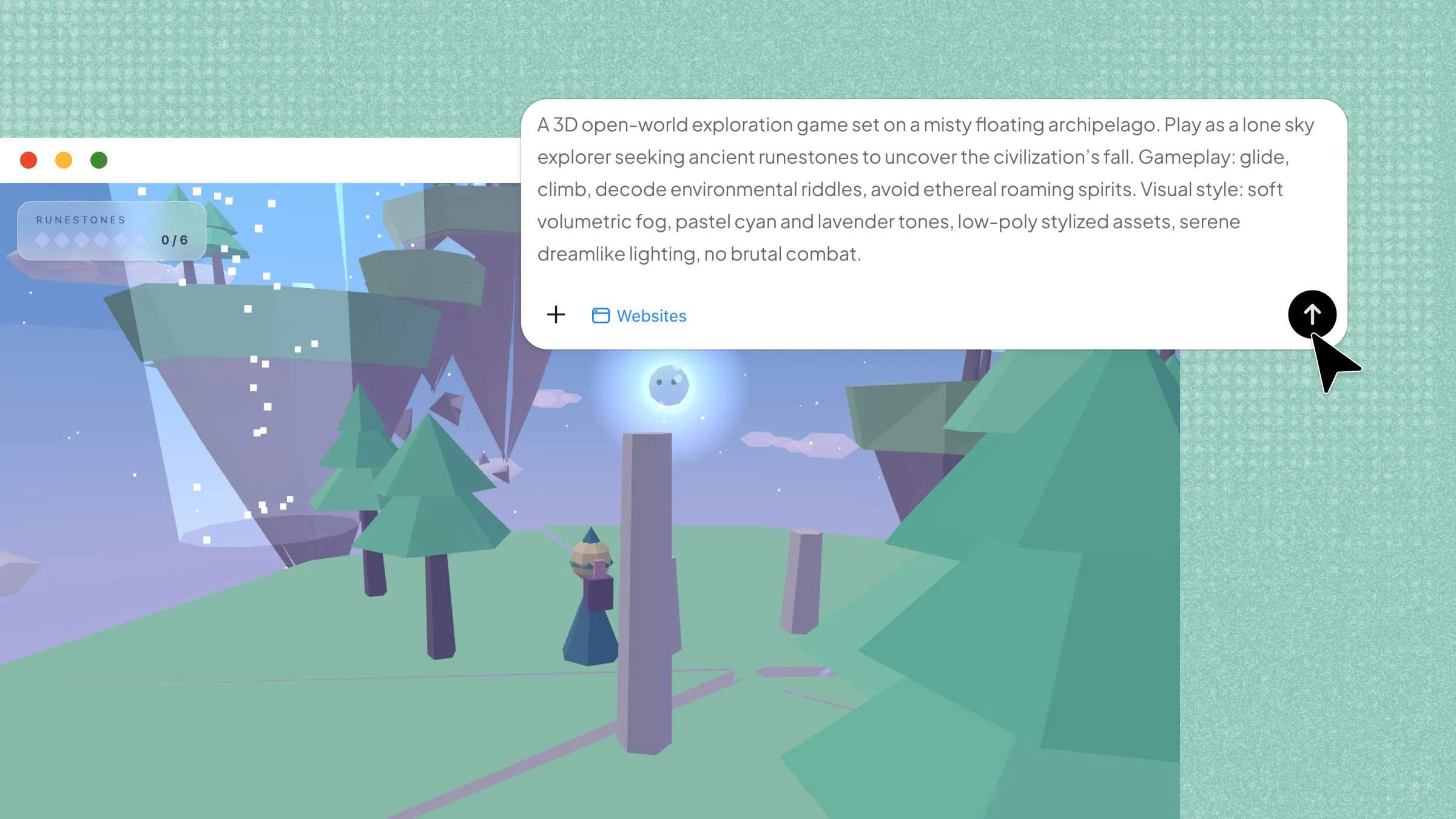
Every idea, brought to life.
From simple prompts to finished creative work.
3D GBA Emulator
Try the demoA working Game Boy Advance emulator with a faithfully modeled console and a real mGBA core, so you can actually play classic GBA games. External assets used: AGB-001 model.
Build interactive 3D worlds with AI
Create games without coding
Describe your game idea in natural language and turn it into a playable game without writing code. Upload reference images to guide the visual direction, then refine the gameplay, colors, lighting, animations, and other details through AI-assisted editing.
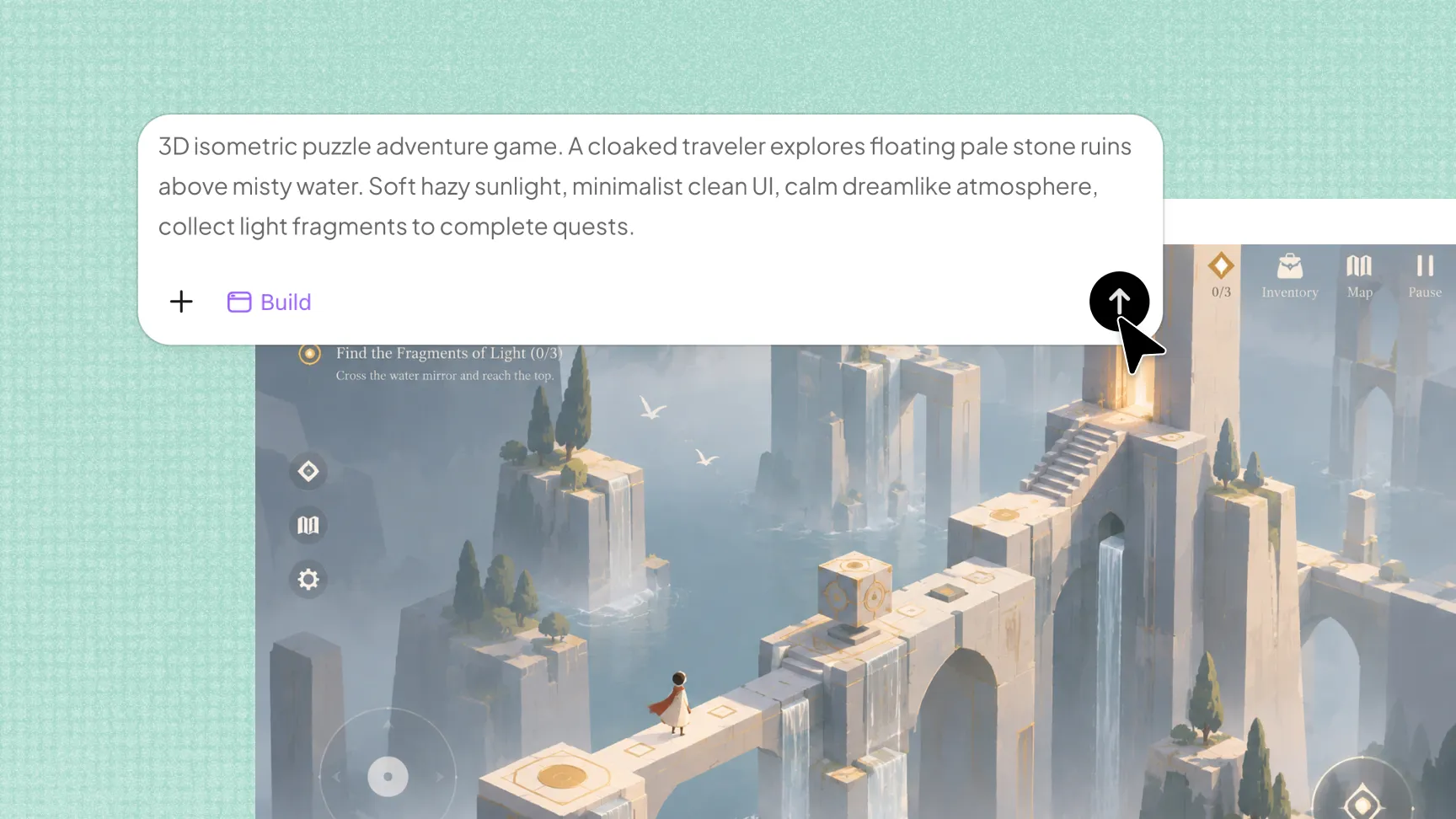
Build complete 3D worlds and levels
Create platformers, adventure games, puzzles, racing games, and more with AI. Generate environments with terrain, buildings, skies, themed areas, and interactive elements such as switches, treasure chests, and portals, then add challenges to shape each level.
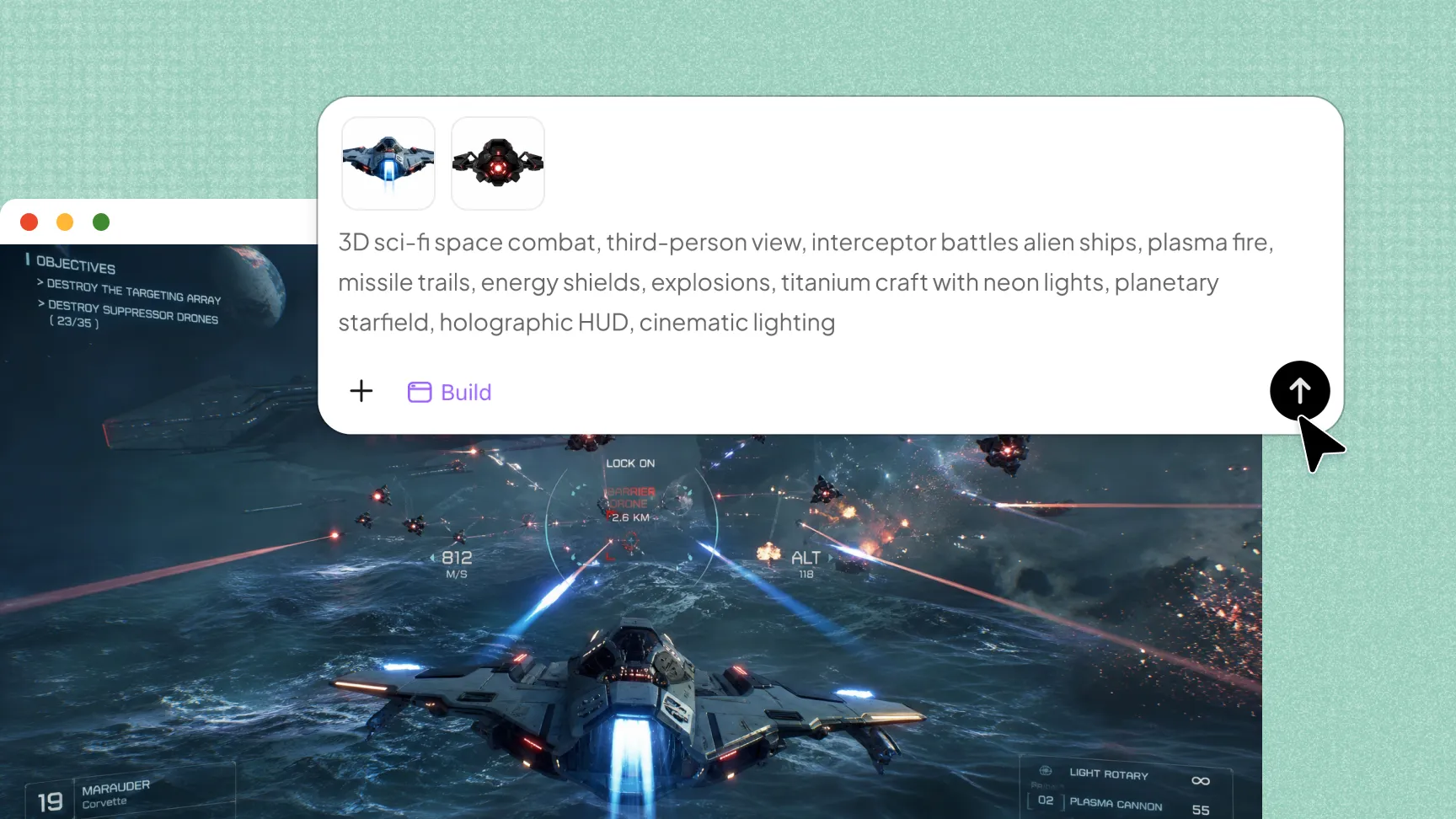
Add physics and original game assets
Make gameplay more dynamic with gravity, collisions, and object interactions. Generate original characters, props, enemies, animations, and sound effects to give your 3D game its own visual style and interactive elements.
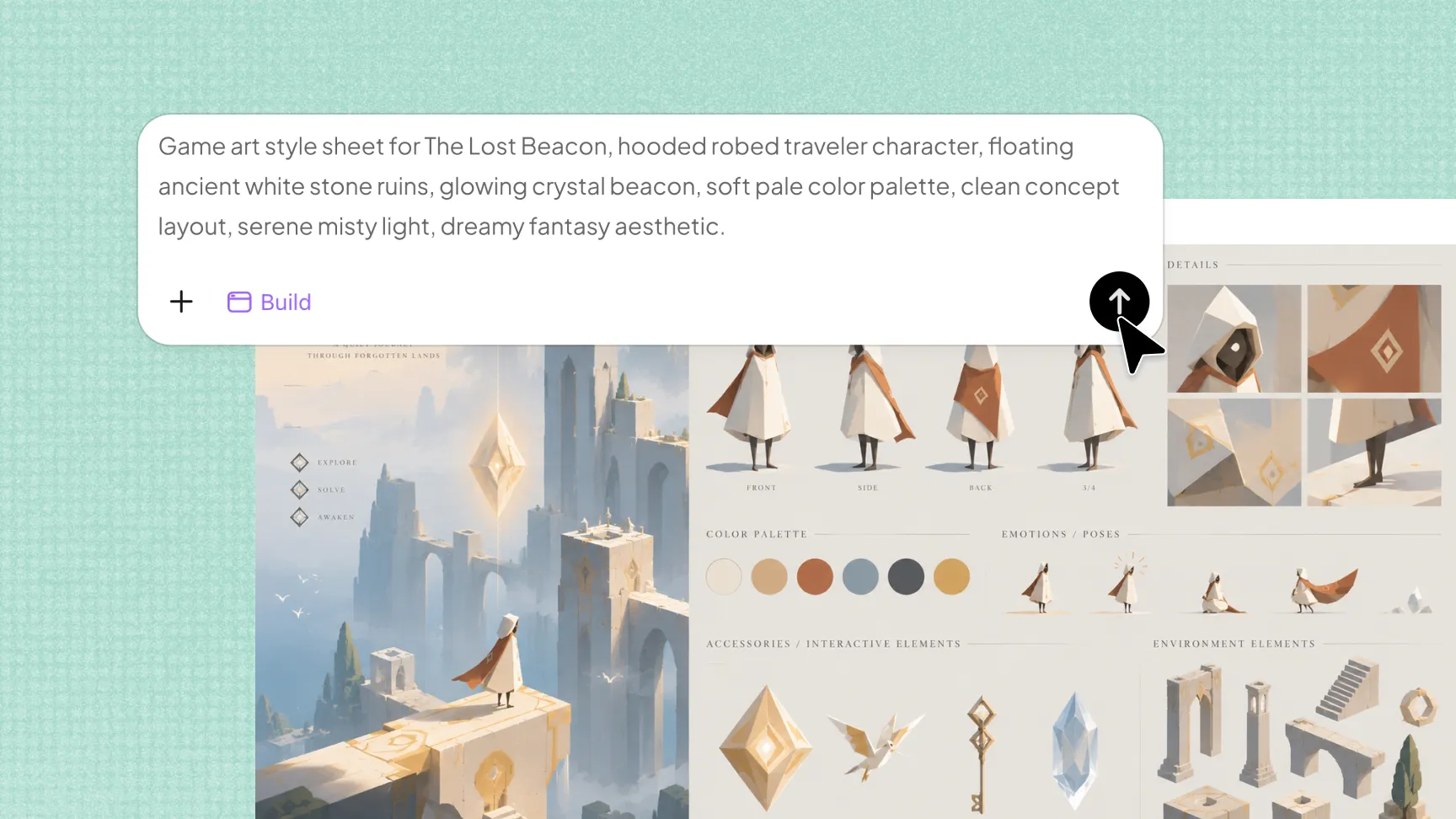
Play, refine, and share your game
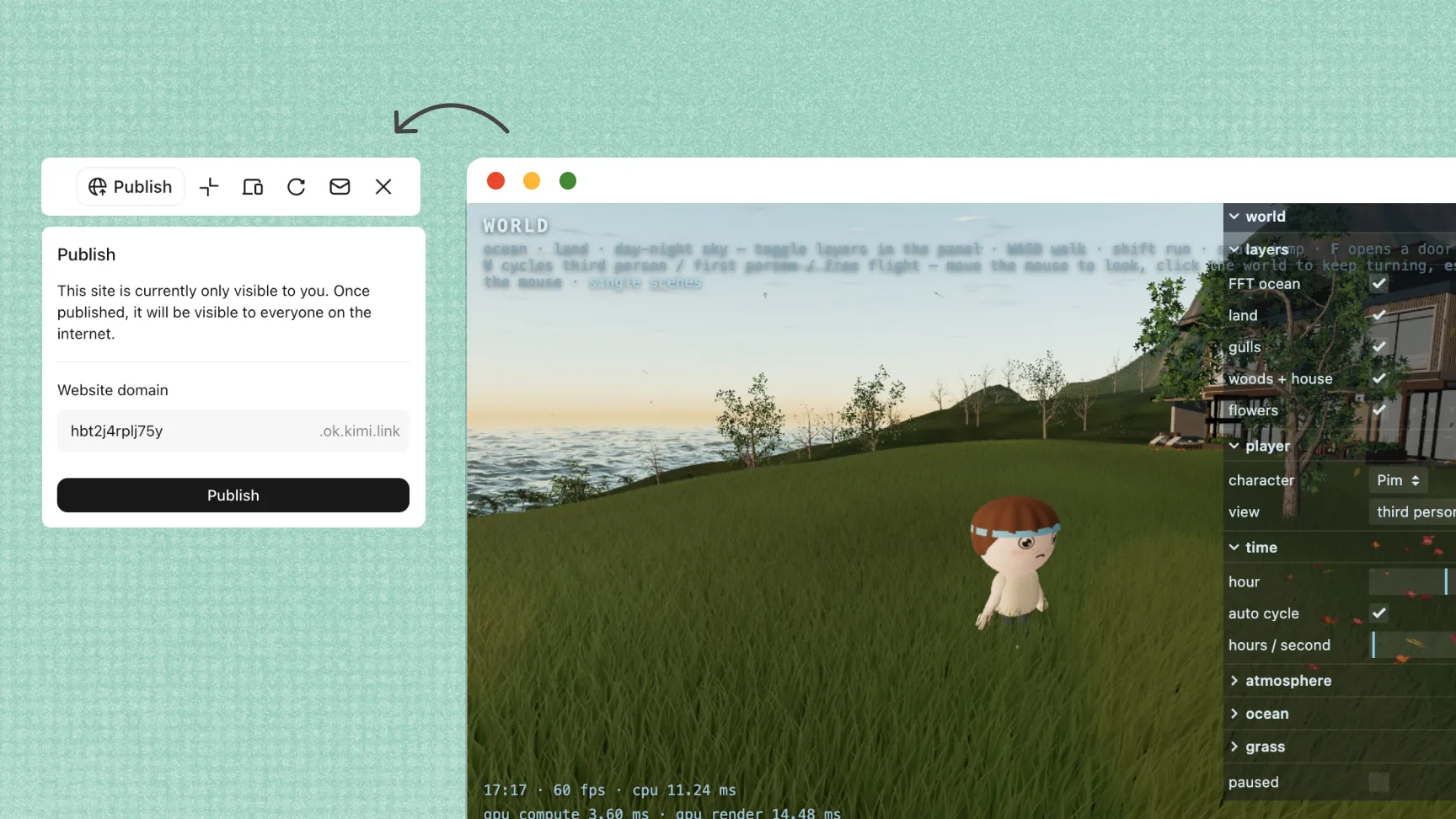
Preview your game directly in the browser, test the gameplay, and make improvements through follow-up prompts. Restore earlier versions, create a shareable link, and adapt your game for desktop and mobile screens. For larger or more advanced projects, you can continue development with Kimi Work and desktop tools.
How to create your 3D game with AI
Start with a 3D game idea
Describe your game's genre, setting, characters, objectives, gameplay mechanics, and visual style. Kimi Build can use your instructions to create a playable 3D game based on your concept.
Improve your game
Play the generated game and identify anything that needs adjustment. Use follow-up prompts to refine the levels, characters, controls, visuals, mechanics, and other gameplay elements.
Share and publish your game
Test the completed game to make sure the controls and interactive features work as expected. Once you're satisfied, publish your game and share the generated link with others.