AI 3D Video Creator
Whether you're imagining unique characters, designing 3D objects, or exploring new visual concepts, an AI 3D video creator opens up more creative possibilities. Use Kimi 3D Make to turn prompts and reference images into editable 3D creations.
Create eye-catching 3D videos with AI
Bring your imagination to life with AI-powered 3D videos
Turn simple ideas into engaging 3D visuals using text prompts and image references. Create expressive characters, detailed objects, and imaginative scenes with depth and movement. Bring your creative concepts to life as dynamic video content.
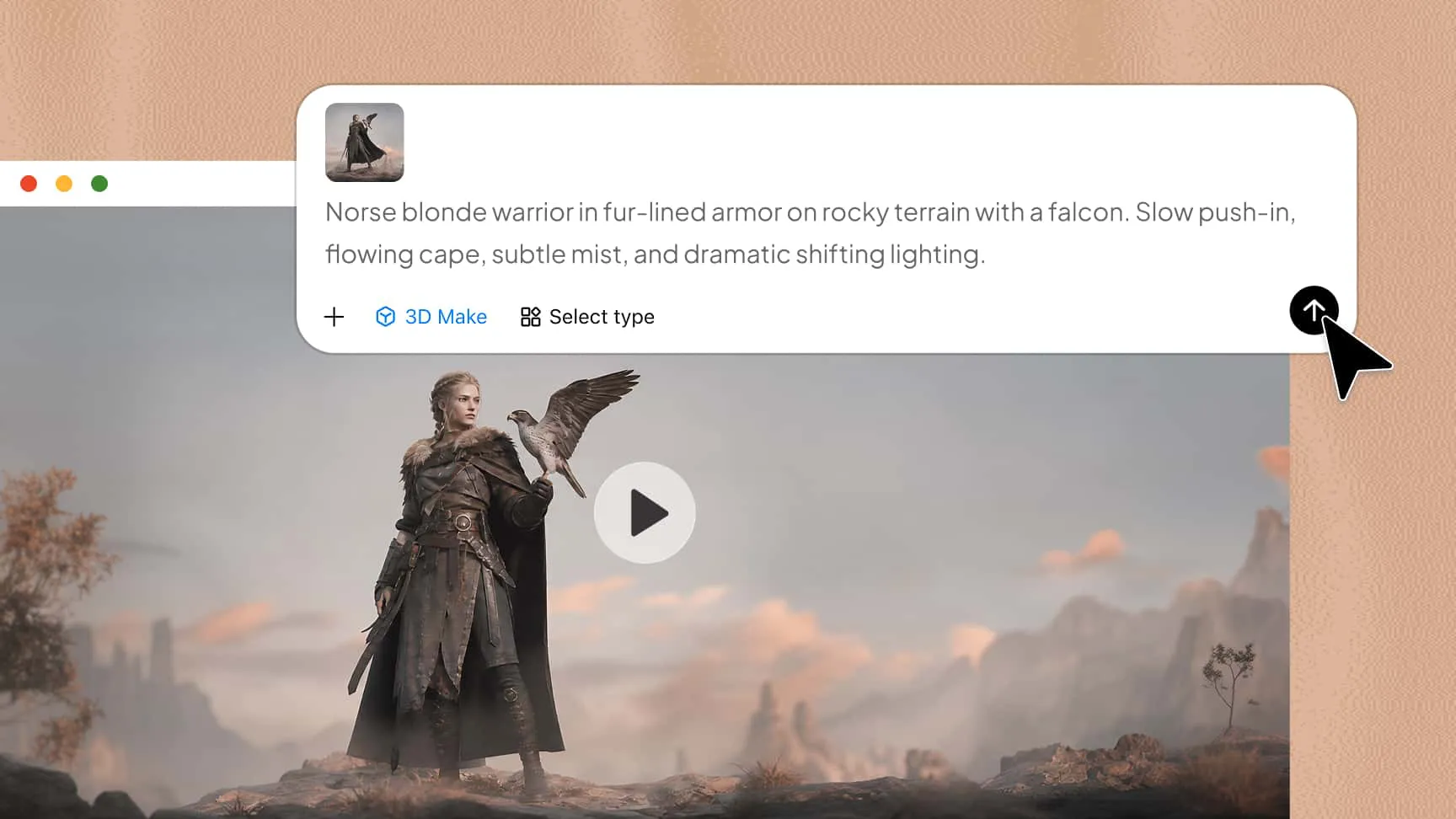
Give every 3D video a polished and cohesive look
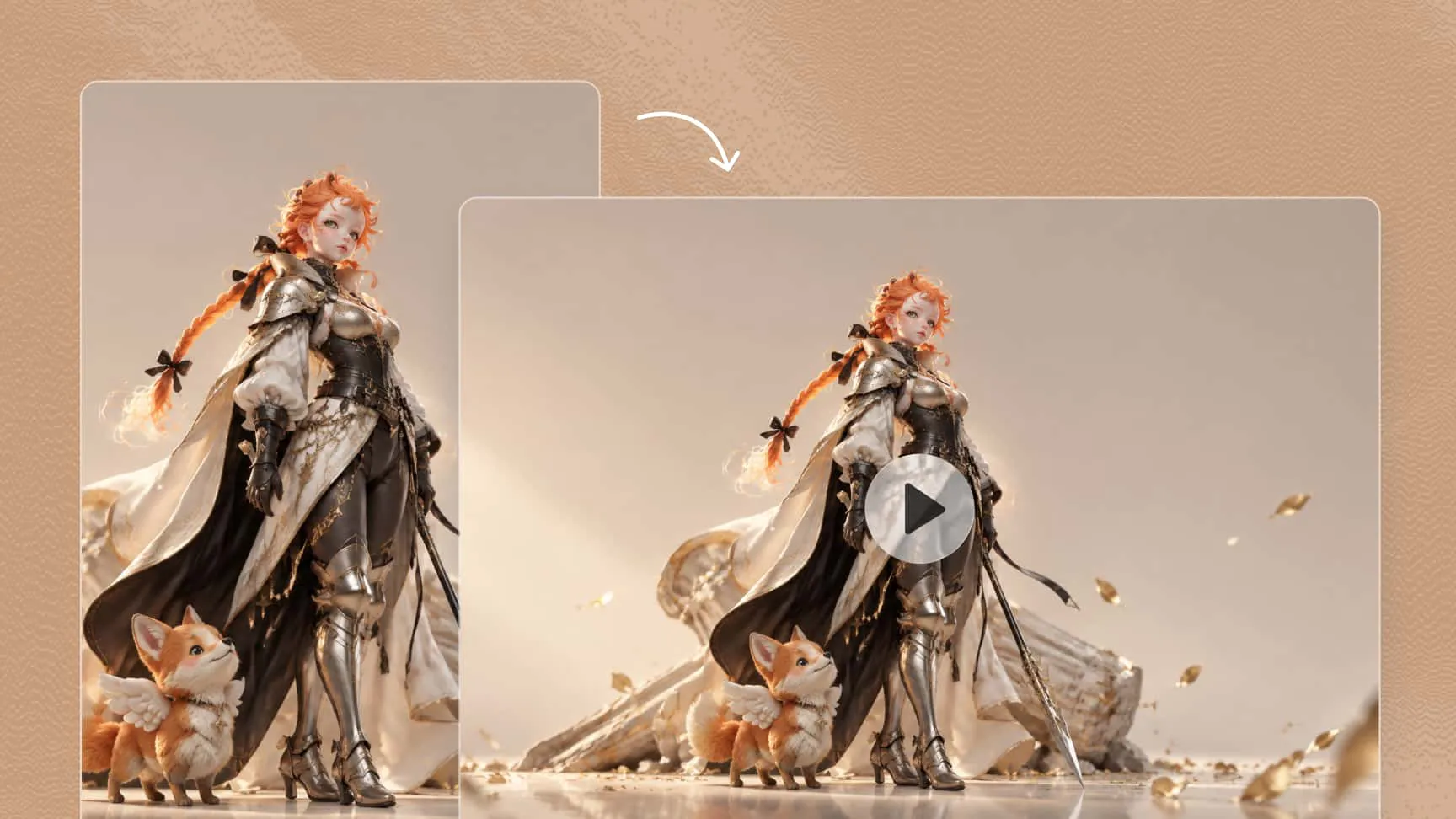
Generate 3D videos with refined shapes, balanced compositions, harmonious colors, and consistent visual details. Fine-tune objects, materials, lighting, and scene elements to create a unified look that works well for product showcases, promotional videos, and creative content.
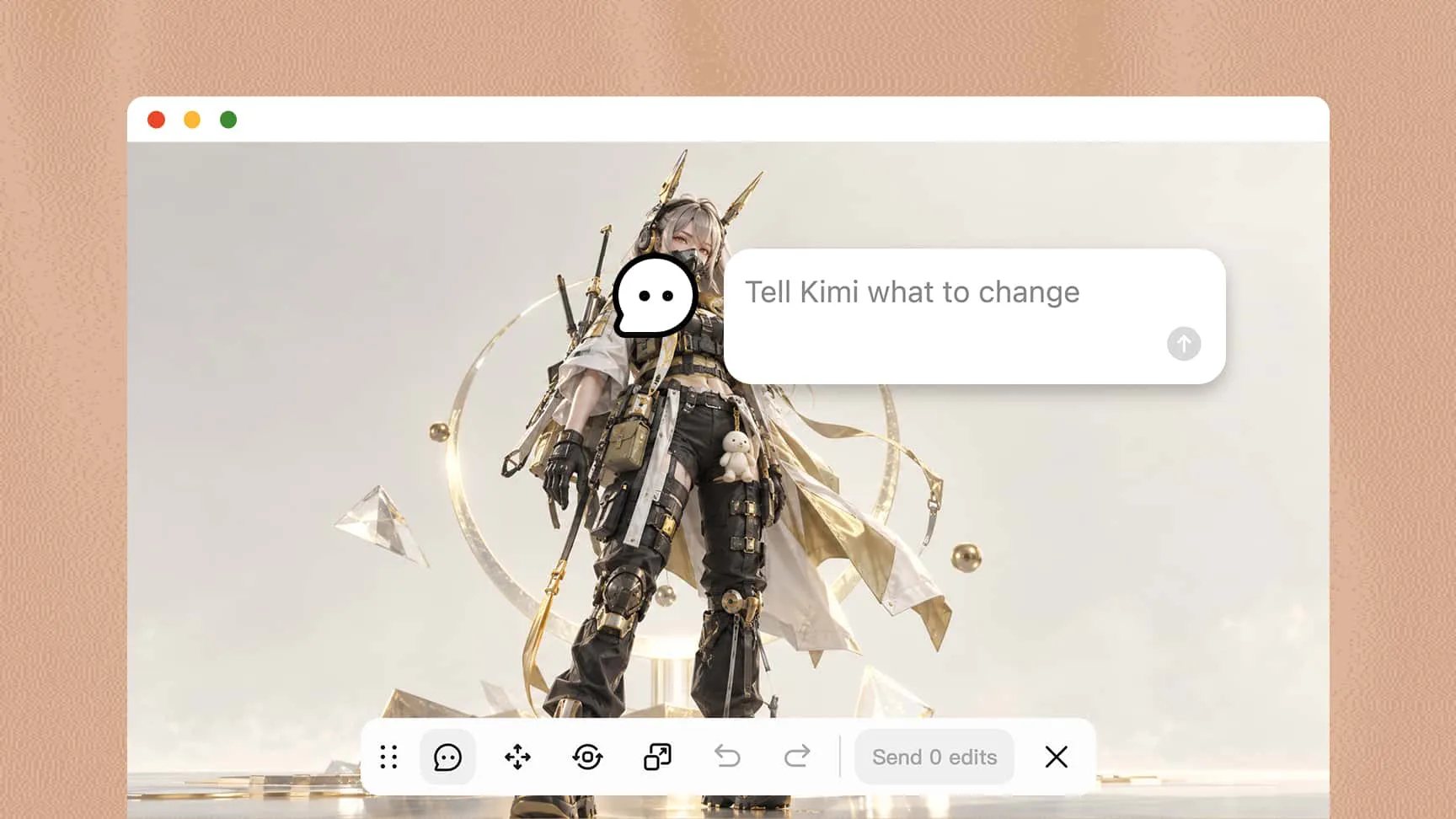
Perfect every detail with intuitive AI-powered editing
Refine your videos through conversational editing by describing the changes you want. Adjust character appearances, scene elements, and visual styles without recreating the entire video. The AI 3D video creator makes the creative process more flexible and accessible.
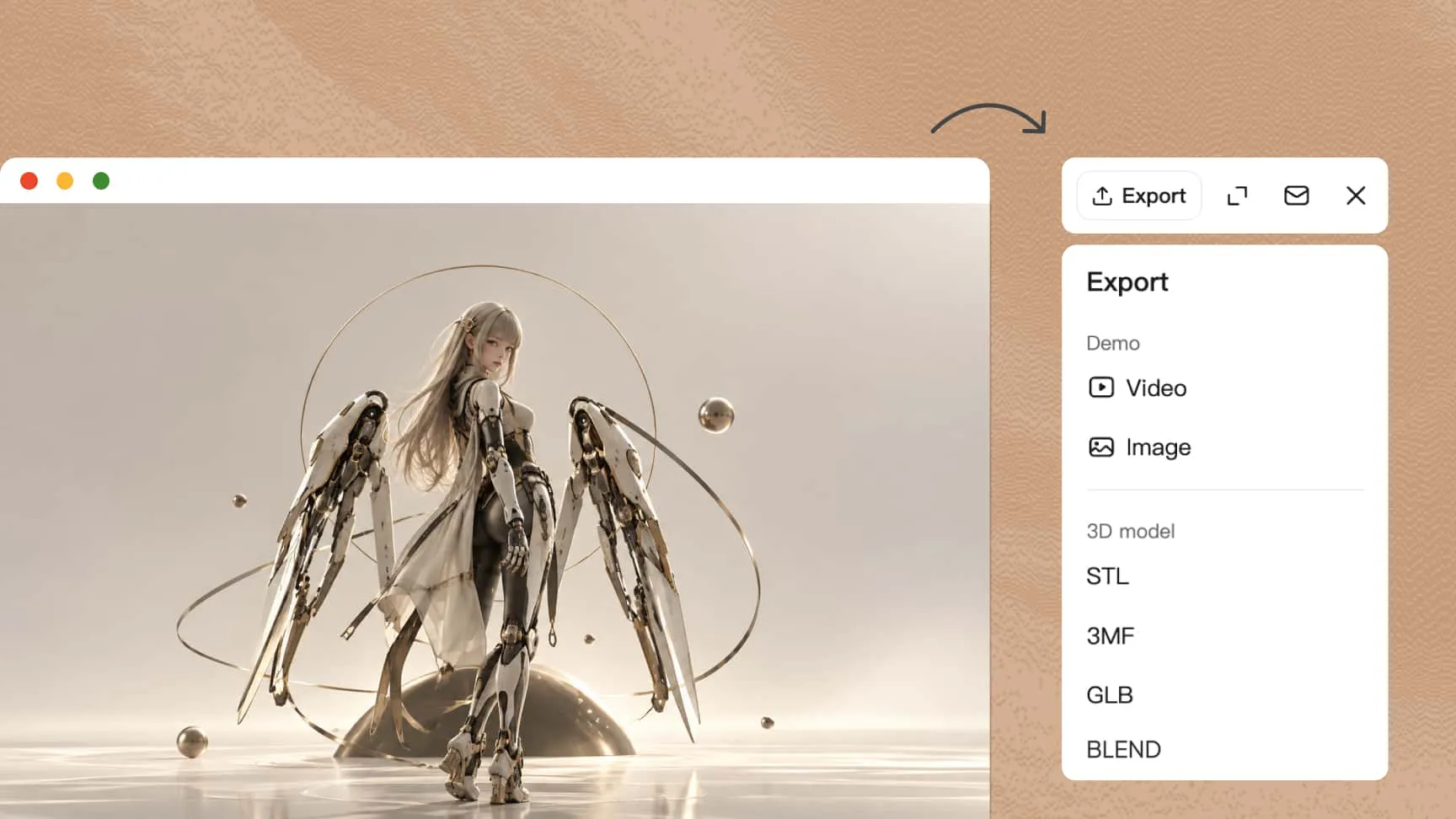
Export, share, and revisit your 3D videos with ease
Export your completed videos in supported formats and aspect ratios to suit different projects and platforms. Share your creations across social media, websites, and marketing channels. Version history also lets you revisit earlier edits, compare results, and restore previous versions whenever you want to explore a different direction.
How to create 3D AI videos with AI
Enter a creative prompt
Describe your video idea, including the subject, background, actions, and visual style. Add clear details to guide the AI generation process.
Generate and refine your video
Generate an initial video, review the result, and use follow-up prompts to adjust movements, lighting, colors, and other visual details.
Preview and export your video
Preview the finished video to check its quality and consistency. Once satisfied, export it using the available formats and settings.
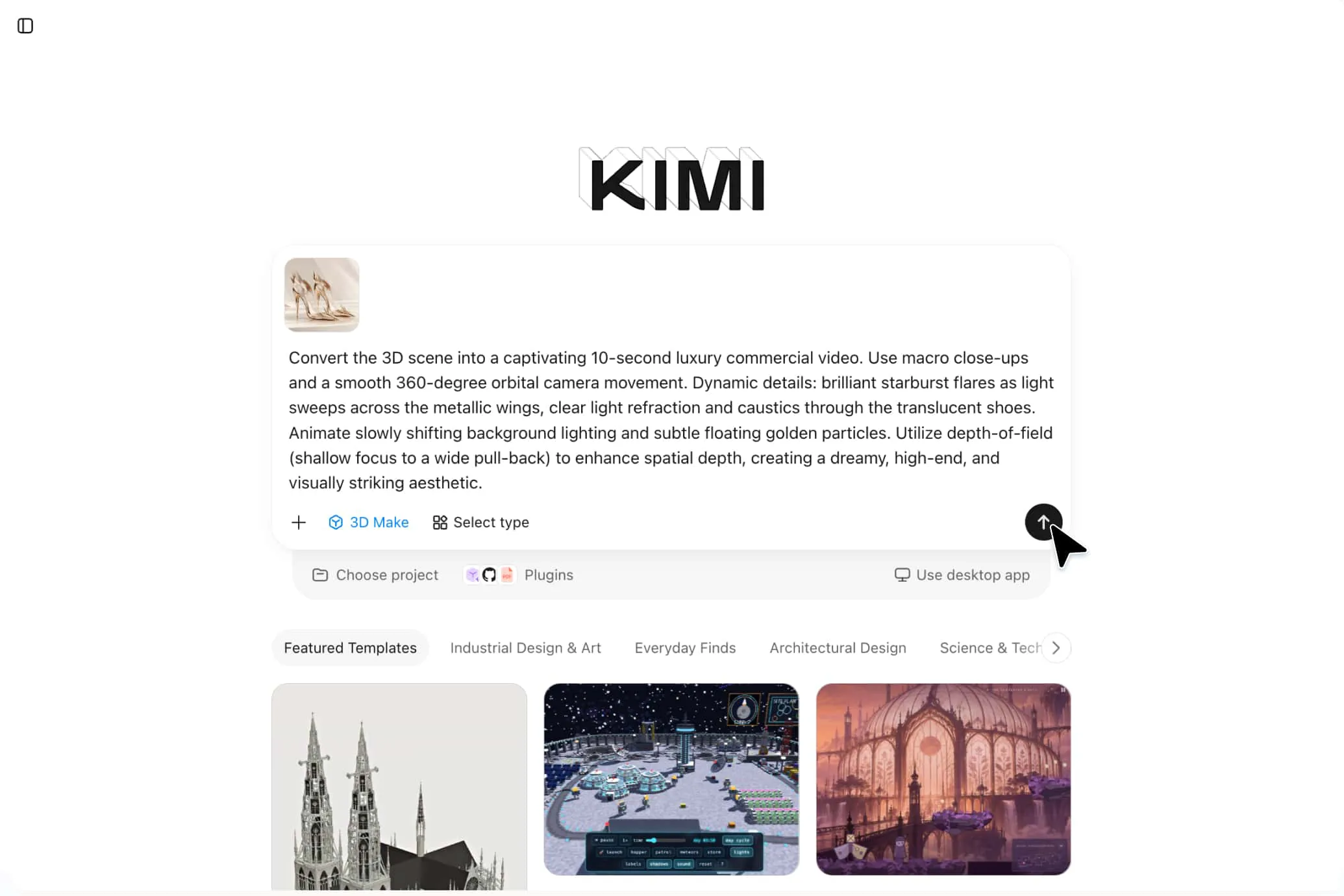
Turn everyday concepts into extraordinary 3D Videos
Product showcases
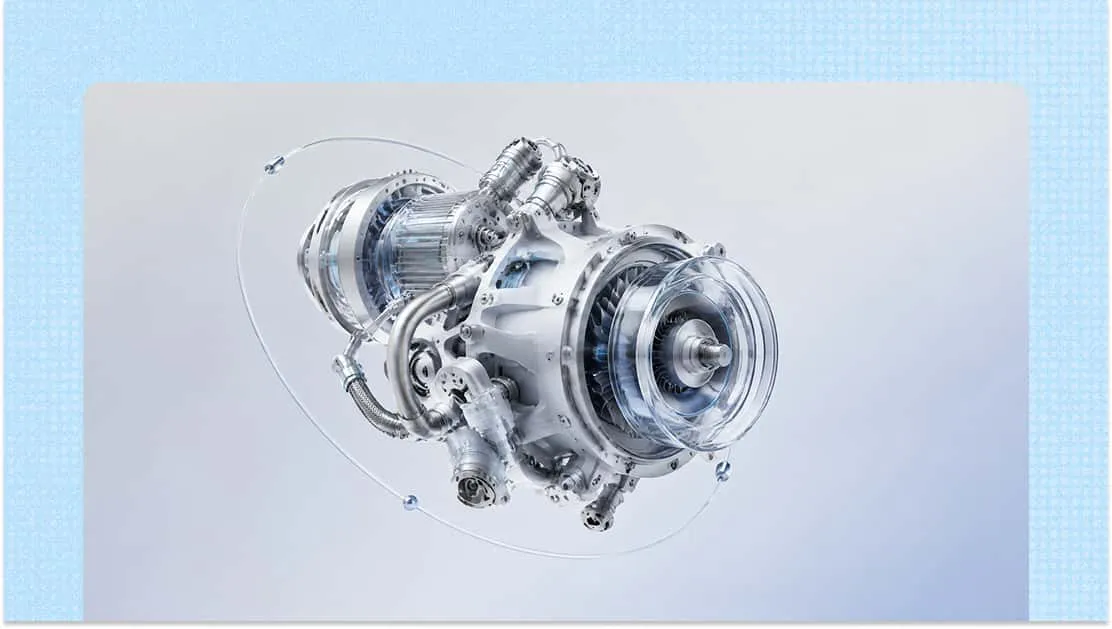
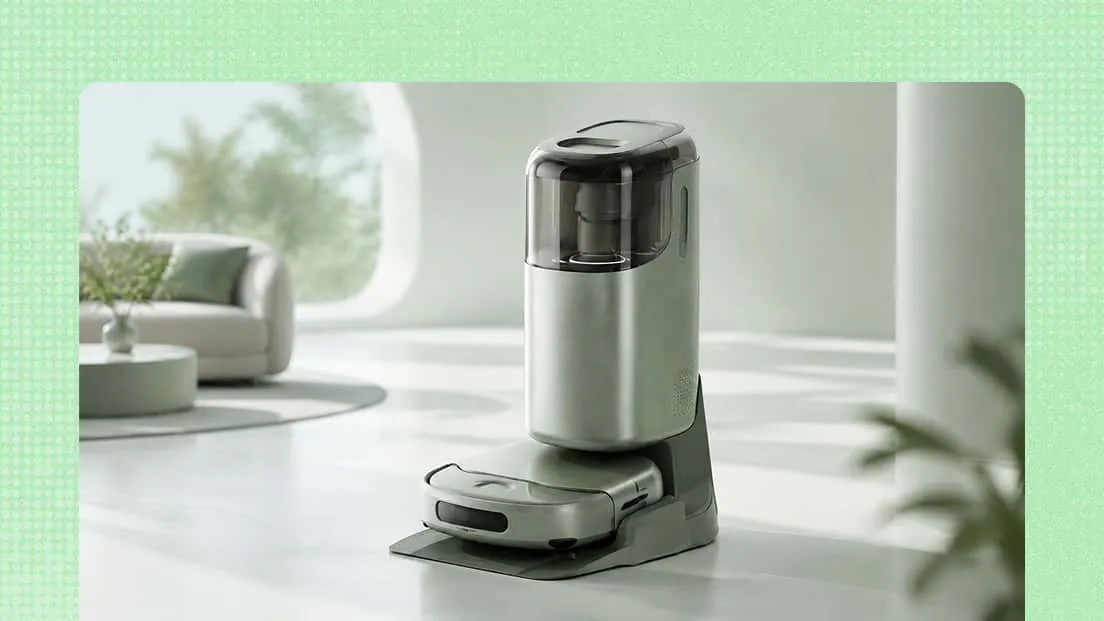
Create engaging 3D product videos that highlight shapes, materials, features, and intricate details. Use dynamic camera movements and realistic visuals to present products for e-commerce stores, product launches, and promotional campaigns.
Social media content
Produce eye-catching short-form videos using animated objects, imaginative scenes, and creative visual effects. Create distinctive content for reels, stories, and promotional posts across social media platforms.
Brand advertising
Turn marketing ideas into memorable 3D animations that communicate your brand's message. Create promotional clips, campaign videos, and animated brand stories that help capture your audience's attention.
Game content
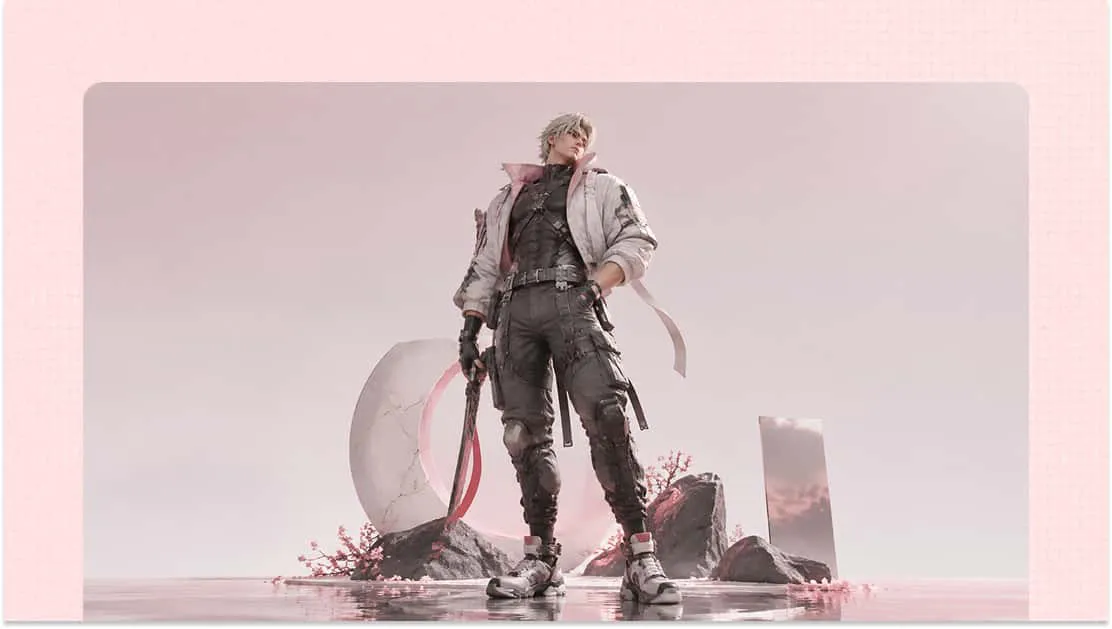
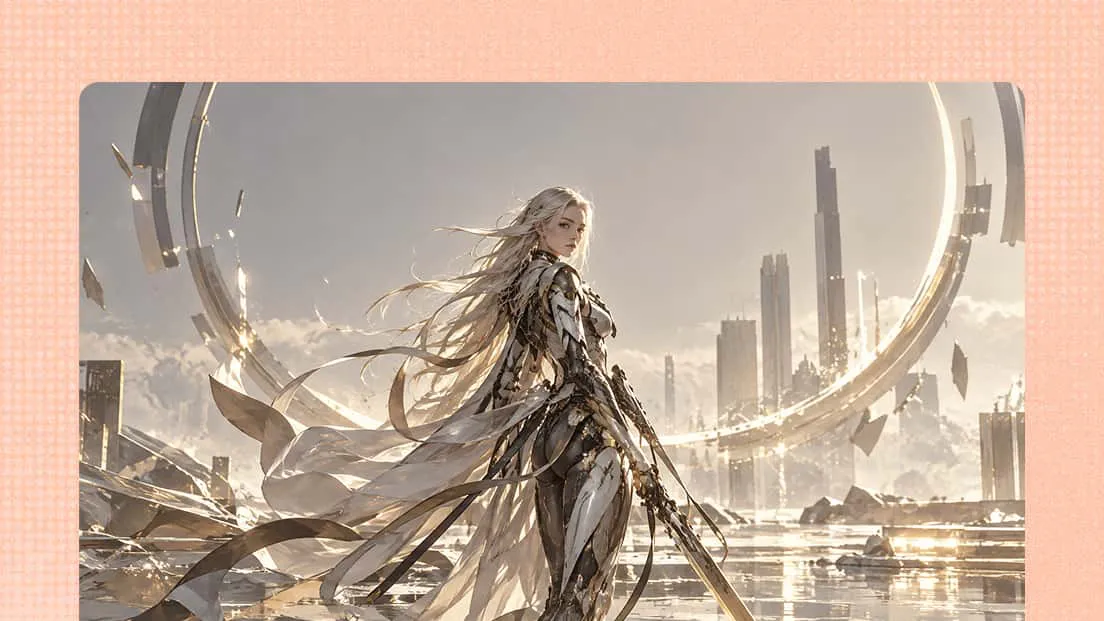
Develop engaging 3D videos for game trailers, character introductions, and gameplay promotions. Bring fictional environments, characters, and action sequences to life with dynamic animations and visual effects.
Educational content
Use 3D animations to explain complex processes, demonstrate how objects work, and illustrate abstract concepts. Turn educational topics into engaging visual presentations that are easier to understand and remember.