Clearly describe the main subject and its features
Specify the object's type, shape, proportions, and distinctive features. For example, describe a fantasy sword with a curved silver blade, an ornate golden hilt, and a blue gemstone.
Turn your ideas into 3D models with AI-powered text to 3D generation. Simply describe the object you want to create and bring your concepts to life. With Kimi 3D Make, you can generate models from text prompts, refine details, and export your creations.
Bring your ideas into a three-dimensional space by describing an object, character, or creative asset in everyday language. You can also upload a reference image to guide the generation process and help translate visual ideas into 3D forms. This AI text-to-3D generator transforms your descriptions into 3D models without requiring you to build every shape manually.
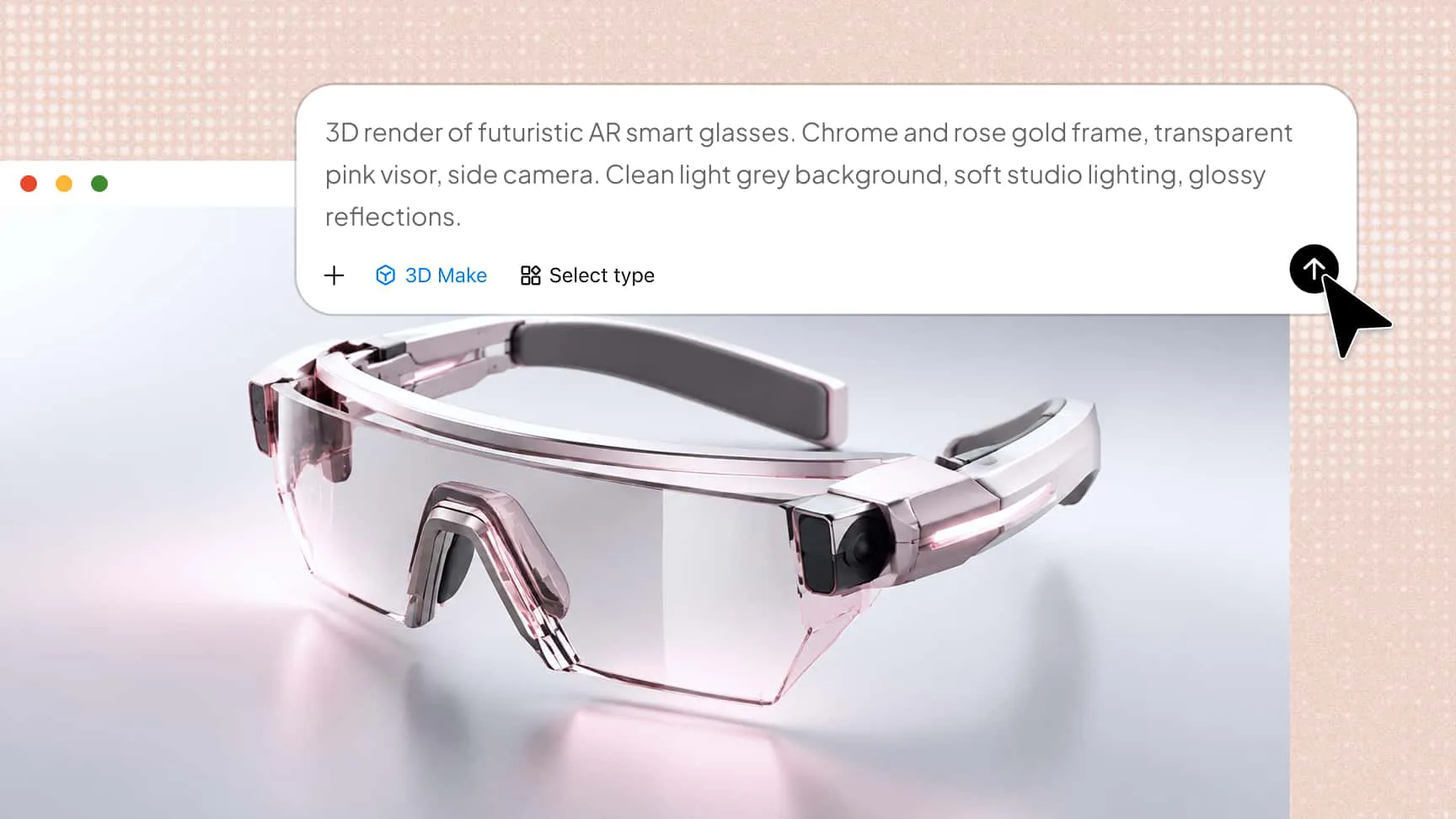
Give your creations a unique visual identity through balanced proportions, cohesive shapes, and carefully crafted details. Experiment with futuristic designs, decorative objects, and imaginative characters to explore different visual styles. The AI text-to-3D tool helps translate your creative direction into visually appealing 3D assets.
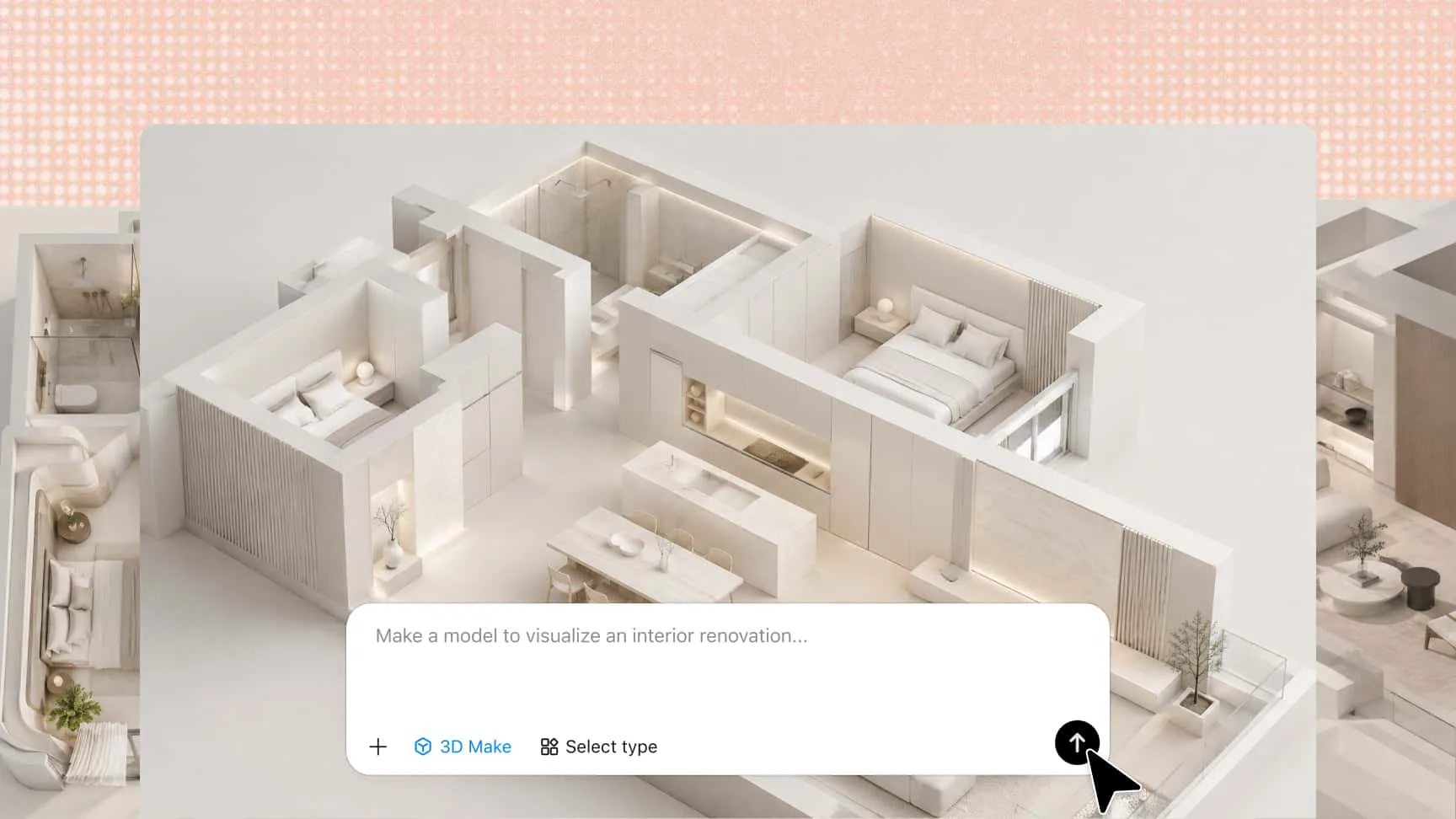
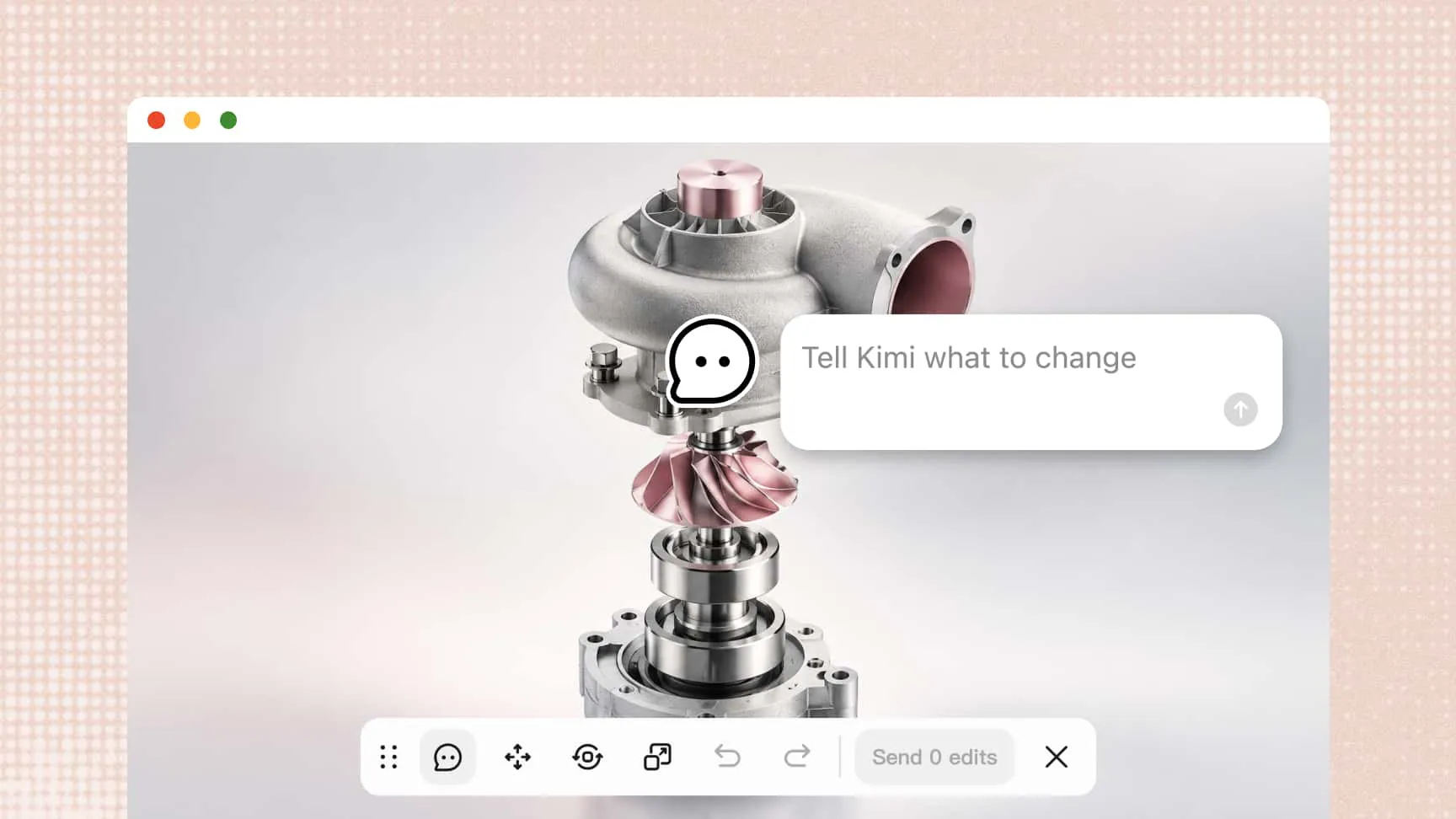
Your first generation does not have to be your final design. Use chat-based prompts to modify the overall model or leave comments on specific elements to make targeted adjustments. Refine individual features and explore alternative designs without having to generate your 3D model from scratch.
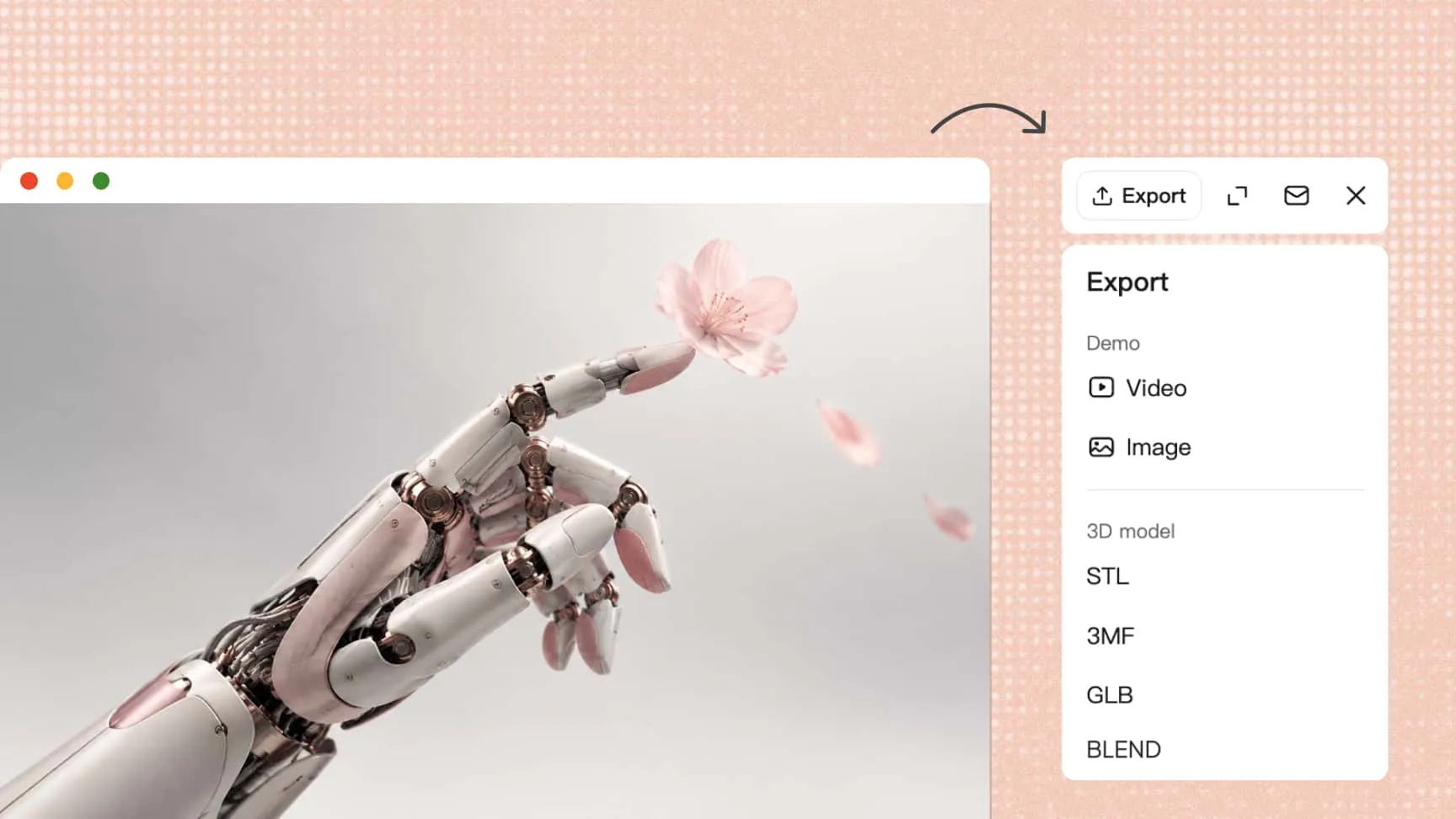
Take your generated models beyond the creation process by exporting them in supported formats such as GLB and BLEND. Import your assets into compatible 3D software for further editing and development. Whether you're creating game environments or developing creative concepts, you can easily take your ideas from initial designs to usable 3D assets.
Describe the object's shape, colors, materials, and key details, or upload a reference image to guide creation.
Let Kimi 3D Make generate the model, then refine it with chat prompts, element comments, or manual edits.
Preview the result and export it in a supported format, such as GLB, glTF, OBJ, or BLEND, for further use in compatible 3D software.
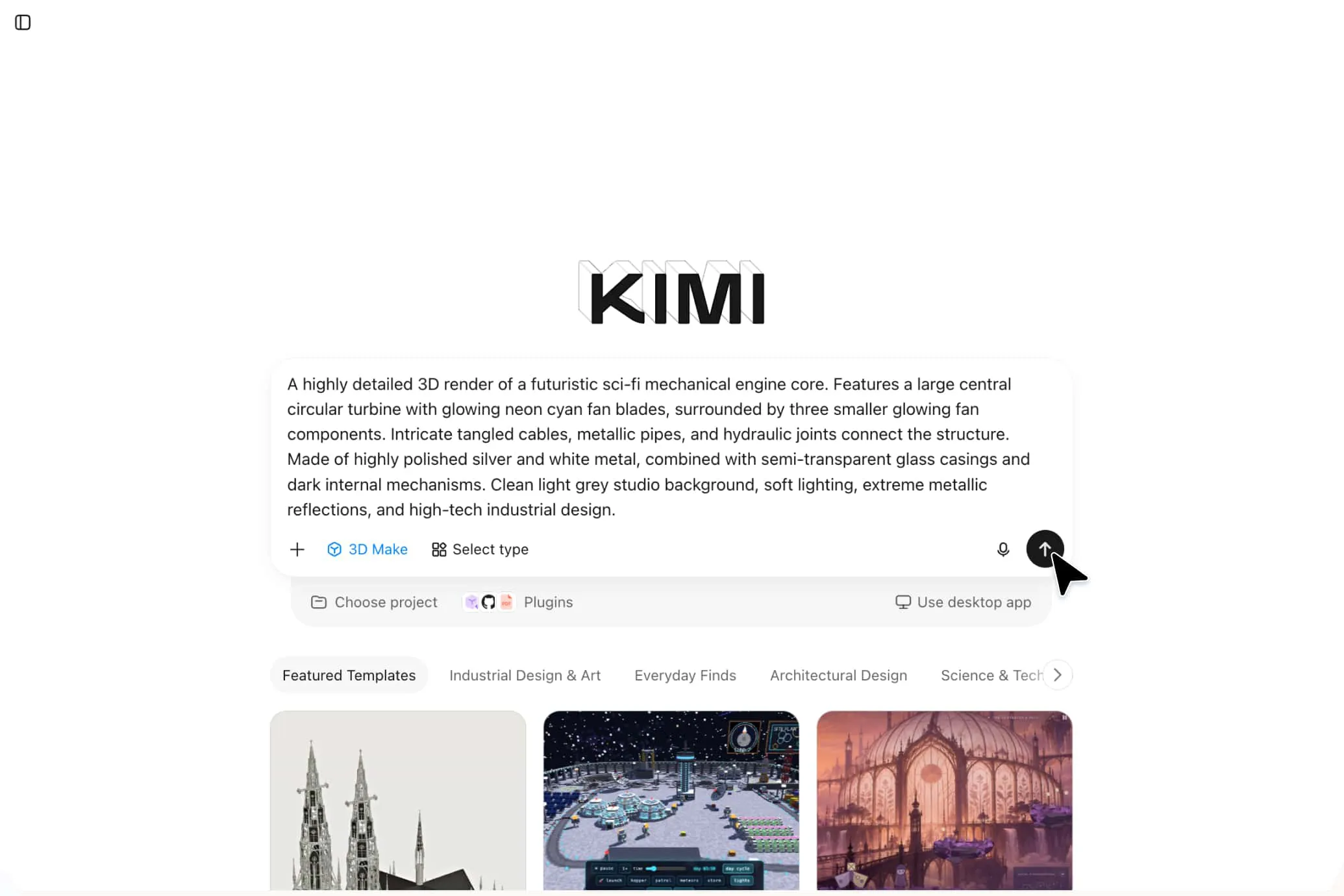
Generate 3D characters, weapons, props, buildings, and environmental objects from simple text descriptions. The text-to-3D model AI tool helps game developers visualize asset concepts, explore different designs, and speed up early-stage game development.
Turn product descriptions into 3D concept models of furniture, electronics, accessories, and everyday objects. You can use AI-generated 3D models to explore shapes, proportions, and design details before moving on to detailed modeling or physical prototyping.
Create conceptual models of buildings, furniture, decorative objects, and interior elements using written prompts. These 3D representations help designers explore spatial ideas, visualize layouts, and communicate early-stage design proposals.
Transform descriptions of scientific structures, historical objects, and geometric shapes into 3D models. Students and educators can use these visual representations to explore complex subjects and understand abstract concepts more easily.
Generate 3D product visuals, promotional objects, mascots, and decorative assets for advertising campaigns, social media, and presentations. These creations help marketing teams explore visual concepts without manually modeling every object.
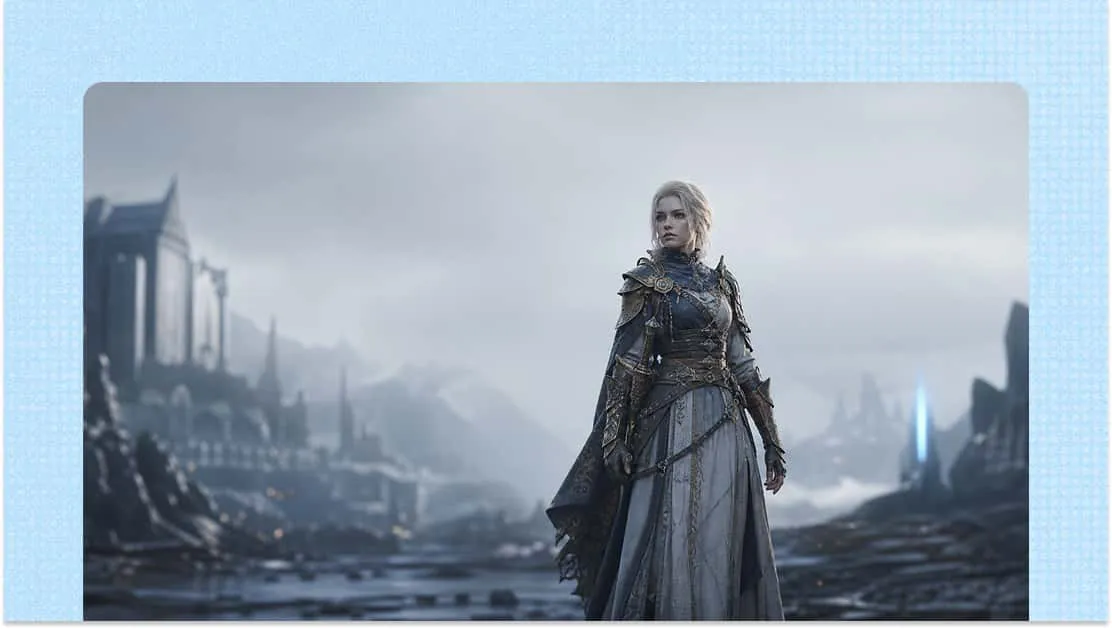
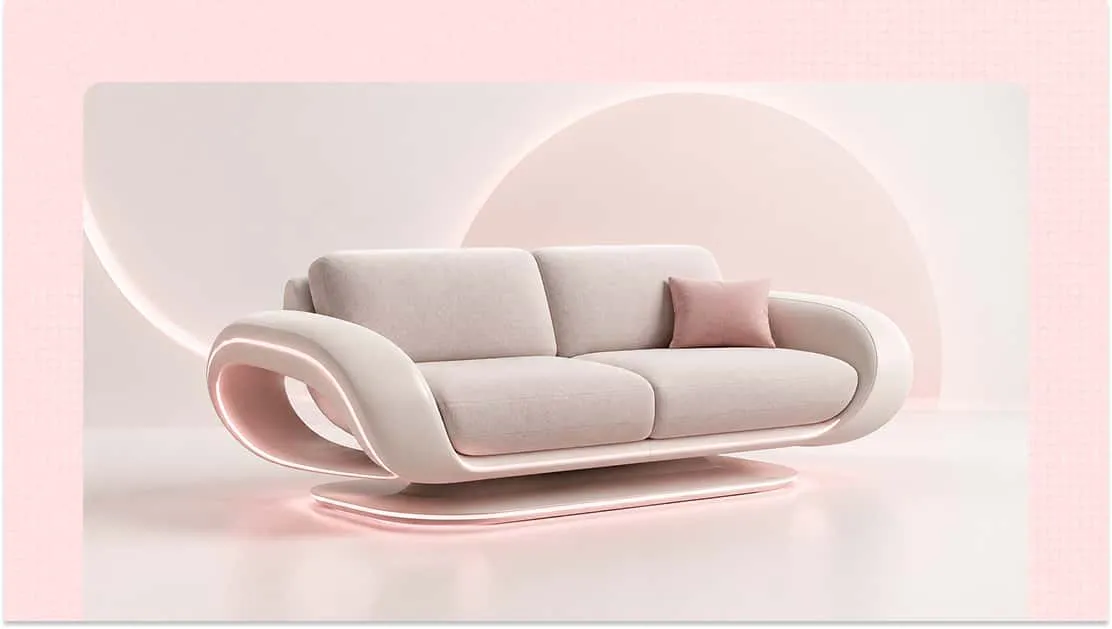
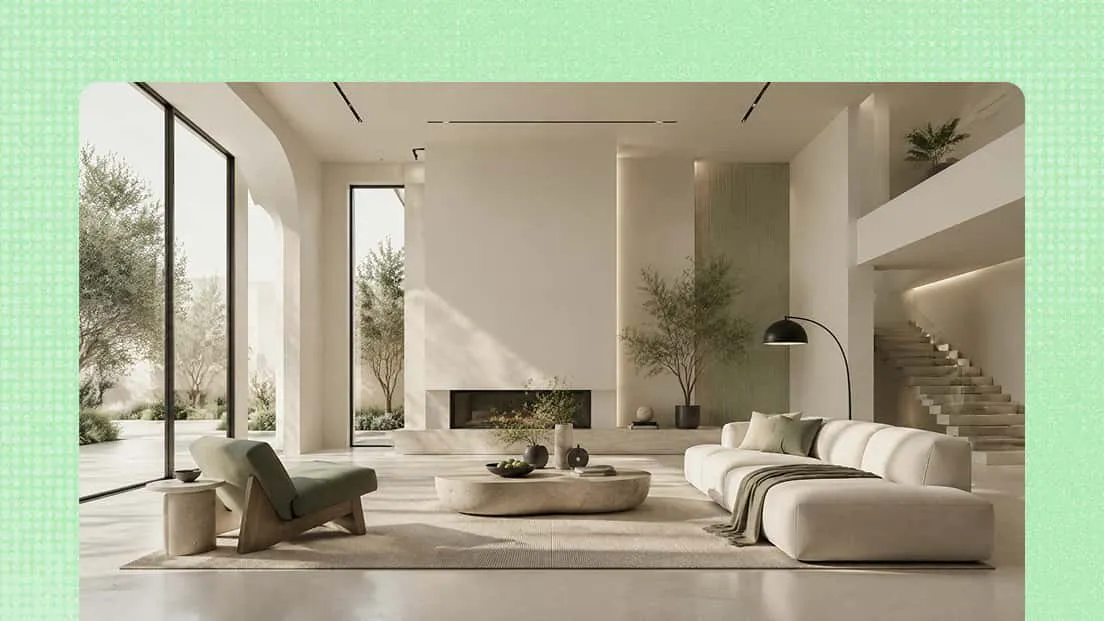
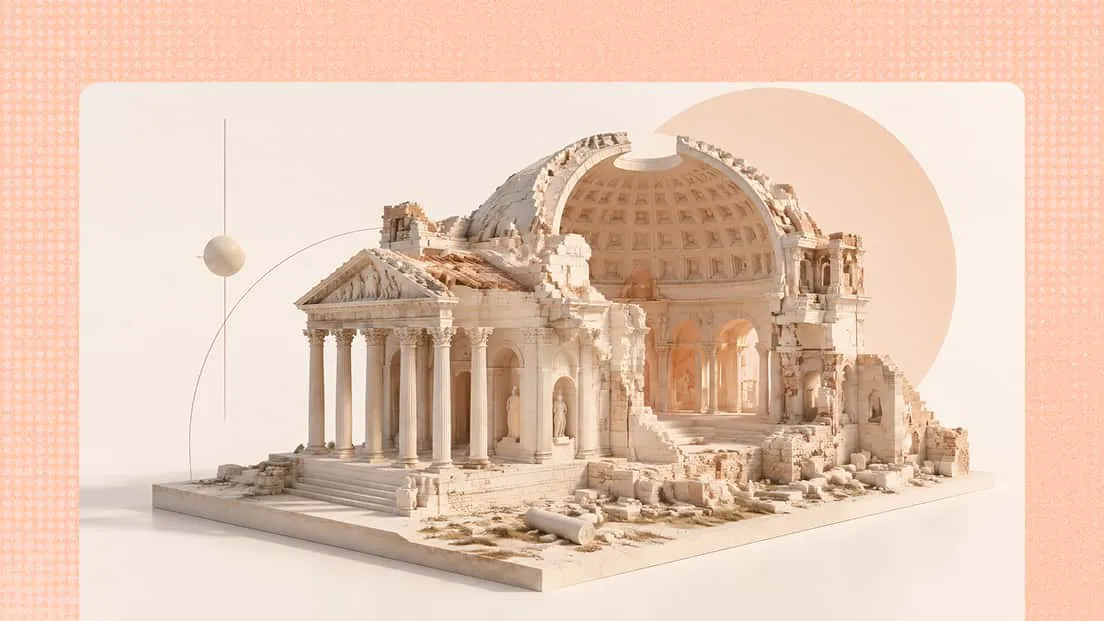
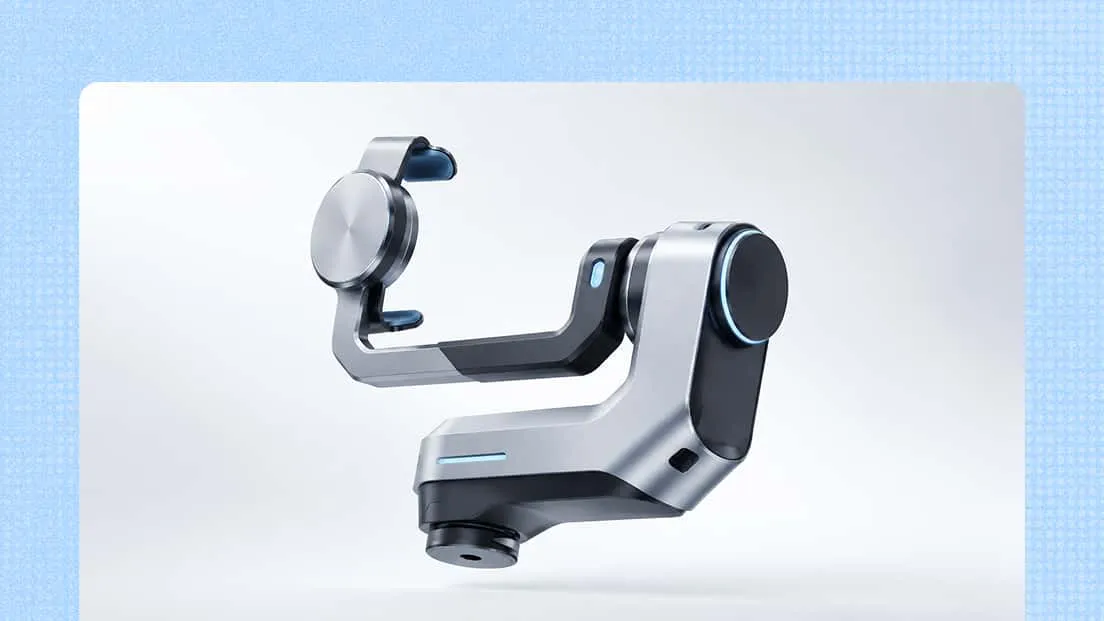
Specify the object's type, shape, proportions, and distinctive features. For example, describe a fantasy sword with a curved silver blade, an ornate golden hilt, and a blue gemstone.
Mention colors, textures, and materials such as brushed metal, glossy ceramic, or weathered wood. These details help the AI understand the desired appearance and create a more visually consistent 3D model.
Include the most important details while avoiding unnecessary descriptions. Structure your prompt around key elements such as the subject, shape, materials, colors, distinctive features, and overall style. This helps provide clear direction and guides the AI toward the intended 3D result.