AI Image to Text Converter
Turn photos, screenshots, and scanned documents into editable text with Kimi Docs. This AI image-to-text tool helps you extract written content from images, organize information, and reuse text for notes, reports, or everyday document tasks. Upload your image and get started.
Turn images into editable text with AI
Convert images into editable text
Kimi Docs can help process image-based content, such as screenshots, scanned documents, and photos, making text easier to reuse without manual retyping. This can simplify your workflow when you need to get text from a picture and prepare it for further editing.
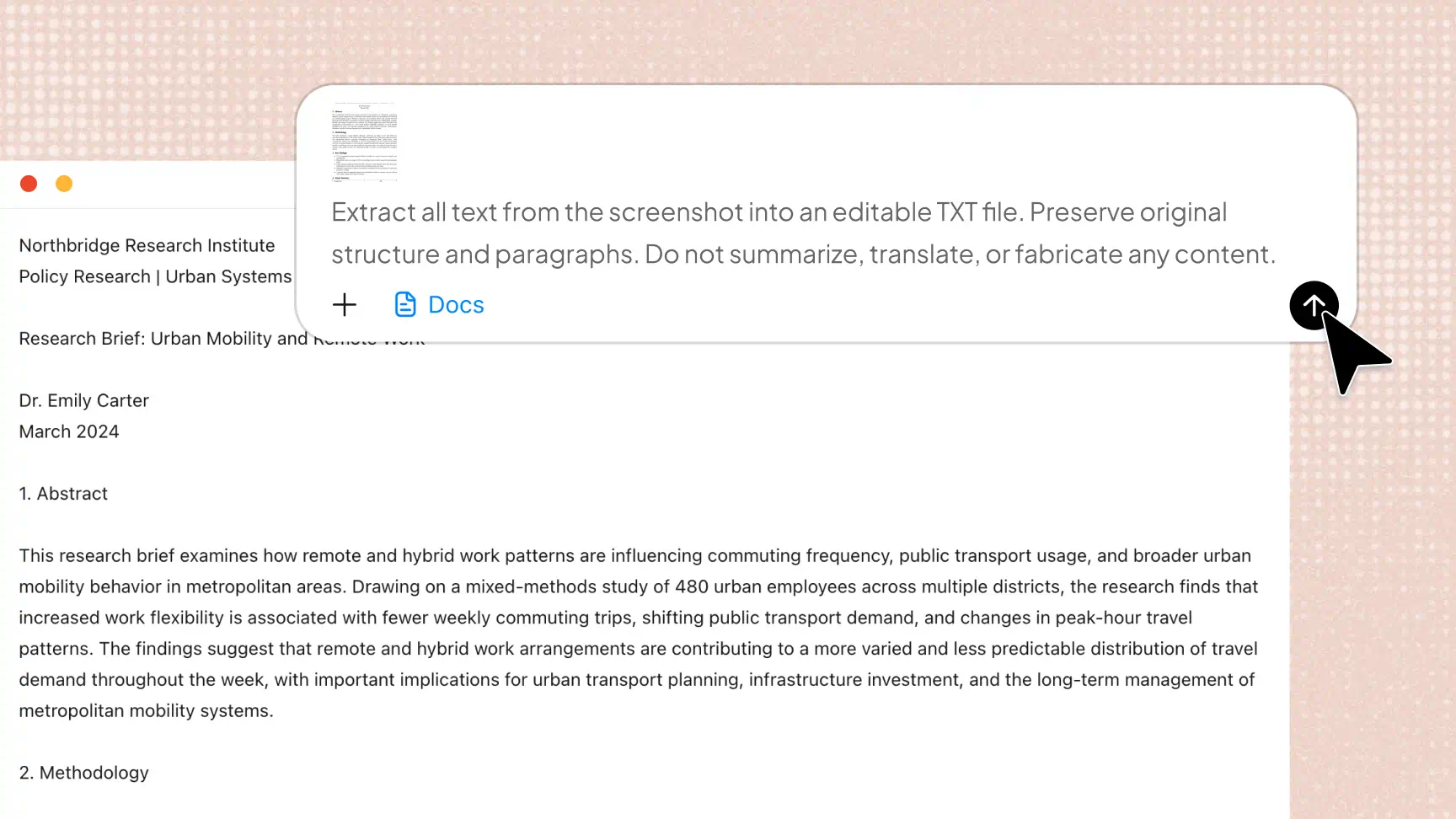
Organize and refine extracted text
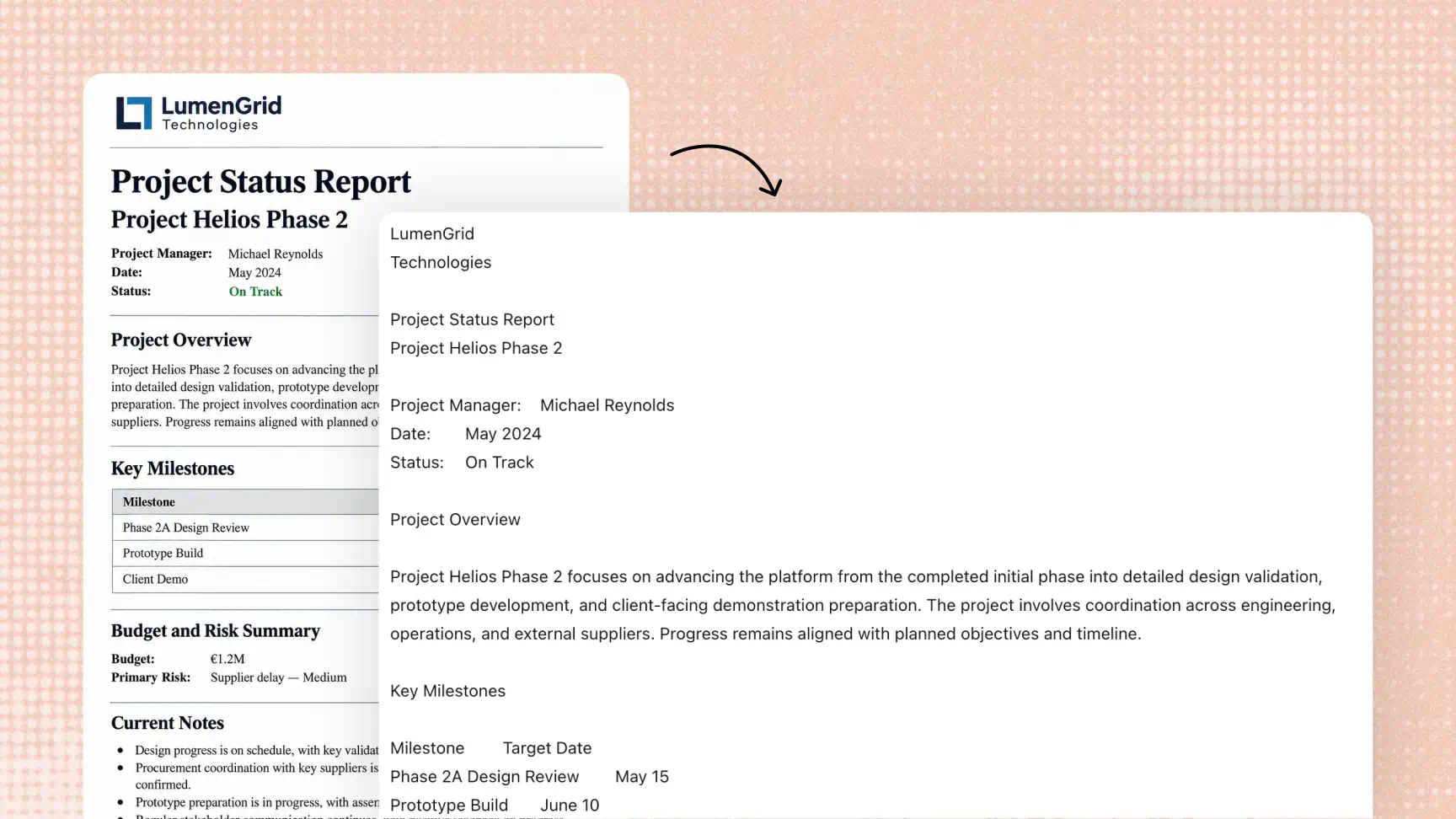
After extracting text, use Kimi Docs to rewrite sentences, summarize key points, clarify explanations, and adjust the tone. This helps turn raw image-to-text results into clear, organized content for reports, notes, and other documents.
Work with multilingual content
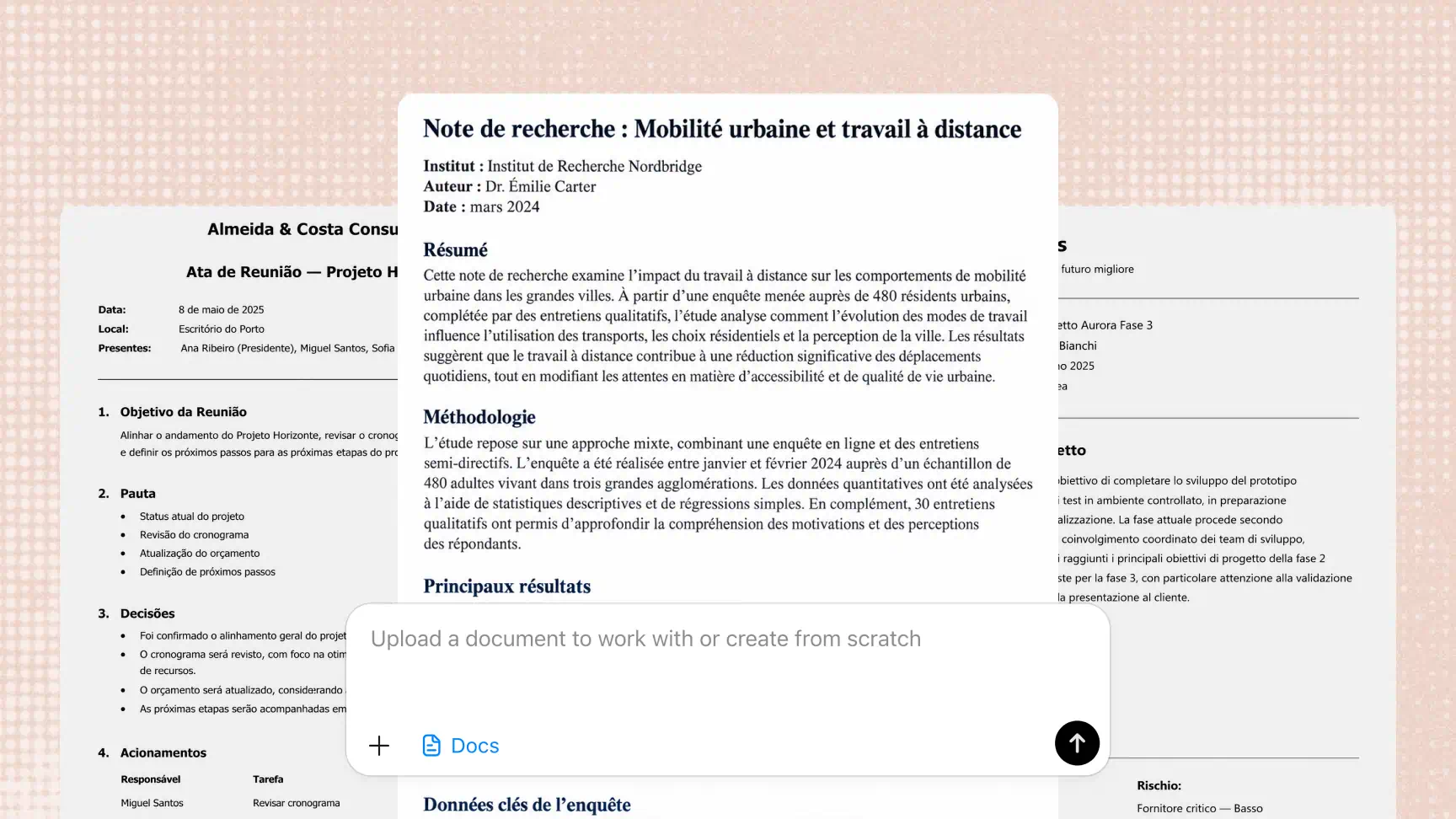
Kimi Docs can help translate and organize text for different language needs. This is useful when working with foreign-language study materials or business documents, although the accuracy of extracted text and translations should be reviewed.
Reuse extracted text across document workflows
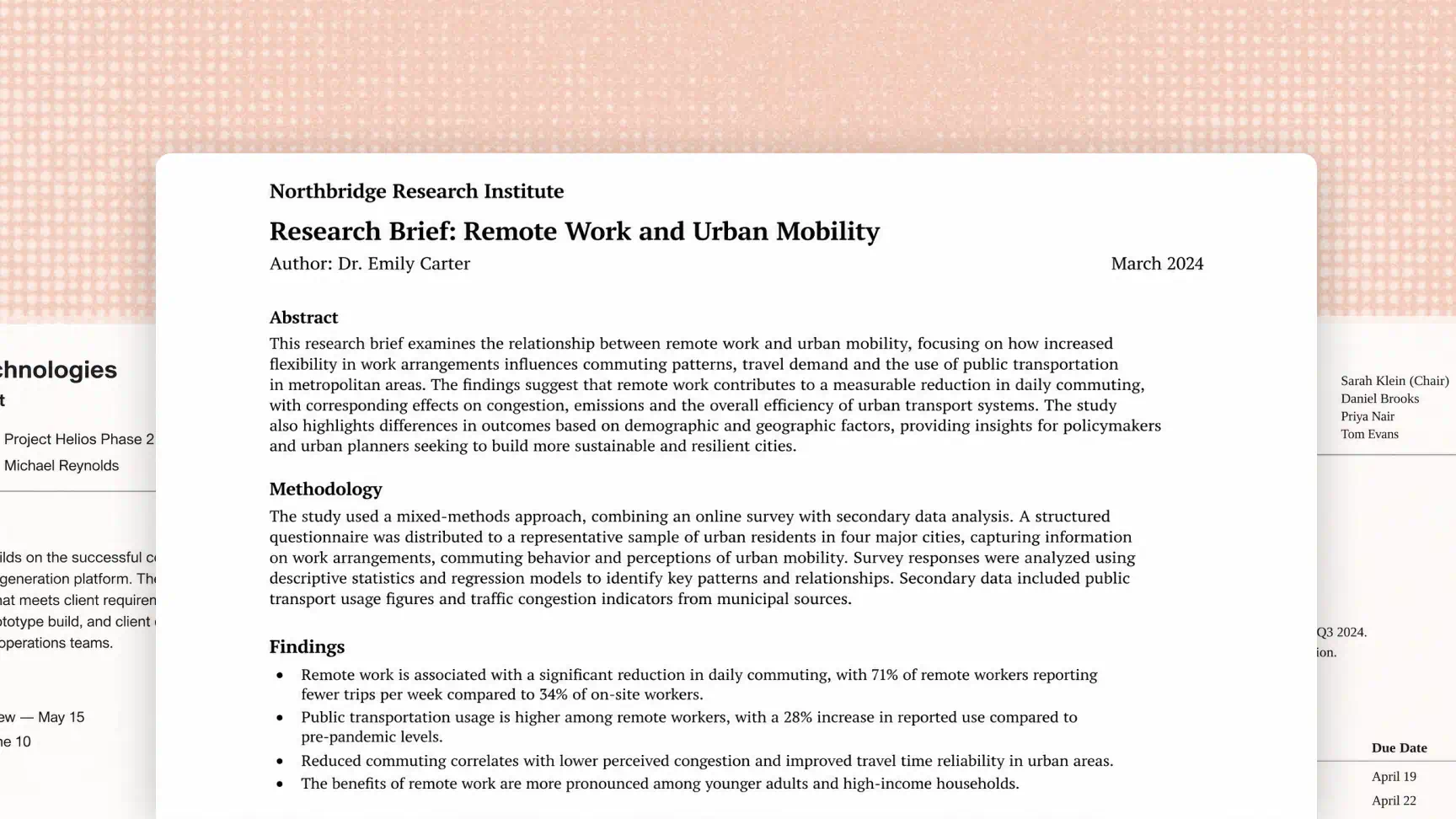
Bring text extracted from images into your everyday work and study tasks. Use the content as a starting point for reports, study materials, meeting notes, or business documents, making visual information easier to incorporate into your existing workflow.
How to convert an image to text with AI
Upload your image
Open Kimi Docs and upload the photo, screenshot, or scanned document you want to process. Choose a clear, readable image to help improve text recognition.
Extract the text
Let Kimi Docs recognize and convert the image content into editable text. Wait for the process to finish, then check the extracted content to ensure the important information has been captured.
Review and reuse
Correct any recognition errors and adjust the formatting as needed. Once you are satisfied with the results, download the content in a supported format or copy it into another document for further use.
Practical applications of image-to-text conversion

Document digitization
Convert scanned pages, printed materials, and paper records into editable digital text. An image-to-text converter makes it easier to reuse information from existing documents without manually retyping the content.

Screenshot text extraction
Extract text from screenshots of websites, online articles, chat messages, and digital records. A picture-to-text converter helps you capture important details and reuse them in notes, reports, or other documents.

Academic research and study notes
Extract information from textbook pages, lecture slides, and research materials to create summaries and revision notes. This photo-to-text workflow helps students organize useful information for studying and academic writing.

Office document management
Turn photographed forms, printed reports, and scanned business documents into reusable text. You can then edit the extracted information and incorporate it into meeting notes, reports, and other work documents, including Word files.

Book and article archiving
Extract passages from book pages, newspaper clippings, and printed articles for personal reference or further research. Organize the text into notes or documents so important information is easier to find and reuse.