Kimi Agent Skills, Evolve the Way Your AI Work
Turn your workflows, processes, and standards into reusable agent skills. Kimi applies them automatically whenever a similar task comes up, so you never have to repeat yourself. Pick from hundreds of ready-made skills in the Skill Store, or build your own by uploading a document or describing what you need.
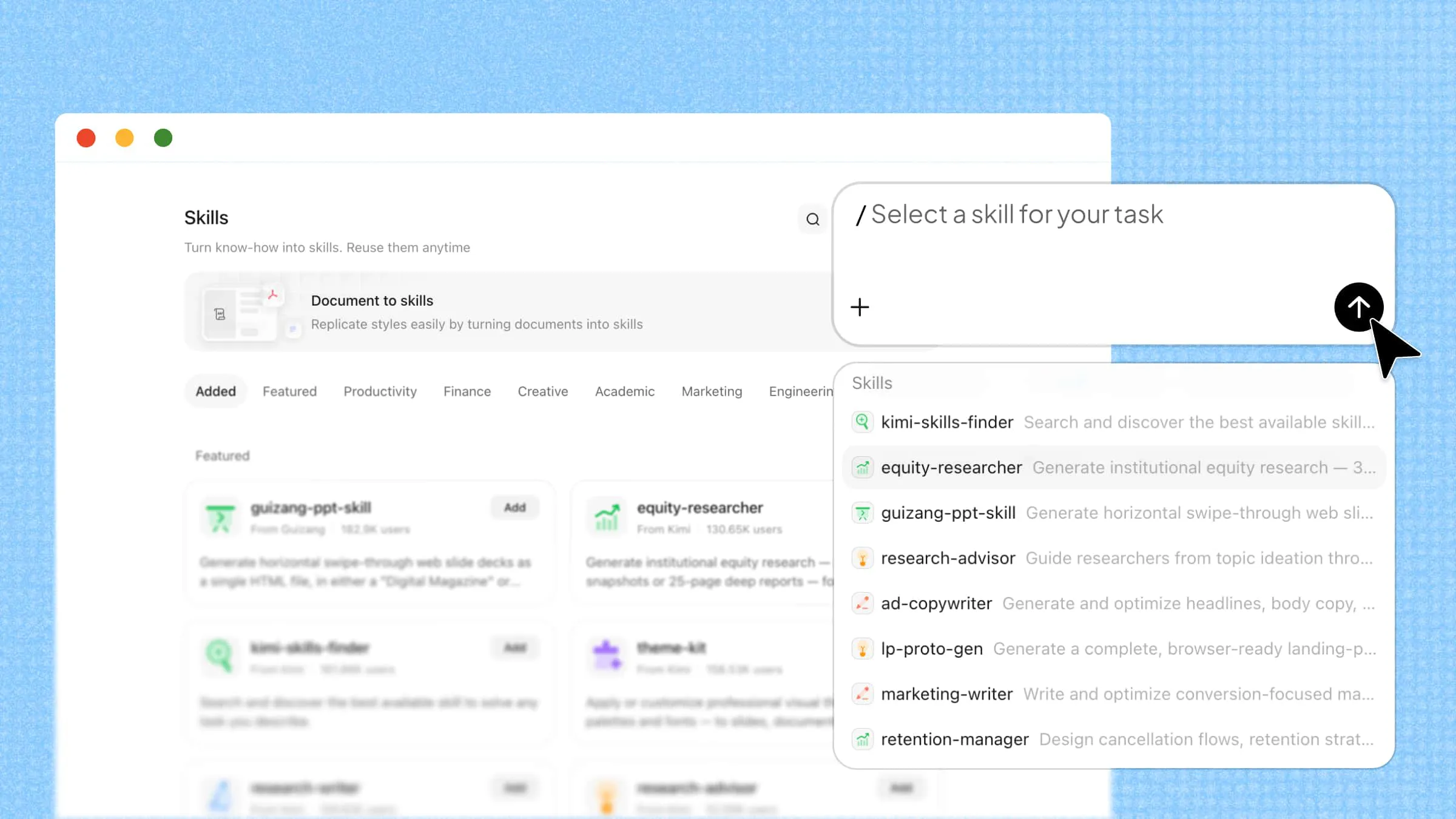
What are AI agent skills?
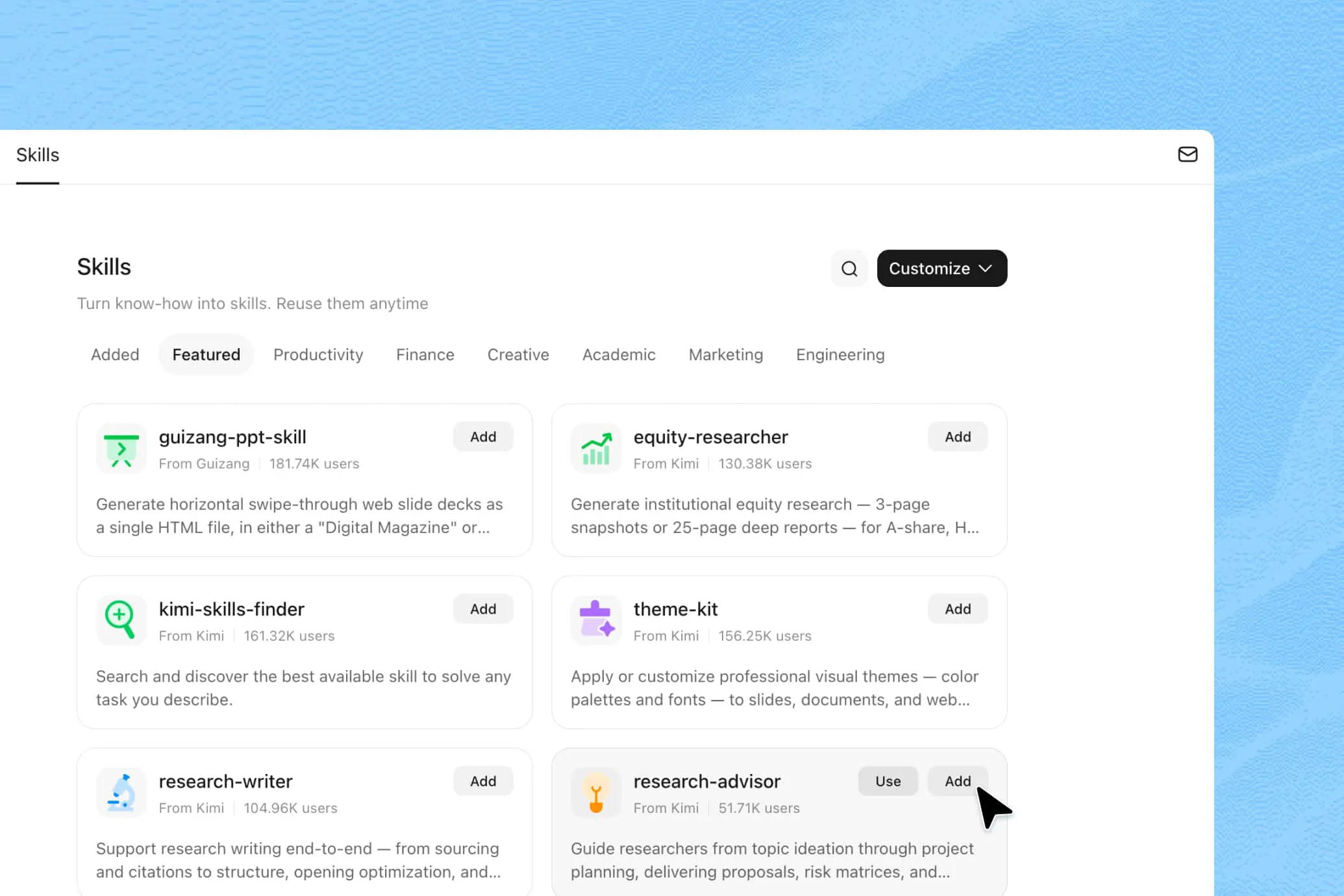
Choose from hundreds of ready-made AI skills
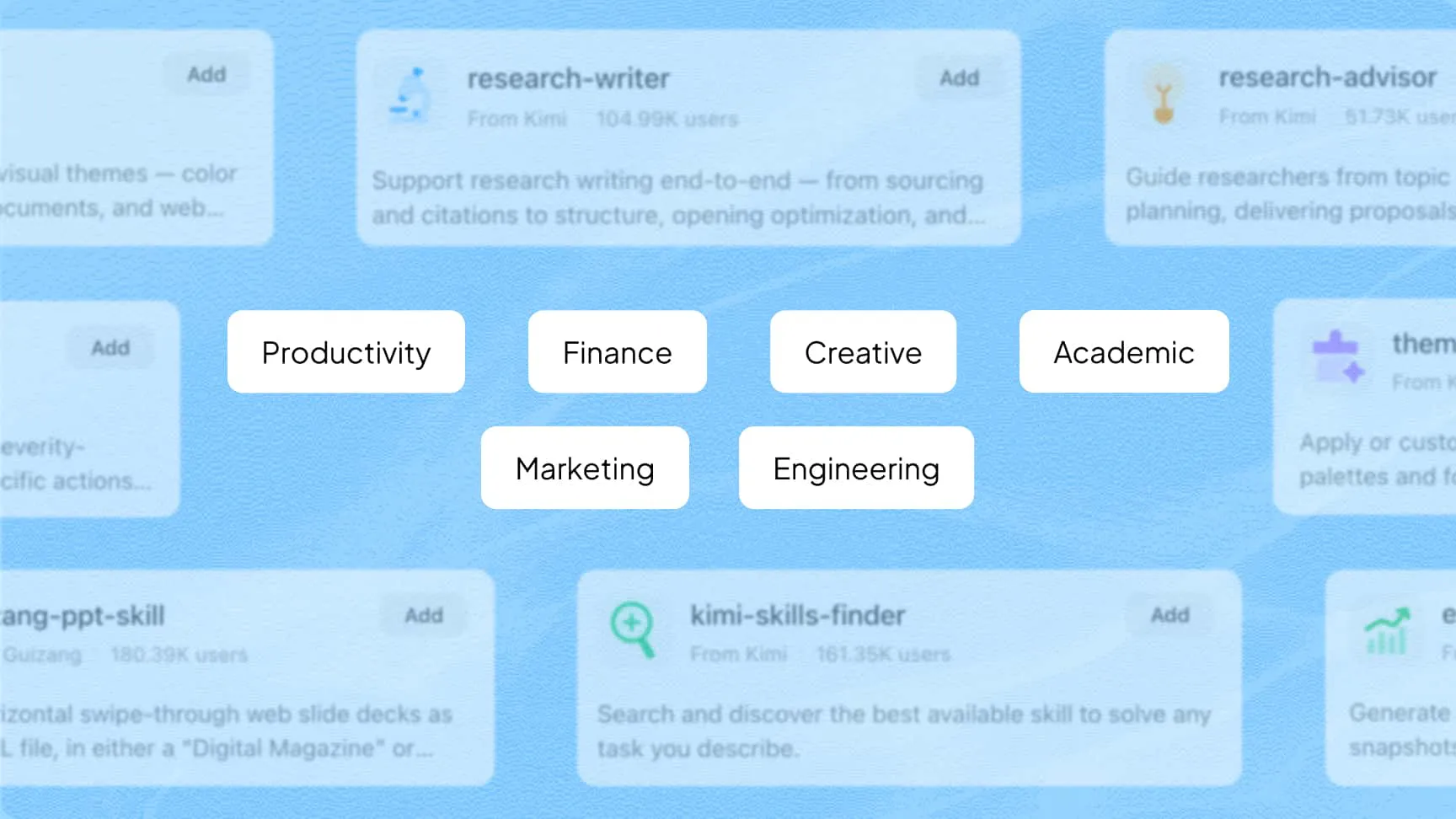
Kimi's Skill Store includes official skills across six areas of work. Add a skill to your library and use it in your next task.
Business and finance
Industry reports, securities analysis, market research, and statistical testing.
Office productivity
Business emails, standard operating procedures, meeting notes, and planning.
Creative work
Copywriting, image creation, and rewriting to match a specific style or tone.
Academic research
Literature reviews, in-depth research, and paper formatting.
Marketing and growth
SEO audits, landing page copy, and search result optimization.
Product and engineering
Web scraping, product requirements documents, and coding assistance.
Build skills from documents or conversation
Start with a document
Upload a Word, Excel, PDF, or PowerPoint file. Kimi extracts its templates, processes, and standards to create a skill you can reuse.
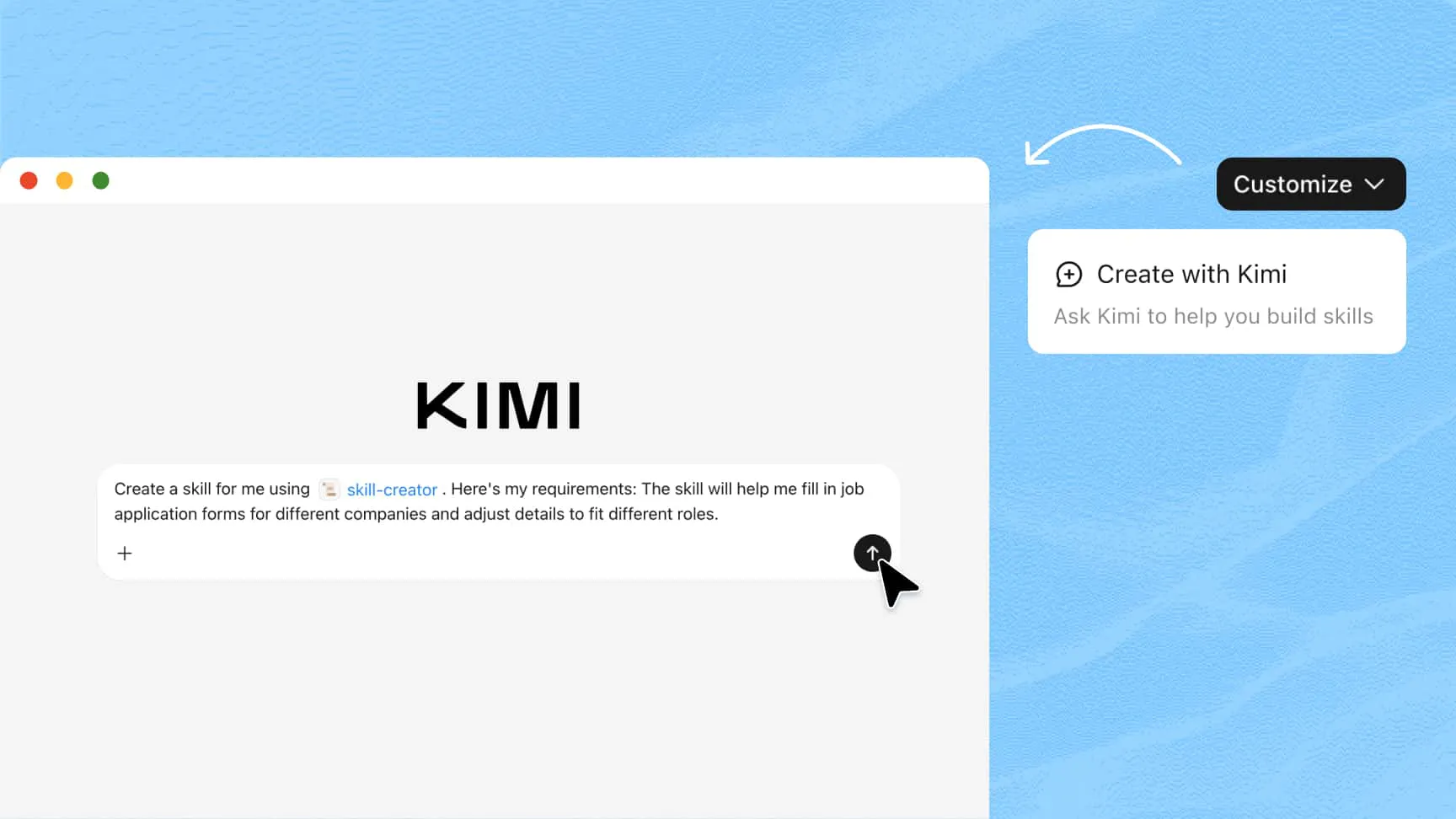
Describe what you need
Tell Kimi what you want the skill to do. Kimi asks questions to clarify the details, then creates a skill for your workflow.
Add and refine skills as your work changes
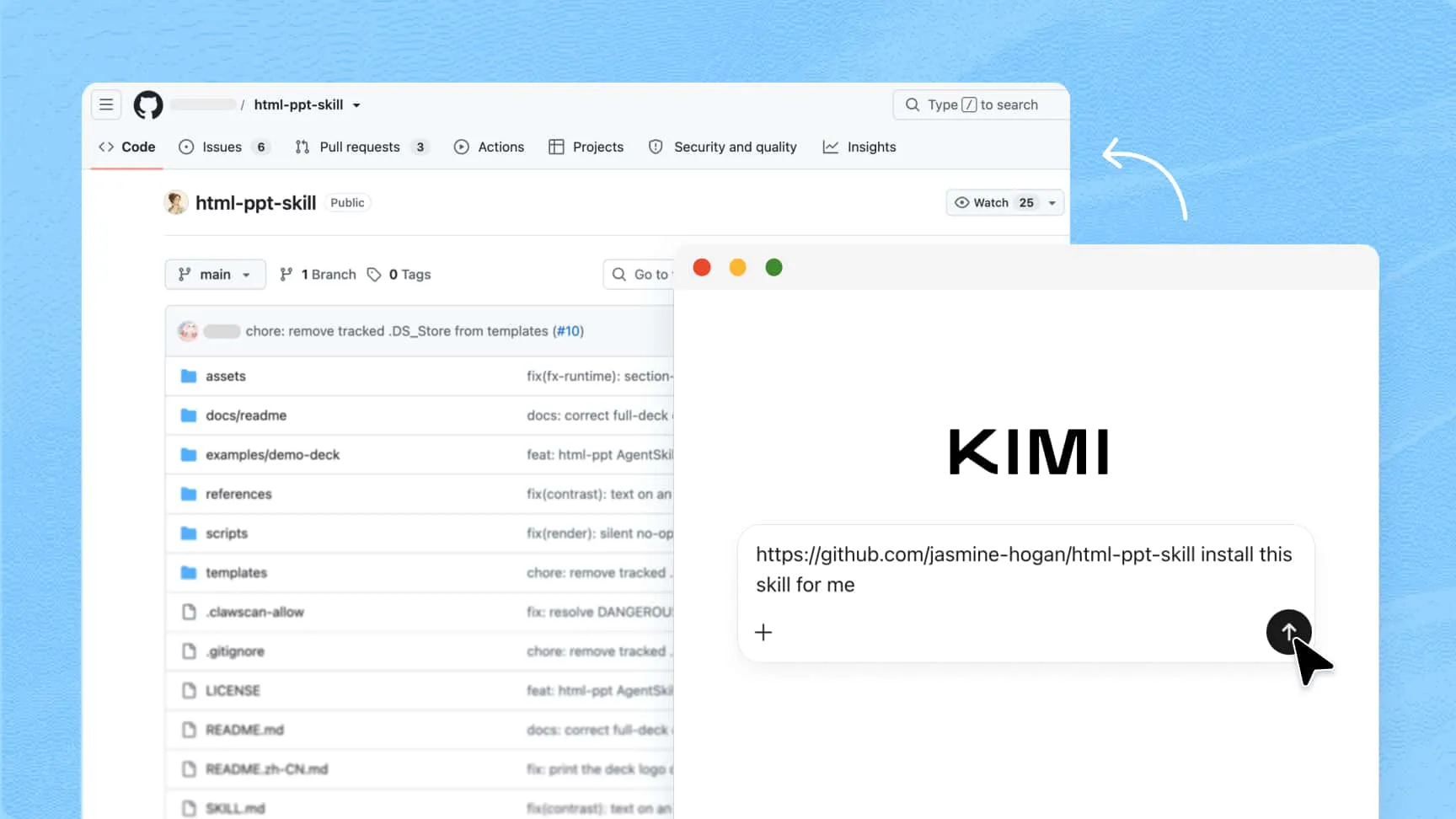
Install open-source or existing local skills
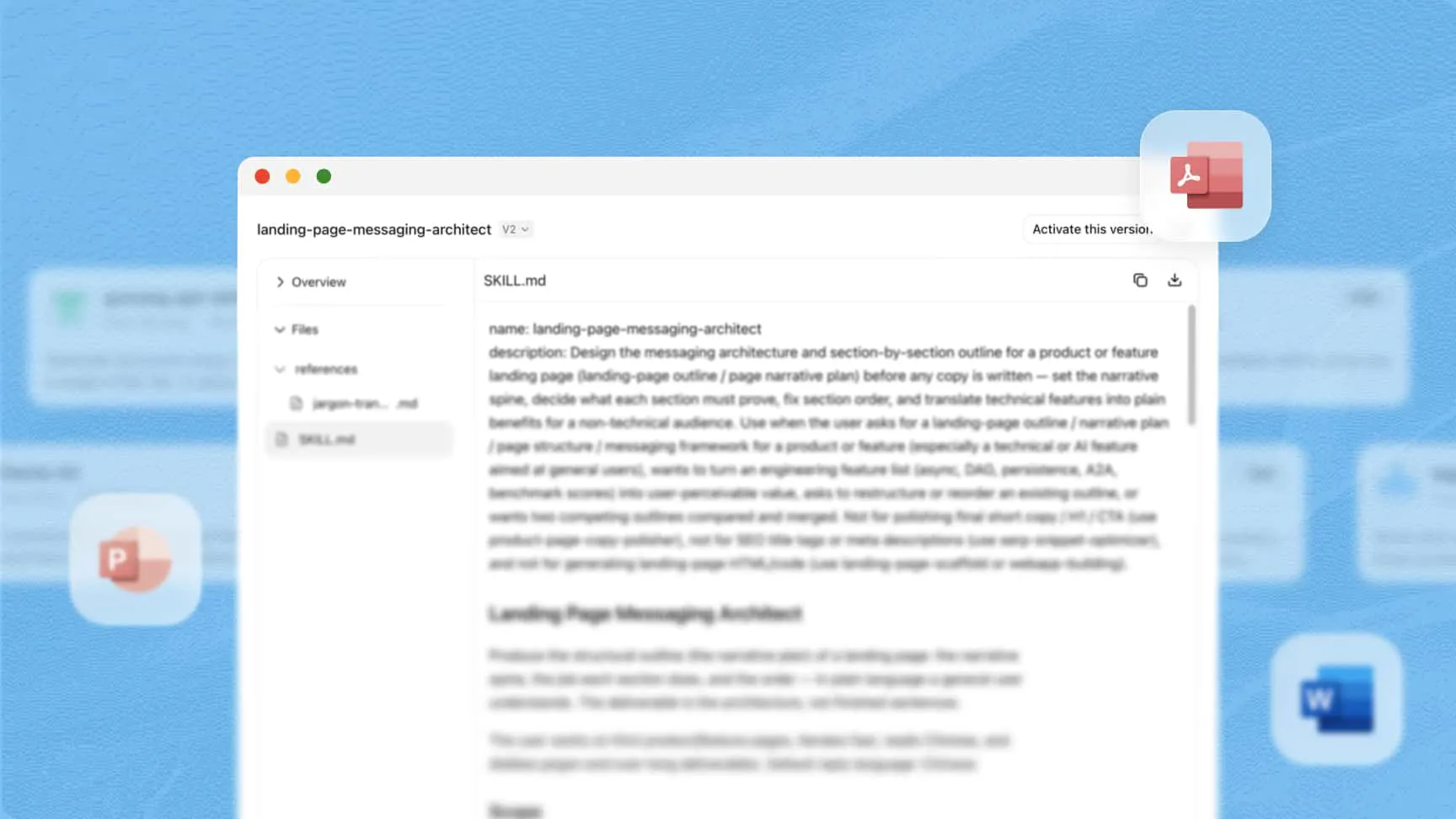
Share the URL of an open source skill to install it in Kimi. In the Kimi Work desktop app, you can also upload local .zip or .md skill files to use your preferred skills.
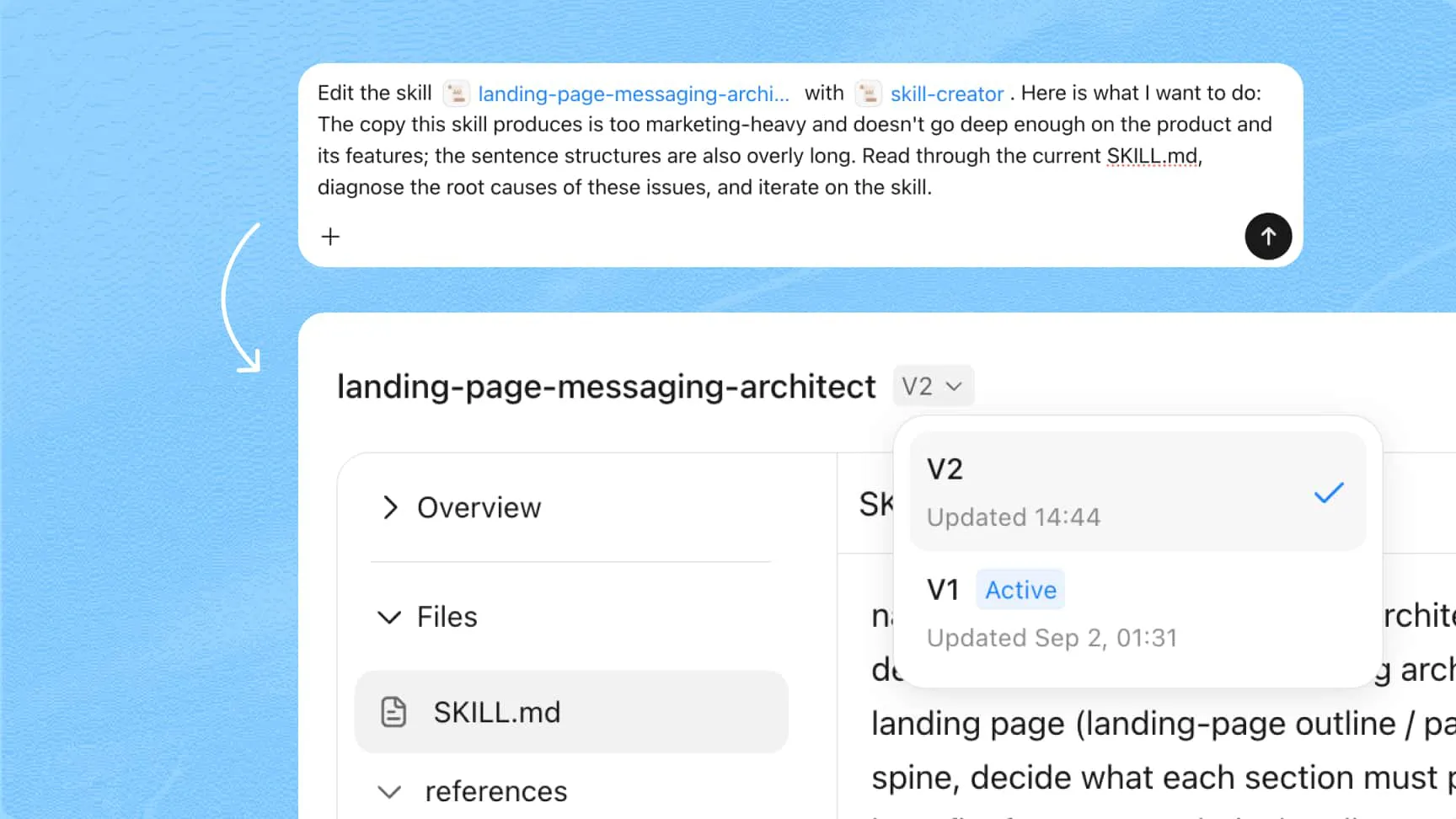
Update skills through conversation
Tell Kimi which steps, templates, or standards to change. You can revise a skill without writing code or opening an editor.
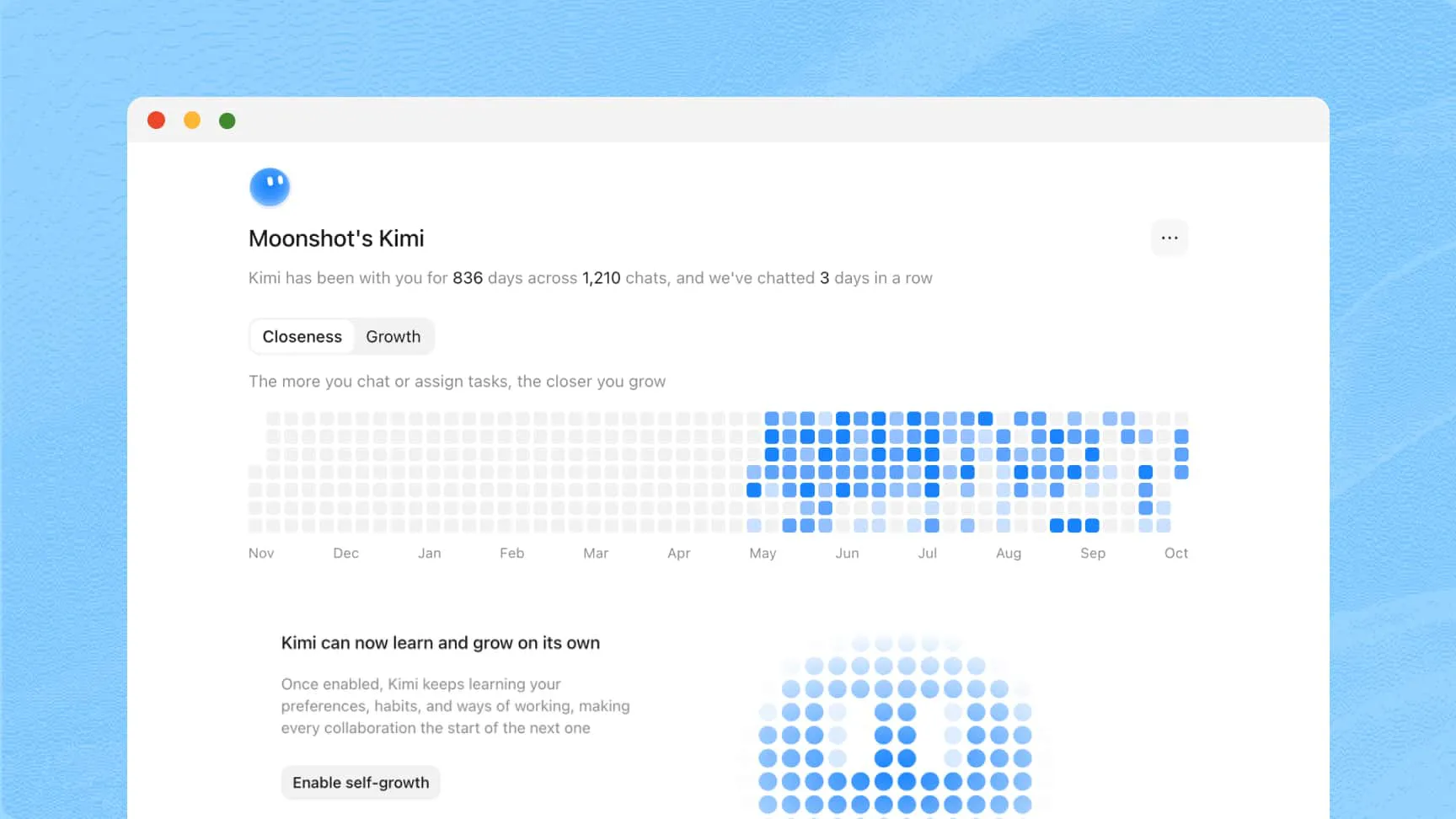
Create skills with MyKimi self-growth
Enable self-growth in MyKimi to allow Kimi to learn your preferences and work habits, then create skills when it identifies a useful workflow to save.
How to create and use skills in Kimi
Add or create a skill
Choose a skill from the Skill Store, upload a document, or describe what you need. You can also share a GitHub skill URL to install it. In the Kimi Work desktop app, you can upload skill files.
Select a skill and describe your task
Type “/” in the chat box to select a skill, and describe your task. You can use multiple skills or use plugins for one task at the same time.
Review and refine the result
Kimi will follow the skill's guidance to complete the task. Review the output when it is ready, then ask Kimi to make any changes you need.
FAQ
/, and can be used together./ in the chat box to select it and describe your task. If you do not choose a skill, Kimi can find and use a relevant one based on the task..docx, .xlsx, .pdf, and .pptx. You can also upload screenshots of these documents.SKILL.md format, so you can download them for use in Kimi Code and other development tools that support the format..zip or .md file. The Skill Store offers hundreds of official skills you can add to your library.