AI Logo Maker
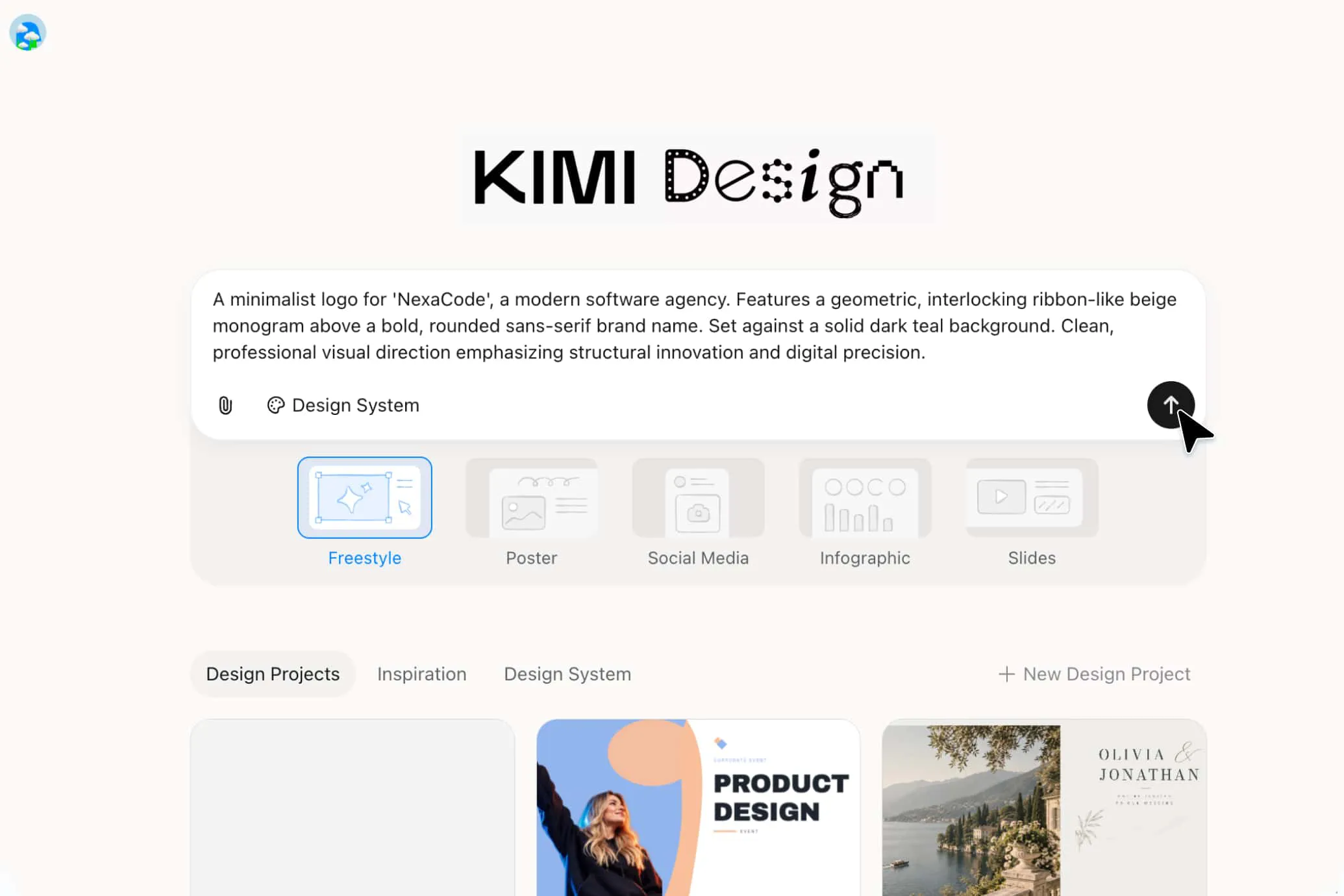
Bring your brand idea to life with an AI logo maker. Describe your brand, audience, and visual style, or upload a reference image. Kimi Design turns your input into an editable logo that you can refine on canvas, then export for digital or print use.
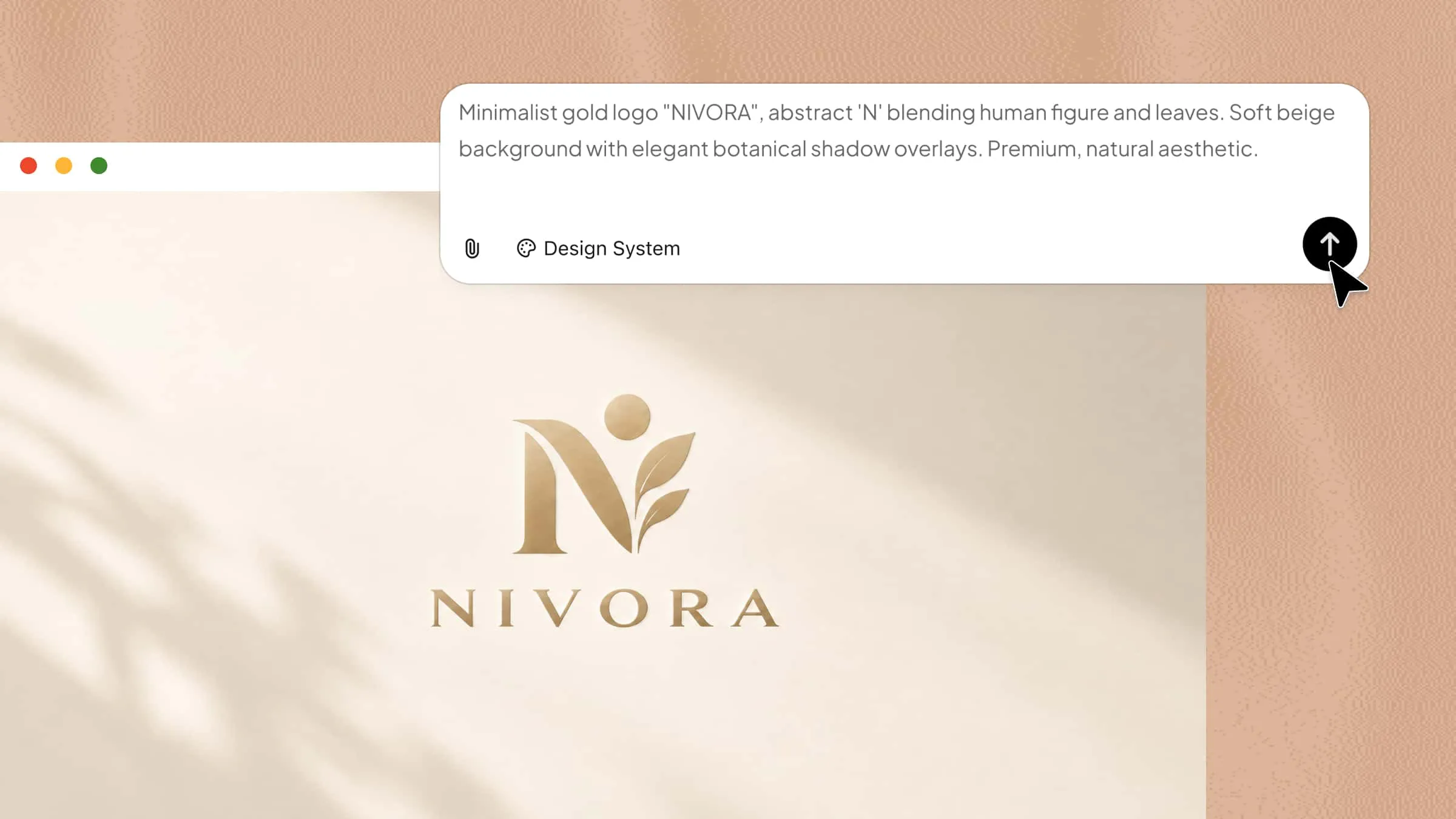
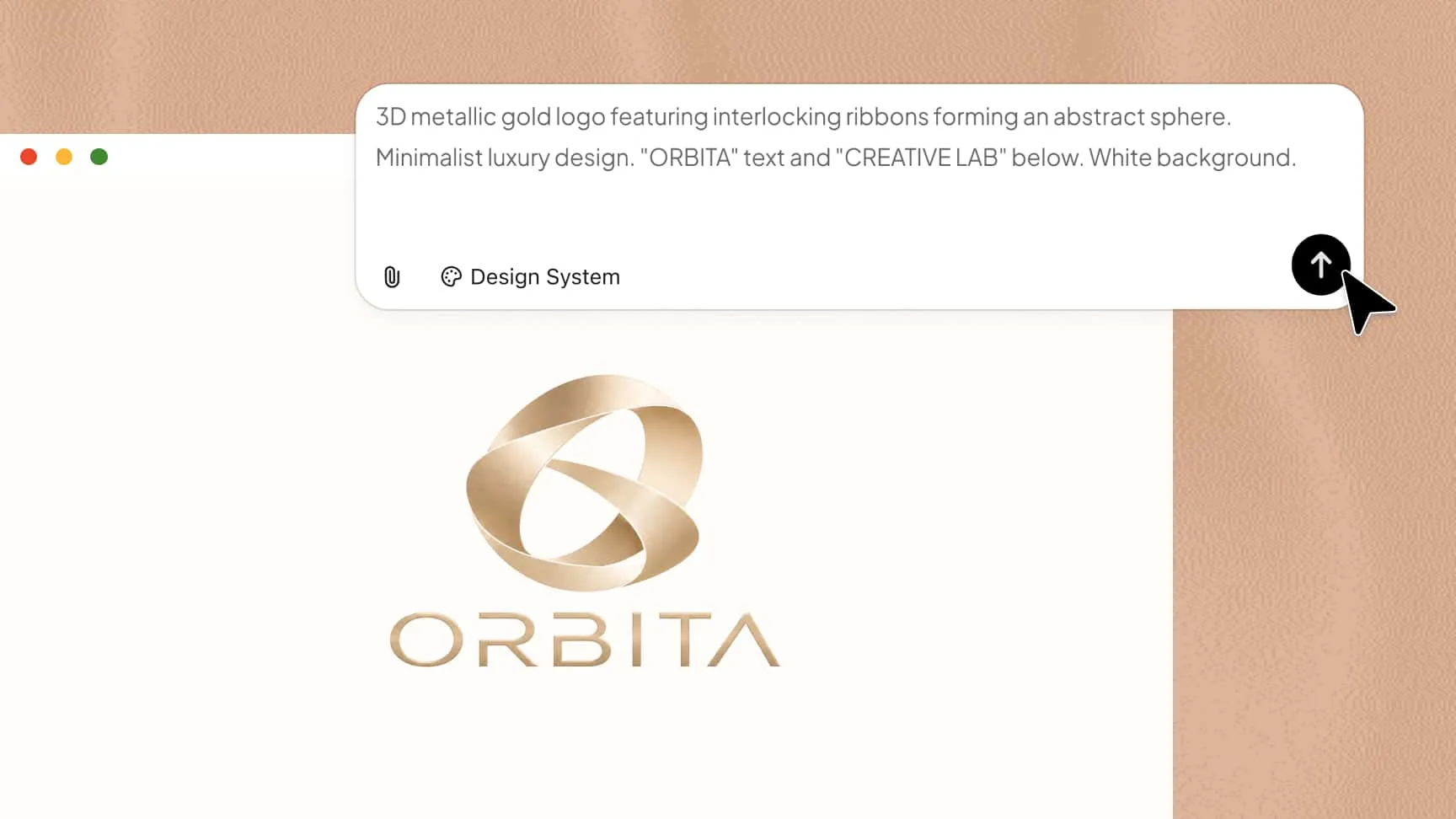
Design your logo, define your brand
Turn your brand idea into a logo with prompts and references
Start by describing your brand, target audience, preferred visual style, colors, and the elements you want to include in your logo. You can also upload reference images to guide the visual direction, composition, or overall aesthetic. Kimi Design uses your input to develop a logo concept that reflects your brand identity. Adjust your prompts and creative direction to explore different concepts until you find one that fits your vision.
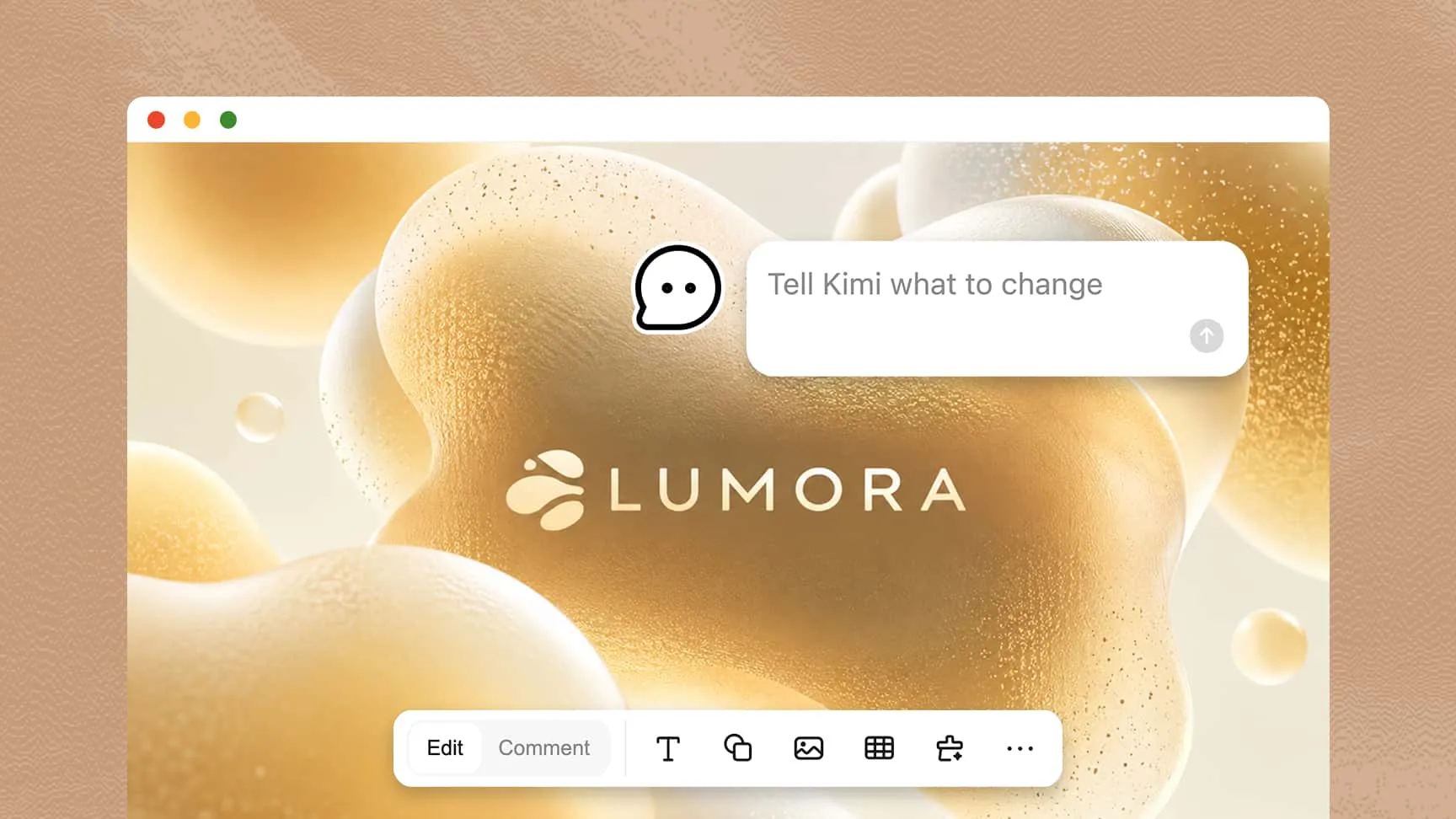
Refine every detail easily on an editable canvas
A strong logo often takes several rounds of refinement to get right. Kimi Design lets you refine your design through conversational editing, comments, and direct canvas adjustments. Describe the changes you want in natural language, leave comments on specific elements to provide more targeted instructions, or edit individual text, shapes, icons, and other design elements directly on the canvas for greater precision.
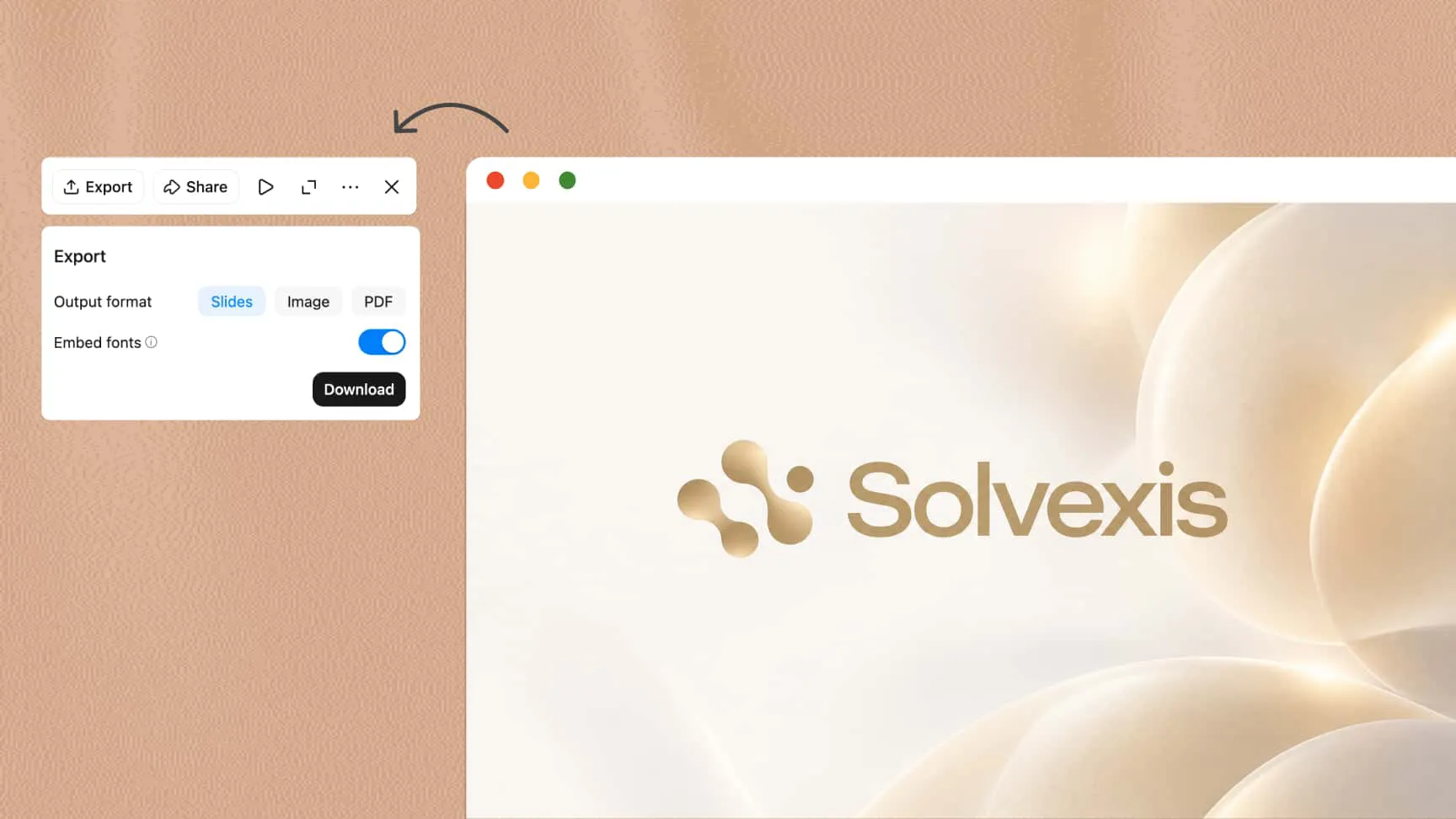
Explore logo styles, sizes, and export options
Adapt your logo to different applications by exploring visual variations and adjusting the canvas to suit your design requirements. Kimi Design supports preset and custom canvas sizes, allowing you to prepare logo concepts for different digital and print materials. Once your design is ready, export it as a high-resolution PNG or JPG for digital use, or as a PDF for print. Choose PNG when you need a transparent background for placing your logo on different backgrounds and branded materials.
From logo to other branded materials, all in one place
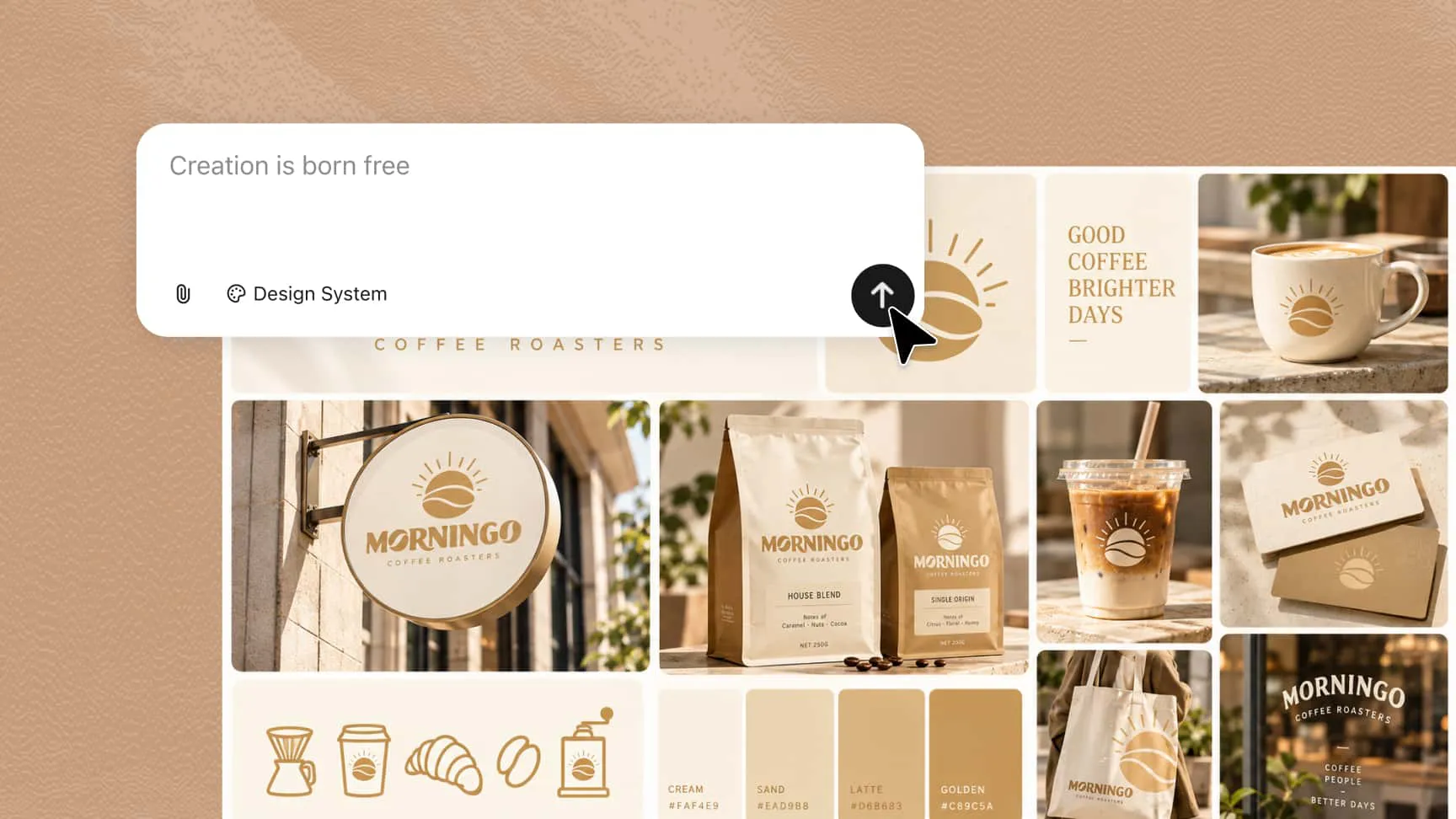
A logo becomes more effective when it is used consistently across your brand's visual content. With Kimi Design, you can build on your logo to create social media graphics, promotional posters, presentations, and other marketing materials. Carry your logo, color palette, typography, and visual direction across different designs to establish a recognizable brand identity. You can also adapt these materials for specific campaigns, product promotions, announcements, and everyday business communications while maintaining a consistent look across channels.
How to create a logo with Kimi Design
Start with your logo idea and brand details
Describe your brand, target audience, preferred colors, and logo style to guide the design. You can also upload a reference image for inspiration and choose a preset size or customize the canvas to suit your needs.
Review and refine your logo
Review the initial design and make adjustments through conversational prompts, comments, or direct canvas editing. Refine the typography, colors, layout, and other elements until the AI logo design aligns with your brand identity.
Explore variations and export in the suitable format
Experiment with different styles and design variations to find a logo that fits your brand. Once you're satisfied with the result, export it in a supported format, such as PNG, JPG, or PDF, with transparent-background options available where supported.
AI logo maker for different communities and industries
Education and learning communities
Create logos for schools, online courses, tutoring services, and student clubs. Choose symbols, colors, and typography that reflect your educational goals and help establish a recognizable identity.
E-commerce brands and online stores
Design logos for online shops, product lines, and independent businesses that match your products and target audience. Create a logo for your storefront, product packaging, and social profile, then export a transparent PNG for use across different backgrounds.
Technology companies and digital products
Develop logos for software companies, tech startups, mobile apps, and digital services. Turn your ideas into visual concepts with modern typography, geometric shapes, and styles that reflect your product's purpose.
Interest groups and hobby clubs
Create logos for gaming communities, sports teams, hobby clubs, and groups built around shared interests. This AI logo maker can help you explore designs that represent your group's personality and give members a recognizable visual identity.
Forums and community events
Design logos for online forums, discussion groups, conferences, workshops, and meetups. Develop visuals that communicate the event's theme and maintain a consistent look across announcements, social media posts, and event materials.