AI Image to Image Generator
Transform visuals with an image-to-image AI generator. Explore new styles, adjust colors and backgrounds, or blend elements from multiple references. Kimi Design lets you refine results with prompts and manual edits to create visuals that match your vision.
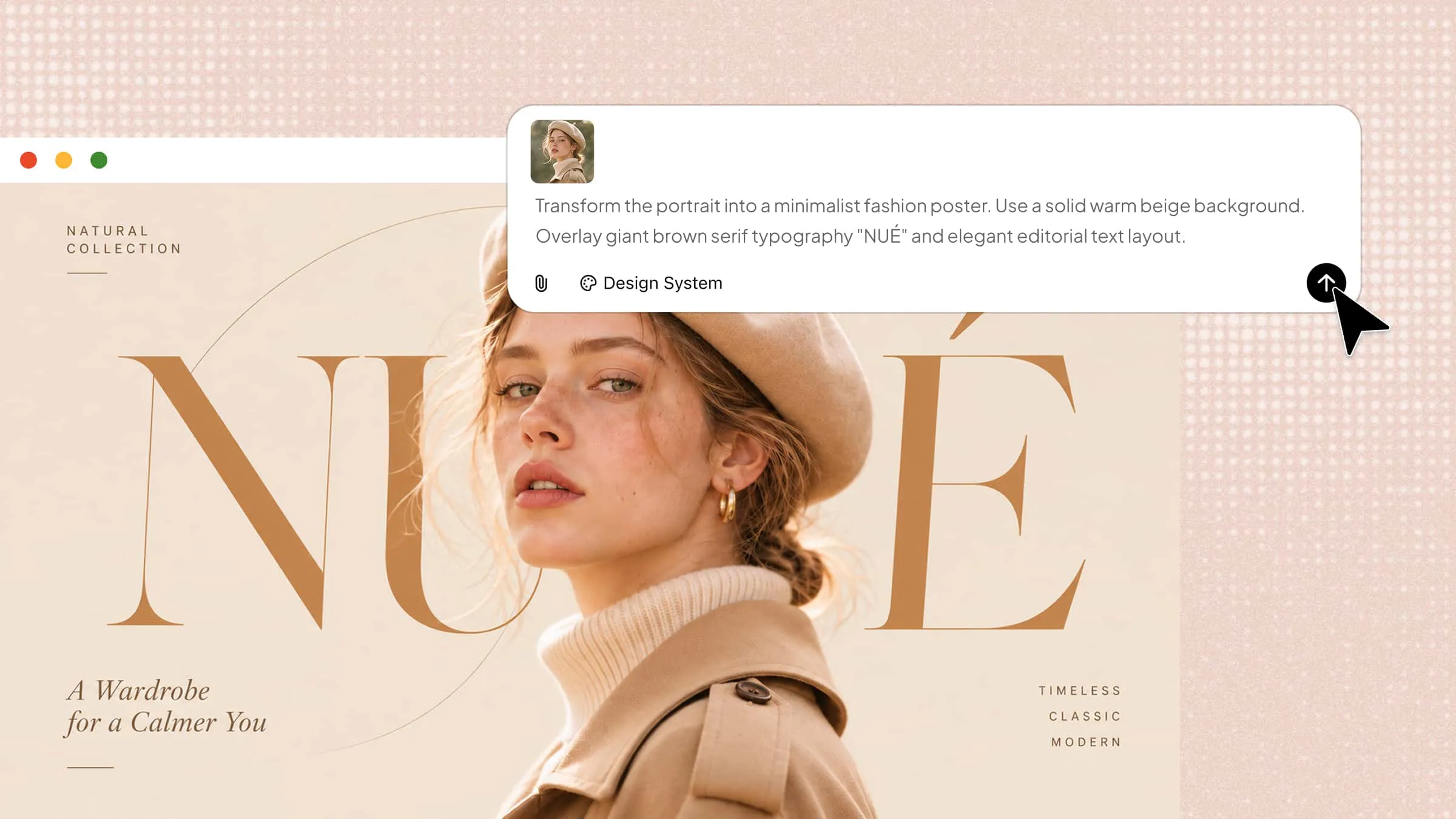
Transform, refine, and remix your images easily
Create designs from image references and prompts
Upload an existing image and provide text prompts to guide the image-to-image generation process. Kimi Design analyzes the reference and your instructions to create new compositions, explore different visual directions, and preserve key elements of the original image.
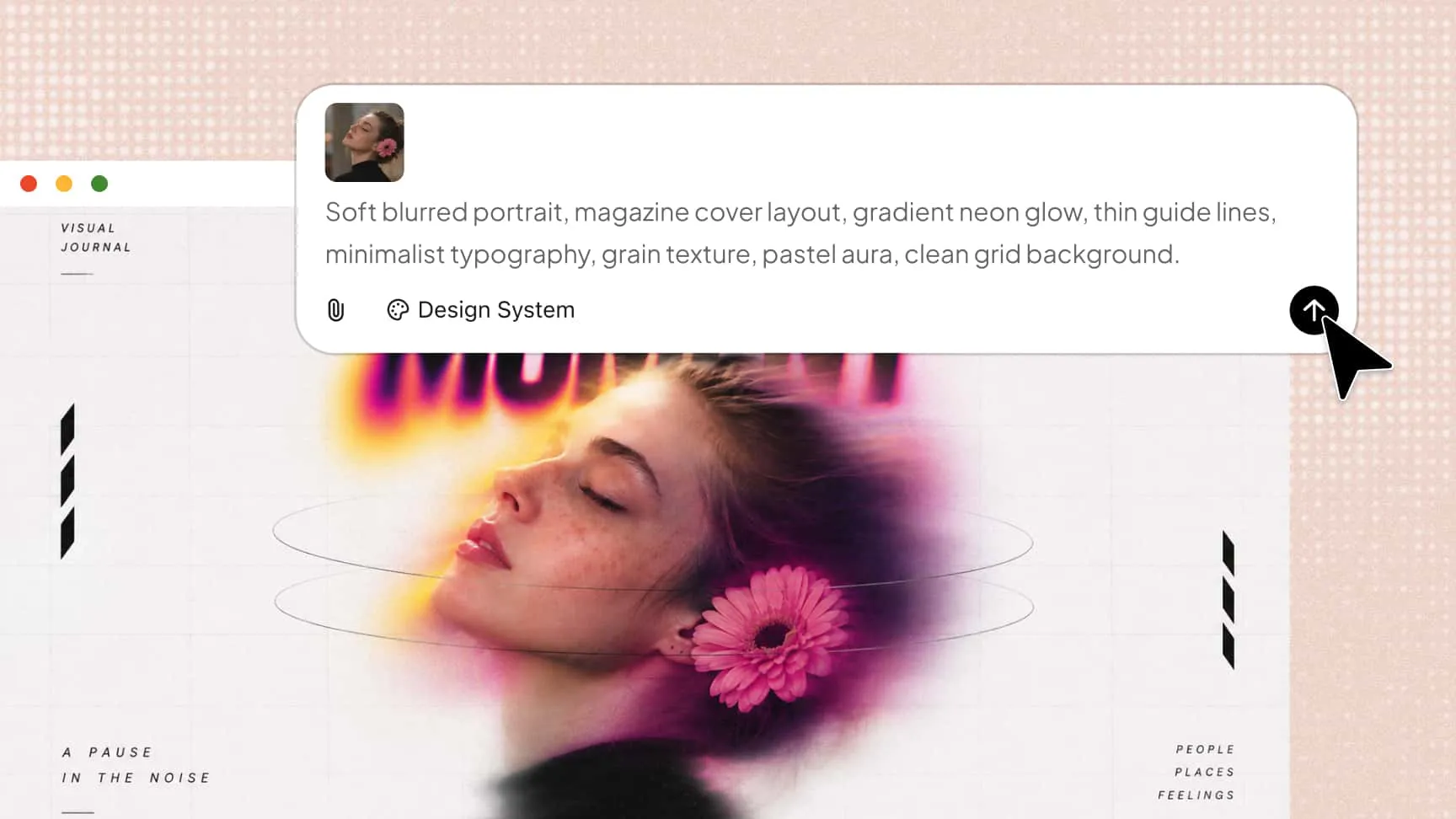
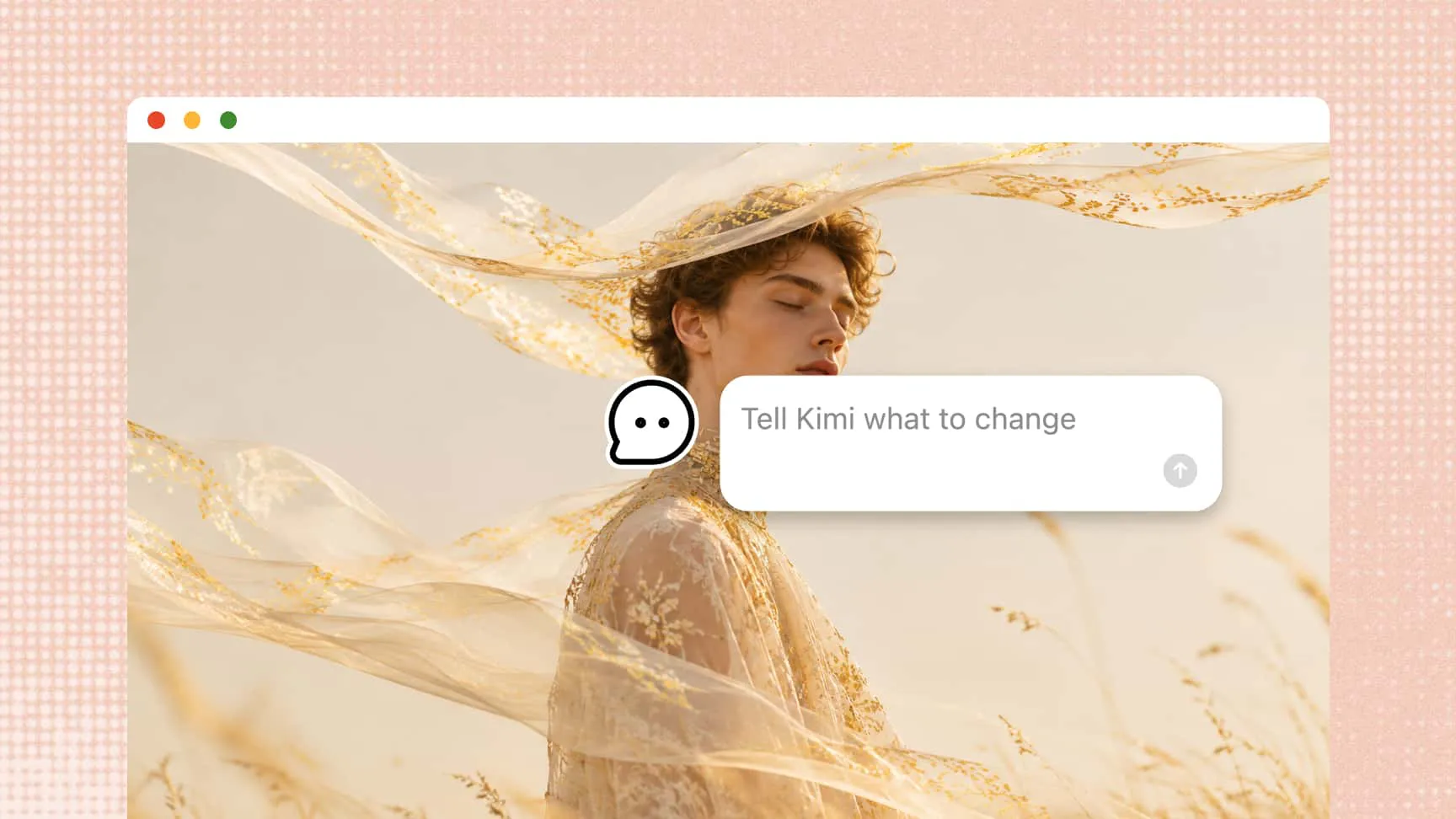
Edit designs with flexible controls
Kimi Design supports flexible editing through text prompts, comments on specific elements, and direct canvas adjustments. Easily refine text, images, shapes, and other design elements to turn your reference images into polished, personalized visuals.
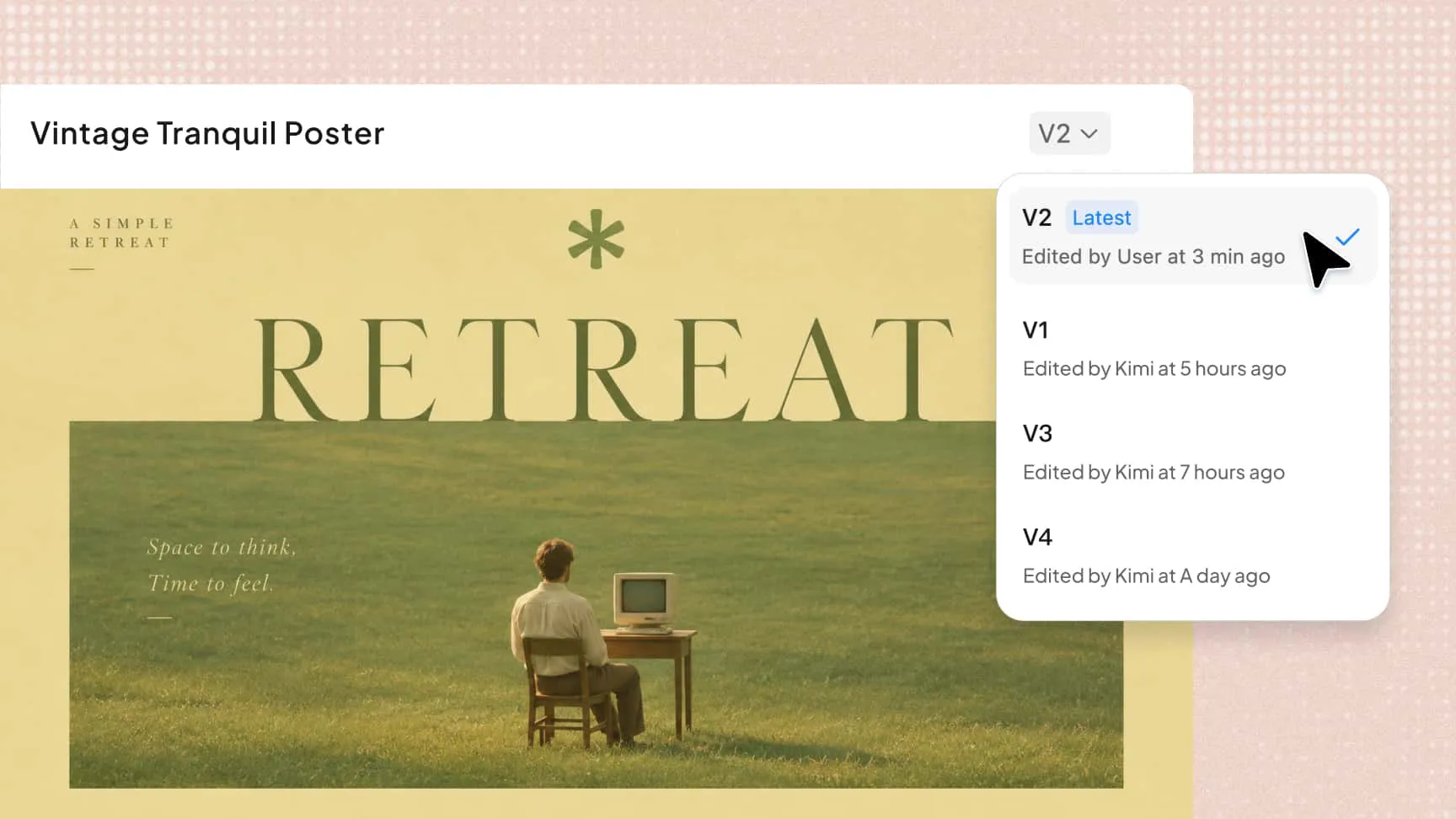
Flexible style exploration and version history
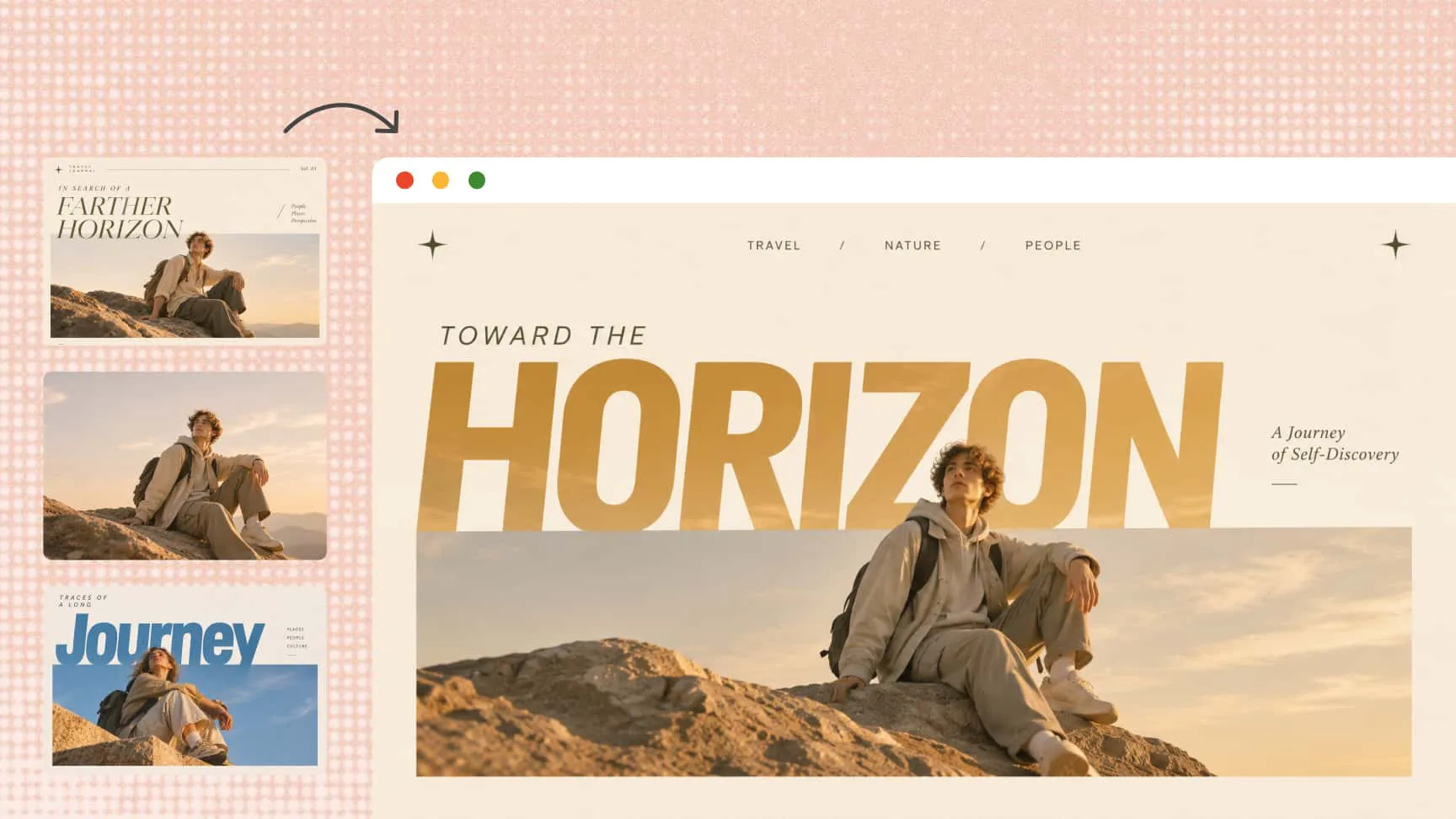
Experiment with different layouts, color palettes, lighting, textures, and backgrounds based on a single reference image. The image-to-image AI generator also supports creating multiple design variations, allowing you to explore different results and restore previous versions through version history.
Combine multiple references into new designs
Bring together selected elements from multiple reference images, such as subjects, products, outfits, backgrounds, and artistic details. Use text prompts to guide how these elements are combined into a cohesive composition for product concepts, character designs, and creative storytelling.
Export designs for different uses
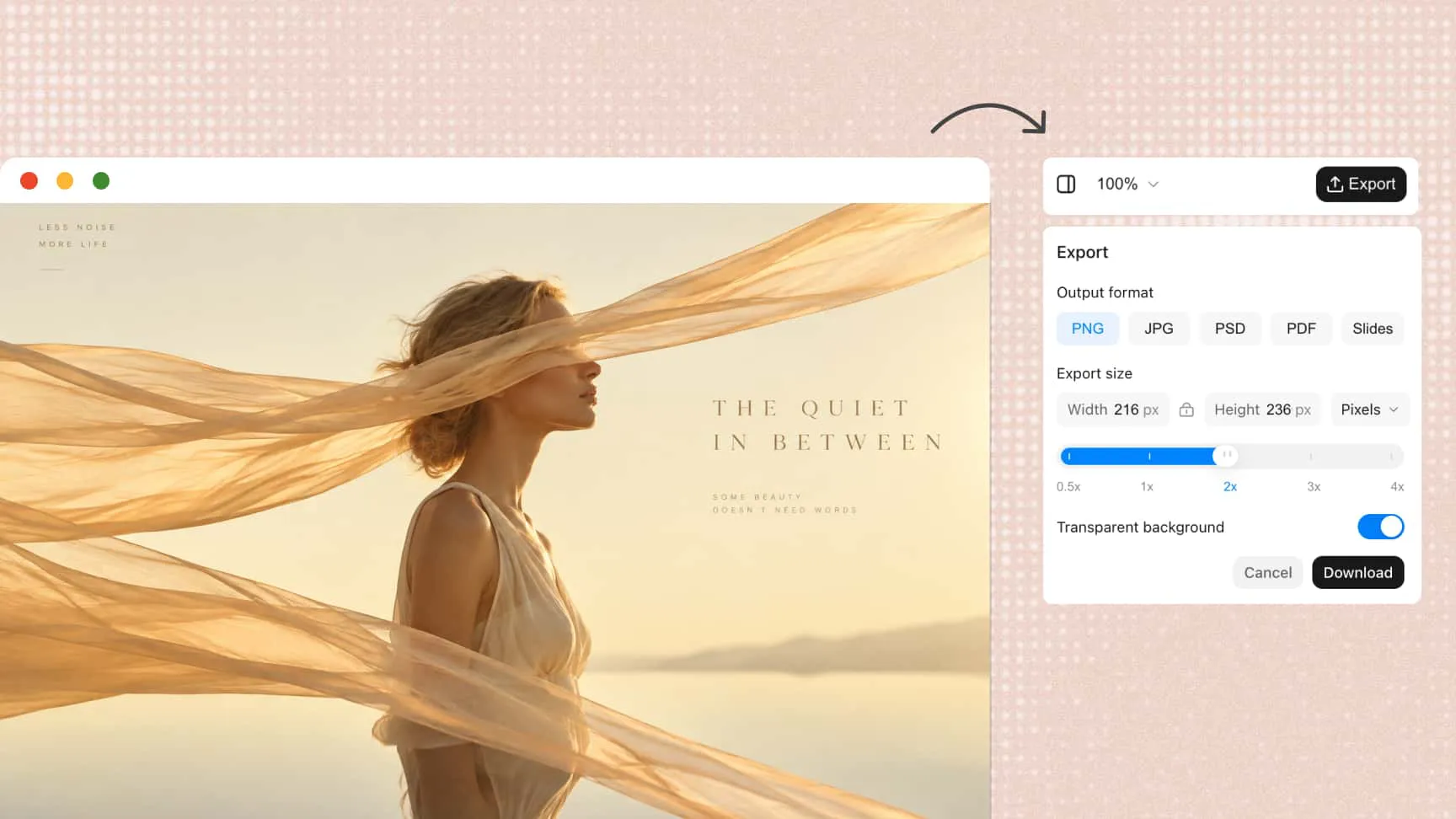
Once your design is ready, export it in PNG, JPG, PDF, PSD or PPTX format. PNG and JPG support custom export sizes in pixels or centimeters, with PNG also offering transparent backgrounds. PSD keeps text and design elements as editable layers, making it easier to share projects, continue editing, and refine individual elements later.
How to use image-to-image AI in Kimi Design
Upload an image reference
Open Kimi Design and upload the image you want to use as a reference. This image will guide the new design's subject, composition, colors, or overall visual style.
Edit and refine your design
Enter prompts to adjust styles, colors, or elements. You can also edit manually or select specific elements for targeted changes.
Export your finished design
When you're satisfied with the result, export your finished design for use in social media, marketing materials, presentations, or other projects.
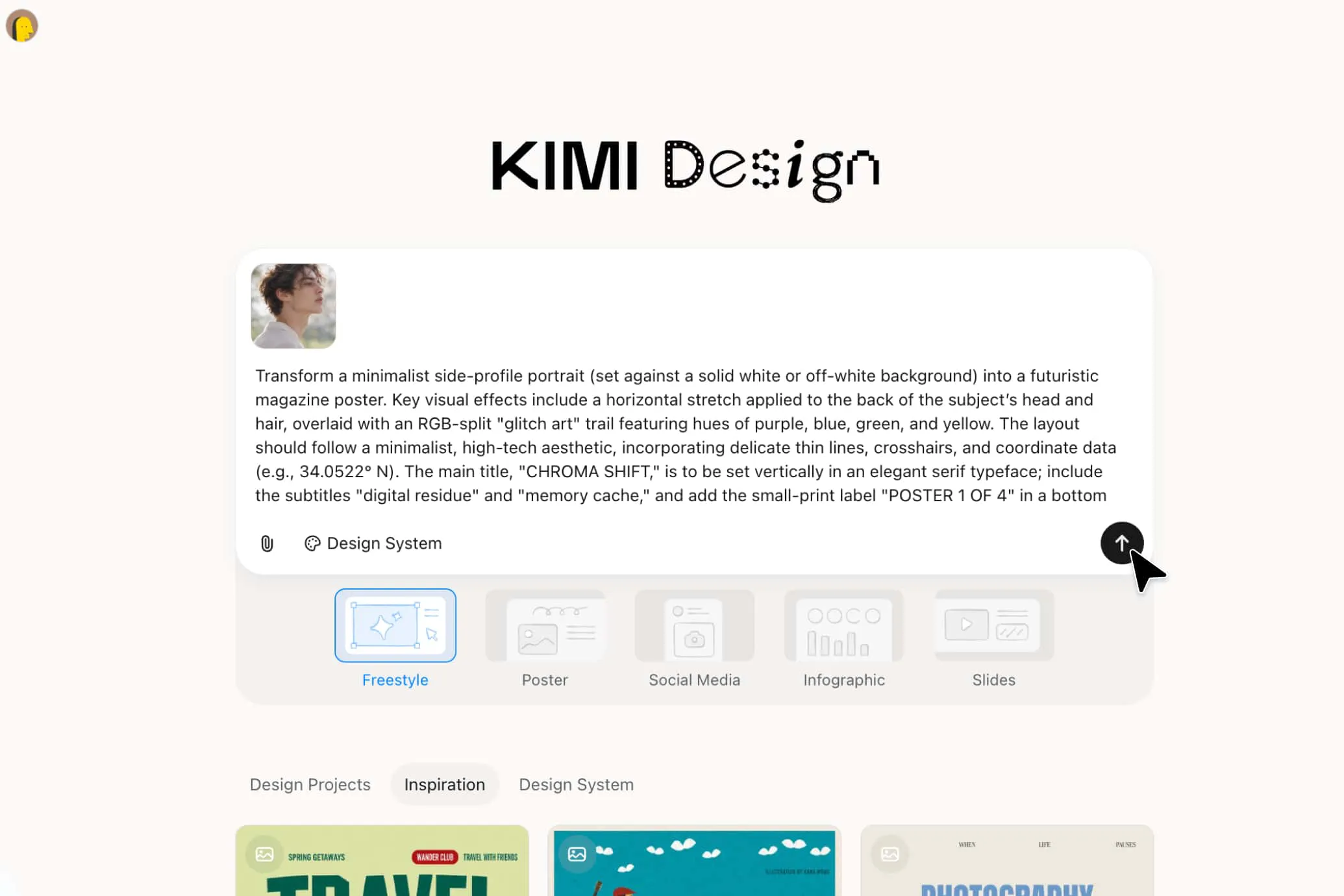
Image-to-image examples for creative projects

Product showcase
Turn ordinary product photos into polished visuals by adjusting backgrounds, lighting, and composition. Use an image-to-image AI generator to create lifestyle scenes, e-commerce visuals, and promotional graphics that highlight key product features.
Social media graphics
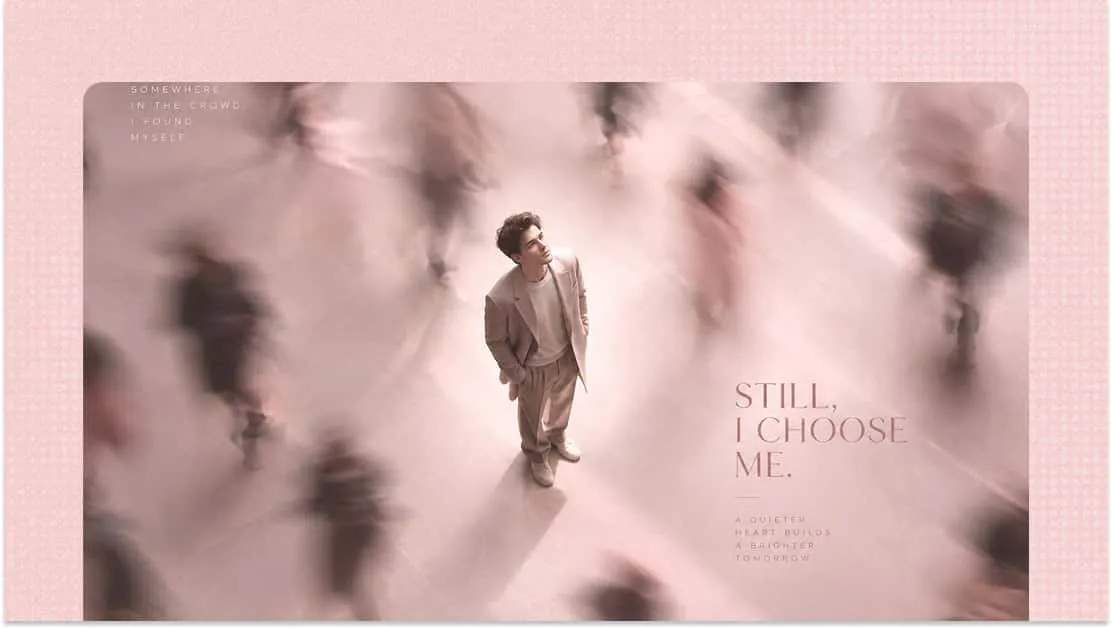
Refresh existing images for social media posts, stories, and promotional campaigns. Adjust colors, layouts, and visual styles to suit different platforms while keeping key visual elements recognizable.
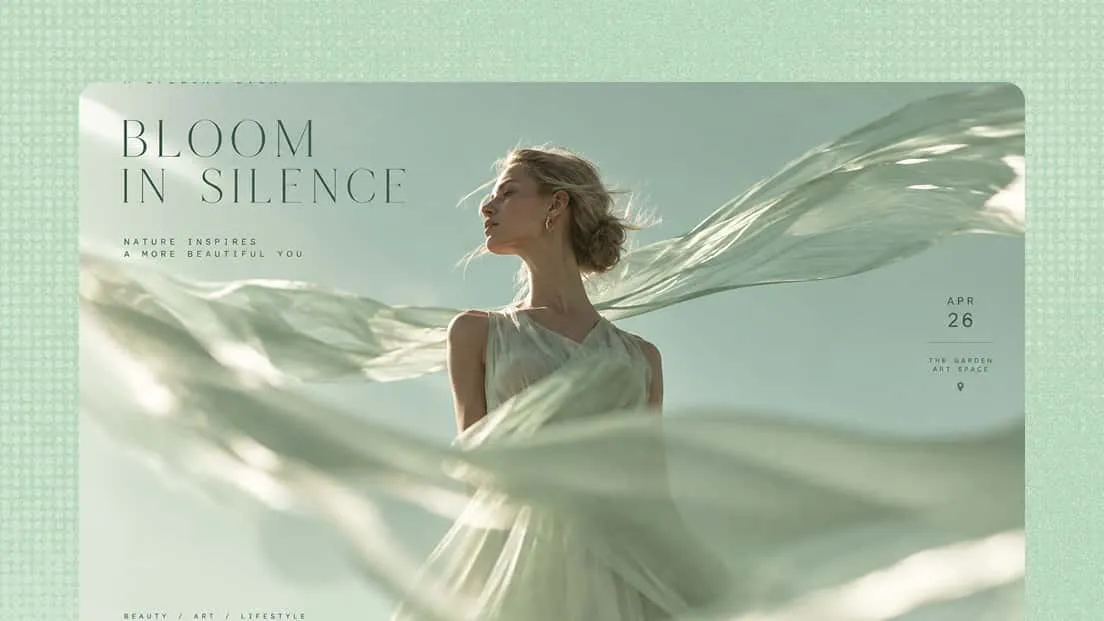
Event posters
Use reference images to create posters for product launches, seasonal promotions, concerts, and community events. Refine typography, colors, and layouts to match the event's theme and make essential details easy to notice.

Brand identity assets
Develop campaign graphics, promotional materials, and branded illustrations based on existing brand visuals. Carry over recognizable colors and design elements while exploring new visual directions for different marketing needs.

Digital illustrations
Give existing illustrations a new look with different artistic styles, color palettes, textures, and backgrounds. An AI image-to-image workflow makes it easier to explore variations of character concepts, editorial artwork, and other digital projects without starting from scratch.
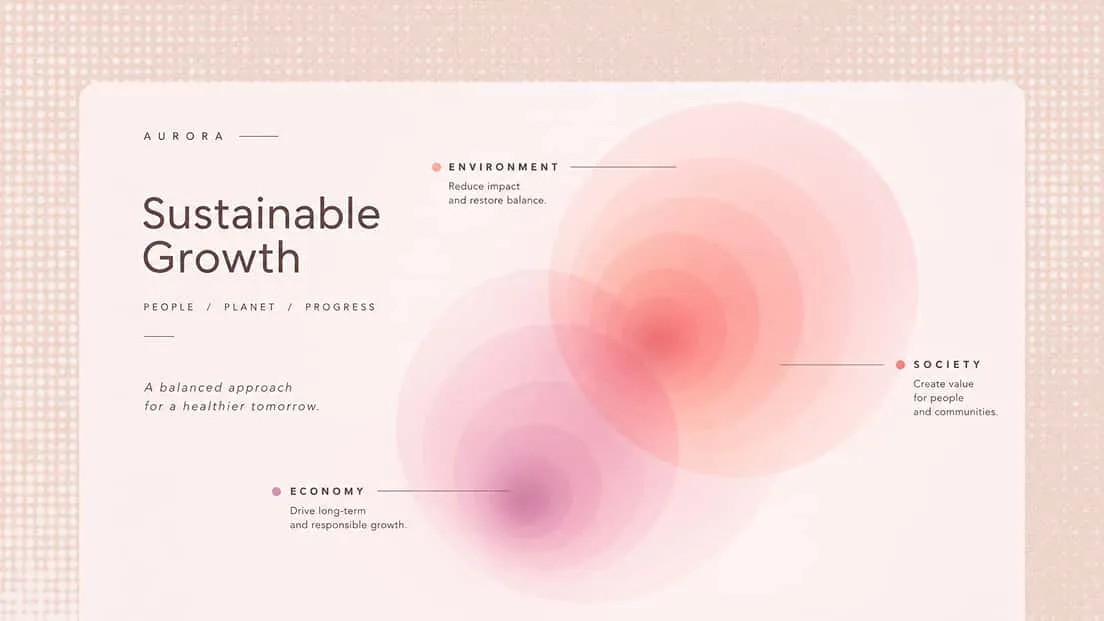
Infographics
Rework reference visuals into informative graphics with revised layouts, typography, icons, and color schemes. Use image-to-image generation to maintain a consistent visual style when presenting statistics, processes, and educational content in reports or presentations.