

Online Animated Presentation Maker

Turn static slides into engaging visual stories with an animated presentation maker. Kimi Slides helps you create polished presentations from simple prompts or uploaded files, refine layouts and visuals, add animations and transitions, and export your slides for sharing or presenting.

Create engaging animated presentations with Kimi Slides

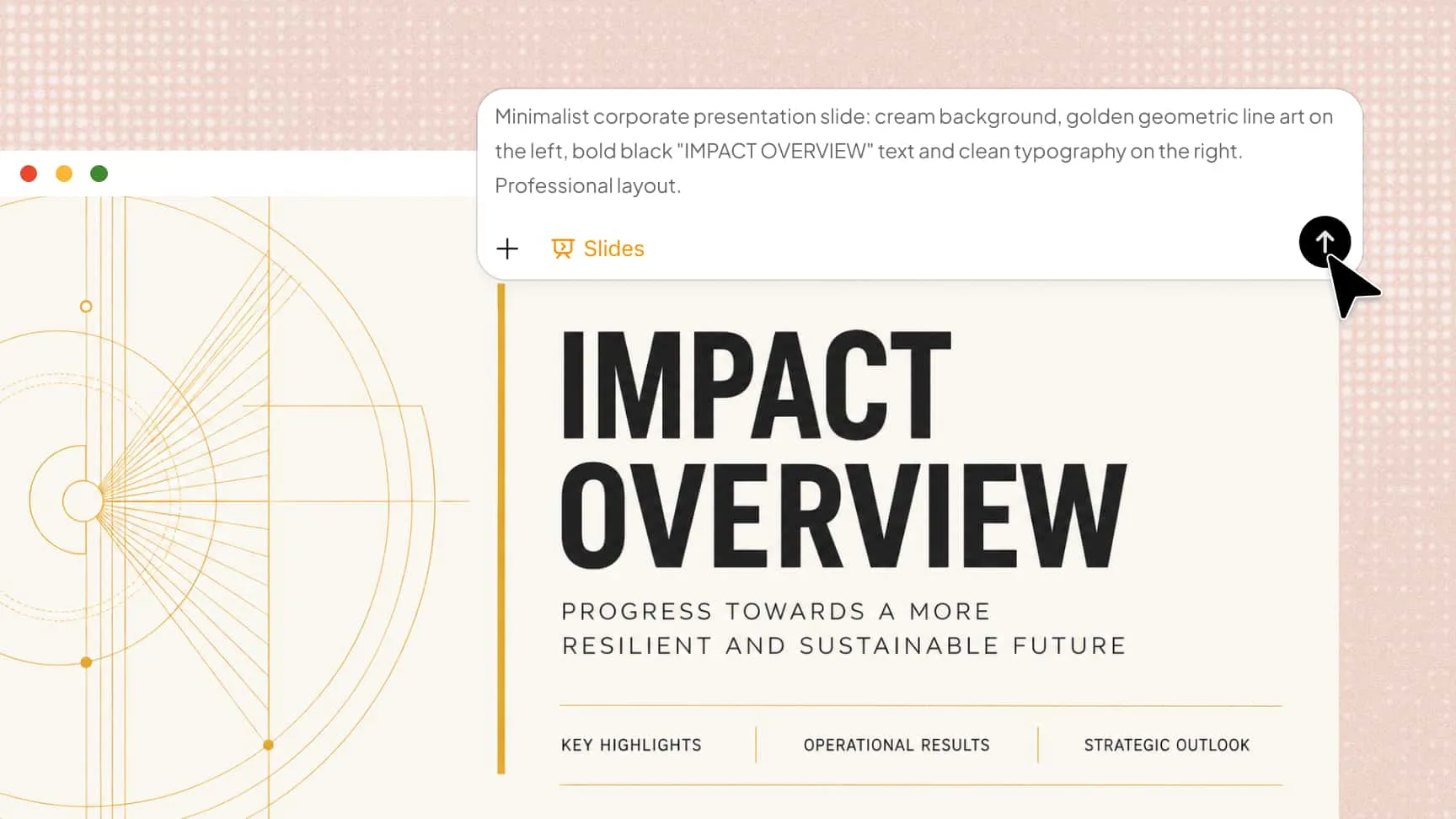
Generate animated presentations from a simple prompt

Turn a topic, text description, or uploaded document into a structured slide deck with professional layouts. Kimi Slides works as an AI animated presentation maker, helping you turn ideas into engaging slides without designing each one manually.

AI animated presentation maker free for prompt-based slides

Add smooth animations and slide transitions

Bring your presentation to life with polished animations and slide transitions. Use motion to guide the audience through key points, emphasize important details, and create a more engaging flow between sections.

Animated presentation maker software with smooth transitions

Refine every slide with flexible editing

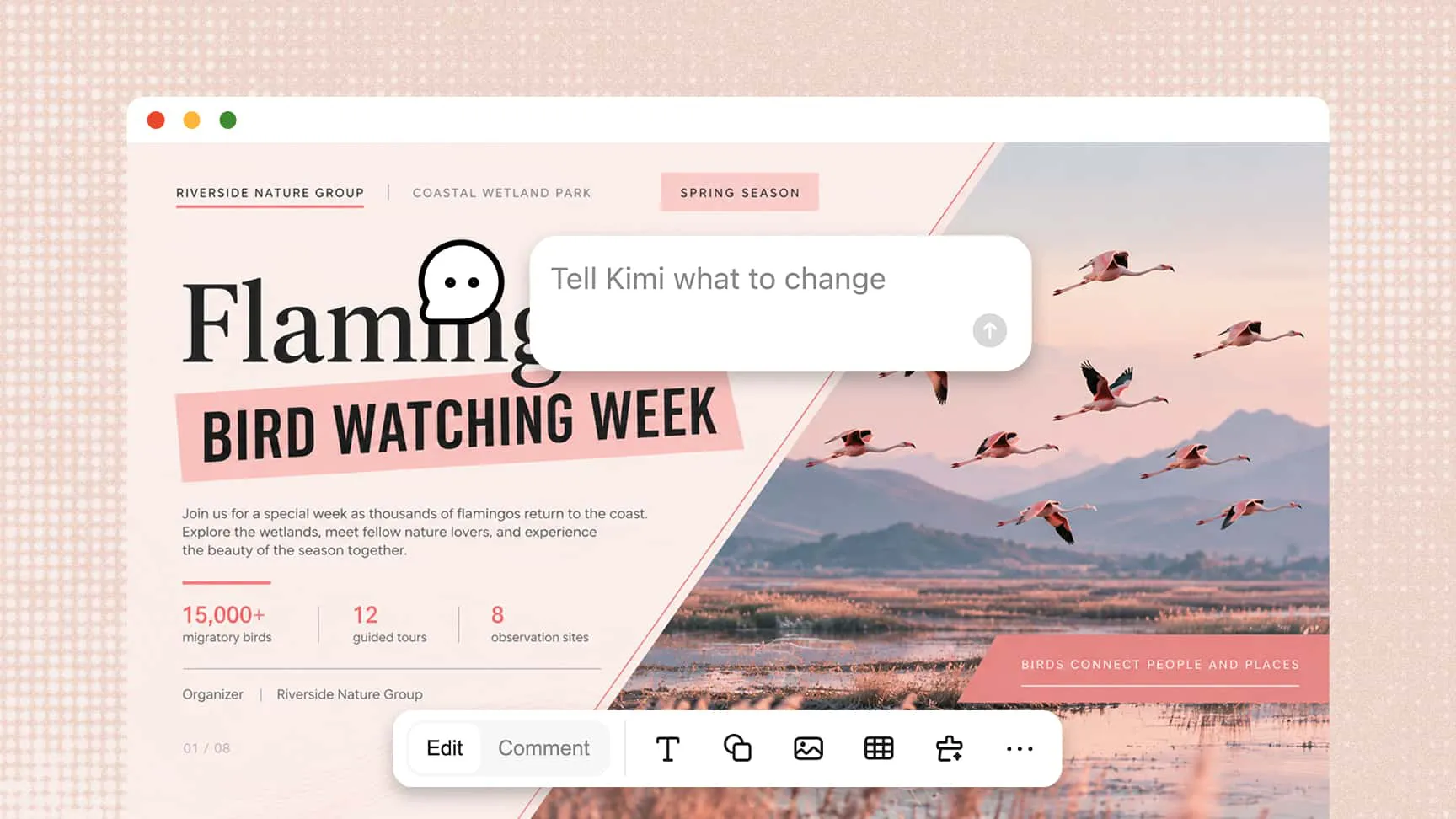
Edit text, images, shapes, charts, and other slide elements to match your presentation goals. Request changes through natural-language prompts or adjust individual elements manually. This flexibility helps you refine your deck without starting over.

Best animated presentation maker for flexible slide editing

Share, export, and present with ease

Preview your slides, share a link for online viewing, or export your presentation as a PPTX file for further editing. You can also export your slides in PDF or PNG format for convenient sharing and presenting in meetings, pitches, training sessions, and classrooms.

Animated PowerPoint presentation maker for sharing and presenting

How to use Kimi Slides as an animated presentation maker

Step 1: Enter your prompt or upload a file

Describe your presentation topic, target audience, key points, and desired animation effects in your prompt, or upload an existing document. Kimi Slides can recognize your animation requirements and incorporate supported dynamic effects into the generated slides, along with relevant content and layouts.


Step 2: Customize your slides and animations

Review the generated slides and refine the text, layouts, and visuals to match your goals. To adjust animations, describe your requirements in natural language, such as asking Kimi to make the animations on the second slide appear one by one. Kimi will update the animations based on your instructions.

Step 3: Preview and export your presentation

Preview the entire slide deck to check its flow, formatting, and visual consistency. Make any final adjustments, then export your presentation as a PowerPoint file for sharing or presenting.

Explore different uses for animated presentations

Animated presentation maker software for business reports

Business presentations

Use animated slides to present business strategies, project updates, and performance reports. This animated presentation maker can help teams create engaging slides that communicate key information clearly.

Animated PowerPoint presentation maker for sales pitches

Sales and marketing pitches

Showcase products, explain value propositions, and highlight campaign results with dynamic visuals. The AI animated presentation maker helps turn ideas into compelling pitches that capture audience attention.

Online animated presentation maker for engaging lessons

Educational presentations

Upload textbooks or course outlines to generate structured lesson slides with step-by-step animations. Highlight key concepts, explain processes in sequence, and help students follow complex topics more easily.

Animated presentation maker for employee training slides

Training and onboarding

Turn company policies, training materials, and step-by-step instructions into clear presentations. Visual cues and transitions help employees understand and retain important information.

Animated presentation maker software for research and data visuals

Research and data storytelling

Present research findings, analytical reports, and data insights using structured visuals and animated charts. These elements make trends and complex relationships easier to understand.

FAQ

An animated presentation maker helps you create slides with motion effects, animated elements, and transitions. These features make presentations more dynamic and easier for audiences to follow.
Business pitches, educational lessons, product demos, training materials, and research reports can all benefit from animation. Animated slides can make complex ideas easier to understand, highlight key information, and keep audiences engaged. Playful illustrations and story-driven visuals also work well for children's lessons and creative projects.
Describe your topic, target audience, key messages, preferred visual style, and approximate slide count. You can also specify where animations, charts, or illustrations would help explain key points and make the presentation more engaging.
Yes, this animated presentation maker lets you add transitions and animations to existing slides. You can emphasize important information, control the timing of elements, and improve the flow without rebuilding the entire presentation.
Use purposeful animations, clear visuals, concise text, and consistent transitions. Avoid excessive motion, and choose effects that support your message rather than distract your audience.
Yes, Kimi Slides offers free usage credits to help you create animated presentations from prompts or existing content. You can explore different visual styles and add motion to your slides. If you need advanced features or want to keep creating presentations over the long term, you can subscribe to unlock more capabilities and continued access.

Create with an animated presentation maker today