Step 1: Upload your file and enter a prompt
Upload a supported document and describe your presentation requirements clearly. Include the topic, target audience, and key points, so Kimi Slides can organize your content into relevant slides.
Use a document-to-PPT converter to turn Docs, PDFs, and existing content into engaging presentations without starting from scratch. With Kimi Slides, organize ideas, refine slide layouts, add animations, and export your deck for easy editing and sharing.
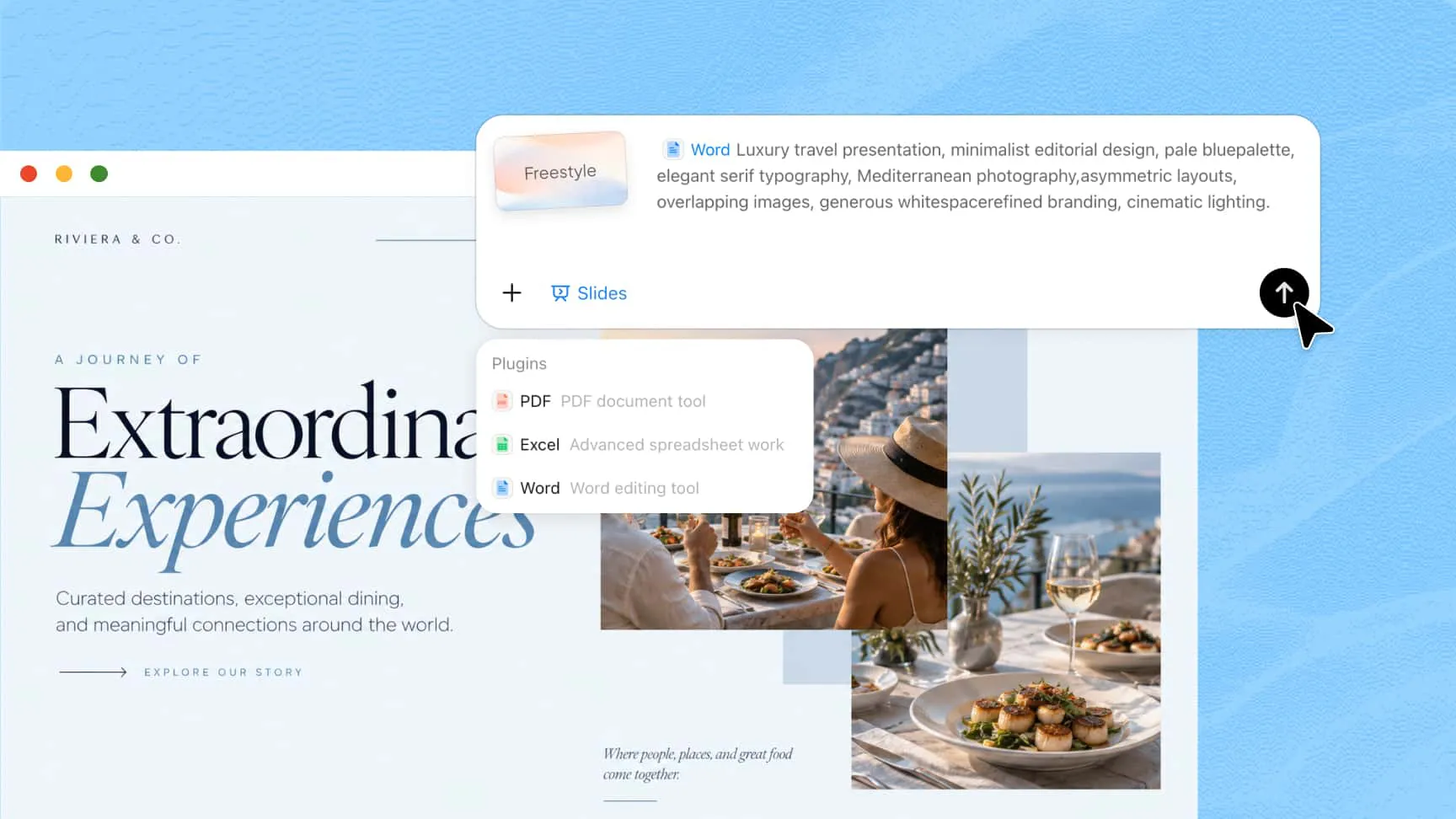
Start with Word documents, PDFs, Excel spreadsheets, Markdown files, images, or PowerPoint templates. Kimi Slides helps you convert documents to PPT by turning existing information into structured slides without rebuilding your content from scratch.
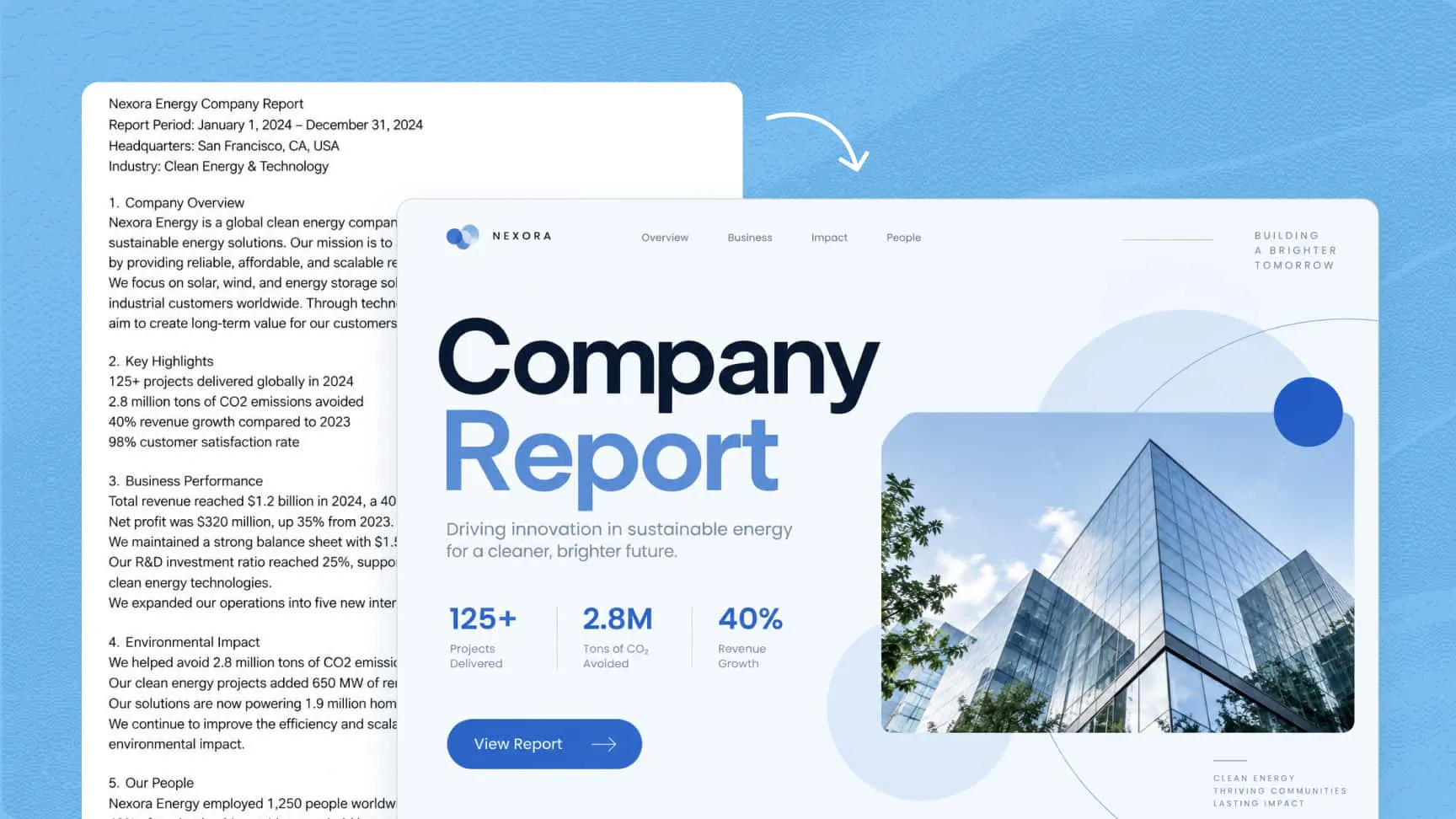
Use the document-to-PPT converter to turn dense text and complex information into a logical slide sequence with clear headings, concise content, and well-structured visuals. Make reports, proposals, and research easier to understand and present.
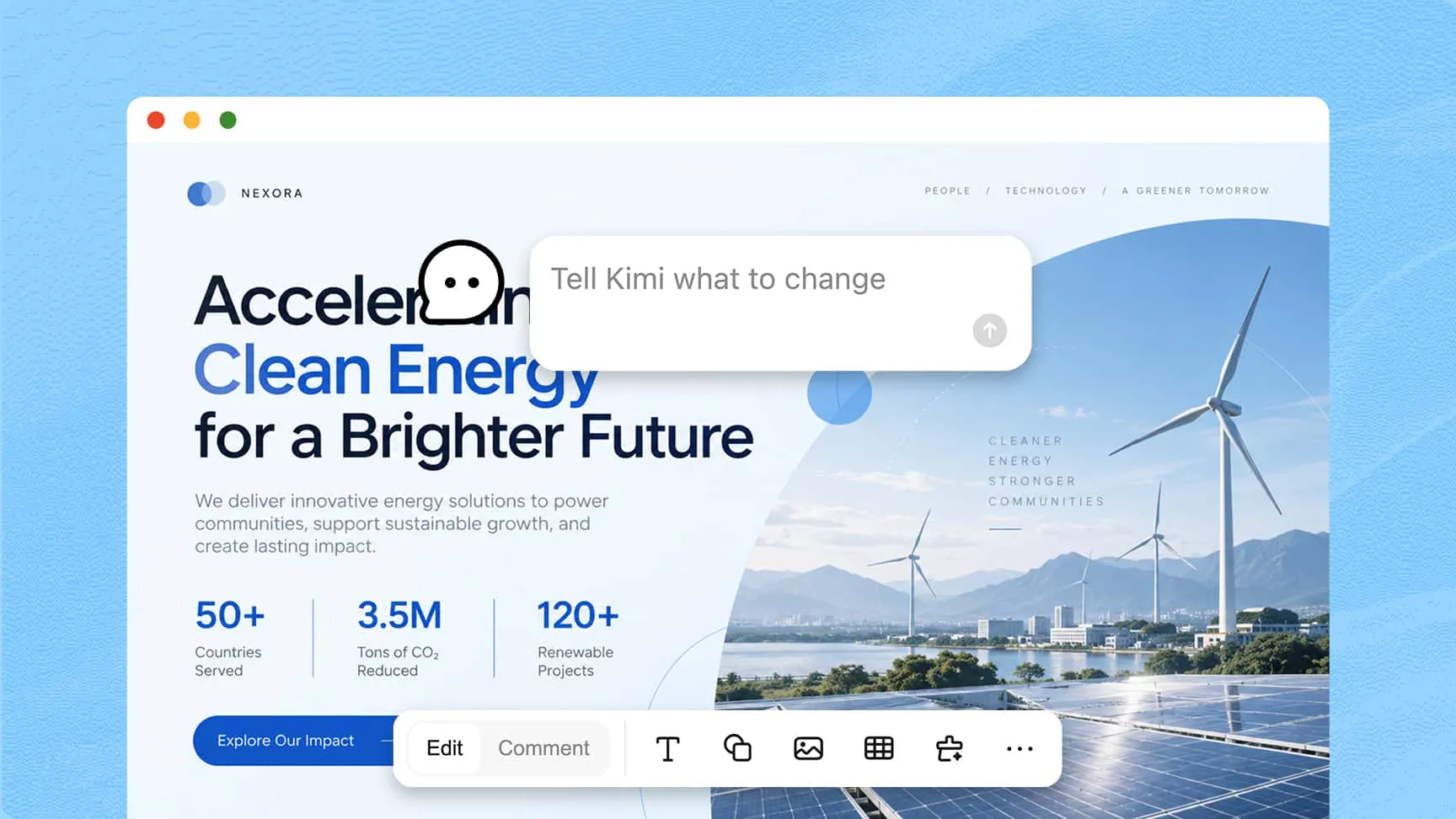
Improve slide content, layouts, and visual elements using natural-language prompts or manual editing. Adjust text, images, and charts to create a polished presentation without recreating the entire deck.
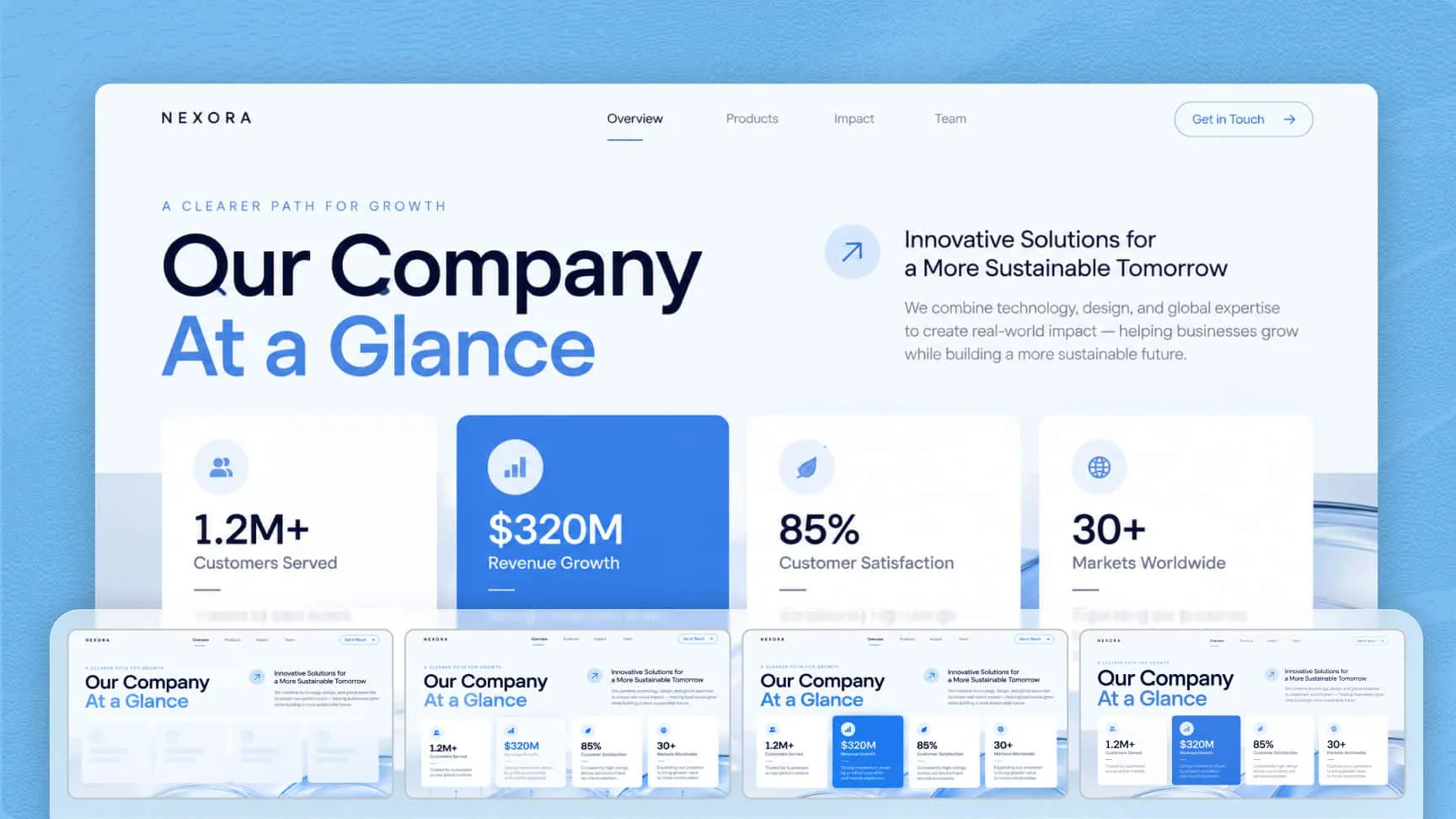
Make presentations more engaging with animated charts, slide effects, hyperlinks, and action buttons. Use motion and interactive elements to guide attention, explain information, and support more dynamic presentations.
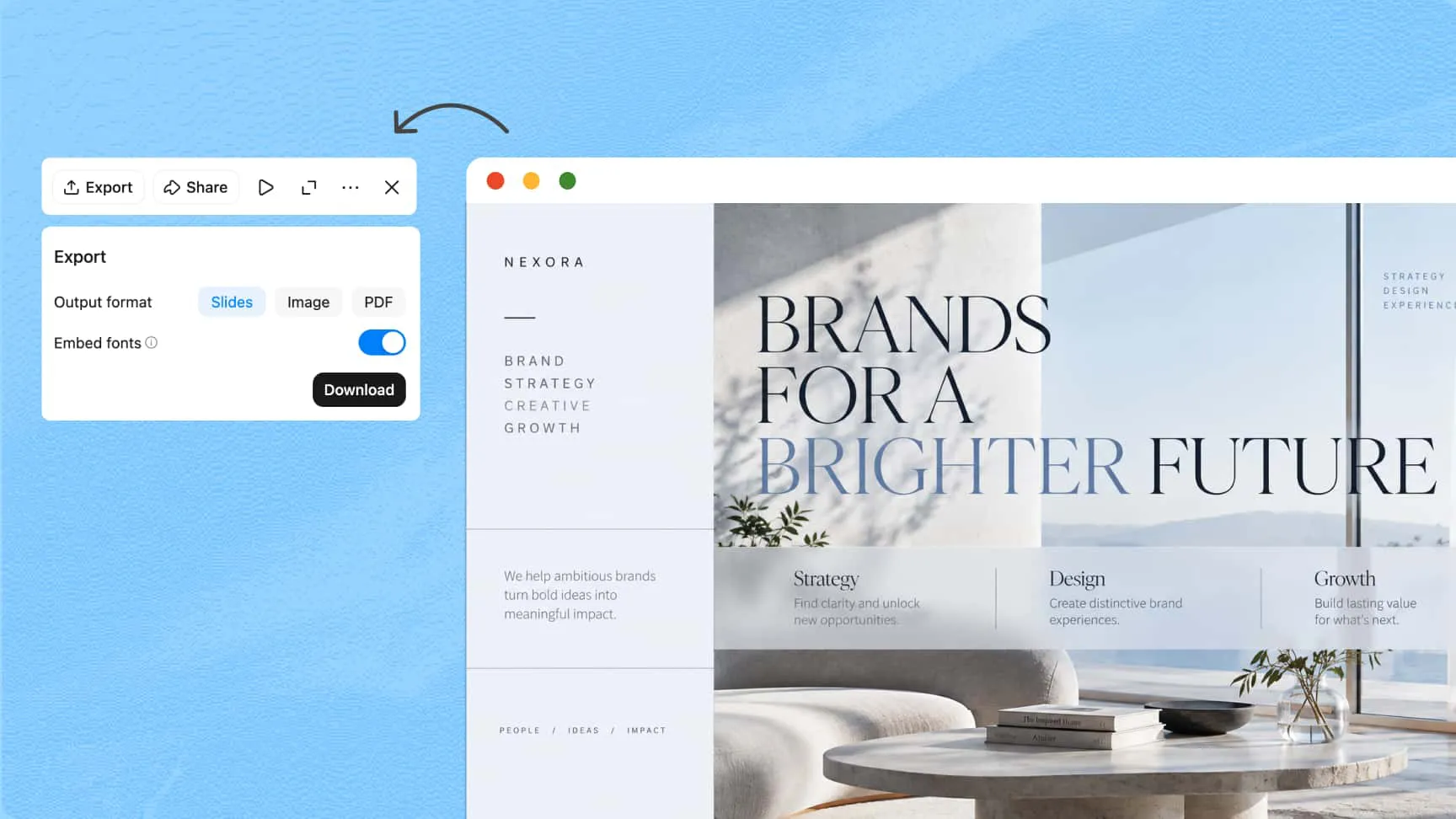
Export your presentation in formats such as PPTX, PDF, or PNG, depending on how you plan to use it. Continue editing in PowerPoint, share a PDF for review, or use slide images in other documents and digital content.
Upload a supported document and describe your presentation requirements clearly. Include the topic, target audience, and key points, so Kimi Slides can organize your content into relevant slides.
Let Kimi Slides transform your content into a structured presentation. Review the slide sequence, refine text and visuals and add animations or interactive elements using natural-language prompts to improve the final design.
Preview the completed slides and check their content, layout, and consistency. Export your presentation as PPTX, PDF, or PNG, share it for feedback, or reuse the slides in other projects.
Reduce the effort of manually copying content, arranging slides, and rebuilding layouts. An AI document-to-PPT converter can turn existing materials into a presentation draft faster, leaving more time to review information and prepare for your audience.
Reuse the documents and materials you already have rather than starting from scratch. Bring content from different sources into your presentation workflow and spend less time switching between tools or reformatting information.
Turn raw information into clear, engaging slides for business meetings, project proposals, training sessions, and academic reports. Refine the content and visual design to suit your audience, then share the finished presentation with confidence.