Product overview
Kimi Claw is an AI assistant with a unique personality and persistent long-term memory. Through Kimi Claw, you can create, deploy, and chat with your own OpenClaw instance directly from Kimi.
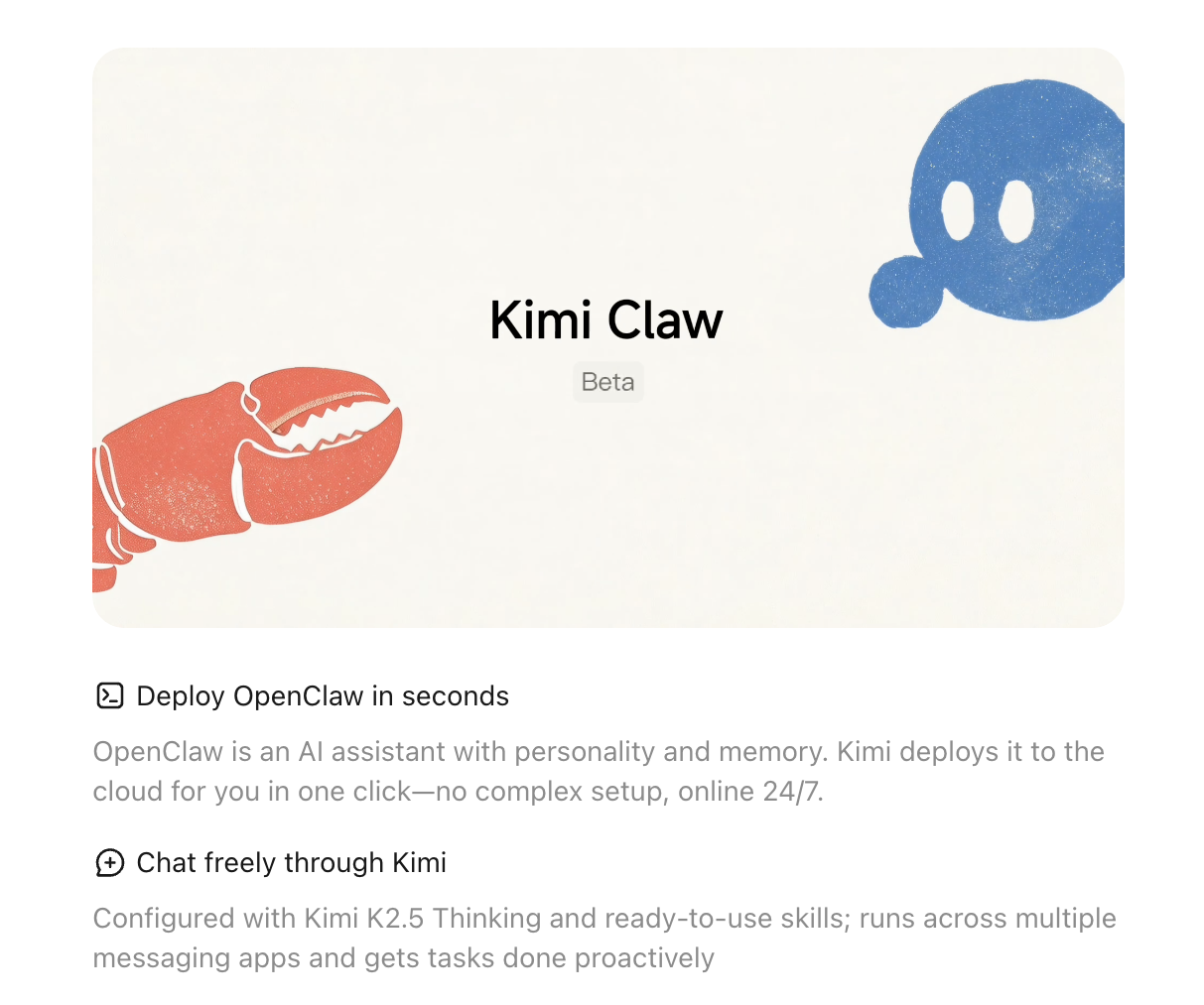
One-click cloud deploy
Don't have an OpenClaw yet? Head to kimi.com/bot to create one. Kimi deploys it to the cloud for you — no server purchases, no command-line setup.
- One-click deploy requires an Allegretto or higher plan. Membership Plans.
- Kimi automatically provisions the Kimi K2.6 model, connects your Kimi membership credits/benefits, and enables Kimi Web Search — no separate API configuration needed.
- To switch to the Kimi K3 model, change the model configuration in Kimi Claw settings, or see Switch to the Kimi K3 model.
- Kimi Claw can be deployed directly to Telegram and other chat platforms.
Getting started
- Sign in at kimi.com/bot
- Click Create to launch a new Kimi Claw
- Wait for automatic setup to complete (usually a few minutes)
- Customize your Kimi Claw's name and persona
- In Settings → Chat Channels, connect the platforms you want to use (e.g., Telegram)
Link an existing OpenClaw
If you've already self-hosted an OpenClaw instance, you can connect it to Kimi by installing the Kimi plugin:
- Go to kimi.com/bot and select Link Existing OpenClaw
- Follow the instructions to install the plugin on your OpenClaw device
- Once connected, you can chat with your OpenClaw through Kimi
Switch to the Kimi K3 model
Kimi Claw uses the Kimi K2.6 model by default. If you want to use Kimi K3, run the commands below to update your local OpenClaw configuration.
After running the commands, confirm that session_status shows model as kimi-coding/k3 and the context limit as 1.0m.
The configuration file path may vary depending on your installation method. Replace /root/.openclaw/openclaw.json with the actual path on your system. Be sure to back up the file before making changes.
Was this article helpful?