If you want to start selling products online, creating a website can seem challenging at first, especially if you have no technical skills. The good news is that you can create an e-commerce website easily with the right tools and a simple step-by-step approach. From choosing a layout to adding products and payment options, the process can be much smoother than you might expect. In this guide, we'll walk you through the key steps to create your own e-commerce website and get it ready for customers.
How to create an e-commerce website step by step
Creating an online store may feel overwhelming at first, but the right approach can make everything more manageable. By following a clear process, you can turn your idea into a fully working e-commerce website. Let's go through the essential steps to create a simple e-commerce website.
Step 1: Plan your e-commerce website
Before creating your website, define what you sell, who you want to reach, and what customers need to know before making a purchase. This will help you decide which pages to create and how to organize your products.
Prepare the main content and assets you will need:
Product information: Names, prices, descriptions, specifications, sizes, colors, and other options
Product media: Product photos, videos, and lifestyle images
Product categories: Groups that help customers find related products
Business information: Business name, logo, contact details, and customer support information
Store policies: Shipping, returns, refunds, and other important policies
Trust signals: Customer reviews, ratings, testimonials, or certifications
Brand assets: Colors, fonts, logos, and visual references
Then decide which pages your e-commerce website needs. A typical structure includes a homepage, category pages, product pages, About, FAQ, Contact, shopping cart, checkout, and order confirmation pages. Think about how customers will move through the website.
A clear path might be: Homepage > Category Page > Product Page > Shopping Cart > Checkout
This makes it easier to identify what each page needs to do before you start building.
Step 2: Choose an e-commerce website builder
Choose a website builder based on how much control you need, how quickly you want to launch, and how much technical work you want to handle yourself.
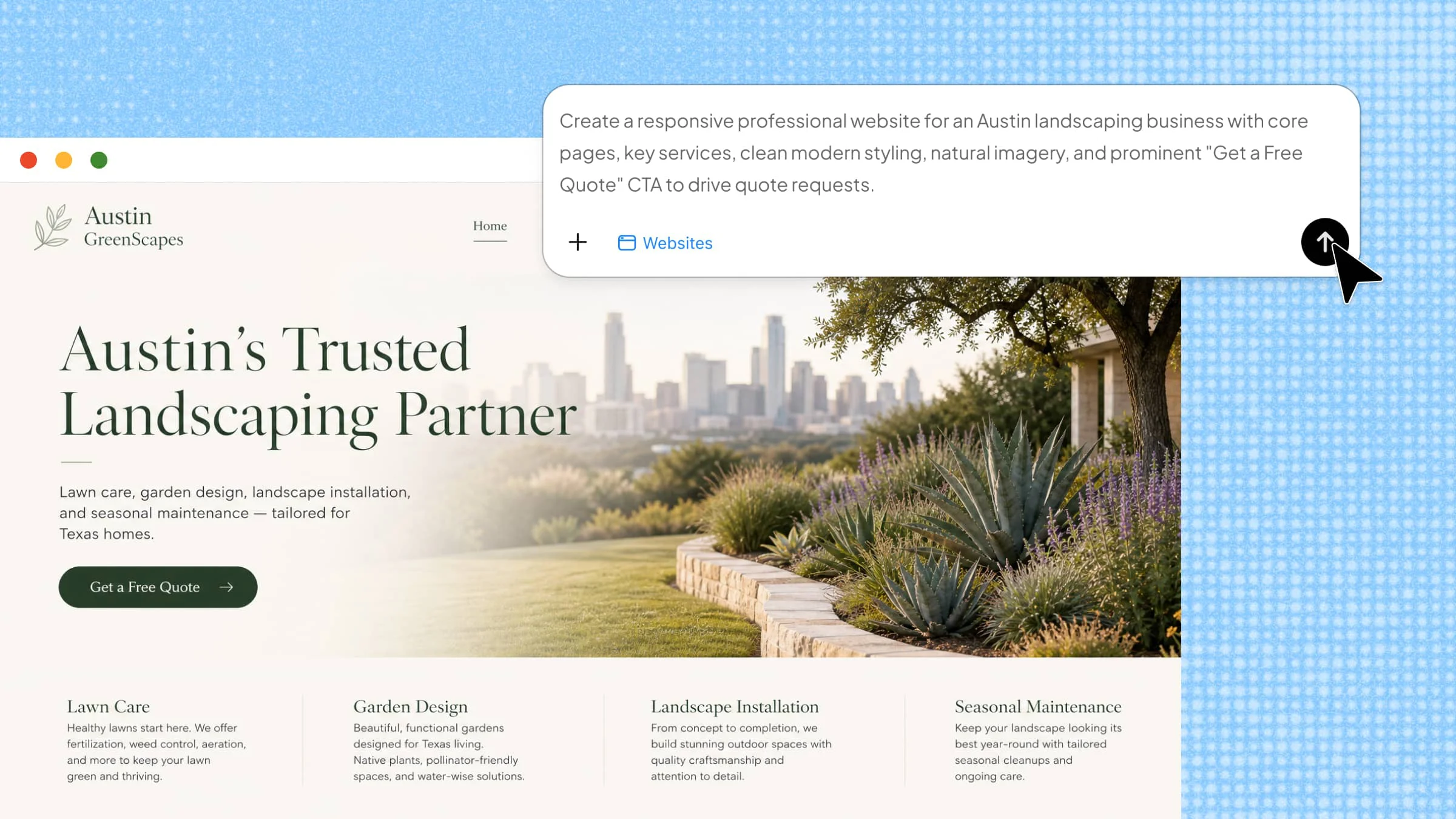
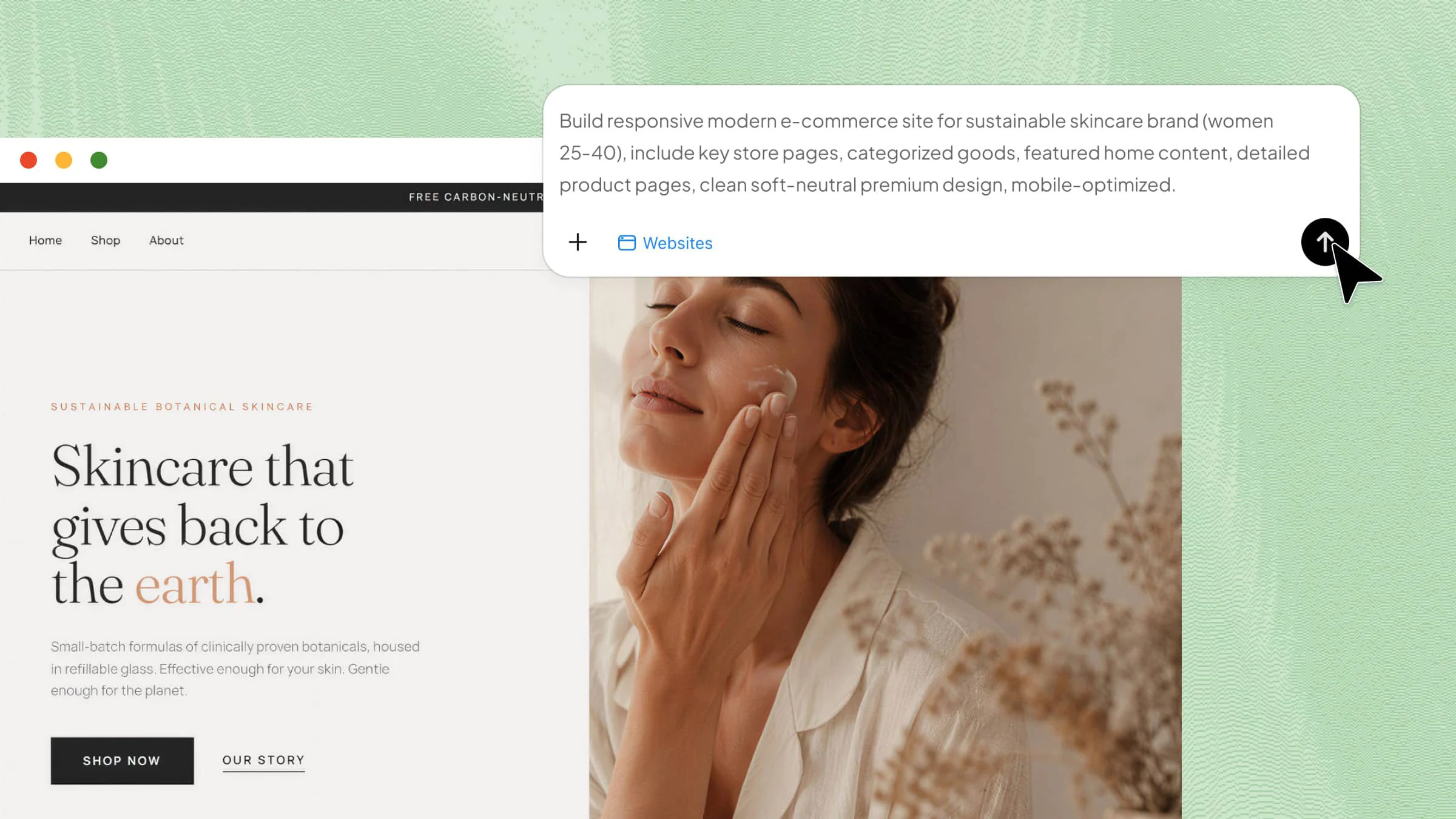
Kimi Websites, an AI website builder, simplifies e-commerce website creation by generating webpages from your requirements. Describe your products, page structure, content, and preferred design, then provide images, videos, screenshots, or other references to guide the result. You can review the generated pages and refine the content, layout, and visual style with natural-language instructions.
Why choose Kimi Websites
Design from product references: Share product images, brand visuals, or videos that capture the style you want, and use them as references to create a storefront with a consistent look and feel.
Create distinctive designs: Use the MusePool plugin to explore real-world e-commerce design precedents and draw inspiration from proven visual approaches. This helps you move beyond repetitive AI-generated layouts and creates a more distinctive storefront.
Build a complete shopping experience: Create connected pages for your homepage, product listings, product details, categories, About, FAQ, and Contact sections. Organize products and essential information so shoppers can move naturally from browsing to taking action.
Flexible editing with AI: Make changes directly with natural-language prompts in the chat, or enter Edit mode to comment on specific elements and have AI modify them. Refine product descriptions, images, layouts, colors, and other design details as your storefront evolves.
Create a responsive storefront and iterate quickly: Make sure product pages, images, navigation, and interactive elements work smoothly across desktop and mobile. Preview your changes and refine the design before publishing.
Step 3: Create your e-commerce website
Open Kimi Websites and tell it what you sell, who your customers are, which pages you need, and how you want your store to look. Be specific about your product categories, featured products, shopping actions, and brand style. You can also upload product images or other visual references to help Kimi capture your desired look and feel.
Example prompt:
Step 4: Refine your product pages and purchasing flow
After the initial website is generated, focus on the pages that have the biggest impact on purchasing decisions. Make sure product pages provide the information customers need, including product details, pricing, available options, images, shipping information, and reviews. Keep the Add to Cart button easy to find and make important information easy to scan. Then review the shopping cart and checkout flow. Customers should be able to see their selected products, quantities, prices, and total costs without confusion.
With Kimi Websites, you can refine these elements in several ways. Enter a natural-language instruction to describe the changes you want, click "Edit" to make adjustments directly on the page, or use "Comment" to point out a specific element and tell Kimi what needs to be changed. This makes it easier to refine product information, layouts, buttons, and other parts of the purchasing flow.
For example:
Step 5: Review your website before publishing
Before publishing, review your website as a complete customer journey. Check that the content is consistent, the design looks polished, and important information is easy to find. Make sure there are no unfinished sections, broken links, placeholder content, or visual issues across different pages and screen sizes. Once everything looks ready, publish your e-commerce website.
Step 6: Improve your e-commerce website after launch
Launching your store is only the beginning. Once customers start visiting, use what you learn from their behavior to improve the shopping experience.
Pay attention to which products receive the most views, where shoppers leave the site, which pages generate purchases, and whether customers encounter friction during checkout. You can then update product descriptions, improve product images, adjust calls to action, reorganize navigation, or refine underperforming pages.
An e-commerce website should evolve with your products and customers. Regular updates can keep your store accurate, easier to shop, and better aligned with what customers are looking for.
5 essential features every e-commerce website needs
Creating an online store is not only about adding products and publishing pages. A successful e-commerce website needs useful features that improve the shopping experience and make buying simple for customers. Below are the key features that can help your store perform better.
Clear product pages
Product pages should give customers the information they need to decide whether to buy. Include clear product images, prices, descriptions, specifications, available options, and key benefits. Keep important details easy to scan and place the Add to Cart button where customers can find it quickly.
Easy navigation and search
Customers should be able to find products without digging through multiple pages. Use clear categories, simple navigation, search, filters, and sorting options to make product discovery faster, especially when your catalog includes many products.
Simple shopping cart and checkout
A smooth purchasing process can prevent customers from abandoning their purchases. The shopping cart should clearly show selected products, quantities, prices, and the total. Keep checkout focused and make shipping, payment, and order details easy to understand.
Mobile-friendly design
Your e-commerce website should work just as well on a phone as it does on a desktop. Make sure product images, menus, buttons, product options, shopping cart actions, and checkout forms are easy to use on smaller screens.
Reviews and trust information
Customers often need reassurance before making a purchase. Add reviews, ratings, shipping information, return policies, contact details, and other relevant trust signals where customers can easily find them. Clear information can reduce uncertainty and help customers feel more confident about buying.
Conclusion
Building an e-commerce website starts with understanding what your business needs and how you want your website to serve your customers. With clear planning and the right tools, you can create a store that fits your goals, presents your products clearly, and provides a smooth browsing experience. Whether you are starting a new business or expanding online, Kimi Websites makes it easier to build and customize your store with less effort.