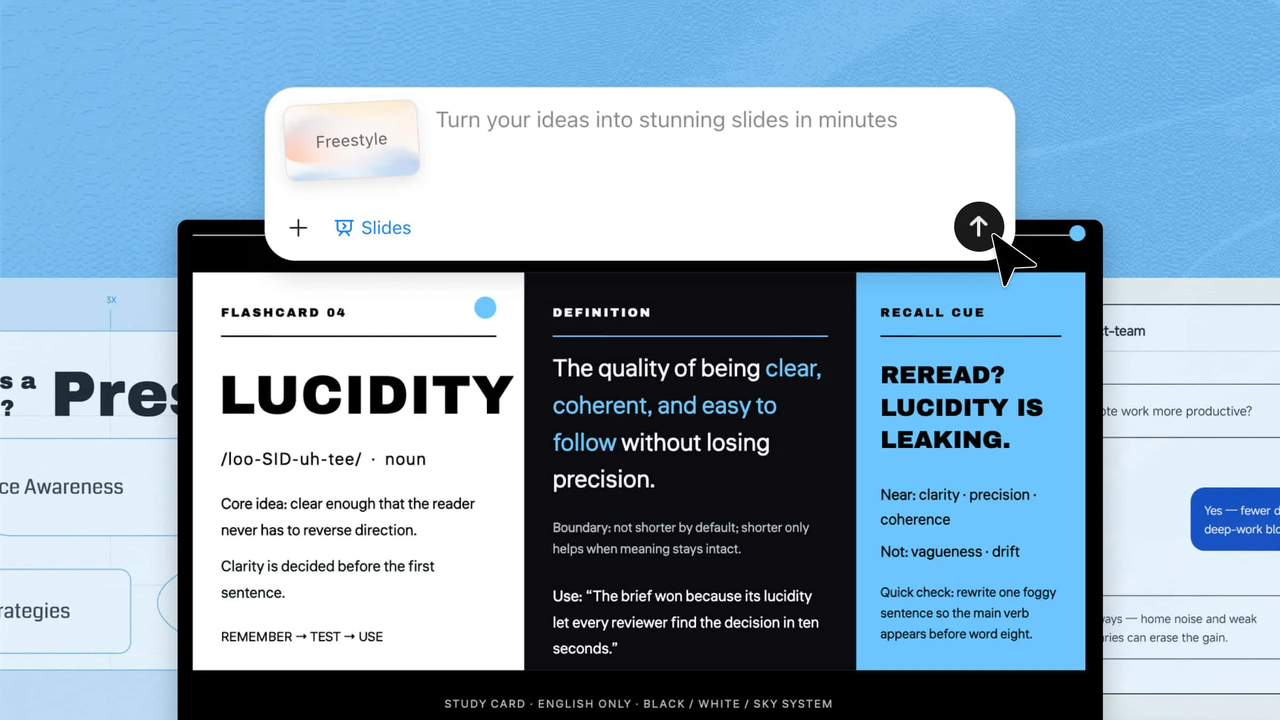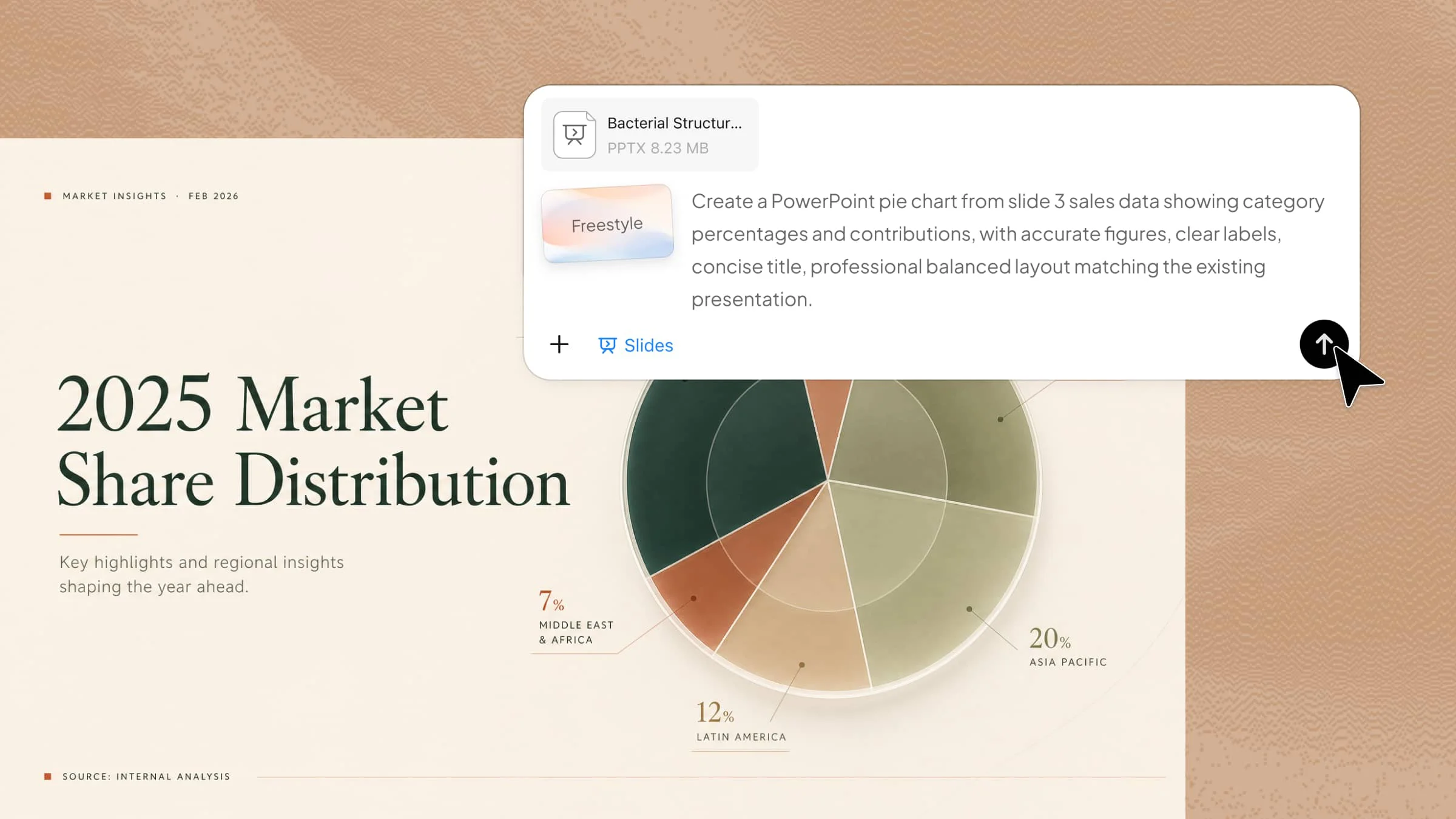
Music is a broad subject that can be presented in many different ways, from simple classroom topics to detailed discussions of artists, genres, and musical history. A music PPT template provides a ready-made visual foundation for organizing that information without making the design process unnecessarily complicated. The choice of layout, imagery, and overall aesthetic can also influence how naturally the subject comes across to an audience. This guide explores different genre-based options and what makes each one suitable for a particular presentation.
Overview of 10 music PowerPoint templates
From bold rock-inspired layouts to culturally rooted reggae designs, each genre calls for a different visual approach. The table below brings the 10 templates together, highlighting where each one fits best and what distinguishes its presentation style.
| Template | Genre / topic | Key visual style | Recommended content | Suitable for |
|---|---|---|---|---|
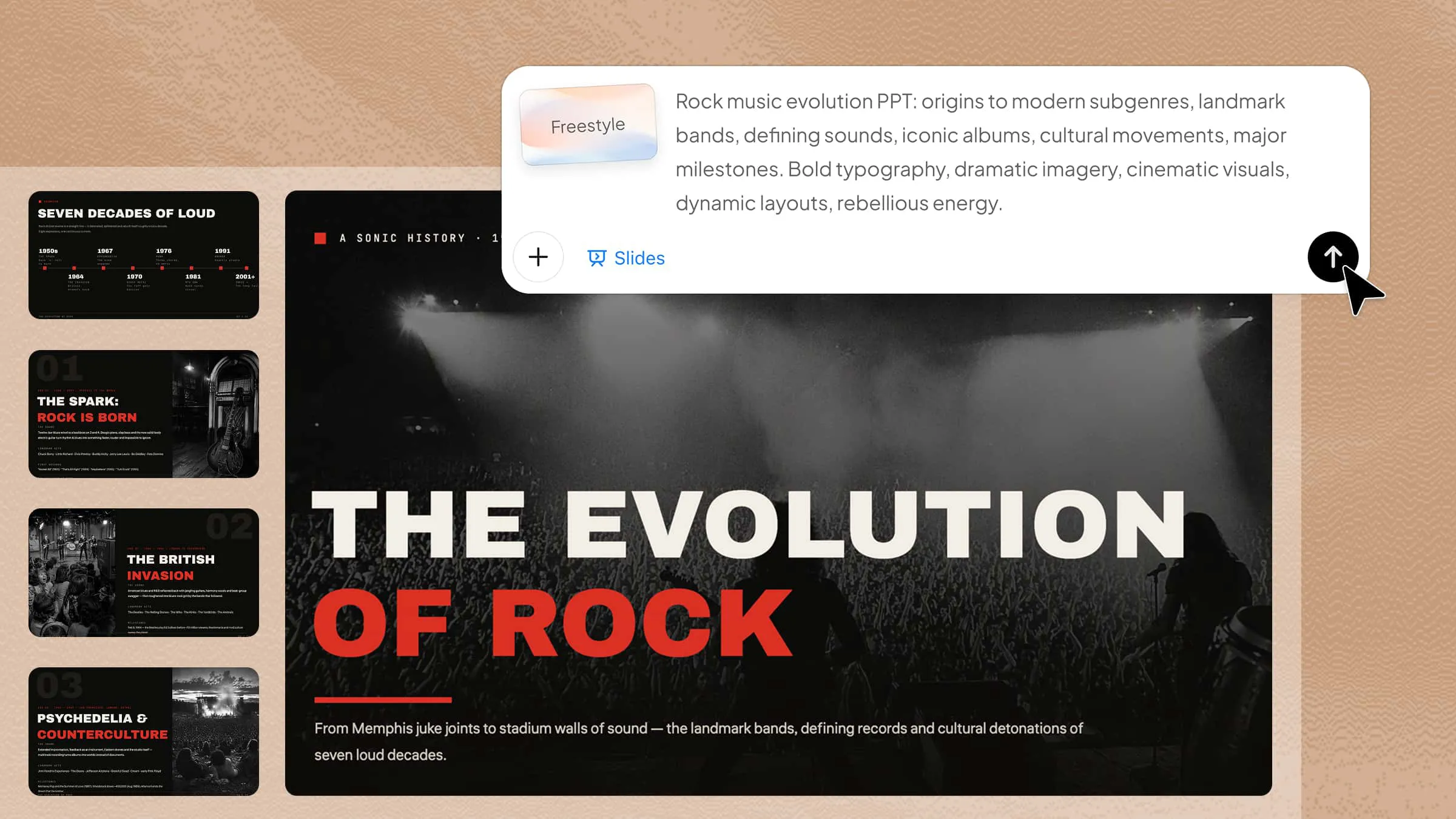
| Rock music template | Rock | Bold typography, dramatic imagery, cinematic layouts | Landmark bands, albums, subgenres, cultural movements, milestones | Exploring rock history and evolution |
| Pop music template | Pop | Vibrant visuals, contemporary typography, clean layouts | Artists, chart trends, music videos, streaming culture, fan behavior | Presenting modern popular music and trends |
| Classical music template | Classical | Elegant typography, historical imagery, balanced compositions | Musical eras, composers, notable works, historical context, influences | Introducing composers, periods, and musical works |
| Jazz music template | Jazz | Atmospheric photography, expressive typography, artistic layouts | Musicians, recordings, improvisation, styles, cultural significance | Exploring jazz history and artistic development |
| Hip hop music template | Hip hop | Street-inspired elements, bold visuals, editorial layouts | Origins, artists, four elements, regional scenes, social themes | Presenting hip hop as a musical and cultural movement |
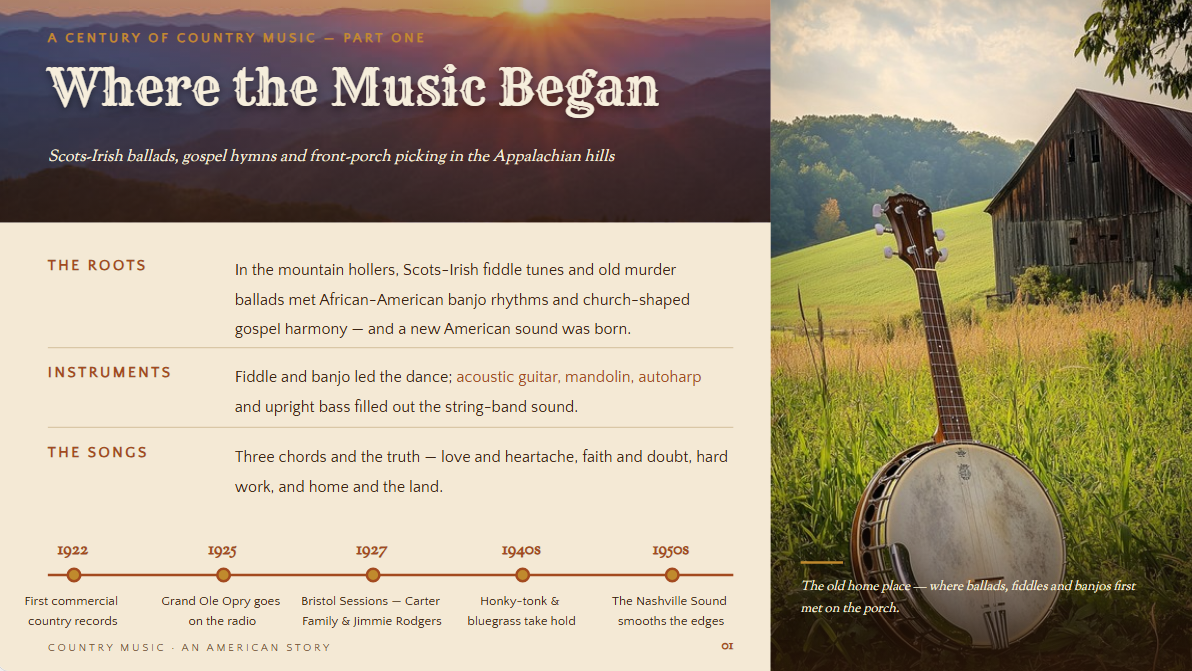
| Country music template | Country | Rustic textures, warm photography, storytelling visuals | Roots, instruments, performers, lyrical themes, subgenres | Exploring country music traditions and evolution |
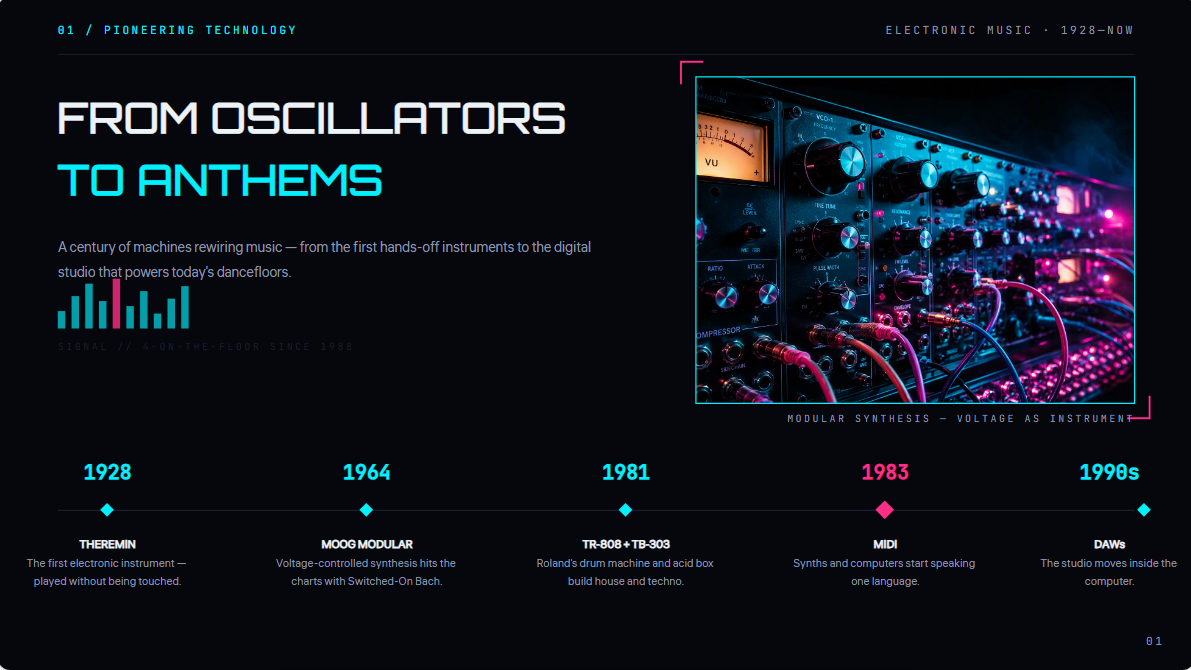
| Electronic music template | Electronic | Futuristic graphics, geometric elements, immersive imagery | Synthesizers, subgenres, producers, festivals, digital production | Explaining electronic music and production technology |
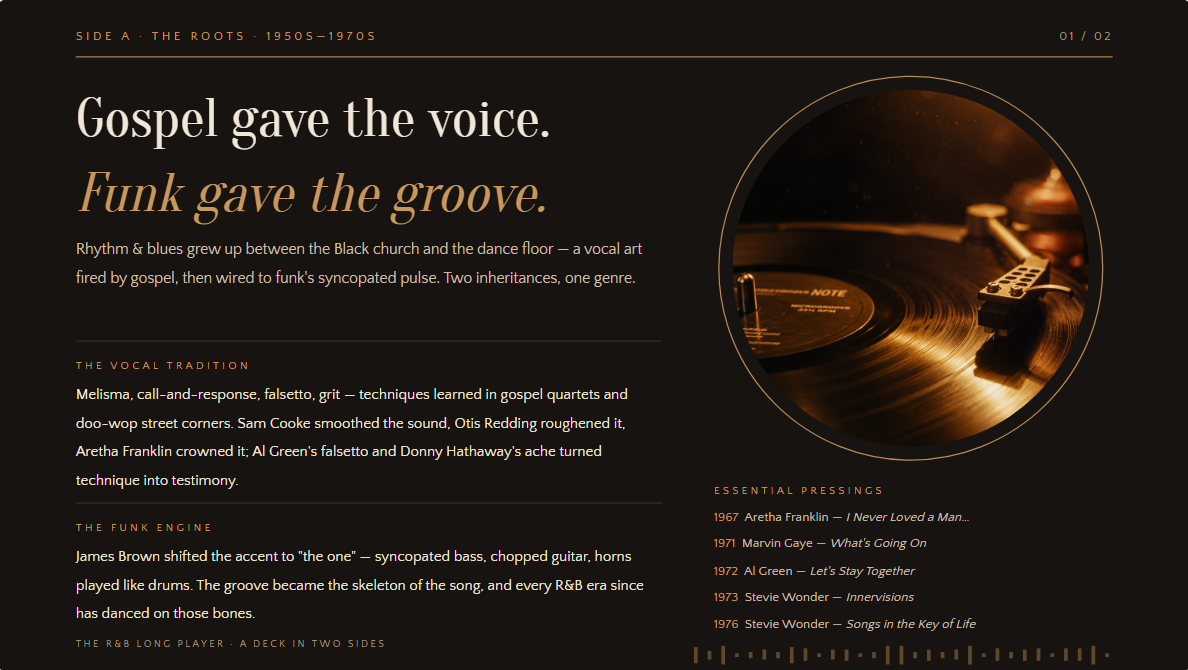
| R&B music template | R&B | Sophisticated imagery, smooth typography, polished layouts | Artists, albums, vocal traditions, production, soul/funk/hip hop connections | Presenting R&B's musical development and influences |
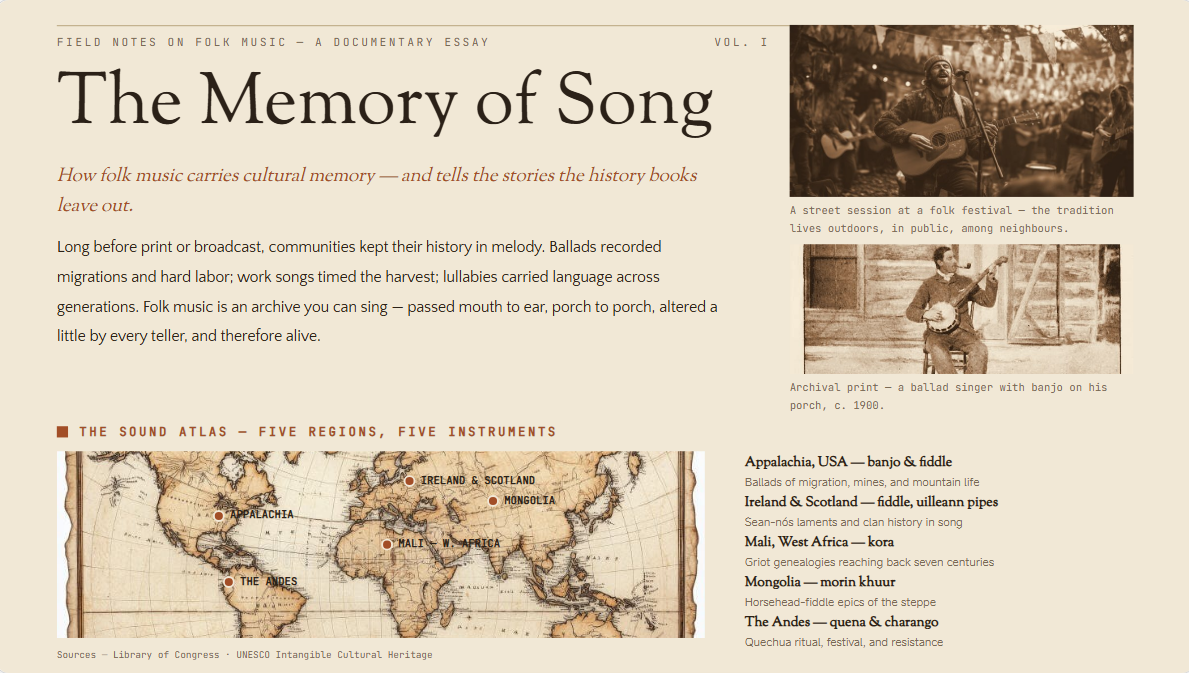
| Folk music template | Folk | Documentary photography, maps, natural textures, narrative layouts | Regional traditions, instruments, oral history, performers, preservation | Exploring cultural heritage and traditional music |
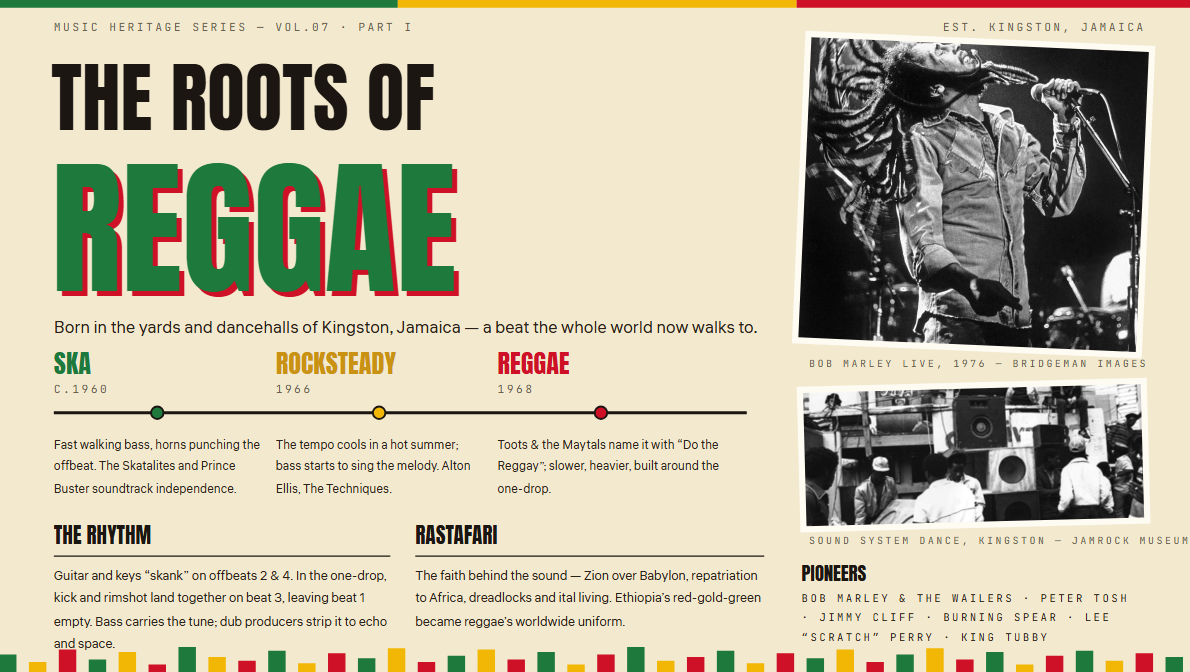
| Reggae music template | Reggae | Vibrant photography, rhythmic patterns, cultural imagery | Ska, rocksteady, musicians, social themes, cultural influence, global adaptations | Tracing reggae's Jamaican roots and global influence |
10 music presentation templates for different genres
Different music genres call for different visual styles, from bold and energetic designs to elegant and atmospheric layouts. The following templates show how each genre can shape the look and structure of a presentation, while helping you choose a style that matches your topic.
Kimi Slides is an AI presentation maker that can simplify the process by helping you create genre-specific presentations from a simple prompt. You can define the music style, visual direction, content, and audience, then refine the generated slides to match your presentation needs.
Rock music template
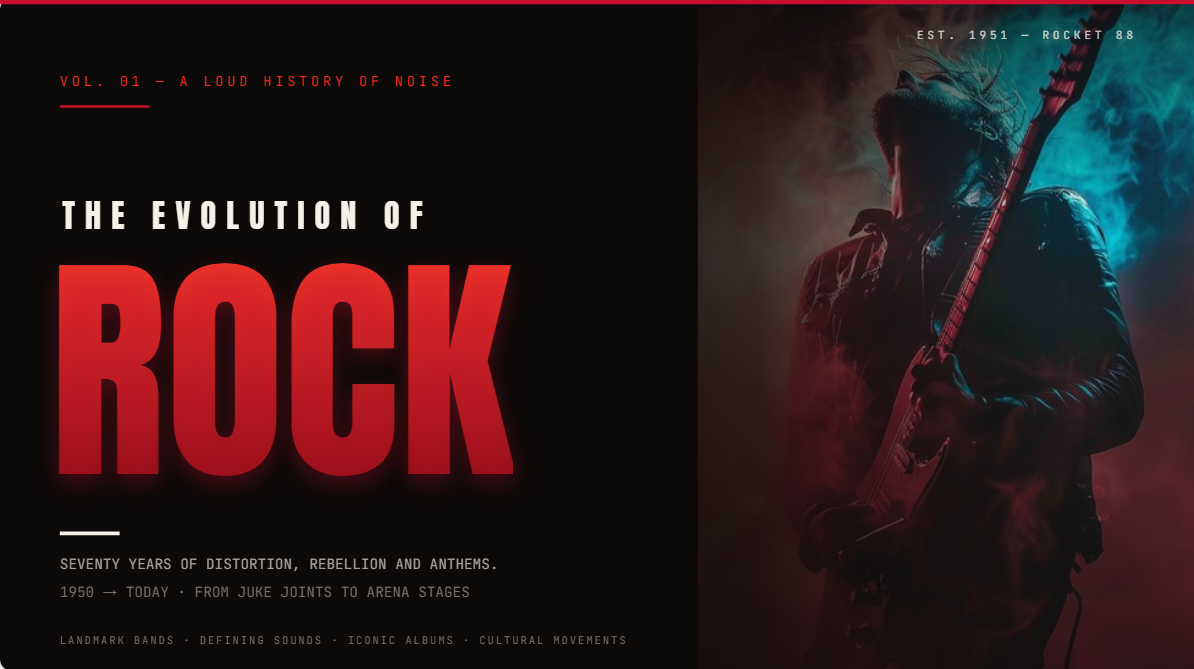
A free music festival PowerPoint template for rock can lean into powerful imagery, striking typography, and energetic compositions that echo the genre's rebellious character. It can accommodate artist biographies, album milestones, concert histories, or the evolution of subgenres while keeping the visual narrative dynamic.
How to use
Step 1: Enter your prompt
Tell Kimi the rock topic, visual mood, and sections you want across the presentation.
Prompt:
Step 2: Let AI generate your PPT
Let AI turn your instructions into a cohesive slide deck with a clear structure and relevant content and visuals.
Step 3: Review and export the PPT
Review the content, layout, and visuals, make any necessary refinements, and export the completed PPT.
Pop music template
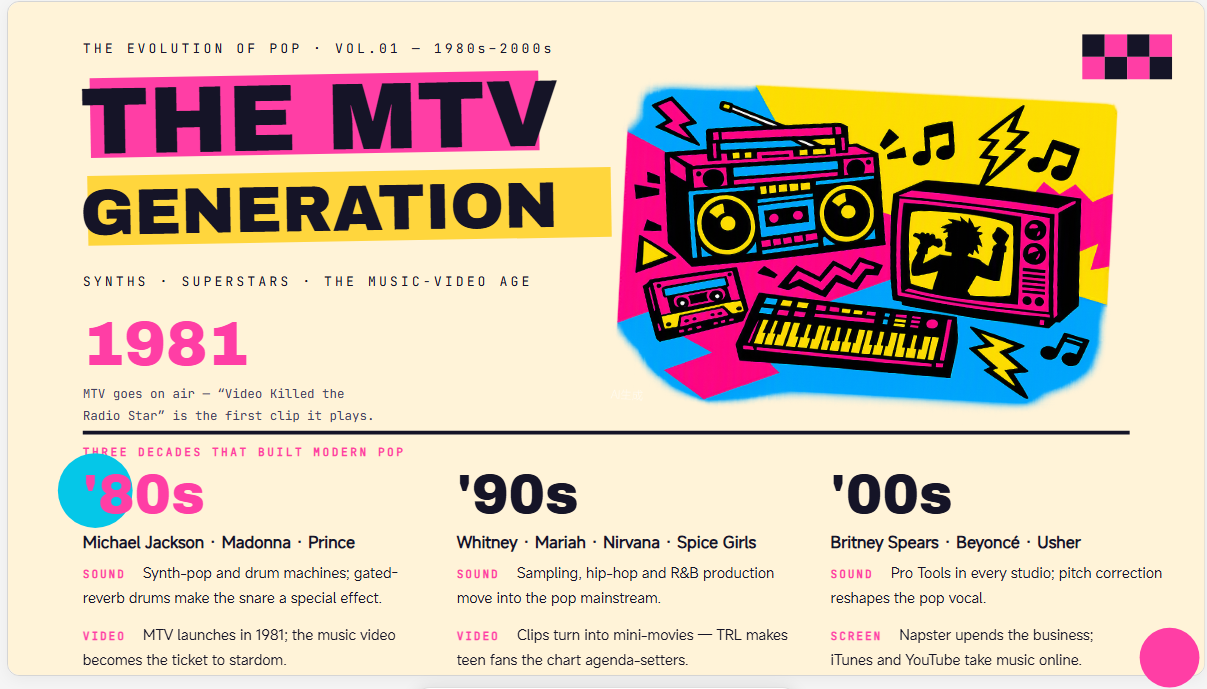
Bright visuals and contemporary layouts make a music PowerPoint presentation particularly fitting for pop-focused topics. Use it to explore chart successes, celebrity culture, changing production trends, fan communities, or the commercial forces that have shaped modern popular music.
How to use
Step 1: Enter your prompt
Open Kimi Slides and describe the pop artist, key themes, and essential information you want included throughout the deck.
Prompt:
Step 2: Let AI generate your PPT
Let Kimi turn your requirements into a well-structured presentation with consistent content, layouts, and visuals.
Step 3: Review and export the PPT
Review the content, visuals, and slide layouts, make any necessary refinements, and export the finished PPT.
Classical music template
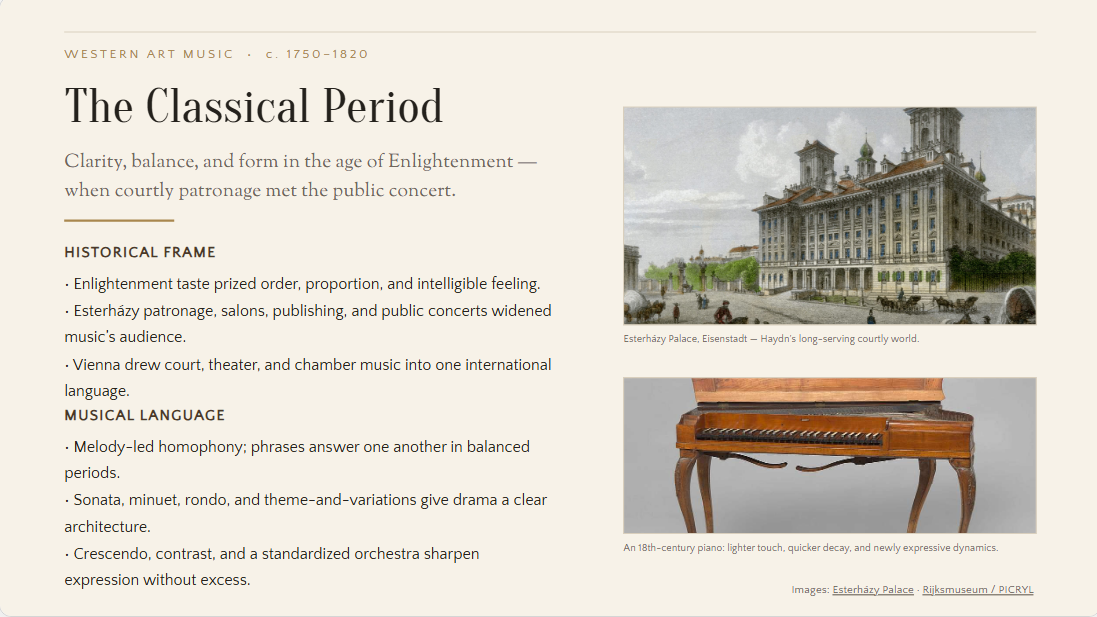
For discussions of composers and musical eras, a classical music PowerPoint template can introduce a more refined visual vocabulary through balanced compositions and historical imagery. Timelines, composition analyses, biographical details, and period-specific influences can sit naturally within this format.
How to use
Step 1: Enter your prompt
Explain the composer, musical period, key works, and learning objectives you want the presentation to cover.
Prompt:
Step 2: Let AI generate your PPT
Ask AI to arrange the material into a coherent sequence with suitable historical and musical references.
Step 3: Review and export the PPT
Review the chronology, terminology, imagery, and slide balance before exporting.
Jazz music template
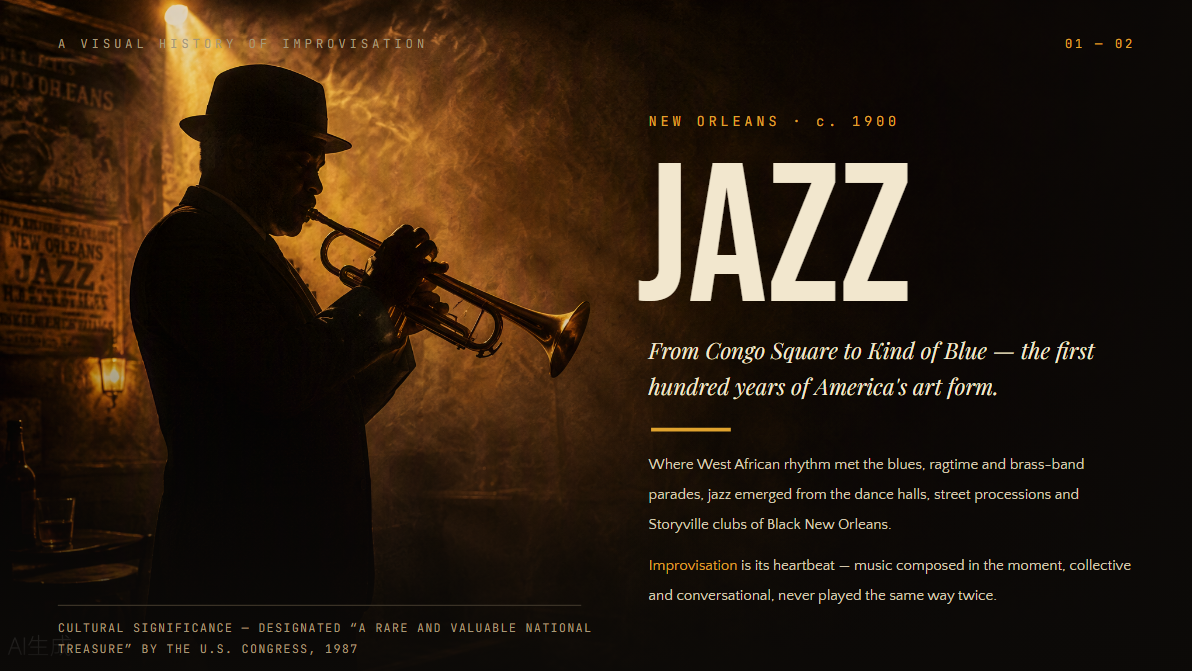
Improvisation, cultural exchange, and individual expression give Jazz plenty of visual storytelling possibilities. A free music template PowerPoint can support musician profiles, genre development, influential recordings, regional movements, and the distinctive techniques that separate one jazz style from another.
How to use
Step 1: Enter your prompt
Provide the jazz style, musicians, historical period, and themes you want highlighted.
Prompt:
Step 2: Let AI generate your PPT
Let Kimi transform the information into a presentation with appropriate sequencing and visual references.
Step 3: Review and export the PPT
Inspect the musician names, timeline, imagery, and overall flow, then export the completed file.
Hip hop music template
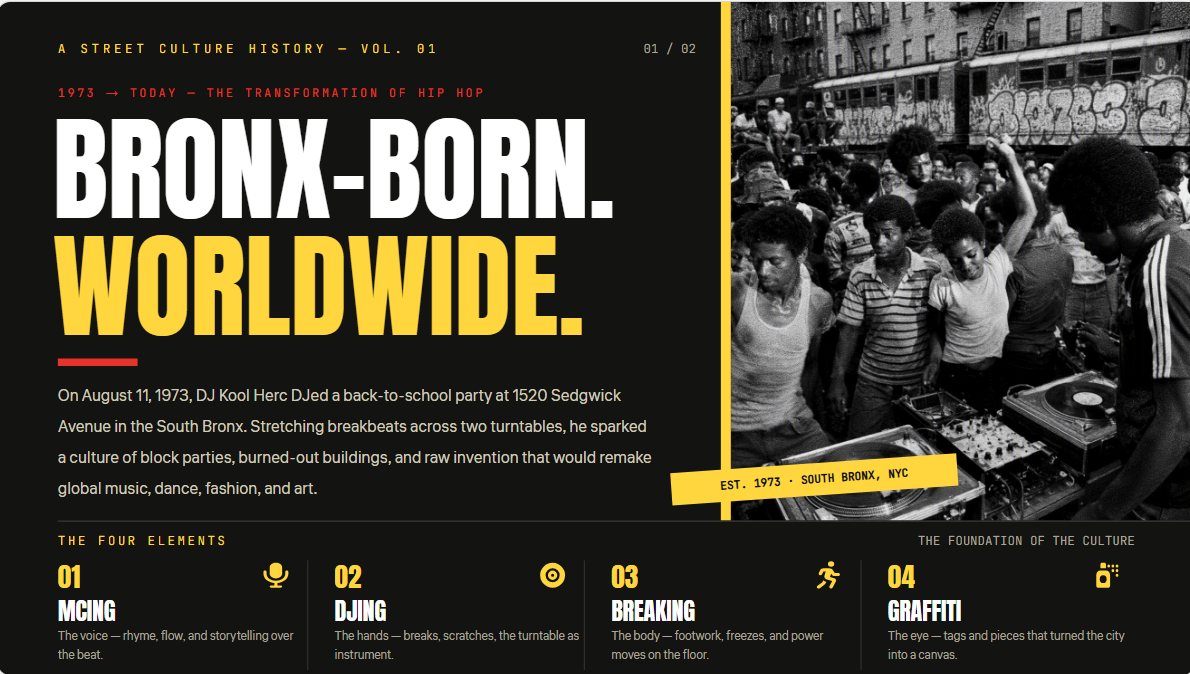
Dynamic typography, photographic storytelling, and editorial-style layouts can capture the cultural breadth of hip hop through music PowerPoint slides. Beyond artists and albums, the presentation can examine lyrical expression, DJing, breakdancing, graffiti, social movements, regional scenes, and the genre's international reach.
How to use
Step 1: Enter your prompt
Mention the artists, movement, period, social themes, or production elements you want explored.
Prompt:
Step 2: Let AI generate your PPT
AI can arrange your material into a presentation that connects musical development with its broader cultural context.
Step 3: Review and export the PPT
Check the narrative, statistics, visuals, and references before exporting the PPT.
Country music template
A country music PowerPoint template can draw on rustic textures, acoustic imagery, and warm visual motifs associated with the genre. It provides a natural canvas for tracing a country's history, profiling influential performers, examining lyrical themes, or comparing traditional and contemporary styles.
How to use
Step 1: Enter your prompt
Describe the country-music topic, historical period, audience, and visual atmosphere you want.
Prompt:
Step 2: Let AI generate your PPT
Kimi turns your brief into a well-structured presentation with a logical flow, relevant content, and engaging visuals.
Step 3: Review and export the PPT
Review the slides, refine the content or design as needed, then export your polished presentation for use or sharing.
Electronic music template
Pulse-driven visuals, geometric compositions, and futuristic elements can give a music-themed PowerPoint template the right atmosphere for electronic music. The format can bring together DJ profiles, subgenre comparisons, production technology, festival culture, and the evolution of electronic sound.
How to use
Step 1: Enter your prompt
Specify the electronic subgenres, technological developments, artists, or cultural movements you want covered.
Prompt:
Step 2: Let AI generate your PPT
Ask Kimi to transform your material into a clear, connected slide narrative with well-organized content and relevant visuals.
Step 3: Review and export the PPT
Review the terminology, sequence, visuals, and overall consistency, make any necessary refinements, and export the final presentation.
R&B music template
Smooth typography and sophisticated imagery complement presentations exploring the distinctive character of R&B. Free music for PowerPoint presentations can be adapted for artist spotlights, vocal traditions, influential albums, contemporary trends, and the genre's relationship with soul, funk, and hip hop.
How to use
Step 1: Enter your prompt
Give Kimi the artists, era, themes, and musical developments you want highlighted.
Prompt:
Step 2: Let AI generate your PPT
Let AI turn your details into a well-structured slide deck with a logical flow and engaging visual elements.
Step 3: Review and export the PPT
Check artist names, historical references, visuals, and slide balance, make final adjustments, and export your completed PPT.
Folk music template
Stories, traditions, and cultural heritage sit at the heart of folk music, making narrative-led layouts particularly appropriate. A musical PowerPoint template can incorporate regional imagery, historical timelines, traditional instruments, notable performers, and the preservation of musical customs.
How to use
Step 1: Enter your prompt
Mention the region, traditions, instruments, historical period, and cultural questions your presentation should address.
Prompt:
Step 2: Let AI generate your PPT
Let Kimi organize your material into informative slides with a clear flow, useful timelines, and relevant visual references.
Step 3: Review and export the PPT
Verify cultural references, factual details, visuals, and slide consistency, then make any final adjustments before exporting the presentation.
Reggae music template
Reggae's Jamaican roots and enduring cultural influence offer plenty of material for a visually engaging presentation. Music presentation ideas can explore its rhythmic foundations, pioneering musicians, social themes, international expansion, and connections with related Caribbean genres.
How to use
Step 1: Enter your prompt
Access Kimi Slides and enter a clear prompt outlining the period, key artists, social themes, and musical characteristics you want to explore.
Prompt:
Step 2: Let AI generate your PPT
Kimi can organize your material into a logical presentation with complementary visuals.
Step 3: Review and export the PPT
Check the historical sequence, artist information, visual choices, and readability before exporting the PPT.
What makes Kimi Slides ideal for music presentations?
Music often blends history, creativity, personalities, and cultural context, so a strong presentation needs to accommodate more than straightforward text. As an AI PPT maker, Kimi Slides brings these elements together through presentation features that support both visual storytelling and structured information.
Create unique music presentations
Turn your music ideas into polished, visually distinctive slides with Kimi Slides. Upload images, videos, or a PPT you like as references, and recreate their visual style while adapting the content to your own topic. Combine artist photos, album artwork, creative layouts, and other visual elements to create presentations that feel original and designed specifically for your music topic.
Explore music history through organized timelines
Trace the evolution of a genre through animated timelines, milestone cards, artist profiles, album highlights, and historical moments. Kimi Slides can transform a long history of musical development into a visual journey that is easier to follow and more engaging to present.
Edit every part of your presentation with AI
You don't have to regenerate the entire deck when something needs to change. Enter a natural-language prompt to modify your slides, leave a comment on a specific element or area and ask AI to revise it, or directly edit text and adjust layouts yourself. This gives you multiple ways to fine-tune your music presentation until the content and design feel right.
Preview and export editable PPTX files
Export your completed music presentation directly as an editable PPTX file, so you can open it in PowerPoint and continue customizing the text, images, layouts, and other slide elements as needed. This makes it easy to take a presentation created with Kimi Slides and adapt it for classes, performances, music research, or other presentation scenarios.
Core elements of an effective music PowerPoint template
A strong template needs more than attractive visuals; its design should help the audience absorb and connect with the material. Before choosing or creating one, consider the structural and visual elements that can make a music-focused presentation more effective.
A clear structure for telling a music story
Arrange the material in a purposeful sequence, whether you are tracing a genre's origins, profiling an artist, or examining an album. A logical progression helps the audience understand how individual facts connect within the broader musical narrative.
Visual elements that match the music theme
Select imagery, graphics, icons, and other visual components that reinforce the genre or subject being discussed. Concert photographs, album artwork, instruments, notation, or cultural imagery can add context without functioning as mere decoration.
Easy customization for different presentations
A versatile template should allow users to modify slide sections, replace imagery, rearrange content, and incorporate their own material without disrupting the overall design. This makes the same framework practical for varied topics and audiences.
A design style that reflects the mood of the music
The visual character should complement the emotional or cultural identity of the subject, whether that calls for an energetic rock aesthetic, a refined classical appearance, or a vibrant electronic atmosphere. Consistency between subject and design strengthens the presentation's overall impact.
Readable text and balanced visual hierarchy
Keep headings, supporting copy, charts, and imagery proportioned so that important information is immediately distinguishable. Appropriate spacing, typography, and placement prevent crowded slides and allow audiences to absorb the material comfortably.
Conclusion
In conclusion, a thoughtfully chosen music PPT template can give your topic a stronger visual identity while keeping the information easy to absorb. Whether you are presenting rock, classical, hip hop, folk, or reggae, the design should complement the character of the genre rather than overshadow it. However, Kimi Slides makes it easier to shape these ideas into editable slides without starting the presentation from scratch. With the right combination of structure and customization, your final deck can communicate the music's story with greater clarity and impact.