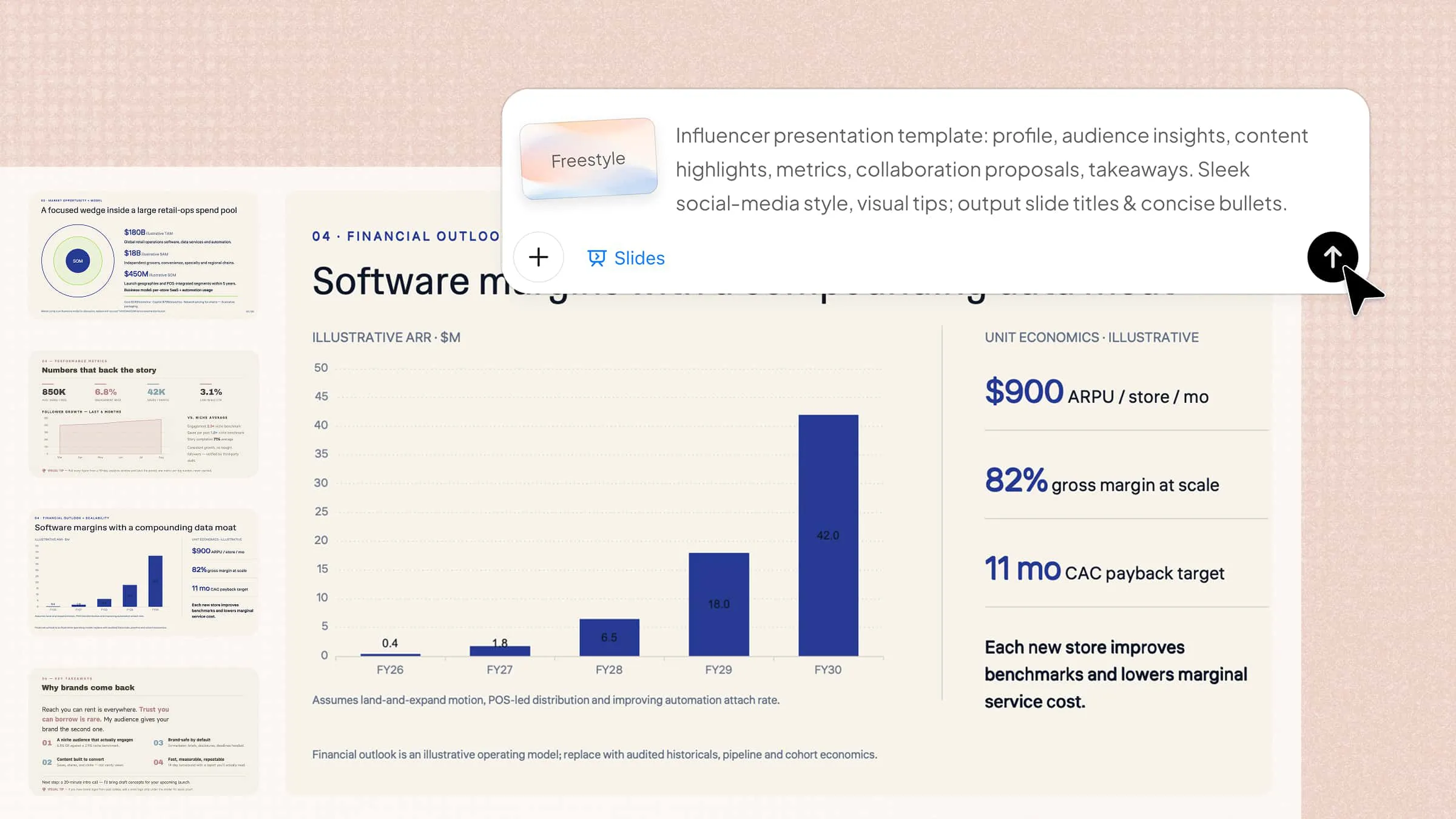
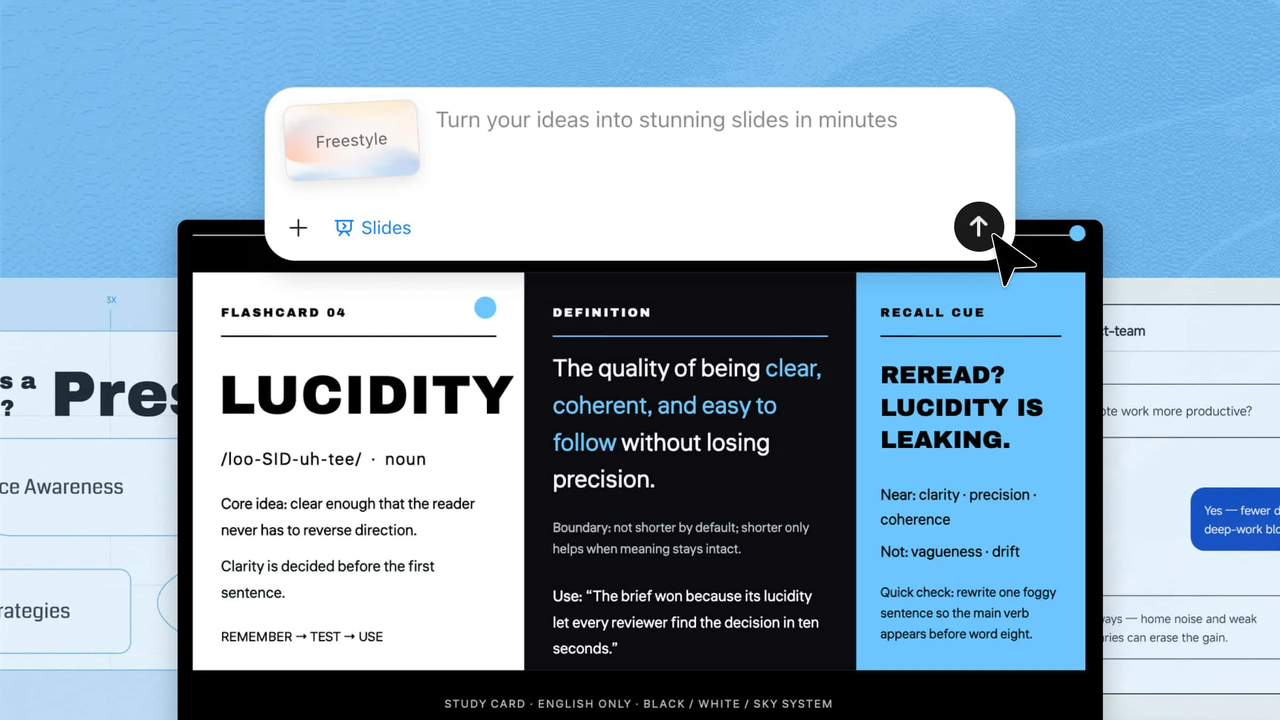
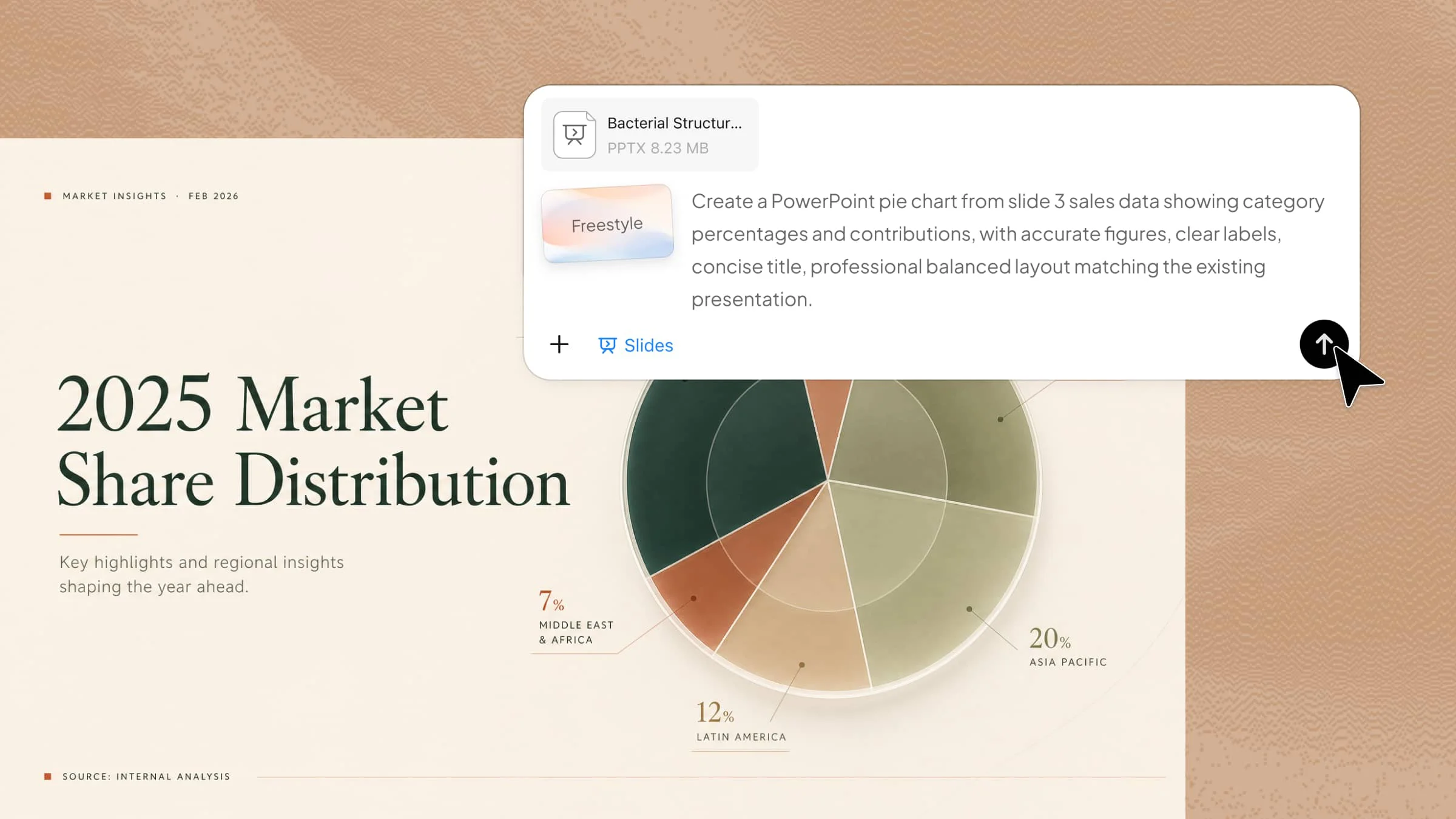
Teachers often need to create presentations that explain ideas clearly while keeping students interested and engaged. Finding the right design, structure, and visuals can take valuable time away from lesson planning. Creative teacher slides provide ready-to-use ideas that help organize lessons, activities, and projects in a more effective way. Explore inspiring slide templates in this article to create professional presentations that make teaching easier and more engaging.
Overview of 10 teacher slide templates
These slide templates for teachers cover different classroom needs, from introducing lessons to organizing activities and tracking progress. Each one helps teachers create more engaging and structured presentations for different teaching situations:
| Template | Main purpose | Ideal time to use | Suitable for |
|---|---|---|---|
| Teacher introduction slide | Building a connection between teachers and students | Beginning of a course or school year | First-class sessions |
| Morning meeting slide | Starting the day with clear communication | Before lessons begin | Daily classroom routines |
| Lesson plan slide | Presenting lesson structure and goals | During lesson introductions | Teaching preparation |
| Weekly class agenda slide | Showing upcoming tasks and activities | Start of each week | Weekly planning |
| Icebreaker activity slide | Encouraging participation and interaction | Beginning of lessons or group sessions | Student engagement |
| Vocabulary building slide | Explaining and practicing new terms | Vocabulary lessons or reviews | Language learning |
| Group project slide | Organizing collaboration and responsibilities | Before starting projects | Team assignments |
| Reading comprehension slide | Guiding text analysis and discussion | During reading lessons | Reading activities |
| Quiz and review slide | Making revision more interactive | Before tests or after lessons | Knowledge checks |
| Homework tracker slide | Monitoring tasks and completion | Throughout the learning period | Assignment management |
10 teacher slides to boost classroom engagement
A well-designed presentation can make lessons more interactive and help students understand concepts more easily. With Kimi Slides, an AI presentation maker, you can quickly create engaging teacher slides with AI-generated layouts and visuals. Here are 10 teacher slide templates to help you build more effective classroom presentations.
Teacher introduction slide template
Start the school year or a new course with a slide that introduces the person behind the lessons. This template helps teachers share their background, teaching style, and a little personal touch to create a welcoming classroom atmosphere. It also helps students feel more connected and comfortable from the very beginning.
How to use
Step 1: Enter your prompt
Paste the prompt into Kimi Slides to create a personalized teacher introduction slide.
Prompt:
Step 2: Let AI generate your PPT
Kimi Slides creates a polished introduction slide with structured sections, visuals, and editable text areas.
Step 3: Review and export the PPT
Update personal details, adjust design elements if needed, and export the completed slide for classroom use.
Morning meeting slides for class
A morning meeting slide sets the tone for the day by helping students know what to expect. Teachers can use it for greetings, daily goals, announcements, and quick classroom check-ins. It creates a positive routine that encourages participation and prepares students for upcoming learning activities.
How to use
Step 1: Enter your prompt
Paste the prompt into Kimi Slides to design a daily classroom opening slide.
Prompt:
Step 2: Let AI generate your PPT
Kimi Slides automatically arranges the morning routine elements into an engaging classroom slide.
Step 3: Review and export the PPT
Replace sample content with daily updates, make final edits, and export the ready-to-present slide.
Lesson plan slide template
This slide gives teachers a quick way to present what students will learn and how the lesson will progress. It turns a detailed lesson plan into an easy-to-follow visual roadmap. Teachers can use it to keep lessons organized, focused, and aligned with learning objectives.
How to use
Step 1: Enter your prompt
Paste the prompt into Kimi Slides to create a lesson overview slide.
Prompt:
Step 2: Let AI generate your PPT
Kimi Slides generates a visual lesson plan layout with organized information blocks.
Step 3: Review and export the PPT
Add your lesson-specific information, refine the content, and export the final classroom slide.
Weekly class agenda slides
A weekly agenda slide gives students a simple view of upcoming lessons, tasks, and important events. It helps everyone stay prepared and understand the week's learning journey. This template also improves classroom planning by keeping schedules and priorities visible throughout the week.
How to use
Step 1: Enter your prompt
Paste the prompt into Kimi Slides to build a weekly classroom schedule slide.
Prompt:
Step 2: Let AI generate your PPT
Kimi Slides creates a weekly overview slide with a clean schedule-based layout.
Step 3: Review and export the PPT
Modify the weekly plan, customize labels, and export the finished agenda slide.
Icebreaker activity slide template
Icebreaker slides make the first few minutes of class more interactive by encouraging students to share ideas and participate. Teachers can use them for quick games, discussion starters, or creative activities. They are useful for building connections and creating an energetic classroom environment.
How to use
Step 1: Enter your prompt
Paste the prompt into Kimi Slides to generate an interactive classroom activity slide.
Prompt:
Step 2: Let AI generate your PPT
Kimi Slides designs an engaging activity slide with interactive sections and visual elements.
Step 3: Review and export the PPT
Customize the activity details, add your own questions, and export the final slide.
Vocabulary building slides
Vocabulary slides make it easier for students to learn and remember new words through examples and visuals. They are useful for language classes, reading activities, and subject-specific terms. These slides help improve word recognition, understanding, and practical usage during classroom discussions.
How to use
Step 1: Enter your prompt
Paste the prompt into Kimi Slides to create a vocabulary learning slide.
Prompt:
Step 2: Let AI generate your PPT
Kimi Slides creates a vocabulary-focused slide with clear learning sections and visuals.
Step 3: Review and export the PPT
Insert your vocabulary content, adjust examples, and export the completed teaching slide.
Group project template slide
Group project slides help students understand teamwork expectations before starting an assignment. They organize goals, responsibilities, timelines, and presentation requirements in one place. This template supports better collaboration by giving every team member a clear role and project direction.
How to use
Step 1: Enter your prompt
Paste the prompt into Kimi Slides to create a project planning slide.
Prompt:
Step 2: Let AI generate your PPT
Kimi Slides builds a structured project slide with organized teamwork sections.
Step 3: Review and export the PPT
Add project information, edit team details, and export the final presentation slide.
Reading comprehension slide template
Reading comprehension slides help students analyze texts by focusing on important ideas, vocabulary, and questions. They create a structured space for discussion and deeper understanding. Teachers can use them to guide conversations and improve students' critical thinking skills during reading lessons.
How to use
Step 1: Enter your prompt
Paste the prompt into Kimi Slides to create a reading activity slide.
Prompt:
Step 2: Let AI generate your PPT
Kimi Slides generates a structured reading slide with sections for analysis and discussion.
Step 3: Review and export the PPT
Add your reading material, customize questions, and export the final classroom resource.
Quiz and review slides
Quiz slides turn revision sessions into interactive learning moments. Teachers can use them to check understanding, review key topics, and encourage classroom participation. They make assessments more engaging while helping students remember important concepts through active practice and quick feedback.
How to use
Step 1: Enter your prompt
Paste the prompt into Kimi Slides to design an interactive review slide.
Prompt:
Step 2: Let AI generate your PPT
Kimi Slides creates a quiz layout with interactive sections and classroom-friendly visuals.
Step 3: Review and export the PPT
Add quiz questions, check the formatting, and export the finished review slide.
Homework tracker slide template
Homework tracker slides help students keep track of assignments and deadlines without confusion. Teachers can use them to display weekly tasks and encourage better organization. This template supports responsibility by helping students manage their workload and complete assignments on time.
How to use
Step 1: Enter your prompt
Paste the prompt into Kimi Slides to create a student assignment tracking slide.
Prompt:
Step 2: Let AI generate your PPT
Kimi Slides creates a clear homework management slide with tracking sections.
Step 3: Review and export the PPT
Update assignments and deadlines, personalize the layout, and export the completed slide.
Why choose Kimi Slides to create teacher slides?
Creating effective presentations for teachers takes more than adding text to slides. Teachers need clear structures, engaging visuals, and flexible tools that help turn ideas into meaningful learning materials. Kimi Slides makes it easier to design professional teaching presentations while saving time on preparation. Below are the key features that make Kimi Slides a useful choice for creating teacher slides.
Create teacher slides from your materials and templates: Upload text, images, videos, or an existing school PPT template. Kimi Slides can generate slides based on your content while following the template style, so you can create lesson materials without rebuilding layouts and designs from scratch.
Build a logical teaching structure automatically: Kimi Slides organizes your content into a coherent slide sequence, helping students follow key concepts, examples, activities, and takeaways more easily.
Turn lengthy teaching materials into concise slides: Transform long notes, articles, or reference materials into focused slide content while keeping the key information students need.
Generate visuals to explain concepts: Create supporting images and other visual elements to make complex or abstract topics easier to understand and more engaging to present.
Adapt presentations to different teaching needs: Create slides for lectures, classroom activities, training sessions, course overviews, school projects, and other educational scenarios.
Freely edit and refine your slides: Edit PPT elements directly or use conversational AI to make changes to content, layouts, and visuals. Save each round of AI edits as a separate version and switch between versions anytime to compare or restore your preferred design.
Export and present your slides online: Export your finished presentation as an editable PPTX file, giving you the flexibility to add teaching materials, make final adjustments, or prepare the deck for class. You can also present your slides online directly, making it easier to share lessons and deliver presentations without additional setup.
Tips for using teacher slides more effectively
Well-designed slides can improve classroom communication, but using them strategically makes the biggest difference. A clear structure, engaging visuals, and interactive elements help students stay focused throughout the lesson. Follow these practical tips to make your slides more useful for different teaching situations.
Plan your presentation structure in advance
Decide the lesson flow and organize key points before creating your slides. A well-planned teacher morning slide helps students follow ideas more easily and keeps the lesson focused. It also makes choosing the right slide format much simpler.
Keep each slide focused and concise
Avoid overcrowding slides with too much text or unnecessary details. A clear teaching slide template helps highlight important points while keeping students focused. Use short text, simple headings, and visuals to improve understanding.
Use clear visual cues
Images, icons, diagrams, and highlights can make information easier to understand. Good visual elements guide students' attention and improve learning during lessons. For example, teachers' morning slides can use simple designs to present daily updates clearly.
Add prompts for classroom interaction
Encourage students to participate by adding questions, activities, or discussion points to your slides. Interactive elements make lessons more engaging and help students stay involved. This approach can make any teacher's slide background and content more effective.
Reuse effective slide layouts
Save time by adapting layouts that work well for different lessons and activities. A flexible slide template for teachers helps maintain a consistent style while making slide creation faster. Reusable designs also create a familiar learning experience.
Review and update content regularly
Update your slides regularly to keep information, examples, and activities relevant. Refreshing older materials can make future lessons more effective and engaging. Even "About Me" teacher slides can be updated with new details, experiences, and achievements to keep them fresh and relevant.
Conclusion
Effective teaching presentations should support learning, not add extra preparation work. Well-organized teacher slides can help organize information, encourage student participation, and make classroom sessions more engaging. By combining clear content with thoughtful design, teachers can create slides that leave a stronger impact. Create your next teaching presentation faster and explore what Kimi Slides can do for your classroom.