Gmail
Google's email service for sending messages, organizing your inbox, and finding important conversations.
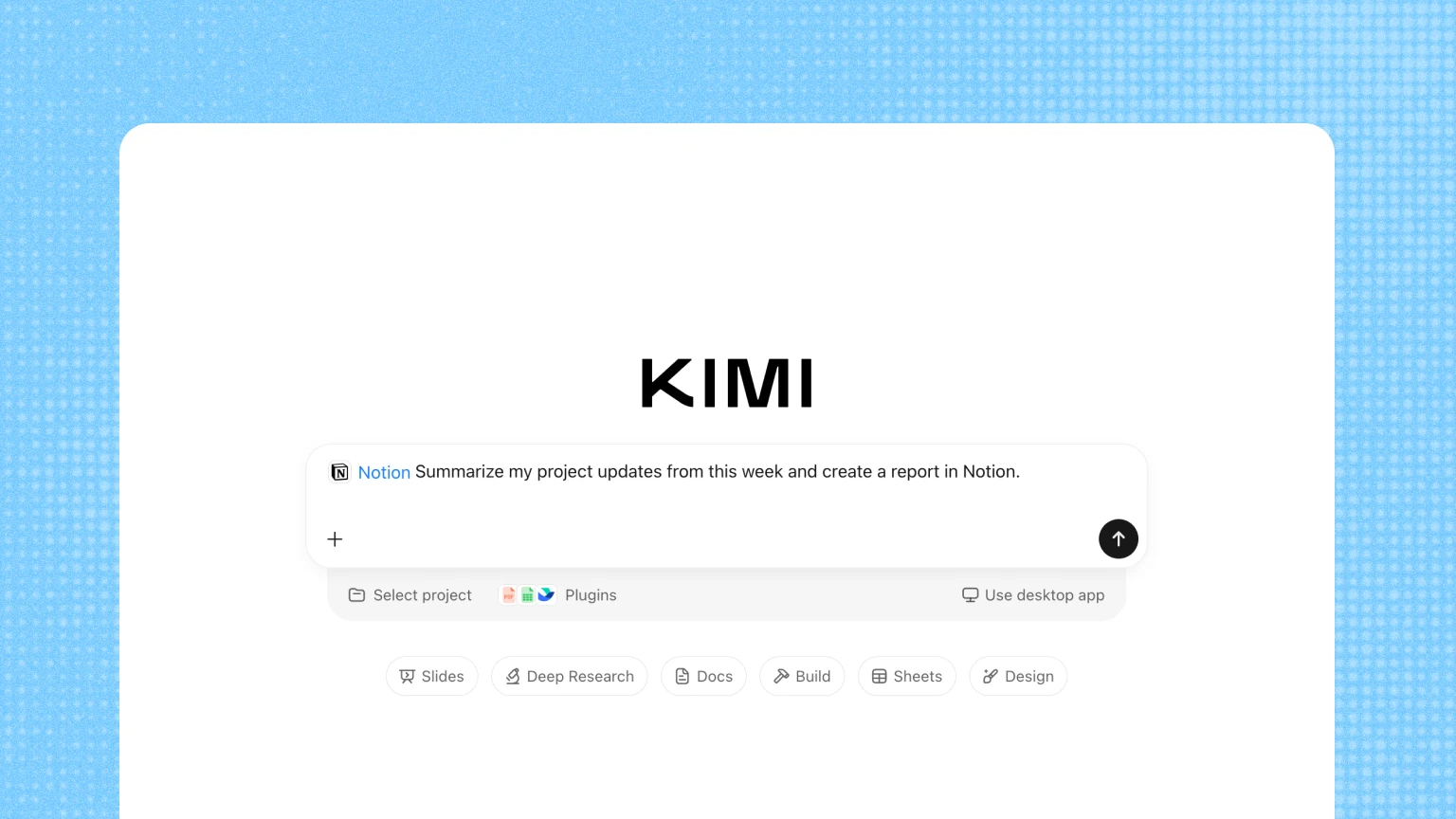
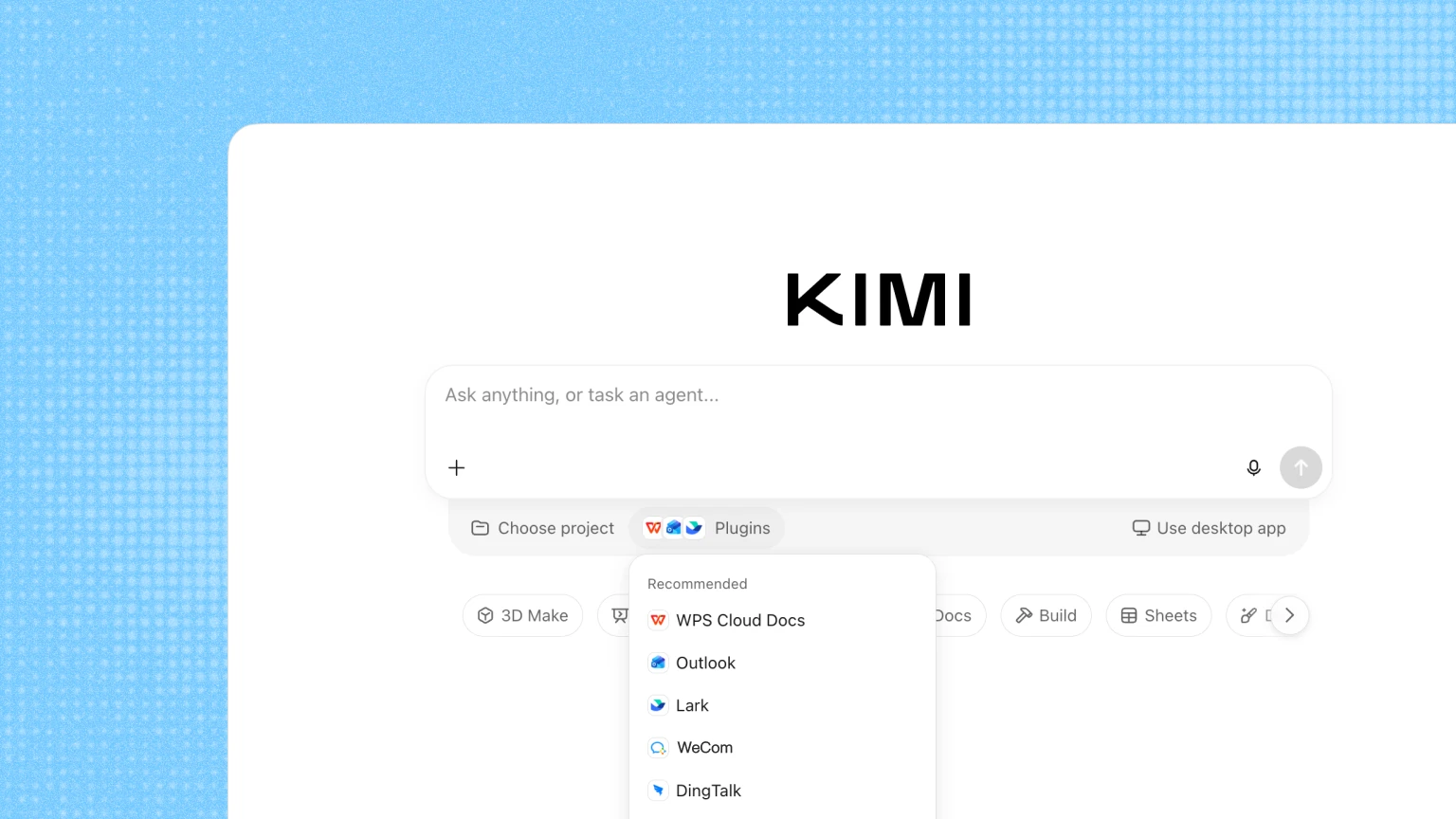
Kimi Plugins connect your work apps, coding tools, and financial data to your AI conversation. Let Kimi read, write, and act right where your work happens.
Browse by category, add the plugin that fits the job; Or begin with the tools you’re already familiar with
Google's email service for sending messages, organizing your inbox, and finding important conversations.
Check calendars, schedule events, and keep track of upcoming plans.

Find, read, and use files stored in your Google Drive.

Manage email, organize your calendar, and schedule events.

Bring team chats, meetings, calls, and shared files into one workspace.

Store, find, and share files and photos in your cloud drive.

Search team messages and collaborate in channels and direct conversations.

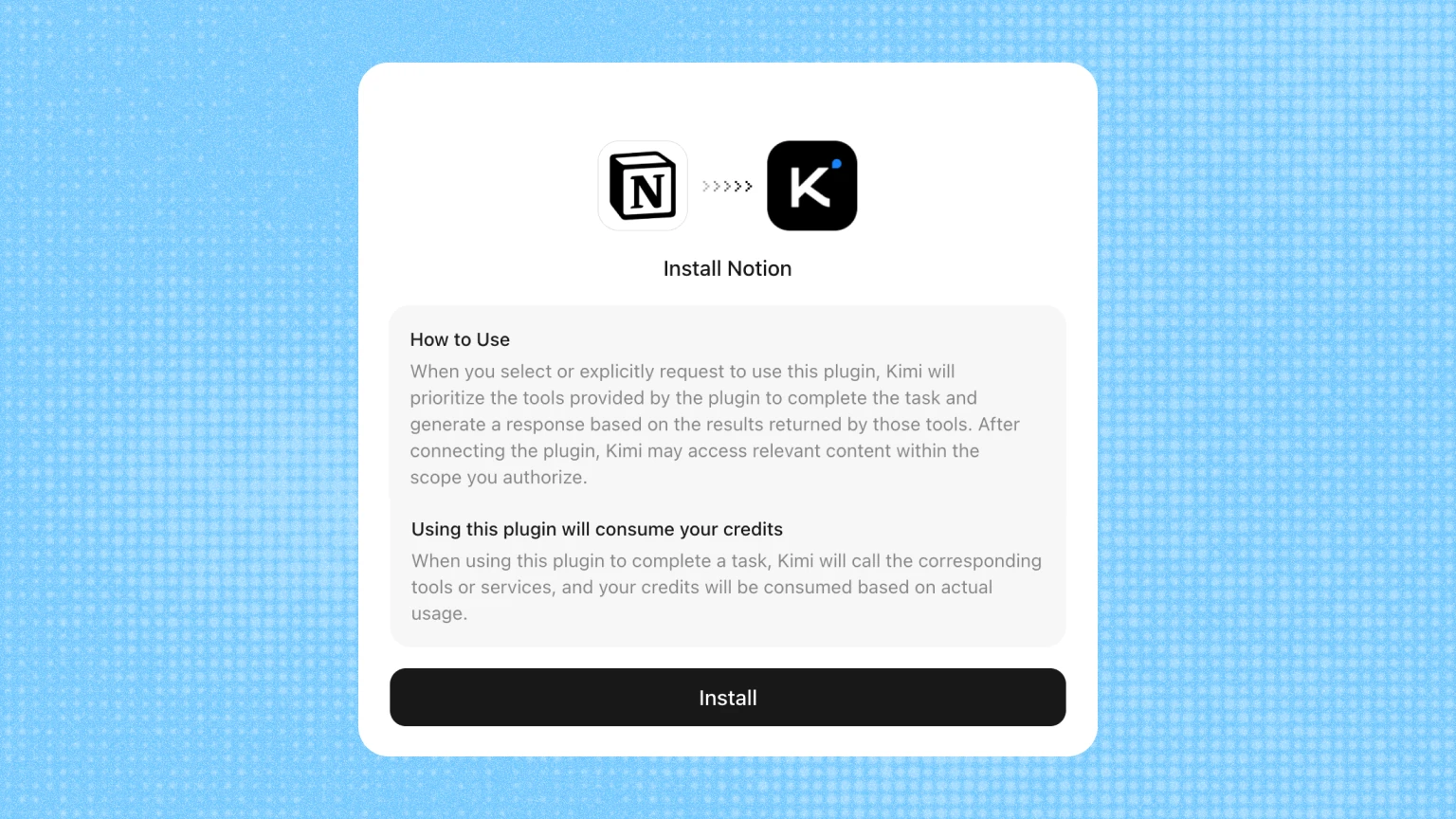
Bring notes, documents, wikis, and project databases together in a flexible workspace for your team.

Connect an email account to find messages and handle everyday email tasks.

Manage team messages, cloud documents, Base tables, and calendars.

Host Git repositories, review code, track issues, and collaborate with your team on software projects.

Manage websites, DNS, security, and developer services on Cloudflare.

Work with Postgres databases, authentication, storage, and backend APIs.

Manage serverless Postgres databases, branches, and development workflows.

Manage repositories, merge requests, issues, and CI/CD pipelines.

Financial market data, company fundamentals, and research tools for investment analysis and decisions.

Financial databases covering securities, listed companies, and market information for research and compliance.

Access financial news, market information, and economic analysis from Xinhua.

Access Chinese financial market data and investment information from Eastmoney.

Access design assets and files, and report findings from design checks.

Work with local files and desktop apps through natural-language tasks in Kimi Work.

Browse websites, extract information, and complete multi-step web tasks with Kimi.

Create and edit presentations, social graphics, and other visual designs.

Search, organize, and link the Markdown notes in your personal knowledge vault.
From plugins to finished results in just a few clicks.
Create a plugin for your own systems, data, or workflows, and use it in conversation like any other. Plugin creation is currently only available in the Kimi Work desktop app.

Share the details of an existing MCP server, and Kimi turns it into a plugin.

Give Kimi a repository link to import a ready-made plugin. When you come across a multi-plugin repository, you can also specify one or more plugins.

Point Kimi to a site you use often and describe the job, such as looking up information. It becomes a plugin you can reuse anytime.
Learn more about creating personal plugins.
Check AI plugins in action on the work people actually do
Use connected apps and services in everyday conversations, with less switching and copying.
Bring in relevant information from connected tools. Less time explaining the background.
With plugins that support actions, Kimi operates on the task directly within the permissions you grant.
Use AI plugins on Kimi on the web, mobile, desktop, and Kimi Code CLI experiences.