Silverline Skyline 3D Model
A silver office tower with a blue window-grid facade, mechanical crown and needle spire. A low podium and matching side towers complete the clean city-block base. Generated by Kimi K3.1 Pro.
Loading preview...
Start from this prompt
A silver office tower with a blue window grid, mechanical crown and needle spire above a low podium.
Try 3D MakeUse the 3D Model Generation plugin to create a modern high-rise office tower as a city skyline collectible figurine. Give it a bright silver aluminum and brushed-steel facade with a regular grid of dark blue glass office windows across clean flat floor plates, subtle metallic panel seams and horizontal spandrel lines. Top the tower with a mechanical penthouse level and a slim needle antenna. Add a stepped rectangular massing with sharp, precise edges and a hard-surface realistic look, paired with a low podium building and two matching side towers arranged as a complete city block. Keep the palette strictly silver, cool gray and blue glass, with polished metal and reflective glass materials, crisp detailed textures and no plants or greenery anywhere. Use sharp geometry and clean silhouette, not soft or clay-like. Preserve full color and material textures. Present the entire city block from a three-quarter view under soft studio lighting against a pale neutral background for a refined architectural collectible look.
Add touch controls
Adds phone controls and layout without changing the other requirements.
Try 3D MakeUse the 3D Model Generation plugin to create a modern high-rise office tower as a city skyline collectible figurine. Give it a bright silver aluminum and brushed-steel facade with a regular grid of dark blue glass office windows across clean flat floor plates, subtle metallic panel seams and horizontal spandrel lines. Top the tower with a mechanical penthouse level and a slim needle antenna. Add a stepped rectangular massing with sharp, precise edges and a hard-surface realistic look, paired with a low podium building and two matching side towers arranged as a complete city block. Keep the palette strictly silver, cool gray and blue glass, with polished metal and reflective glass materials, crisp detailed textures and no plants or greenery anywhere. Use sharp geometry and clean silhouette, not soft or clay-like. Preserve full color and material textures. Present the entire city block from a three-quarter view under soft studio lighting against a pale neutral background for a refined architectural collectible look.
Use the 3D Model Generation plugin to create a modern high-rise office tower as a city skyline collectible figurine. Give it a bright silver aluminum and brushed-steel facade with a regular grid of dark blue glass office windows across clean flat floor plates, subtle metallic panel seams and horizontal spandrel lines. Top the tower with a mechanical penthouse level and a slim needle antenna. Add a stepped rectangular massing with sharp, precise edges and a hard-surface realistic look, paired with a low podium building and two matching side towers arranged as a complete city block. Keep the palette strictly silver, cool gray and blue glass, with polished metal and reflective glass materials, crisp detailed textures and no plants or greenery anywhere. Use sharp geometry and clean silhouette, not soft or clay-like. Preserve full color and material textures. Present the entire city block from a three-quarter view under soft studio lighting against a pale neutral background for a refined architectural collectible look.
You Might Also Like
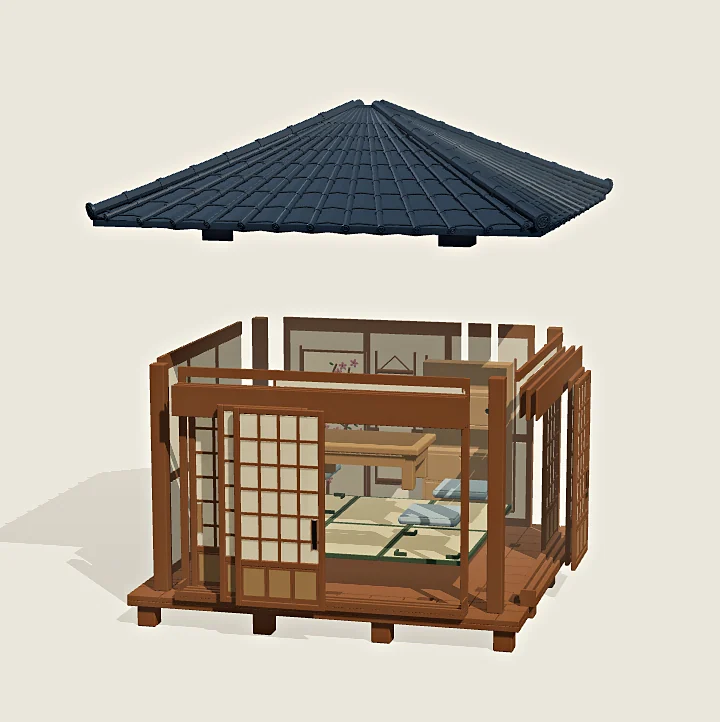
Teahouse 3D Model
A Japanese tea house with four sliding shoji doors and a lift-off hipped roof. Six tatami mats, a low table and cushions furnish the accessible interior. Generated by Kimi K3.1 Pro.
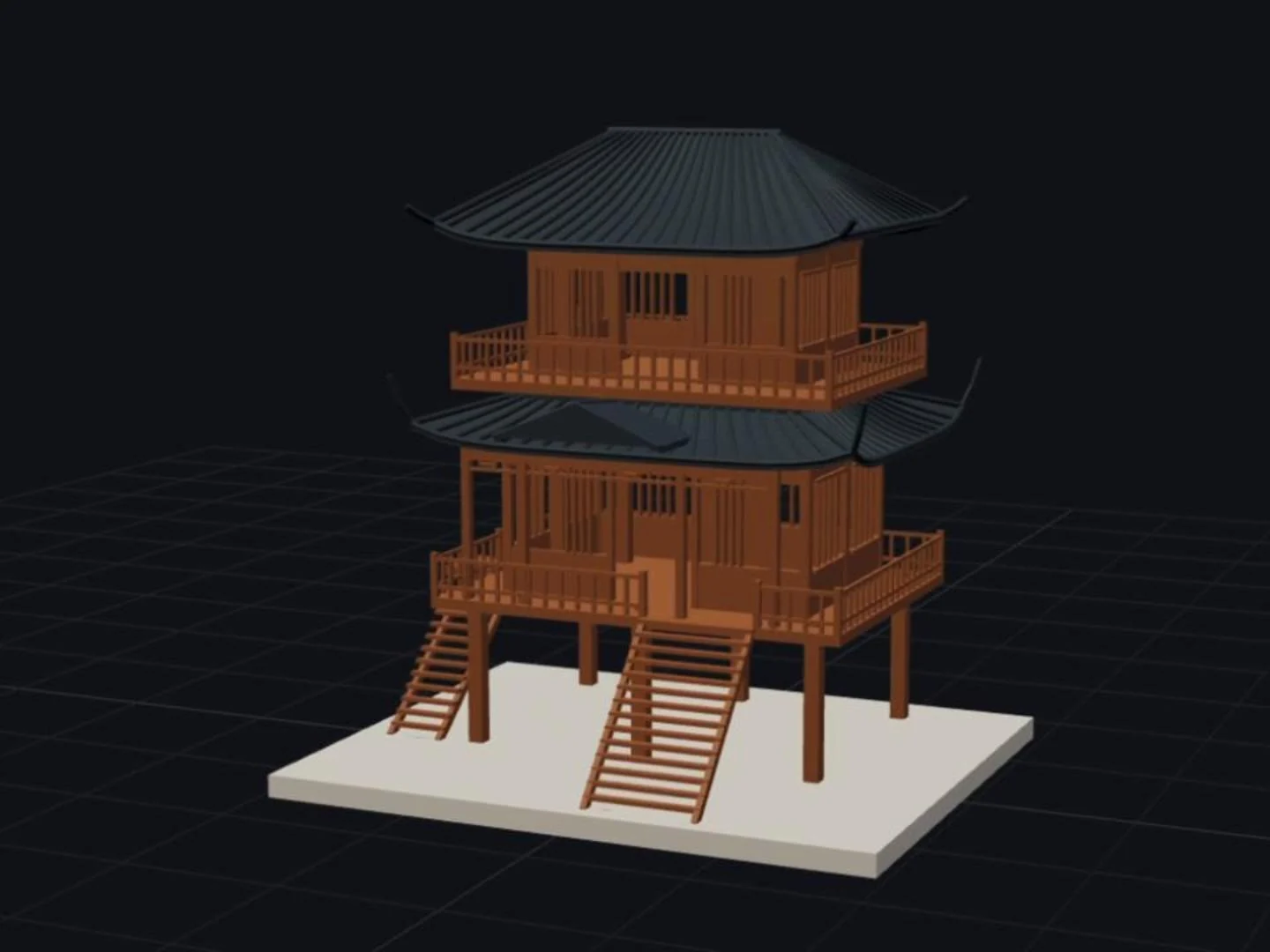
Two-Storey Stilt House 3D Model
A model of a two-storey Chinese stilt house — stone plinth, twin staircases, railed galleries and two curved tile roofs with upturned eaves. Generated by Kimi K3.1 Pro.