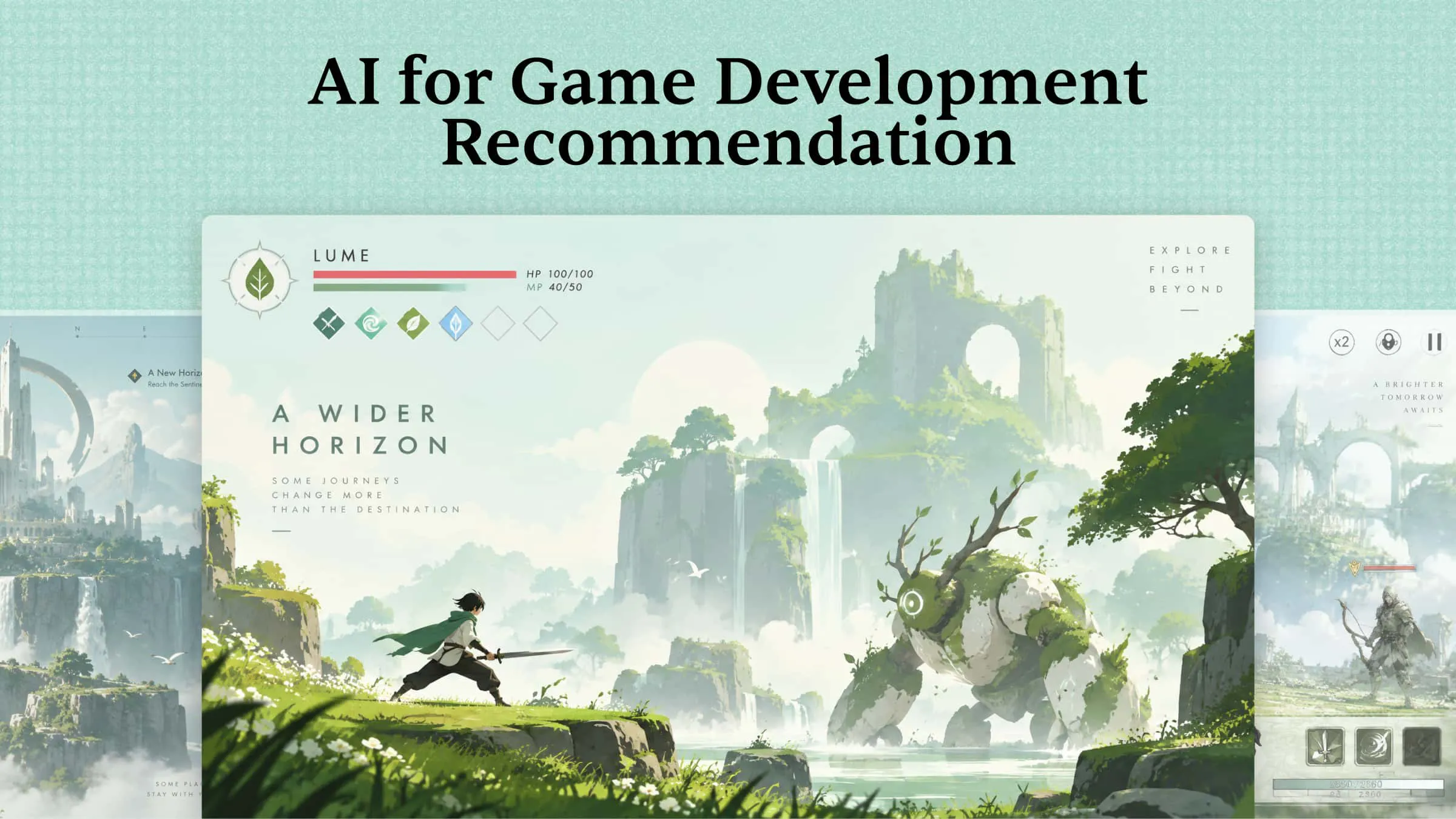
Creating a game is no longer limited to developers who know how to code or have years of design experience. Today, AI is making it easier to turn creative ideas into game characters, environments, stories, and working prototypes. With the right AI game development platforms, you can save time, explore new ideas, and bring your game to life without getting stuck on complex tasks. Let's explore 10 tools that can help you build better games and find the right one for your next project.
Overview of 10 AI tools for game development
AI tools support different stages of game development, from generating playable prototypes and creating visual assets to writing code, producing audio, and testing gameplay. The following table lists 10 AI game development tools, highlighting their main capabilities and ideal use cases to help you find the right fit for your project.
10 AI game development tools to level up your workflow
Choosing the right AI tool can make game development faster, whether you need help with coding, character design, animations, or building entire game worlds. Below, we explore 10 AI tools for game development that can help you bring your ideas to life and improve your workflow.
Kimi Build
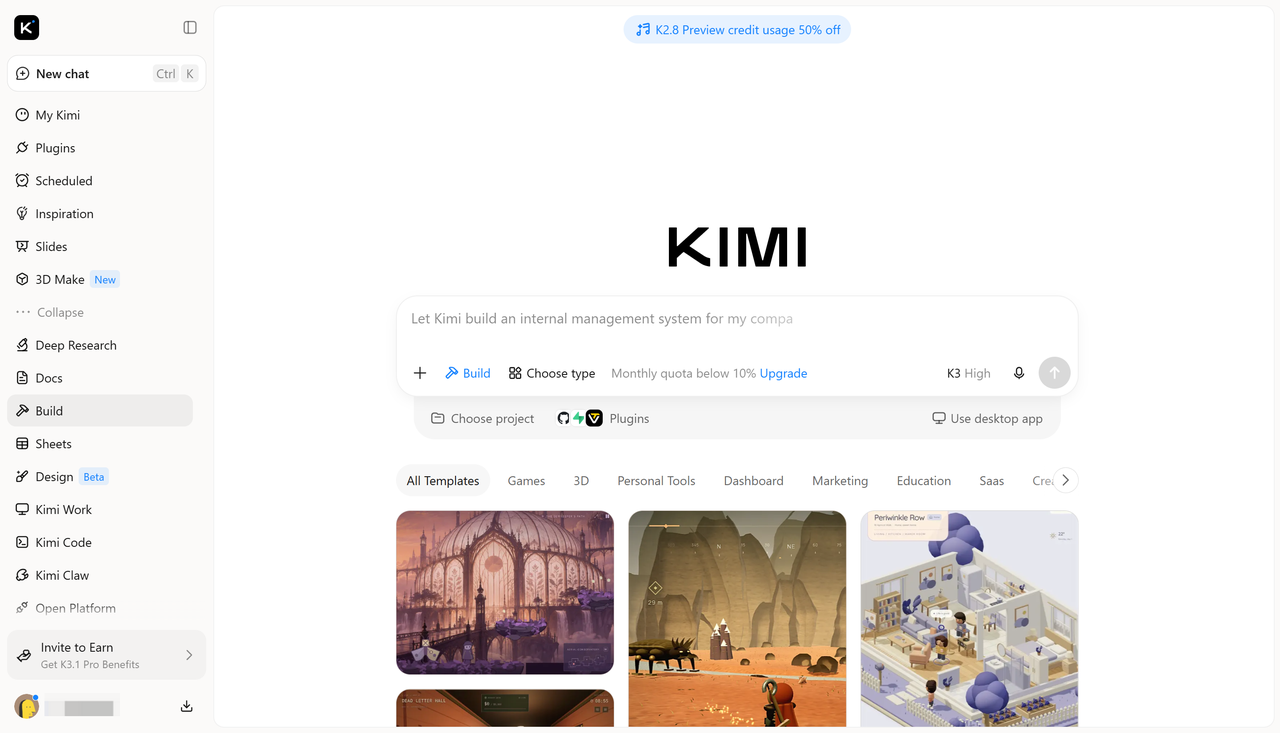
Kimi Build is an AI game maker that lets you create interactive games and prototypes from simple text prompts. It uses AI to turn your ideas into functional projects by generating code, visuals, and interactive elements based on your instructions. You can describe game mechanics, characters, and environments without having to build everything manually.
Main features
Turn game concepts and visual references into playable prototypes: Describe your game idea, including its genre, setting, characters, objectives, and core mechanics, and upload reference images to communicate your visual direction. Kimi Build brings these inputs together to generate an interactive game prototype, helping you turn early concepts and visual inspiration into a playable experience.
Create cohesive visuals for your game: Generate game environments, characters, and other visual assets with consistent design elements and a unified art direction. Kimi Build helps translate your creative ideas into detailed game scenes, making it easier to establish the overall look and feel of your prototype.
Design interactive environments and gameplay elements: Create playable levels with interactive objects, character movement, physics-based interactions, and dynamic visual effects. Combine environments and gameplay mechanics to build interactive experiences rather than limiting your ideas to static game concepts.
Customize game elements with flexible editing options: Refine your game through different editing methods. Use follow-up chat prompts to adjust gameplay, visuals, and mechanics, leave comments on specific elements to request targeted changes, or manually edit individual elements on the canvas to fine-tune the result.
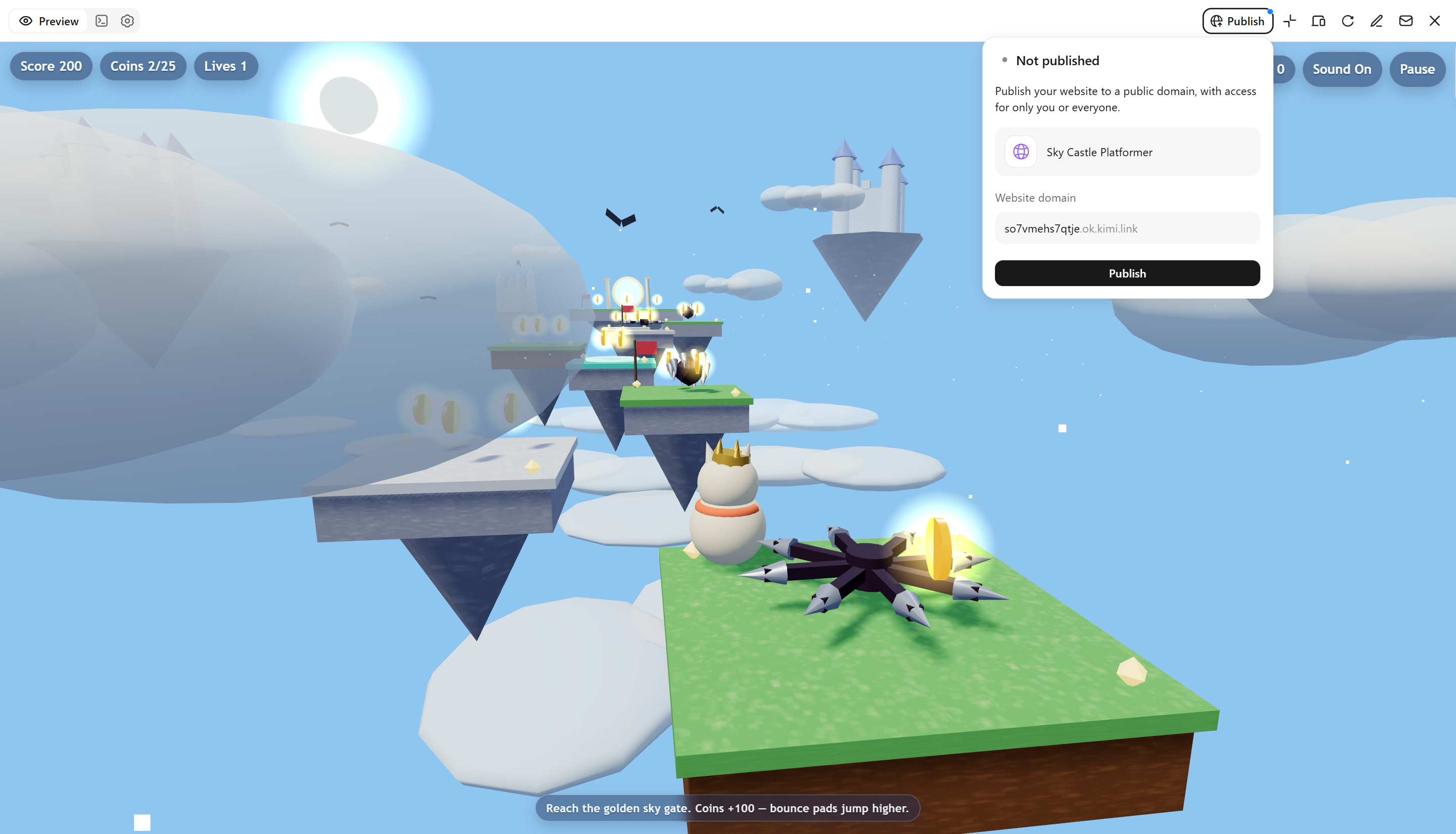
Preview, refine, and share playable games: Play and test your game directly in the browser to evaluate its mechanics and overall experience. Use version history to revisit previous iterations, make further adjustments, and share your playable creation with others through a link.
Suitable for
Building a 2D platformer or adventure game prototype
Creating interactive environments for puzzle and exploration games
Developing character movement, object interactions, and game mechanics
Testing gameplay ideas and refining playable demos before full development
How to develop a game with Kimi AI
You can use Kimi AI to turn a simple game idea into a playable prototype without writing code from scratch. From describing your gameplay and uploading visual references to testing and refining the final result, the process is straightforward. Follow these steps to start building your own game with Kimi AI.
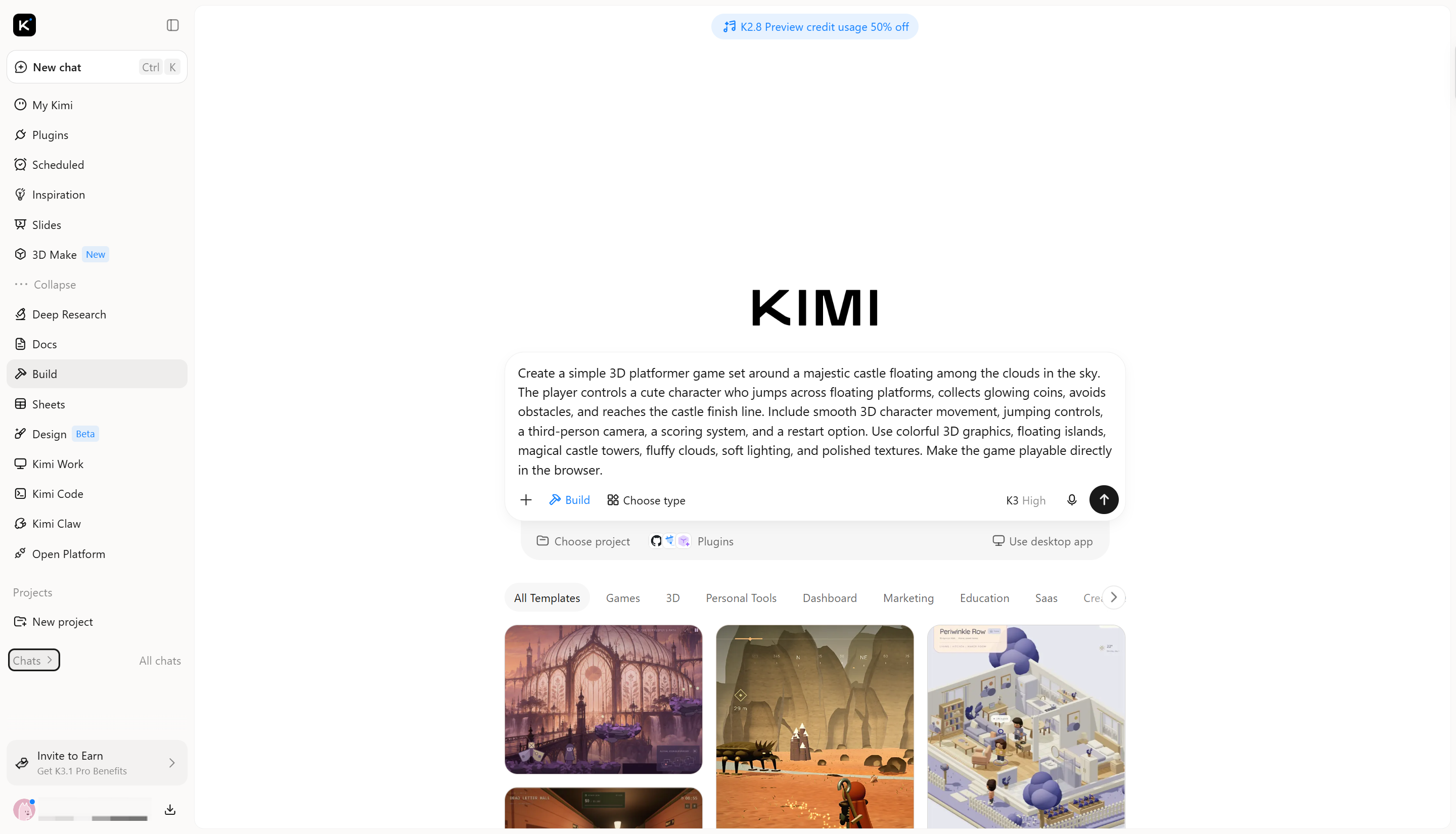
Step 1: Write a detailed prompt
Start by opening Kimi Build and describing the type of game you want to create. Include details about the game genre, characters, environment, controls, objectives, and gameplay mechanics. The more clearly you explain your idea, the easier it is for Kimi to generate a prototype that matches your vision.
Example prompt:
Step 2: Edit and refine your game
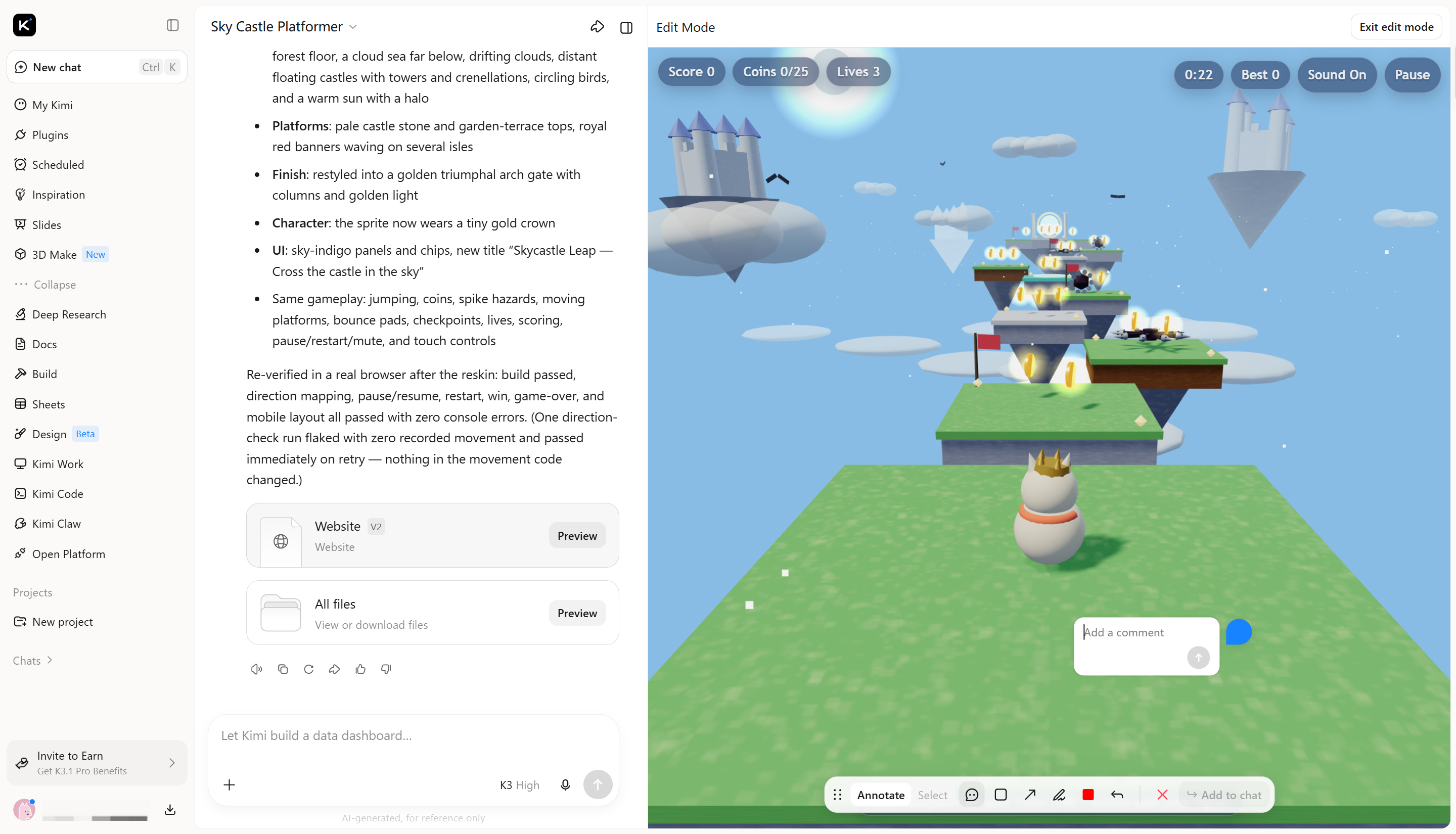
Once Kimi generates the initial prototype, play it to see how the controls, levels, and interactions work. You can use follow-up chat prompts to change character movement, adjust difficulty, add new obstacles, or improve the visuals. You can also comment on specific elements or manually edit parts of the project on the canvas to make targeted changes.
Step 3: Review and publish the game
Preview your updated game directly in the browser and test its main features, including character movement, scoring, level progression, and interactive elements. Check for visual issues or gameplay problems and ask Kimi to fix anything that needs improvement. Once you are happy with the result, use the available sharing option to generate a link and let others play your game.
Rosebud AI
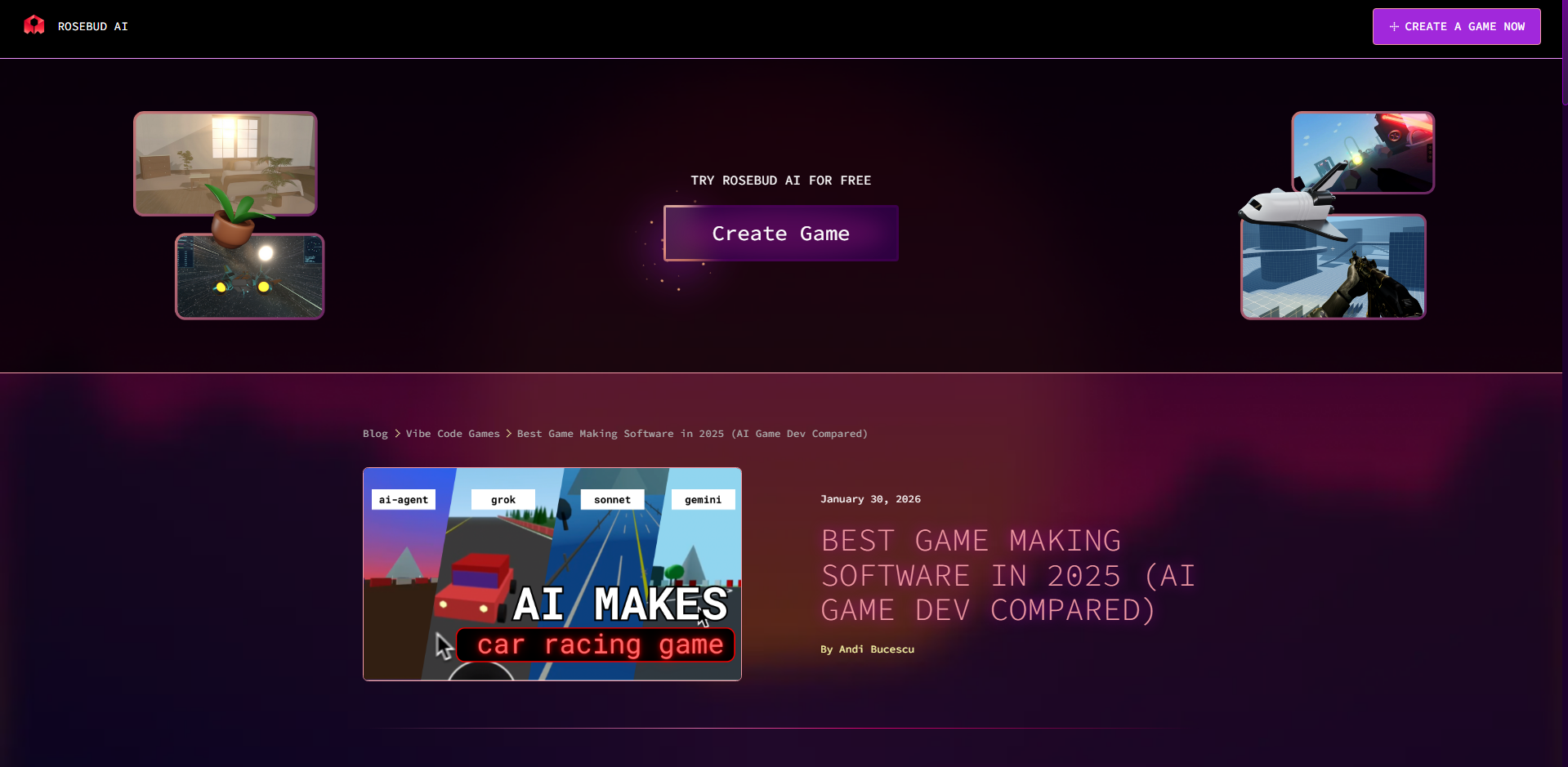
Rosebud AI is an AI-powered game development platform that turns text descriptions into playable 2D and 3D games. It uses generative AI to create game code, artwork, and audio based on your instructions. You can describe characters, environments, and gameplay mechanics to generate an initial prototype. It also lets you test, edit, and customize your game directly in the browser.
Main features
Generate playable games from text prompts: Describe your game idea, characters, and objectives to generate a playable version with AI-created code and assets.
Create 2D and 3D game worlds: Build environments ranging from pixel-art scenes to interactive 3D worlds using simple instructions.
Add AI-powered characters and interactions: Create NPCs with unique personalities and dynamic dialogue to make gameplay more engaging.
Edit, remix, and publish games: Modify game mechanics and visuals, reuse community projects, and share your finished games with others.
Suitable for
Creating browser-based 2D and 3D games
Developing RPGs, platformers, and racing game prototypes
Building interactive stories with AI-powered characters
Remixing and customizing existing game projects
Unity
Unity is a cross-platform game engine used to develop 2D, 3D, mobile, desktop, and VR games. It provides tools for creating scenes, managing assets, building gameplay mechanics, and rendering interactive environments. Its AI features help developers write code, understand projects, and automate tasks inside the Editor. You can also use AI-assisted asset generation to support different stages of game production.

Main features
Get project-aware coding assistance: Use AI assistance to understand your project, generate scripts, and solve development problems.
Generate game assets with AI: Create sprites, textures, animations, and sounds from text descriptions or visual references.
Automate tasks inside the Editor: Use AI assistance to handle repetitive development tasks and speed up your workflow.
Connect external AI coding agents: Integrate third-party coding assistants to make changes and work with your Unity project.
Suitable for
Developing complete 2D and 3D games
Building mobile, PC, and console game projects
Creating interactive VR and AR experiences
Implementing gameplay systems and managing game assets
Cursor
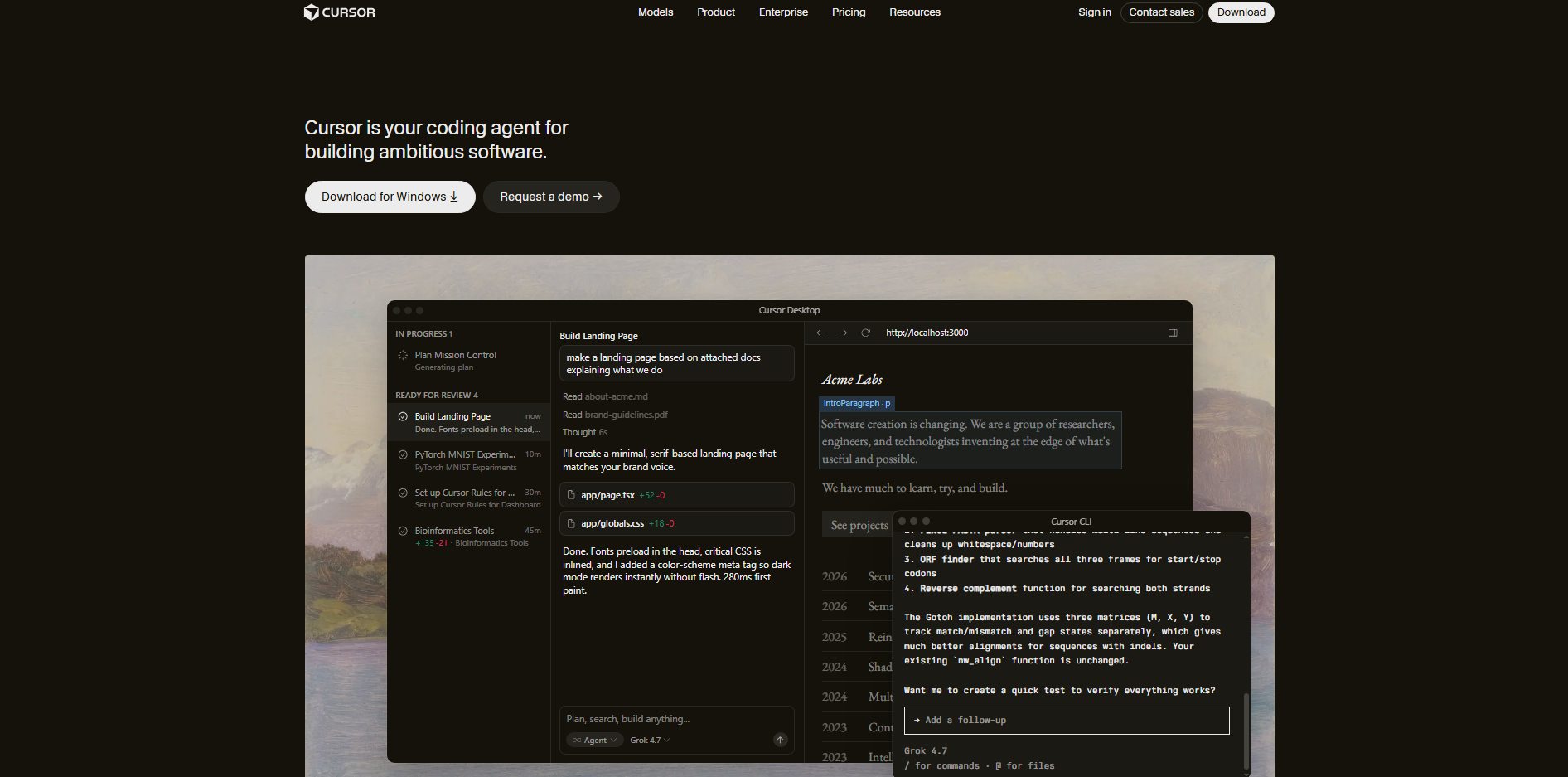
Cursor is an AI-powered code editor that helps developers write, understand, and manage code. It uses AI models to analyze project files, generate code, and make changes based on natural-language instructions. Game developers can use it to build gameplay systems, write scripts, and fix coding errors. It is particularly useful for managing projects that involve complex code and multiple files.
Main features
Generate game code from instructions: Describe features such as player movement or inventory management, and Cursor generates the required scripts.
Understand large game projects: Search and analyze multiple files to understand how different parts of your game work together.
Edit multiple files with AI agents: Use Agent mode to build or update features that require changes across several scripts.
Find and fix coding errors: Ask AI to investigate bugs, suggest fixes, and check changes through terminal commands.
Suitable for
Writing player movement and combat scripts
Developing inventory, scoring, and progression systems
Debugging errors in existing game projects
Refactoring and maintaining game development code
Meshy
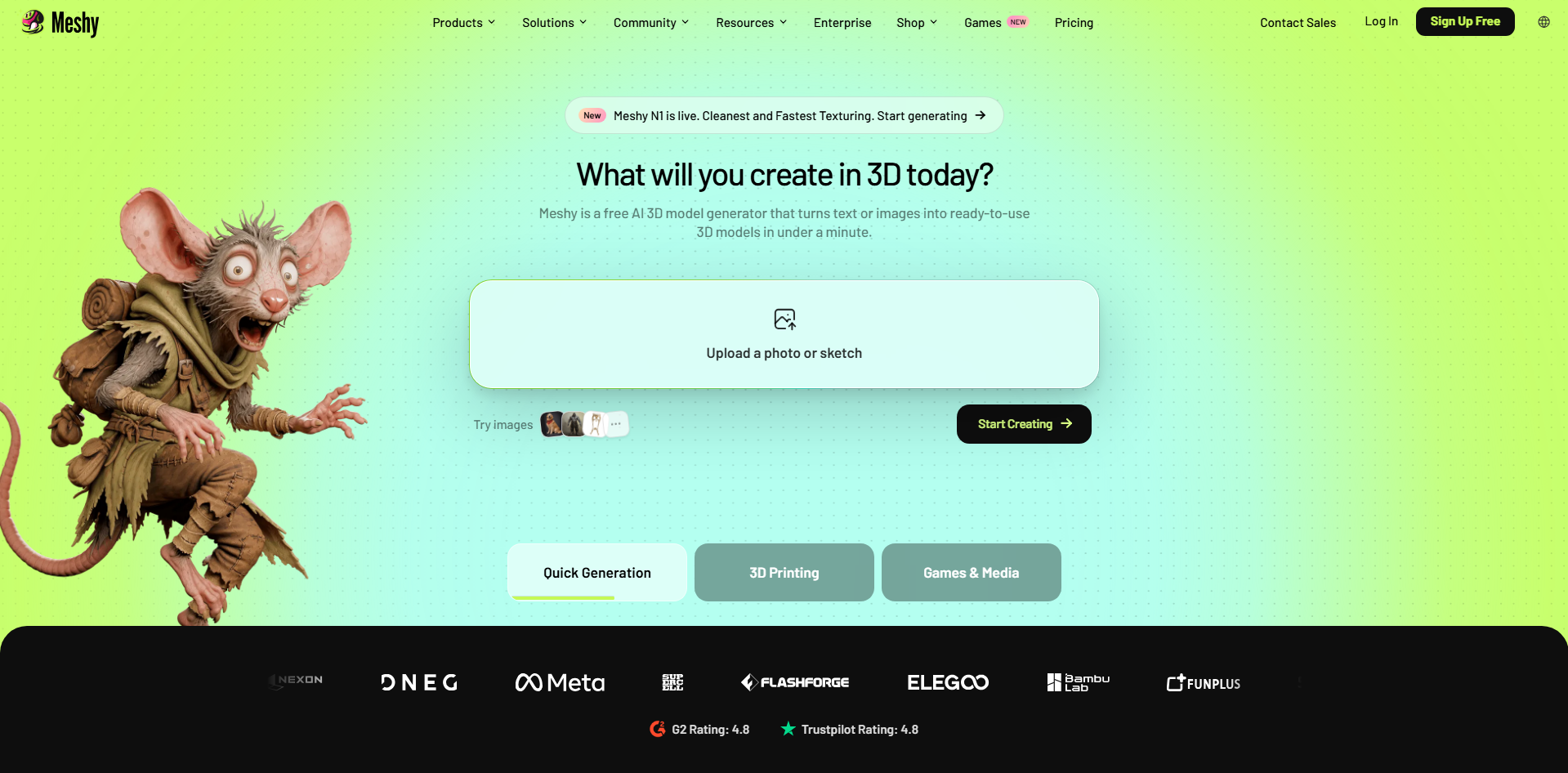
Meshy is an AI-powered 3D creation platform that helps developers generate models from text descriptions and reference images. It uses generative AI to create 3D objects and apply textures without requiring extensive manual modeling. You can create characters, weapons, vehicles, and environmental props for your games. It also supports model refinement and exports in formats suitable for popular game engines.
Main features
Generate 3D models from text prompts: Describe an object's shape, materials, and appearance to create a 3D model.
Convert images into 3D assets: Turn character illustrations and other reference images into three-dimensional objects.
Apply AI-generated textures: Create materials such as metal, wood, stone, and fabric to match your game's visual style.
Prepare models for game engines: Refine and export models in formats such as FBX, OBJ, and GLB for use in development projects.
Suitable for
Creating 3D characters and non-playable characters
Designing weapons, vehicles, and game props
Generating textured environmental objects
Preparing 3D assets for Unity and Unreal Engine
Tripo AI
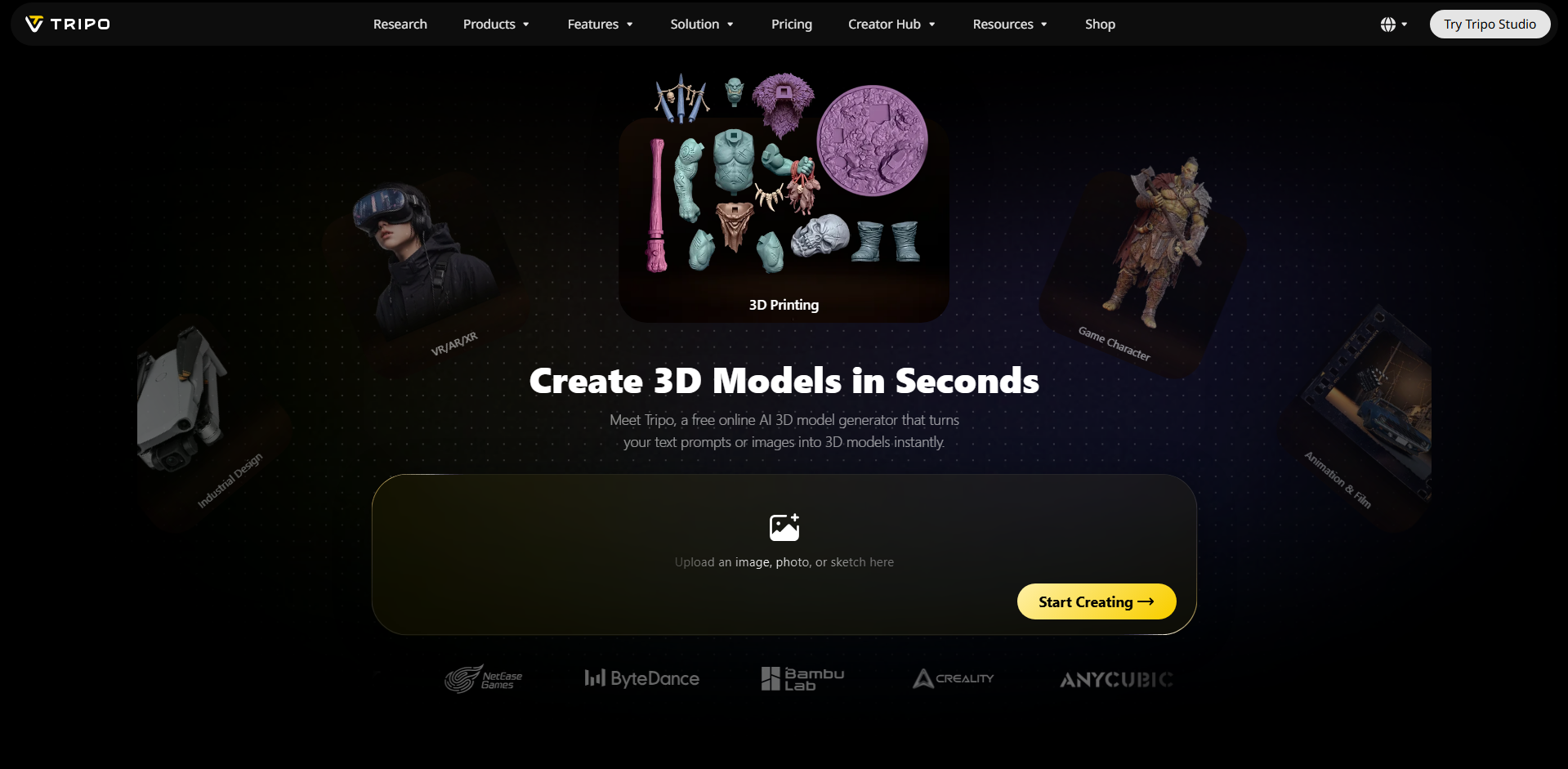
Tripo AI is a generative 3D modeling platform that converts text descriptions, sketches, and images into 3D assets. It uses AI to understand reference images and generate corresponding 3D geometry. The platform also provides tools for texturing, mesh optimization, and automatic rigging. These features help developers prepare 3D characters and objects for use in interactive games.
Main features
Generate models from multiple references: Create 3D objects using text prompts, sketches, or single and multiple reference images.
Optimize 3D geometry: Use Smart Mesh to create cleaner geometry and adjust polygon counts for real-time applications.
Automatically rig 3D characters: Add skeletal structures to suitable models to prepare them for animation.
Create and customize textures: Generate materials and apply textures to improve the appearance of your 3D assets.
Suitable for
Converting character sketches into 3D models
Creating optimized assets for real-time games
Preparing characters for skeletal animation
Building 3D objects for VR and AR games
Scenario
Scenario is an AI-powered creative platform designed to help game developers produce consistent visual assets. It allows you to train custom AI models using your own artwork and reference images. These models help maintain a recognizable art style across characters, props, and environments. You can also generate and edit different types of creative assets within one workspace.

Main features
Train custom AI models for your art style: Upload existing artwork to create custom models that generate assets matching your game's visual direction.
Generate consistent game characters and environments: Create characters, props, and backgrounds that follow a unified art style.
Edit and refine generated artwork: Adjust images, upscale assets, and separate elements into layers for further editing.
Create assets across different media: Generate images, videos, 3D content, and audio for different production needs.
Suitable for
Creating consistent 2D game artwork and character designs
Generating backgrounds, props, and environment concepts
Developing visual assets for games with a specific art style
Producing concept art and promotional game visuals
Ludo.ai
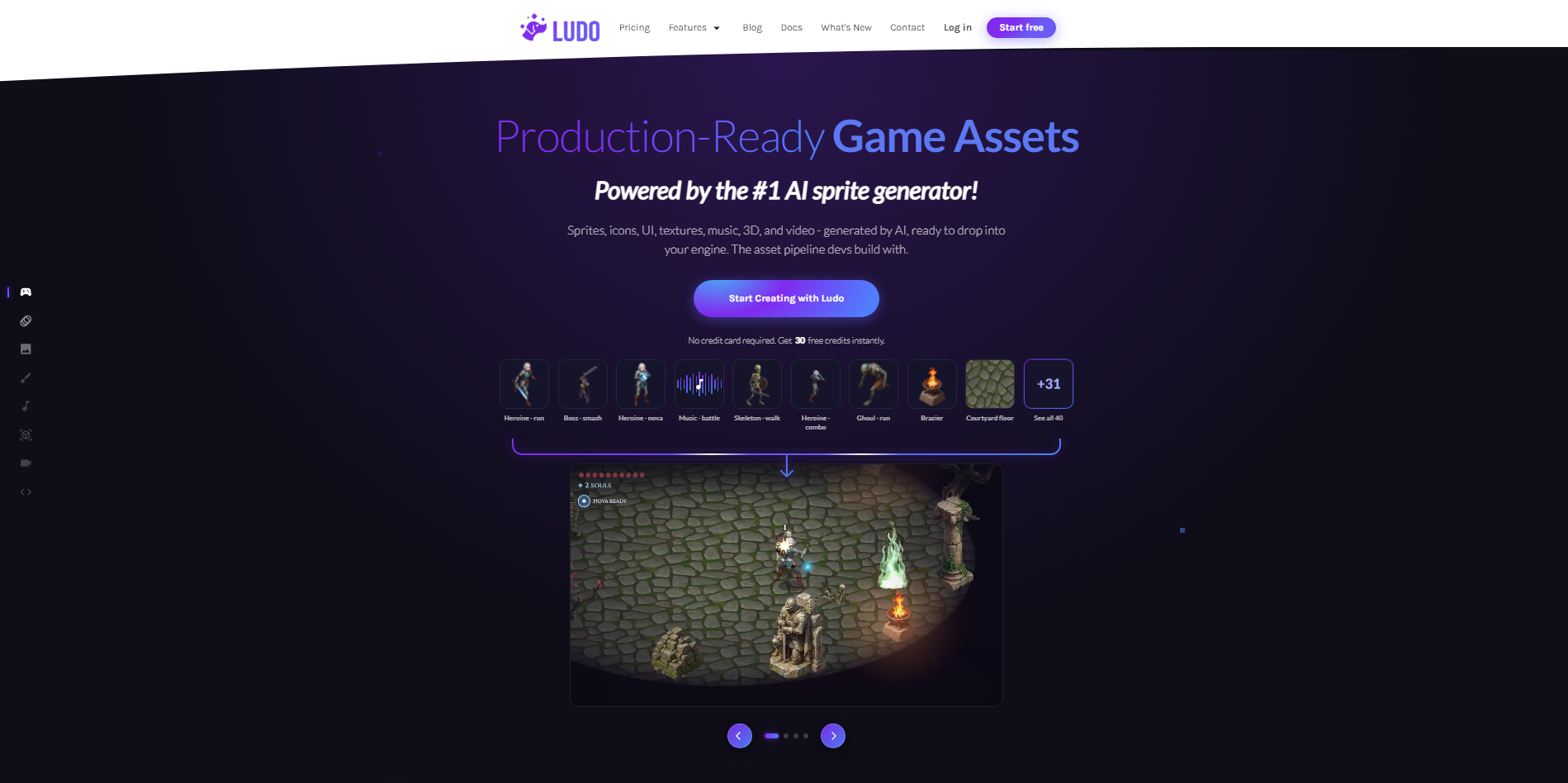
Ludo.ai is an AI-powered game design and research platform that supports developers during the early stages of production. It combines game idea generation, market research, concept development, and asset creation. You can explore existing game trends and develop new gameplay concepts using AI assistance. It is particularly useful for planning a game before moving into full development.
Main features
Generate new game ideas: Enter themes, genres, or keywords to explore different game concepts and creative directions.
Research game trends and competitors: Explore existing games and market information to understand player interests and market opportunities.
Create game design documents: Turn your ideas into structured plans covering gameplay mechanics, characters, and other important details.
Generate game assets: Create sprites, 2D artwork, 3D models, animations, and audio to support your project.
Suitable for
Brainstorming original game concepts and mechanics
Researching popular games and market trends
Preparing game design documents before development
Generating sprites, animations, and other game assets
ElevenLabs
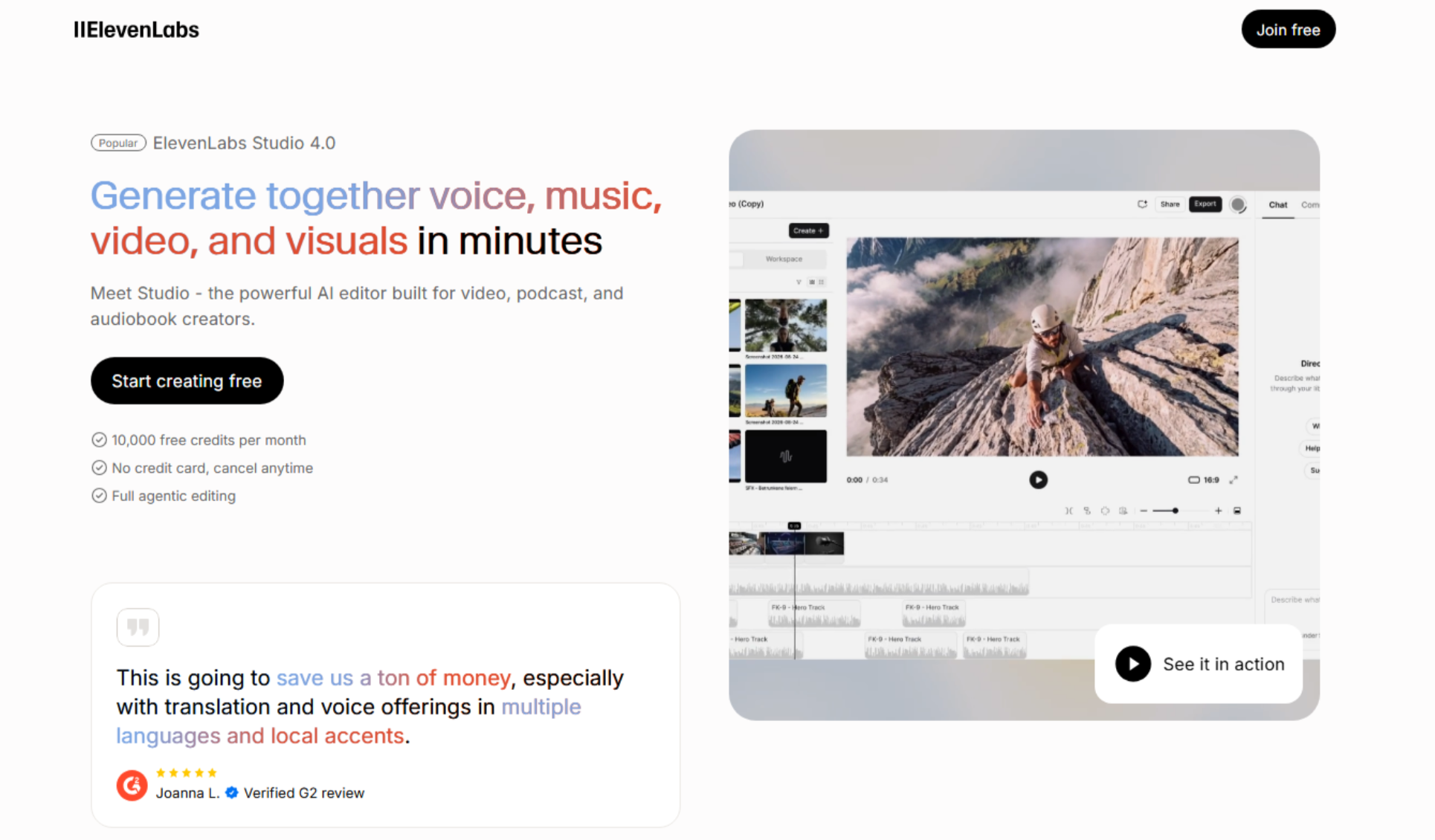
ElevenLabs is an AI audio generation platform that helps game developers create realistic voices, dialogue, and sound effects. It uses text-to-speech technology to convert written scripts into expressive speech. You can choose different voices, accents, and speaking styles to give characters unique personalities. Its audio generation tools and APIs also make it useful for adding AI-generated sound to games.
Main features
Generate realistic character voices: Convert written dialogue into natural speech using different AI voices and speaking styles.
Create expressive character dialogue: Generate conversations with different tones and emotions for quests and story scenes.
Generate custom game sound effects: Create sounds such as footsteps, explosions, and environmental effects from text descriptions.
Localize game audio: Generate voiceovers and adapt dialogue into multiple languages for international audiences.
Suitable for
Creating dialogue and voiceovers for game characters
Producing sound effects for gameplay and cutscenes
Developing voice-based interactions for NPCs
Localizing game dialogue for international audiences
modl.ai
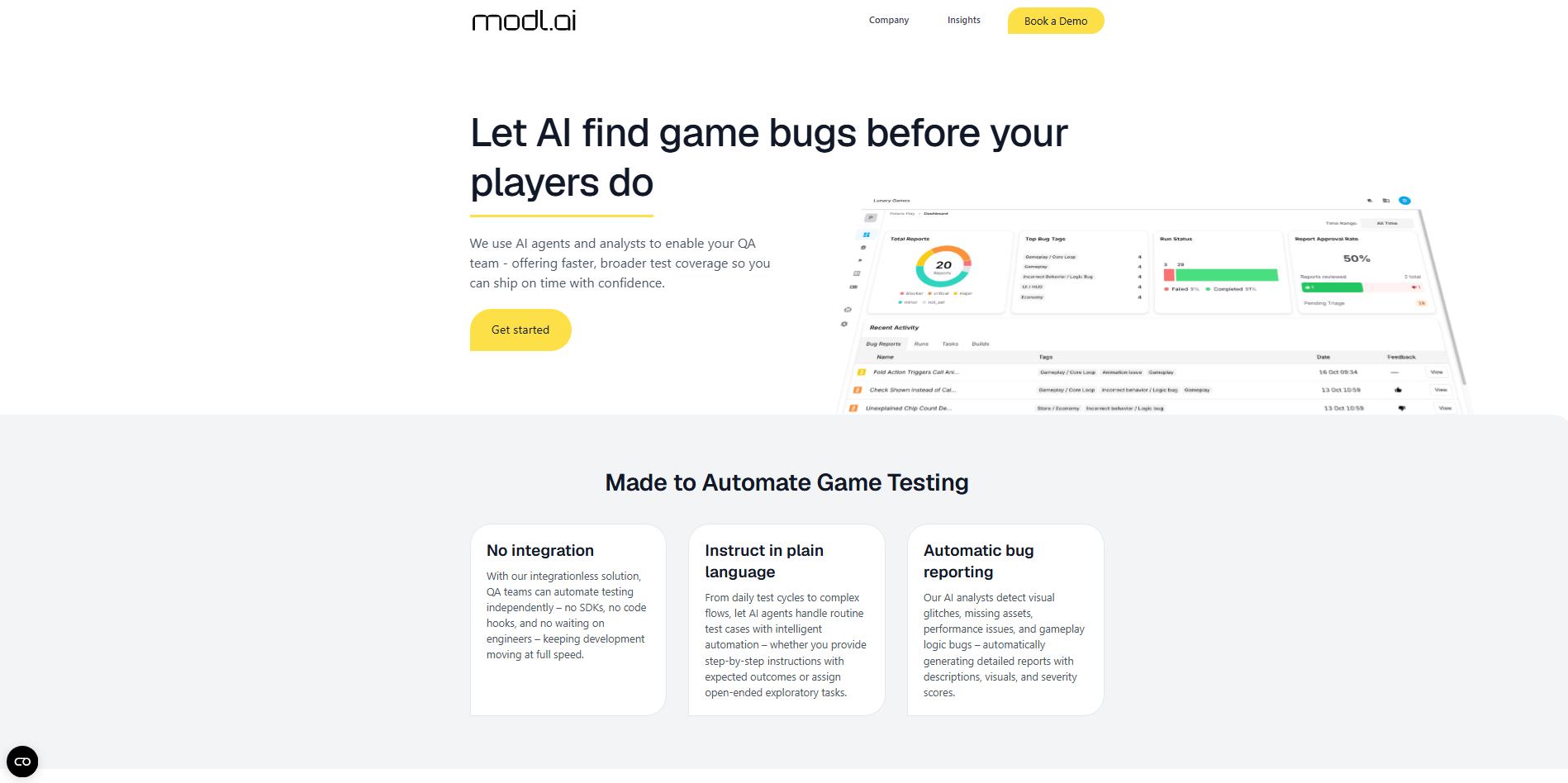
modl.ai is an AI-powered game testing and quality assurance platform that helps developers automate gameplay testing. Its AI-controlled bots explore game environments, interact with objects, and perform different player actions. The platform helps identify technical problems and issues that may affect the gaming experience.
Main features
Automate gameplay testing: Use AI bots to play your game and test different situations without requiring constant manual input.
Explore game environments automatically: Let testing bots move through levels, interact with objects, and explore different areas.
Detect crashes and technical issues: Identify crashes and errors encountered during automated testing sessions.
Test specific gameplay events: Configure tests around important actions and mechanics to check whether they work correctly.
Suitable for
Automating quality assurance for PC and console games
Testing character movement and player interactions
Finding crashes and gameplay-related errors
Checking large game environments and exploration levels
How to choose the right AI tool for game development
Choosing the right tool depends on what you want to create, how you prefer to work, and the support you need during development. Some tools focus on coding and prototyping, while others help with artwork, audio, or testing. Consider the following factors to find an option that fits your project and development process.
Define your game development needs
First, decide which parts of game development you need help with. You may want to build a prototype, create 3D characters, write code, or test gameplay. Choose a tool that supports your main goals rather than paying for features you do not need.
Consider your technical skill level
Your coding experience can help narrow down your options. Beginners may prefer an AI game development software that creates games from simple text prompts. Experienced developers can explore tools with advanced coding, scripting, and game engine support.
Check the quality and flexibility of generated assets
Review the quality of AI-generated characters, environments, animations, and sound effects. Make sure they match your game's style and can be edited when needed. Flexible tools let you refine assets instead of accepting the first result.
Evaluate compatibility with your existing workflow
Check whether the tool works with your current game engine and software. For example, developers using Unity or Unreal Engine should look for compatible asset formats and integrations. This makes it easier to move files between tools.
Look for customization and iteration features
Game development requires regular testing and improvements. Choose tools that let you adjust visuals, update code, and refine gameplay mechanics. Some AI agents for game development can also handle multiple tasks to support your workflow.
Review pricing, usage limits, and licensing terms
Compare subscription costs, free plans, and monthly generation limits before choosing a tool. Also, check whether its licensing terms allow commercial use of generated assets. This helps you avoid unexpected costs or restrictions later.
Conclusion
Game development is becoming more accessible, giving creators more ways to bring their ideas to life. The suitable AI game development tools depend on your goals, experience, and the kind of support your project needs. Take time to compare your options and choose one that fits your workflow. If you want a simple way to turn your ideas into playable prototypes, give Kimi Build a try. Start with a small game concept, explore its features, and see what you can create.