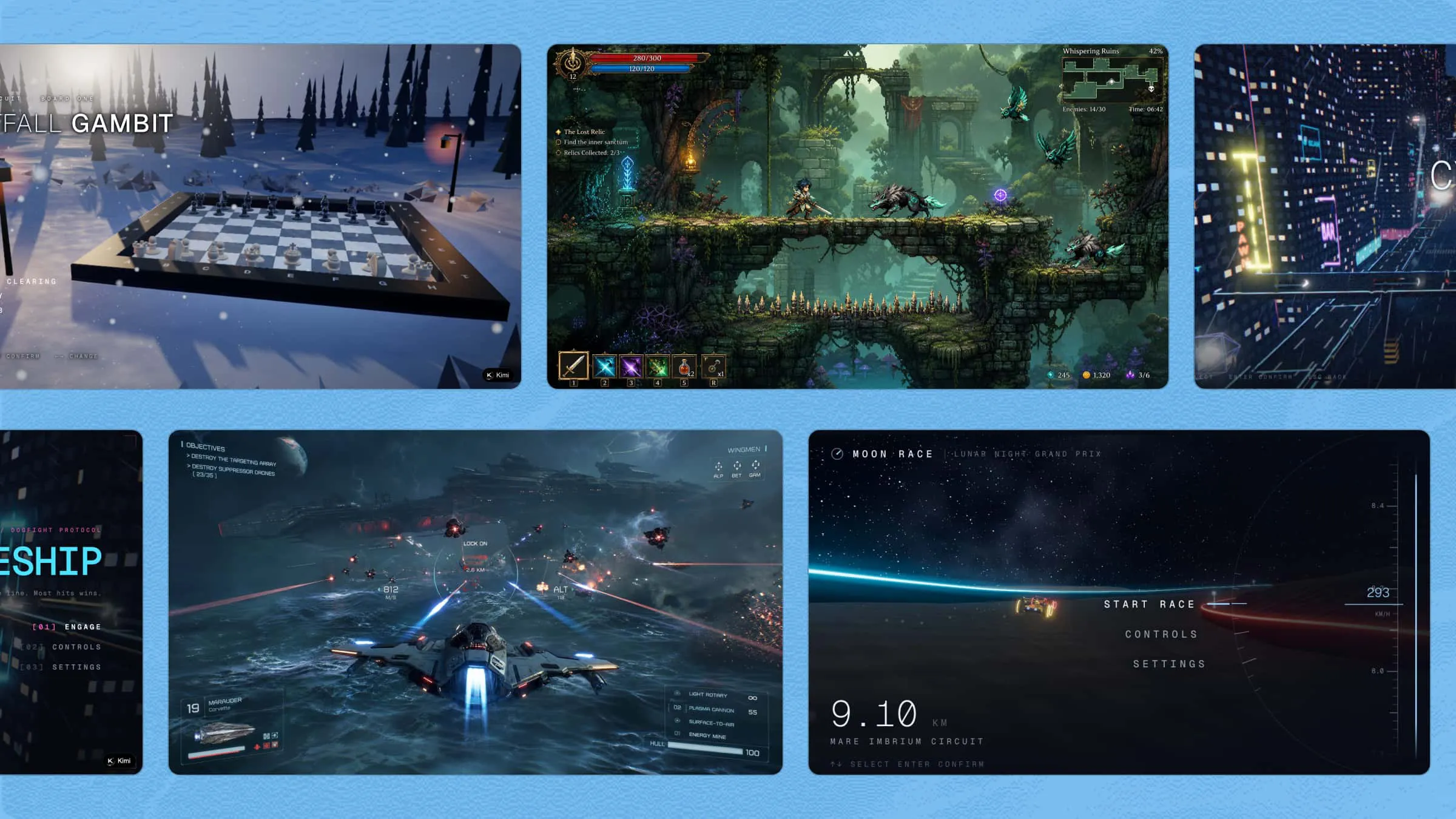
Turning a game idea into a 3D world can be challenging, especially if you have little or no coding experience. You may know what you want the game to look like but still struggle with movement, gameplay, and other basic features. With AI, you can create these parts faster and refine your game without learning every tool from scratch. Keep reading to learn how to make a 3D game online step by step and bring your idea to life.
How to make a 3D game for beginners
Think of your first 3D game as a small project rather than a massive game studio production. A simple character, a basic environment, and one clear goal can be enough to create something playable. Once the foundation works, you can add more details and features as your game grows. Here's how to make a 3D game step by step:
Step 1: Define your 3D game idea
Before you start building anything, it helps to have a clear picture of what your game should be. You do not need every detail figured out, but defining the main parts will give you a strong direction and make the building process much smoother.
Consider these key elements:
Game genre: Decide whether you want to create an adventure, racing, platformer, puzzle, survival, or action game.
Main goal: Define what players need to achieve, such as reaching a destination, solving puzzles, defeating enemies, or collecting items.
Player character: Decide who the player controls and describe their appearance, abilities, movement, and role in the game.
Game world: Plan the setting, including the environment, locations, objects, lighting, and overall visual style.
Core gameplay: Decide what players will do most of the time, such as exploring, fighting, jumping, building, driving, or solving challenges.
Enemies and obstacles: Add challenges that make the game interesting, such as enemies, traps, locked areas, puzzles, or difficult paths.
Rewards and progress: Decide how players will move forward, such as earning points, collecting items, unlocking areas, or completing levels.
Sound and music: Think about background music, character sounds, effects, and other audio that can make the game feel more alive.
Step 2: Choose a 3D game maker
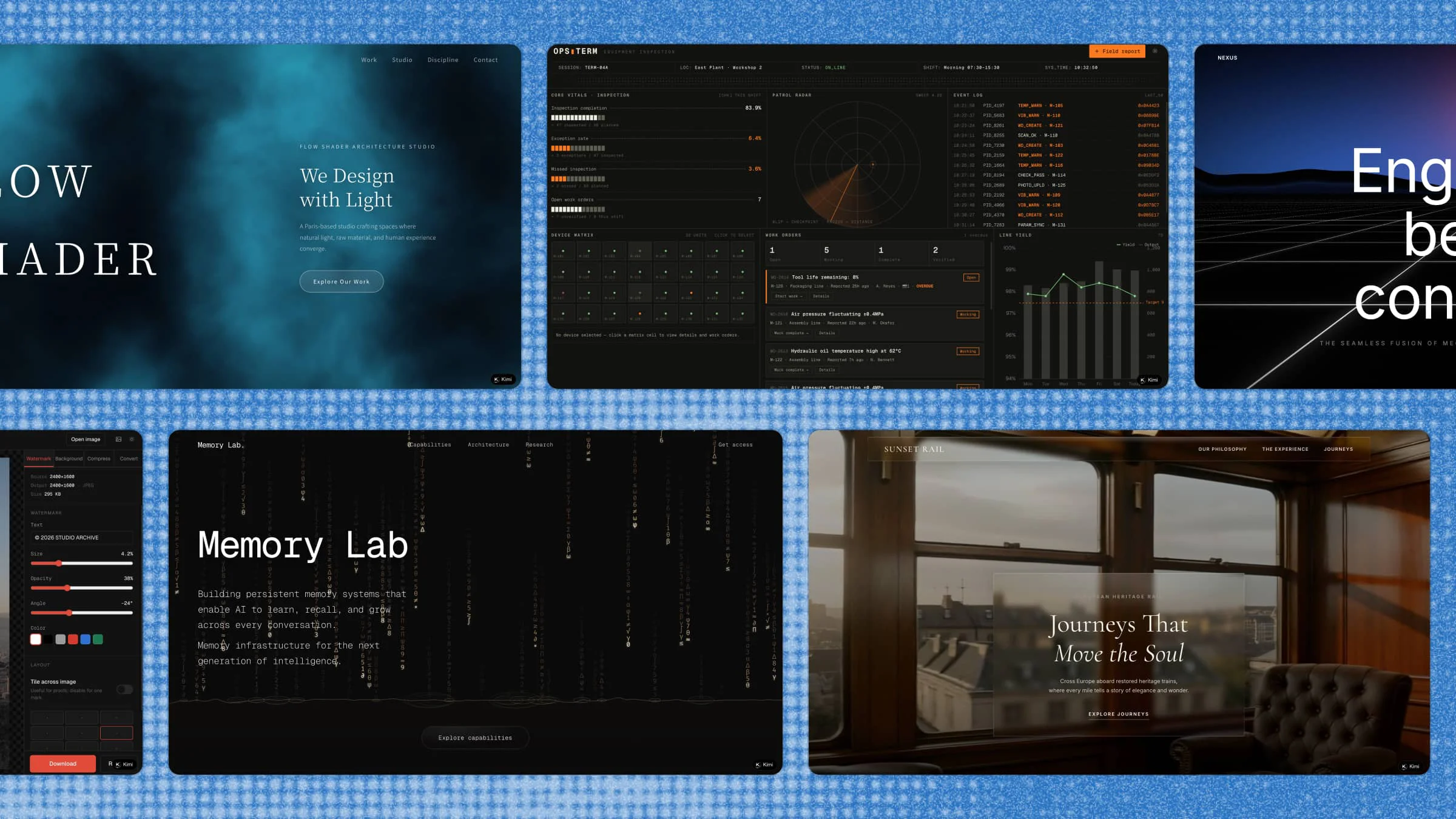
Choosing the right game maker can save you a lot of time, especially if you are new to 3D development. For a simple browser-based workflow, Kimi Build lets you describe your game idea in natural language and turn it into a playable web experience. You can then refine the game by giving new prompts. Its browser-based setup also makes it easy to test and update your game as you go.
For more advanced 3D game development, Kimi Work provides a desktop environment that integrates with professional tools such as Unreal Engine and Blender. It gives you more control over 3D modeling, animation, rendering, and game logic when working on complex projects.
Why choose Kimi Build
Create games without coding: Describe your game idea in natural language and generate a playable 2D game without writing code. Continue refining the gameplay through conversation and uploading reference images to guide the visual direction.
Build distinctive 3D visuals: Define the visual style of your game with prompts, from characters and environments to colors, lighting, animations, and visual effects. Use reference images to maintain a consistent art direction across the game.
Create complete 3D levels and gameplay: Build platformers, action games, puzzles, adventures, and other 3D game types with multiple areas and interactive elements such as switches, doors, obstacles, enemies, and collectibles. Add menus, objectives, win or lose conditions, and level progression to create a complete playable experience.
Add interactive gameplay and custom assets: Bring your 3D game to life with movement, collisions, interactions, enemies, animations, sound effects, and other gameplay elements. Generate characters, objects, environments, and other assets to fit your game concept.
Iterate, update, and share your game: Review your game and refine it with natural-language prompts as you build. Roll back to previous versions when needed, then generate a shareable link so others can access the game across desktop and mobile screens.
Step 3: Describe your game idea
Now it is time to turn your game concept into a clear prompt that Kimi can understand. Mention the setting, player character, main goal, gameplay, challenges, and visual style, so the result matches your idea more closely. Keep the instructions specific while avoiding unnecessary details that could make the prompt harder to follow.
Example prompt:
Create a first-person 3D space survival game set inside a damaged spaceship. The player must explore different rooms, collect energy cells, and restore the ship's power. Add locked doors, flickering lights, floating objects, and warning alarms to create tension. Include a simple inventory, health system, and a countdown before the ship loses power. End the game when the player restores the main reactor and escapes through the emergency pod.Step 4: Edit your 3D game
Once your game has been generated, play through it to check the controls, gameplay, visuals, and objectives. When you find something that needs improvement, you have two ways to edit it. You can enter a prompt directly in the chat to tell Kimi what to change, or click "Edit" to select a specific element, leave comments or instructions for adjustments, and make manual changes yourself. Continue testing and refining the game until everything works and looks the way you want.
Step 5: Review and share your 3D game
Once the main features are ready, play through the game from beginning to end and look for anything that feels broken or confusing. Check the controls, objectives, visuals, sounds, and overall flow before sharing it with others. If you find an issue, describe exactly what needs to change and let Kimi refine the build. When everything works as expected, you can share your playable game with others.
Explore 3D games you can make with Kimi Build
There is no need to stick to one type of game when experimenting with 3D development. Try different worlds, gameplay ideas, and challenges to see what you can create with simple prompts. Here are some ideas to get your creativity moving.
3D platformer games
Platformers are a fun place to start because the main gameplay can stay simple while still feeling active and engaging. You can build floating platforms, moving paths, gaps, collectibles, and obstacles around a character. Try adding different heights and challenges, so players have to think about where to jump next. A prompt like this can help you create a complete platforming setup.
Example prompt:
Build a colorful 3D platformer set across floating islands above the clouds. Let the player run and jump between platforms, collect glowing stars, and avoid moving obstacles. Add disappearing platforms, rotating bridges, and checkpoints throughout the level. Create a bright cartoon-style world with simple controls and a clear finish point.3D adventure games
Adventure games give you more space to build a world around exploration and discovery. You can create hidden areas, interesting locations, objects to collect, and small challenges that keep players moving forward. The story can also develop through clues, characters, or items found along the way. Use a prompt that gives the game a clear setting and purpose.
Example prompt:
Design a third-person 3D adventure game set in an abandoned island village surrounded by a dense forest. The player should explore old houses, discover hidden clues, collect useful items, and unlock a forgotten lighthouse. Add simple environmental puzzles, a day-and-night cycle, and atmospheric sounds. Give the player a clear objective that gradually reveals the island's mystery.3D racing games
Racing games are built around speed, movement, and competition, so the track should be an important part of the experience. You can experiment with sharp turns, ramps, shortcuts, and different environments to make each race feel more exciting. Adding opponents and checkpoints can give players a clear reason to keep moving. Start with a focused track and build more features around it.
Example prompt:
Create a fast-paced 3D racing game set on a coastal highway with ocean views and mountain roads. Give the player a sports car and three computer-controlled opponents to race against. Add sharp turns, ramps, tunnels, checkpoints, and a few shortcuts along the track. Include a lap counter, race timer, speed display, and finish screen showing the final positions.3D puzzle games
Puzzle games can turn simple environments into interesting challenges by making players interact with objects and find solutions. You could use switches, doors, movable blocks, hidden paths, or patterns that players need to understand. Keep the rules easy to learn while gradually making the puzzles more challenging. This gives the game a natural sense of progress.
Example prompt:
Create a first-person 3D puzzle game inside an ancient mechanical temple. The player must activate switches, move stone blocks, and arrange symbols to open sealed doors. Add several connected rooms where each puzzle provides a clue for the next challenge. Use warm lighting, detailed stone structures, and a calm atmosphere to make exploration part of the experience.3D action games
Action games can combine movement, combat, enemies, and objectives to create a more energetic experience. Start with a small area where players can learn the controls before introducing tougher enemies and larger challenges. You can also add different weapons, health pickups, and special abilities to give players more ways to approach each encounter. A detailed prompt helps keep the action and game goals connected.
Example prompt:
Turn this concept into a third-person 3D action game set in a futuristic city under attack by hostile robots. Give the player a blaster, a quick dodge ability, and temporary energy shields for combat. Add different robot types, destructible objects, health pickups, and waves of enemies across several city areas. Include clear mission objectives and a final boss encounter at the end of the level.Do's and don'ts when creating a 3D game with AI
AI can speed up game development, but the results still depend on how clearly you plan, prompt, and test your game. A few simple habits can help you avoid common problems and keep the development process manageable. Keep these do's and don'ts in mind as you build and improve your 3D game.
Do's
Start with a simple, focused game idea
Begin with one clear gameplay goal instead of trying to build a huge game from the start. A focused idea is easier to create, test, and improve.
Write detailed prompts for AI
Tell the AI exactly what you want, including the setting, gameplay, characters, and visual style. Clear details help it produce results that are closer to your original idea.
Test gameplay early and often
Play your game after making important changes instead of waiting until everything is finished. Early testing helps you spot broken controls, confusing objectives, and other issues quickly.
Review and refine AI-generated content
AI-generated content may need changes before it feels right for your game. Check each part carefully and ask the AI to adjust anything that does not match your vision.
Don'ts
Don't start without choosing your target platform
Decide whether your game is meant for browsers, computers, or another platform before you build it. This can help you choose suitable controls, visuals, and performance settings.
Don't add too many features too soon
Adding lots of mechanics at once can make your game difficult to manage and test. Build the core gameplay first, then introduce new features gradually.
Don't rely on AI outputs without testing
AI can generate code, mechanics, and content that do not always work as expected. Test everything in the actual game before considering a feature complete.
Don't ignore performance optimization
A game with too many objects, effects, or heavy assets can become slow and difficult to play. Keep an eye on loading times, frame rates, and overall responsiveness as you build.
Conclusion
Making a 3D game is easier to approach when you focus on the experience you want players to have. From the initial concept to the final test, each iteration can help shape a more engaging and polished game. AI tools provide a faster way to explore ideas and turn them into playable experiences. Kimi Build lets you create 3D games online with natural-language prompts, making it easier to bring your concepts to life and keep refining them as you build.