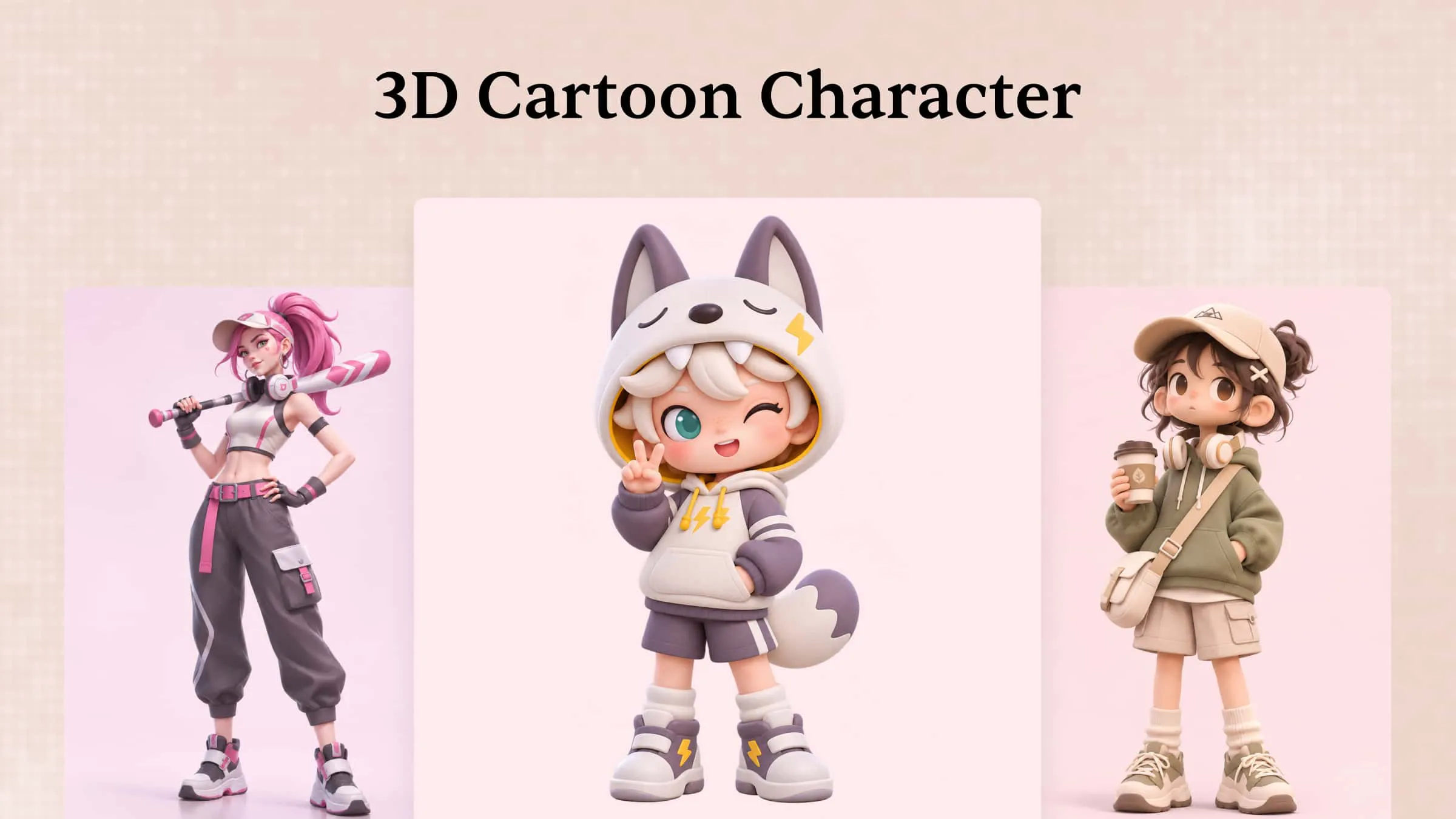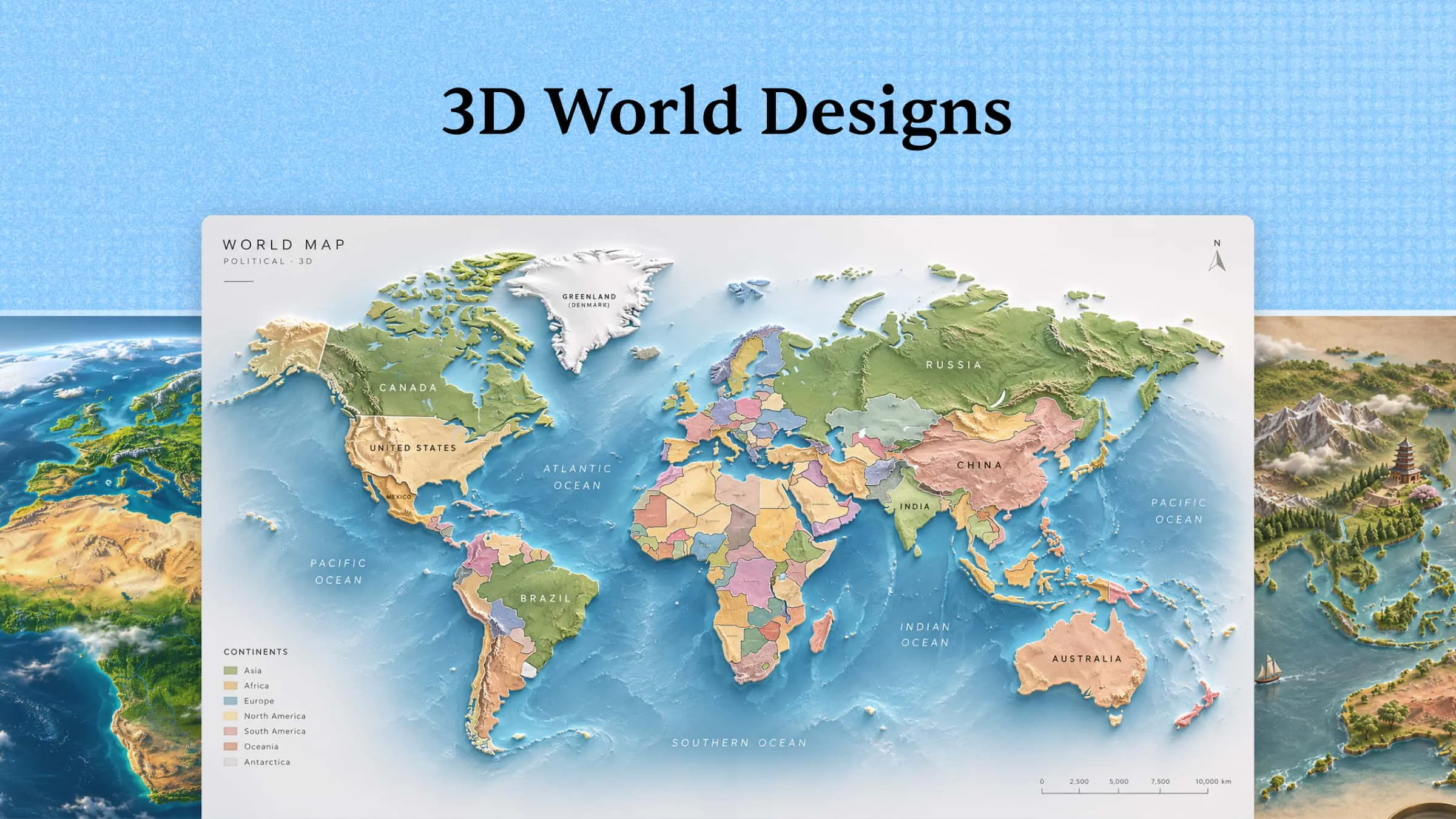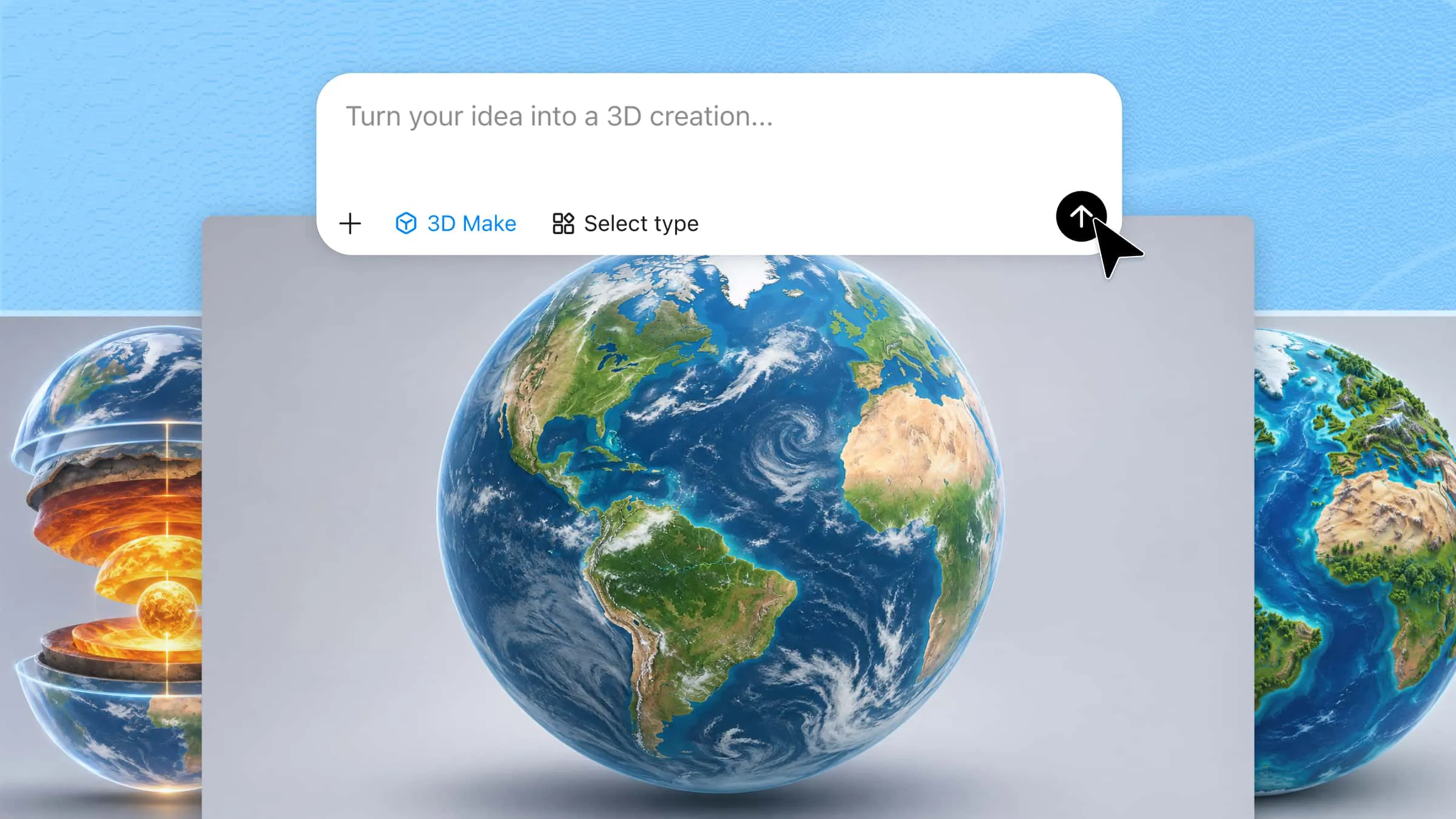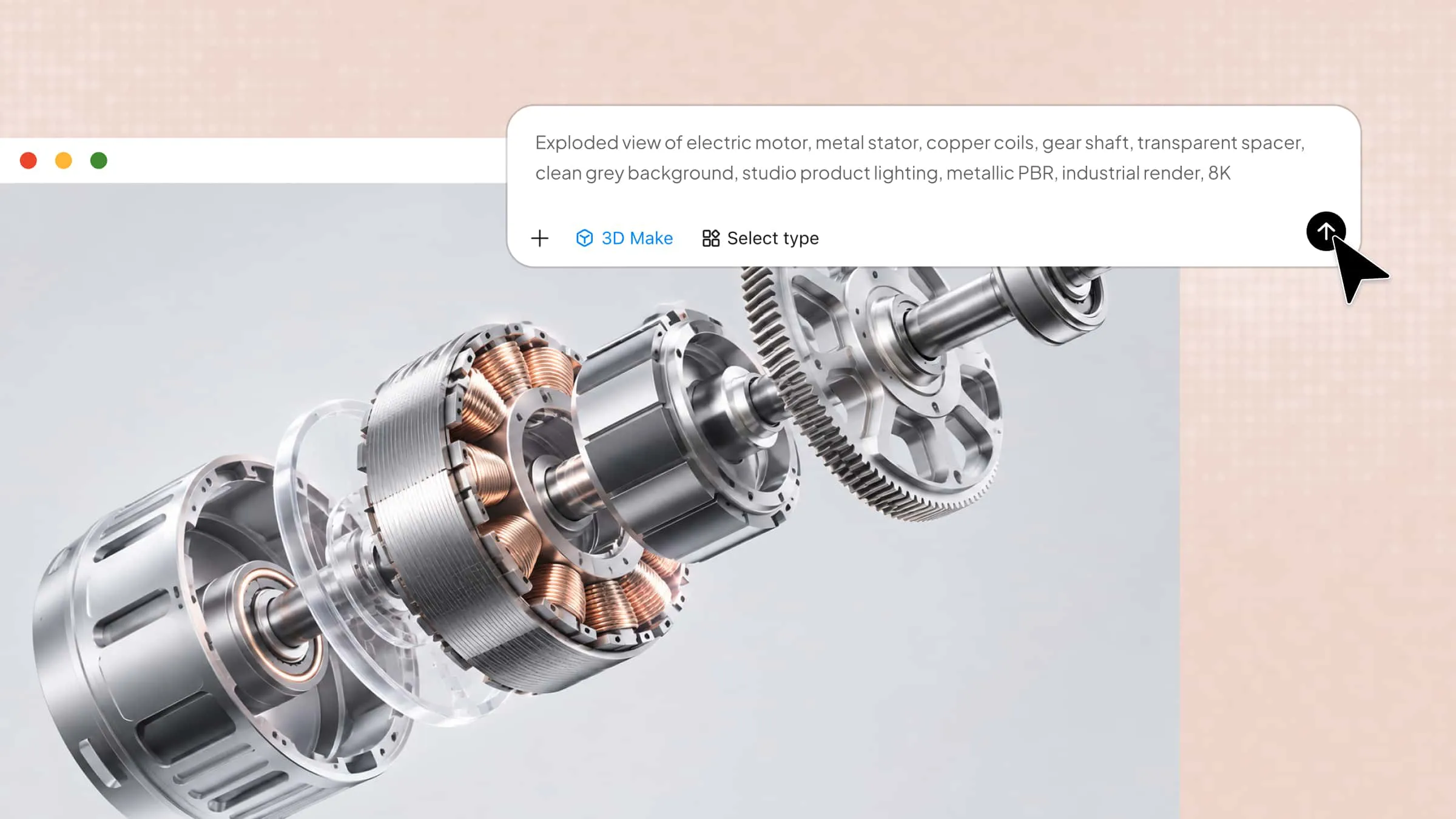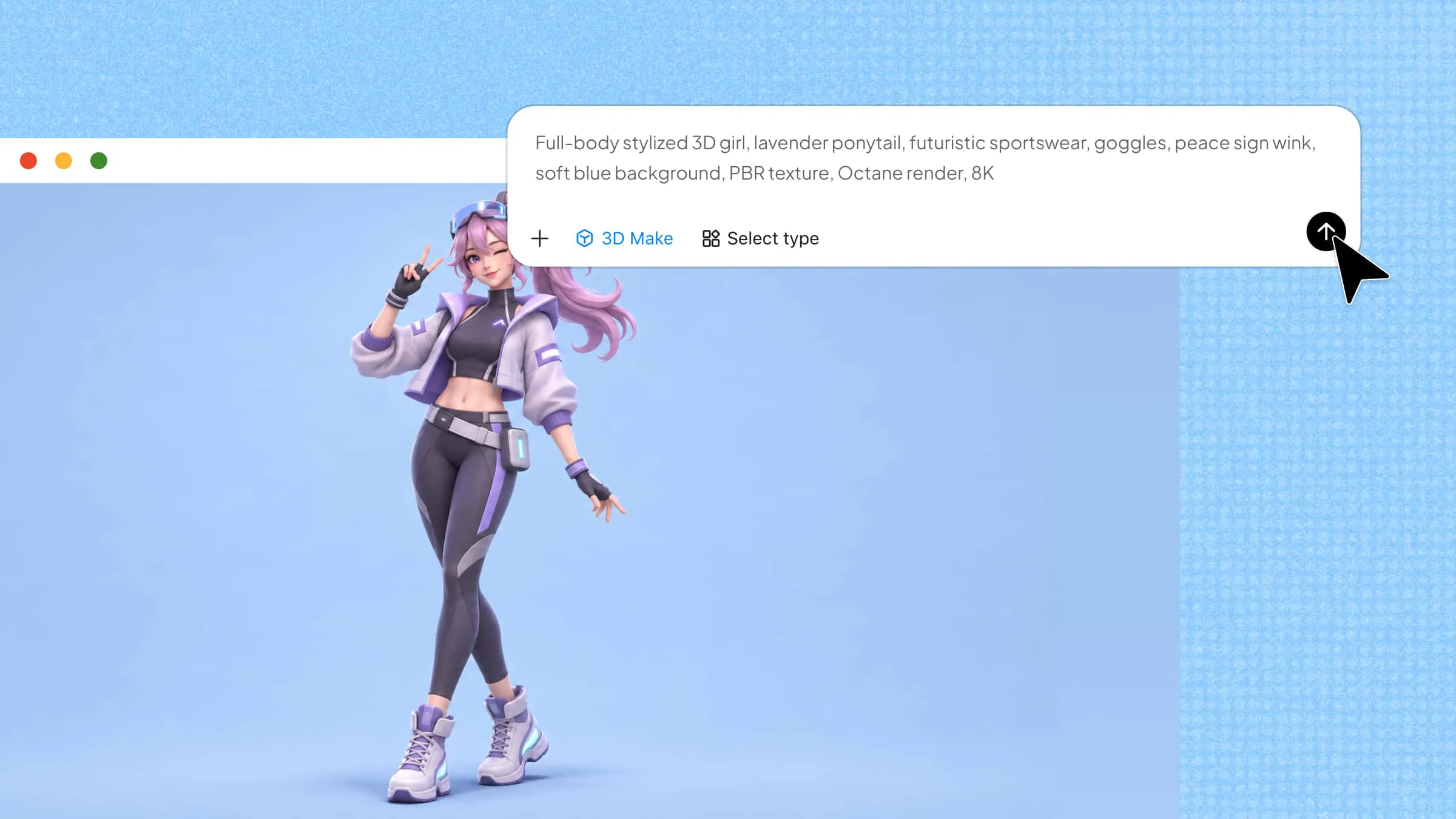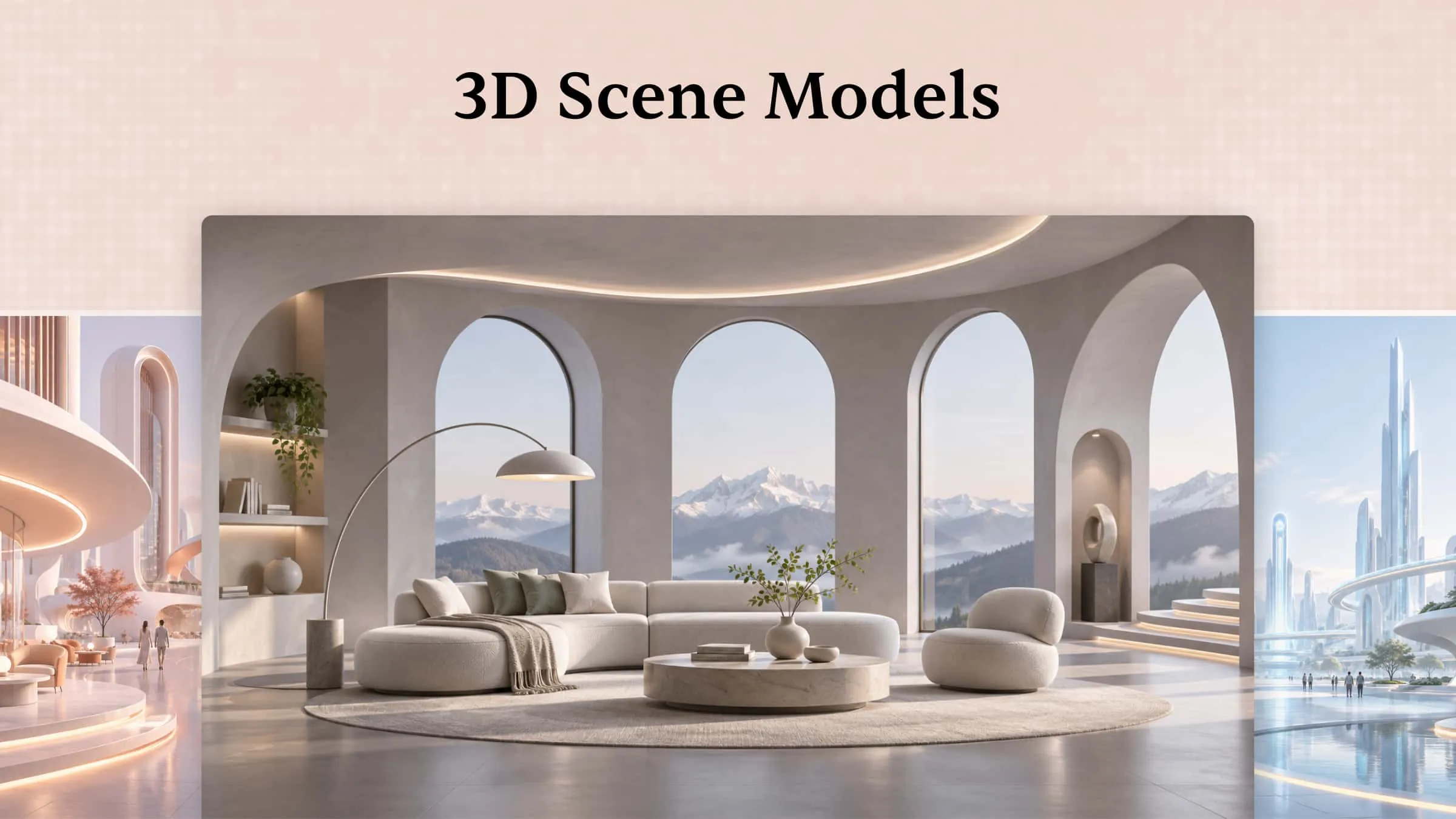
Imagine creating a cozy coffee shop, a dreamy landscape, or a room inspired by your favorite fictional world. 3D scenes bring creative ideas to life by combining objects, textures, lighting, and spatial layouts into cohesive environments. Whether you're designing a game environment, exploring architectural concepts, or working on a personal project, the right inspiration can help you get started. Explore these 3D scene ideas to spark your creativity and plan your next design.
What is a 3D scene
A 3D scene is a digital environment that brings different objects, characters, and surroundings together in a three-dimensional space. It can include elements such as furniture, buildings, landscapes, lighting, and textures to create a complete setting. These scenes can look realistic or have creative styles, depending on the project's purpose.
Key components of a 3D scene
A 3D scene model combines several elements to create a complete visual environment. Let's look at the key components that bring these scenes to life:
3D objects and models
3D objects and models are the main elements that fill a scene. They can include furniture, buildings, vehicles, characters, plants, and other items that help tell a story or create a specific environment. Each object has its own shape, size, and position, making the scene look more complete and realistic.
Environment and background
The environment and background create a space where all objects exist. They can represent different places, such as a city street, a forest, a bedroom, or a fantasy world. A well-designed environment gives the scene more depth and helps viewers understand the setting.
Materials and textures
Materials and textures define how the surfaces of 3D objects look and feel. They help show details such as wood grain, smooth glass, rough stone, soft fabric, or shiny metal. Using the right textures makes objects look more natural and adds visual detail to 3D scenes.
Lighting and shadows
Lighting helps control how bright or dark different parts of a scene appear. It also creates shadows, highlights, and depth, making objects easier to see and giving the environment a specific mood. For example, warm lighting can make a room feel cozy, while cool lighting can create a futuristic atmosphere.
Camera and viewpoints
The camera decides how viewers see and explore a 3D scene. You can adjust its position, angle, and distance to focus on specific objects or show the entire environment. Different viewpoints help highlight important details and make the overall composition more interesting.
Animation and interaction
Animation adds movement to objects, characters, and other elements within a scene. It can include simple actions such as a moving door, flowing water, or a walking character. Interaction takes things further by allowing users to control or explore certain elements, making the experience more engaging.
A quick glance at 10 realistic 3D scene models
Every creative project starts with an idea, but seeing how that idea can look in 3D makes it easier to explore different possibilities. From simple indoor spaces to detailed outdoor environments, each design offers something different. Take a look at the following 10 3D AI scenes and their unique features.
| 3D scene model name | Scene type | Description |
|---|---|---|
| Modern living room scene | Indoor 3D scene | A contemporary living room featuring sofas, furniture, windows, lighting, and decorative elements. |
| Cozy coffee shop interior | Indoor 3D scene | A detailed cafe environment with counters, tables, chairs, coffee equipment, and warm lighting. |
| Futuristic city street scene | Outdoor 3D scene | A futuristic urban environment with skyscrapers, roads, vehicles, streetlights, and digital billboards. |
| Mountain valley landscape | Outdoor 3D scene | A natural environment featuring mountains, rivers, trees, rocks, and atmospheric scenery. |
| Minimalist product display scene | Static 3D scene | A carefully arranged product showcase with geometric platforms, studio lighting, and decorative objects. |
| Architectural visualization scene | Static 3D scene | A rendered architectural environment showing a building's exterior, surrounding landscape, and lighting design. |
| Fantasy forest adventure scene | Dynamic 3D scene | An animated woodland environment with moving foliage, flowing water, atmospheric effects, and wildlife. |
| Space battle scene | Dynamic 3D scene | A science-fiction environment featuring spacecraft, explosions, moving objects, and animated visual effects. |
| Interactive medieval village scene | Interactive 3D scene | An explorable village with buildings, pathways, characters, and interactive objects. |
| Virtual art gallery scene | Interactive 3D scene | A virtual exhibition space where visitors can navigate rooms, explore artworks, and interact with displays. |
10 creative 3D scenes to explore
A little inspiration can help you turn an ordinary concept into something visually interesting. The following examples cover a range of environments, from familiar everyday spaces to creative worlds that go beyond reality. Let's explore what you can create with these 10 ideas.
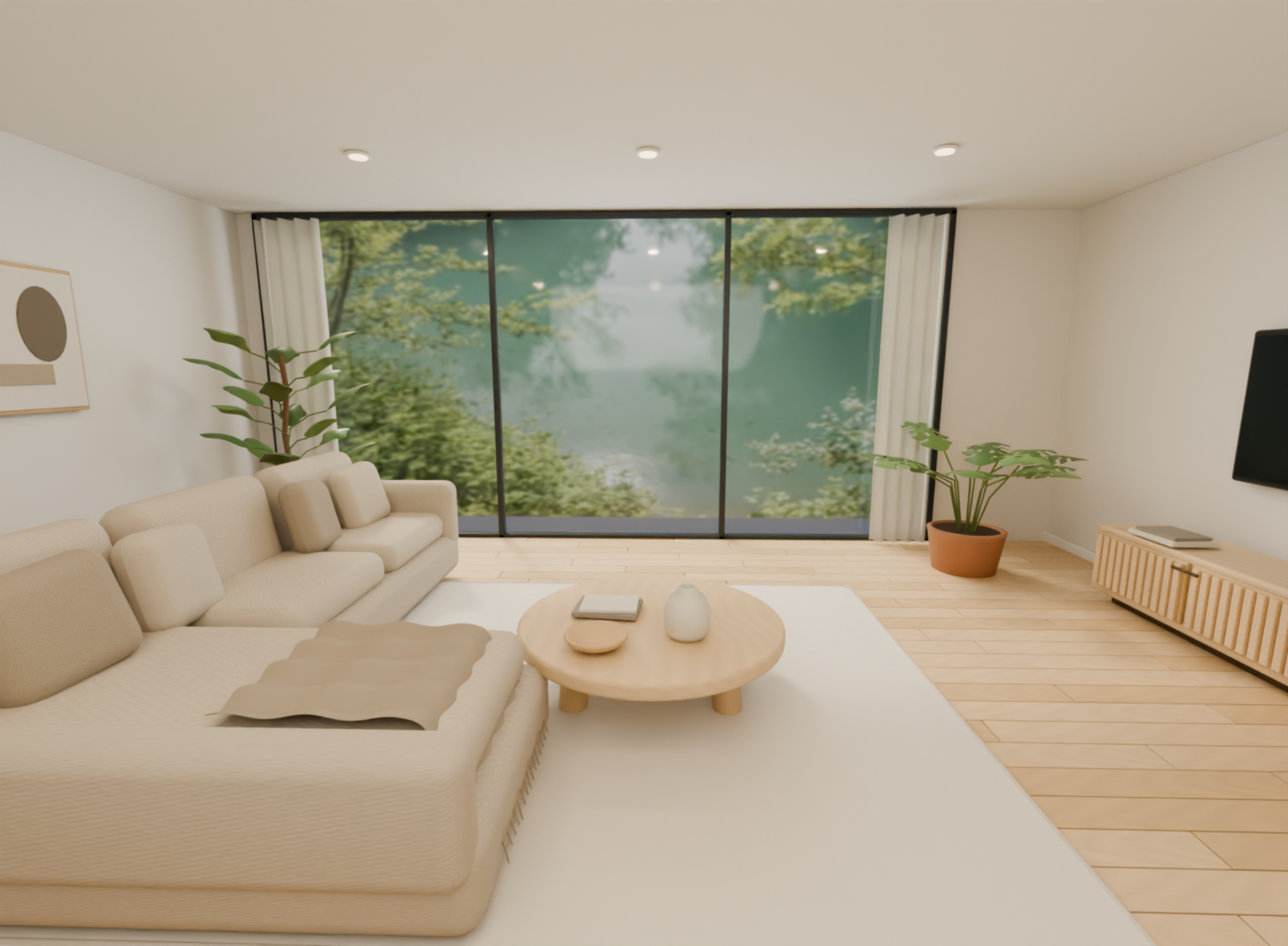
Modern living room scene
A modern living room scene features contemporary furniture, comfortable seating, and stylish decorative elements arranged in a welcoming space. It is commonly used for interior design presentations, home renovation ideas, and furniture planning. You can experiment with different layouts, colors, materials, and lighting to create your ideal living space.
How to use
Step 1: Enter your prompt
Describe the living room layout, furniture, colors, windows, flooring, and lighting you want. Include specific details to help AI understand the look and arrangement of your space.
Example prompt:
Step 2: Let AI generate your design
Submit the prompt and let AI build the living room with the requested furniture, room layout, and decorative details.
Step 3: Review and export the design
Check the furniture placement, room proportions, and overall appearance. Make any necessary adjustments and export the final 3D model.
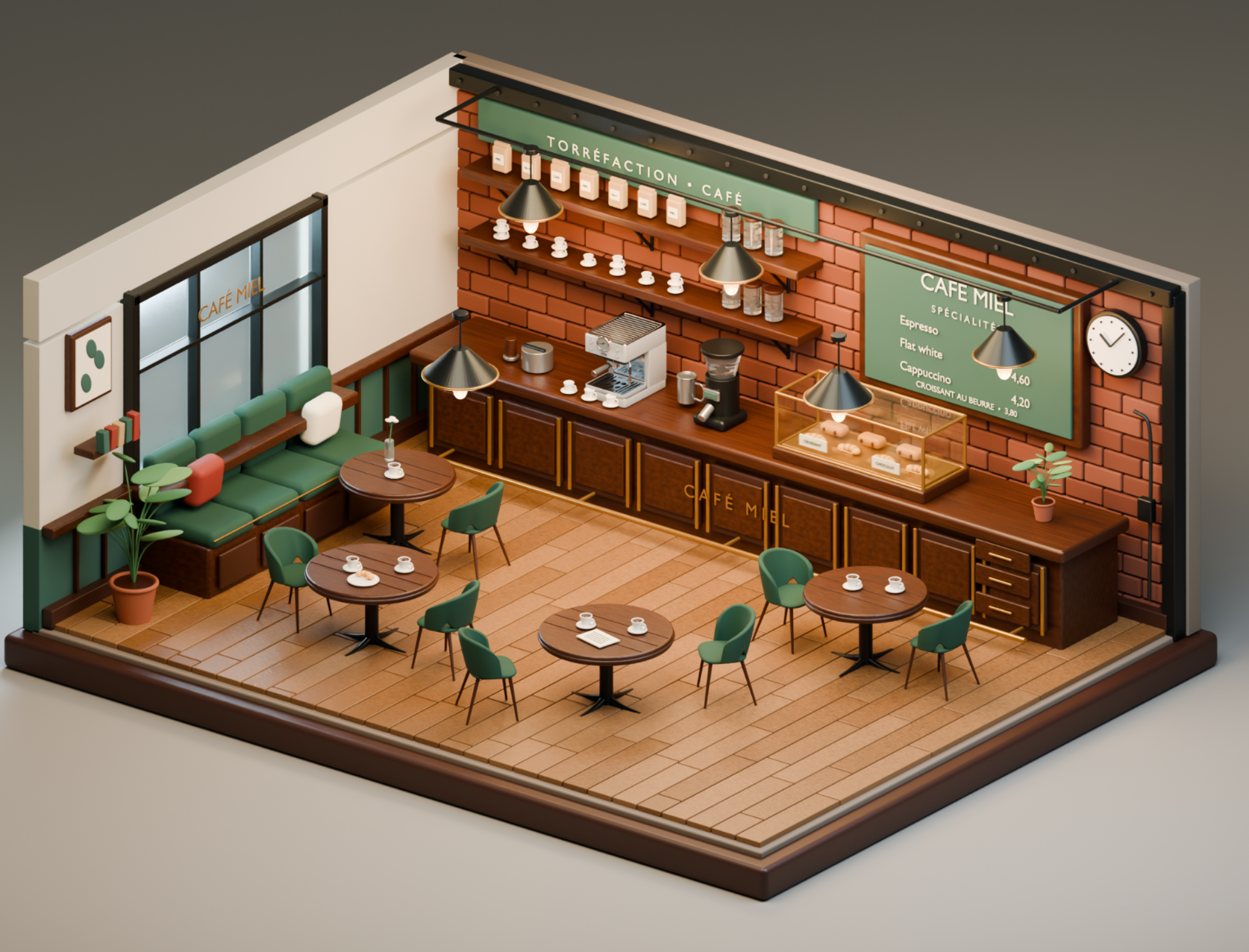
Cozy coffee shop interior
A cozy coffee shop interior features a welcoming cafe environment with comfortable seating, counters, coffee equipment, and warm decorative details. It is useful for cafe interior planning, hospitality design, and business presentations. You can explore different seating arrangements, counter designs, and lighting styles to create an inviting atmosphere.
How to use
Step 1: Enter your prompt
Describe the cafe's interior style, counter arrangement, seating, furniture, lighting, and decorative elements. Specify whether you want a modern, rustic, or vintage coffee shop.
Example prompt:
Step 2: Let AI generate your design
Allow AI to arrange cafe furniture, coffee counters, equipment, and decorative features into a complete interior model.
Step 3: Review and export the design
Check the counter layout, seating space, and lighting details. Refine any misplaced objects before exporting the coffee shop model.
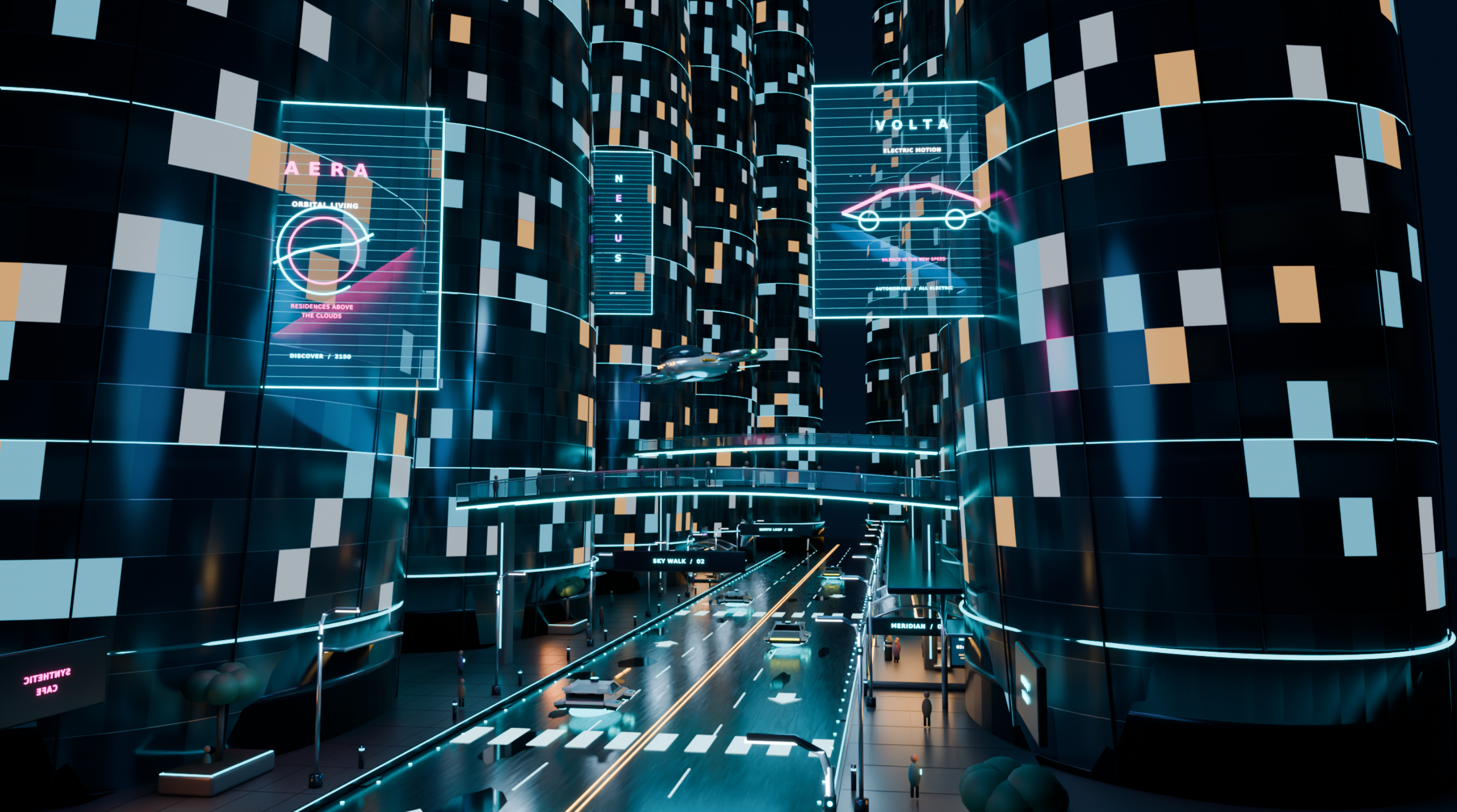
Futuristic city street scene
A futuristic city street scene represents an advanced urban environment with modern skyscrapers, digital displays, vehicles, and illuminated roads. It is often used for science-fiction projects, game environments, animation, and concept art. You can experiment with futuristic architecture, neon lighting, and imaginative transportation designs.
How to use
Step 1: Enter your prompt
Explain the city's architectural style, building heights, road layout, vehicles, digital billboards, and lighting. Include details about the atmosphere and time of day.
Example prompt:
Step 2: Let AI generate your design
Submit your description and let AI create buildings, streets, vehicles, and futuristic visual elements.
Step 3: Review and export the design
Inspect the building shapes, road layout, and lighting effects. Adjust the composition if needed and export the completed city scene.
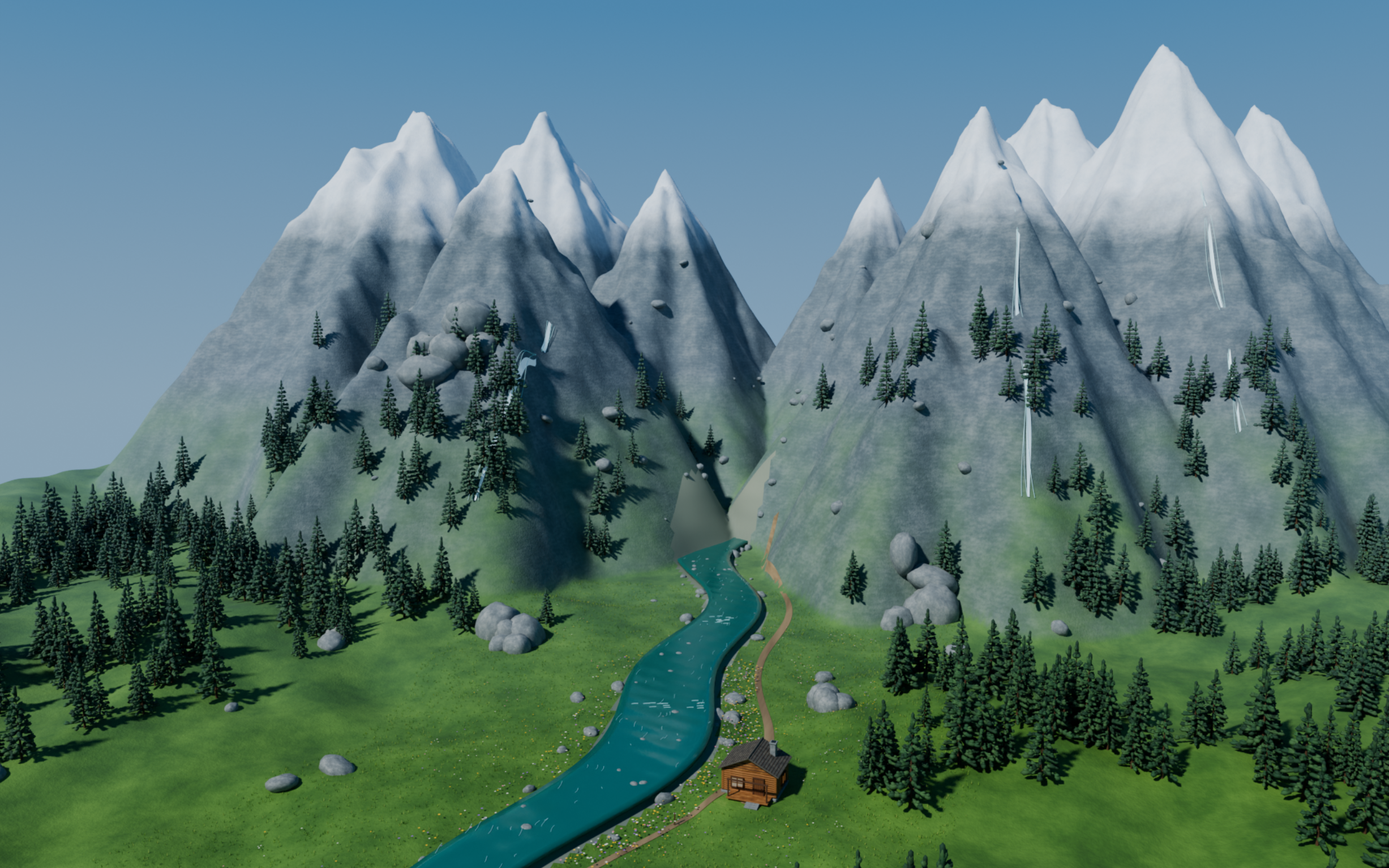
Mountain valley landscape
A mountain valley landscape features natural elements such as tall mountains, rivers, forests, rocks, and open skies. It is useful for landscape visualization, environmental projects, game development, and nature-inspired artwork. Different terrain shapes, vegetation, and atmospheric effects can help create a realistic outdoor environment.
How to use
Step 1: Enter your prompt
Describe the mountain shapes, surrounding vegetation, water bodies, terrain, weather, and lighting conditions. Mention the season and viewpoint to give the landscape a clear visual direction.
Example prompt:
Step 2: Let AI generate your design
Allow AI to create the mountain terrain, river, vegetation, and surrounding natural environment based on your description.
Step 3: Review and export the design
Check the terrain shapes, river placement, and natural details. Make adjustments to the landscape and export your finished model.
Minimalist product display scene
A minimalist product display scene presents a product using simple backgrounds, geometric platforms, and carefully arranged lighting. It is commonly used for product advertising, e-commerce visuals, packaging concepts, and promotional presentations. You can use different materials, colors, and platform arrangements to make a product stand out.

How to use
Step 1: Enter your prompt
Specify the product, display platform, background color, materials, and lighting style. Explain how you want the product positioned and which details should receive the most attention.
Example prompt:
Step 2: Let AI generate your design
Submit your prompt and let AI arrange the product, display platforms, background, and studio lighting into a 3D scene.
Step 3: Review and export the design
Check the product's position, surface details, and lighting. Refine the display composition and export the final model.
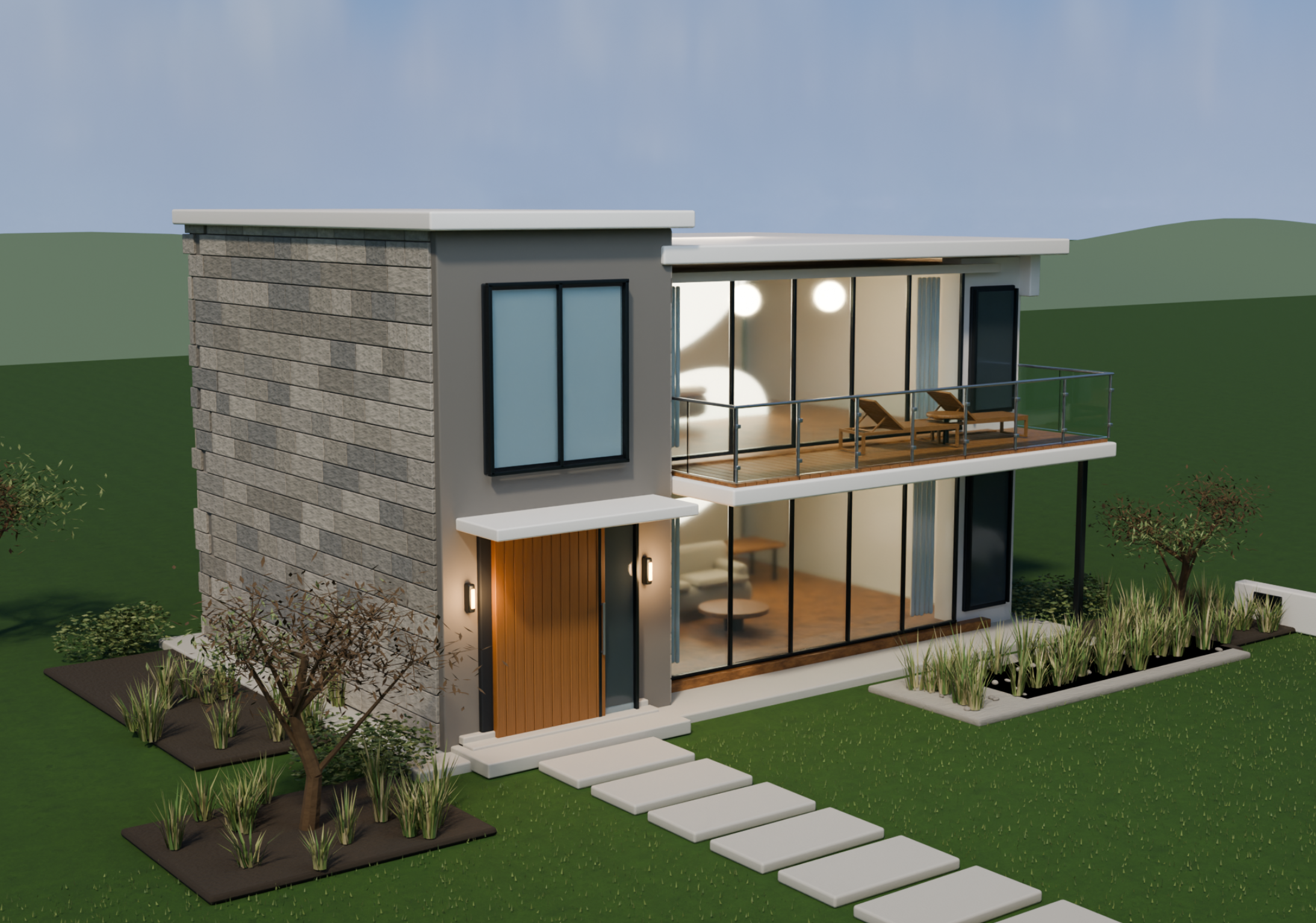
Architectural visualization scene
An architectural visualization scene presents a building and its surroundings through a detailed 3D environment. Architects and designers use it to communicate building concepts, explore exterior designs, and present construction ideas. It can include structural details, landscaping, outdoor lighting, and surrounding spaces.
How to use
Step 1: Enter your prompt
Describe the building type, architectural style, materials, surrounding landscape, and exterior features. Include details about the camera angle and time of day for a clearer result.
Example prompt:
Step 2: Let AI generate your design
Let AI build the architectural structure, exterior materials, windows, garden, and surrounding features according to your requirements.
Step 3: Review and export the design
Inspect the building proportions, exterior finishes, and landscape arrangement. Make any corrections and export the architectural model.
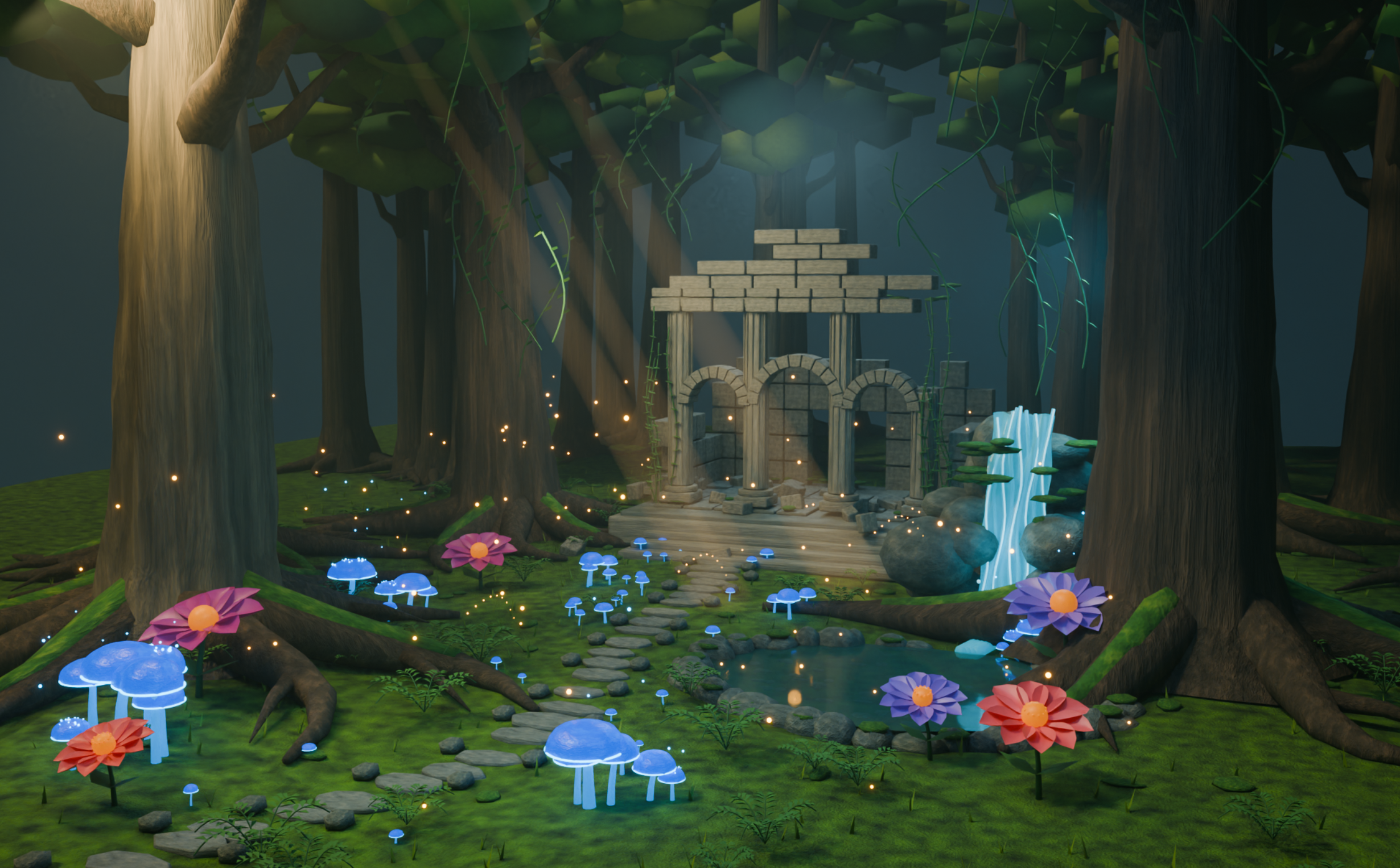
Fantasy forest adventure scene
A fantasy forest adventure scene combines natural landscapes with imaginative elements to create a magical environment. It is useful for fantasy games, animated stories, concept art, and fictional world-building projects. You can include unusual plants, mysterious structures, glowing objects, and atmospheric lighting to make the environment more interesting.
How to use
Step 1: Enter your prompt
Describe the forest environment, magical objects, plants, creatures, and lighting effects. Explain the mood you want, such as mysterious, peaceful, or adventurous.
Example prompt:
Step 2: Let AI generate your design
Let AI generate the forest terrain, magical plants, ancient structures, and glowing visual effects.
Step 3: Review and export the design
Check the placement of trees, pathways, and fantasy elements. Adjust the lighting and environmental details before exporting your model.
Space battle scene
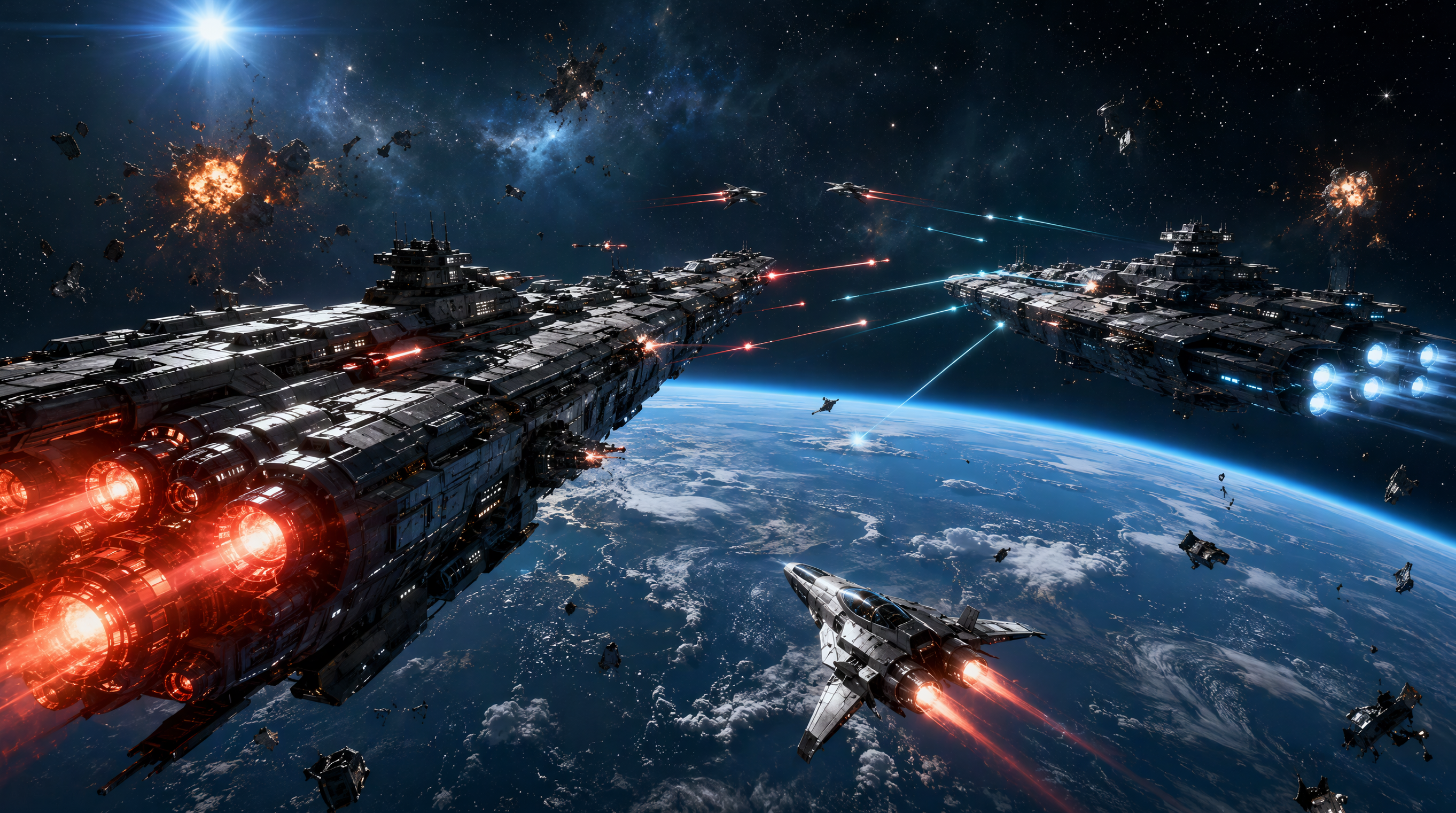
A space battle scene represents a science-fiction environment where spacecraft, planets, and other objects come together in a dramatic setting. It is commonly used for game environments, animated films, science-fiction illustrations, and visual storytelling. You can experiment with spaceship designs, planetary backgrounds, explosions, and futuristic technology.
How to use
Step 1: Enter your prompt
Describe the spacecraft, planetary surroundings, weapons, explosions, and visual effects you want to include. Specify the camera angle and lighting to create a dramatic composition.
Example prompt:
Step 2: Let AI generate your design
Submit your prompt and let AI build the spacecraft, planetary background, and surrounding battle elements.
Step 3: Review and export the design
Inspect the spaceship shapes, positioning, and visual effects. Refine the composition and export the completed space scene.
Interactive medieval village scene
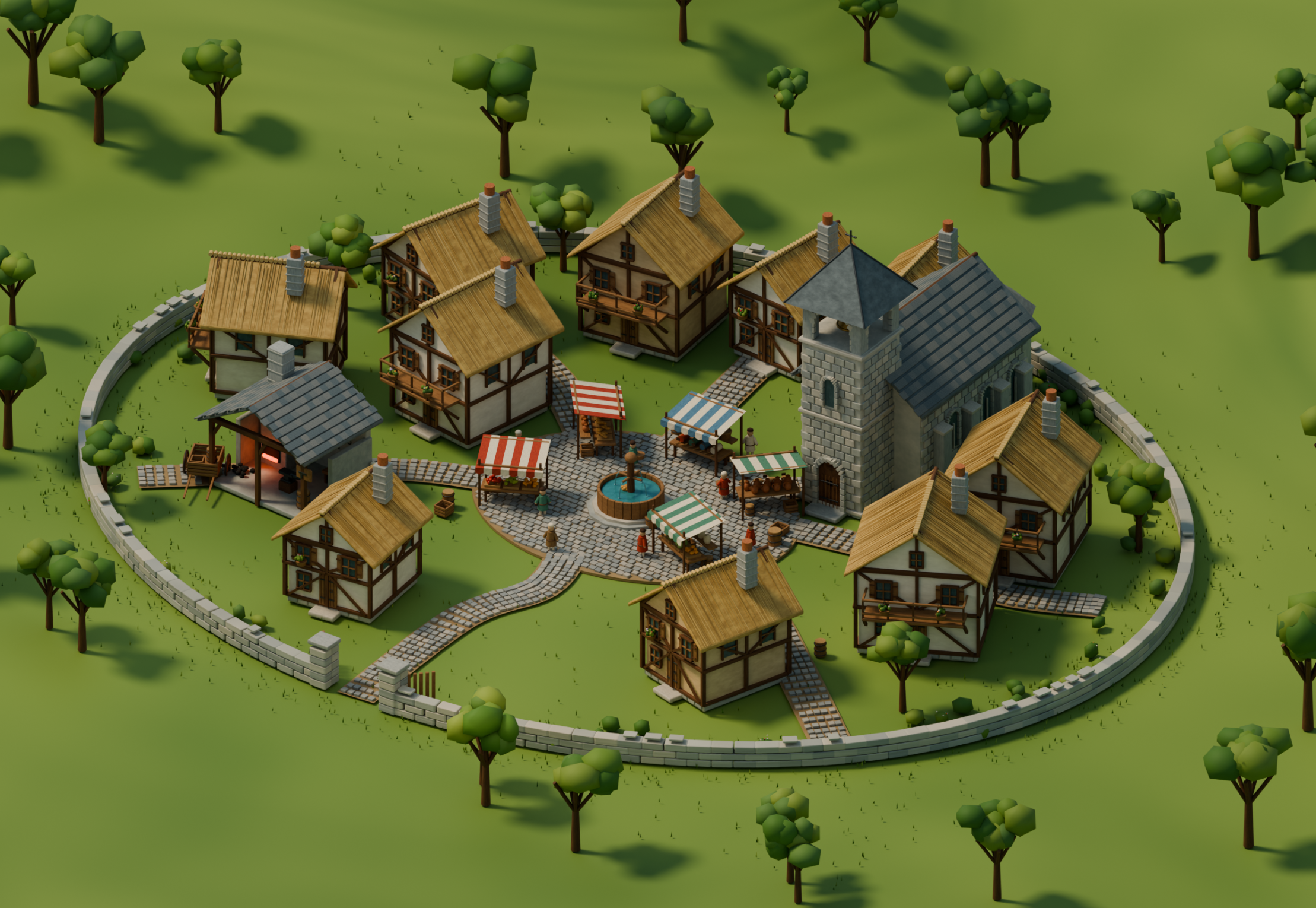
An interactive medieval village scene recreates an old-fashioned settlement with traditional buildings, stone pathways, marketplaces, and village surroundings. It is useful for game development, historical simulations, virtual environments, and interactive storytelling. You can include houses, shops, characters, and other elements to create an environment that users can explore.
How to use
Step 1: Enter your prompt
Describe the village layout, building styles, pathways, marketplaces, and interactive objects. Include details about the historical period and surrounding landscape.
Example prompt:
Step 2: Let AI generate your design
Allow AI to create the village buildings, marketplace, pathways, and surrounding landscape based on your instructions.
Step 3: Review and export the design
Check the village layout, building details, and placement of interactive objects. Make any necessary changes and export the model for your project.
Virtual art gallery scene
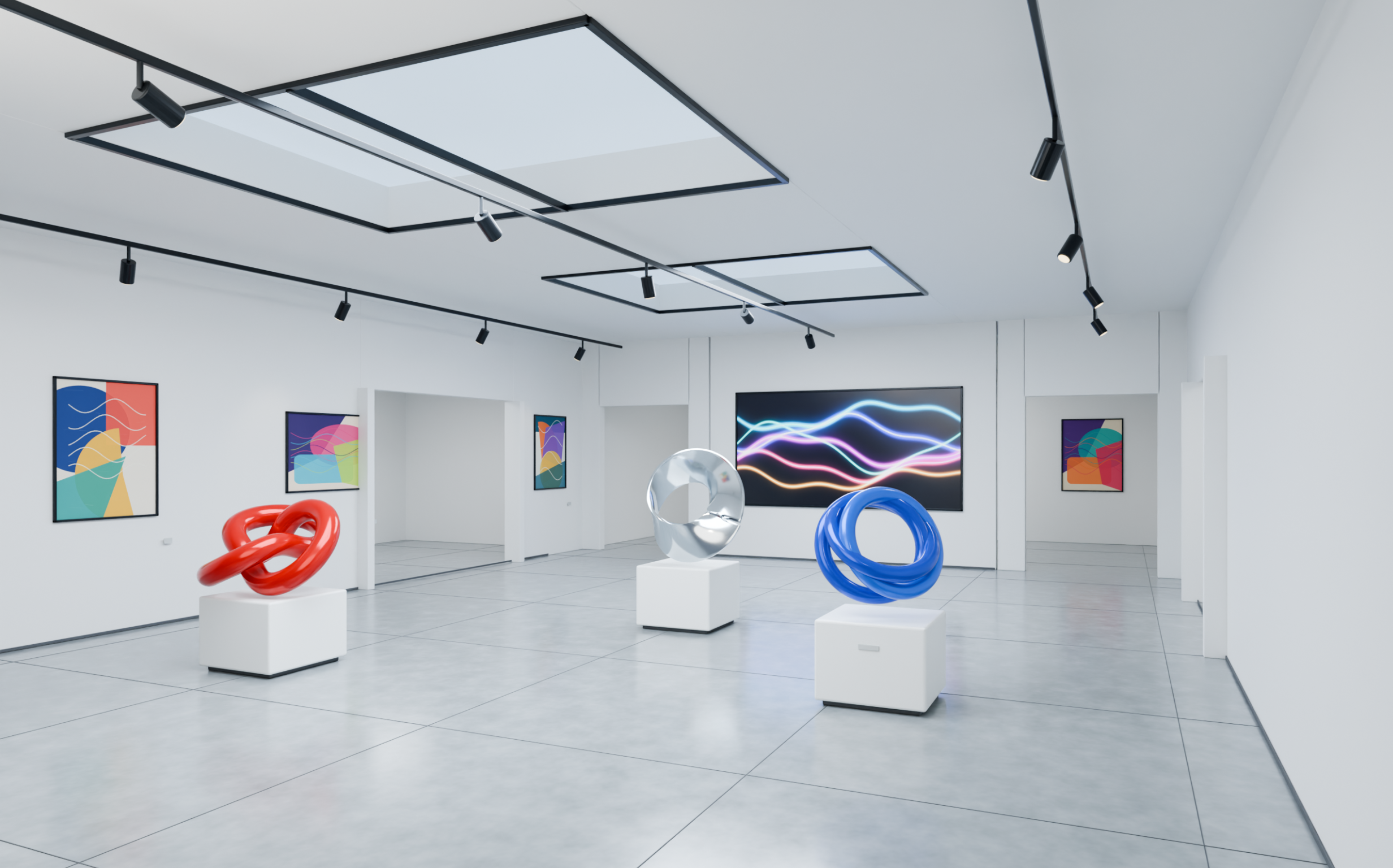
A virtual art gallery scene represents a digital exhibition space where artworks are displayed in an organized indoor environment. It is useful for virtual exhibitions, digital portfolios, art presentations, and interactive museum experiences. You can experiment with gallery layouts, display walls, lighting, and exhibition arrangements to create an engaging space.
How to use
Step 1: Enter your prompt
Describe the gallery architecture, artwork displays, wall arrangements, lighting, and exhibition style. Mention how visitors should move through the space and explore different displays.
Example prompt:
Step 2: Let AI generate your design
Submit your description and let AI create the gallery rooms, artwork displays, sculptures, and interior lighting.
Step 3: Review and export the design
Review the gallery layout, artwork placement, and walking spaces. Refine the display arrangement and export your final 3D model.
What makes Kimi 3D Make useful for 3D scenes
Creating detailed 3D scenes requires the right tools to turn individual ideas into complete visual environments. Kimi 3D Make simplifies this process by helping you generate 3D models from text descriptions and reference images. Here are some of its key features that can make your creative projects easier.
Generate 3D objects from text prompts and images
Every 3D scene needs objects that bring its concept to life. Describe a character, piece of furniture, architectural element, or decorative prop, or upload a reference image. Kimi 3D Make transforms these inputs into 3D models that serve as building blocks for your virtual environments.
Use AI-powered editing to refine 3D models
Adjust model shapes, proportions, and visual details through conversational instructions. Kimi 3D Make lets you explore different design variations with AI assistance, making it easier to develop assets that match your scene's theme and visual direction.
Preview 3D models from multiple angles
Check how an object looks before incorporating it into a larger scene. Rotate and zoom in on generated models to inspect their structures, proportions, and details from different viewpoints, helping you identify areas for improvement.
Export 3D assets for scene creation
Download your models in supported formats such as GLB or BLEND and bring them into compatible 3D applications. Use these assets to arrange objects, build environments, add lighting and materials, and create more elaborate 3D scenes.
Tips for creating better 3D scenes
A well-designed 3D environment needs the right balance of detail, layout, and visual quality. A few simple practices can help you avoid common design mistakes and create more polished 3D scenes. Keep these tips in mind when working with a 3D scenery generator.
Plan the scene composition before modeling
Decide what your scene should show and which objects deserve the most attention. Plan the placement of major elements, background, and smaller details before modeling. A clear layout helps create balanced 3D scenery without unnecessary clutter or distracting visual elements.
Maintain consistent scale and proportions
Keep object sizes realistic in relation to one another. For example, chairs should fit around tables, and doors should have suitable heights. Consistent proportions make 3D scenes look more natural and believable while keeping the entire environment visually balanced.
Use appropriate lighting for depth and atmosphere
Choose lighting that matches the environment you are creating. Use warm lights for cozy interiors, natural sunlight for outdoor landscapes, and colored lights for futuristic settings. Realistic shadows and highlights add depth to your 3D AI scene and make individual objects stand out.
Choose materials that match the scene context
Select textures that suit each object's purpose and appearance. Use wood for furniture, glass for windows, metal for structures, and stone for pathways. Appropriate materials make the environment look more realistic and consistent, adding detail to every visible surface.
Optimize models and scene complexity
Avoid filling your scene with unnecessary objects or excessive details. Keep background elements simple and focus more on the important parts of the environment. This makes 3D scenery easier to manage, render, and export without affecting the overall visual quality.
Test the scene from different viewpoints
Explore your design from different camera angles and distances instead of checking just one view. Look for hidden objects, awkward placements, or areas that need improvement. This helps make your 3D scenes more complete, visually appealing, and easier to understand from every angle.
Conclusion
Creating engaging 3D environments starts with a clear idea and thoughtful attention to detail. The right tools can make the creative process easier, although achieving the desired results may still require a few adjustments. Whether you're designing interiors, landscapes, or imaginative worlds, 3D scenes offer plenty of room to experiment. Try Kimi 3D Make to turn your ideas into 3D models using simple prompts and reference images.