Creating a unique logo can take time and design skills, especially when you want a professional look for your brand. AI logo generators simplify the process by turning simple ideas into custom logos within minutes. With features for generating logo concepts, customizing visual styles, and refining design details, these tools make it easier to create logos for different brands and projects. In this article, we explore 10 AI logo generators to help you build a distinctive brand identity quickly and easily.
Overview of 10 professional AI logo makers
Professional AI logo makers offer different features, from AI-powered logo creation and ready-made templates to design customization and brand-focused tools. The following tools are compared based on their key features, use cases, and ideal users to help you choose the best option for your branding needs.
| Product | Core Features | Customization and editing | Suitable for |
|---|---|---|---|
| Kimi Design | Turns text prompts and reference images into polished, editable logo designs, combining AI generation with a flexible design canvas | Refine designs through conversational edits, canvas comments, and manual adjustments to fonts, colors, icons, and layouts | Startups, personal brands, and marketers seeking editable, tailored logo designs |
| Figma | Generates multiple logo concepts to explore different creative directions | Refine typography, colors, icons, shapes, spacing, and alignment; collaborate with team members | Designers and teams that need detailed control and collaboration |
| Microsoft Designer | Transforms text descriptions into logo concepts with suggested colors, typography, and layouts | Edit text, resize designs, remove backgrounds, and erase unwanted objects | Small businesses and beginners looking for a straightforward design process |
| Design.com | Creates logos alongside coordinated brand assets for a consistent visual identity | Customize fonts, colors, icons, and layouts; develop matching business cards and social graphics | Businesses that need logos and complementary branding materials |
| Canva | Combines AI-powered logo creation with a broad library of customizable templates | Use drag-and-drop editing to adjust fonts, graphics, colors, and layouts | Entrepreneurs and content creators who prefer template-based design |
| Adobe Express | Offers AI-assisted logo creation within a wider set of graphic design tools | Edit text, colors, shapes, images, and layouts using built-in design tools | Creators who want logos alongside other marketing graphics |
| Looka | Generates logo concepts and helps build a cohesive brand identity | Adjust typography, spacing, colors, layouts, and icons; create matching brand assets | Startups and small businesses developing their brand identity |
| Hostinger | Combines AI logo generation with website creation tools | Customize fonts, colors, symbols, and layouts to suit a business identity | Website owners and entrepreneurs building a brand online |
| Brandmark | Generates logo ideas with coordinated color palettes, typography, and branded visuals | Customize visual elements and create matching business cards and social graphics | Freelancers, startups, and app developers building a visual identity |
| OpenArt | Uses text prompts, reference images, and different AI models to explore logo concepts | Experiment with visual styles and refine colors, fonts, shapes, and overall direction | Designers and creators exploring distinctive logo styles |
10 AI logo generators worth exploring in 2026
Choosing the right AI logo generator can make the design process faster, easier, and more creative. From AI-generated concepts to customizable templates, these tools help you create professional logos for different brands and projects. Here are 10 AI logo generators for quick and creative logo designs.
Kimi Design
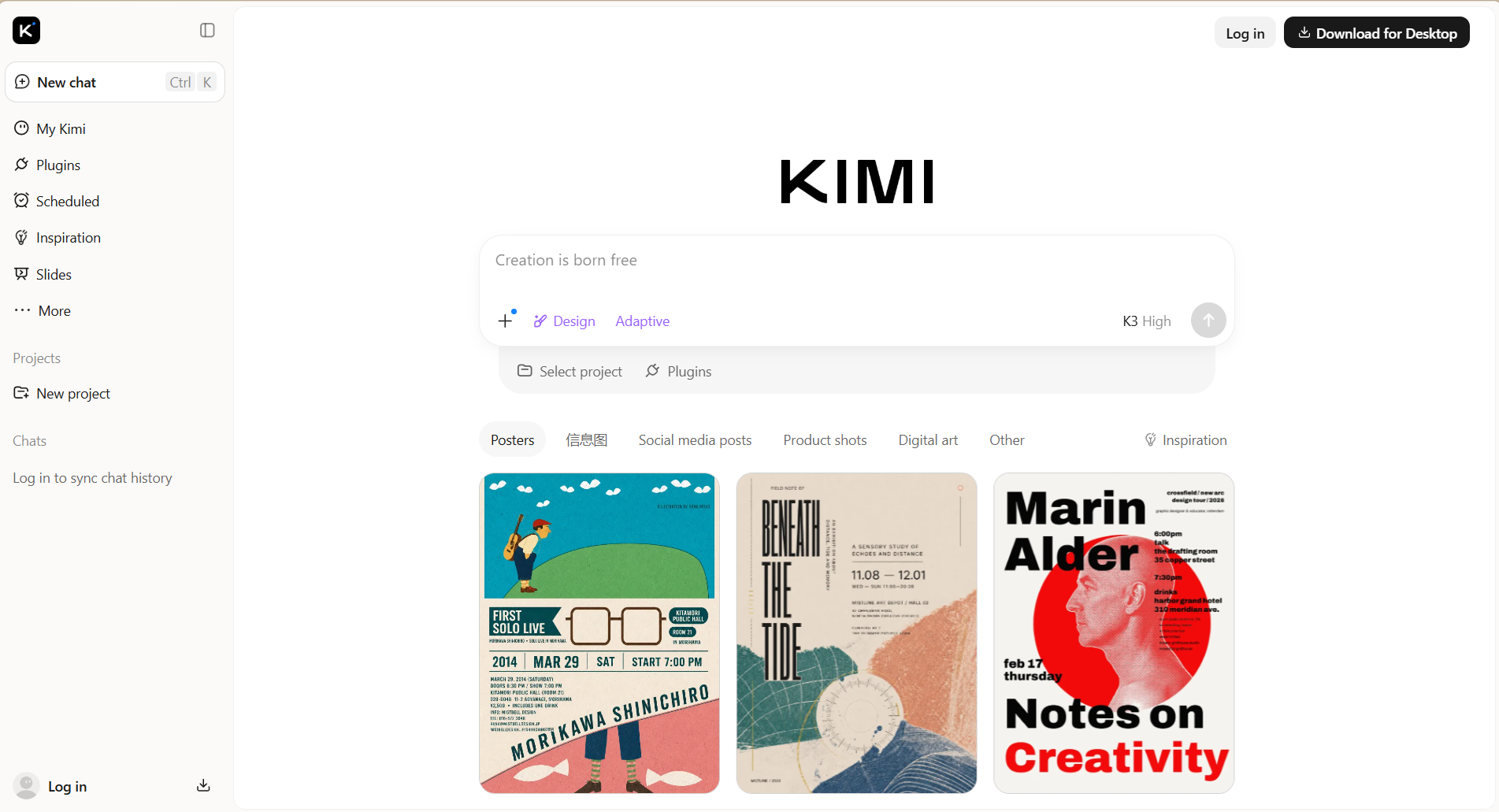
Kimi Design is a powerful logo generator that helps you create attractive, professional-looking logos in minutes with minimal effort. It can turn simple text prompts into refined logo designs and let you easily customize colors, fonts, icons, layouts, and styles. Its flexible design options make it a good fit for businesses, startups, personal brands, websites, and social media.
Main features
Bring your logo concept to life from a simple idea
Turn a rough brand idea into a logo by describing what you have in mind. Tell Kimi Design about your brand, audience, preferred colors, visual style, or key elements, and add reference images when words alone are not enough. AI uses these inputs to create a finished logo design, giving you a ready-to-use visual identity to apply across your branded materials.
Shape the design through natural-language edits
Your first logo design does not have to be the final one. Tell AI what feels off, what you want to emphasize, or which details you would like to change, then refine the design through conversational edits. You can also comment on specific elements or adjust them directly on the canvas when you want more hands-on control.
Create a logo that reflects your brand identity
Define the visual character you want your logo to convey, from bold and playful to refined and professional. Explore different combinations of typography, colors, symbols, and visual styles to create a logo that feels distinctive and communicates your brand personality at a glance.
Export and extend your logo across branded content
Once your logo is ready, export it as PNG, JPG, PDF, PPTX, or Google Slides, including transparent backgrounds for flexible use. Then apply the logo, colors, typography, and visual direction across social graphics, promotional materials, presentations, websites, and other brand assets to maintain a consistent identity.
Suitable for
Creating logos for businesses, startups, and personal brands
Designing logos for websites, social media, and online platforms
Developing unique brand identities and promotional visuals
Personalized logos for different industries and projects
How to create a logo with Kimi Design
Kimi Design makes it easy to create professional logos with a simple AI-powered workflow. You can start with a short prompt, customize the generated logo, and refine the design to match your brand. Follow the steps below to create your logo quickly and easily.
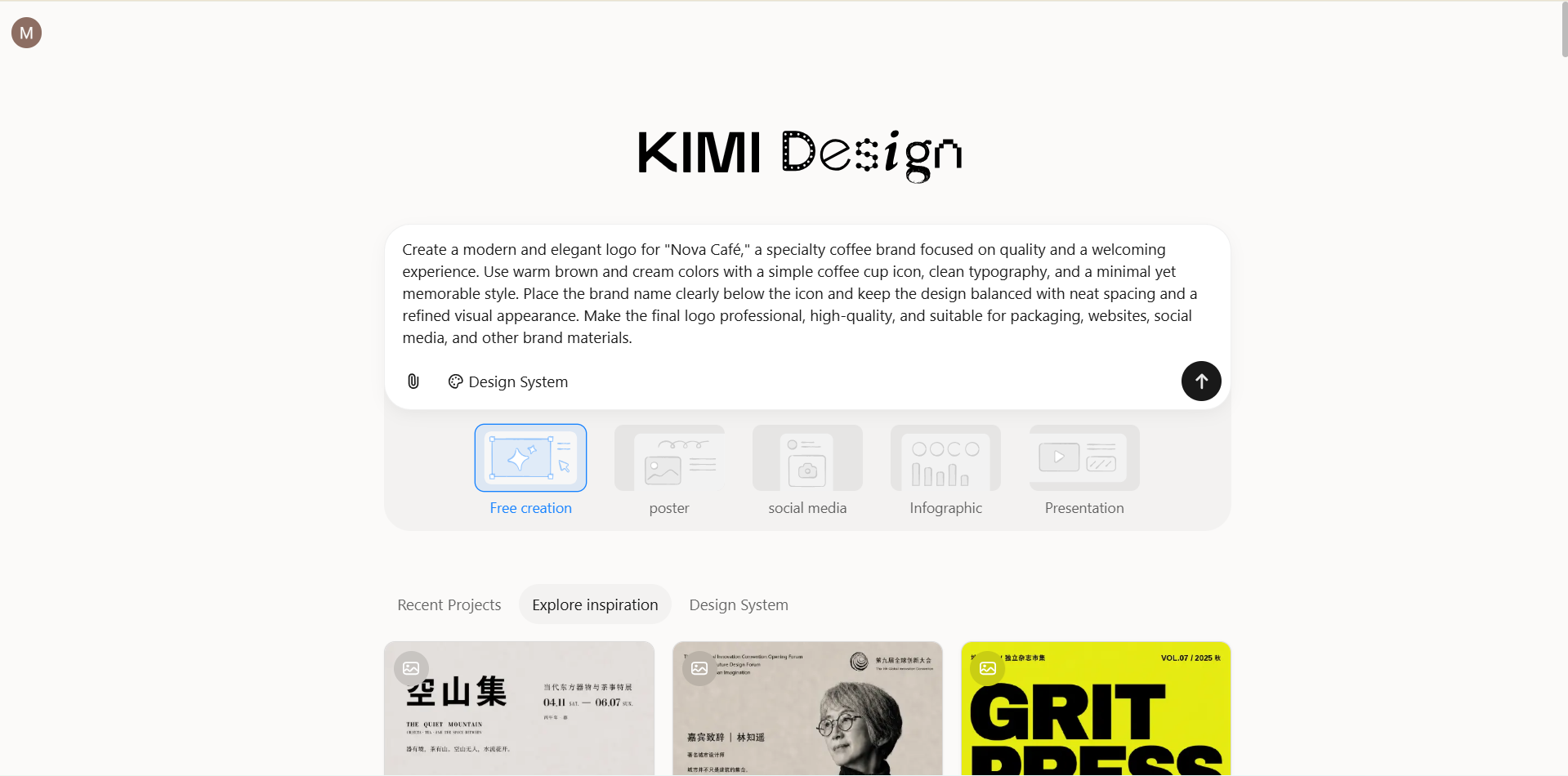
Step 1: Enter a clear prompt
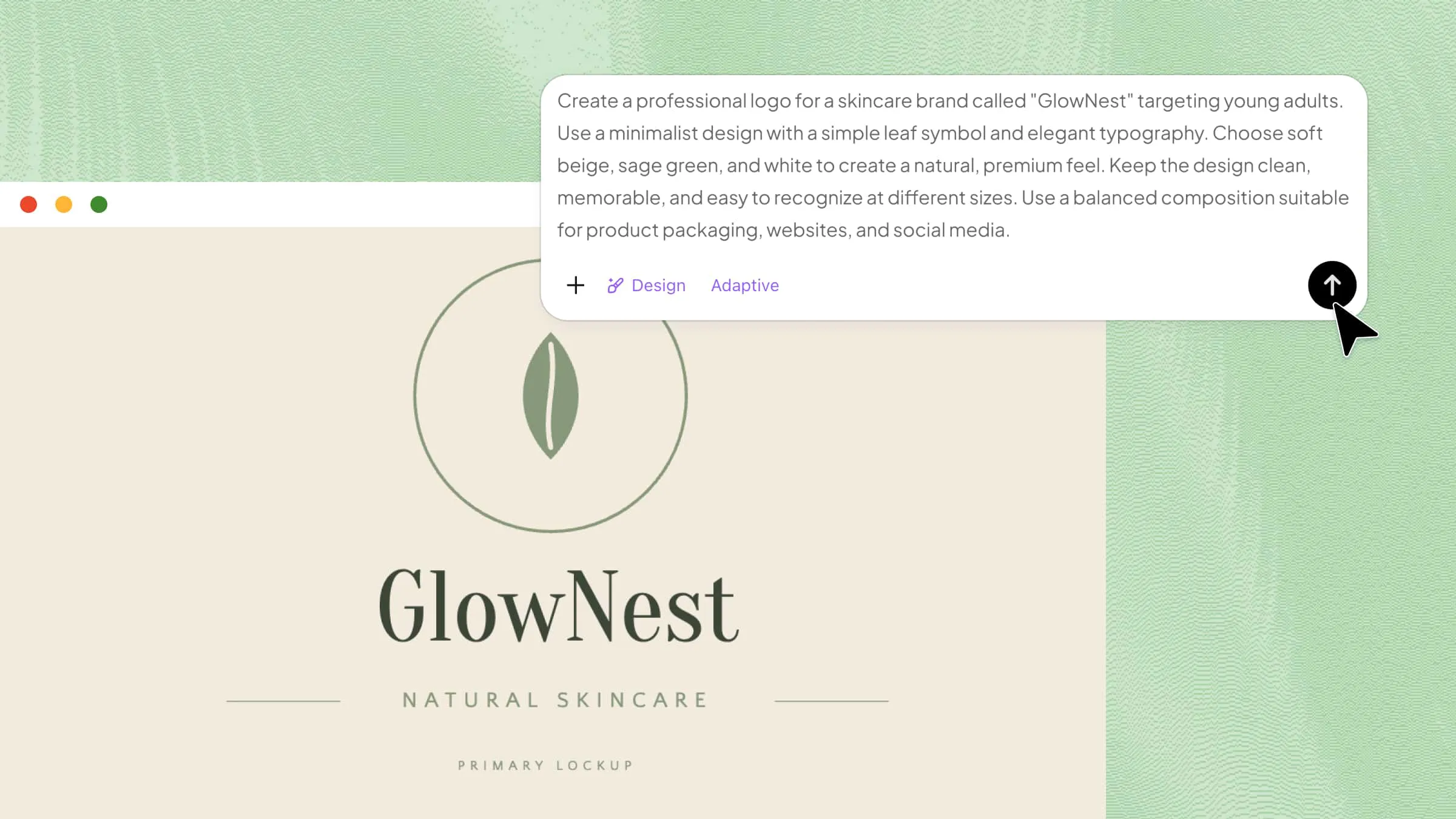
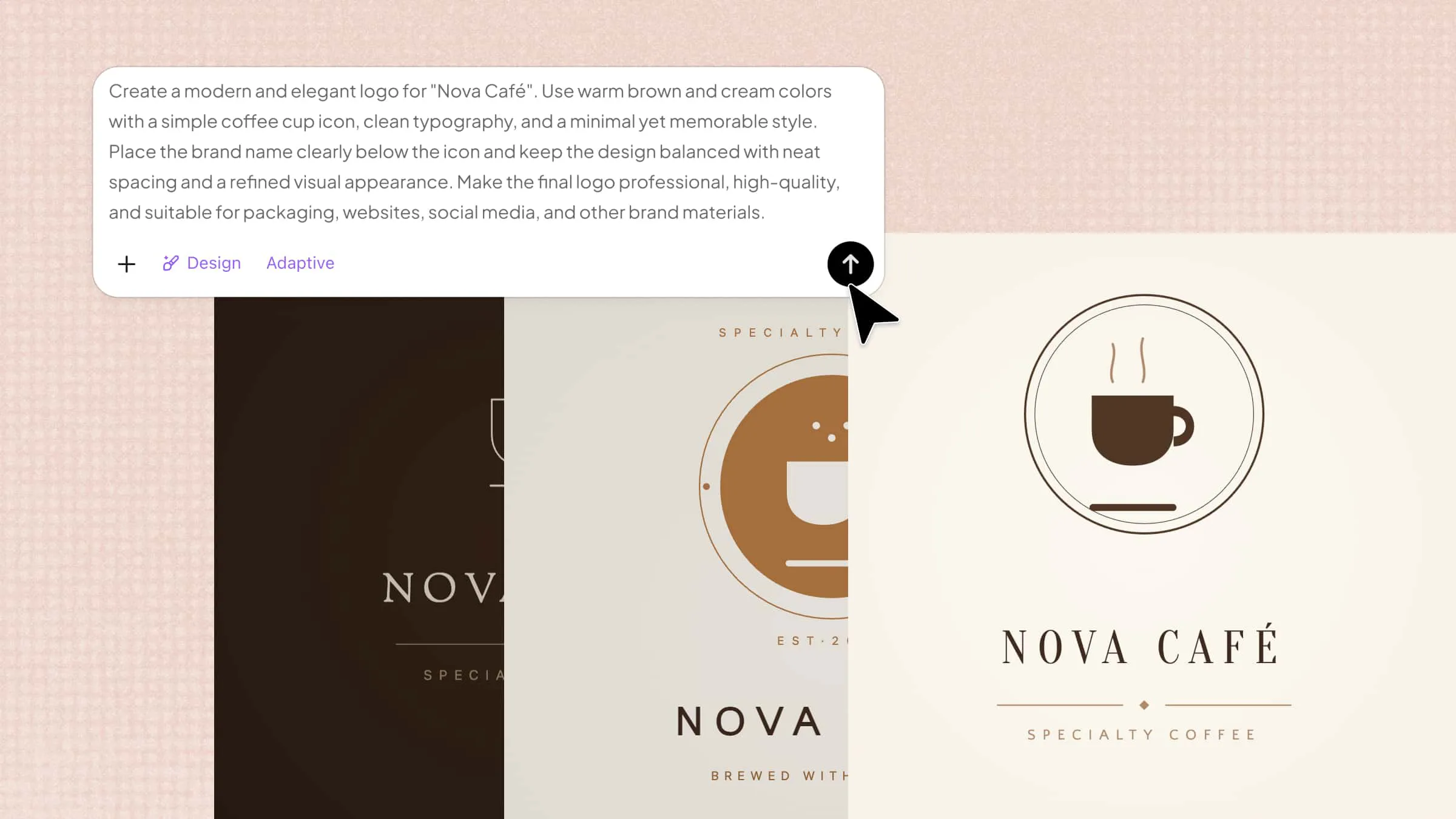
Start by entering a detailed prompt that clearly describes the logo you want to create. Include details such as the brand name, industry, colors, style, icons, layout, and typography, so the AI can generate a polished and suitable logo.
Example prompt:
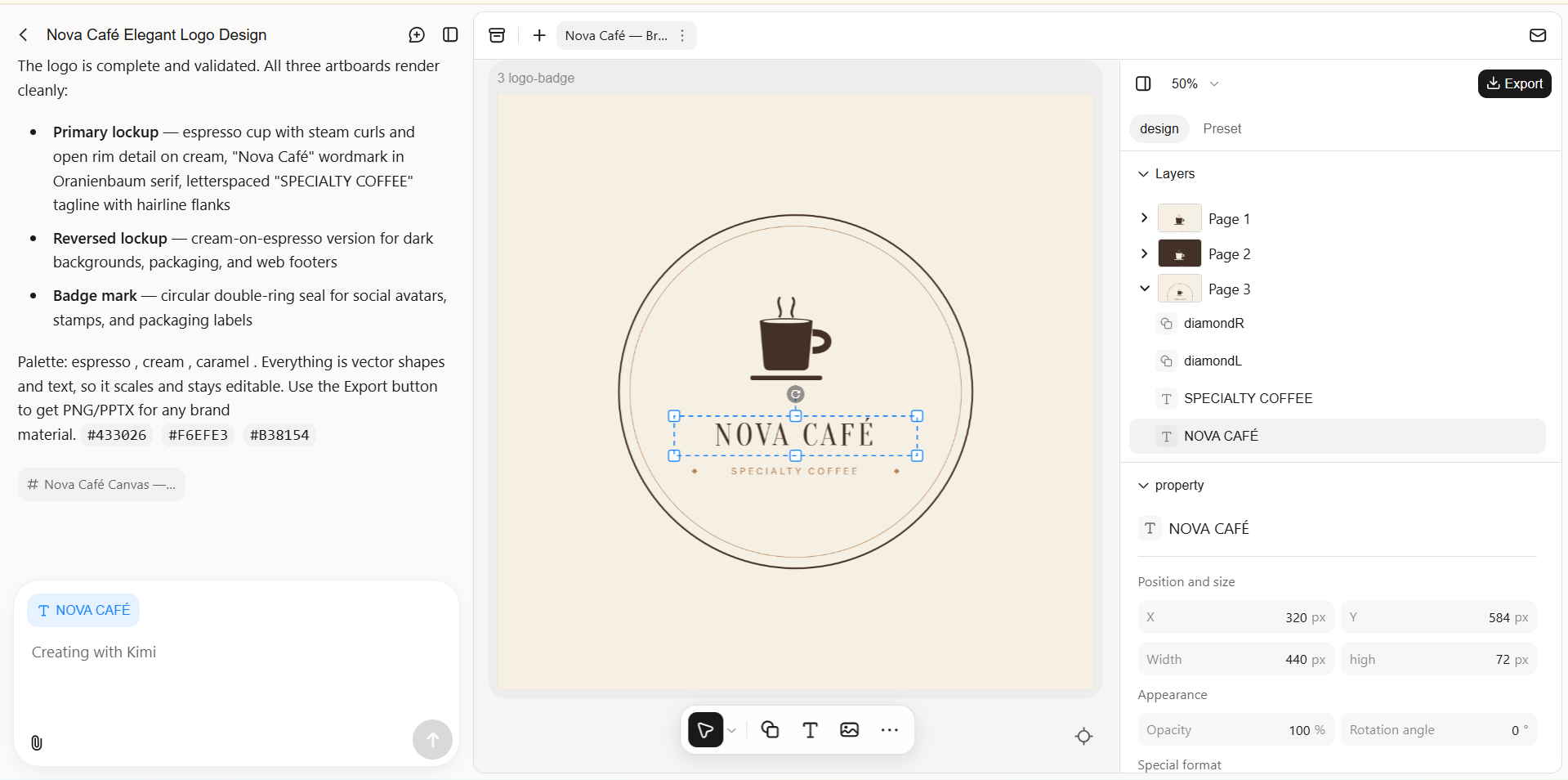
Step 2: Edit your logo
After generating the logo, refine the colors, fonts, icons, layout, and other design elements. Use the available editing tools to adjust individual elements and make the logo fit your brand style. You can also use AI chat for broader refinements until the logo looks polished and professional.
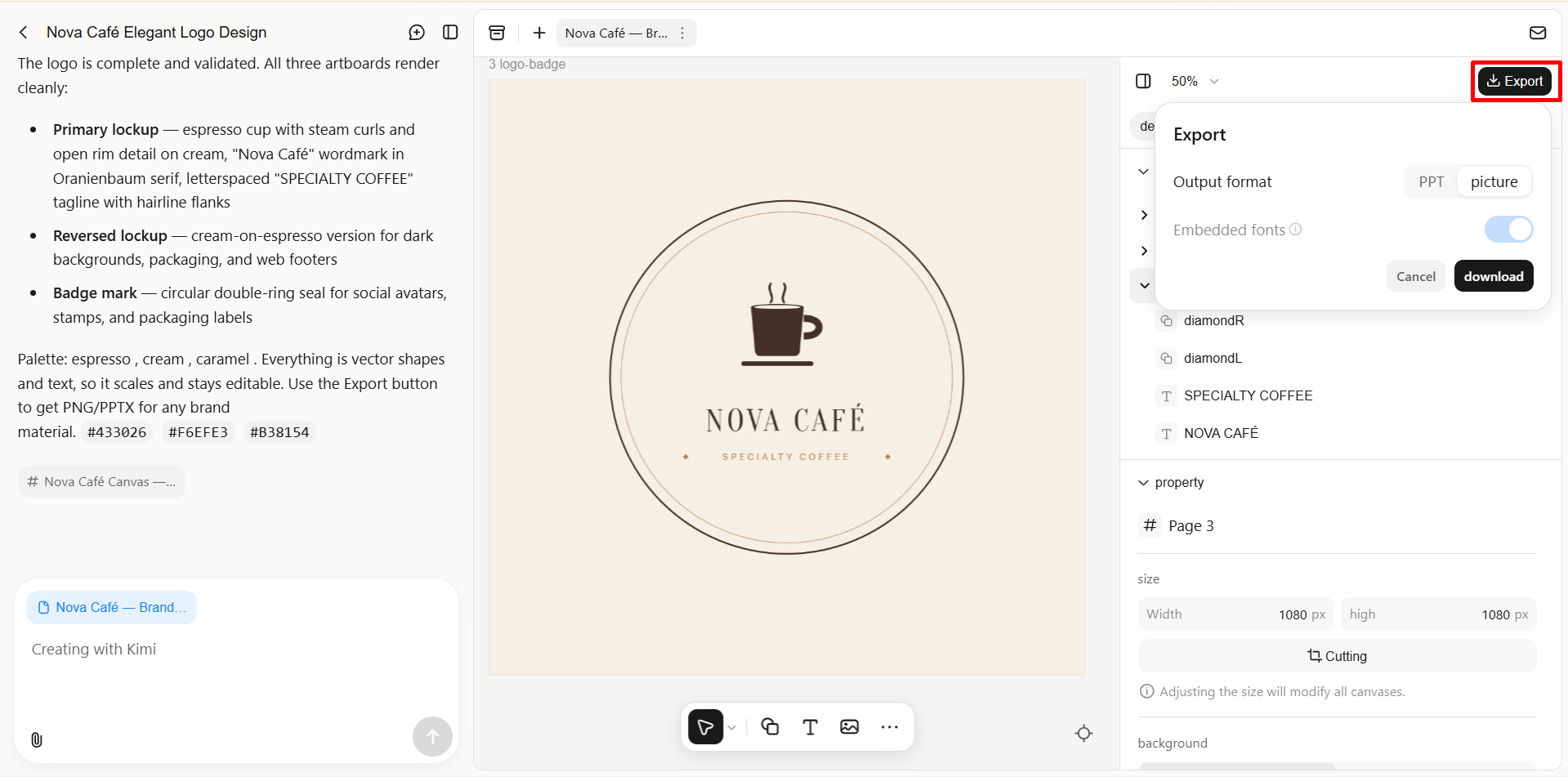
Step 3: Review and download the file
Review the generated logo to make sure the brand name, colors, typography, visual elements, and overall design look correct. If needed, make further edits with additional prompts before downloading the final logo in your preferred format.
Figma
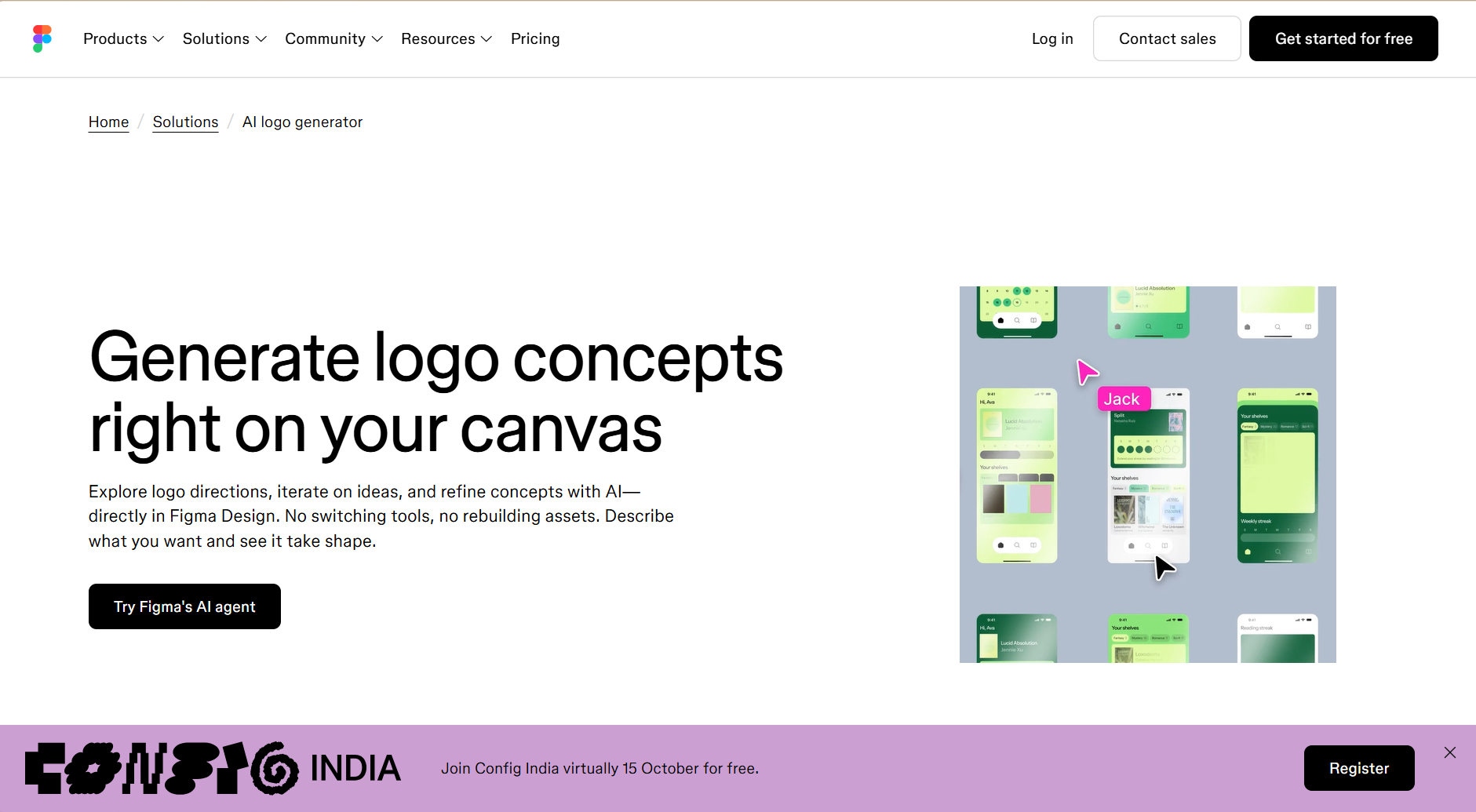
Figma is a free design platform with AI-assisted features that support logo creation alongside UI/UX work. It helps users generate logo concepts, explore layouts, and refine designs within the same workspace. Users can adjust fonts, colors, icons, shapes, spacing, and alignment for greater control over the final result. Its flexible editing tools make Figma suitable for designers, startups, and teams creating professional brand identities.
Main features
Text-to-Logo Generation: Creates multiple logo concepts from prompts describing the brand, style, industry, and colors.
Parallel Prompting: Generates several logo variations at once, making it easier to explore different design directions.
Brand Asset Integration: Uses existing colors, typography, and brand assets to maintain visual consistency.
AI-Assisted Refinement: Enables users to refine generated logos through follow-up prompts and direct canvas editing.
Suitable for
UI, UX, and graphic designers
Startups and entrepreneurs creating brand assets
Creative professionals managing multiple projects
Design teams working on collaborative branding projects
Microsoft Designer
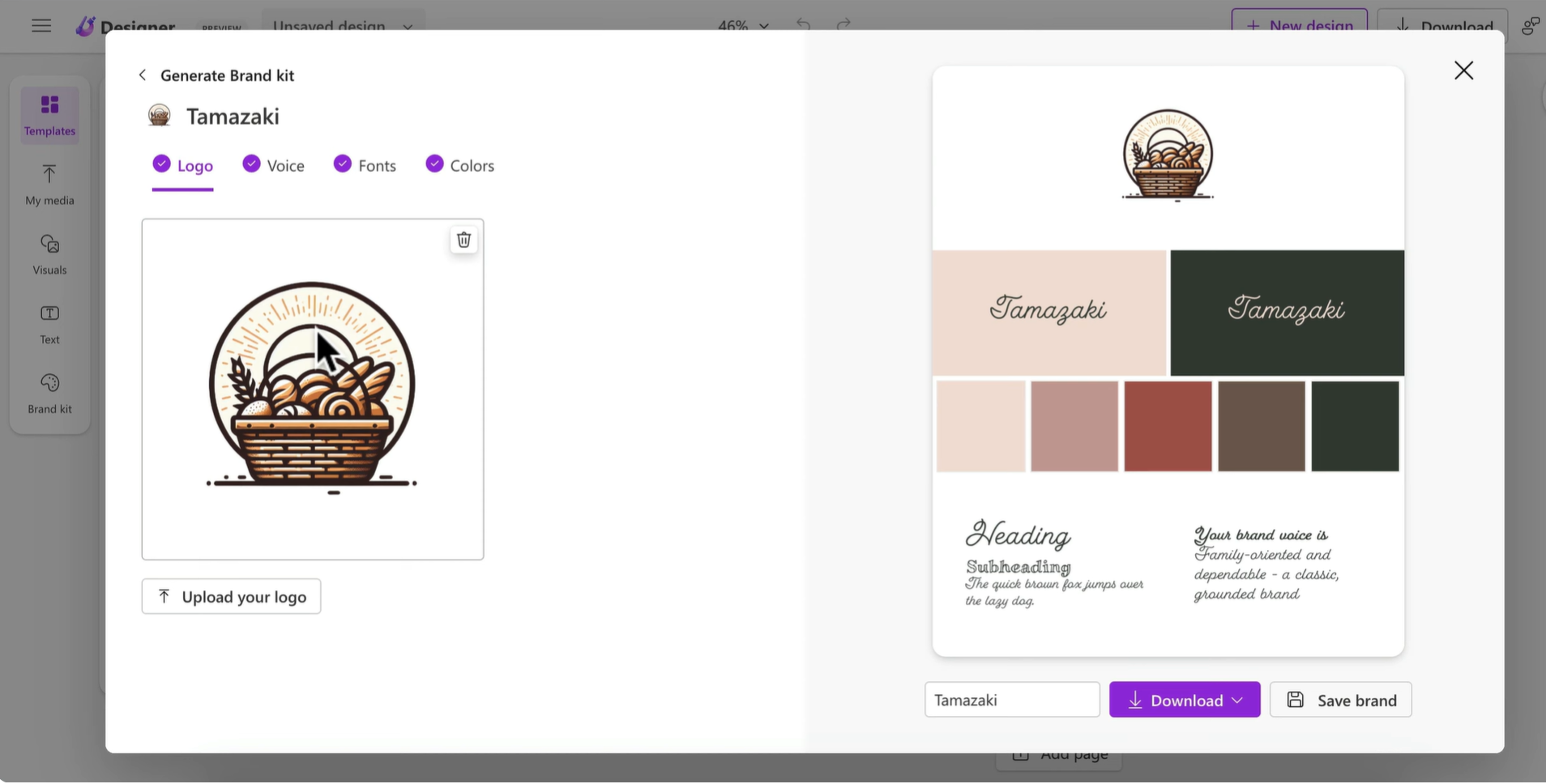
Microsoft Designer helps users create logo concepts and other brand visuals with AI-powered design tools. Simply describe your idea to explore logo options with suggested colors, typography, layouts, and styles. Built-in editing features let you remove backgrounds, erase unwanted elements, resize designs, and adjust text. It's a practical option for small businesses, personal brands, social media projects, and design beginners.
Main features
AI Logo Generation: Creates logo concepts from text prompts describing the brand, style, colors, and visual preferences.
Brand Kits: Helps organize logos, color palettes, typography, and other brand elements for consistent visual identity.
Smart Editing Tools: Supports background removal, object erasing, resizing, text editing, and other simple design adjustments.
AI Design Suggestions: Recommends layouts, colors, typography, and visual elements based on the user's design concept.
Suitable for
Small businesses and startups creating professional logos
Social media managers developing consistent brand visuals
Beginners with little or no design experience
Personal projects, clubs, events, and online branding
Design.com
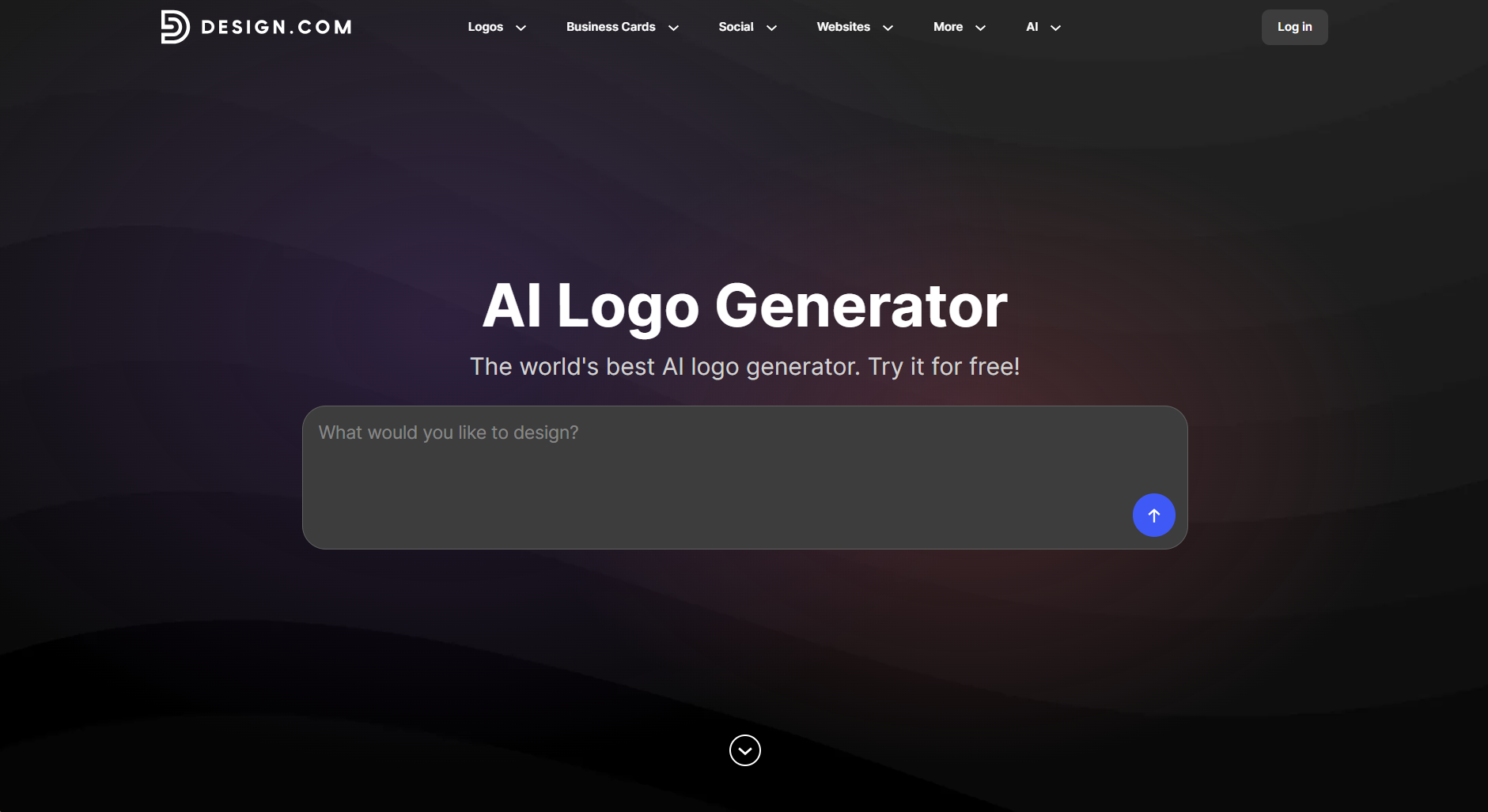
Design.com turns a business name and description into multiple logo concepts using AI. Its editor lets users adjust fonts, colors, icons, layouts, and other design elements with ease. The platform also creates matching business cards, social media graphics, email signatures, and letterheads. These branding tools make Design.com useful for startups, small businesses, marketers, and creators.
Main features
AI Logo Generation: Produces a variety of concepts based on the business name, industry, description, and preferred style.
AI-Assisted Customization: Makes it easy to modify typography, colors, icons, layouts, and other visual elements.
Branding Templates: Helps create matching business cards, social media graphics, letterheads, email signatures, and promotional content.
Multiple Export Formats: Enables users to save their creations in formats such as PNG, JPG, SVG, EPS, and PDF for different uses.
Suitable for
Startups and entrepreneurs establishing a visual identity
Small businesses creating promotional content
Marketing teams managing consistent brand assets
Individuals and creatives seeking flexible design options
Canva
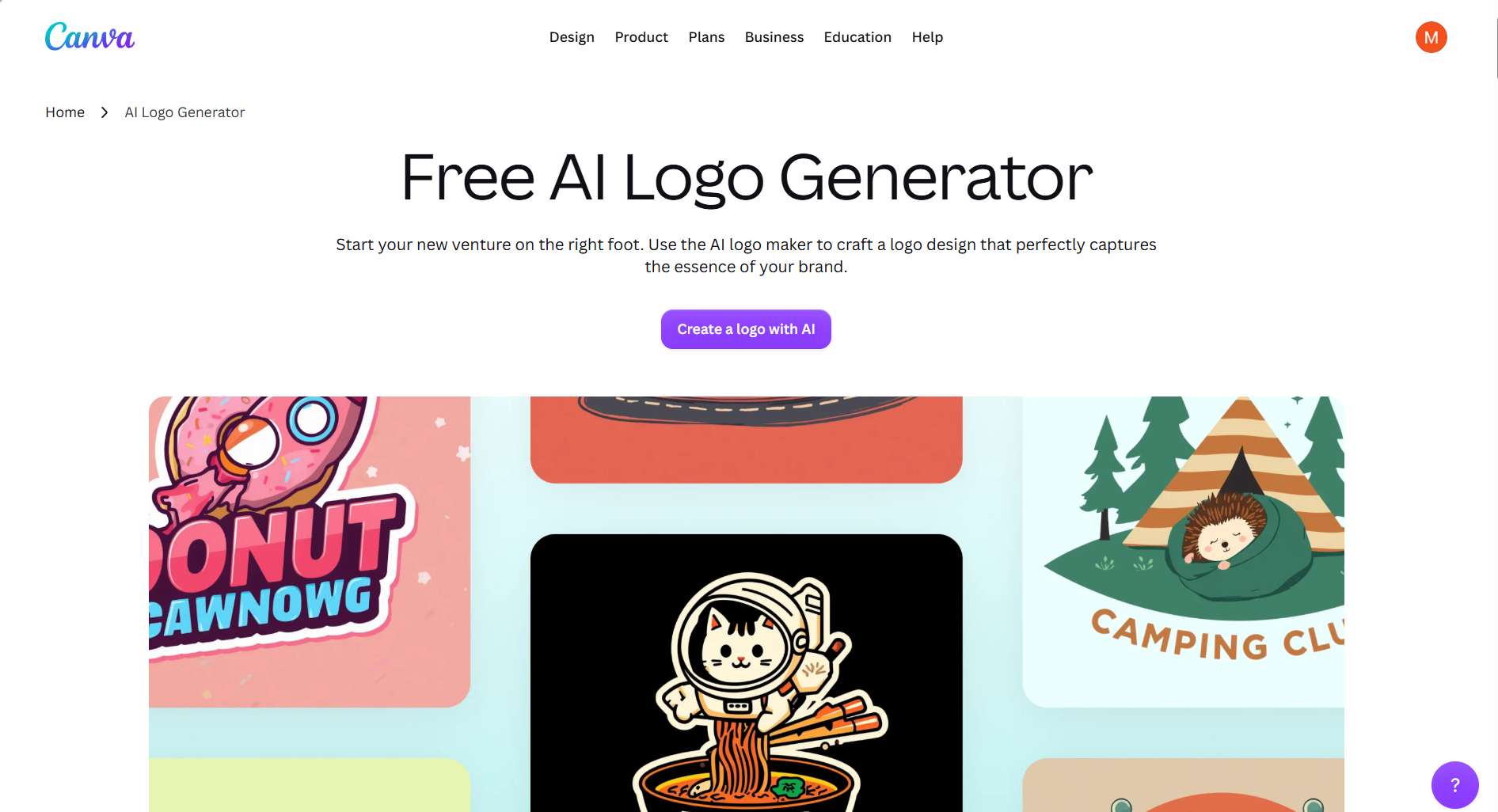
Canva is a free AI logo generator that combines AI logo creation with a user-friendly editor. Users can start with a prompt or choose ready-made templates, while styles, graphics, fonts, and layouts support creative exploration. The drag-and-drop editor lets users adjust elements without advanced design knowledge. Its wider design ecosystem makes Canva useful for entrepreneurs, content creators, beginners, and personal brands.
Main features
AI-Powered Logo Creation: Generates logo concepts from descriptions of a brand, preferred style, or creative vision.
Template-Based Design: Provides a large library of customizable templates for logos and other visual content.
Multiple Design Styles: Supports different visual approaches, including illustrations, sketches, 3D effects, and modern designs.
Drag-and-Drop Editing: Makes it simple to modify colors, fonts, images, layouts, and other elements using built-in editing tools.
Suitable for
Entrepreneurs and small businesses starting a new brand
Content creators and social media managers
Beginners who want an easy-to-use design platform
Users creating logos alongside social media and marketing graphics
Adobe Express
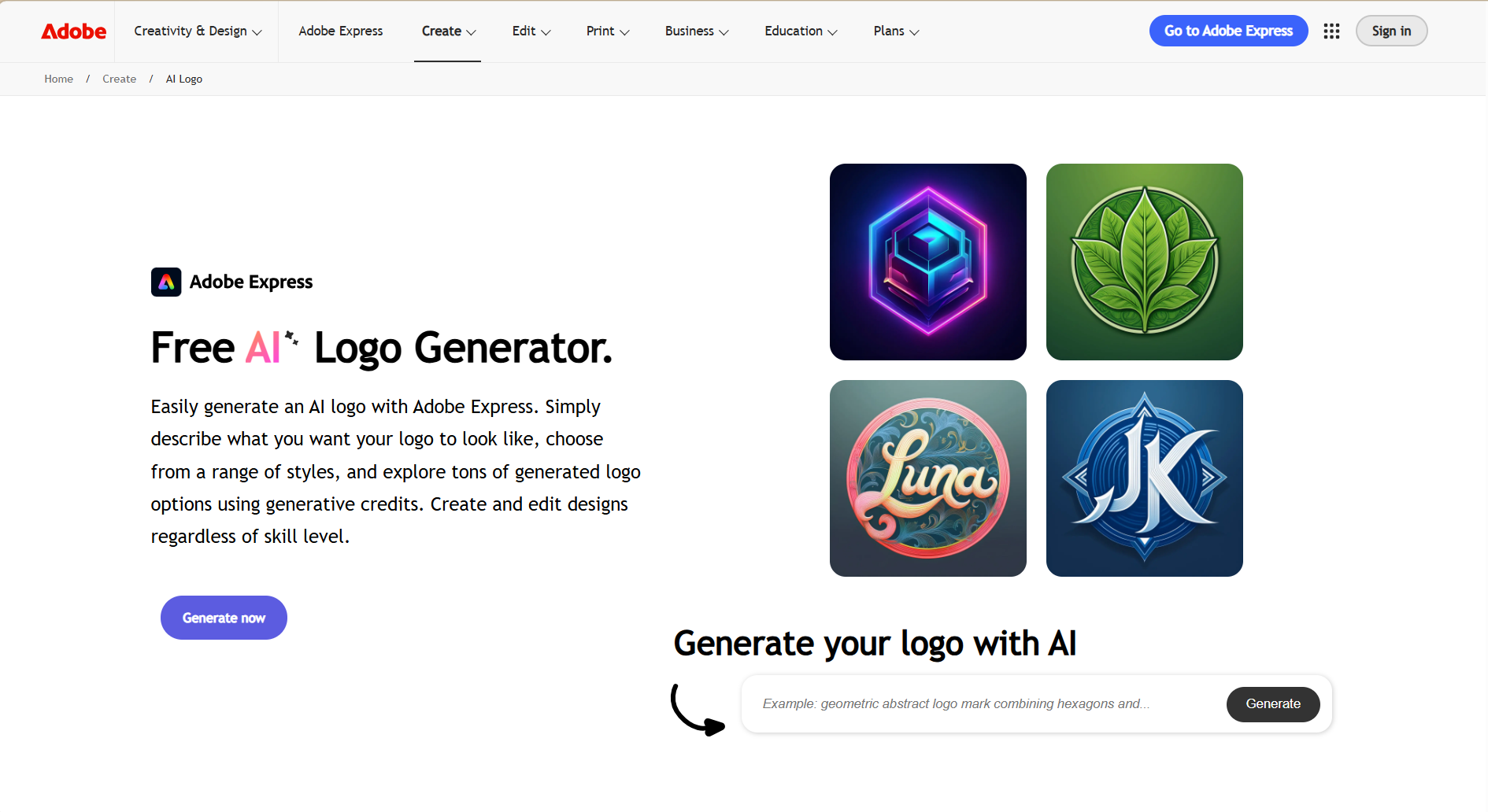
Adobe Express simplifies logo creation by combining Adobe's creative tools with AI-powered features. Firefly helps generate design ideas, while customizable templates provide quick starting points for different styles. Users can refine text, colors, shapes, images, and layouts through the built-in editor. This mix of AI creation and easy editing suits startups, beginners, content creators, and Adobe users.
Main features
AI Logo Suggestions: Generates logo ideas and visual directions from details such as a brand name, industry, or slogan.
Customizable Templates: Provides ready-made logo designs that can be adapted through changes to fonts, colors, icons, and styles.
Adobe Firefly Integration: Uses generative AI to create graphics, text effects, and design variations.
Flexible Editing: Lets users refine layouts, shapes, images, text, and other elements within the Express editor.
Suitable for
Small businesses and startups building a professional identity
Content creators and social media users developing online branding
Beginners seeking guided design tools and ready-made templates
Existing Adobe users managing branding across creative projects
Looka
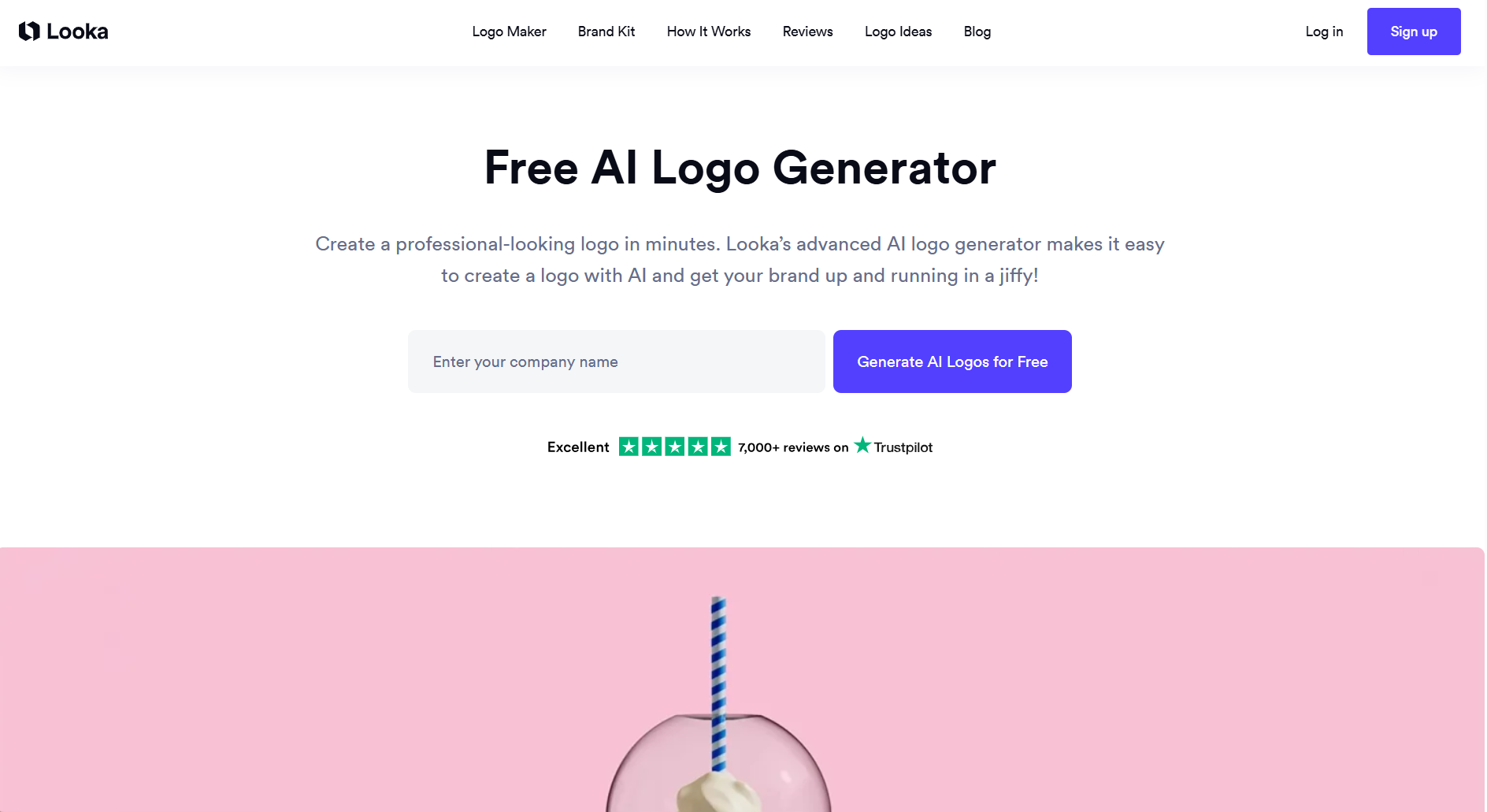
Looka is an AI logo generator that turns business details into a visual identity with minimal effort. Its AI considers colors, styles, icons, and business information to create logo designs tailored to your brand. After choosing a design, users can fine-tune typography, spacing, colors, layouts, and icons through the built-in editor. Looka also supports brand applications and mockups, making it useful for startups, entrepreneurs, small businesses, and rebranding. Looka lets you design and preview logos for free, with paid download packages starting at $20.
Main features
AI-Driven Logo Design: Generates multiple concepts based on business details, preferred styles, colors, and icons.
Built-in Customization: Enables users to adjust typography, colors, spacing, layouts, and icons after generation.
Brand Kit and Mockups: Helps apply the selected identity to business cards, social media assets, email signatures, and other branded content.
Beginner-Friendly Workflow: Guides users through the creation process without requiring previous design experience.
Suitable for
Startups and new businesses establishing their identity
Entrepreneurs and solopreneurs creating brand assets
Small businesses seeking cohesive marketing visuals
Existing brands planning a visual refresh or rebrand
Hostinger
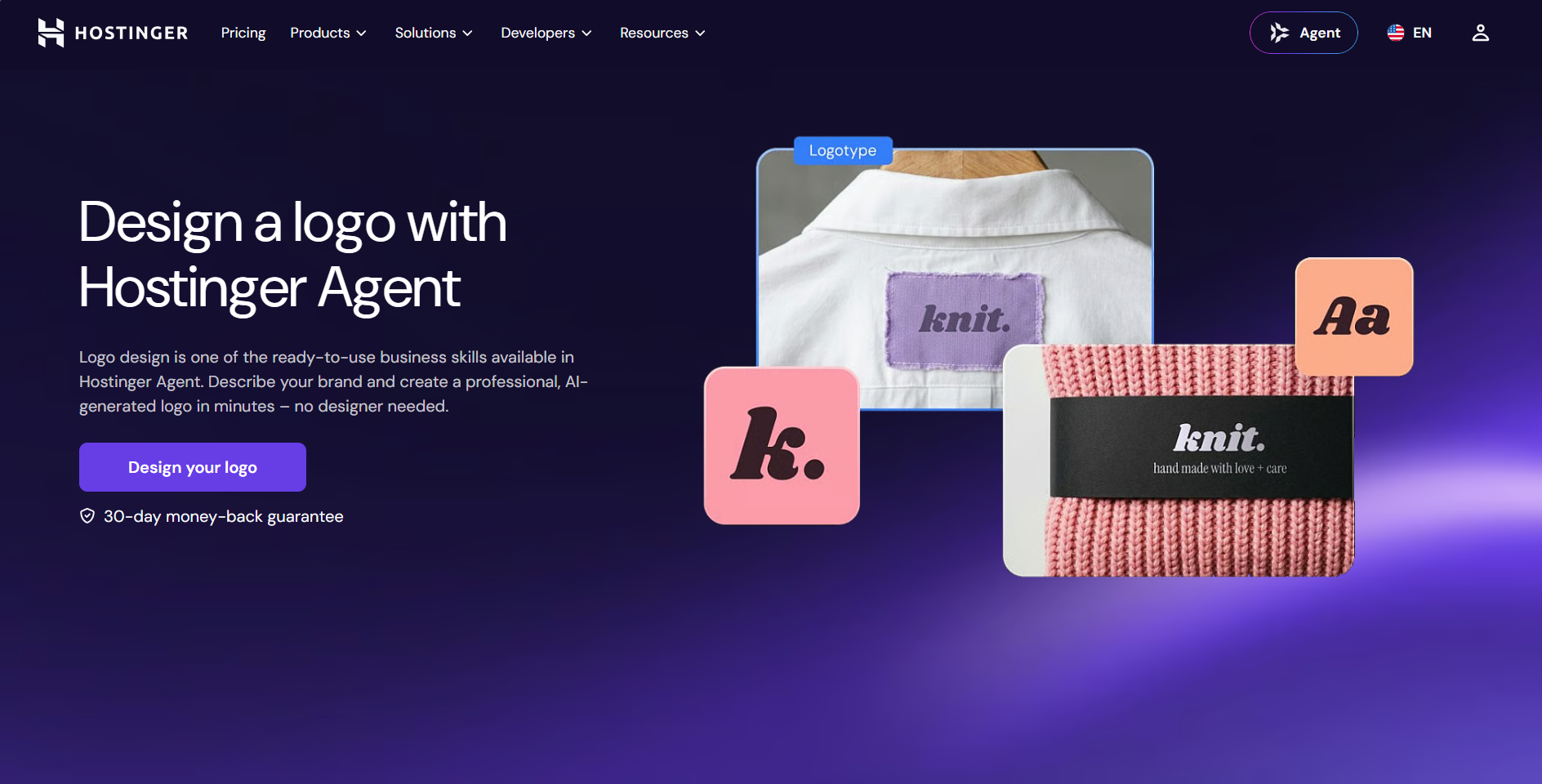
Hostinger combines AI logo creation with its website-building and hosting services, making branding easier for new businesses. It creates modern logo ideas from a business name and short description without requiring design experience. Different fonts, colors, symbols, and layouts can be adjusted to match the desired brand style. Its connection with other Hostinger tools also makes it convenient for users to build a complete online presence.
Main features
AI Logo Creation: Turns a business name and brief description into multiple logo designs within minutes.
Logo Customization: Lets users modify fonts, colors, symbols, layouts, and other visual elements.
PNG and SVG Export: Supports PNG and SVG formats for using logos across websites, social media, and print materials.
Integrated AI Tools: Works alongside Hostinger's AI tools for creating website content, product descriptions, blog posts, and custom images.
Suitable for
Small businesses and startups creating affordable professional logos
Bloggers and content creators building simple brand identities
Website owners integrating logos with online branding
Beginners seeking easy logo design without experience
Brandmark
Brandmark is a website for an AI logo generator that simplifies logo creation and brand identity design. It creates professional logo concepts from details such as the brand name, keywords, and preferred colors. Beyond logos, the platform includes tools for icons, color palettes, fonts, business cards, and social media graphics. These features make Brandmark useful for businesses and startups building a complete visual identity.
Main features
AI Logo Design: Creates multiple logo concepts from basic brand details and preferences.
Generative Icon Designer: Produces unique vector icons from simple text prompts.
AI Color Wheel: Suggests balanced color palettes based on different moods and preferences.
Font Generator: Recommends professional font combinations suited to brand personality and readability.
Suitable for
Small businesses creating complete professional brand identities
Startup founders developing consistent branding for new ventures
Freelancers designing social media and promotional assets
App developers creating logos and website favicons
OpenArt
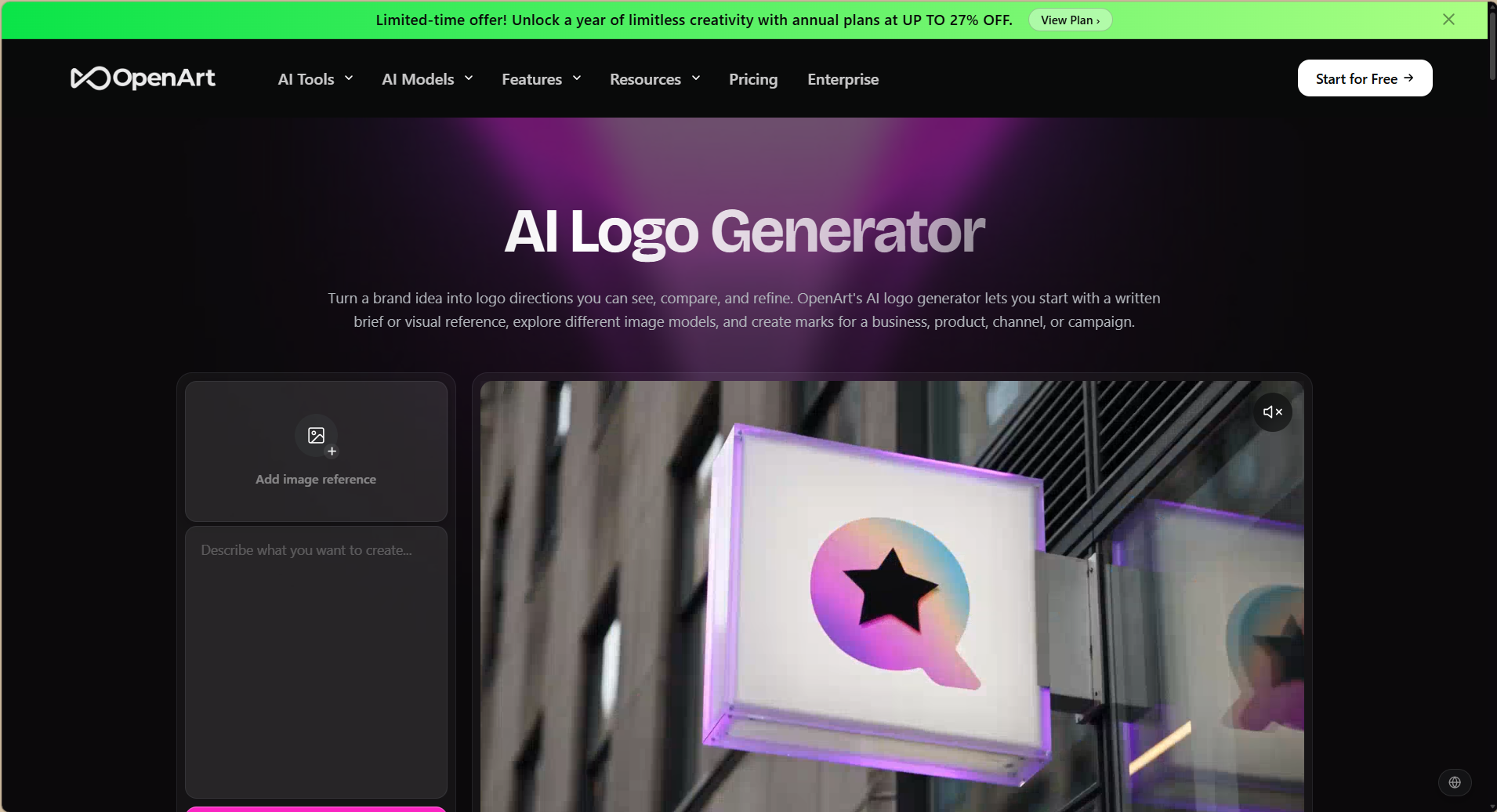
OpenArt is a professional AI logo generator that gives creators a flexible way to develop logos using text prompts or visual references. Multiple AI models can turn the same idea into different styles, making it easier to explore creative directions. Generated designs can be refined by adjusting colors, fonts, shapes, and other visual details. Its flexible approach makes OpenArt useful for businesses, content creators, marketers, and designers.
Main features
Text and Visual Inputs: Starts logo creation from written descriptions or reference images.
Multiple AI Models: Produces different logo styles from the same design brief.
Flexible Branding: Creates logos for businesses, products, campaigns, channels, and social media.
Iterative Refinement: Enables adjustments to colors, fonts, shapes, and overall visual style.
Suitable for
Small businesses and startups developing professional brand identities
Content creators building logos for social platforms
Marketing teams exploring multiple campaign logo concepts
Graphic designers seeking creative starting points
How to pick the right AI logo creator
With many AI logo creators available, selecting the right tool can make the design process faster and more effective. The best choice depends on factors such as design features, customization options, ease of use, and your branding needs. Consider the following factors to choose the right option for your logo design.
Define your brand style and goals first
Before choosing a tool, decide what you want your logo to represent. Consider your brand, target audience, colors, and preferred visual style. Having clear goals will help you select an AI logo creator that fits your specific branding needs.
Check sample logos for quality and style fit
Review sample logos to understand the quality a platform can produce. Look at the designs, colors, fonts, and styles to see whether they match your expectations. A tool with suitable examples is more likely to create a logo that fits your brand.
Test ease of use before committing
Choose a platform that is simple to understand and easy to navigate. Try creating a basic logo and exploring the main features before making a final decision. A user-friendly tool can save time and make the design process more comfortable.
Review editing options for fonts, colors, and layouts
Make sure the platform gives you enough control after generating a logo. Check whether you can adjust fonts, colors, icons, spacing, and layouts according to your needs. Flexible editing features make it easier to create a logo that matches your brand style.
Confirm file formats and resolution
Check which file formats the platform supports before downloading your final design. Formats such as PNG and SVG can be useful for websites, social media, and printed materials. Also, confirm that the logo has enough resolution for clear results across different uses.
Verify commercial usage rights
Read the licensing terms carefully if you plan to use the logo for a business. Some platforms may have specific rules about ownership, downloads, or commercial use. Clear usage rights help you avoid problems when using the logo for branding and marketing.
Read user reviews for reliability
User reviews can give you a better idea of how well an AI logo creator works. Pay attention to comments about design quality, editing features, downloads, and customer support. Consistent positive feedback can help you choose a reliable platform with fewer issues.
Conclusion
Creating a professional logo no longer requires advanced design skills or hours of manual work. AI logo generators make it easier to turn brand ideas into refined logos for businesses, websites, social media, and other projects. Each platform comes with different features, helping you choose an option that matches your branding goals and design needs. For a flexible and easy starting point, try Kimi Design and see how quickly your ideas can become professional logos.