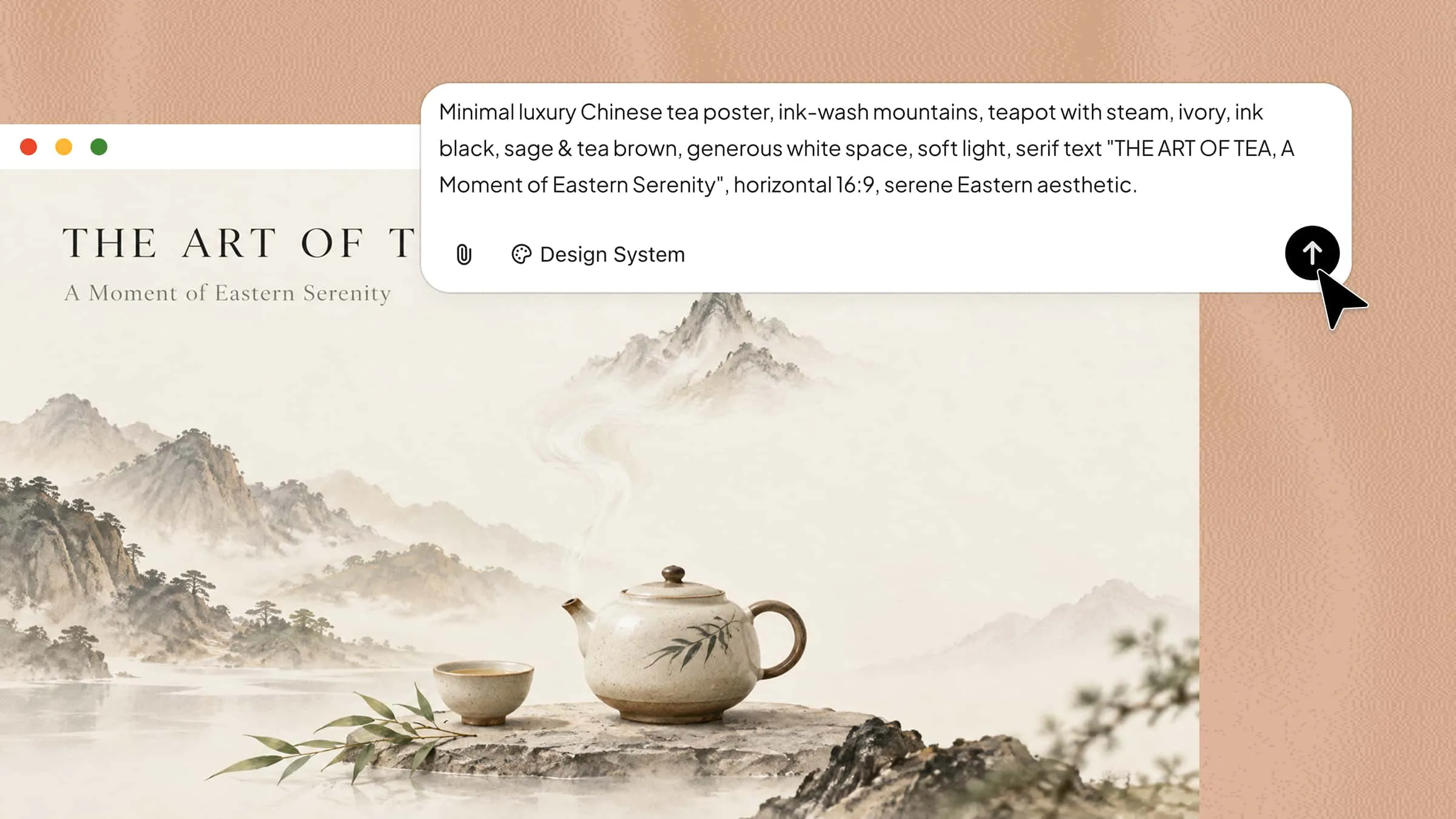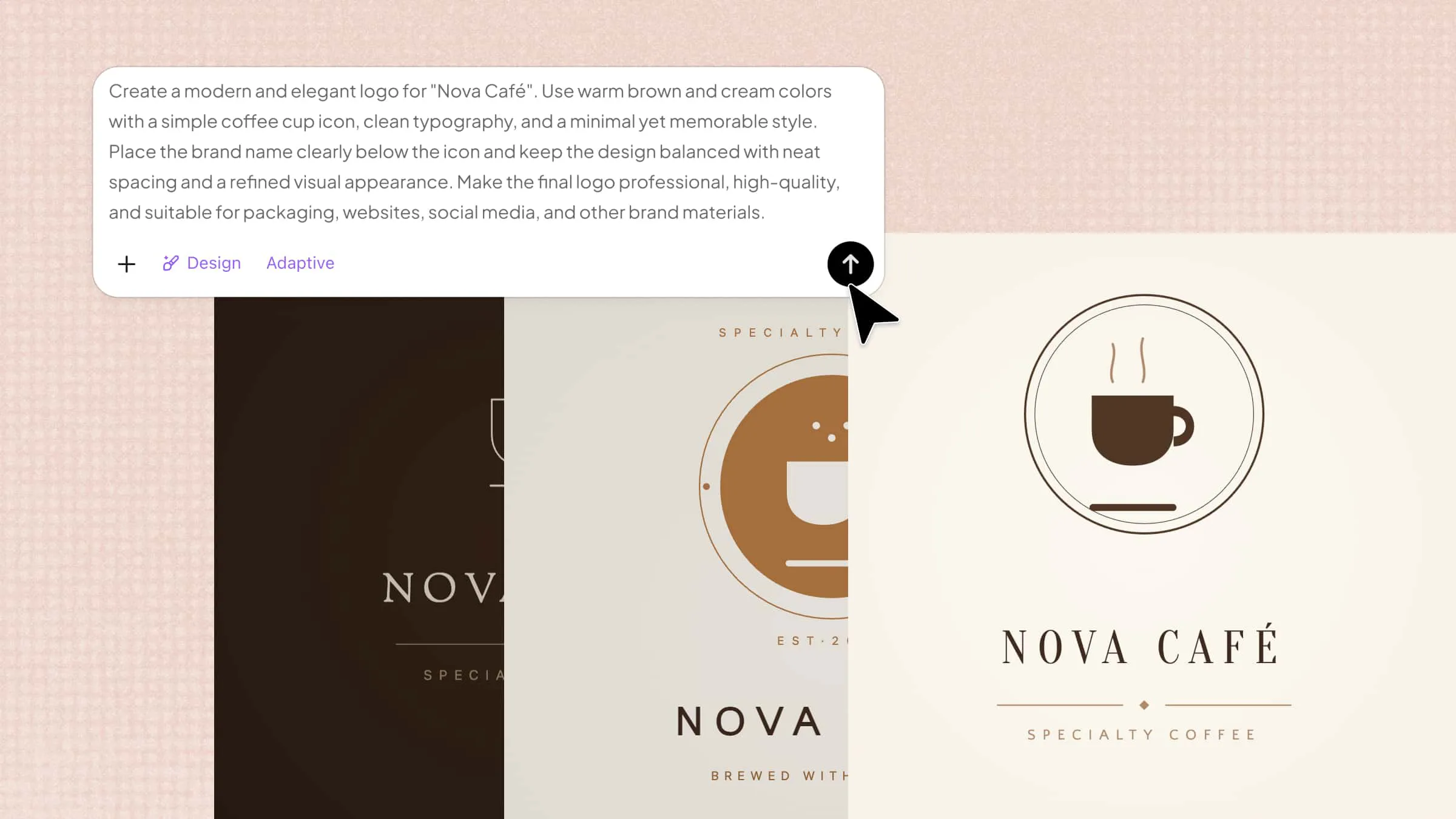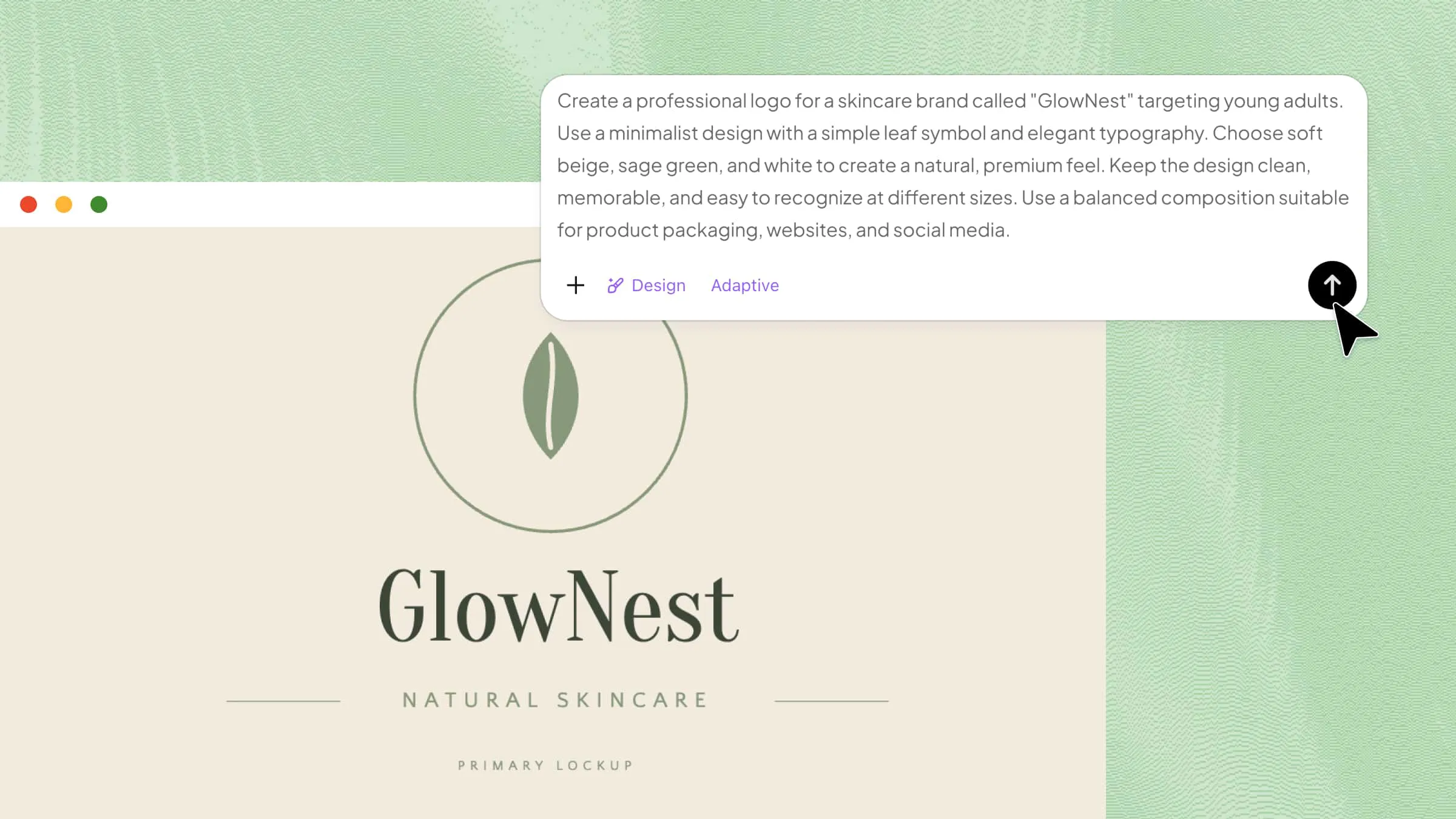
You no longer need strong design skills to create eye-catching images from your ideas. AI text-to-image tools let you describe what you want, and AI turns your words into a visual within seconds. Some are great for quick and simple designs, while others offer more creative control and better output quality. Read on to discover 10 tools worth trying and see which one works best for you.
Overview of 10 AI text-to-image tools
Choosing the right AI text-to-image generator depends on your creative goals, editing needs, and budget. Compare these 10 tools to find the right fit for turning prompts into visuals.
| AI text-to-image generator | Key features | Editing capabilities | Suitable for |
|---|---|---|---|
| Kimi Design | Text prompts, image and video references, multiple styles and canvas sizes | Conversational AI edits, manual adjustments, editable design elements | Editable designs and creative visuals |
| ChatGPT (GPT Image 2) | Detailed prompts, image generation, reference-based editing | Prompt-based image editing | General-purpose image creation |
| Midjourney | Creative styles, image references, aspect ratio controls | Variations, inpainting and other image editing tools | Artistic and stylized images |
| Adobe Firefly | Text-to-image, generative editing, Adobe integration | AI-powered additions, removals and replacements | Professional creative workflows |
| Google Gemini (Nano Banana Pro) | Natural-language image generation, text rendering, image transformation | Prompt-based image editing | Infographics and information-rich visuals |
| Ideogram 4.0 | Text rendering, layout guidance, color control | Image variations and editing tools | Typography and graphic design |
| FLUX.2 | Detailed prompt understanding, reference images, API integration | Depending on the model and platform used | Developers and advanced image generation |
| Microsoft Designer Image Creator | Prompt-based generation, design tools, Microsoft integration | Image enhancement and design editing | Beginners and quick visuals |
| Canva Magic Media | Text-to-image, style options, integration with Canva designs | Edit the surrounding design in Canva | Social media and presentation graphics |
| Recraft | Raster and vector generation, SVG output, multiple design styles | Vector editing, background removal and image refinement | Vector graphics, icons and brand assets |
Explore 10 AI text-to-image generators
The right image generator can make a big difference in how quickly and easily you bring your ideas to life. From simple prompt-based tools to platforms with more creative controls, there are plenty of options to choose from. Here are 10 text-to-image generators you can explore to find the best match for your needs.
Kimi Design
Kimi Design is an AI-powered design platform that turns text prompts into images and creative visuals. It uses AI image generation to understand your instructions and create visuals based on details such as style, subject, layout, and overall look. The platform is designed to make image creation faster without requiring advanced design skills.
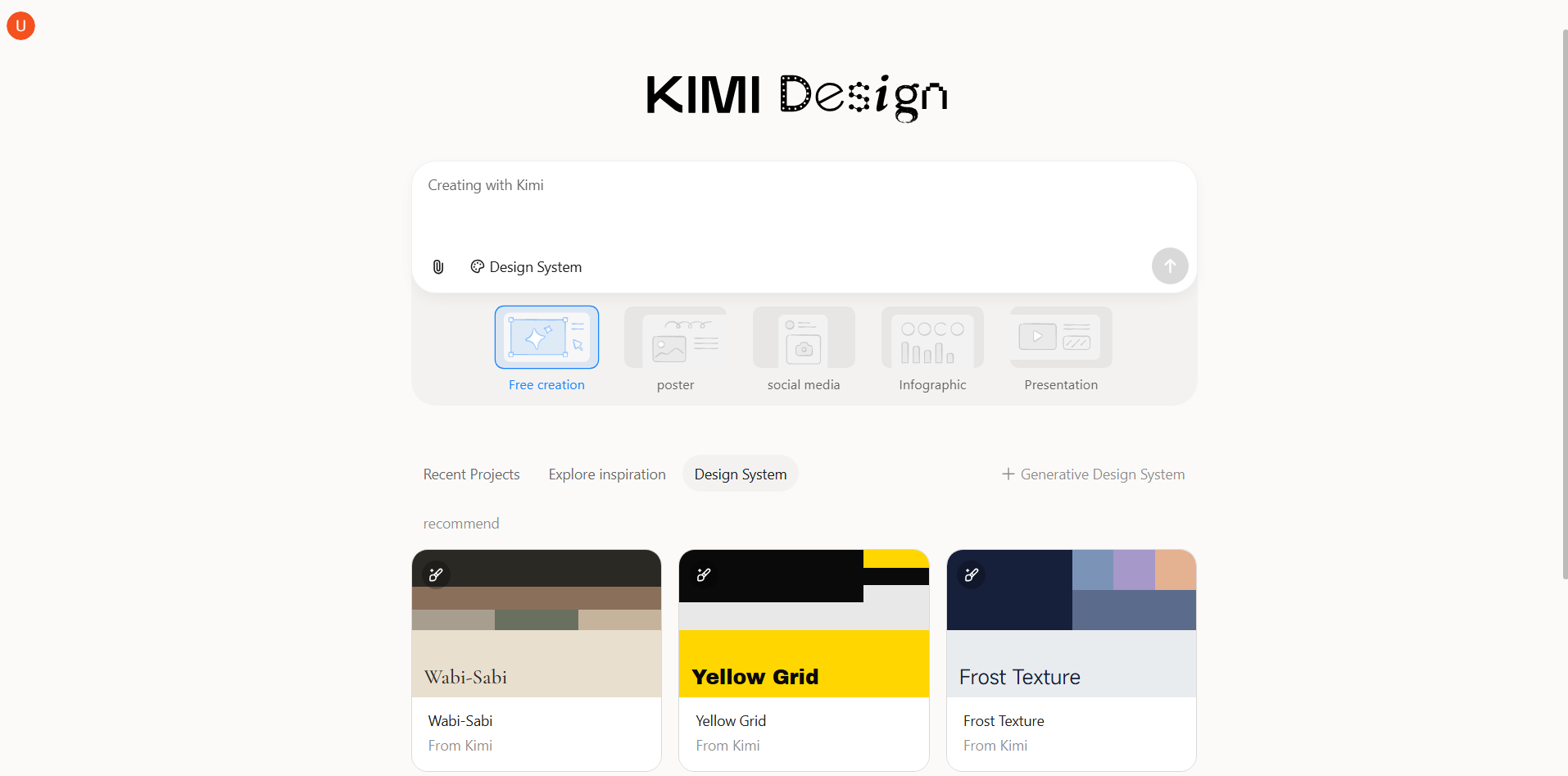
Main features
Turn ideas into visuals with prompts and visual references
Start with a description of what you want to create, from the subject and message to the overall visual direction. Add an image or video reference when you already have a style, composition, or visual idea in mind. Kimi Design combines your instructions and references to produce a design tailored to your creative brief.
Adapt your designs to different creative needs
Take your concept in different visual directions, whether you want a clean minimalist look, an editorial composition, a 3D aesthetic, a vintage feel, or a hand-drawn style. Set the canvas to common formats such as social posts, Stories, A4, A3, and presentations, or define your own dimensions for more specific requirements.
Make changes without starting over
Keep working from the design you already have instead of rebuilding it from scratch. Describe the changes you want in everyday language and let AI handle the adjustments. For more focused edits, comment on individual elements or modify them manually on the canvas for greater precision.
Develop multiple versions and take the final design anywhere
Explore several interpretations of the same creative idea to see which direction works best. Once you find a version you like, continue refining it and export the finished work in formats such as PNG, JPG, or PPTX for use across different projects and platforms.
Suitable for
Content creators who need visuals for social media, blogs, and videos
Designers looking to quickly create and explore different design concepts
Marketers creating promotional graphics, product visuals, and campaign materials
Businesses that need visuals for websites, presentations, and social media
How to turn text into an image using Kimi Design
Turning a text prompt into a finished image with Kimi Design only takes a few simple steps. Follow the process below to create a visual based on your idea and refine it to match your needs.
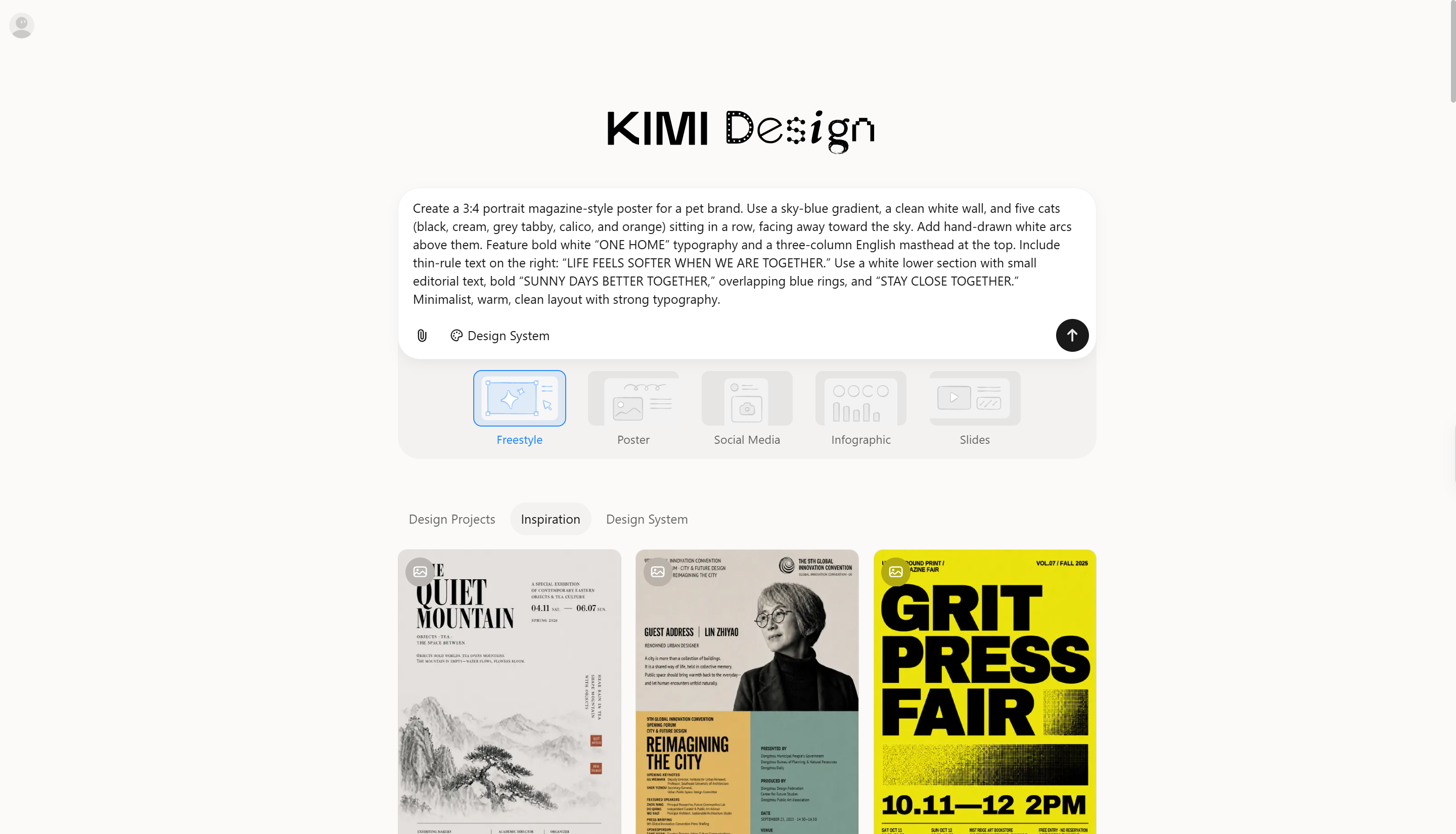
Step 1: Enter a clear prompt
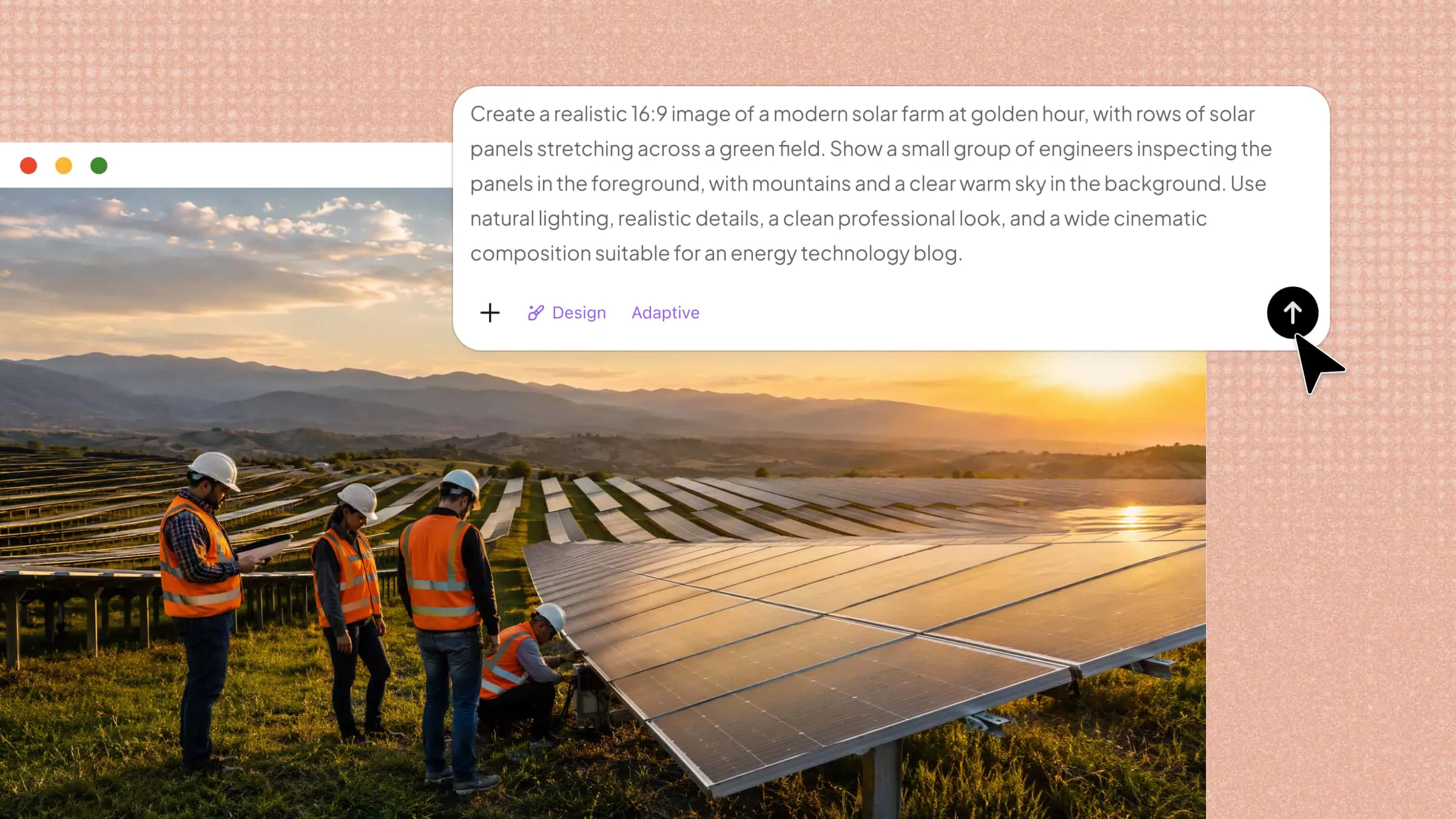
Start with a specific prompt that tells Kimi Design what you want to see, including the subject, setting, style, lighting, composition, and image format.
Example prompt:
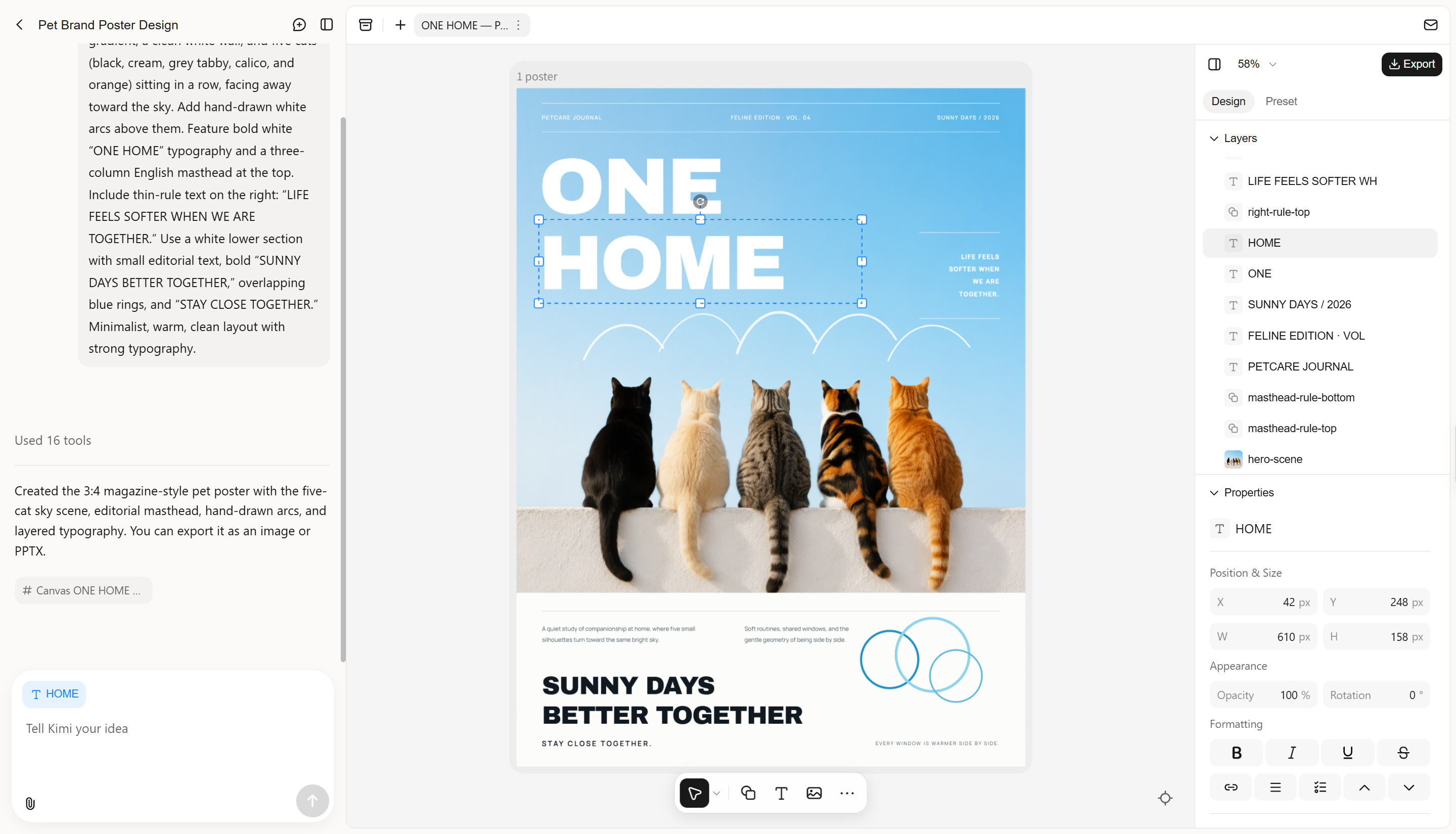
Step 2: Edit and refine
Enter editing mode and refine your AI-generated image. Adjust colors, composition, lighting, and other visual elements using Kimi Design's editing tools, or provide additional AI instructions to modify specific details. Fine-tune the result to match your creative vision and achieve the look you want.
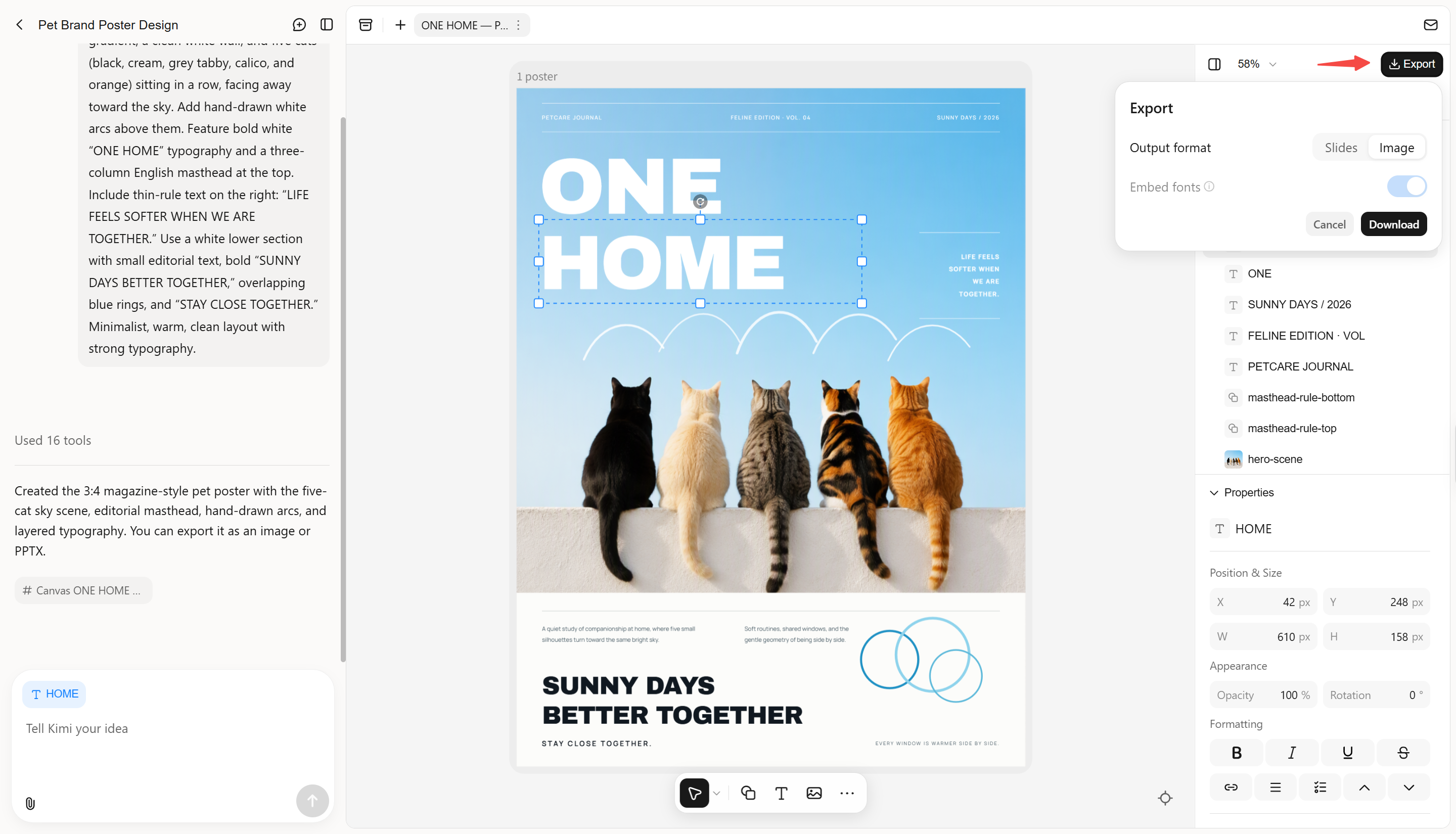
Step 3: Review and download the file
Review the generated image to check whether it matches your prompt and make any changes if needed. Once you are happy with the result, refine it further or export the finished image in a suitable format such as PNG or JPG.
ChatGPT (GPT Image 2)
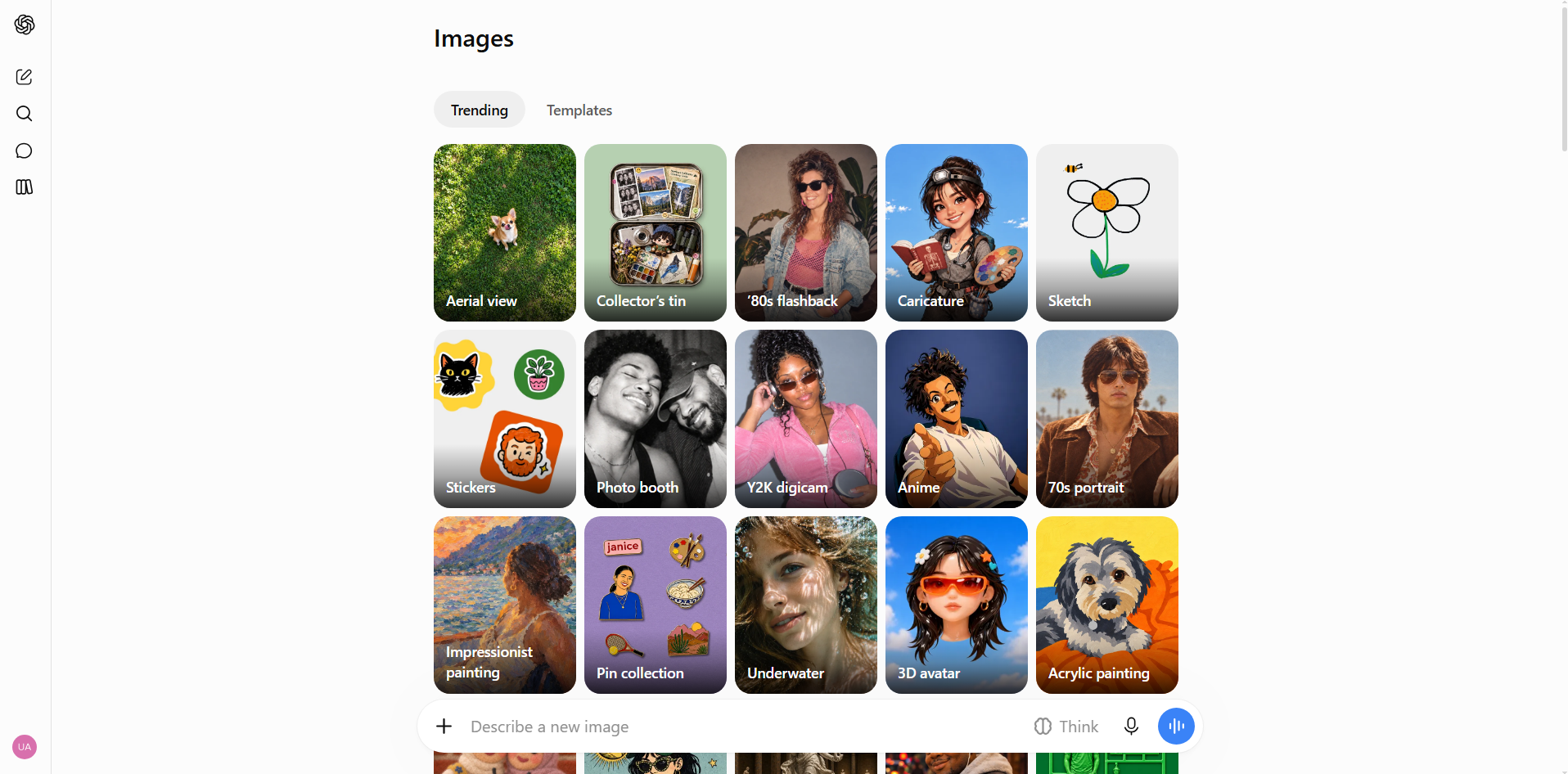
ChatGPT with GPT Image 2 is a multimodal AI image-generation model that creates and edits visuals from natural-language prompts. It can work from both text instructions and image references, allowing users to create new visuals or modify existing ones. The model is designed to handle detailed scenes, compositions, and visual instructions with strong prompt understanding.
Main features
Detailed image generation: GPT Image 2 can turn detailed descriptions into complete scenes while handling multiple subjects and visual elements.
Image editing and references: You can provide an existing image and describe the changes you want to make. This lets you refine a design without having to recreate the entire visual from the beginning.
Flexible image formats: The model supports different image dimensions, making it easier to create visuals for various content types. You can choose a format based on where you plan to use the final image.
API support: Developers can connect GPT Image 2 to applications through an API. This allows image generation to become part of automated tools, websites, and other digital products.
Suitable for
Beginners who want an easy way to create images with prompts
Content creators making blog and social media visuals
Marketers creating custom campaign graphics
Developers building AI image features into applications
Midjourney
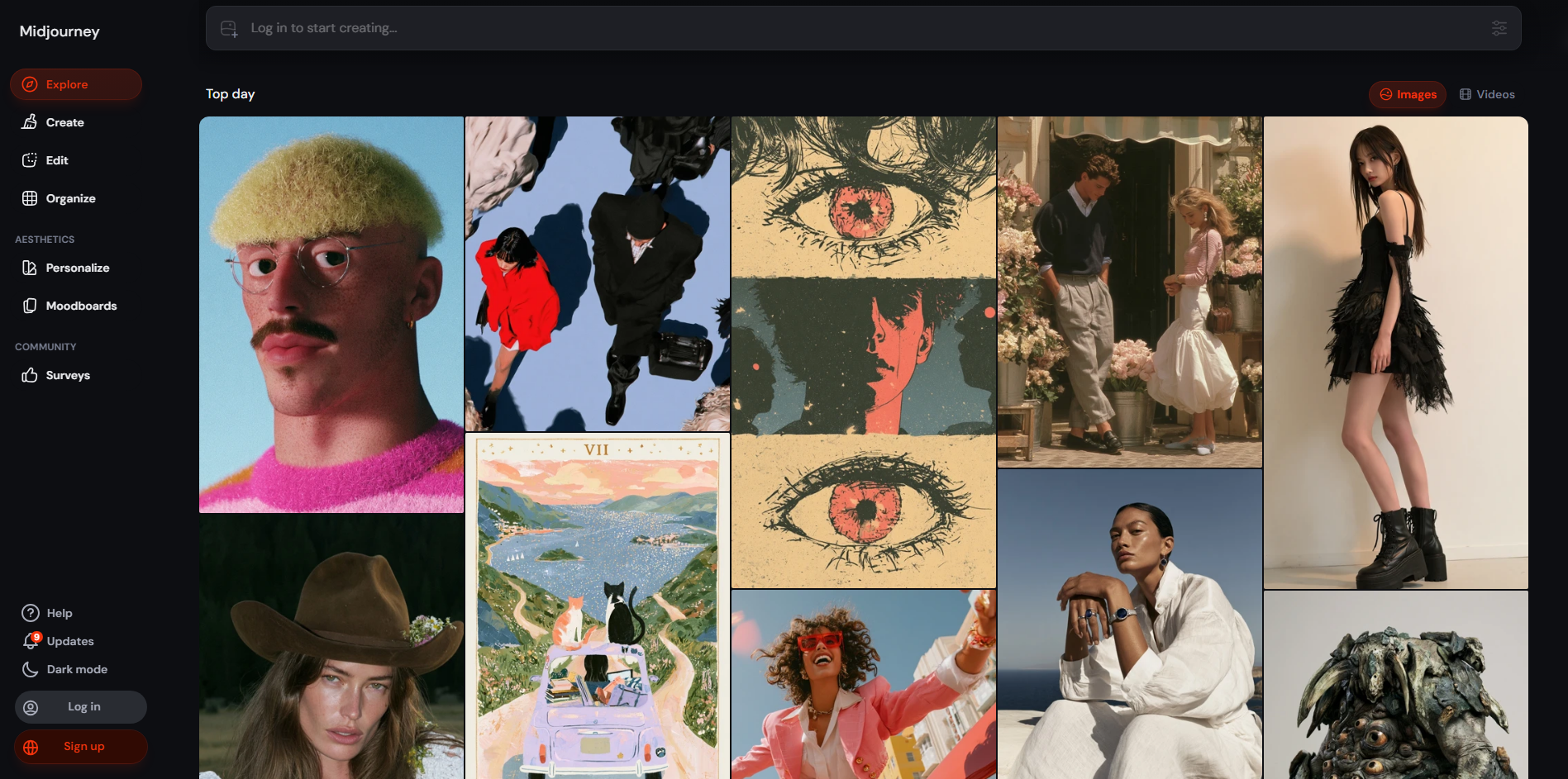
Midjourney is an AI image-generation platform known for producing detailed and highly artistic visuals. It focuses heavily on aesthetics, allowing users to explore different moods, styles, compositions, and creative directions. Its image-generation and editing features give users more control over the final appearance. The platform is particularly useful when visual quality and artistic style are the main priorities.
Main features
Artistic image generation: Midjourney can create visually rich images with strong attention to atmosphere, lighting, and style. It works well for cinematic, fantasy, editorial, and concept-art prompts.
Style customization: Users can guide the visual appearance of their generations using different style and personalization controls. This makes it easier to develop images that follow a particular creative direction.
Image references: Reference images can be used to influence the appearance of new generations. This is helpful when you want to carry over elements such as a character, visual style, or overall aesthetic.
Creative controls: Midjourney offers settings that let users adjust aspects such as aspect ratio, variation, and the level of artistic interpretation. These controls give experienced users more room to experiment.
Suitable for
Artists exploring different creative styles
Designers creating eye-catching visual concepts
Creators making cinematic and artistic images
Users who want greater control over visual aesthetics
Adobe Firefly
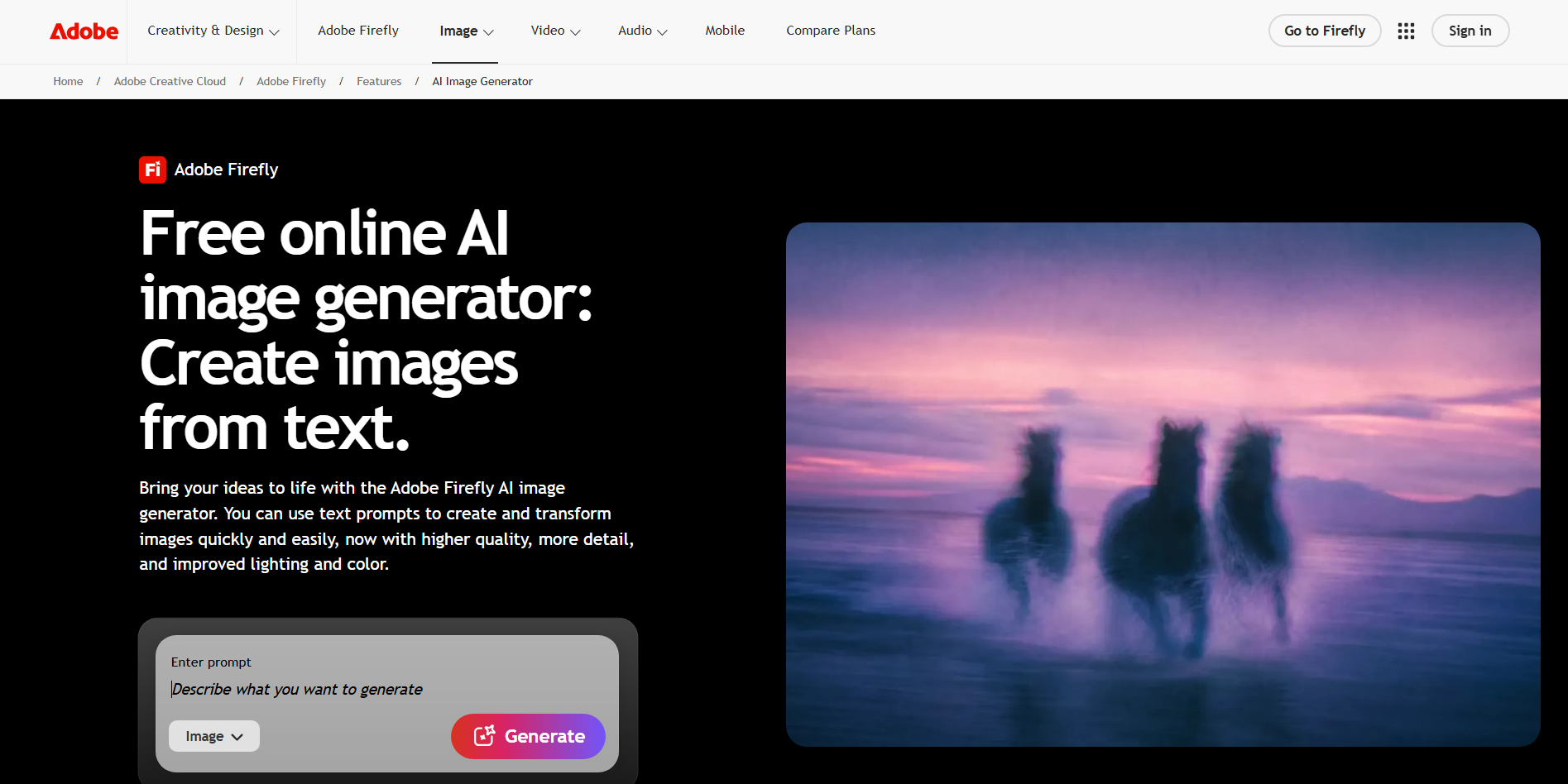
Adobe Firefly is a generative AI platform designed for creating and editing visual content. It combines text-based image generation with AI editing features and integrates with Adobe's broader creative ecosystem. The platform is built to support professional design workflows rather than image generation alone. It can be useful for producing marketing materials, illustrations, and other branded creative assets.
Main features
Text-to-image generation: Firefly turns written descriptions into images based on the subject, style, composition, and other details in the prompt.
Generative editing: Existing images can be modified using AI-powered editing features. You can add, remove, or replace visual elements without manually rebuilding the entire image.
Adobe workflow integration: Firefly works alongside Adobe's creative applications, allowing generated assets to become part of larger design projects.
Brand-focused tools: Firefly includes features designed for creating consistent visual content. This makes it useful when businesses need multiple assets that follow a similar creative direction.
Suitable for
Professional graphic designers
Marketing teams creating campaign assets
Businesses developing branded visuals
Adobe users adding AI to their design workflow
Google Gemini(Nano Banana Pro)
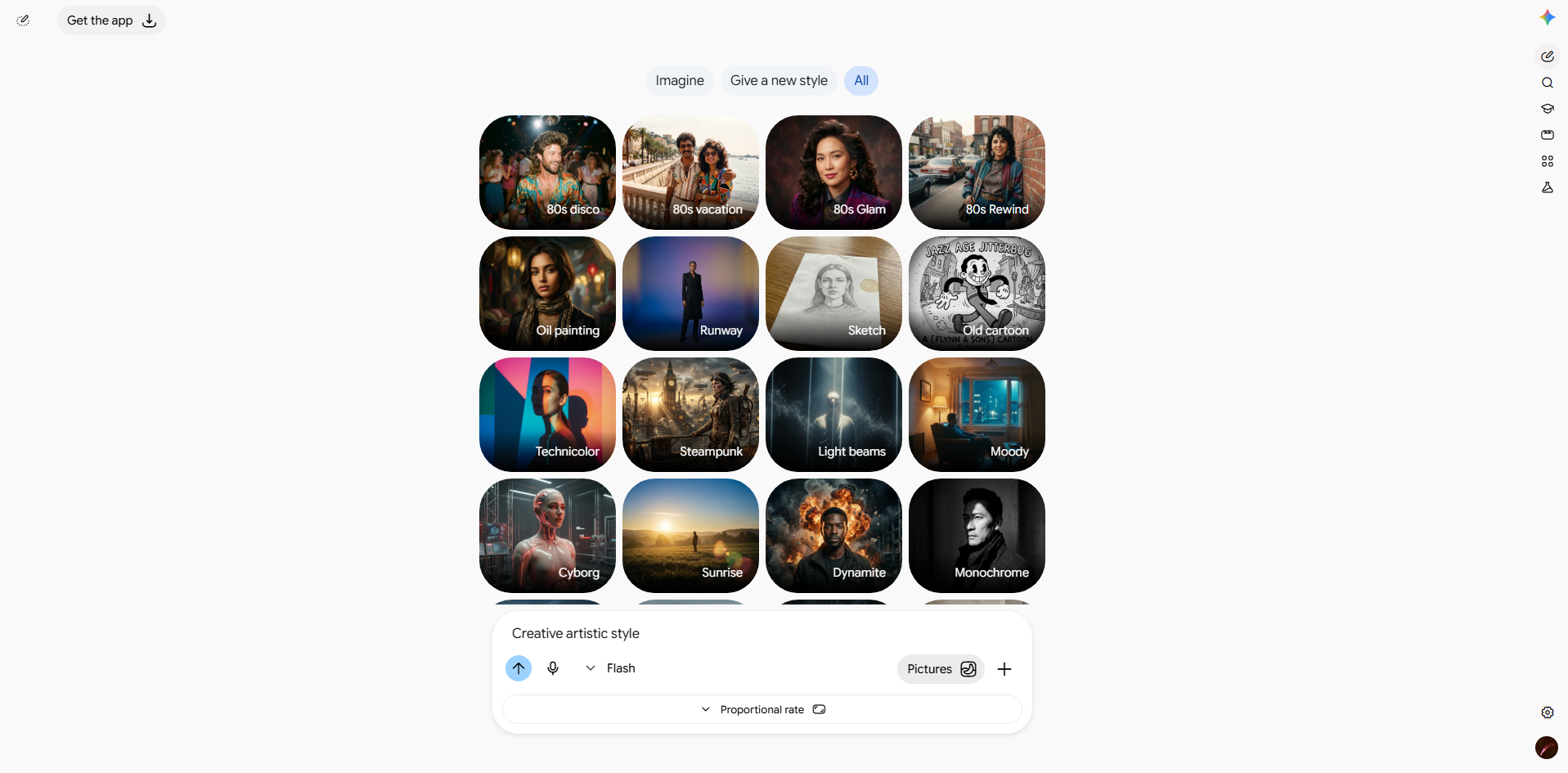
Google Gemini's Nano Banana Pro is an advanced image generation and editing model built into the Gemini ecosystem. It combines image creation with Gemini's reasoning capabilities, allowing it to handle detailed and information-rich visual requests. The model can create, modify, and transform images based on natural-language instructions.
Main features
Complex visual reasoning: Nano Banana Pro can interpret prompts containing multiple connected requirements. This makes it useful for creating scenes or graphics where several elements need to work together.
Clearer text in images: The model is designed to handle written content within generated visuals more effectively. This can help when creating posters, diagrams, presentations, and information-based graphics.
Image transformation: You can provide an existing image and describe how you want it changed. This allows you to adjust elements, develop new variations, or transform the visual into another style.
Information-rich visuals: Gemini can help turn ideas and information into diagrams, infographics, and visual explanations. This gives it uses beyond traditional AI artwork.
Suitable for
Students creating educational visuals and diagrams
Professionals making presentations and infographics
Content creators developing visual explainers
Users already working with the Gemini ecosystem
Ideogram 4.0
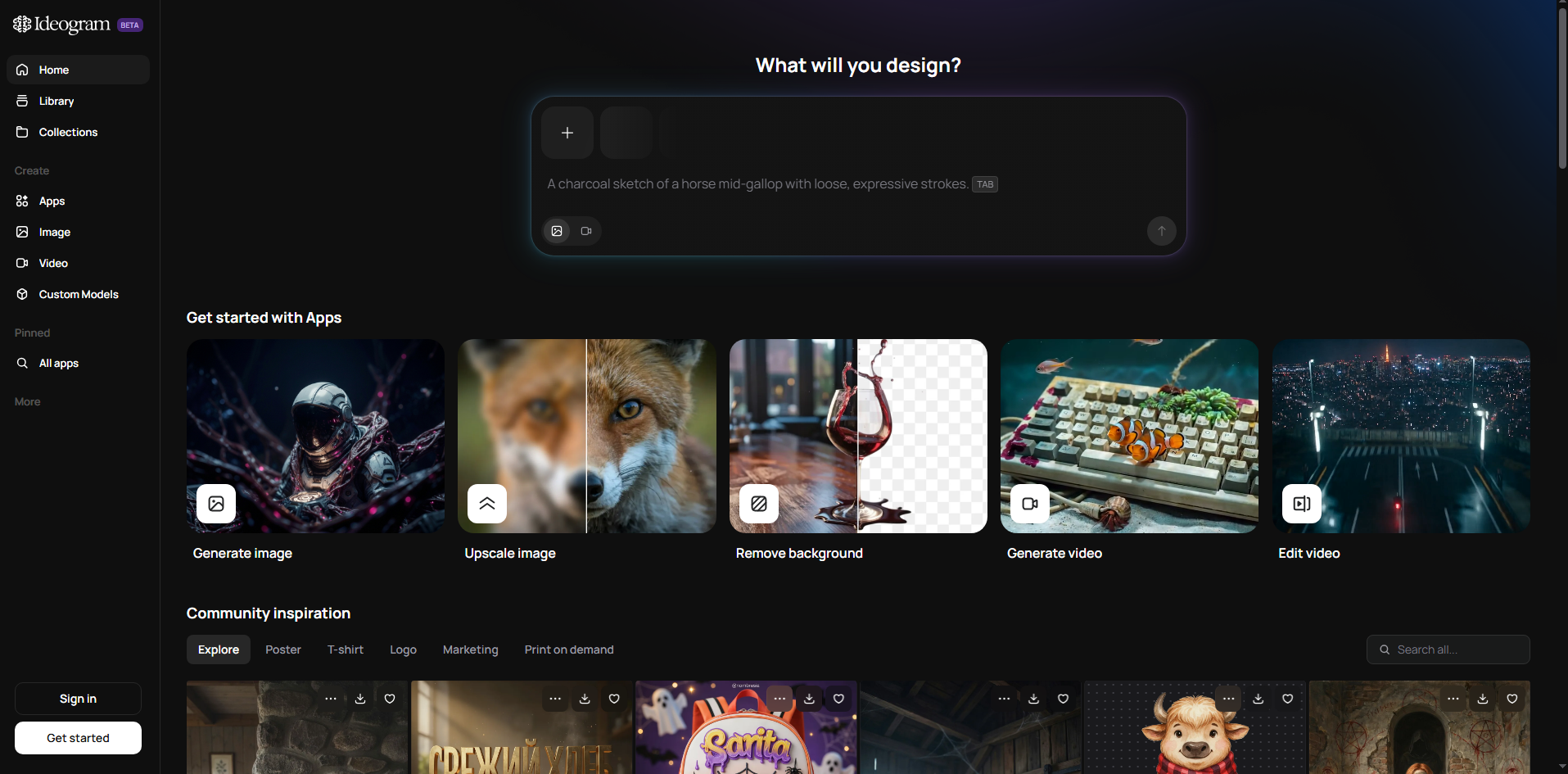
Ideogram 4.0 is an AI image-generation model designed with a strong focus on typography, layouts, and graphic design. It can generate both realistic images and more stylized visual content while giving users control over elements such as text and color. Its design-focused approach makes it different from tools that mainly concentrate on artistic image generation.
Main features
Text rendering: Ideogram is well suited to images that contain readable words, such as posters, signs, advertisements, and titles. You can include the exact text you want in the prompt and build the surrounding design around it.
Layout control: Users can guide where important elements should appear within the image. This provides more control over the placement of text, objects, and other design components.
Color control: Ideogram allows users to guide the colors used in their creations. This can help maintain a particular visual theme or match a brand's color palette.
High-resolution generation: Ideogram 4.0 can produce detailed, high-resolution visuals suitable for a range of creative projects. This makes it useful for both digital content and polished design concepts.
Suitable for
Designers creating posters and advertisements
Marketers making text-based promotional graphics
Brands developing visual assets with specific colors
Creators making covers, signs, and merchandise designs
FLUX.2
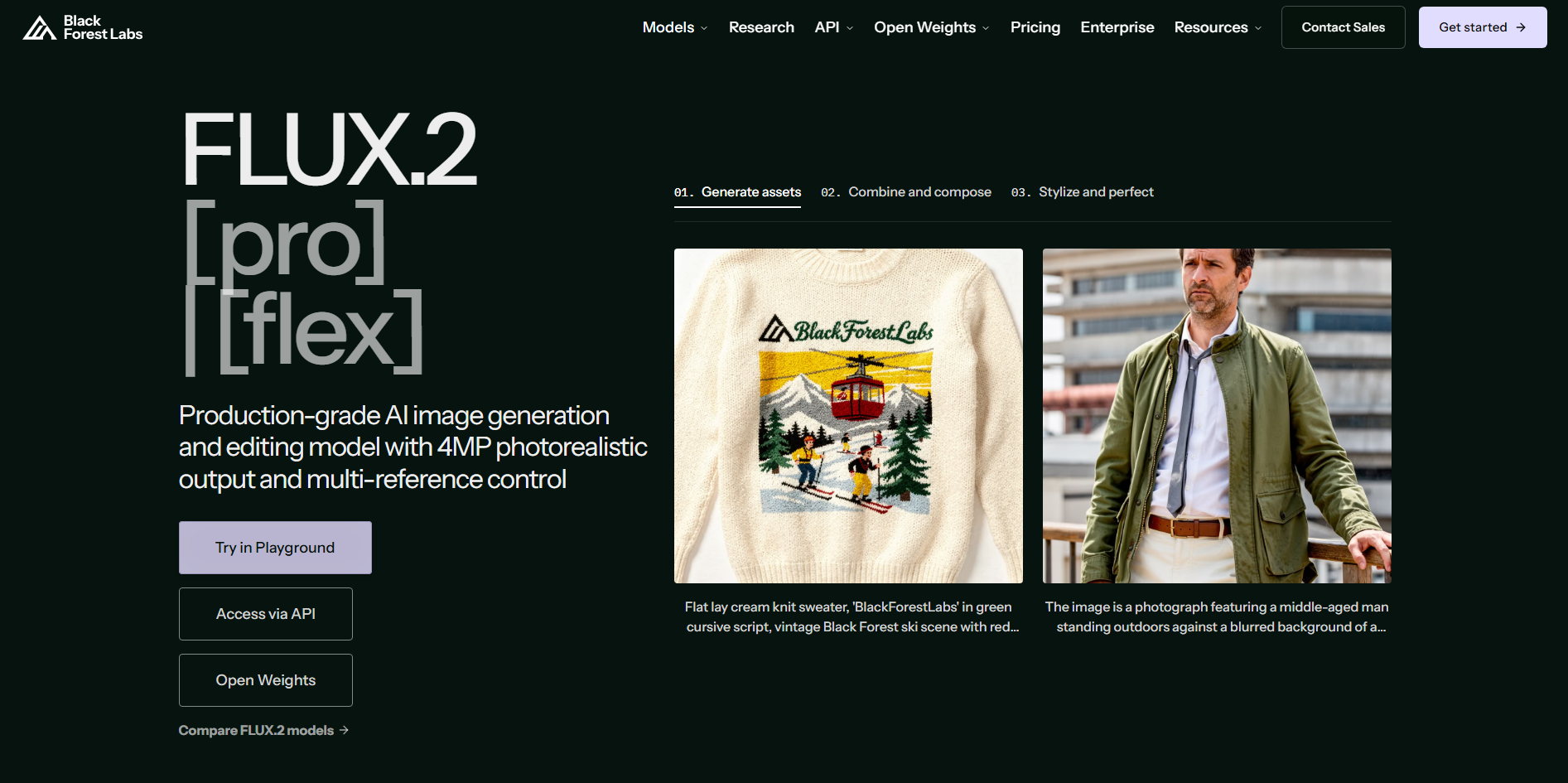
FLUX.2 is a family of AI image-generation models from Black Forest Labs that focuses on image quality, prompt understanding, and greater control. It is available through different platforms and developer environments rather than being limited to one consumer application. This makes FLUX.2 suitable for both creative experimentation and technical image-generation workflows.
Main features
Strong prompt understanding: FLUX.2 can interpret detailed instructions and combine multiple elements into a single visual. This is useful for users who want more precise results from longer or technically detailed prompts.
Reference image support: Image references can help guide the generation toward a particular subject or visual direction. This gives creators another way to influence the final result beyond text alone.
Developer integration: FLUX models can be accessed through various developer platforms and APIs. This allows businesses to build image-generation features into their own applications and workflows.
Model flexibility: The FLUX ecosystem includes models suited to different performance requirements. Users can choose an option depending on whether they prioritize generation speed, quality, or greater control.
Suitable for
Developers building custom AI image applications
Advanced users experimenting with image models
Designers who need more generation control
Teams developing AI-powered creative workflows
Microsoft Designer Image Creator
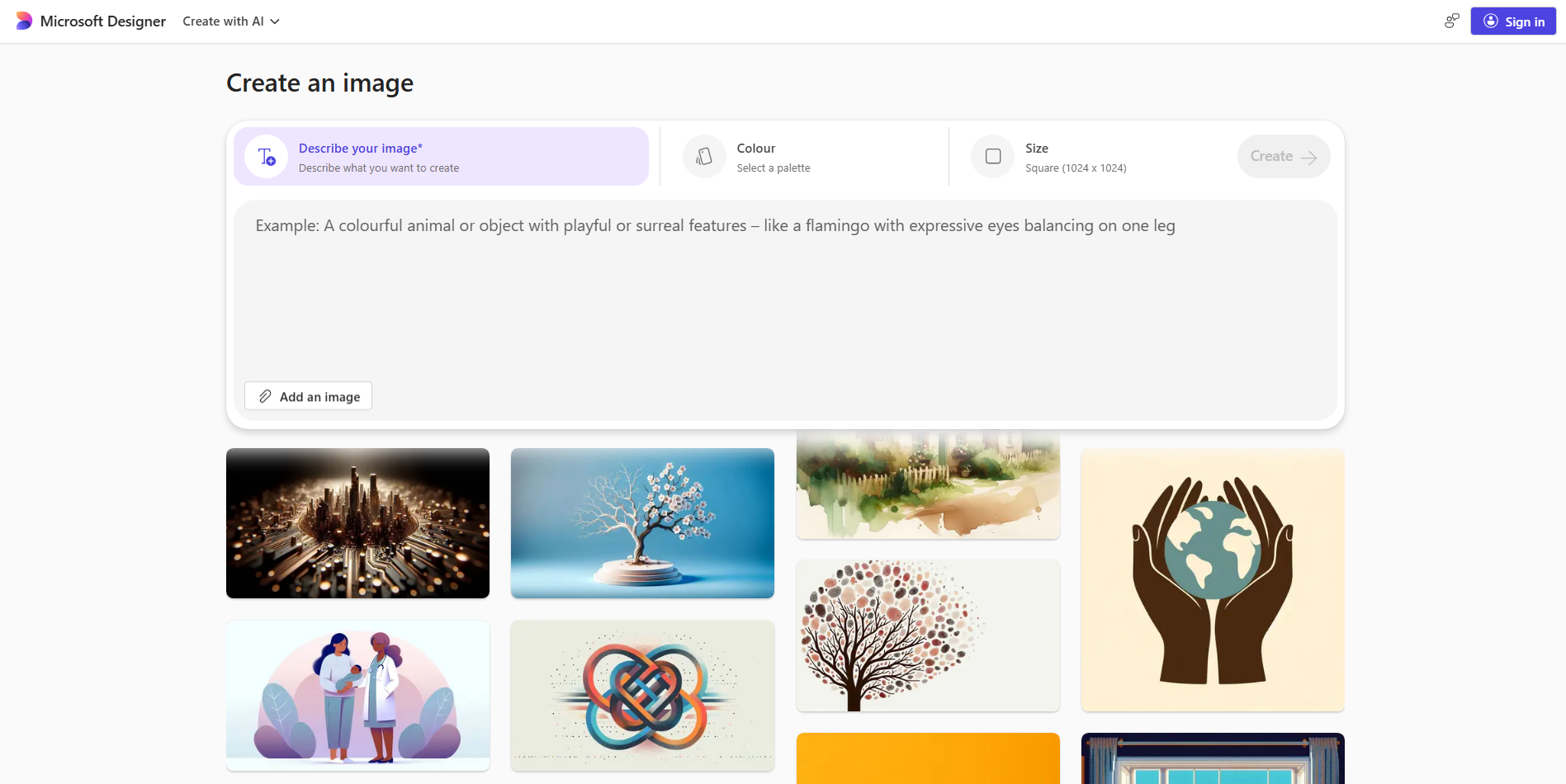
Microsoft Designer Image Creator is an AI-powered tool that generates visuals from written prompts. It combines image generation with a wider set of design and editing features, so users can continue working on a visual after it has been created. The interface is designed to be approachable for people without advanced design experience.
Main features
Prompt-based creation: Users can describe an image in everyday language and let AI generate a visual based on the description.
Design editing tools: Generated images can be used as part of larger designs and adjusted using Designer's editing features.
Image enhancement: AI-powered features can improve or modify images after generation. This is useful when a visual needs additional cleanup or adjustments before use.
Microsoft integration: Designer connects with parts of the Microsoft ecosystem, making it convenient for users who already work with Microsoft products.
Suitable for
Beginners creating their first AI images
Students making presentation graphics
Social media creators producing quick visuals
Microsoft users who want simple AI design tools
Canva Magic Media
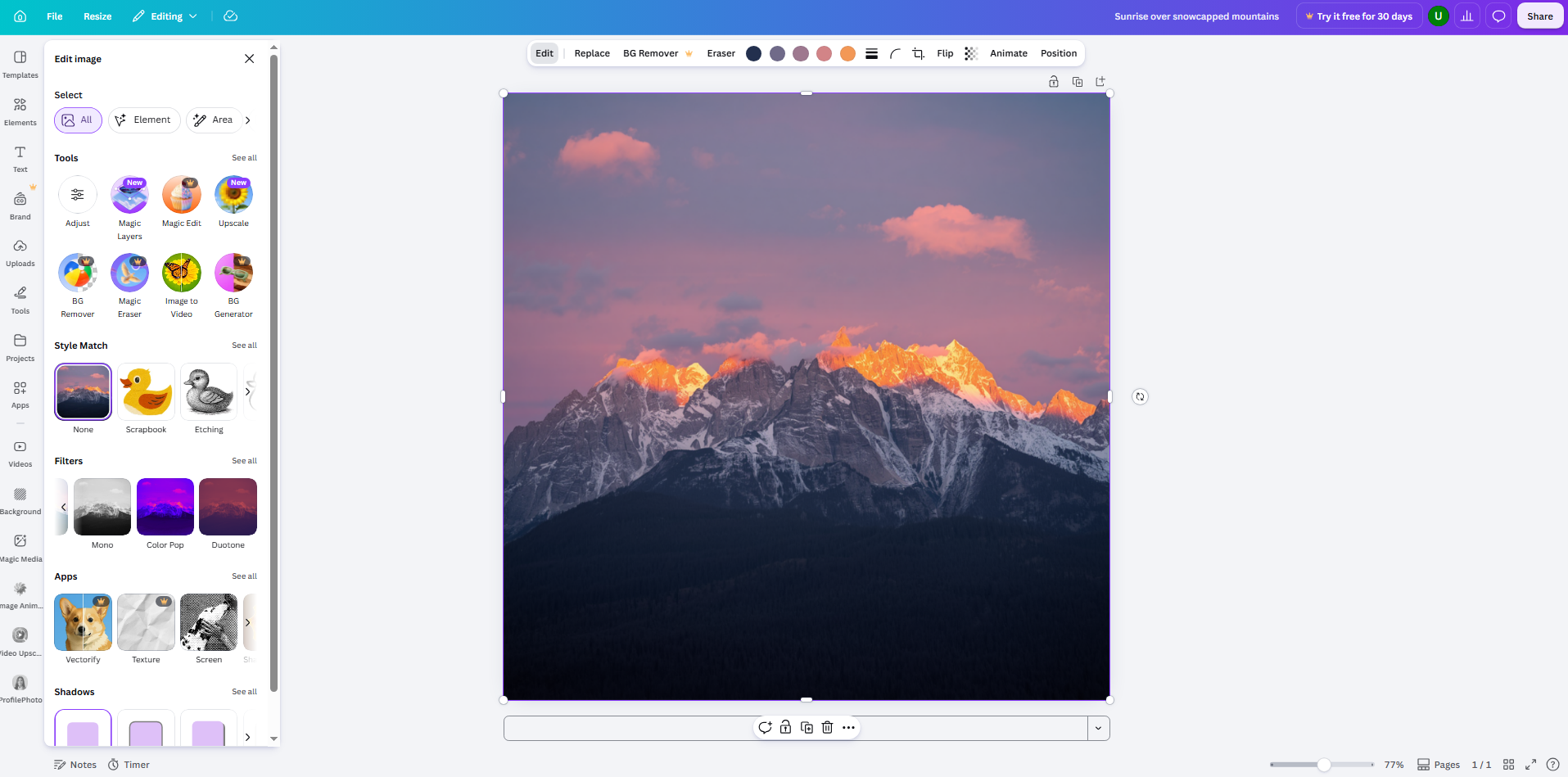
Canva Magic Media is an AI image-generation feature built directly into Canva's design platform. It allows users to create images from text and then use those images immediately within a Canva project. Because generation and design happen in the same workspace, users can move from an idea to a finished graphic without switching between multiple tools. This makes it especially useful for everyday content creation.
Main features
Text-to-image creation: Enter a description of the image you need and Magic Media generates a visual based on your instructions. You can include details about the subject, appearance, and desired style.
Style options: Users can choose from different visual styles to influence the generated result. This makes it easier to create images that fit the overall look of a project.
Direct Canva workflow: Generated images can be added straight to a Canva canvas. You can then combine them with text, shapes, photos, and other design elements in the same project.
Content design integration: Magic Media works alongside Canva's existing design features, making it possible to turn a generated image into a complete social post, presentation, banner, or other graphic.
Suitable for
Social media managers creating regular posts
Bloggers designing featured images and graphics
Students creating presentations and projects
Canva users who want built-in AI image generation
Recraft
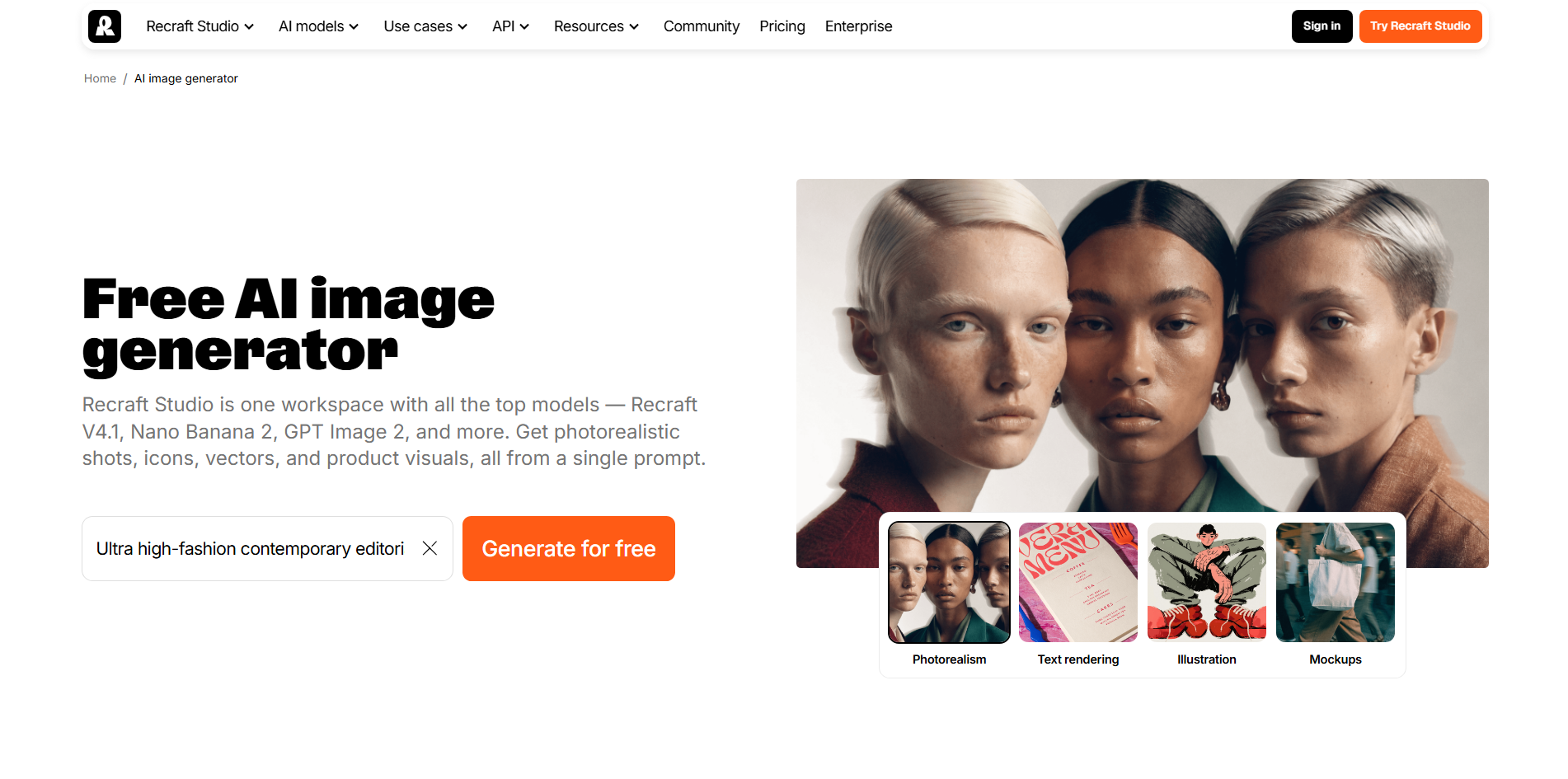
Recraft is an AI design platform focused on creating both raster images and editable vector graphics. It can generate illustrations, icons, logos, product visuals, and other design assets from text prompts. Unlike many image generators that mainly produce pixel-based images, Recraft also supports editable SVG output. This makes it particularly useful for design work where scalability and further editing are important.
Main features
Vector image generation: Recraft can create editable vector graphics that can be resized without losing their quality. This makes the tool useful for logos, icons, illustrations, and other scalable design assets.
Different design formats: The platform supports a range of visual types, from realistic images to illustrations and graphic elements. Users can therefore create different assets without relying on separate generators.
Multiple creative directions: Recraft allows users to explore different versions of an idea and compare visual approaches. This can be useful during brainstorming when the final design style has not yet been decided.
AI editing tools: Generated images can be refined and adjusted using additional editing features. Users can make changes, remove backgrounds, upscale visuals, or work with vector versions as needed.
Suitable for
Graphic designers creating logos and icons
Brand teams developing visual assets
Print designers who need scalable artwork
Creators working with both raster and vector graphics
How to choose an AI text-to-image tool
Choosing the right tool depends on the quality of its results, ease of use, and the control it gives you. A good AI text-to-image generator should fit your creative needs and make image creation simple. Consider these factors when comparing different text-to-image tools.
Strong prompt accuracy
An AI text-to-image generator should understand your instructions and create visuals that closely match your idea. This is especially important for detailed prompts with multiple subjects, layouts, or specific requirements. Strong prompt accuracy also means fewer attempts are needed to get the desired result.
High-resolution output quality
High-quality images are important for websites, marketing materials, presentations, and other professional projects. A reliable AI text-to-image tool should produce sharp images with clear details and good overall quality. Higher resolution also gives you more flexibility when resizing or using images in different places.
Wide range of styles
Different projects may need different styles, such as realistic photos, illustrations, 3D graphics, or artistic designs. The best text-to-image models offer enough style variety to match different creative needs. This also lets you experiment with new looks without switching between multiple tools.
Easy, beginner-friendly interface
An AI text-to-image tool should be simple enough for beginners to use without technical knowledge. Clear controls for entering prompts, generating images, and making changes can make the process much easier. A simple interface lets you focus more on your ideas and less on learning the software.
Fast generation speed
Generation speed matters when you need to create several images or test different prompts in a short time. Faster AI models allow you to explore more ideas without spending too much time waiting for results. This can be especially helpful when working on content with tight deadlines.
Flexible editing and refinement options
The first generated image may not always match your idea perfectly, so editing options can be useful. A good AI text-to-image generator should let you refine, regenerate, or adjust parts of an image without starting over. Features such as variations and prompt-based edits give you more control over the final result.
Use cases of text-to-image generators
Text-to-image generators can be useful for more than just creating simple AI artwork. You can convert text to images for personal projects, creative work, marketing content, and visual planning. Here are some common use cases for text-to-image generators across different fields.
Storybook illustrations
A text-to-image tool can turn story ideas into illustrations based on your characters, settings, and scenes. You can describe the mood, art style, and details you want in each image. This makes it easier to create visuals for children's books, short stories, and creative projects.
Product mockups
Visualize product concepts before investing in production. Generate early-stage designs for packaging, accessories, consumer goods, and other products to explore different appearances and communicate ideas to clients or teammates.
Custom greeting cards
An AI tool can help create personalized greeting cards for birthdays, holidays, weddings, and other occasions. You can describe the theme, colors, decorations, and overall style you want. The generated visual can then be used as a starting point for a custom card design.
Game concept art
Develop visual concepts for characters, environments, buildings, weapons, and other game assets. These early-stage images help establish a game's atmosphere, explore different artistic directions, and communicate ideas before detailed production begins.
Home wall art
Create original artwork that complements your interior, whether you prefer minimalist prints, abstract compositions, nature-inspired scenes, or bold statement pieces. Tailored visuals offer an alternative to mass-produced wall decor.
Room design previews
Explore potential interior styles through visual room concepts featuring different furniture arrangements, color palettes, materials, and lighting. These previews make it easier to evaluate design directions before committing to physical changes.
Social media graphics
Create eye-catching visuals for social posts, stories, advertisements, and promotional campaigns. Custom graphics help communicate key messages, maintain a consistent brand aesthetic, and keep content fresh across social platforms.
Conclusion
AI-powered image creation gives you more ways to explore ideas and create visuals on your own. Different AI text-to-image tools offer different experiences, so there is no single choice for everyone. Think about the type of content you create and the workflow that suits you best. Kimi Design is a simple option to explore when you want to move from an idea to a finished design. Give Kimi Design a try and see what you can create from your next prompt.