Define the deliverables and the text content
Specify the type of visual you need, such as a poster, social media post, product ad, or presentation cover. Include its purpose, format, and any text that needs to appear, so the result fits your needs.
Turn ideas into polished visuals with an AI text-to-image generator. Create posters, social graphics, and flyers with ease. Kimi Design lets you edit layouts, typography, colors, and content to match your needs.
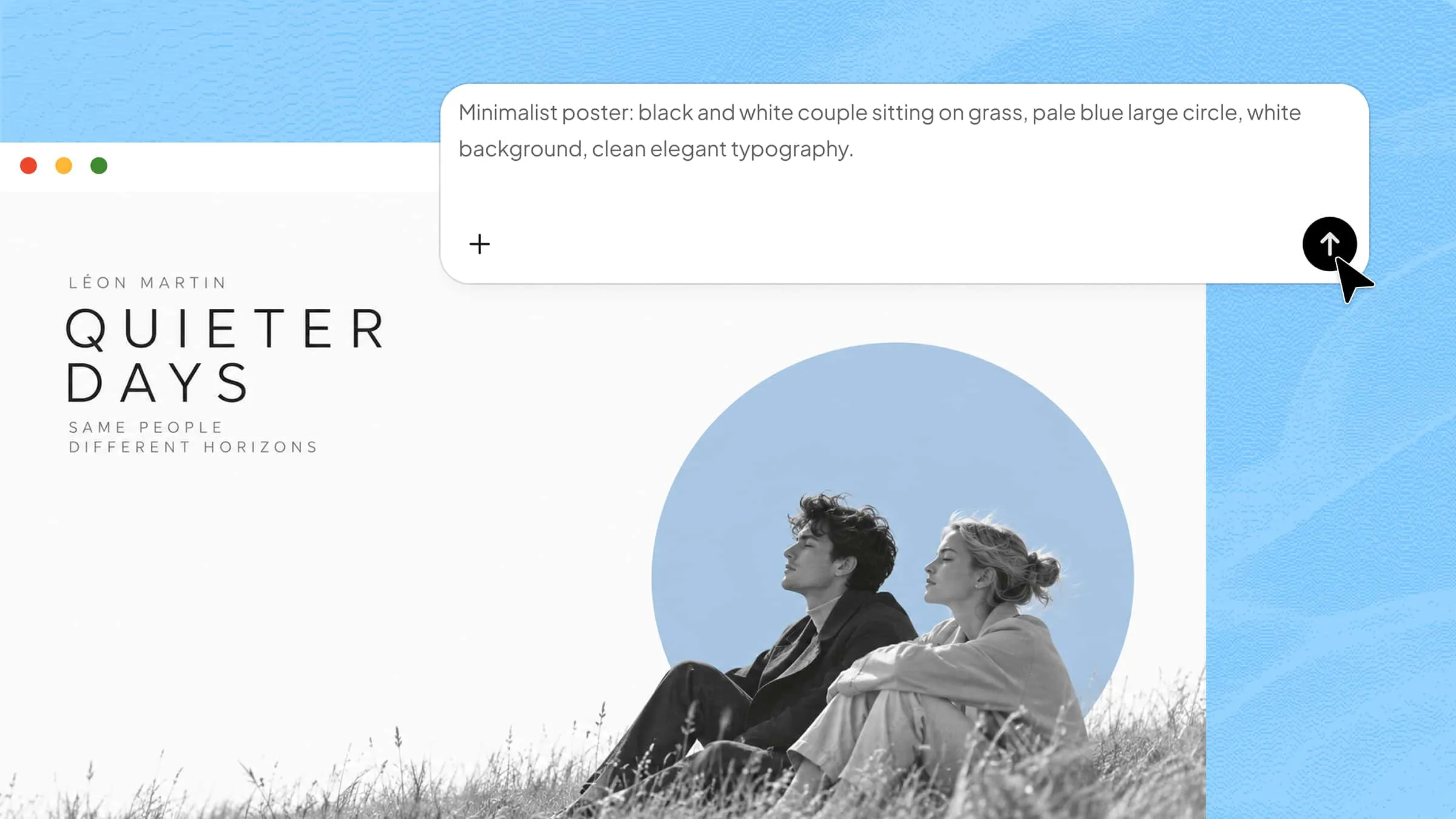
Describe your idea in a prompt and let Kimi Design turn it into a visual concept. You can also upload reference images to guide the composition, style, and overall look of your design.
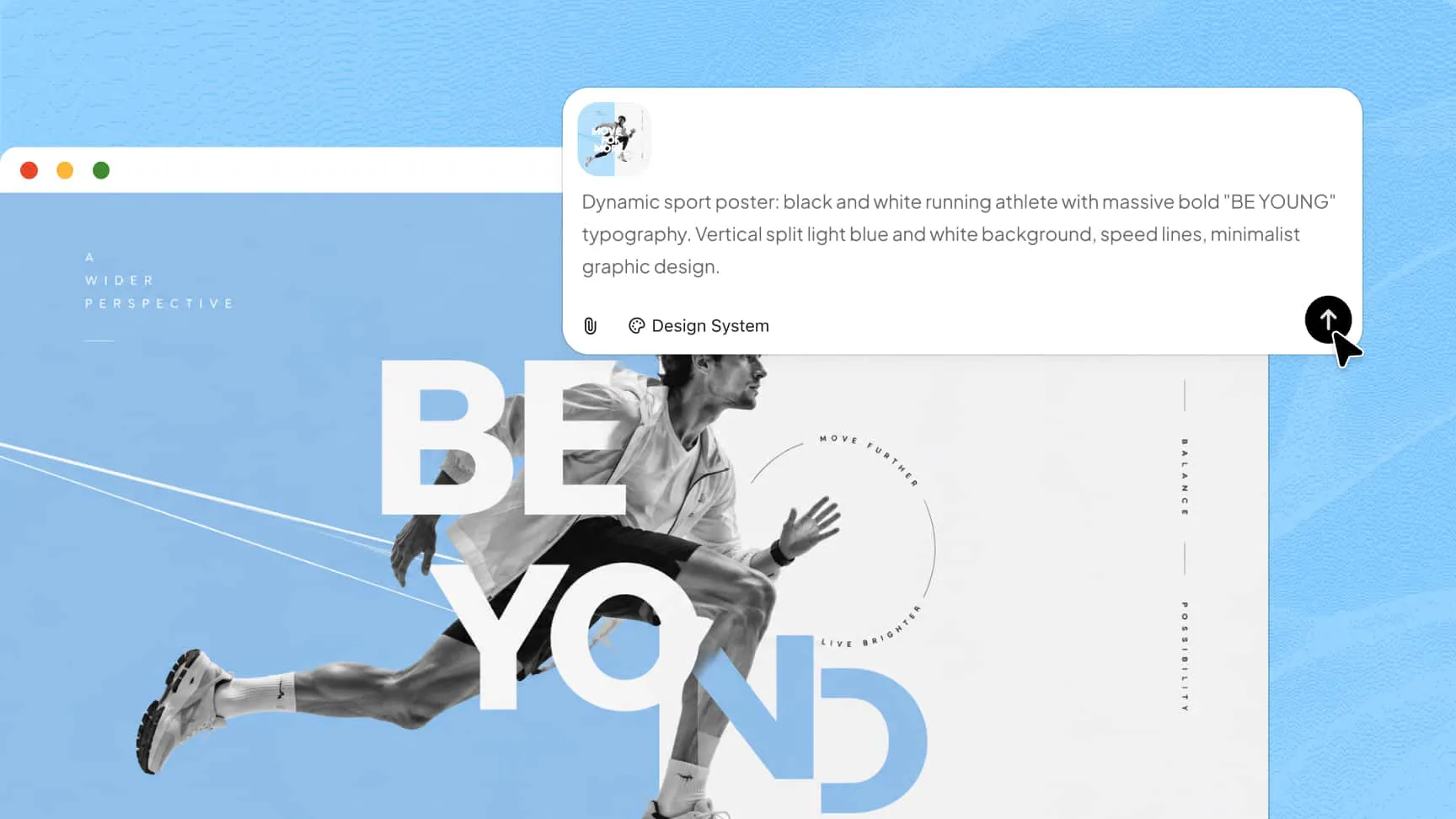
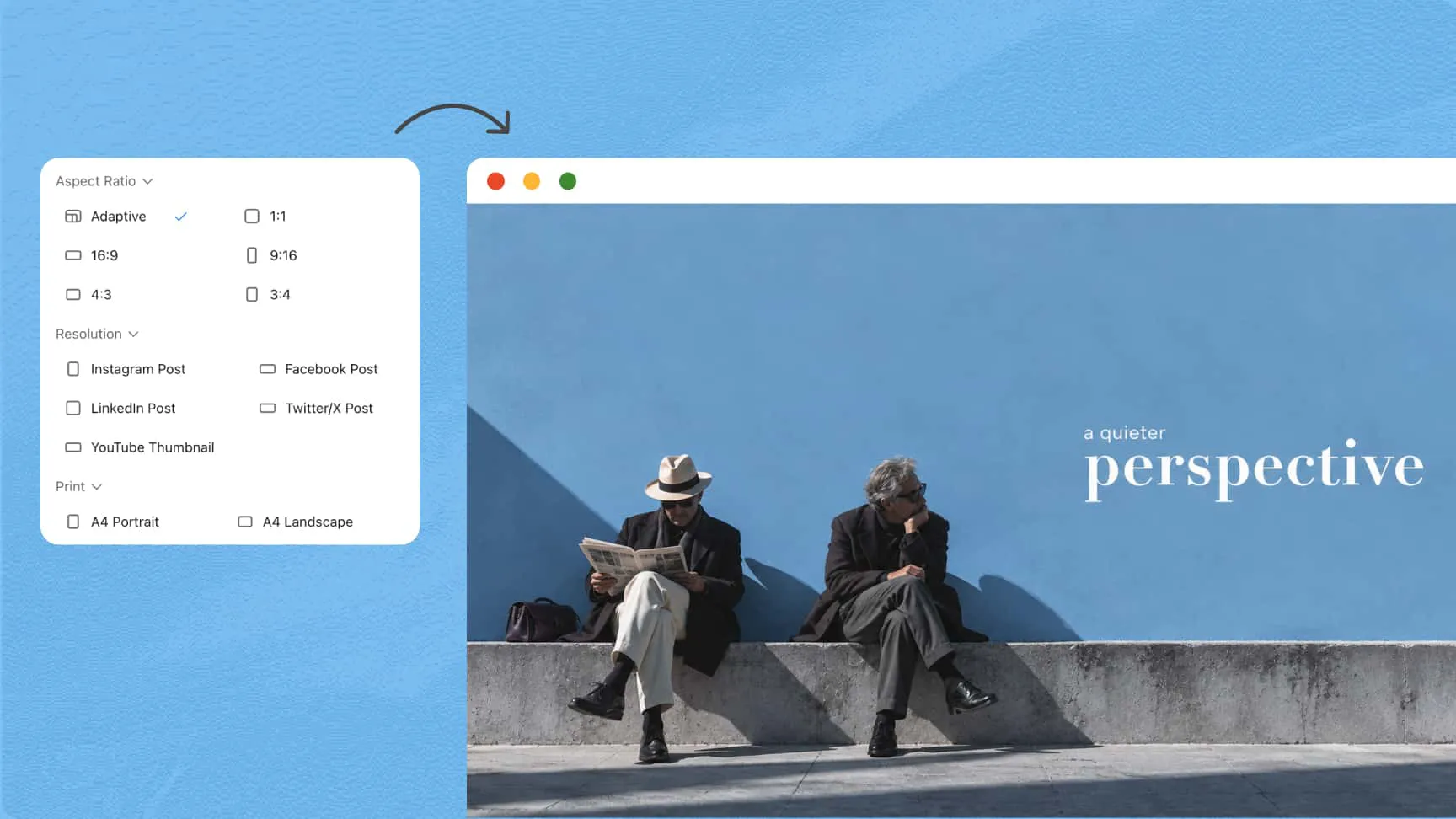
Create visuals in styles ranging from minimalist and editorial to 3D, vintage, and hand-drawn. Choose preset dimensions for social media posts, posters, or set a custom canvas to suit your needs.
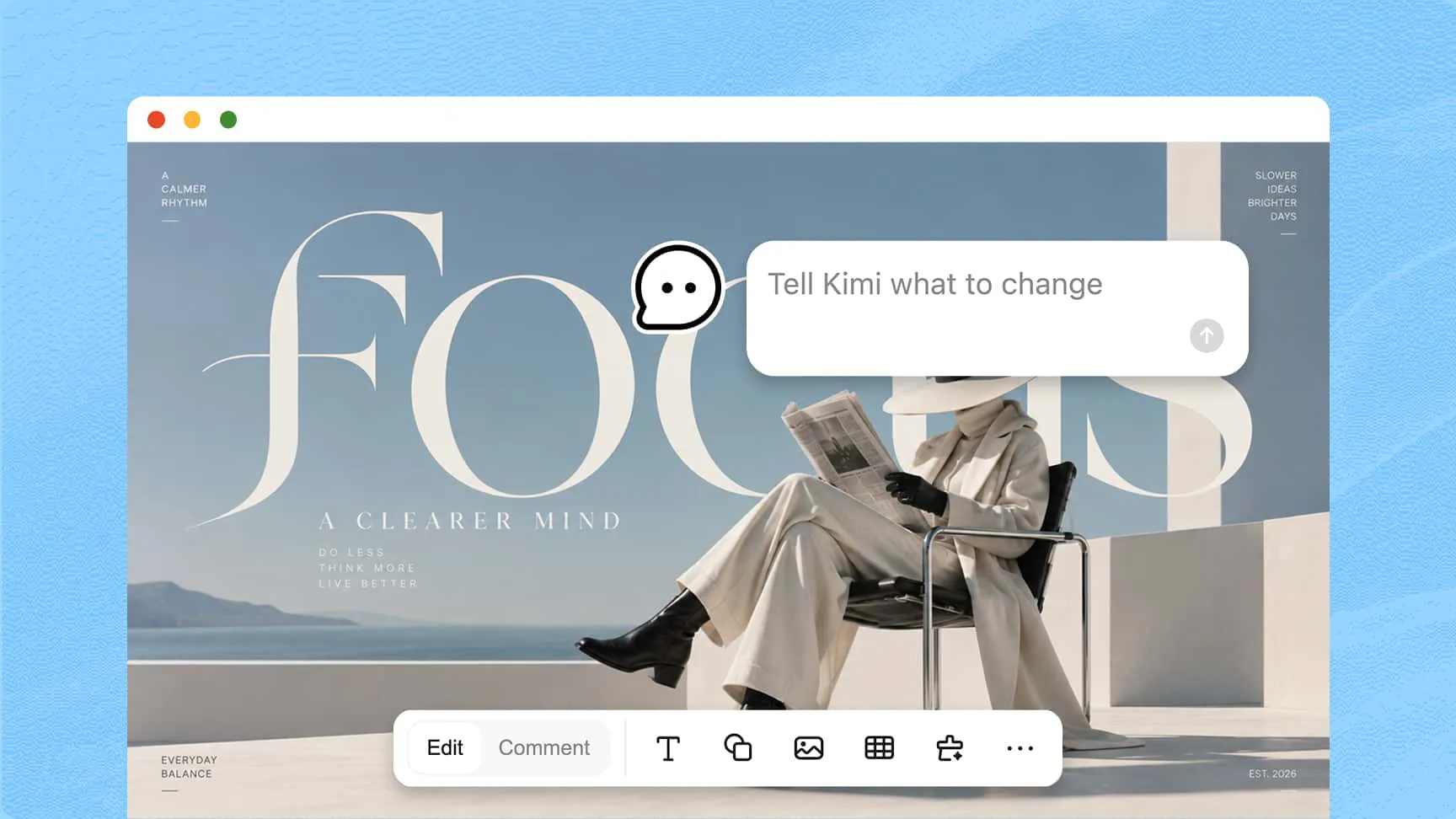
Refine generated visuals by describing the changes you want in simple language. Comment on specific elements to make targeted edits, or adjust the design manually for greater control over the final result without starting from scratch.
Generate different variations to find the look that best matches your idea. Refine your preferred version and export it in supported formats, such as PNG, JPG, or PPTX, for use across a range of creative projects.
Describe the image you want to create, including the subject, visual style, colors, and composition. You can also upload a reference image to guide Kimi Design in turning your prompt into an initial design.
Review the generated image and refine it using conversational prompts or comments on specific elements. You can also adjust individual components directly on the canvas to fine-tune the design and achieve your desired result.
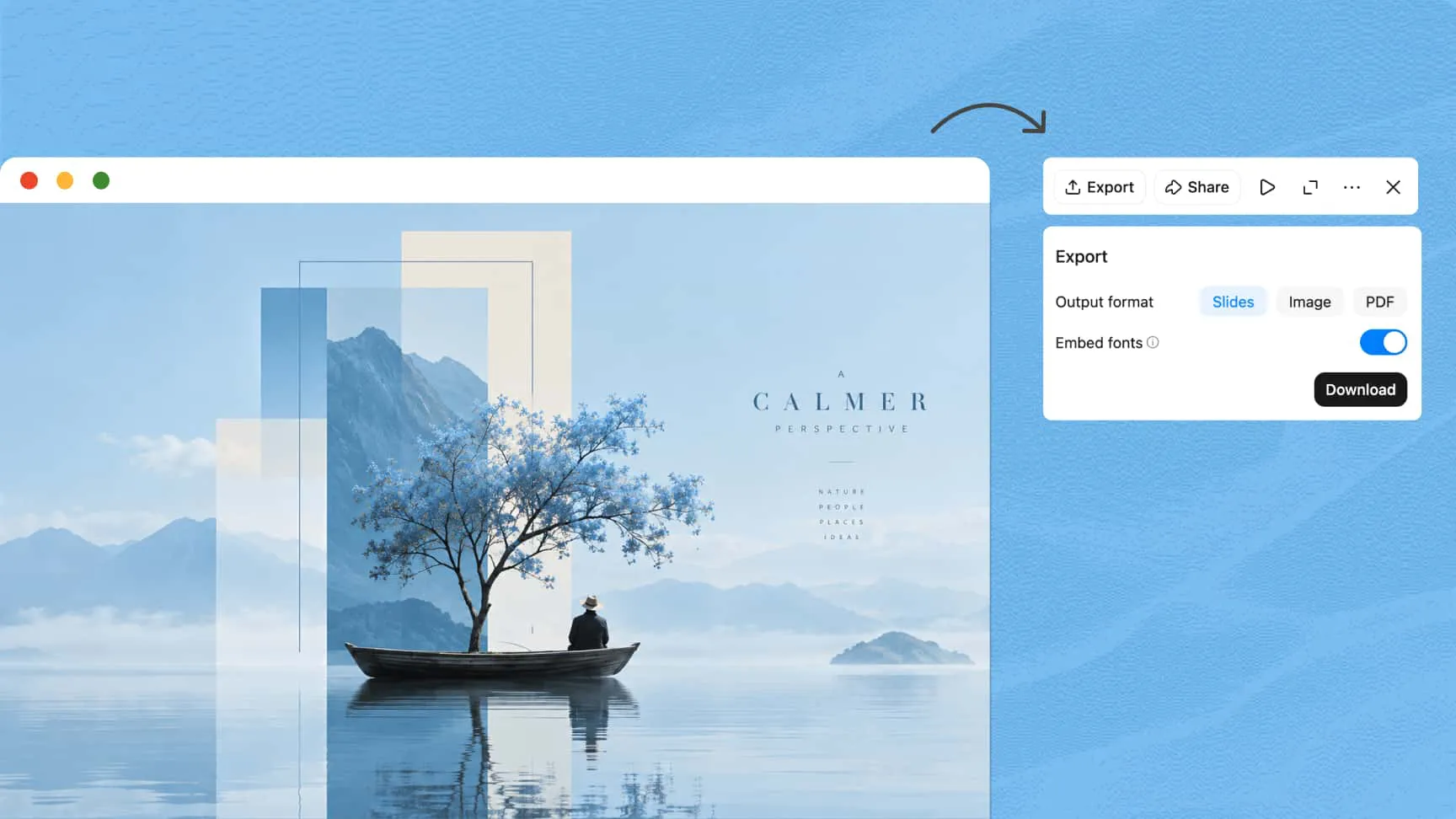
Check the final design for visual consistency and make any necessary adjustments. Share or present your design directly, or export it in PNG, JPG, PDF, or PPTX format for digital content, print, or presentations.
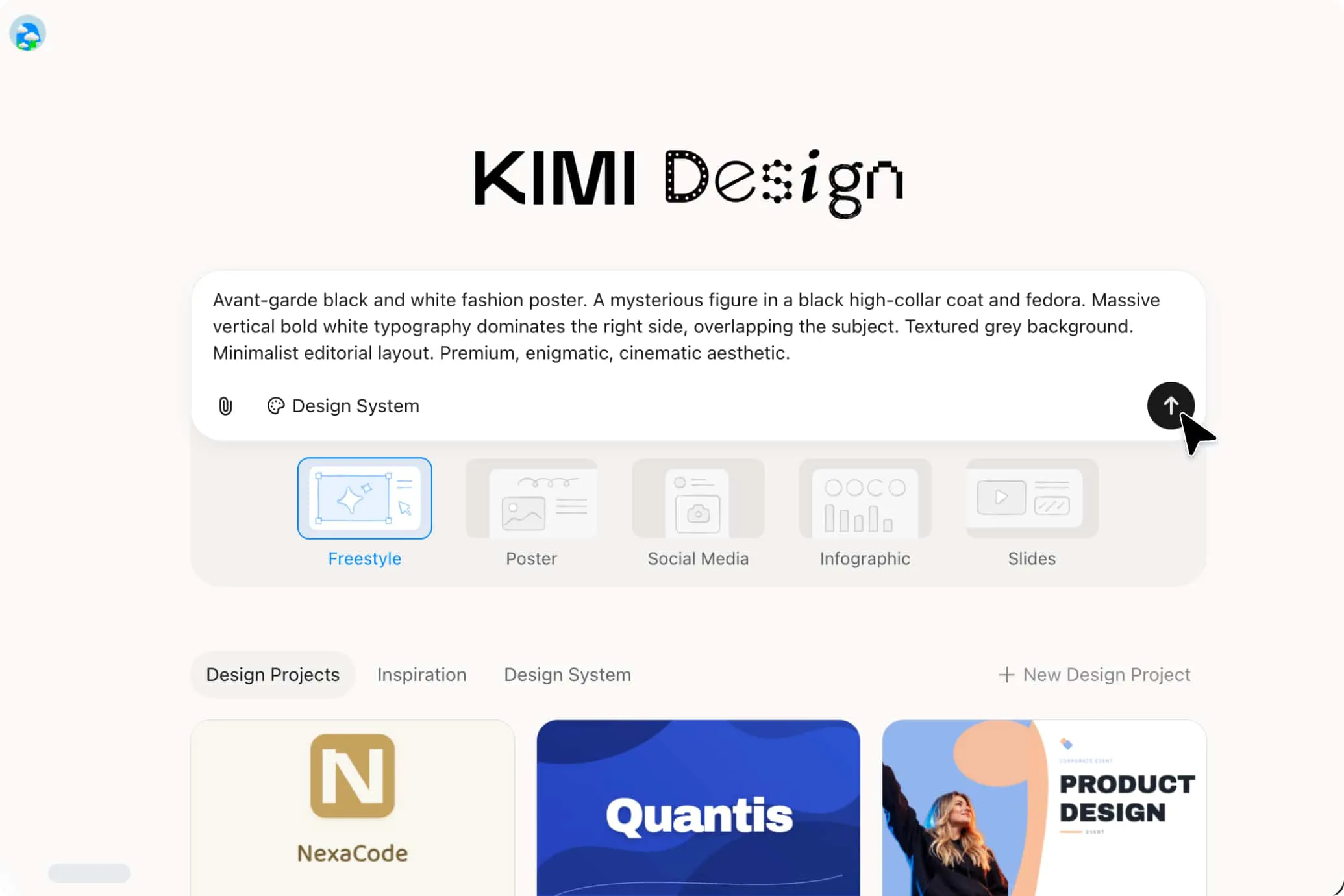
Specify the type of visual you need, such as a poster, social media post, product ad, or presentation cover. Include its purpose, format, and any text that needs to appear, so the result fits your needs.
Describe the mood, style, color palette, typography, and layout you have in mind. Specific instructions help the generator create visuals that better match your creative vision.
Upload a reference image to show the layout, composition, or artistic style you prefer. Combine it with your prompt to guide the design while adapting the visuals to your own content and brand identity.
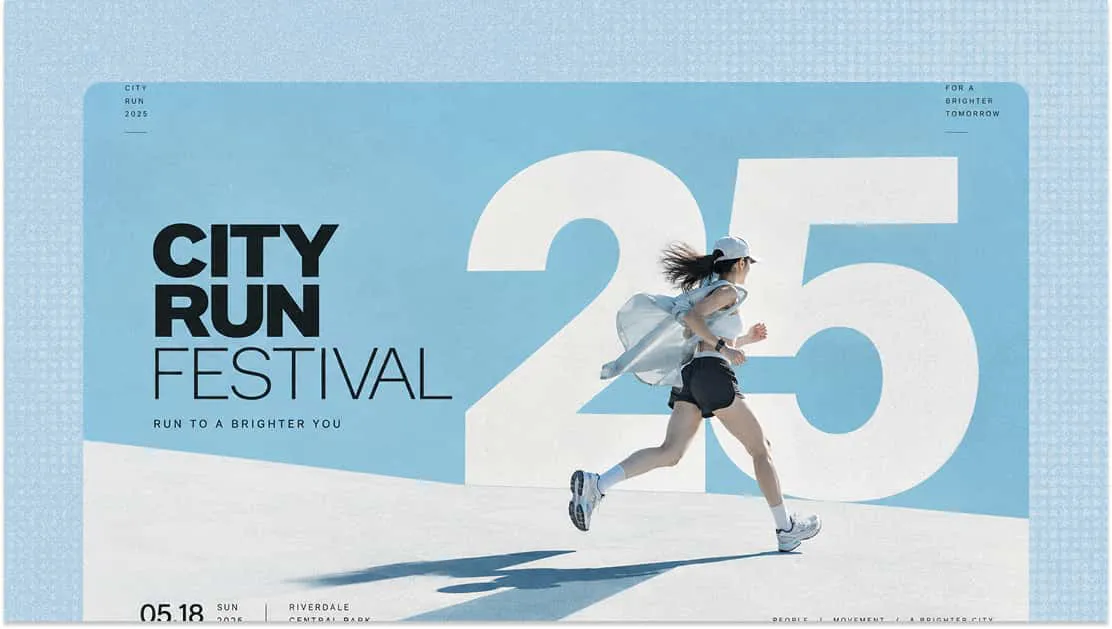
Create event posters, promotional graphics, and campaign visuals by turning your ideas into eye-catching designs with a simple text prompt.
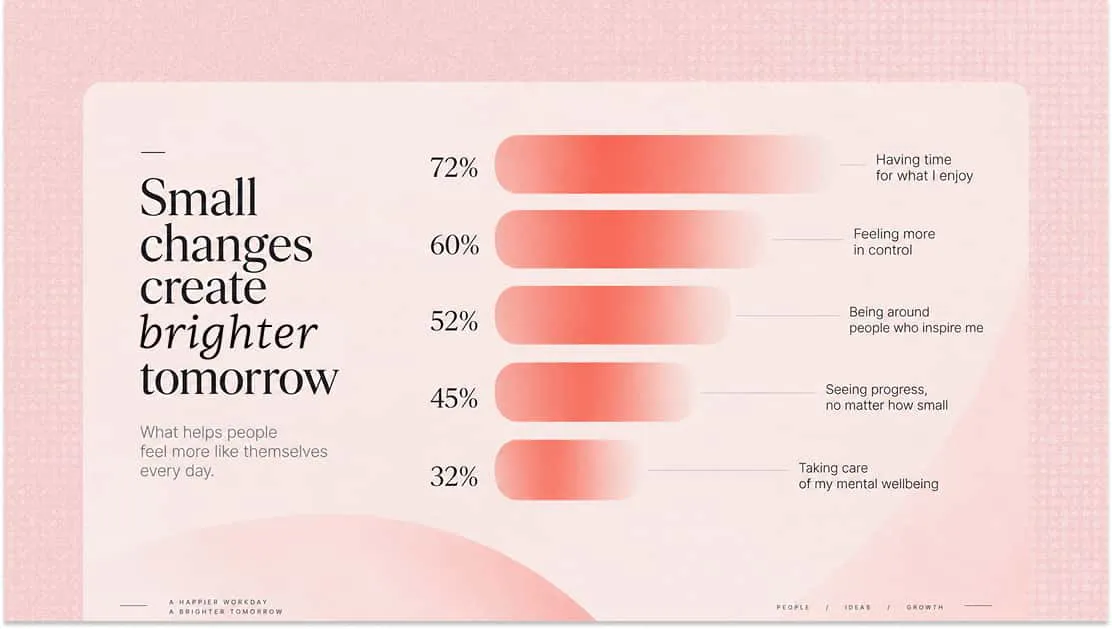
Turn complex information into structured visual content, including timelines, data presentations, educational graphics, and easy-to-follow explainers.
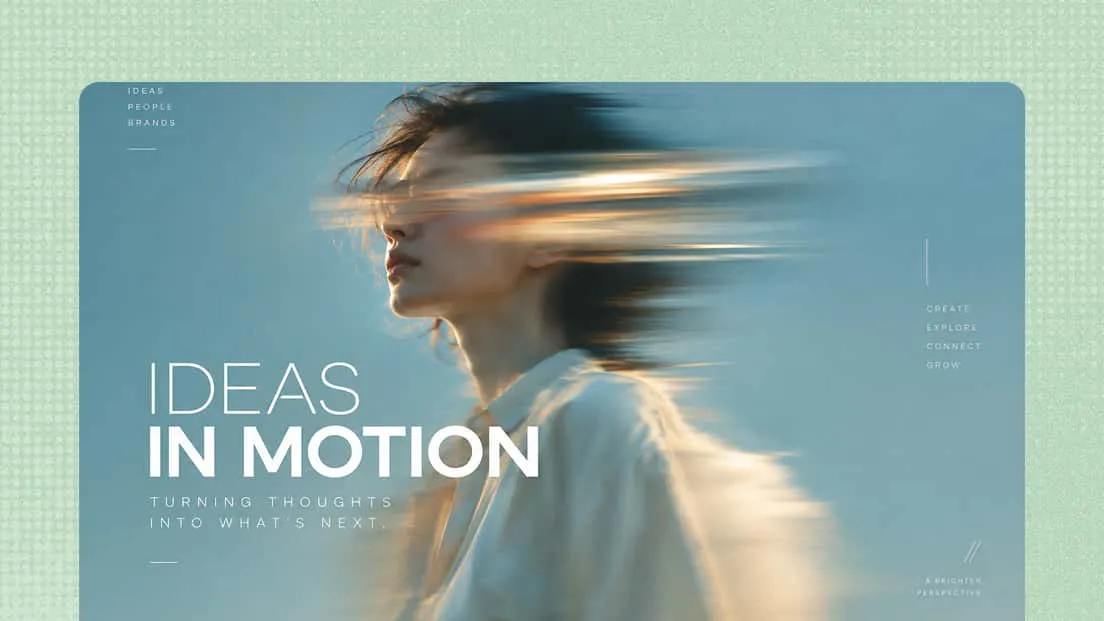
Create engaging visuals for Instagram, Facebook, LinkedIn, and other platforms using this text-to-picture generator for personal profile or branded content.
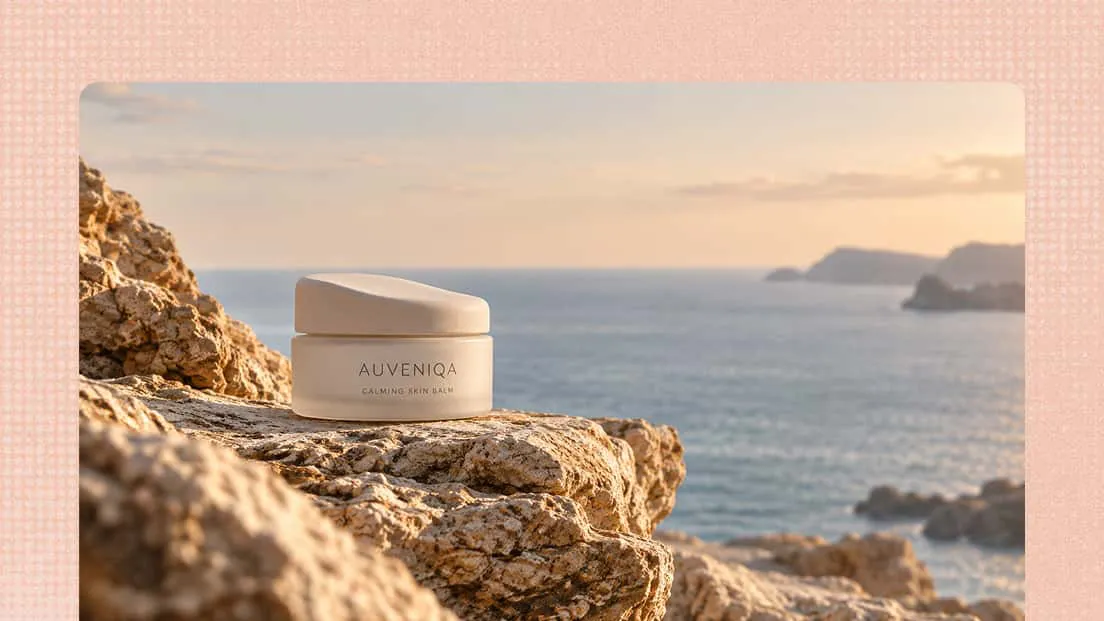
Create polished product visuals for e-commerce listings, catalogs, and marketing campaigns by exploring different scenes, backgrounds, and compositions.
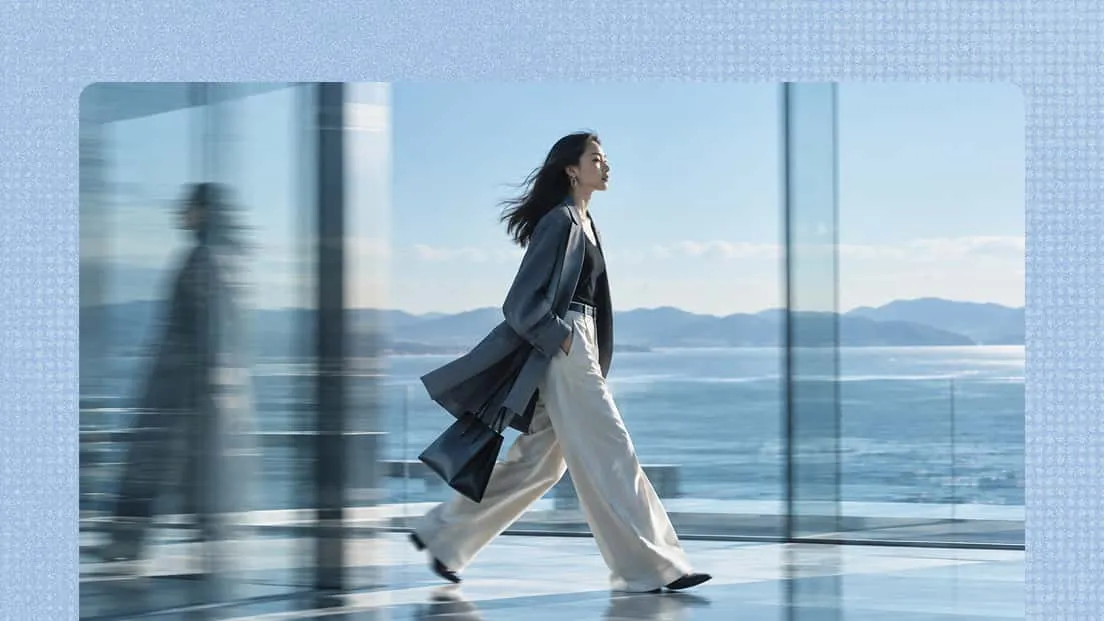
Explore clothing concepts, outfit ideas, patterns, silhouettes, and materials to visualize new fashion directions and bring creative ideas to life.

Create characters, illustrations, imaginative scenes, and conceptual artwork while exploring different artistic styles and creative possibilities.