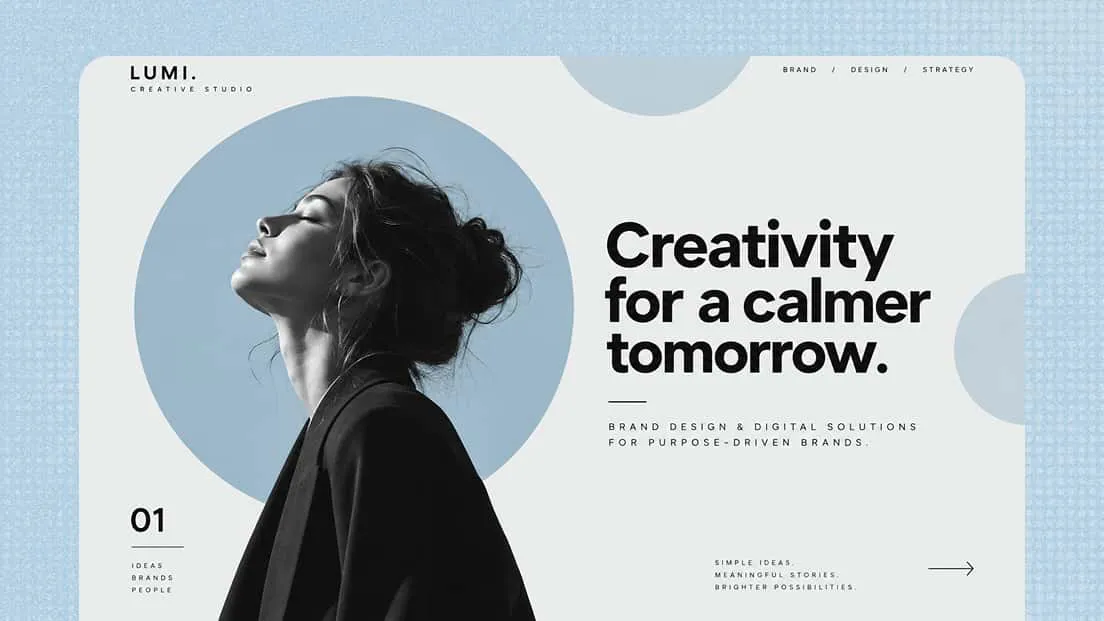
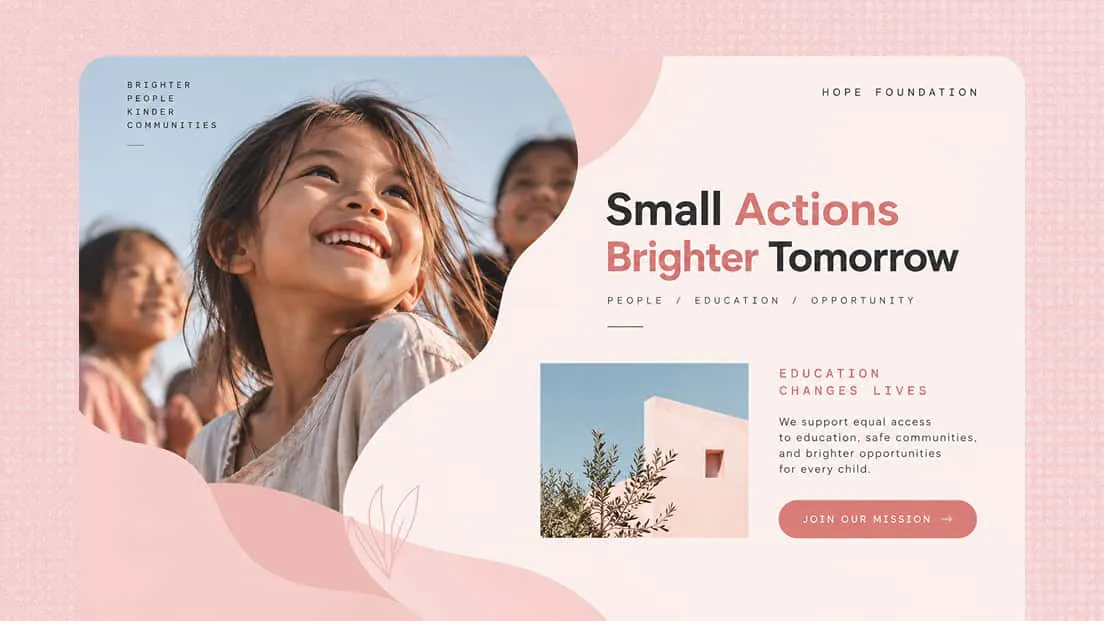
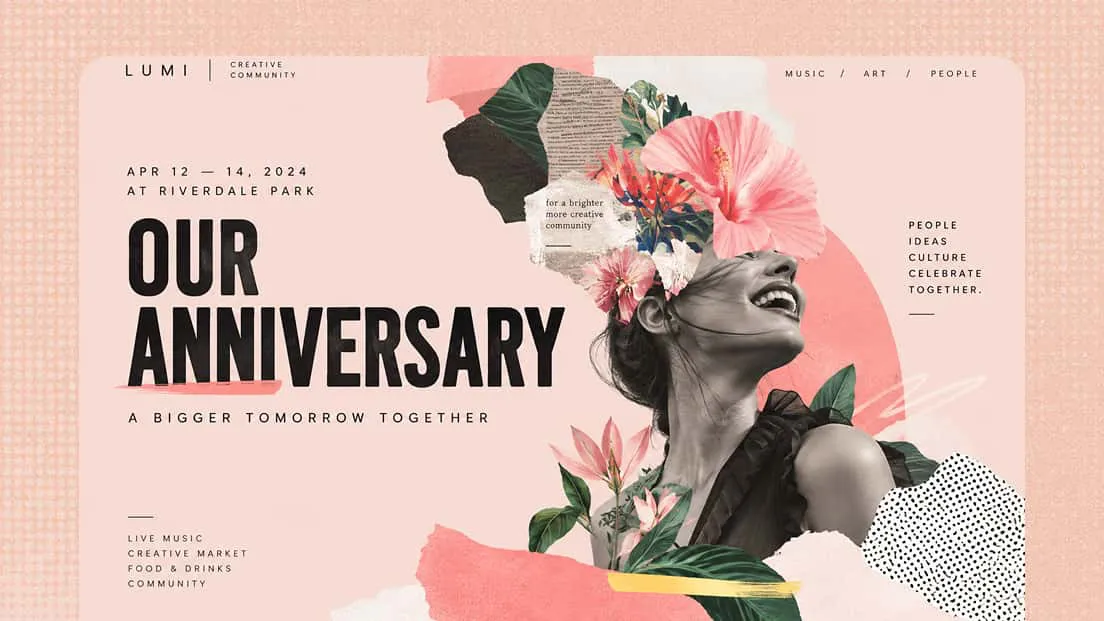
AI Facebook Cover Picture Maker
Create a Facebook cover that gives your profile or Page a strong visual identity. With an AI Facebook cover picture maker, turn your ideas into a polished cover image with a balanced layout and visuals that fit your style. Free to start, no design experience needed.
From first idea to final Facebook cover
Personalized cover designs beyond fixed templates
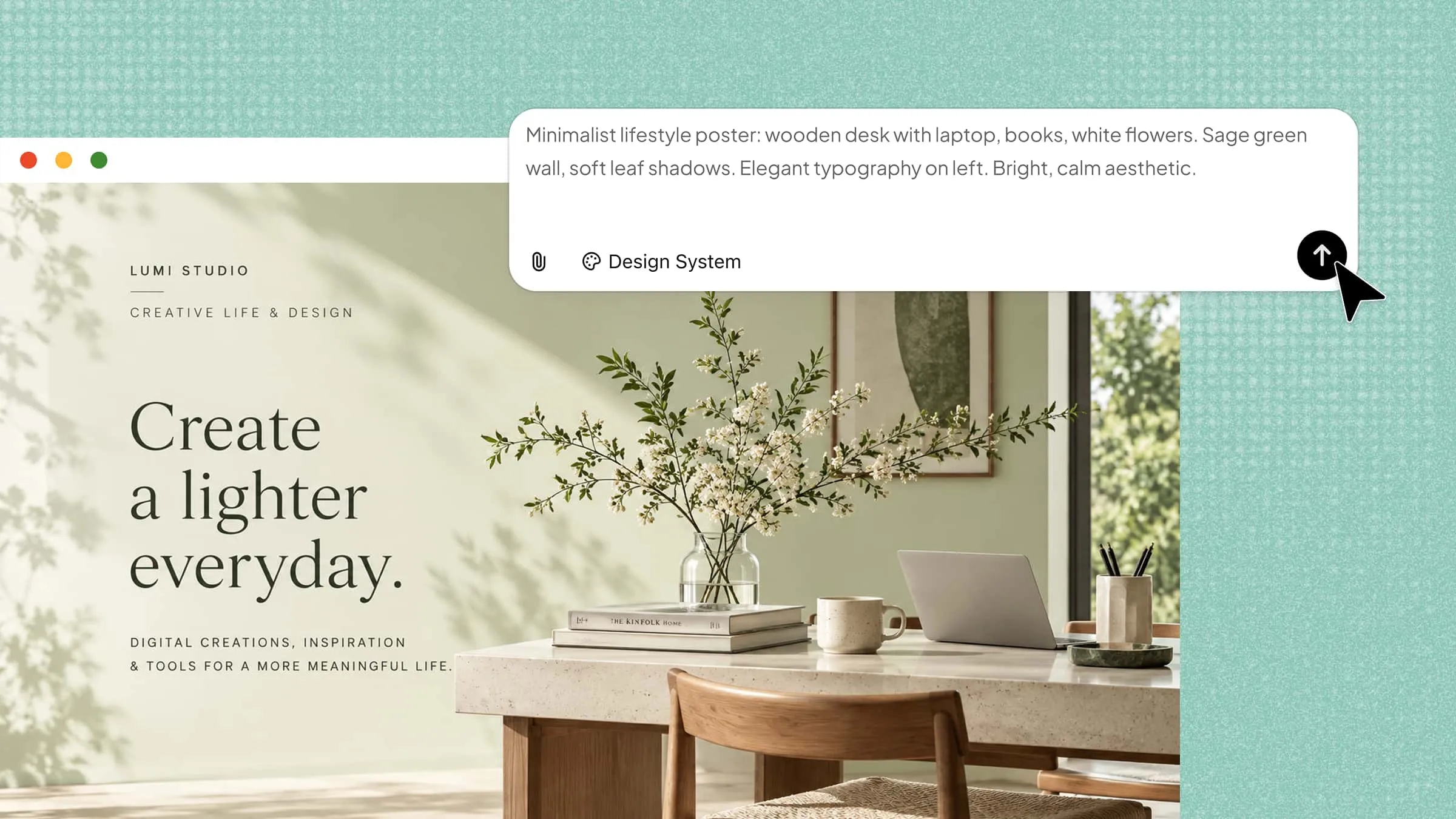
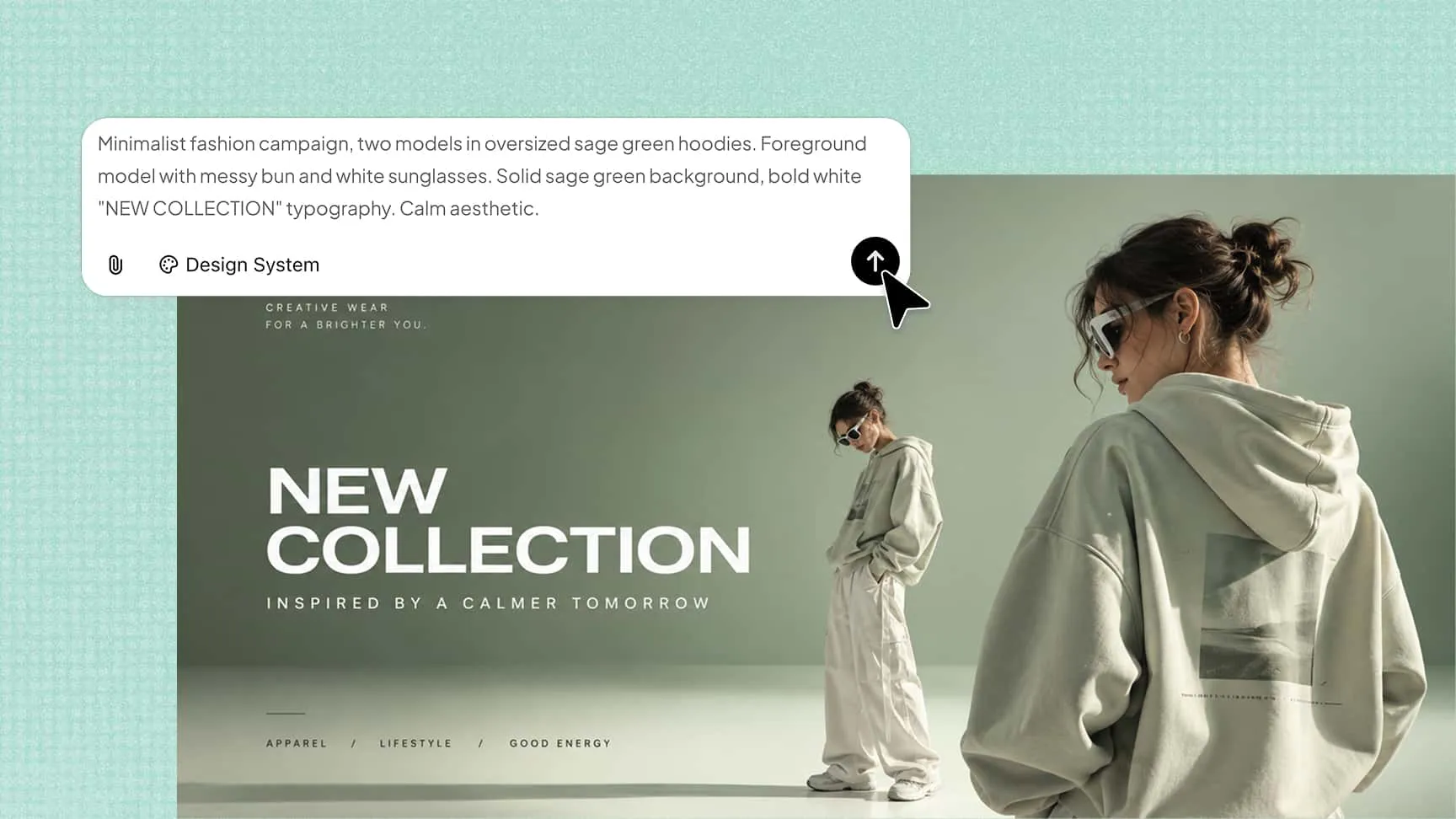
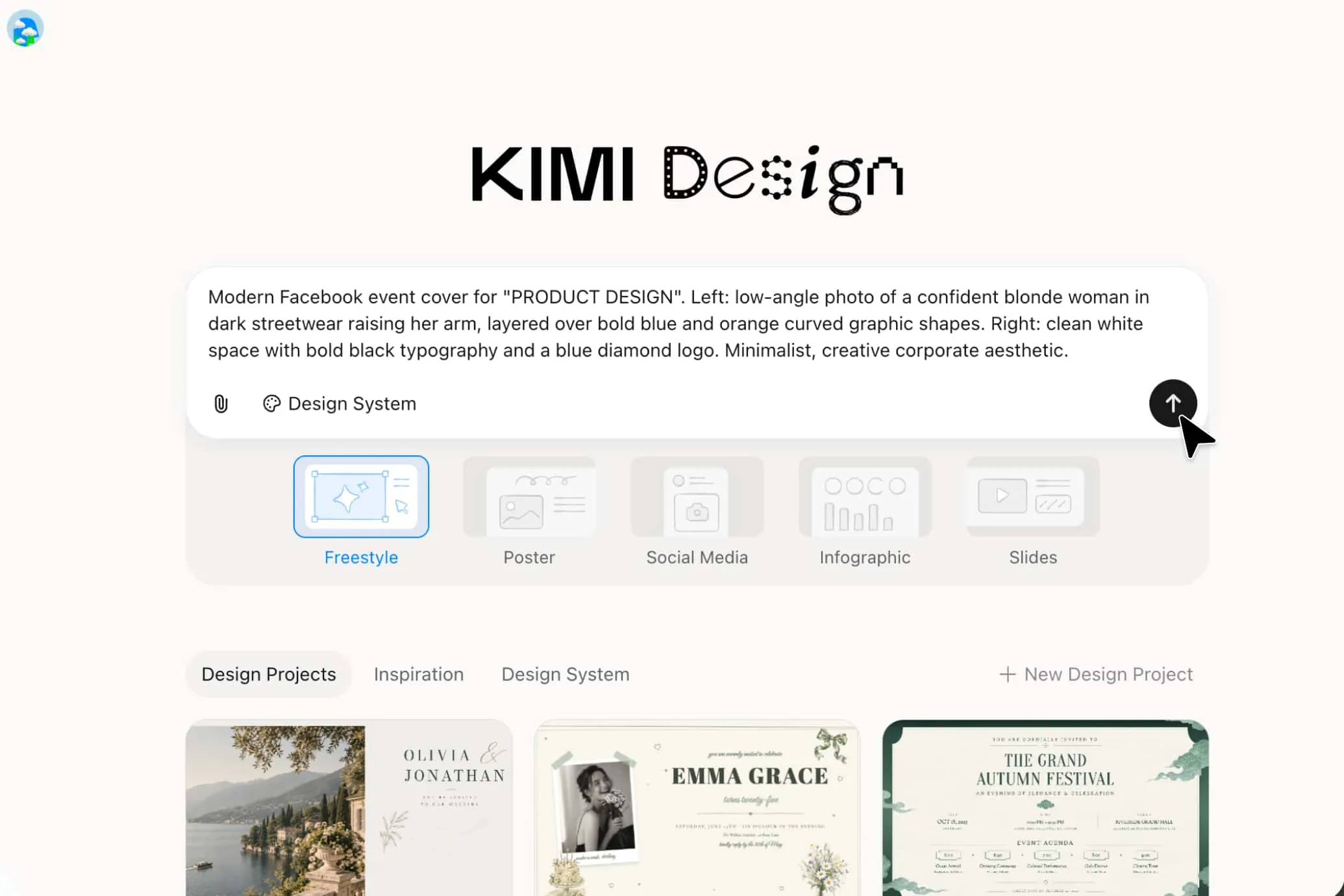
Start with a prompt, photo, brand asset, or visual reference to describe your ideal cover. Kimi Design helps turn your ideas into a cohesive design with suitable imagery, text, colors, and graphics. Every design element is tailored to your brand identity or personal characteristics, creating a distinctive visual style rather than simply applying a fixed template.
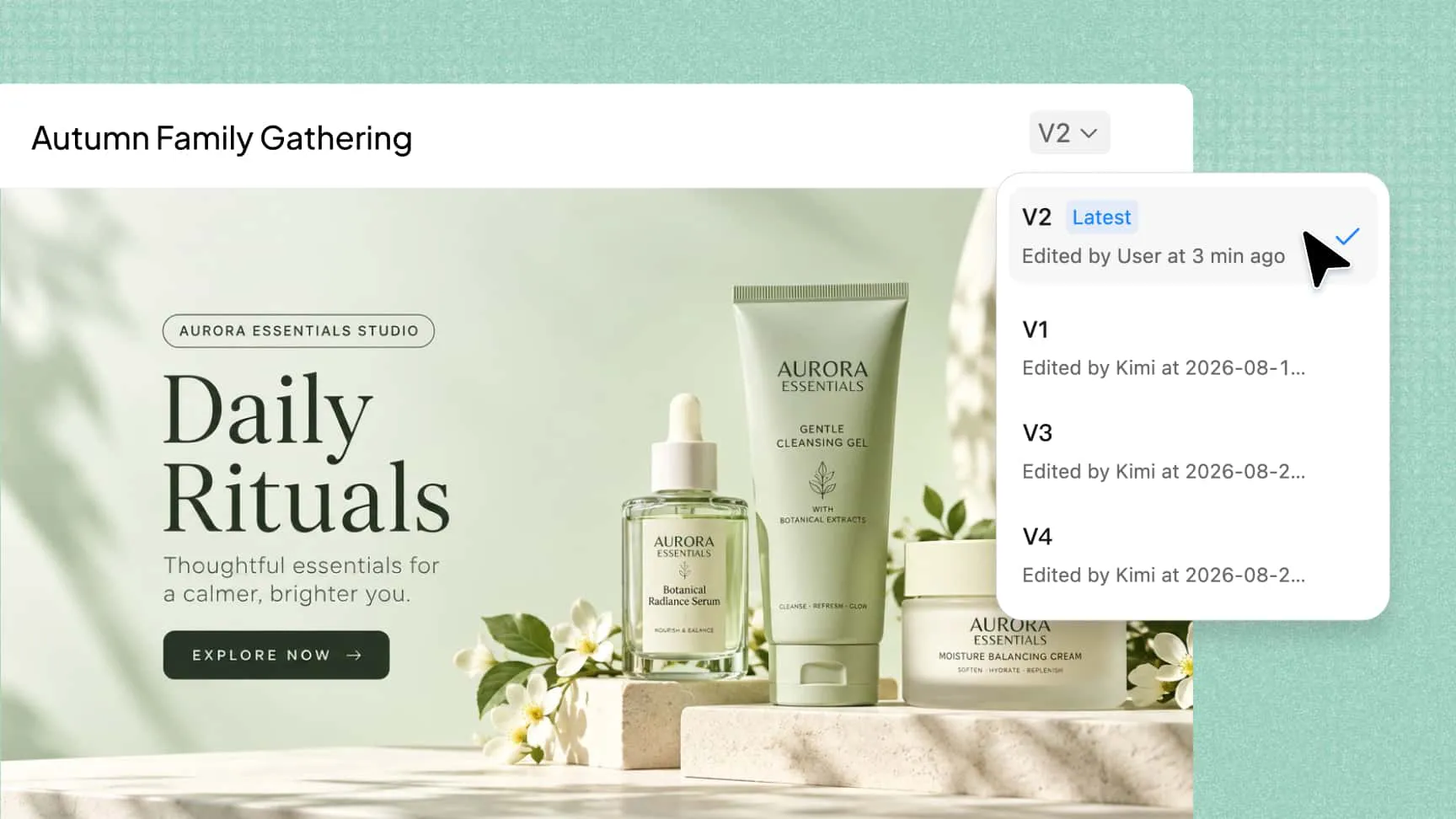
Explore different styles while keeping your version history
Explore bold promotional graphics, polished brand visuals, seasonal themes, and personal designs. Customize colors, typography, and layouts to suit your needs, and revisit earlier versions whenever you want to try a different direction. This AI Facebook cover generator makes it easy to experiment with ideas and refine your designs.
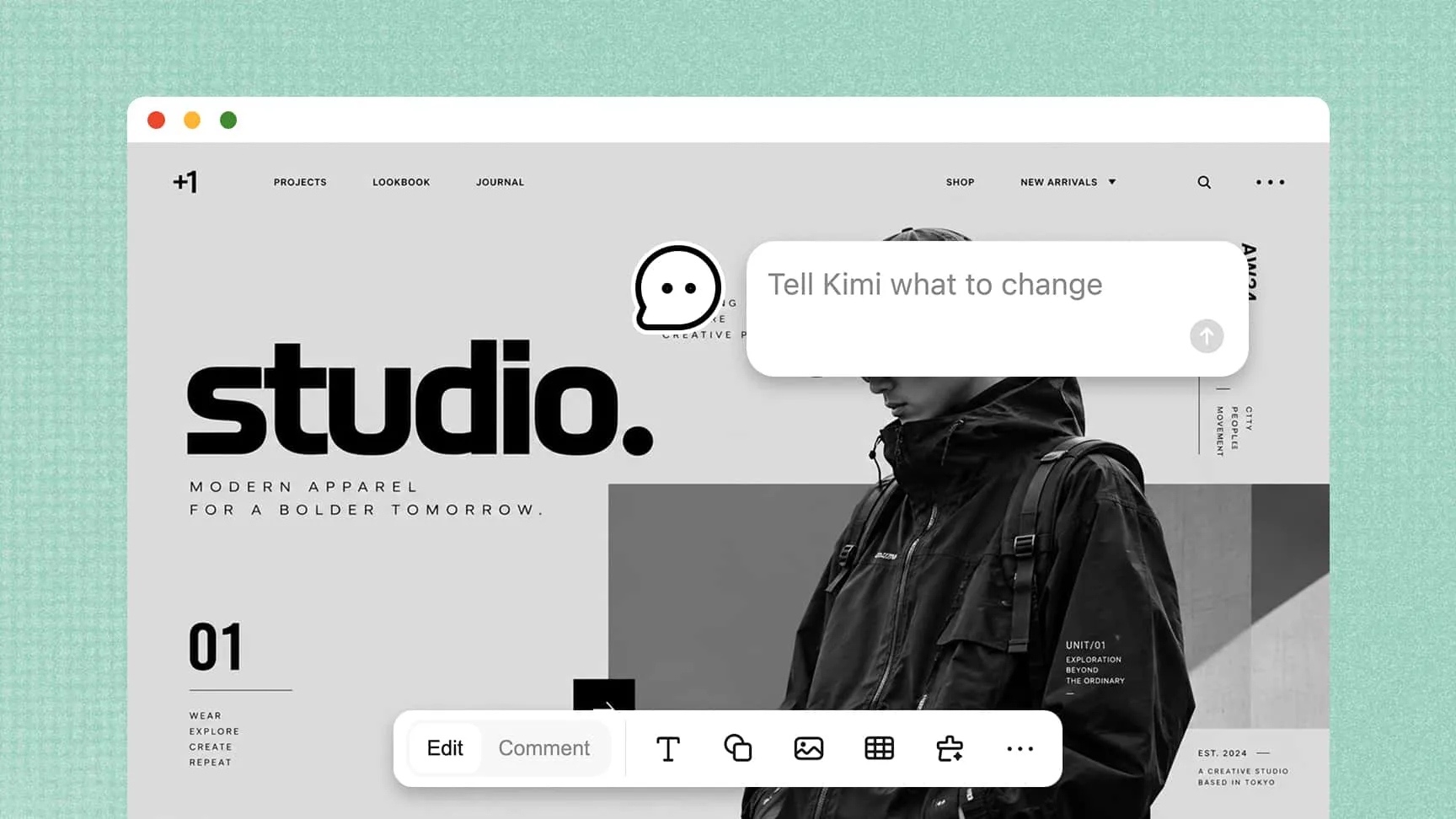
Flexible conversational and manual editing
Kimi Design lets you refine designs through natural-language prompts, comments on specific elements, or direct canvas editing. Adjust headlines, images, colors, spacing, and layouts through conversation, or fine-tune individual elements manually. This flexibility helps you maintain control over every detail as your design develops.
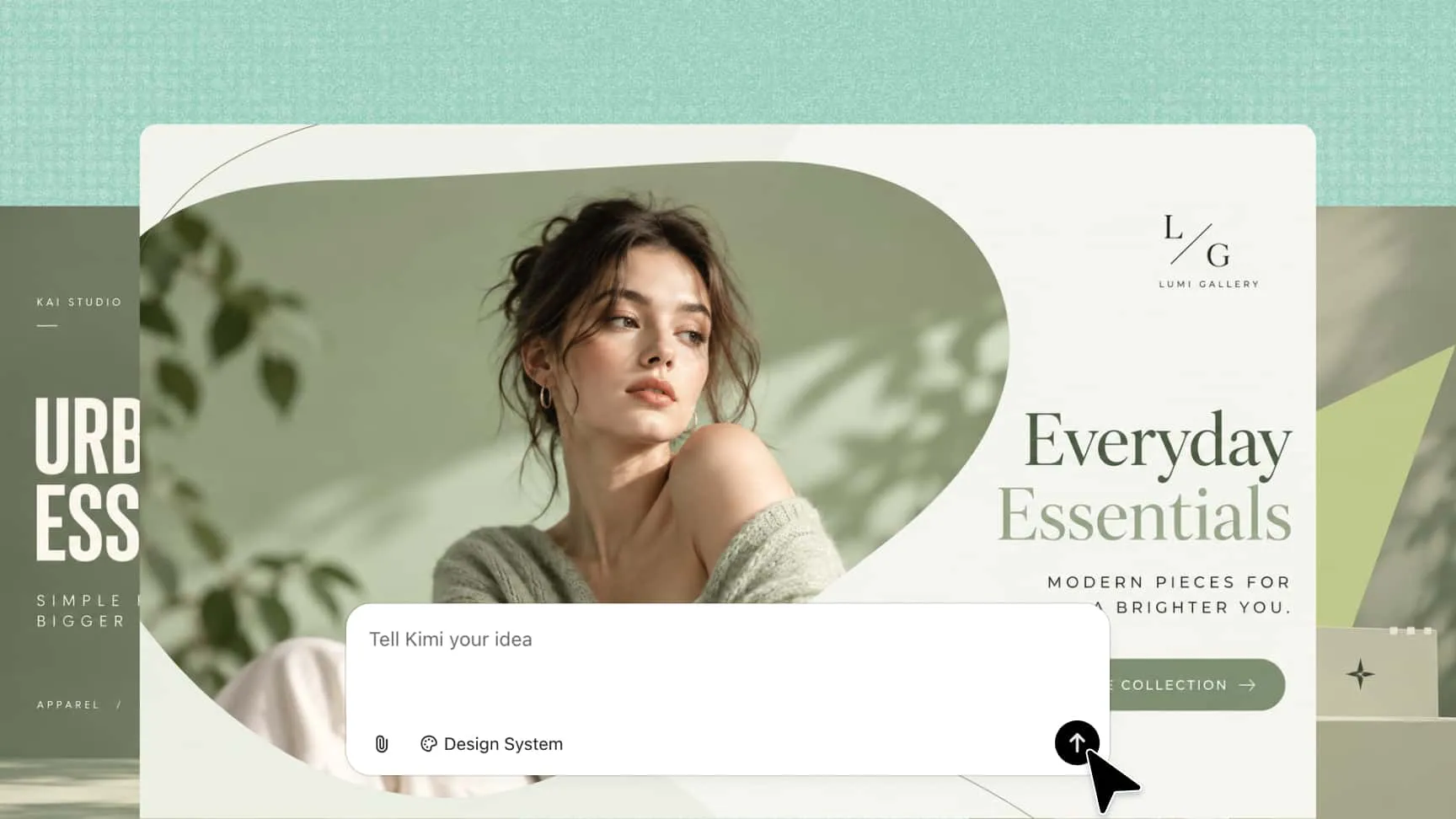
Facebook covers for different occasions and purposes
Kimi Design helps you create Facebook cover pictures for a wide range of themes and scenarios, from holiday celebrations and personal milestones to business promotions, product launches, and community events.
How to create a Facebook cover with Kimi Design
Step 1: Define what your cover should communicate
Describe the purpose of your cover, your target audience, and the message you want to highlight. Include your brand name, event details, preferred colors, or visual references to help Kimi Design develop a suitable concept.
Step 2: Customize your Facebook cover design
Let Kimi Design generate a cover based on your instructions, then refine the result to match your vision. Request changes through conversational prompts, comment on specific elements, or manually adjust text, images, colors, and layout on the canvas.
Step 3: Export your finished Facebook cover
Review the design to ensure the text is readable and important elements are well positioned in the safe zone. Once you're satisfied, export your cover in a supported format, such as PNG, JPG, PDF, or PPTX, and prepare it for use on your Facebook profile or Page.
Create Facebook covers for different purposes
Business and brand Pages
Build a recognizable visual identity for your Facebook Page with a cover that showcases your brand, products, services, or key messages. Combine brand colors, imagery, and essential information into a cohesive design with a Facebook cover photo creator.
Personal profiles
Express your personality and interests through covers featuring travel photos, creative projects, favorite quotes, or meaningful moments. Combine images and illustrations to create a design that reflects your personal style.
Community and organization Pages
Create covers for clubs, nonprofits, schools, sports teams, and community groups. Highlight the group's purpose, activities, or upcoming initiatives while maintaining a consistent visual identity.
Promotions and campaigns
Use your cover to highlight product launches, seasonal promotions, special offers, or marketing campaigns. Make the main message stand out while keeping supporting details clear and easy to read.
Events and announcements
Design covers for conferences, webinars, workshops, fundraisers, and celebrations. Arrange the event name, date, theme, and relevant visuals in a wide layout that communicates essential details at a glance.