YouTube Banner Maker
Turn one sentence into a scroll-stopping YouTube banner. Kimi Design can create fully editable channel art in the exact size YouTube needs — no design skills required.
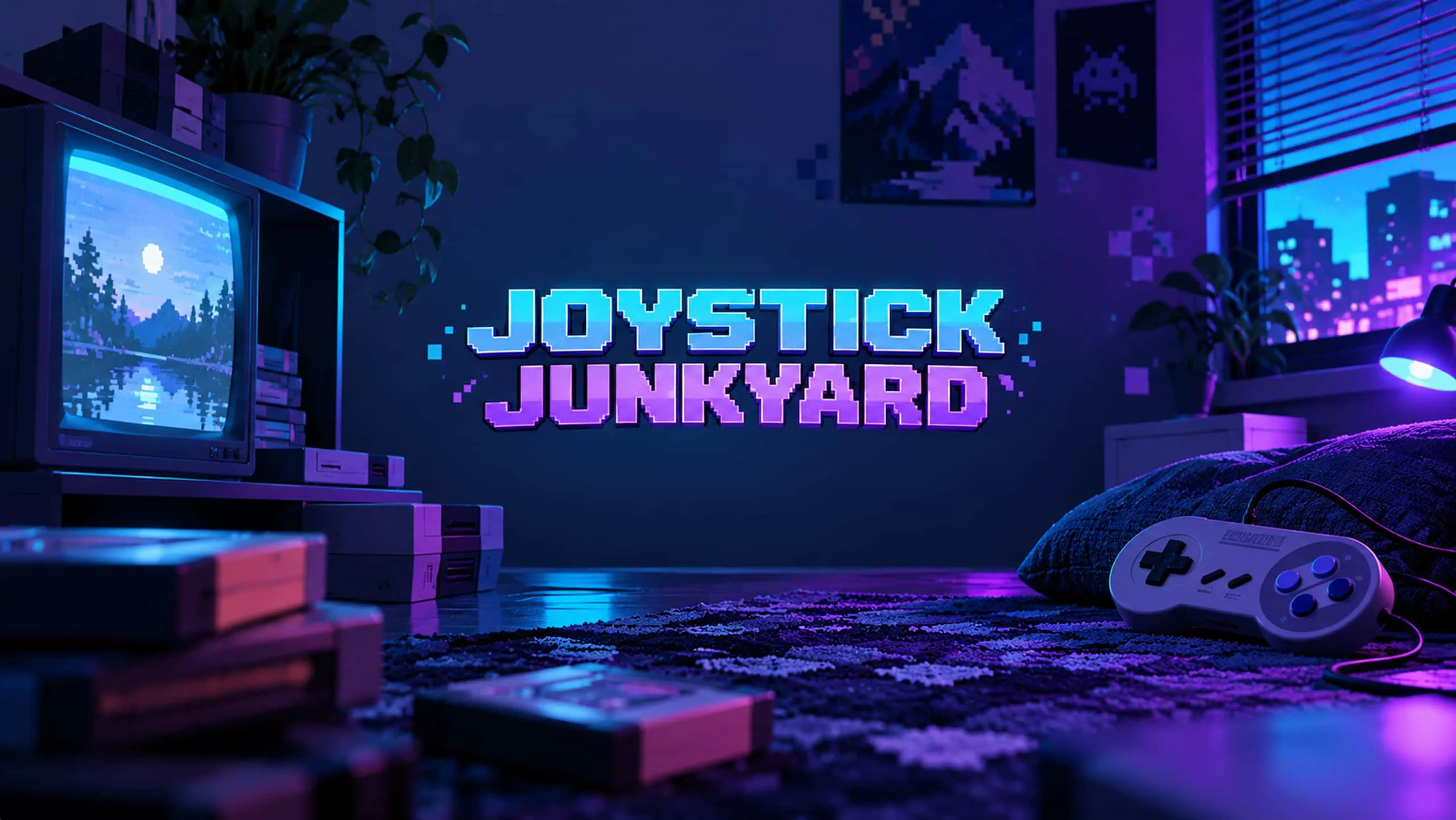
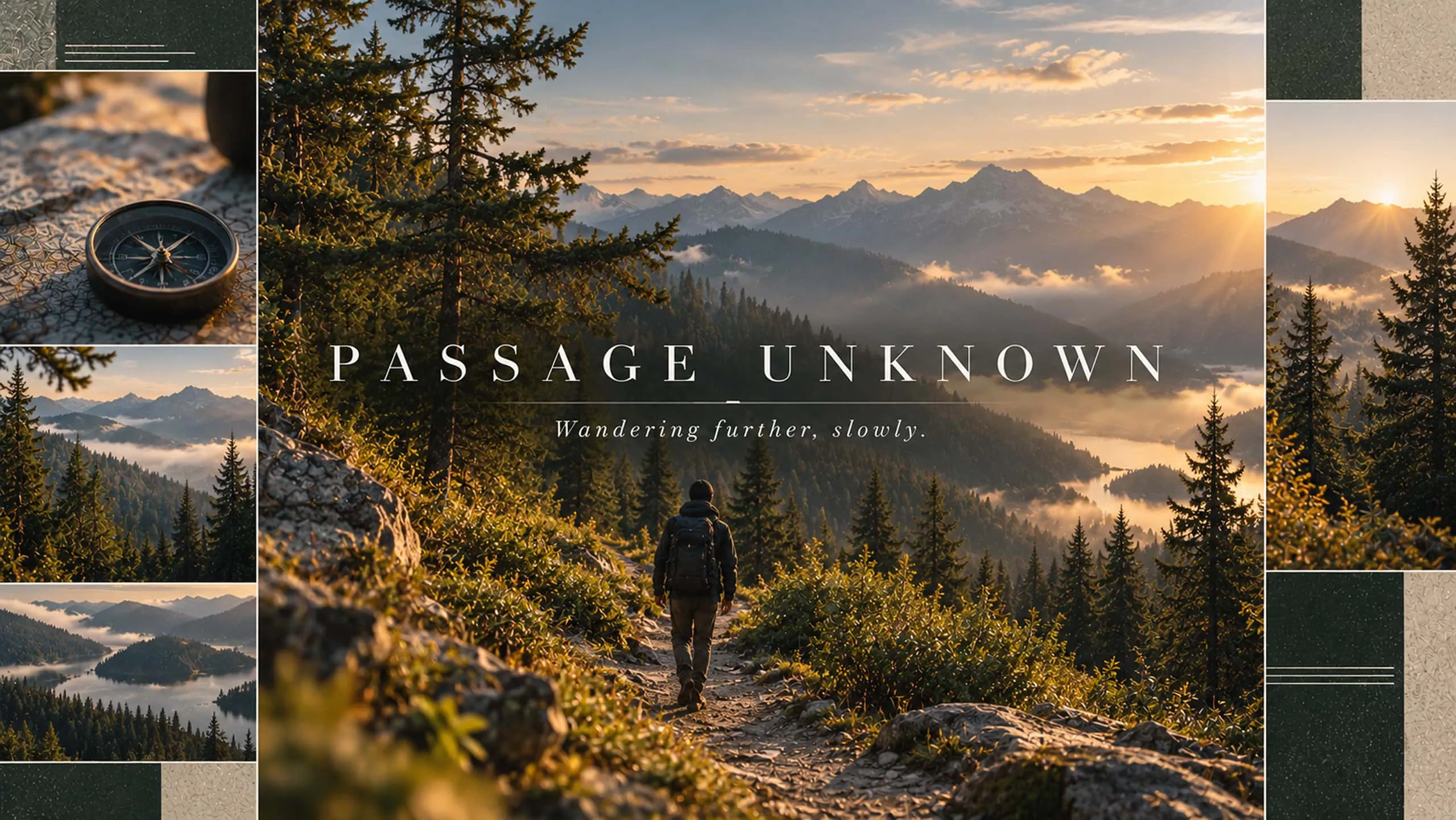
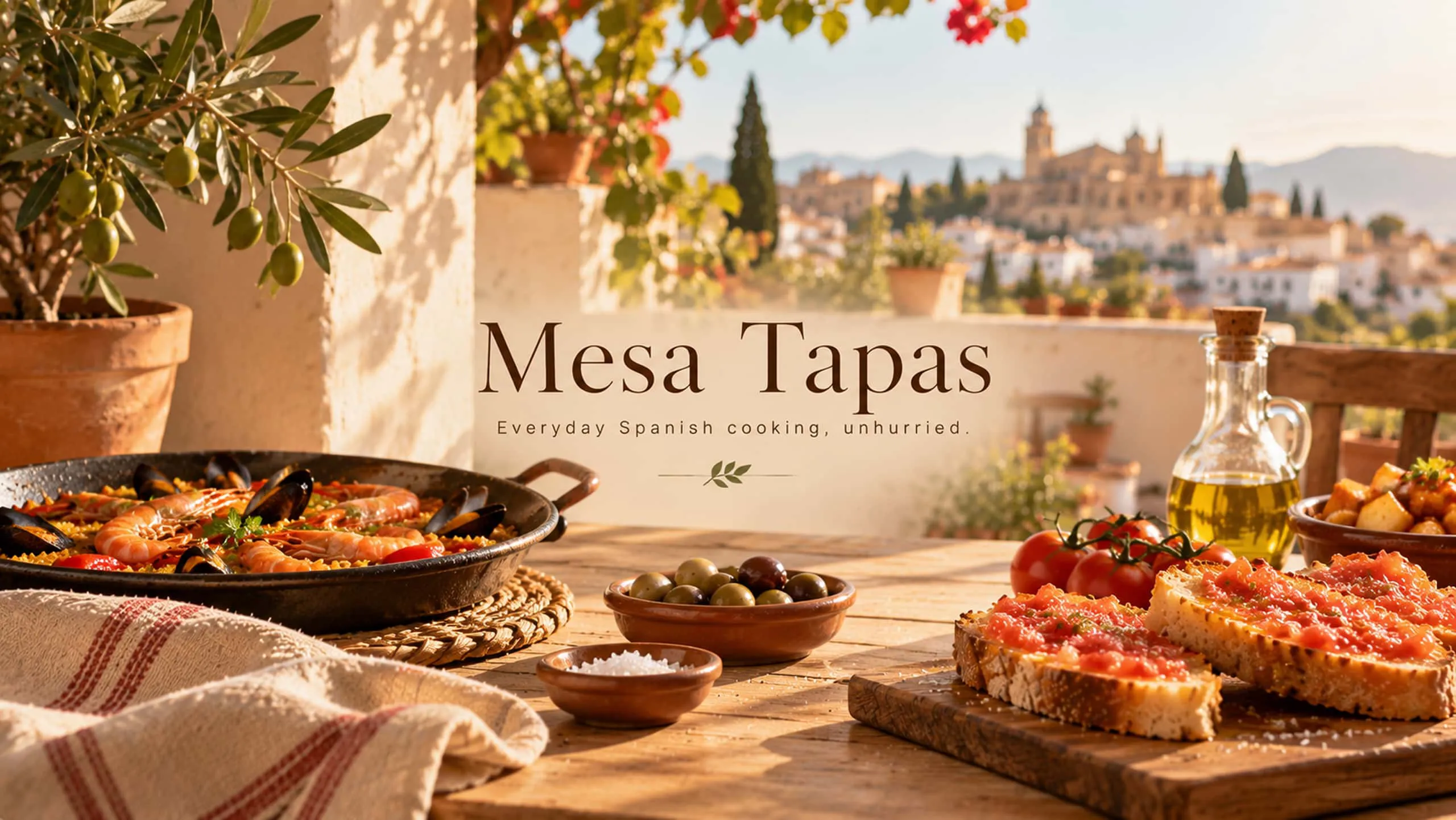
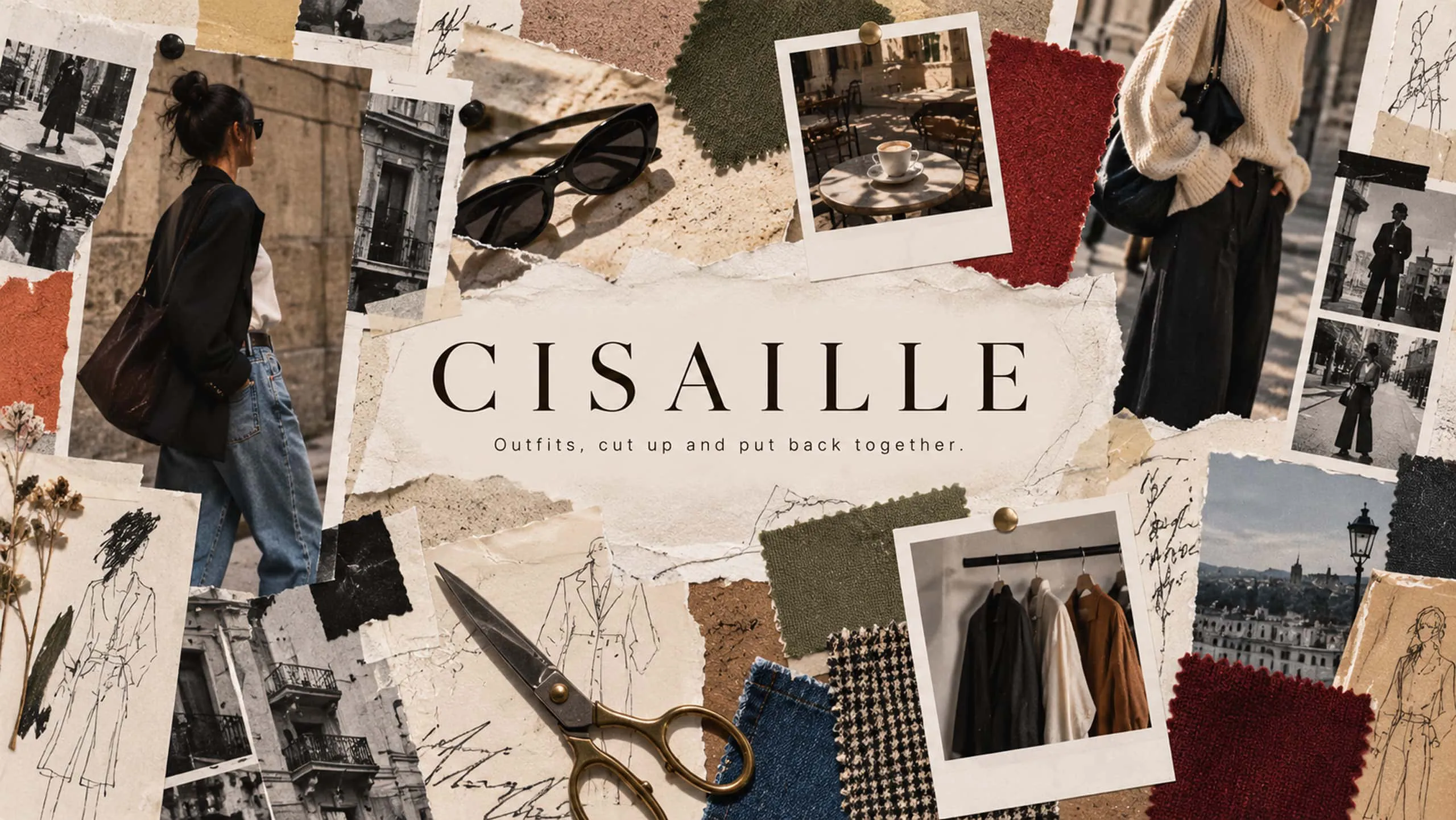
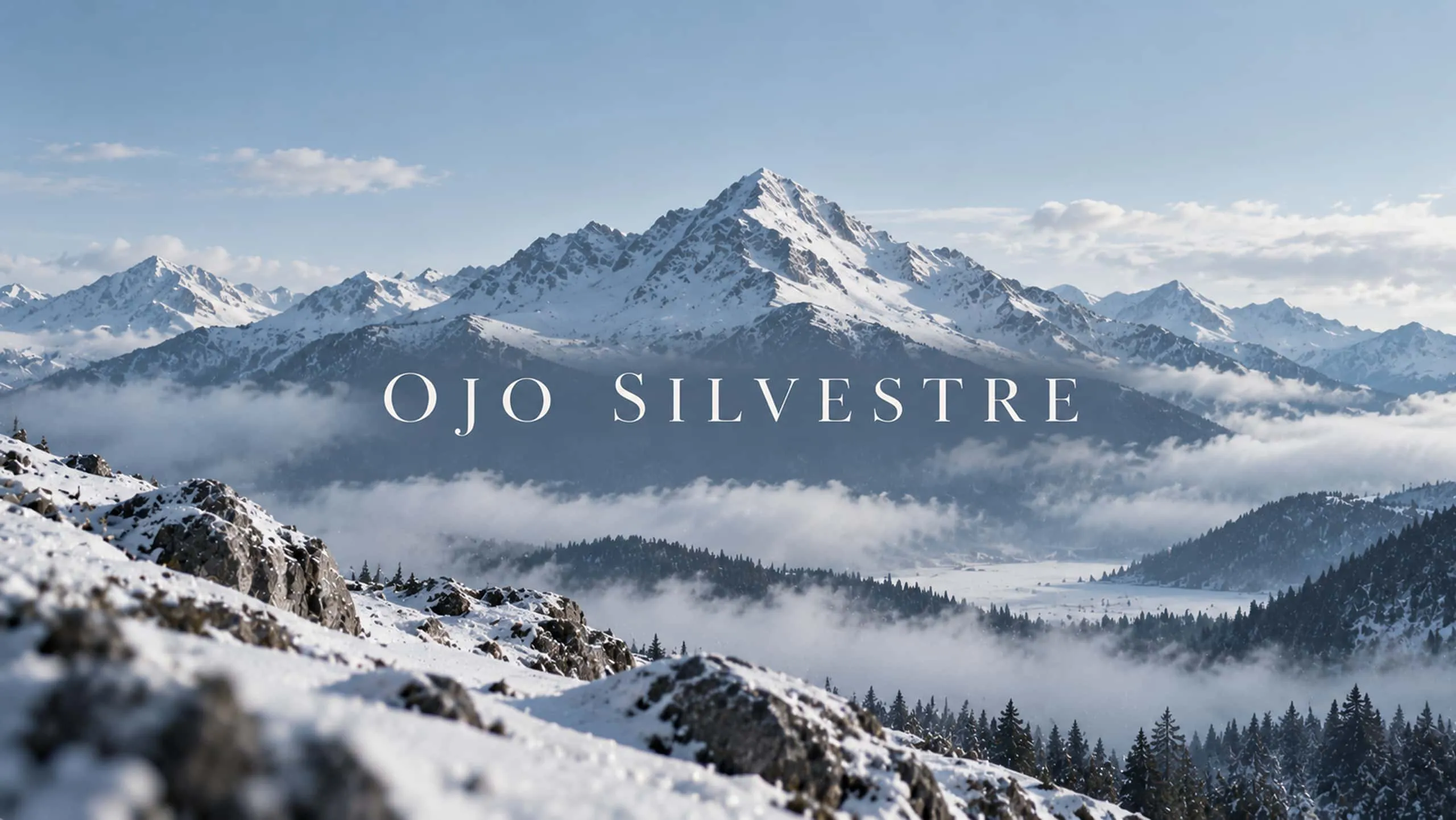
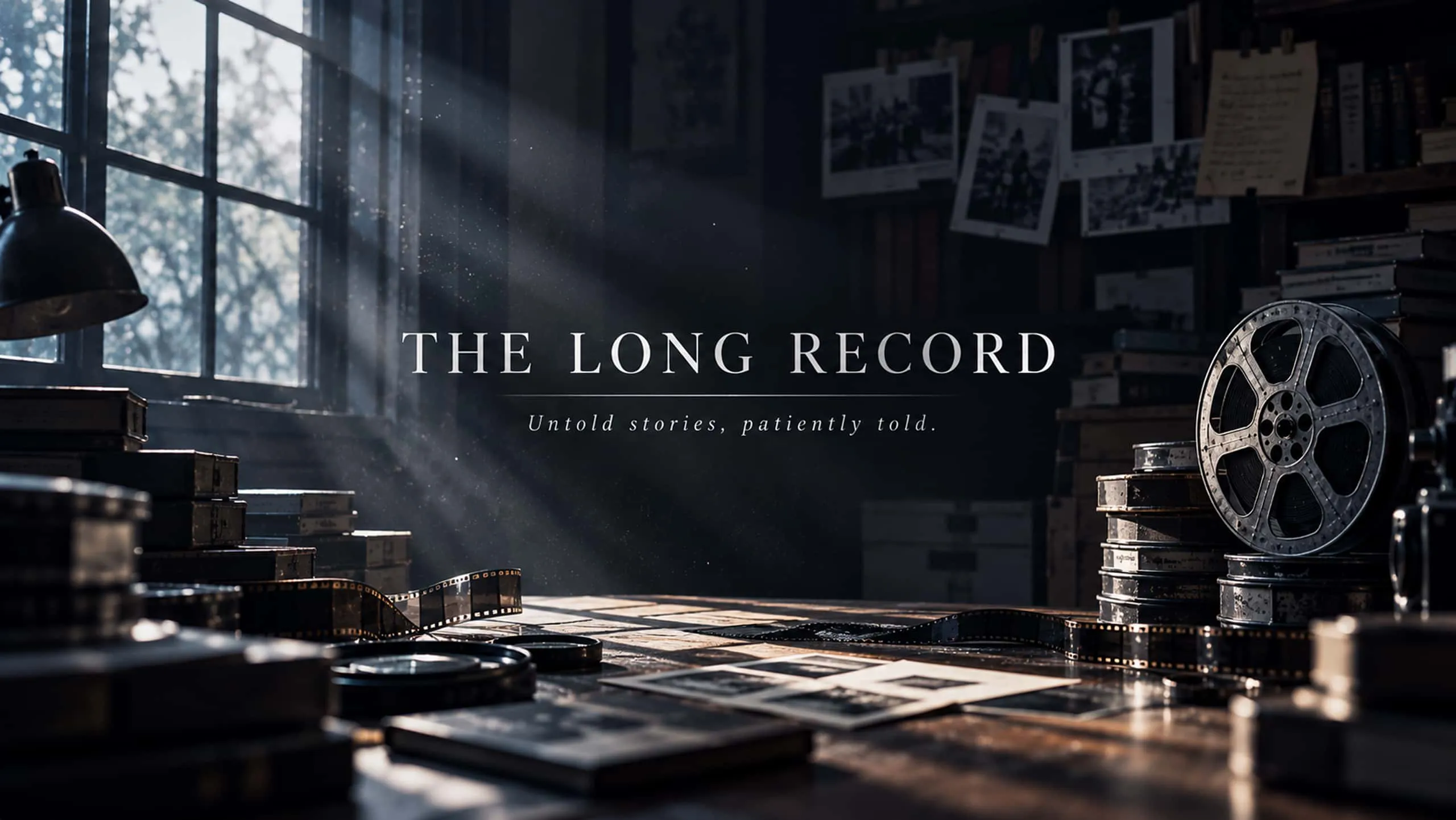
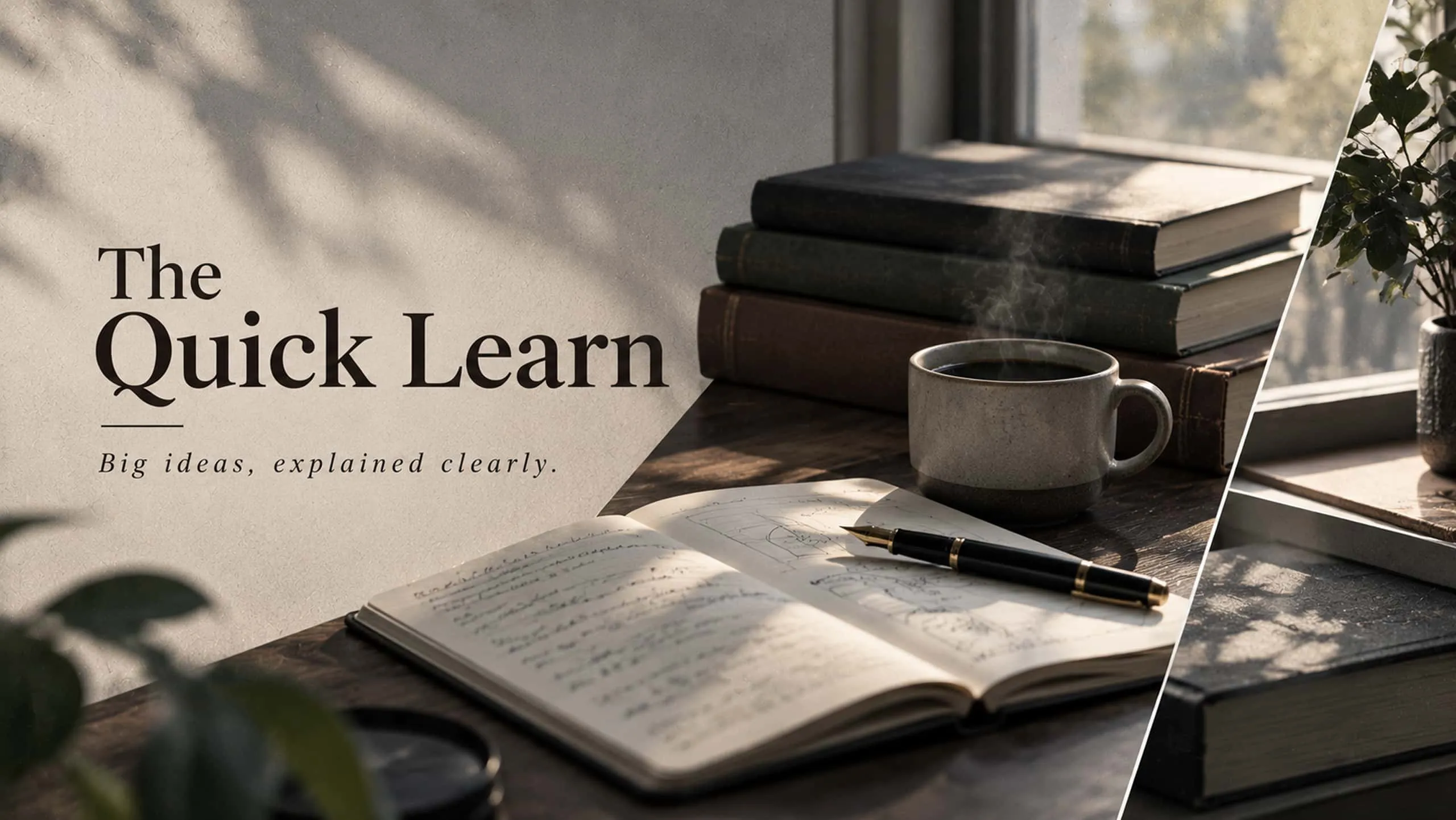
How to make a YouTube banner with Kimi
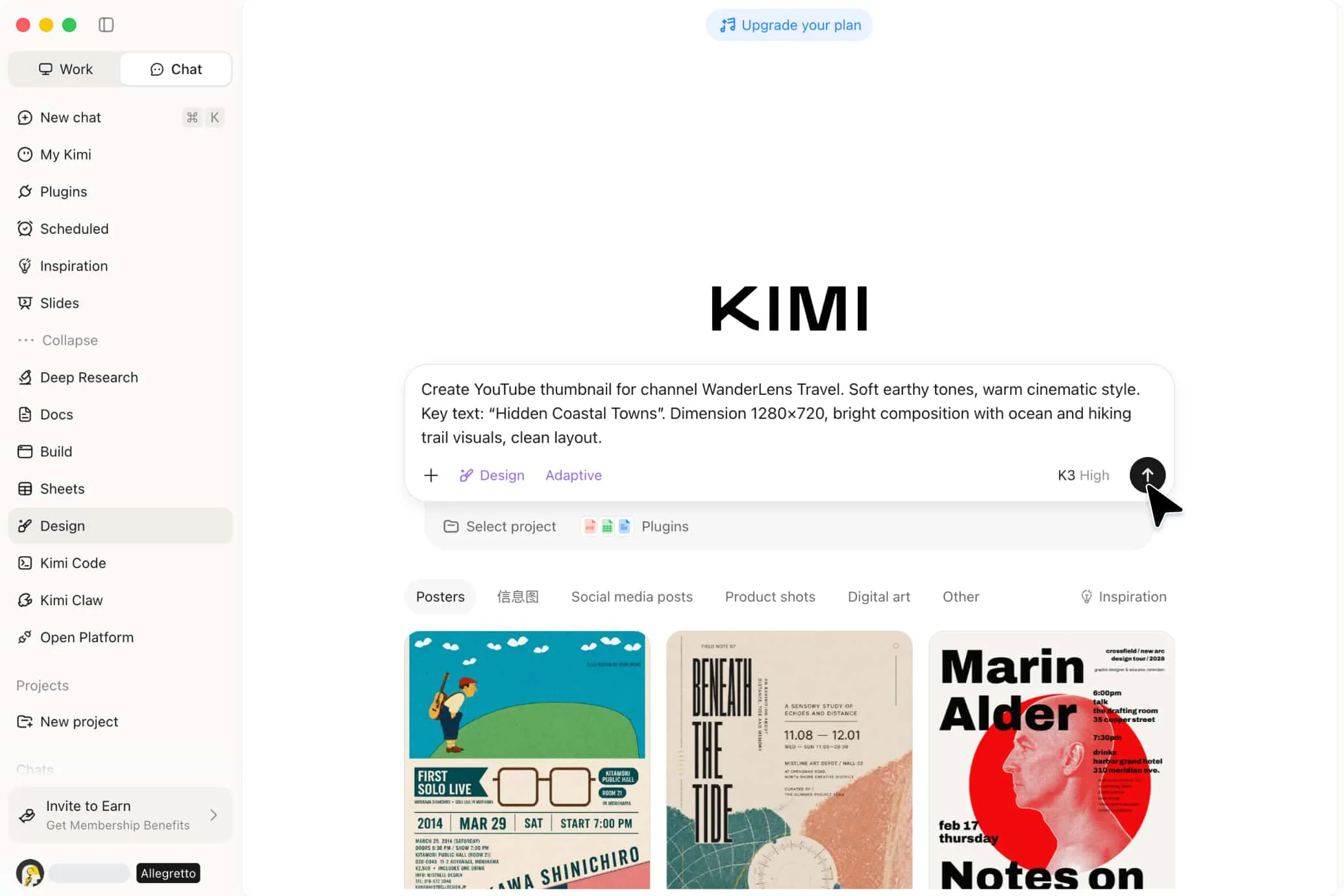
Describe your channel and let Kimi Design generate the banner
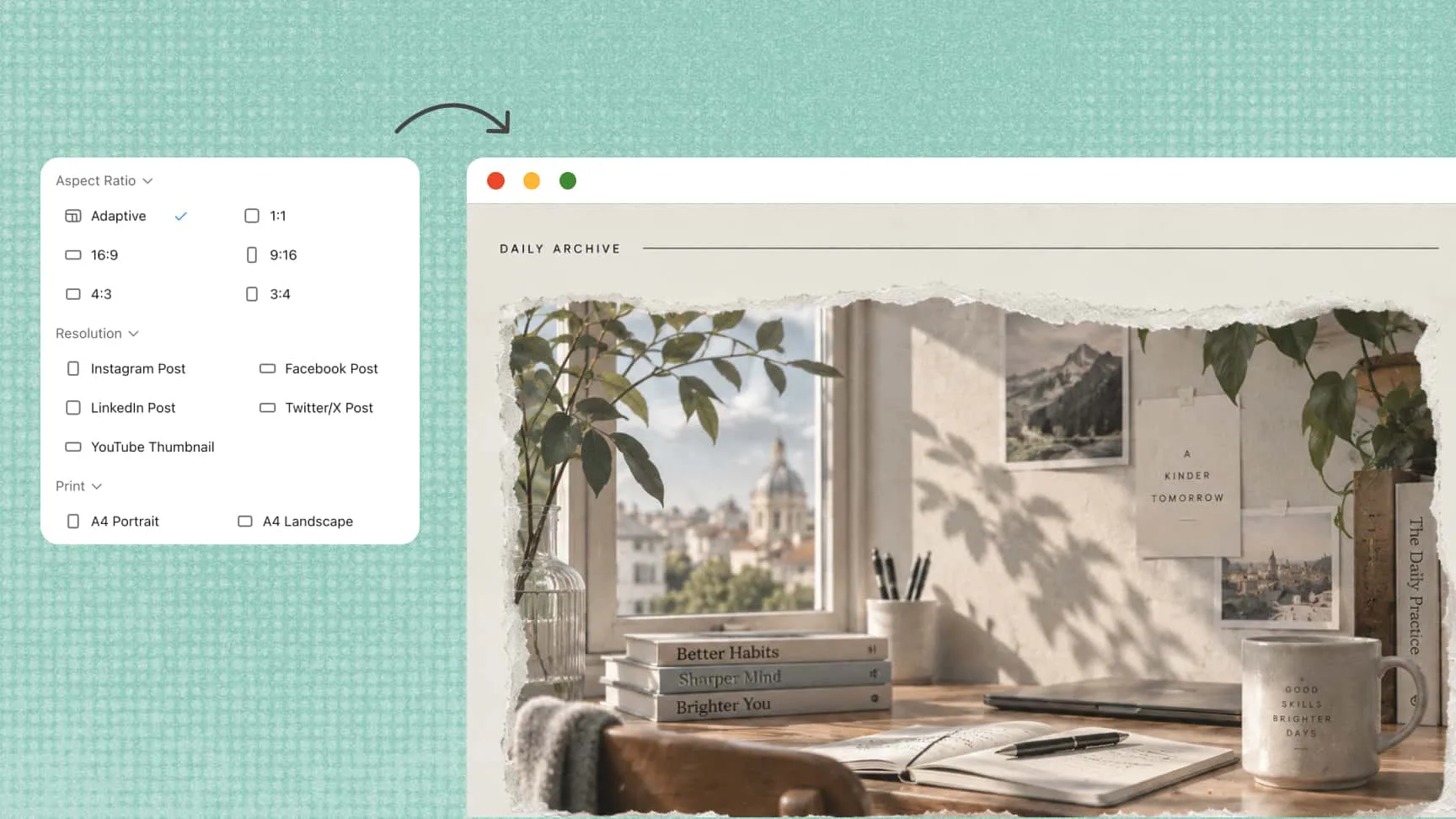
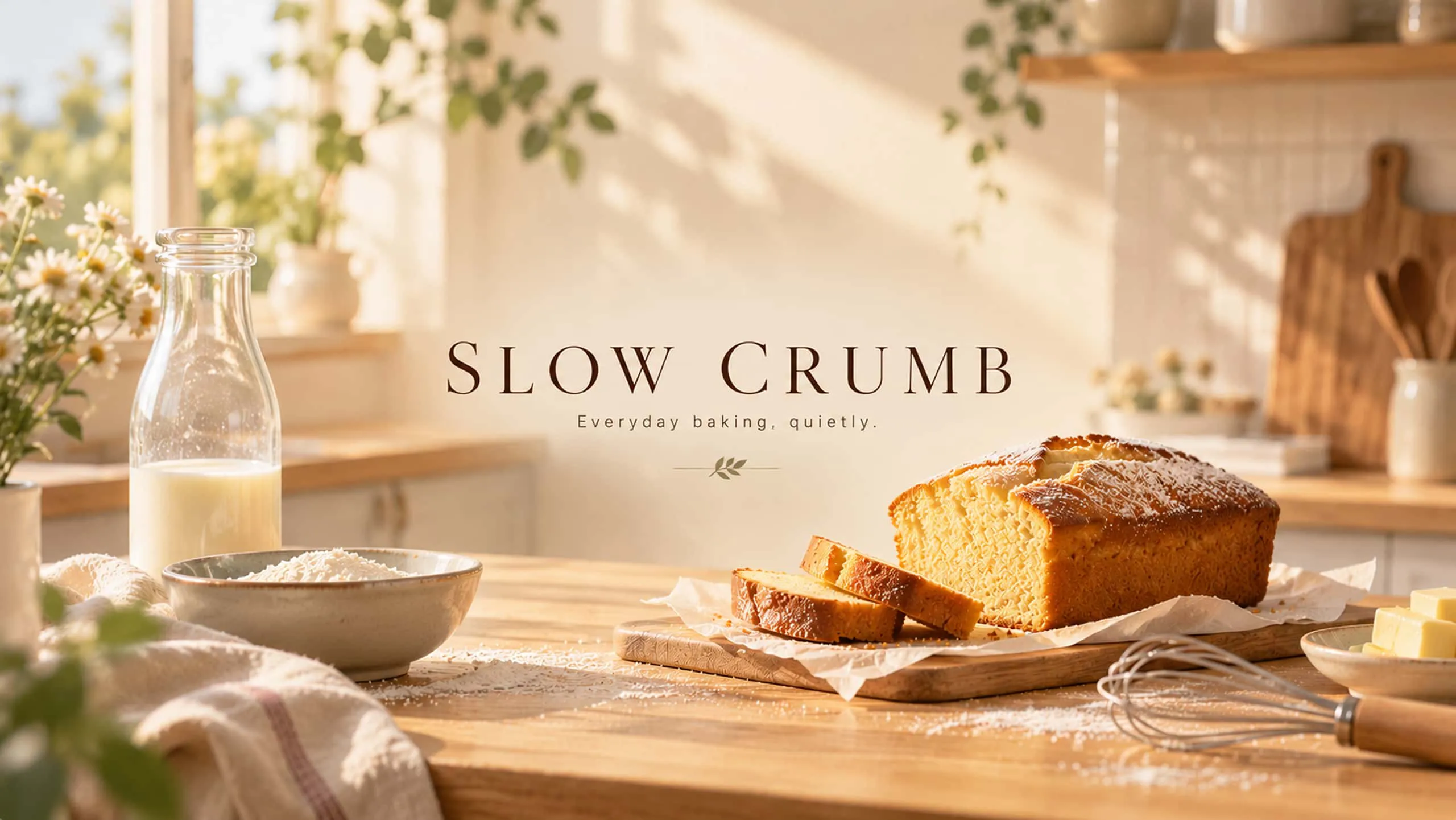
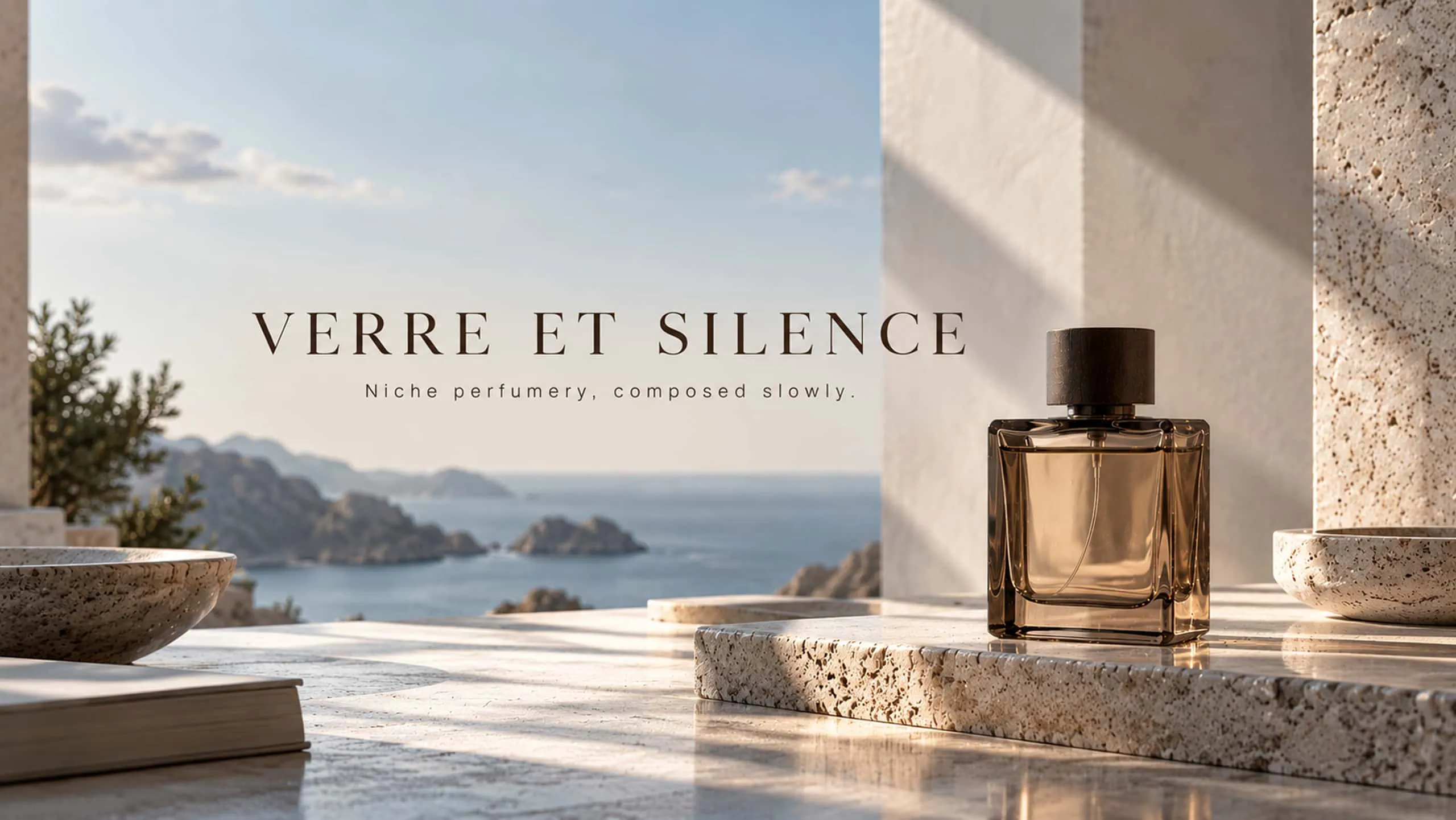
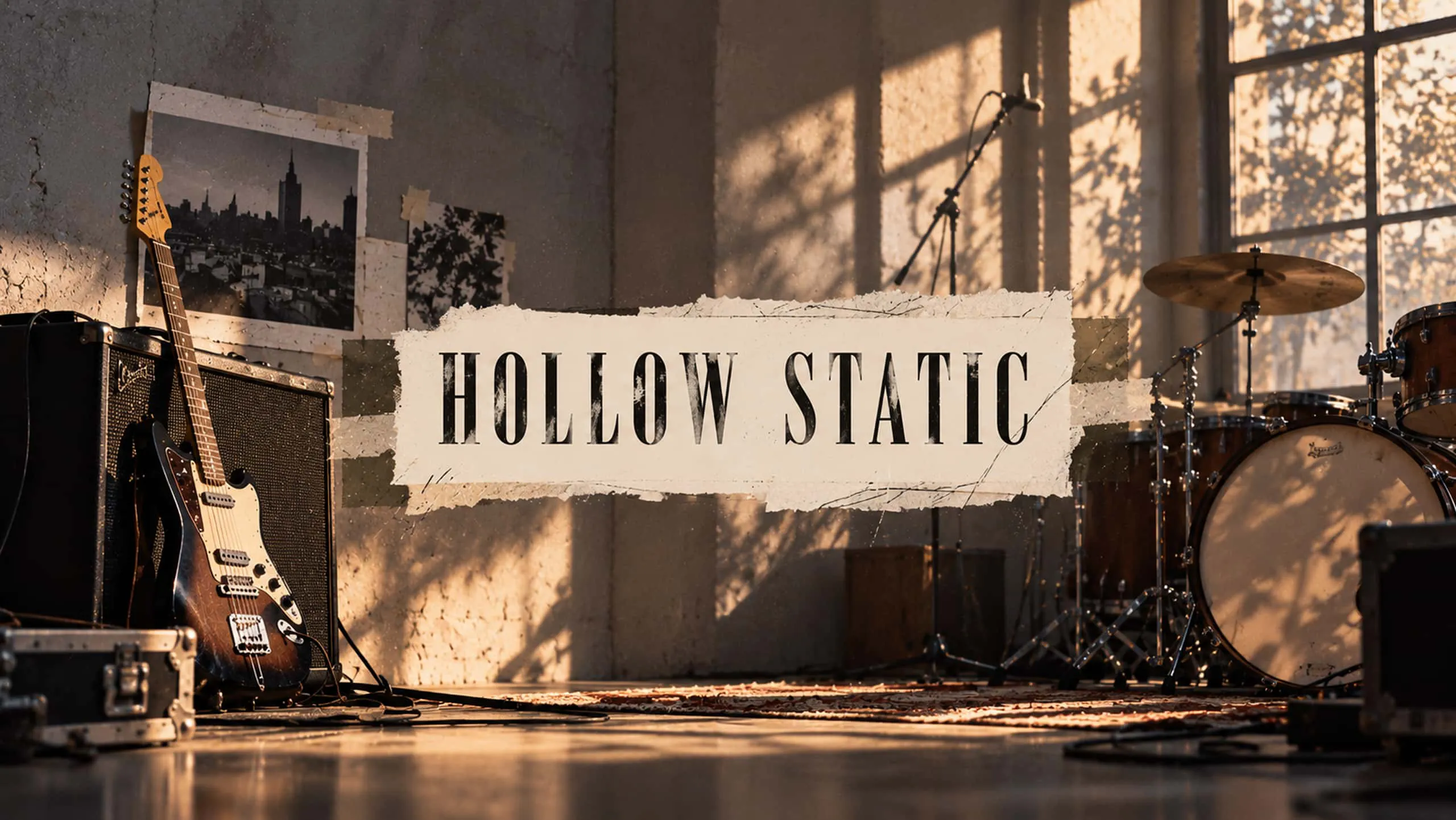
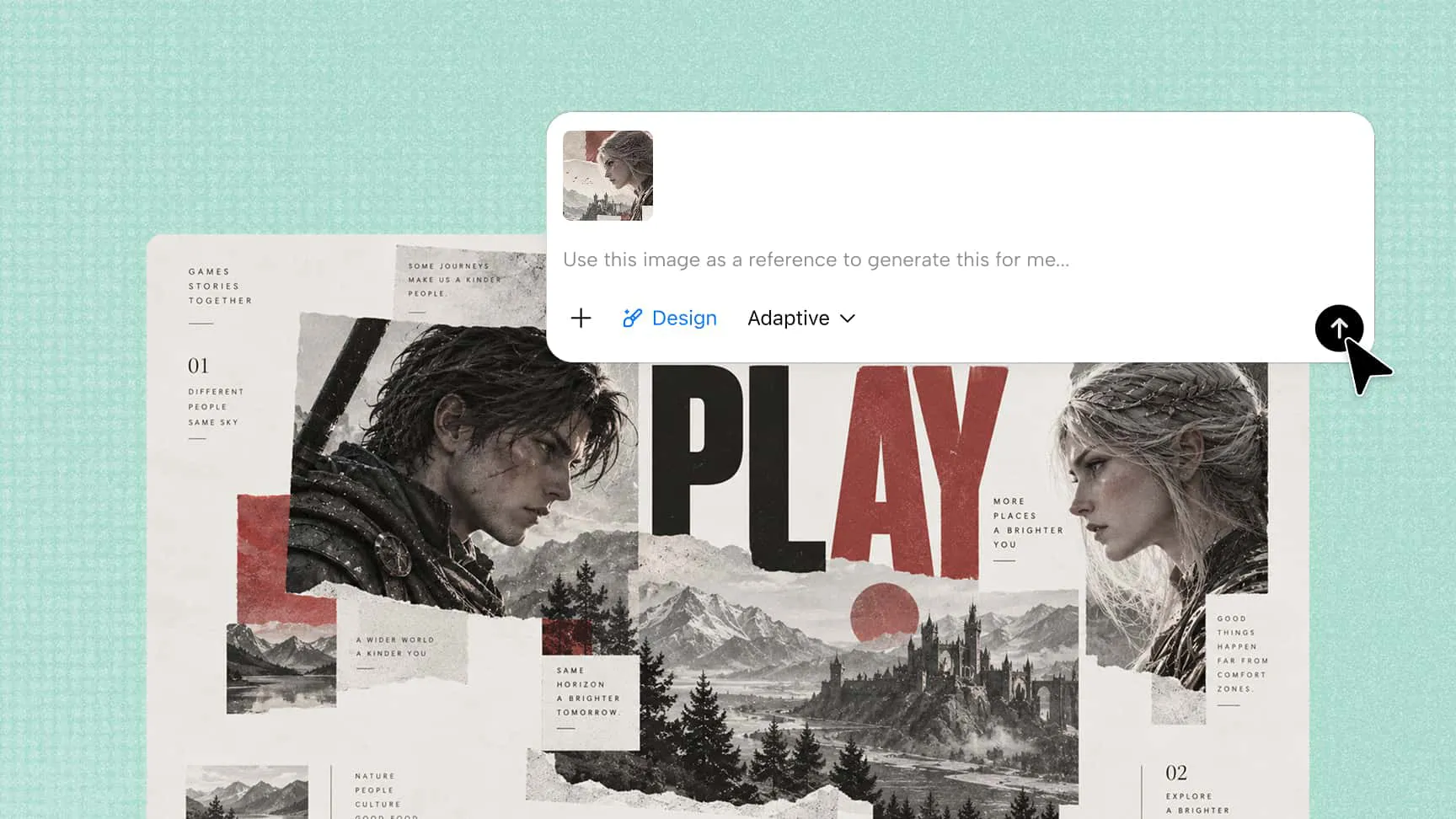
Tell Kimi Design what you want: include your channel name, style, colors, key text, and dimensions for clear direction. Unsure of size? Choose your platform and Kimi’s smart matching will generate the correct standard dimensions. You can also upload any reference image—screenshot, poster, or banner—and Kimi will recreate it as an editable design.
Refine every detail with AI editing or manual adjustment
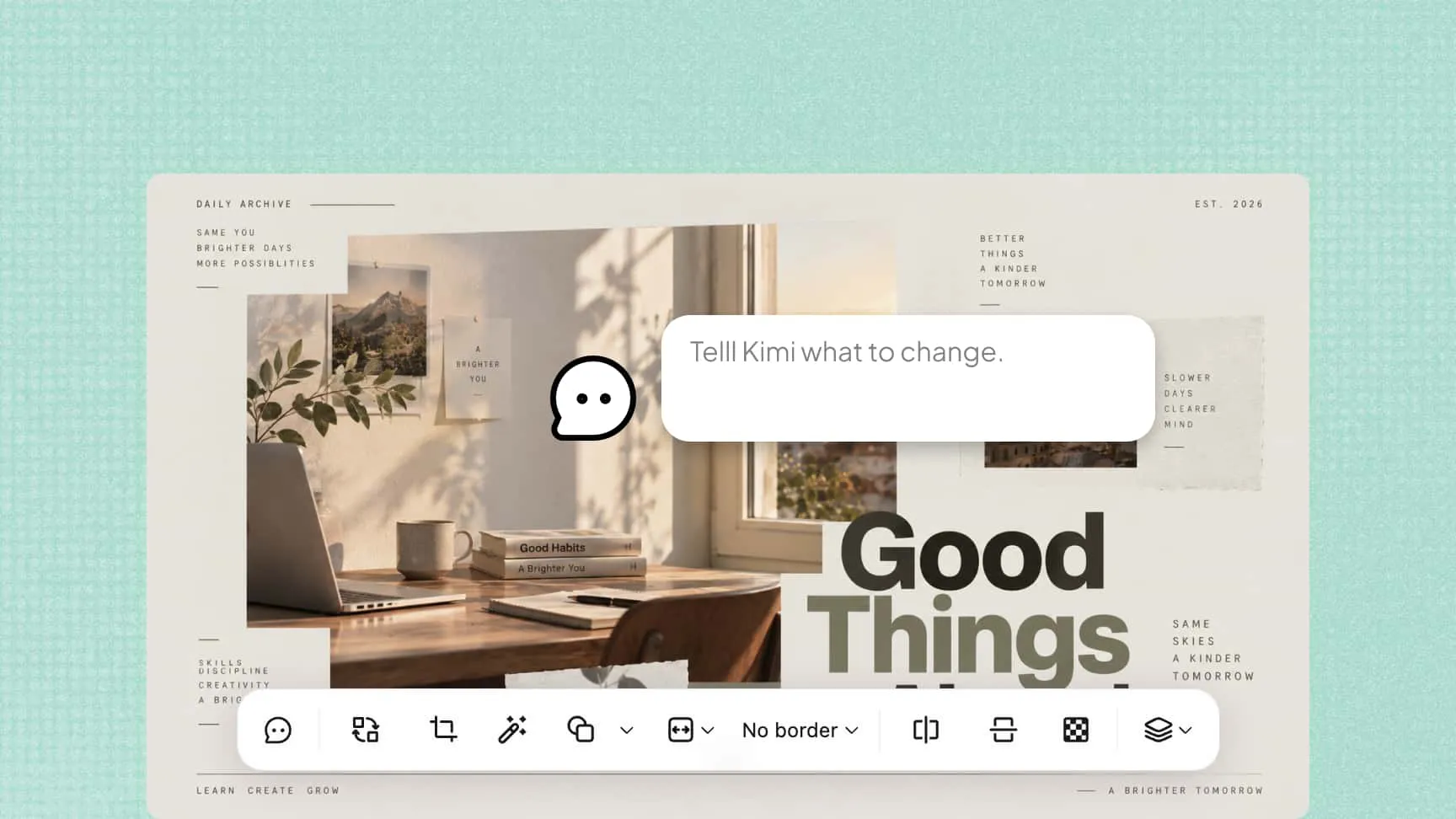
Your banner arrives fully editable. If something needs changing, you can refine your banner without starting over. Use Kimi Design's editing tools to make adjustments manually, or use simple prompts to ask AI to move text, change colors, replace visuals, or adjust the overall layout.
Export and upload the banner to your channel
Download your banner as a high-resolution image at exactly 2560 × 1440 px, ready to upload to your YouTube channel. Every version is saved, so you can preview or restore any draft.
Turn ideas into polished YouTube banners
No design draft needed. Describe your channel and the direction you want, or start from a template or an image reference, and Kimi Design returns a complete first draft — a full banner rather than a blank canvas or a rough wireframe you have to fill in. Instead of assembling the layout piece by piece, you begin with a finished-looking banner that is ready to review, refine, or regenerate.
Make your channel identity stand out
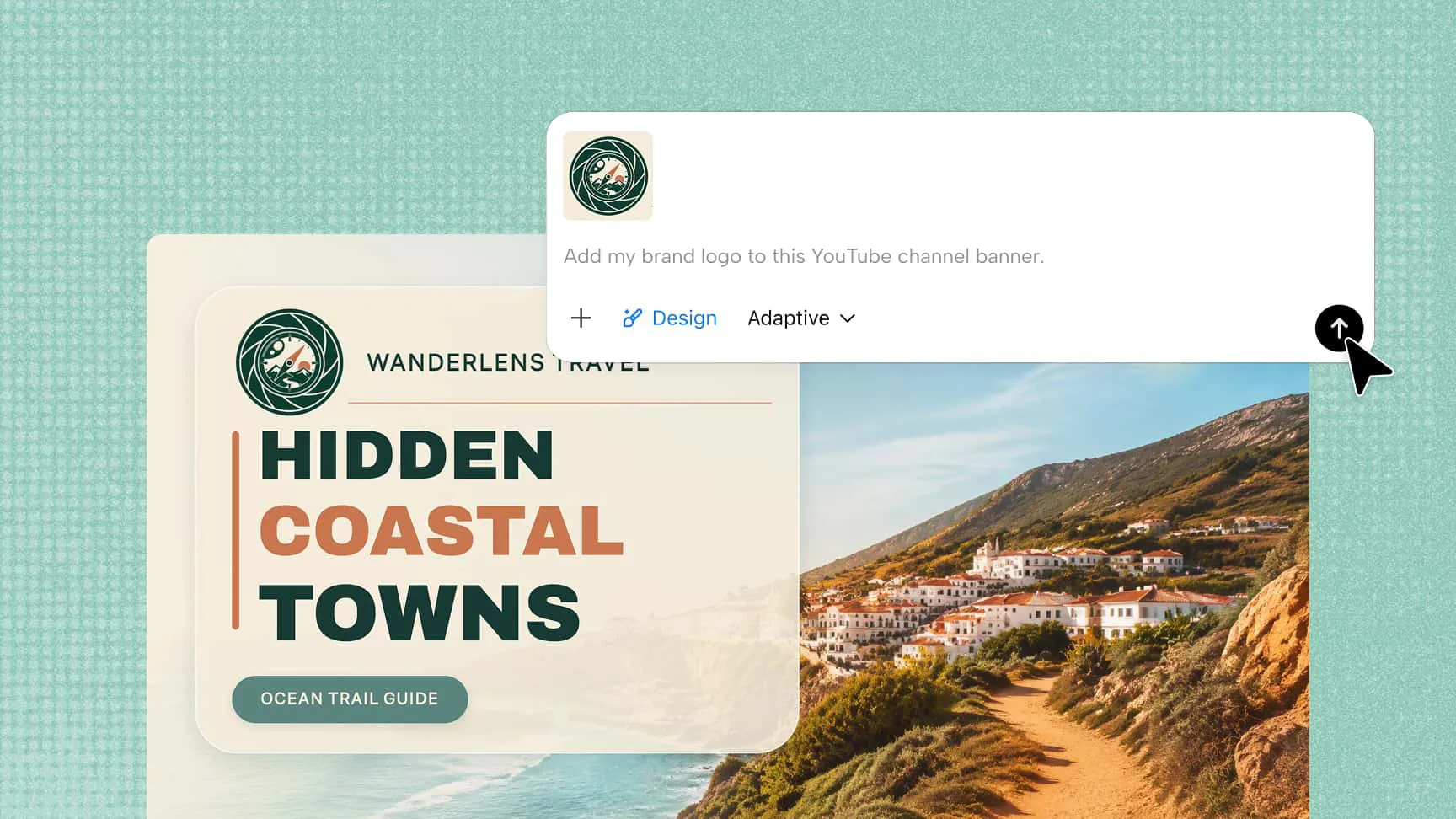
Bring your channel's own elements into the banner — your name, tagline, logo, content focus, or other signature details. Kimi Design builds them in so they stay clear and prominent, and the result reads as your channel rather than a generic design that could belong to any creator. Viewers can tell at a glance what your content is about.
Refine the banner easily with conversations or hands-on edits
The design stays editable after it is generated, so you are never locked into the first version. Ask Kimi Design to change the layout, rewrite text, replace imagery, or adjust the visual style in conversation, or select specific elements and edit them directly on the canvas. Either way, small tweaks and bigger changes stay quick.
Get an upload-ready banner in the right size and format
A banner only looks right when the final file is the right size and format. Pick the YouTube Cover preset and Kimi Design's smart size matching generates your banner at YouTube's 2560 × 1440 px, with your text and logo inside the 1546 × 423 px safe area so nothing important is cropped on phones, desktops, or smart TVs. Exports are upload-ready — no pixelation, no awkward crops — and the same design also resizes for Instagram, Facebook, LinkedIn, X, or print-ready A4 and A3.