Online Flyer Maker
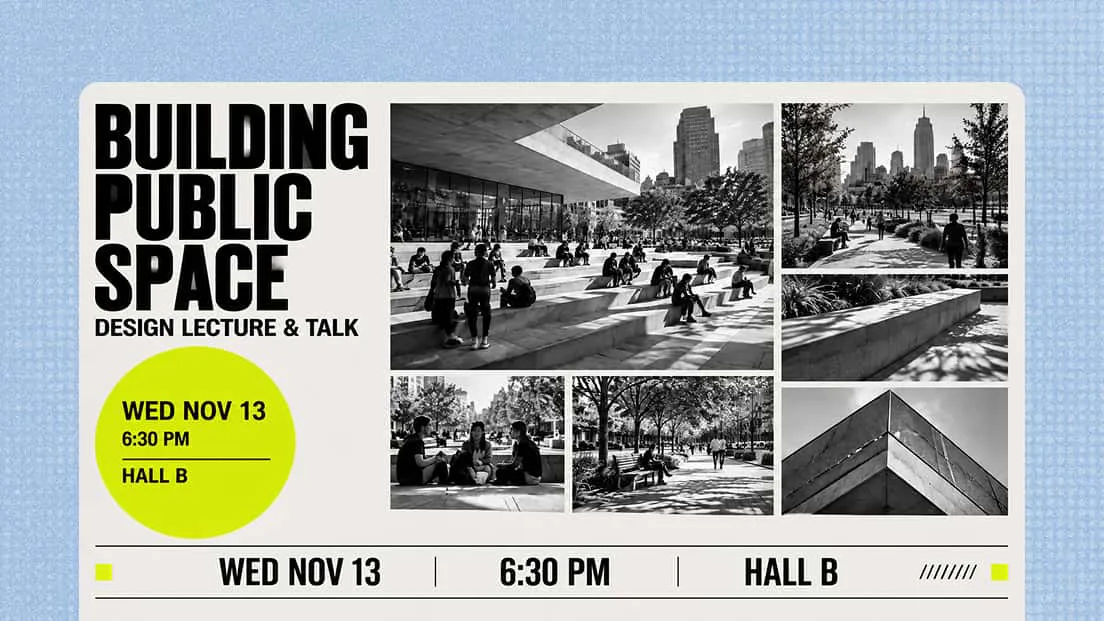
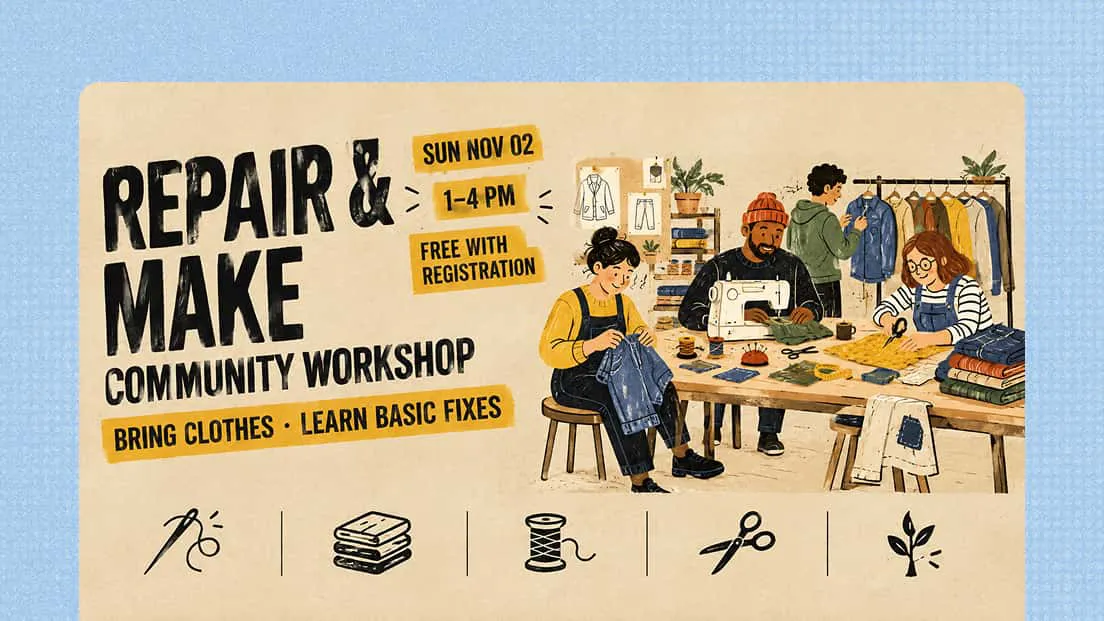
Create professional flyers with Kimi Design, a flyer maker that helps turn your campaign ideas, event details, or visual references into polished designs. Build a clear visual hierarchy, experiment with different creative directions, and tailor every detail to your needs.
Why use Kimi Design as your flyer maker
Bring your flyer concept to the canvas
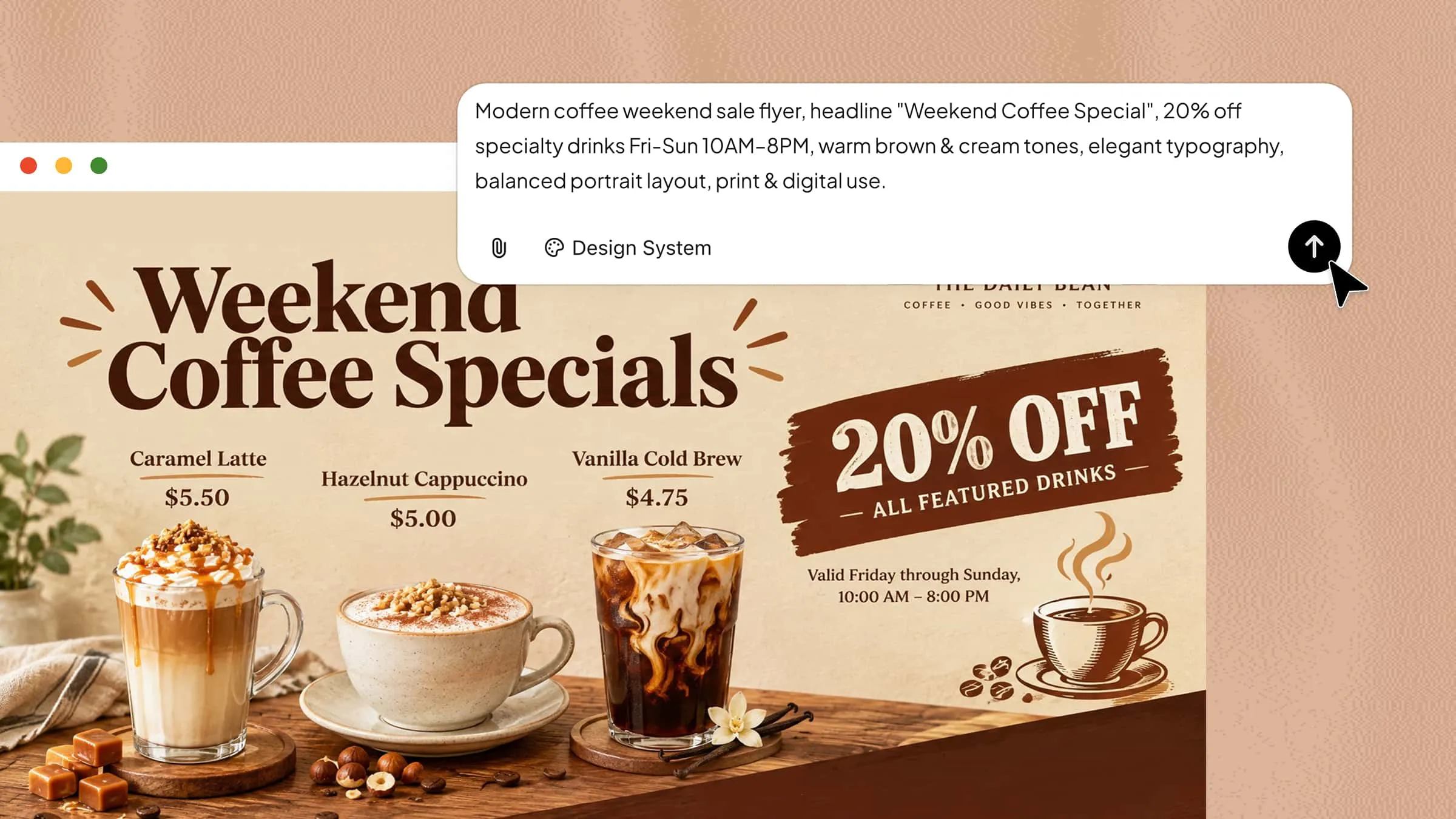
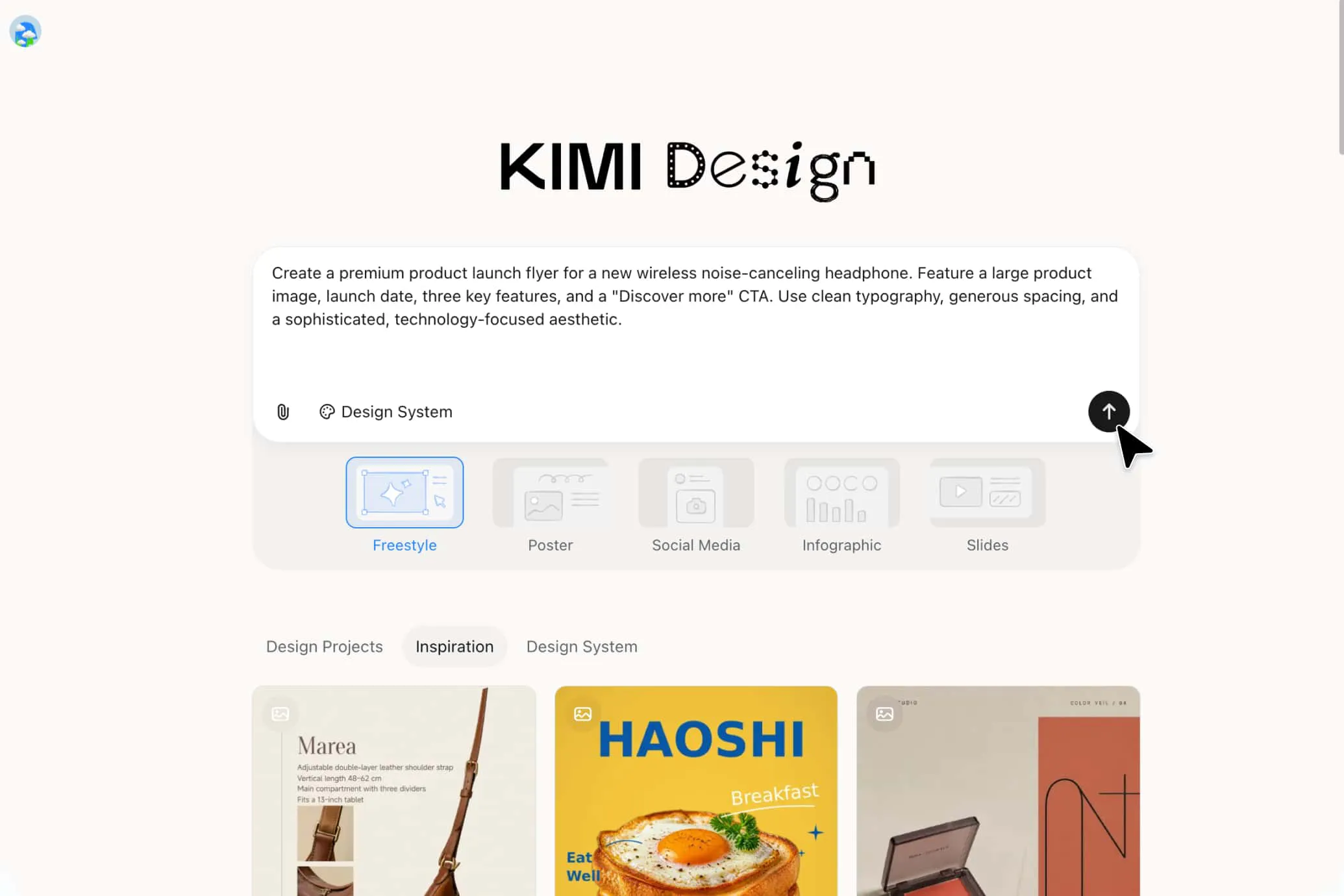
Start with the information and visual direction you want to communicate. Describe your flyer, provide key text, and add reference images to give Kimi Design more context. Kimi Design then organizes your content into a cohesive layout with suitable typography, imagery, colors, and visual elements.
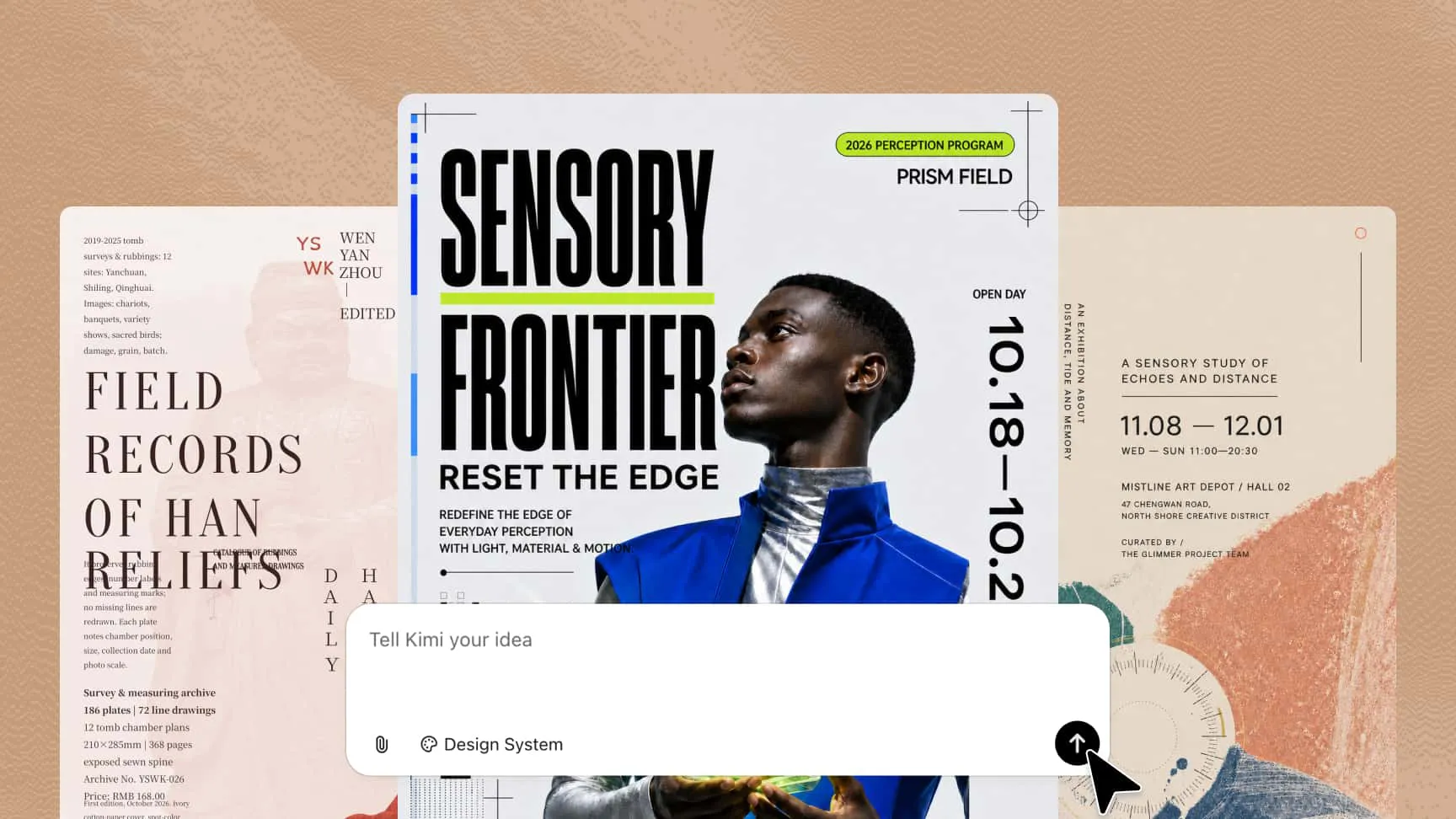
Explore diverse looks and styles of your flyer
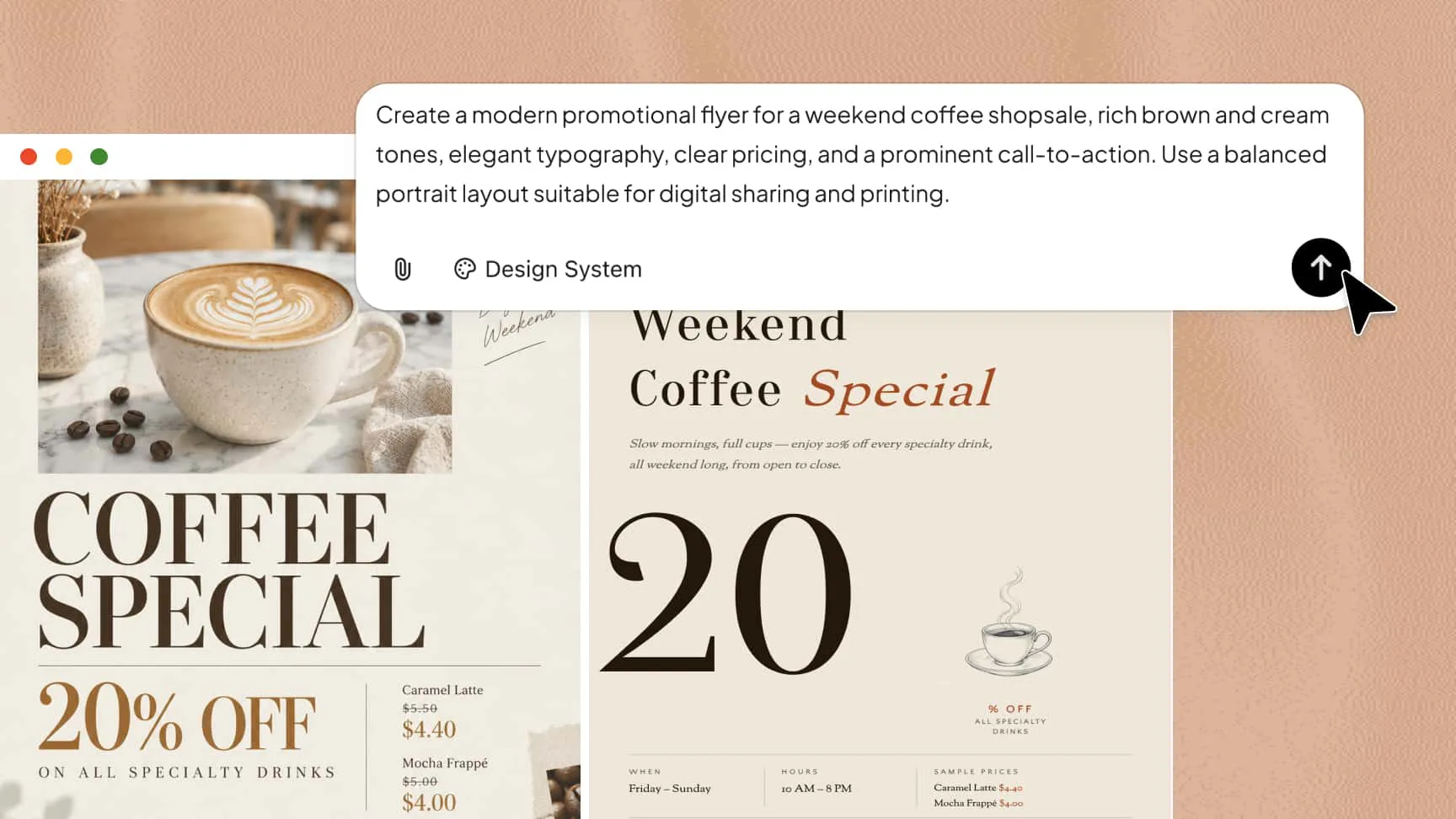
Give your flyer a distinct visual identity by experimenting with different compositions, type treatments, color combinations, imagery, and decorative details. Whether you're promoting an event, launching an offer, sharing an announcement, or creating a campaign graphic, you can explore different creative directions.
Refine your flyer through conversation or manual adjustments
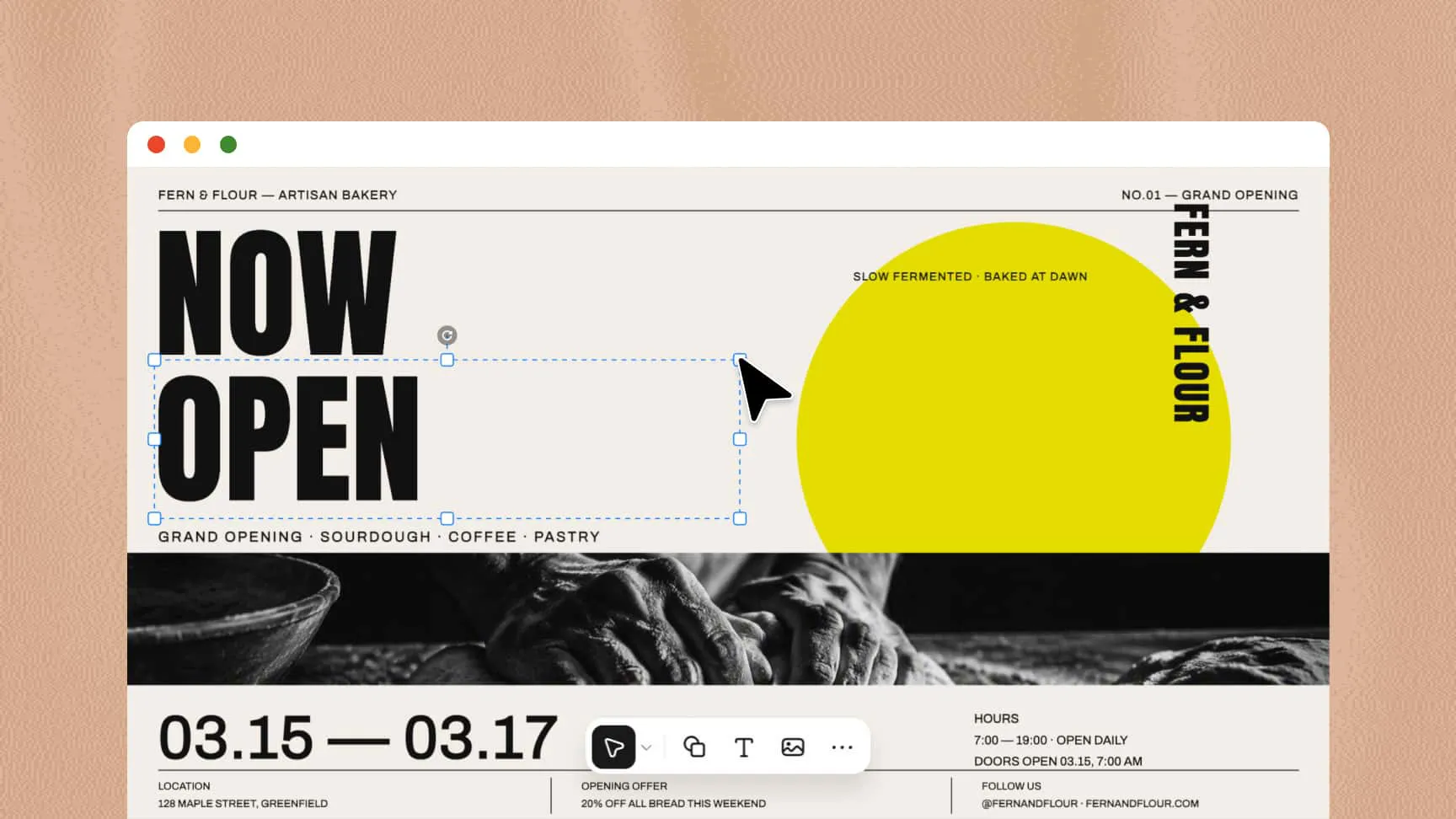
Customize your design using the editing method that suits your needs. Chat with Kimi Design to adjust the overall look, leave comments on specific elements to guide targeted AI edits, or manually edit individual components directly on the canvas.
Edit freely while keeping your version history
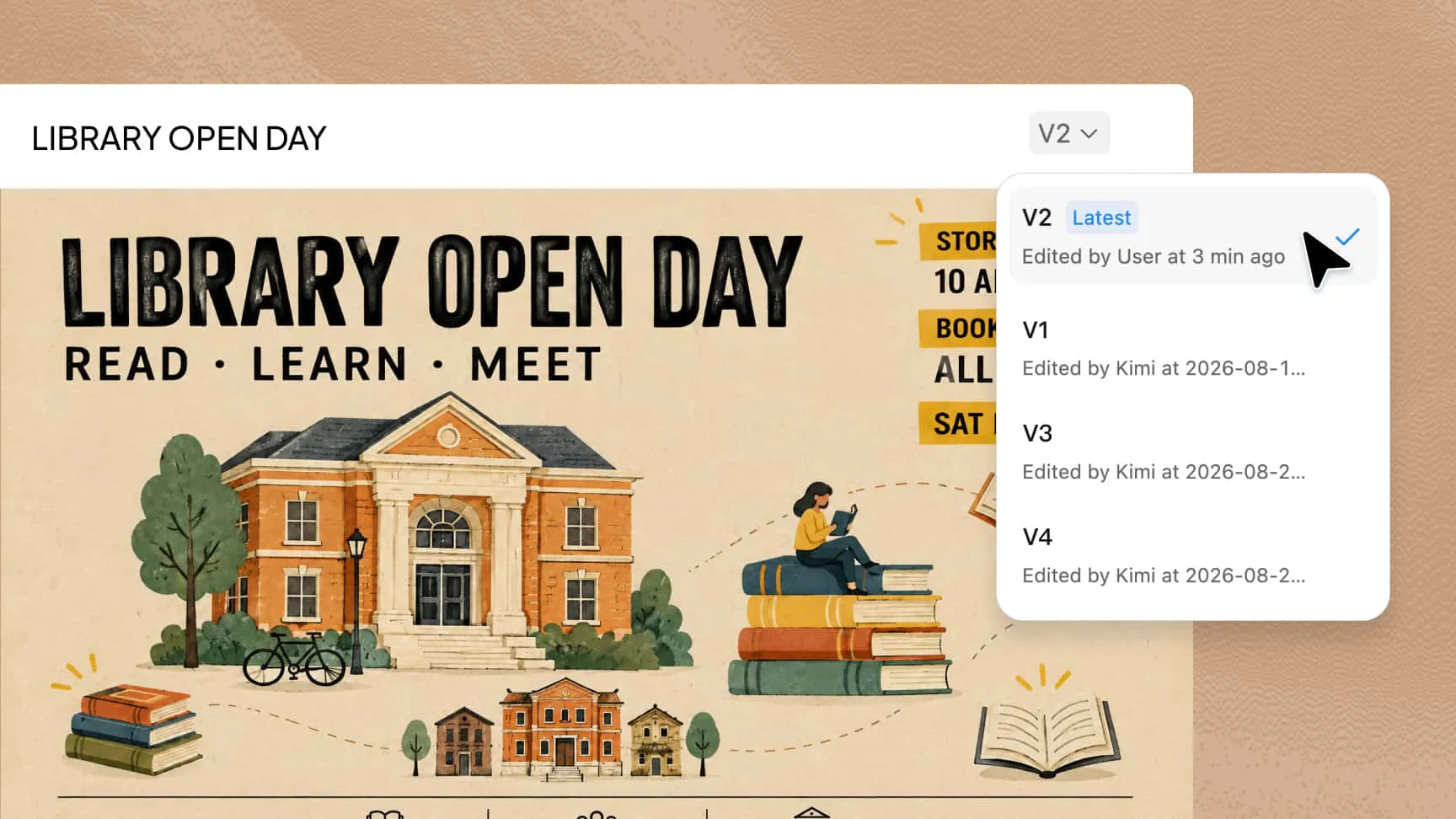
Experiment with different layouts and visual styles while keeping previous iterations accessible. Browse your design history to restore an earlier version whenever needed. When your flyer is complete, export it in a suitable format for online distribution, presentations, or printing.
How to create a flyer with Kimi Design
Step 1: Define what your flyer needs to communicate
Start by describing your flyer's purpose, target audience, and key message. Include the headline, event details, special offers, call to action, preferred colors, and visual style to help Kimi Design create a design that fits your needs.
Step 2: Review and refine the design
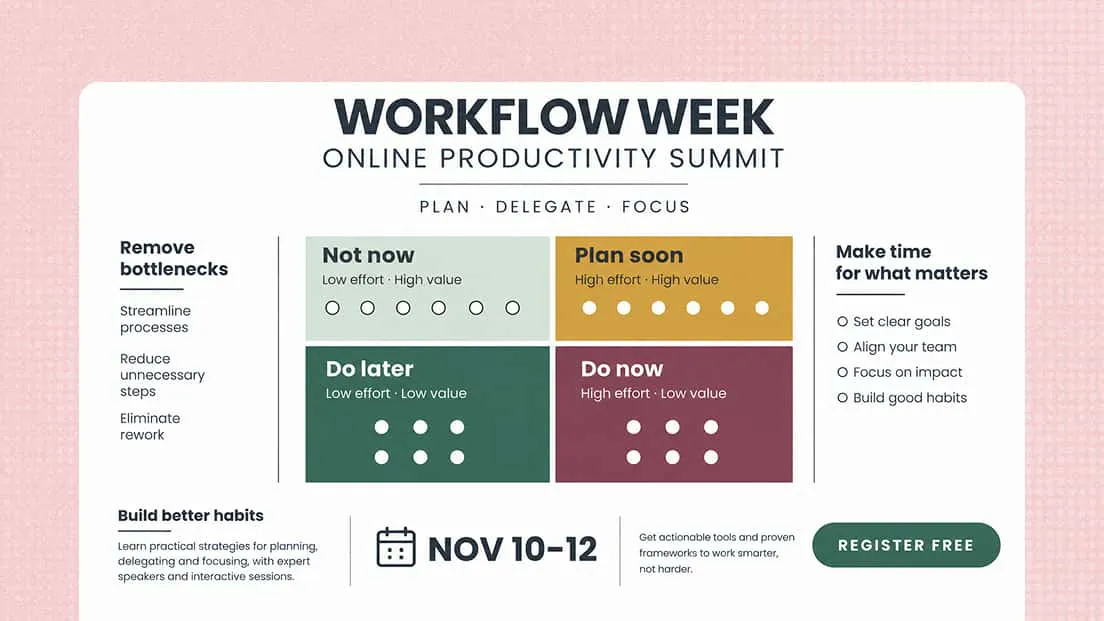
Review the generated flyer to check its layout, readability, and visual hierarchy. Use AI prompts for broader changes, leave comments on specific elements, or manually edit text, images, colors, and spacing directly on the canvas to customize your design.
Step 3: Finalize and export your flyer
Check the spelling, alignment, spacing, and overall appearance before exporting your flyer. Choose a supported format, such as PNG, JPG, PDF, or PPTX, depending on whether you need to share it online, include it in a presentation, or print it.
From events to promotions, make it a flyer
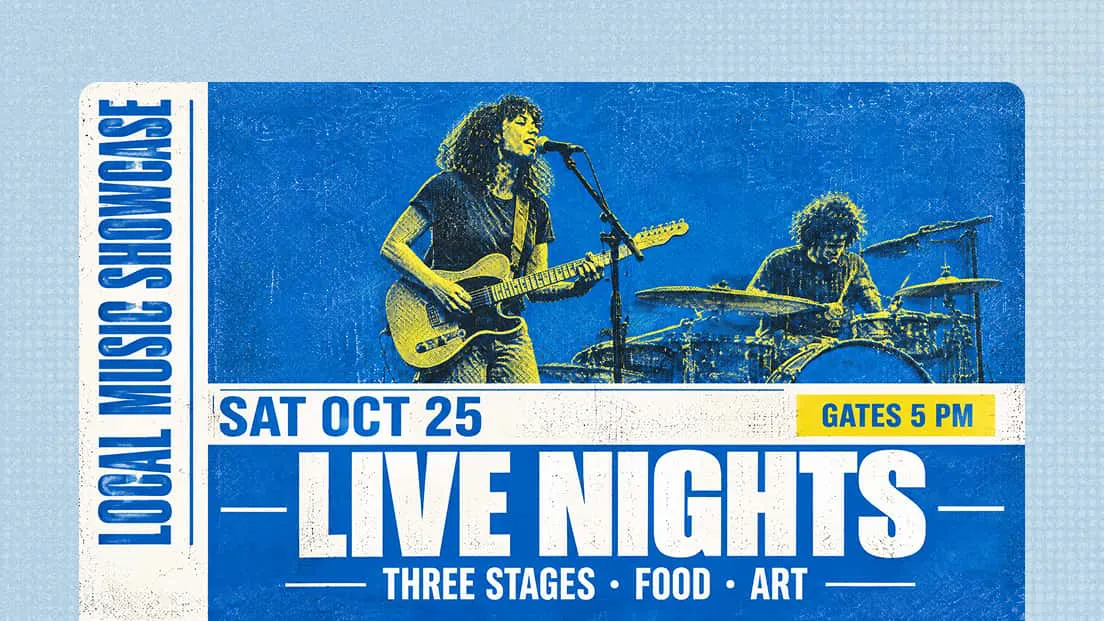
Event promotion
Create flyers for concerts, workshops, festivals, and community gatherings. Organize event details clearly and use engaging visuals to capture attention and encourage attendance.
Business marketing
Use a business flyer maker to introduce your company, highlight your services, or attract local customers. Present your brand identity and key messages in a clear, professional layout.
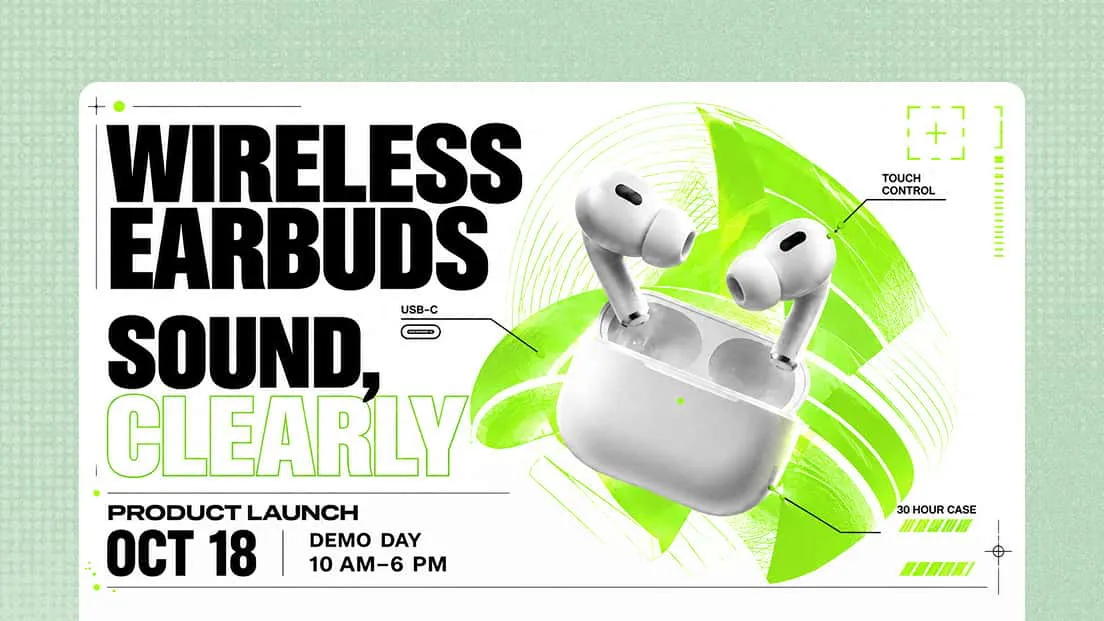
Product launches
Introduce new products or services with flyers that highlight key features, compelling visuals, special offers, and clear calls to action. Give your audience a reason to learn more or make a purchase.
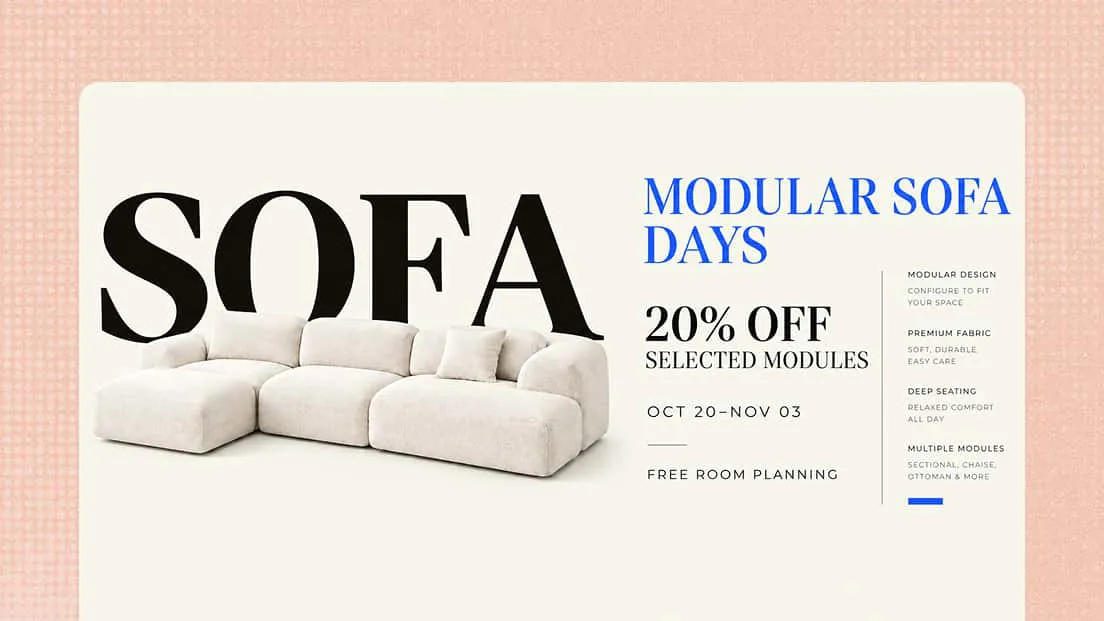
Special offers
Use a flyer creator to promote seasonal sales, exclusive discounts, and limited-time deals. Make prices, savings, and offer details stand out so customers can quickly understand the value.
Community announcements
Share local news, upcoming activities, fundraisers, and public notices through well-organized flyers. Keep essential information easy to scan so readers can quickly find the details they need.
Social media promotion
Use an online flyer maker to create promotional visuals for social media, email campaigns, and other digital channels. Adapt your designs to different platforms while maintaining a consistent look across your content.