Describe the purpose and essential details
Tell the AI flyer generator what you want to promote, who your target audience is, and which details to highlight, such as the headline, offer, date, location, and call to action.
Create eye-catching designs with an AI flyer generator. Start with a simple idea, event details, or visual references, then shape the layout, colors, images, and text into a polished design that fits your message, audience, and occasion.
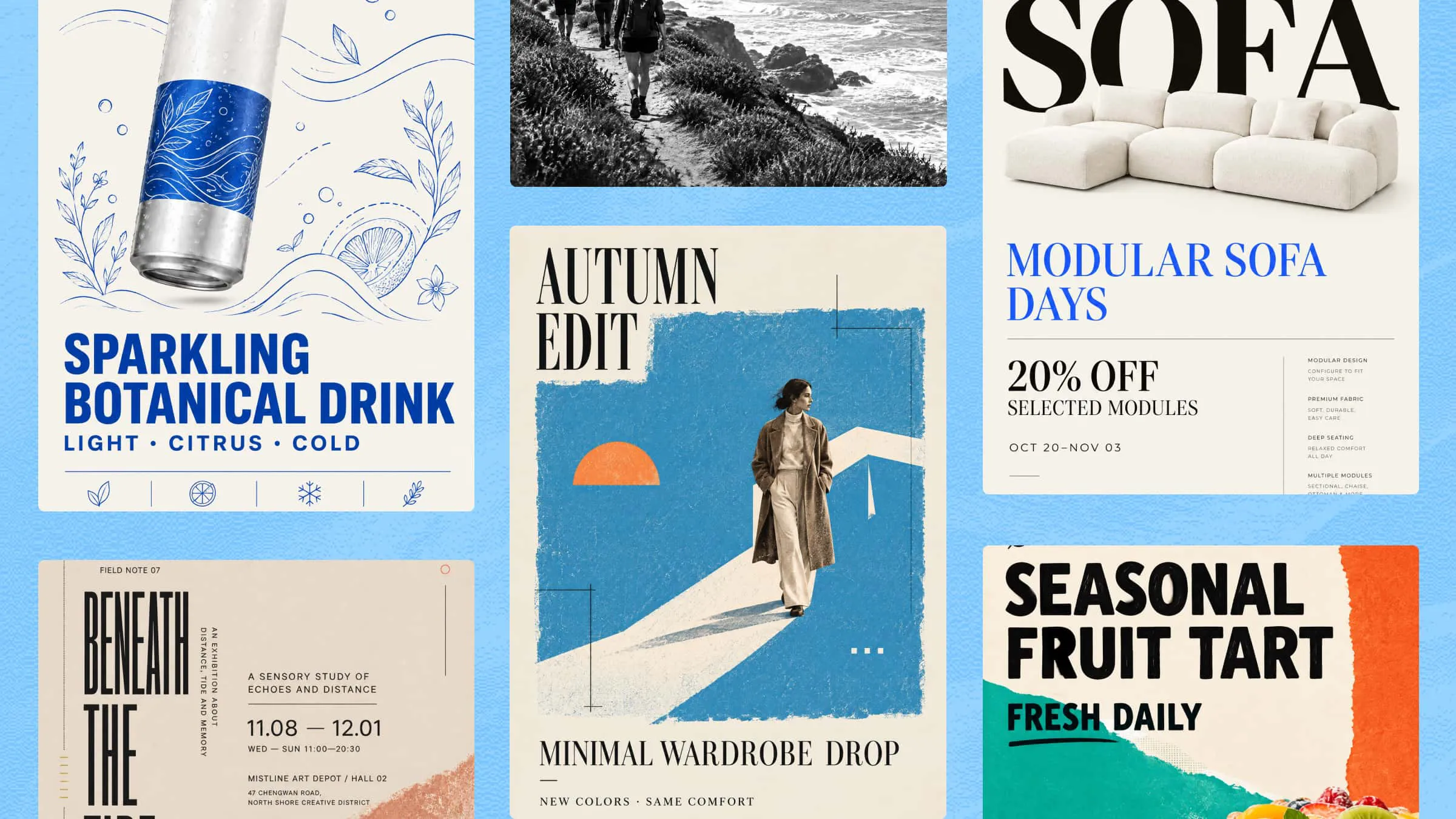
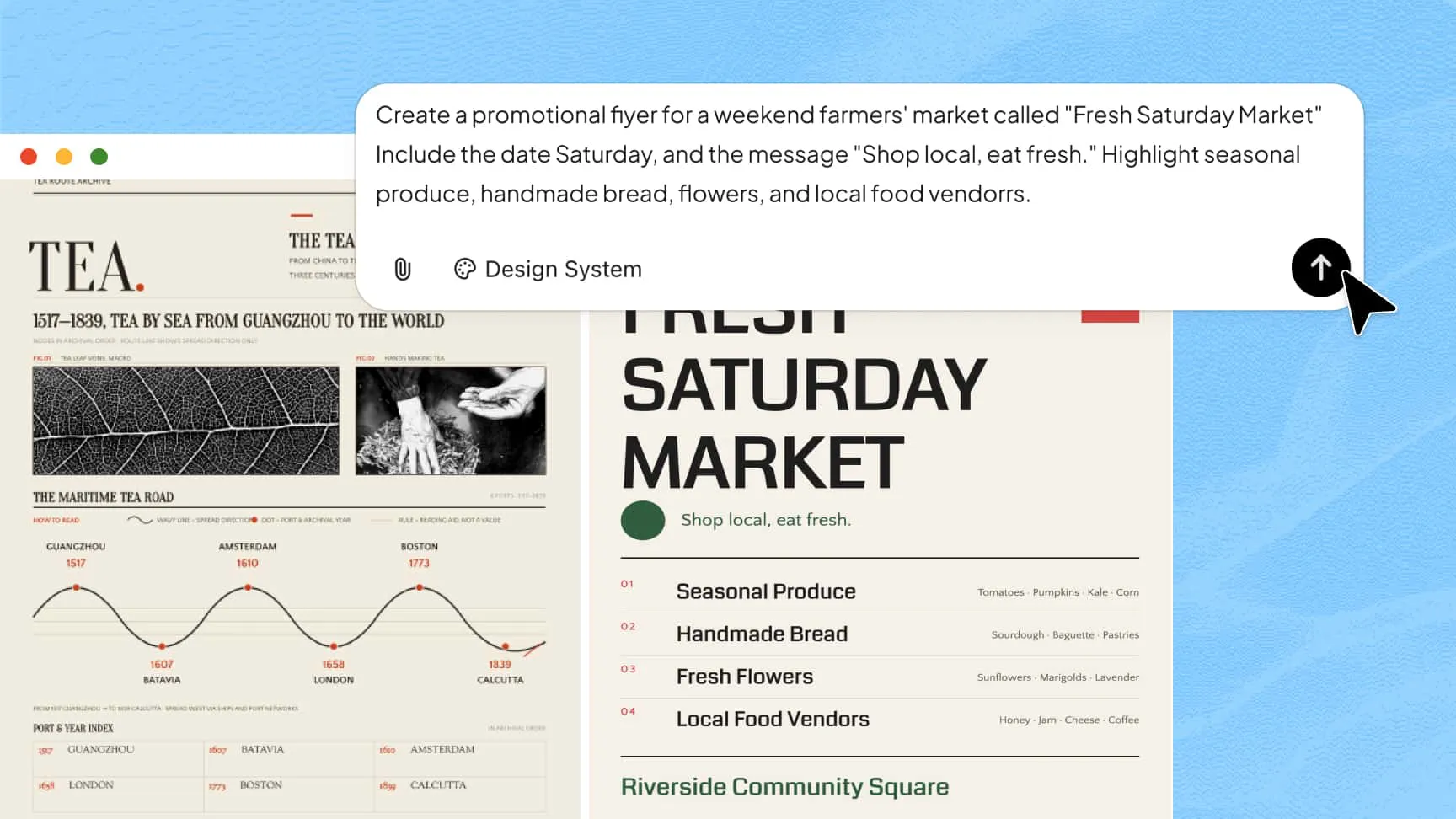
Use an AI flyer generator to turn a company name, campaign brief, or text prompt into eye-catching flyer designs within minutes. You can also upload reference images, documents, videos, and other materials to give AI more context about your brand, content, and visual preferences. AI uses these inputs to create polished designs tailored to your needs, helping you explore original concepts rather than relying on one-size-fits-all templates.
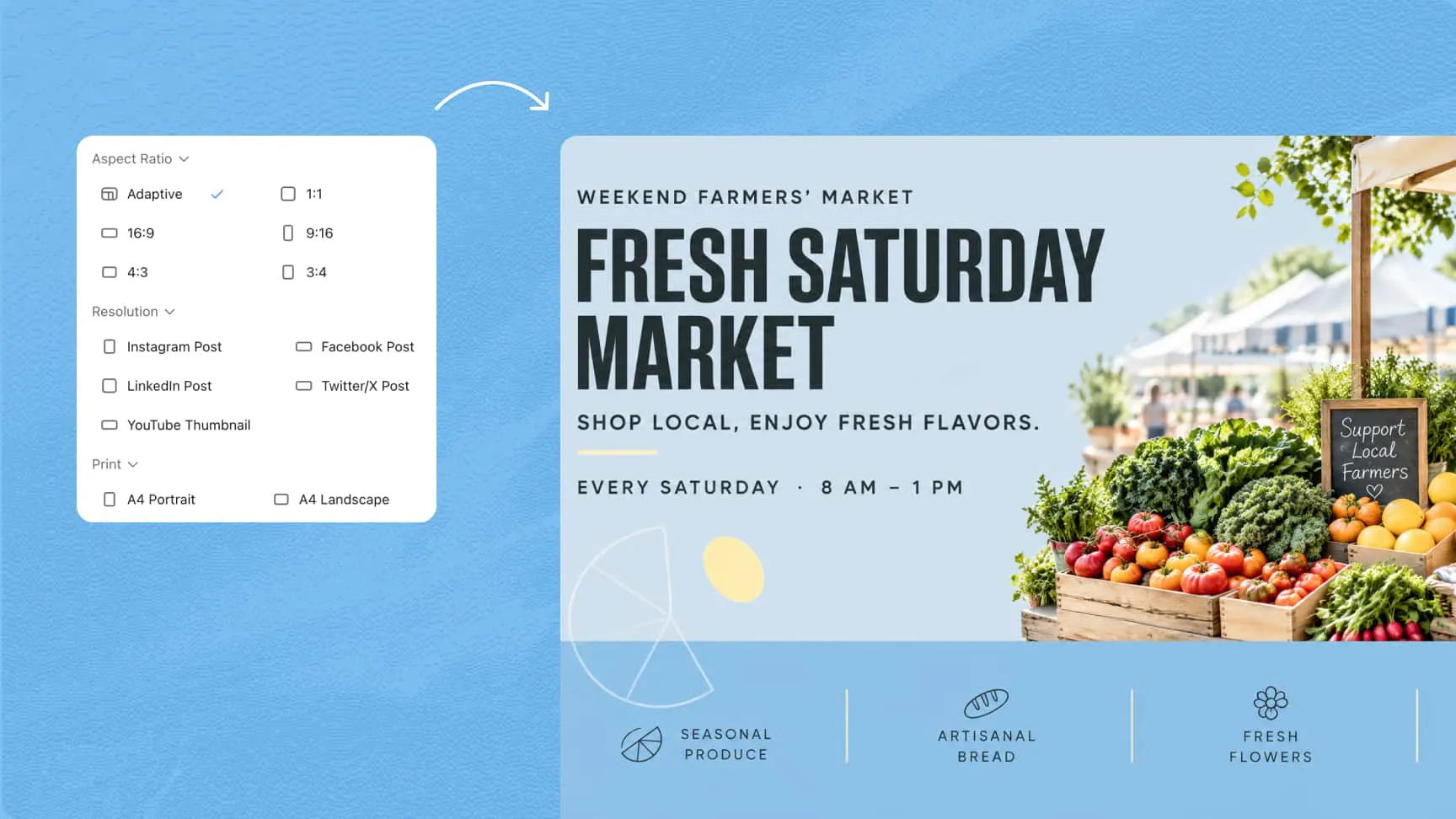
Experiment with different layouts and visual styles to suit your needs. Choose common aspect ratios, such as 1:1 for square posts, 4:5 for portrait feeds, 9:16 for stories, and 16:9 for landscape displays. You can guide the design toward a minimalist, modern, elegant, playful, or professional look.
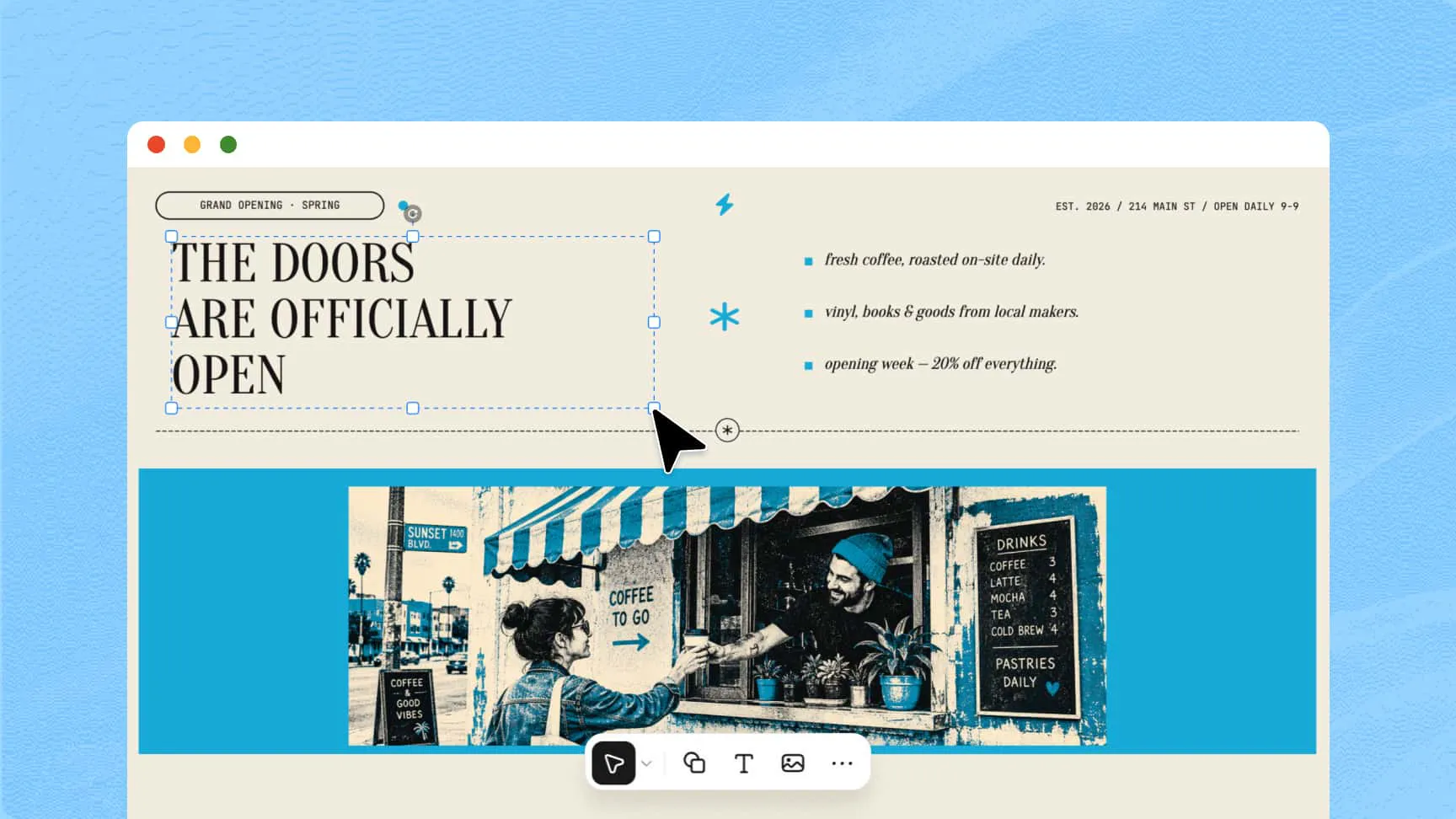
Improve your design by giving AI specific instructions or feedback on individual elements. You can also manually adjust fonts, colors, layouts, shapes, and images for greater control. This flexibility makes an AI-powered flyer maker useful for creating designs that match your preferences without starting over each time.
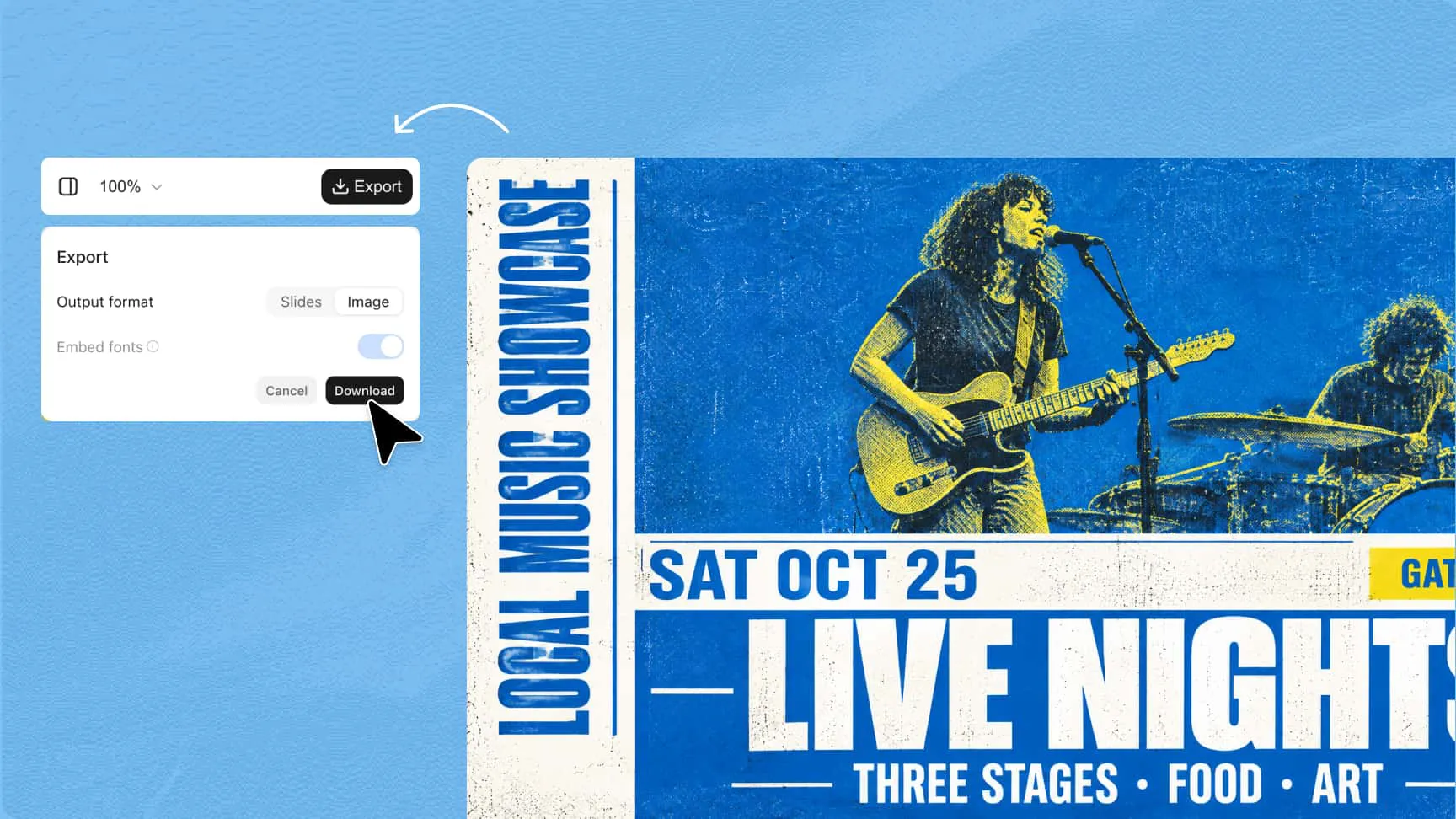
Once your design is ready, download it in a suitable format for your intended use. PNG and JPG files work well for digital sharing, while PDF is useful for printing. If you're using an online AI flyer maker, check its export options and resolution to ensure your final design meets your requirements.
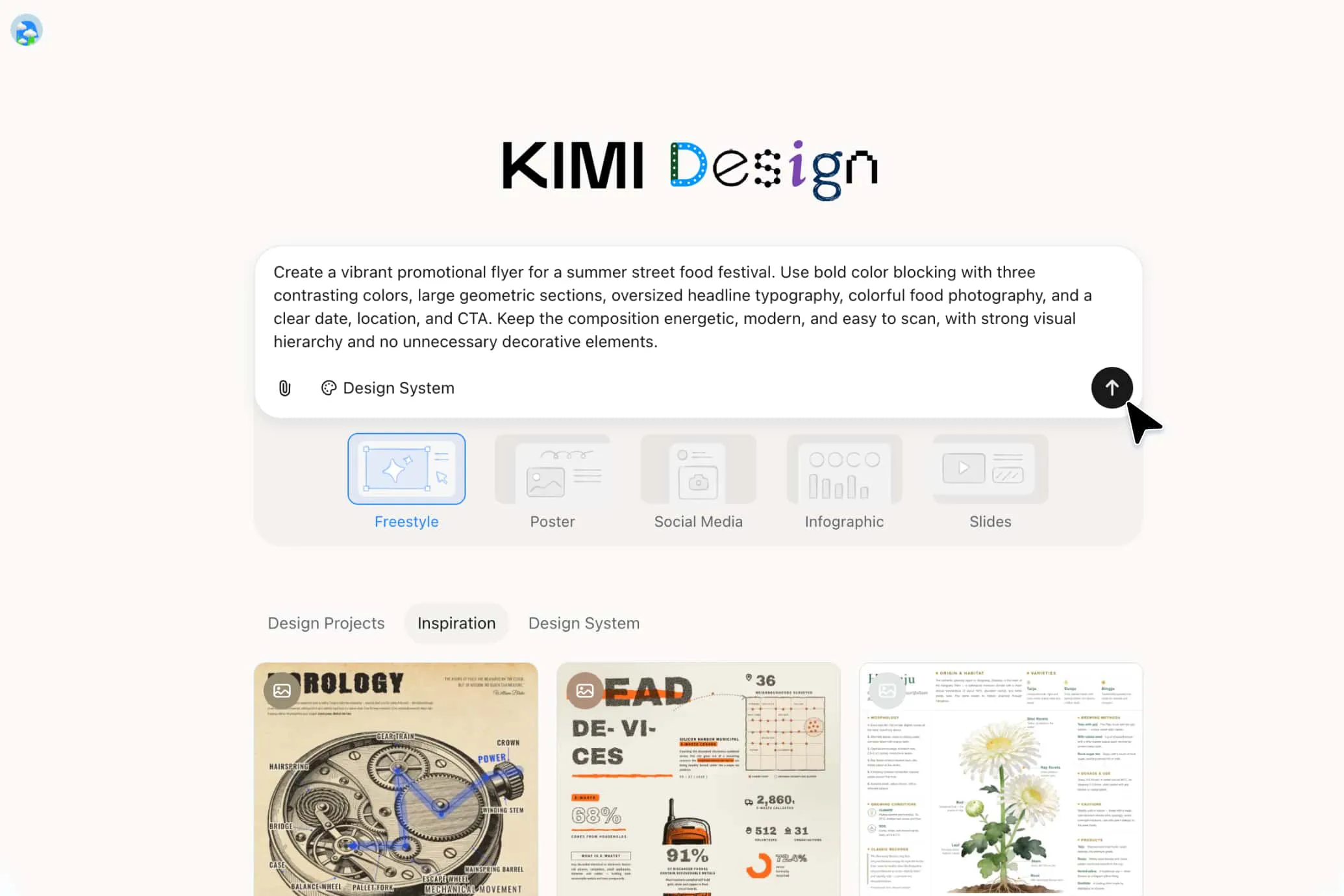
Start by explaining what your flyer should communicate, who your target audience is, and which details it needs to include. Specify the headline, event information, offer, call to action, and preferred visual style. You can also upload reference images, documents, or videos to help Kimi Design understand your requirements and generate a more relevant design.
Review the initial design and use natural-language prompts to improve it. Ask Kimi Design to rewrite text, adjust the layout, change colors, or explore a different visual direction. For more precise control, comment on specific elements or manually edit fonts, images, spacing, and other design details directly on the canvas.
Before exporting, check the text, image quality, spacing, and overall readability to ensure everything looks polished. Choose PNG or JPG for digital sharing, PDF for printing, or PPTX for presentations. Your flyer is then ready to share online, promote an event, or distribute to your target audience.

Promote gym memberships, salon services, classes, special appointments, neighborhood services, and store openings.

Create an AI-generated flyer that highlights your product's key features, launch date, special offers, and call to action to attract potential customers.

Design engaging flyers for Instagram, Facebook, seasonal campaigns, influencer collaborations, and online announcements. Choose suitable sizes to make your content fit different social platforms.

Create an AI flyer design for concerts, workshops, conferences, school activities, fundraisers, community gatherings, and holiday parties, highlighting essential details at a glance.

Create promotional materials for clearance sales, seasonal discounts, new arrivals, Black Friday offers, and limited-time deals.
Tell the AI flyer generator what you want to promote, who your target audience is, and which details to highlight, such as the headline, offer, date, location, and call to action.
Guide the AI flyer design by describing your preferred colors, mood, imagery, and layout. For example, request a modern, minimalist flyer with a clean blue-and-white color scheme.
Upload reference images, documents, videos, or brand materials to help the AI flyer maker understand your content and visual preferences. Clear references can help produce designs that better match your expectations.